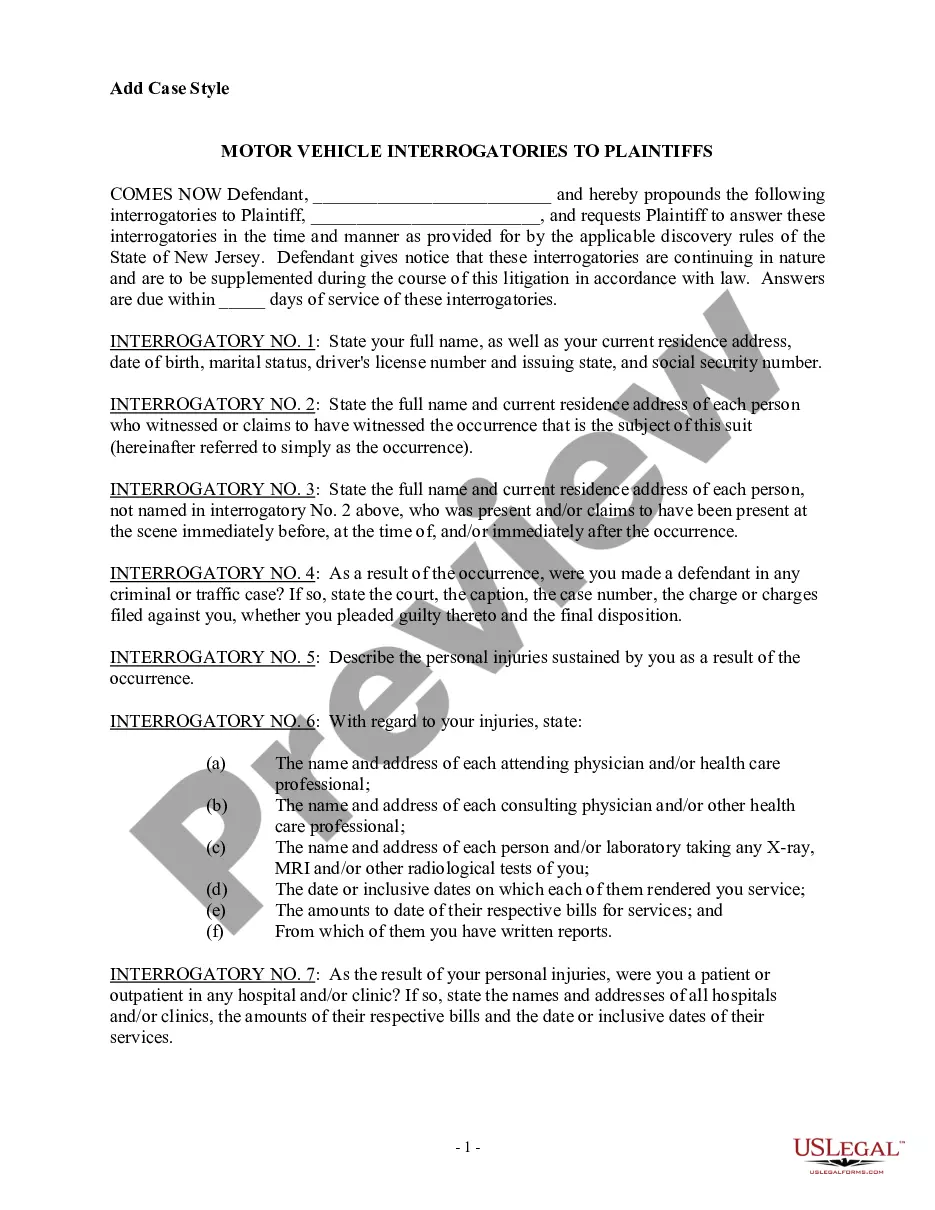
South Carolina Release and Authorization
About this form
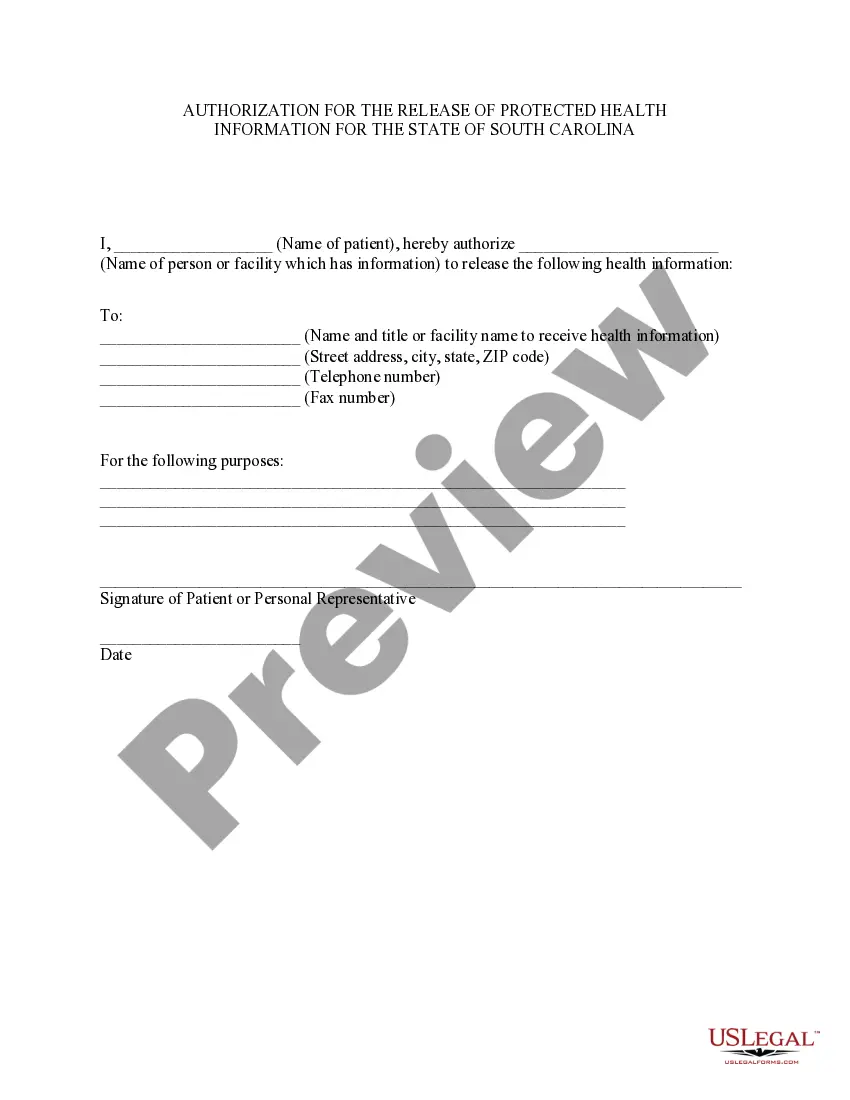
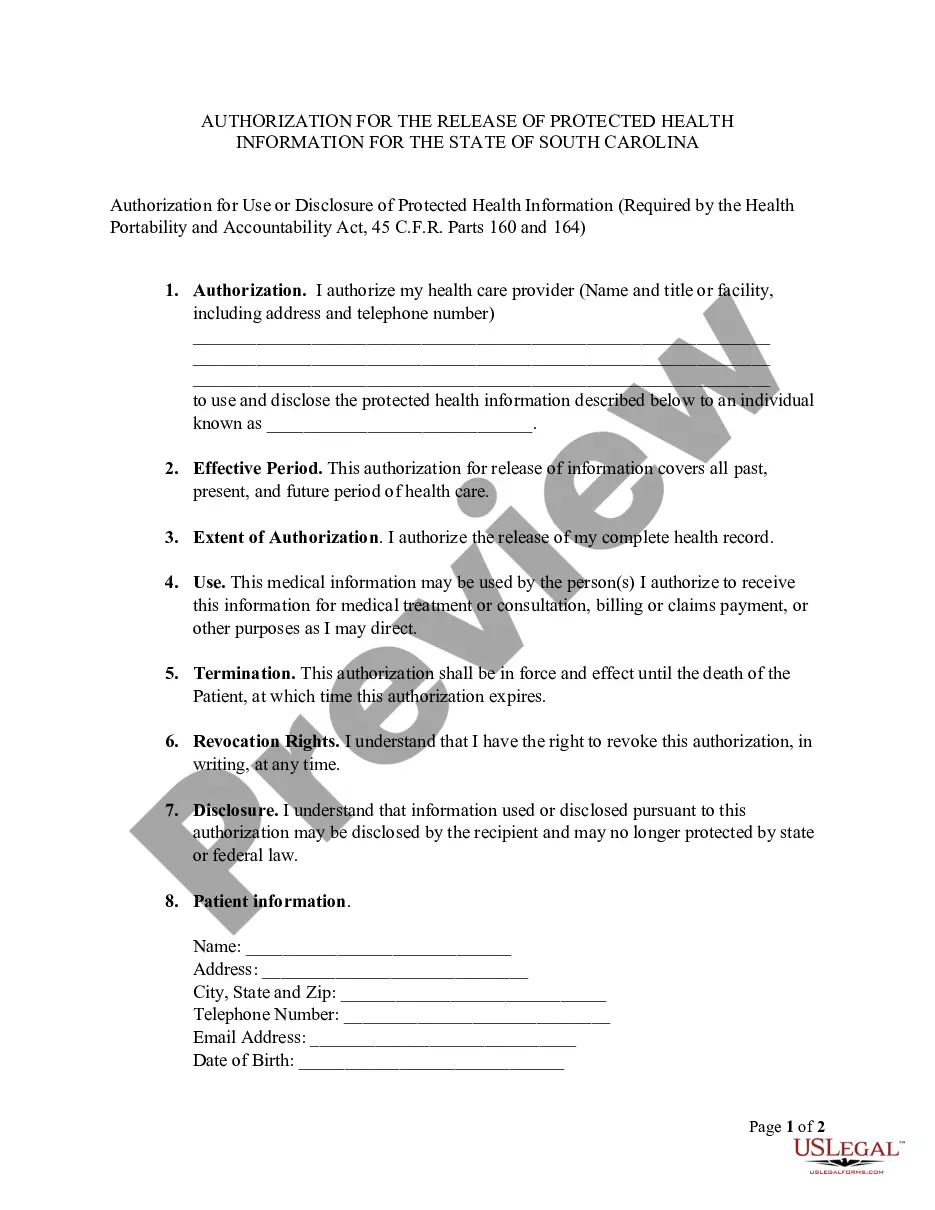
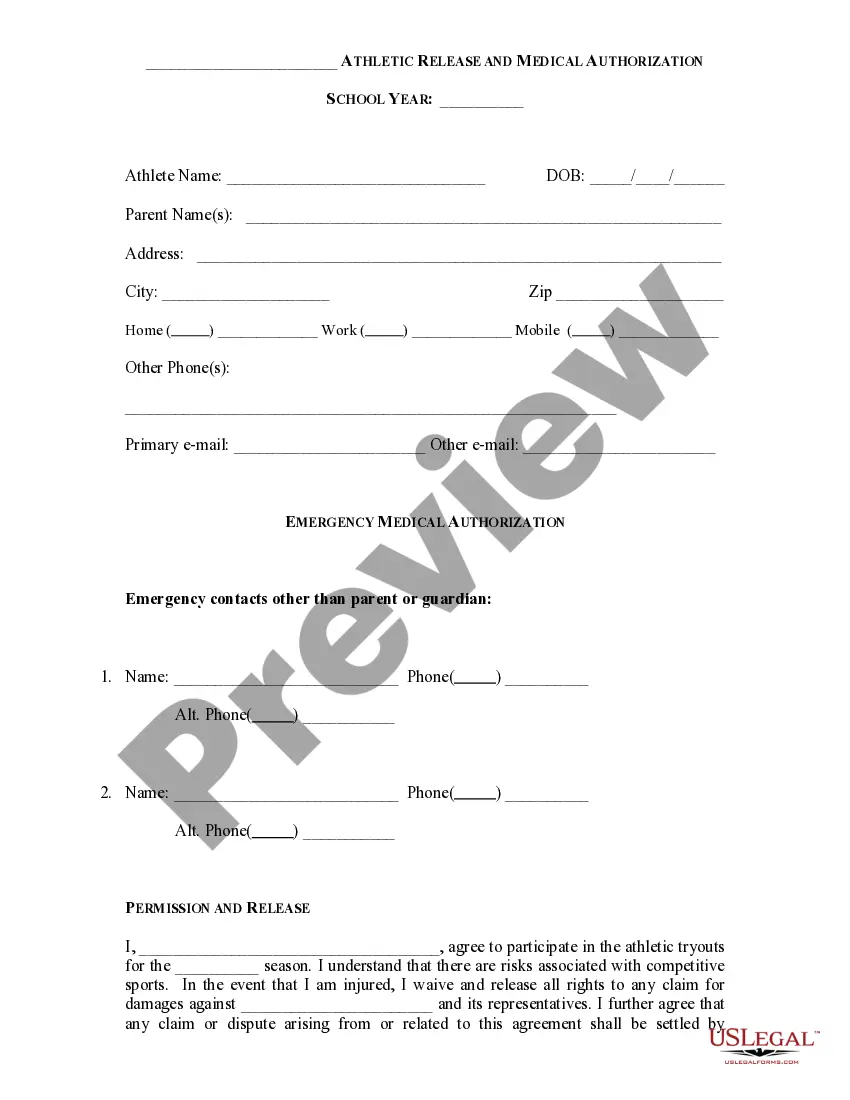
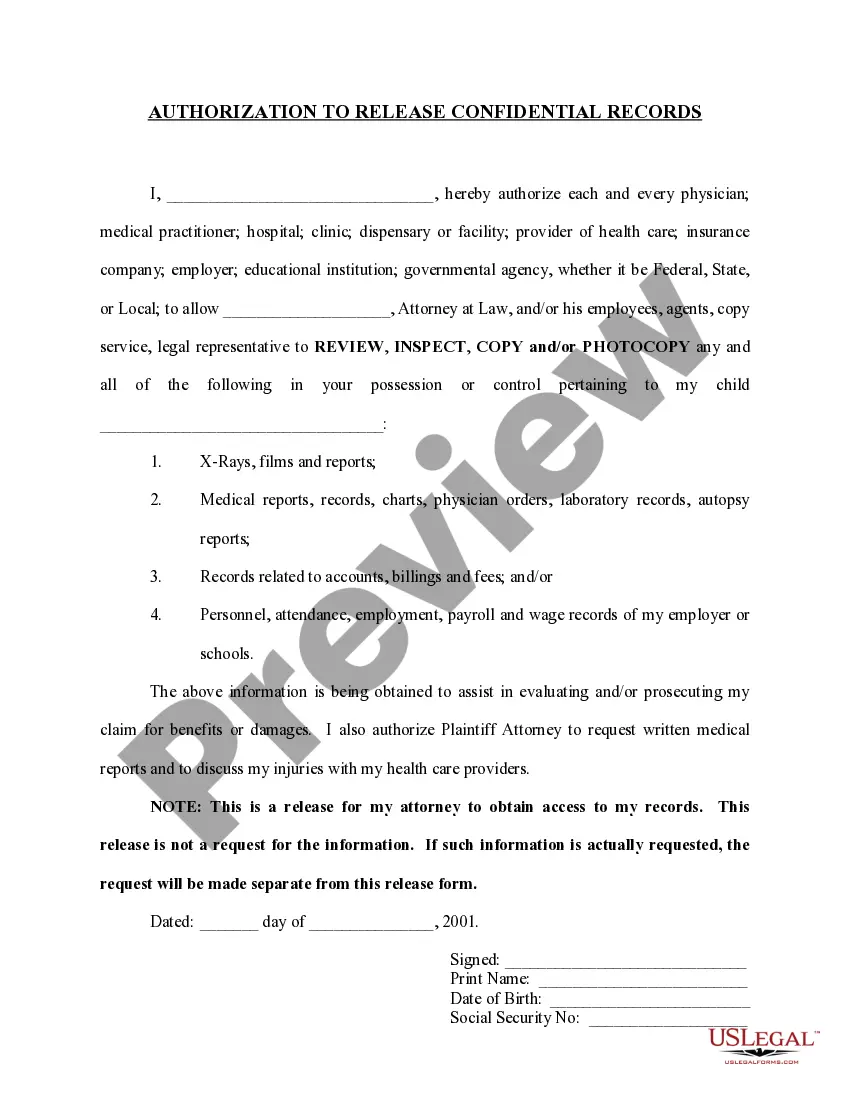
The South Carolina Release and Authorization form is a specific type of HIPAA authorization designed for residents of South Carolina. This form allows a patient to authorize the release of their health information from one party to another. It ensures that sensitive medical information is shared legally and complies with state and federal privacy laws.
Key parts of this document
- Patient's name: The individual whose health information is being released.
- Name of the person or facility releasing the information: Identifies the source of the health data.
- Name and address of the recipient: Specifies who will receive the health information.
- Purpose of the release: Explains why the health information is being shared.
- Signature of patient or personal representative: Confirms the authorization to release the information.
- Date of signature: Records when the authorization was given.
Situations where this form applies
You should use the South Carolina Release and Authorization form when you need to allow a healthcare provider, family member, or any other entity to access your health information for specific purposes. Common situations include coordinating care between different medical professionals, sharing information for insurance claims, or allowing a family member to manage your health-related decisions.
Who should use this form
- Patients who wish to share their medical records with another party.
- Personal representatives acting on behalf of patients with legal authority.
- Healthcare providers needing authorization to access or transfer patient information.
How to prepare this document
- Fill in the patient's full name at the top of the form.
- Provide the name of the individual or facility releasing the health information.
- Indicate the recipient of the health information by including their name and address.
- Specify the purpose for which the health information is being released.
- Sign and date the form to confirm your authorization.
Does this form need to be notarized?
This form does not typically require notarization unless specified by local law. However, you should check with your healthcare provider or legal advisor for any specific requirements in your situation.
Get your form ready online
Our built-in tools help you complete, sign, share, and store your documents in one place.
Make edits, fill in missing information, and update formatting in US Legal Forms—just like you would in MS Word.
Download a copy, print it, send it by email, or mail it via USPS—whatever works best for your next step.
Sign and collect signatures with our SignNow integration. Send to multiple recipients, set reminders, and more. Go Premium to unlock E-Sign.
If this form requires notarization, complete it online through a secure video call—no need to meet a notary in person or wait for an appointment.
We protect your documents and personal data by following strict security and privacy standards.

Make edits, fill in missing information, and update formatting in US Legal Forms—just like you would in MS Word.

Download a copy, print it, send it by email, or mail it via USPS—whatever works best for your next step.

Sign and collect signatures with our SignNow integration. Send to multiple recipients, set reminders, and more. Go Premium to unlock E-Sign.

If this form requires notarization, complete it online through a secure video call—no need to meet a notary in person or wait for an appointment.

We protect your documents and personal data by following strict security and privacy standards.
Mistakes to watch out for
- Failing to specify the purpose for releasing health information.
- Not providing complete contact details for the recipient.
- Neglecting to sign or date the form.
- Using outdated forms that do not comply with current state regulations.
Benefits of using this form online
- Convenience of downloading and completing the form from home.
- Easy access to templates drafted by licensed attorneys.
- Ability to edit and customize the form to meet specific needs before printing.
Looking for another form?
Form popularity
FAQ
The medical record information release (HIPAA) form allows a patient to give authorization to a 3rd party and access their health records.
There are several common reasons for the release of information, including medical treatment purposes, medical billing, insurance billing, health studies, legal proceedings, and marketing purposes. Sometimes a third party ? like an insurance company or an attorney ? needs to request your medical information.
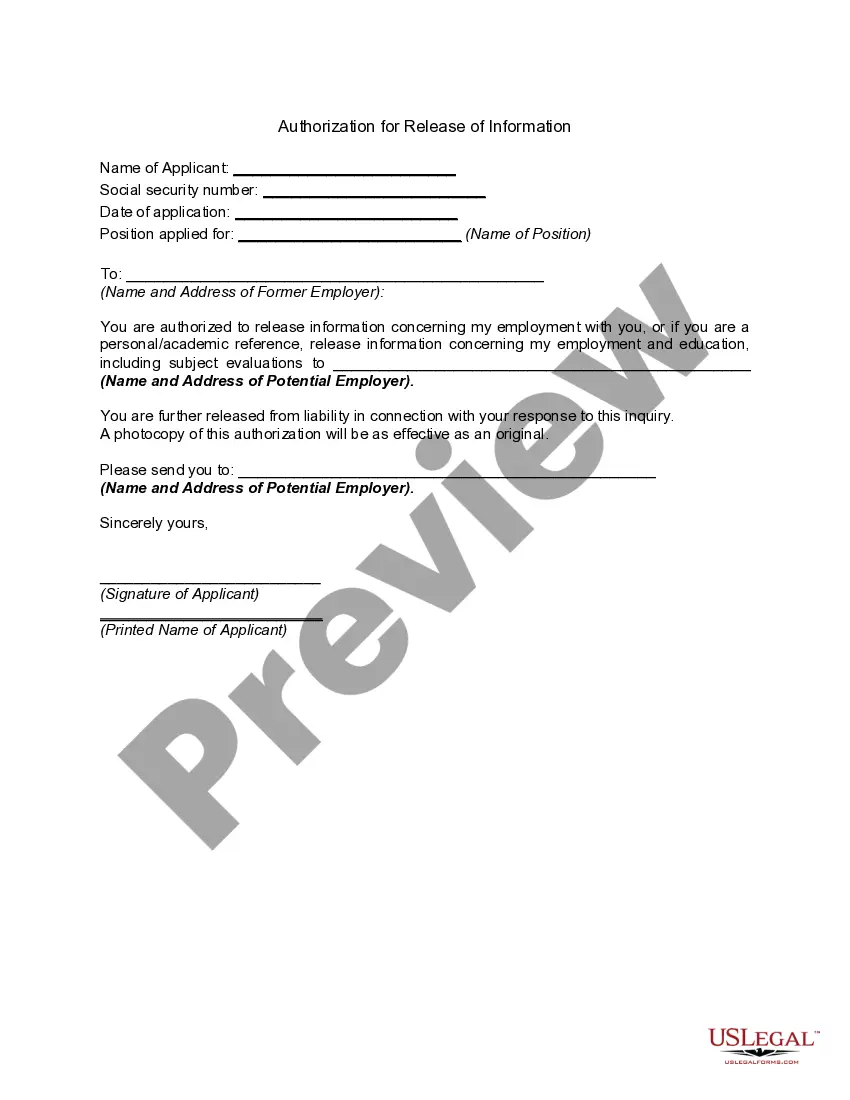
A HIPAA authorization form, also known as a HIPAA release form, is a document that individual signs for their health provider before the entity may use or disclose their protected health information (PHI).
By setting up a Release Authorization (ARI), you are giving customer service your permission to disclose information about your accounts to another person. Typically, this is used to give account access to a spouse or other family member.
This form is used to release your protected health information as required by federal and state privacy laws.
What is a Medical Records Release Form? A Medical Records Release Form is used to request that a health care provider (physician, dentist, hospital, chiropractor, psychiatrist, etc.) release a patient's medical records, either to the patient, a third party (such as an employer or insurance company), or both.