Oregon Petitioner's Certificate of Mailing to the Division of Child Support
About this form
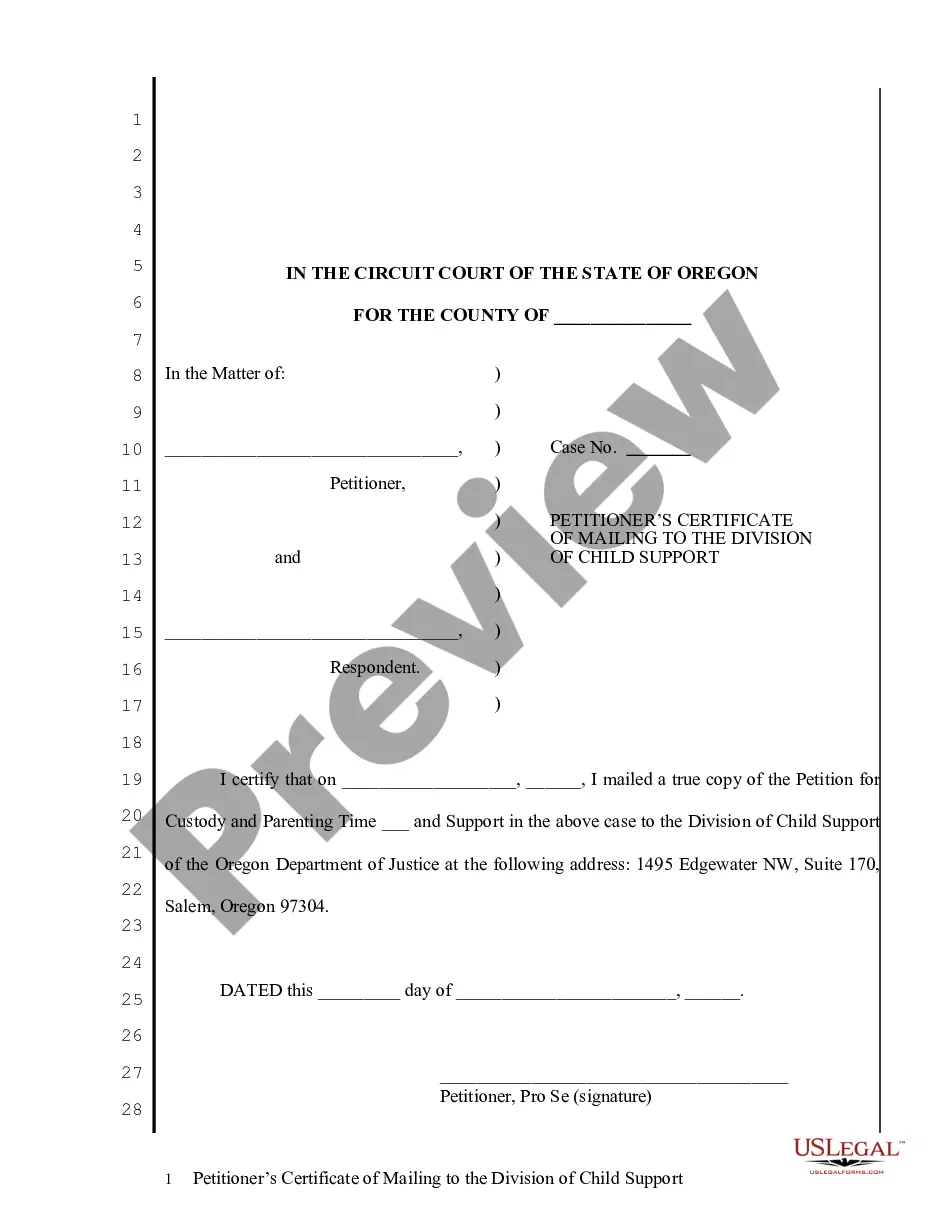
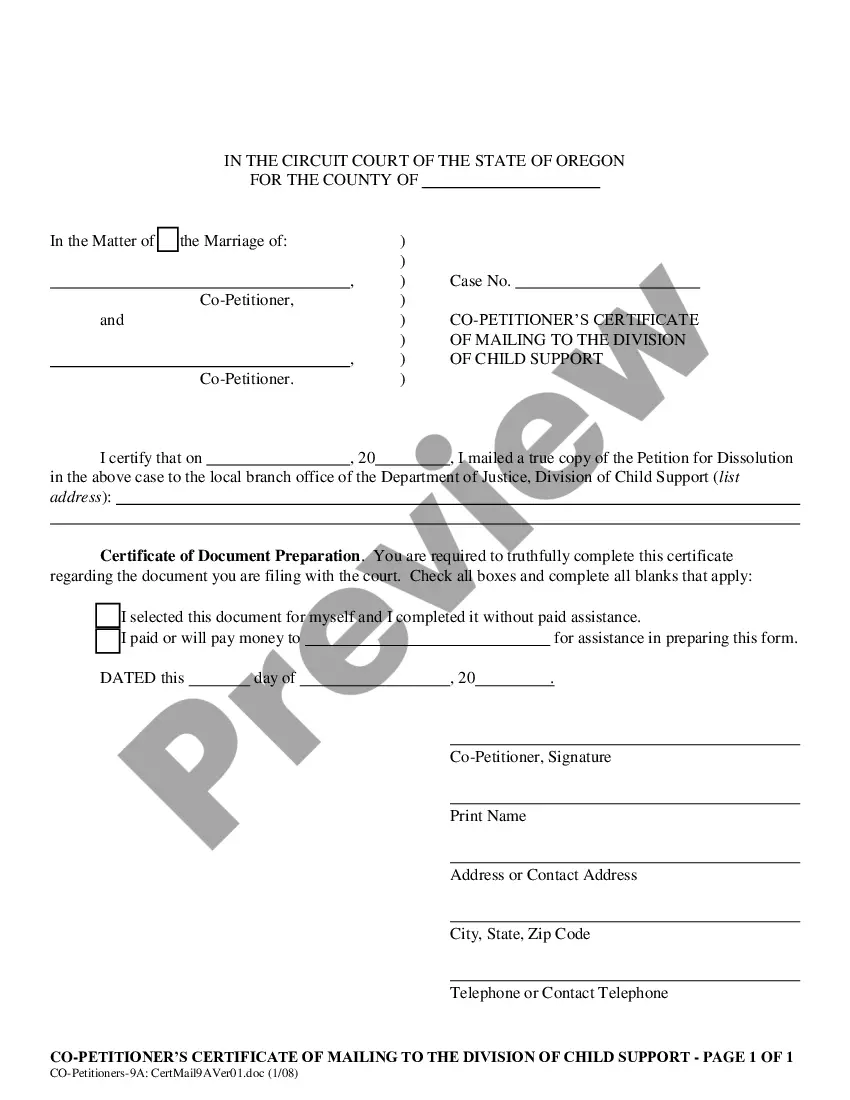
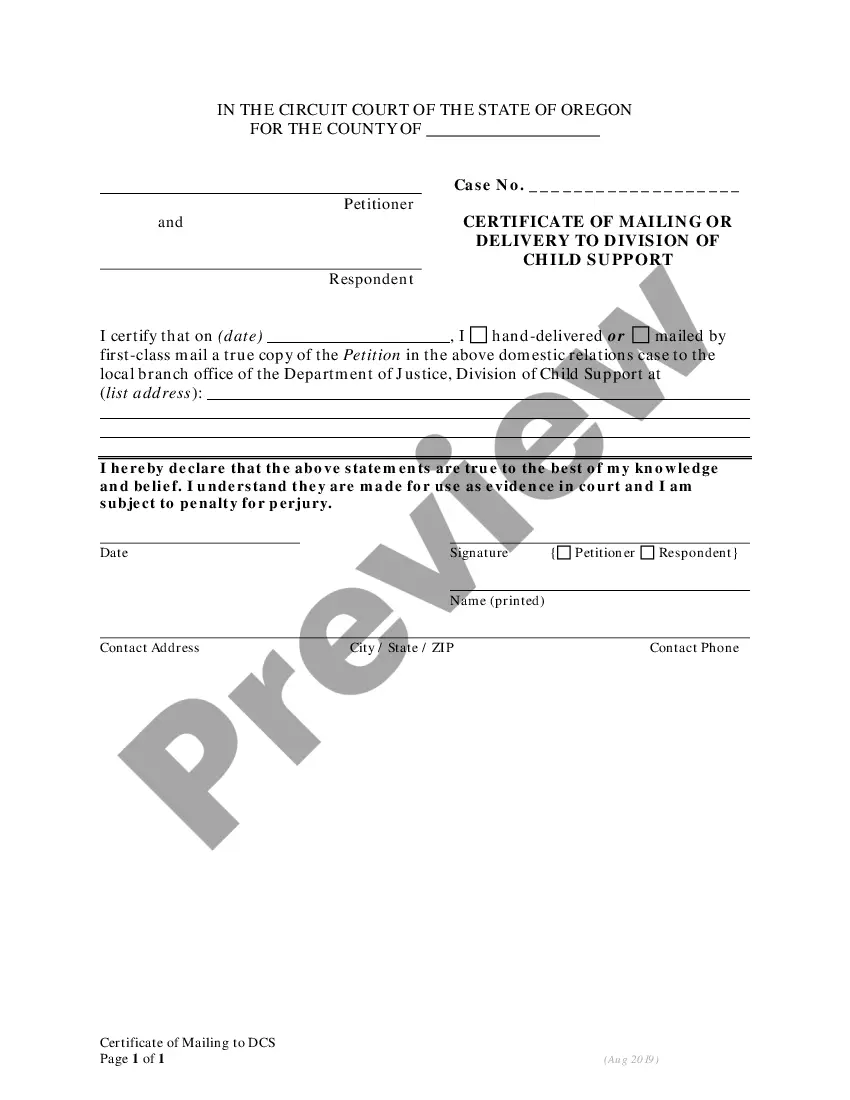
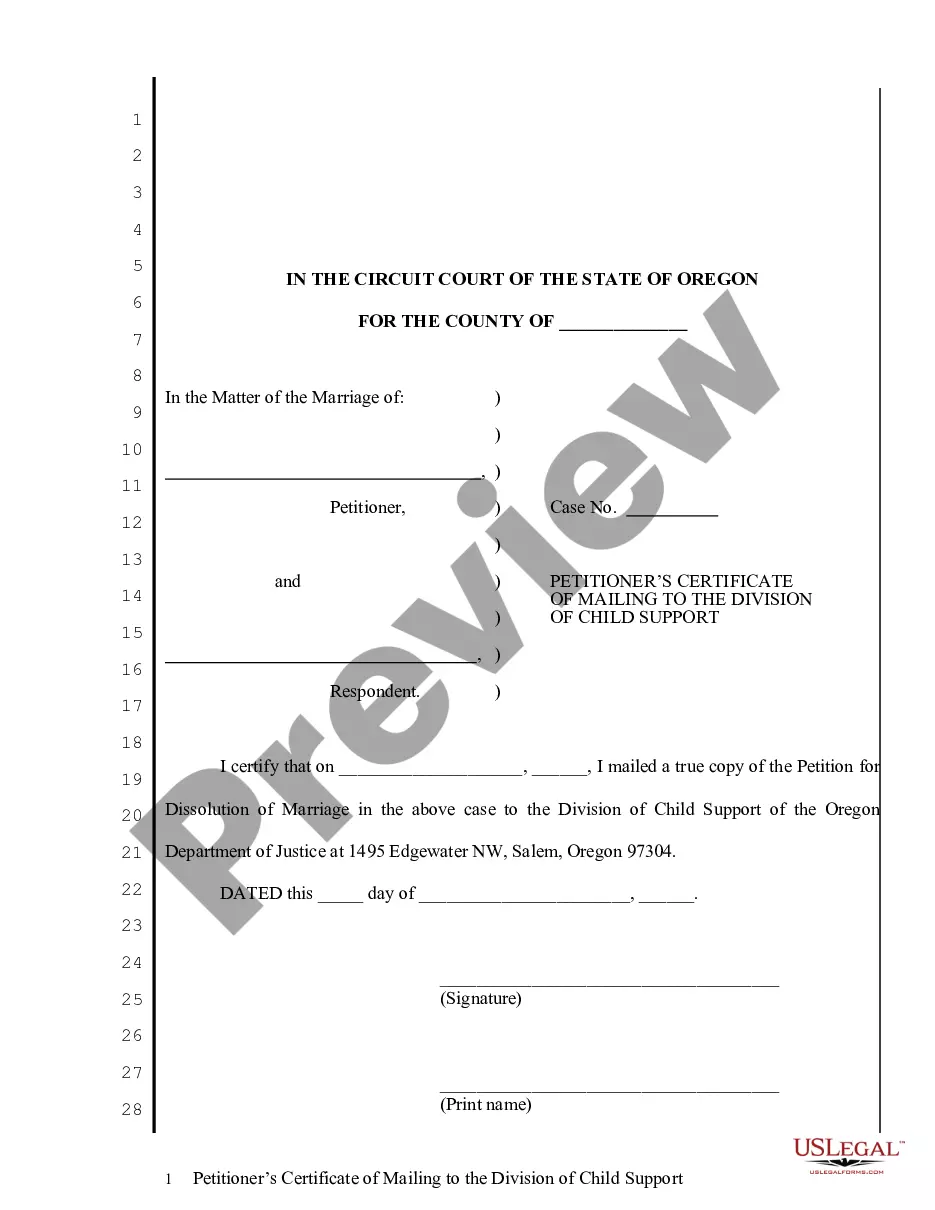
The Petitioner's Certificate of Mailing to the Division of Child Support is a legal document used in domestic litigation in Oregon. This form certifies that the petitioner has mailed a true copy of specific legal documents to the Division of Child Support, ensuring compliance with notification requirements. It is essential in custody and support cases, distinctly focusing on confirming the mailing process to support agencies.
Form components explained
- Petitioner's information: Includes name, address, and contact details.
- Mailing certification: A declaration that the petitioner mailed the Petition for Custody and Parenting Time and Support.
- Date of mailing: The exact date when the documents were mailed to the Division of Child Support.
- Signature: The petitioner must sign and print their name, confirming the authenticity of the information provided.
- Certificate of document preparation: States how the form was completed and whether an attorney was involved.



Common use cases
This form should be used when a petitioner is required to notify the Division of Child Support about a court case involving custody and support. It is essential in ensuring that the court has proof of service to the relevant child support authority, making it critical for compliance with legal procedures in family law cases.
Intended users of this form
- Petitioners in custody and support cases in Oregon.
- Individuals representing themselves in legal matters regarding child support.
- Anyone required to notify the Division of Child Support about ongoing litigation.
How to complete this form
- Identify the parties: Fill in the names of the petitioner and the respondent.
- Enter the case number: Include the official case number assigned by the court.
- Specify the date: Indicate the exact date on which the documents were mailed.
- Sign and date: Provide your signature and date at the bottom of the form.
- Complete the certificate of document preparation: Check the appropriate boxes to indicate how the form was prepared.
Does this document require notarization?
This form usually doesn’t need to be notarized. However, local laws or specific transactions may require it. Our online notarization service, powered by Notarize, lets you complete it remotely through a secure video session, available 24/7.
Get your form ready online
Our built-in tools help you complete, sign, share, and store your documents in one place.
Make edits, fill in missing information, and update formatting in US Legal Forms—just like you would in MS Word.
Download a copy, print it, send it by email, or mail it via USPS—whatever works best for your next step.
Sign and collect signatures with our SignNow integration. Send to multiple recipients, set reminders, and more. Go Premium to unlock E-Sign.
If this form requires notarization, complete it online through a secure video call—no need to meet a notary in person or wait for an appointment.
We protect your documents and personal data by following strict security and privacy standards.

Make edits, fill in missing information, and update formatting in US Legal Forms—just like you would in MS Word.

Download a copy, print it, send it by email, or mail it via USPS—whatever works best for your next step.

Sign and collect signatures with our SignNow integration. Send to multiple recipients, set reminders, and more. Go Premium to unlock E-Sign.

If this form requires notarization, complete it online through a secure video call—no need to meet a notary in person or wait for an appointment.

We protect your documents and personal data by following strict security and privacy standards.
Mistakes to watch out for
- Failing to include the correct case number, which can delay processing.
- Not providing a date for the mailing, which is essential for documentation.
- Omitting your signature or the date signature, making the form invalid.
- Not checking the certificate of document preparation boxes appropriately.
Benefits of completing this form online
- Convenience of downloading and filling out the form at your own pace.
- Editable format allows for easy modifications before printing.
- Access to templates drafted by licensed attorneys, ensuring legal accuracy.