Mississippi Answer
What this document covers
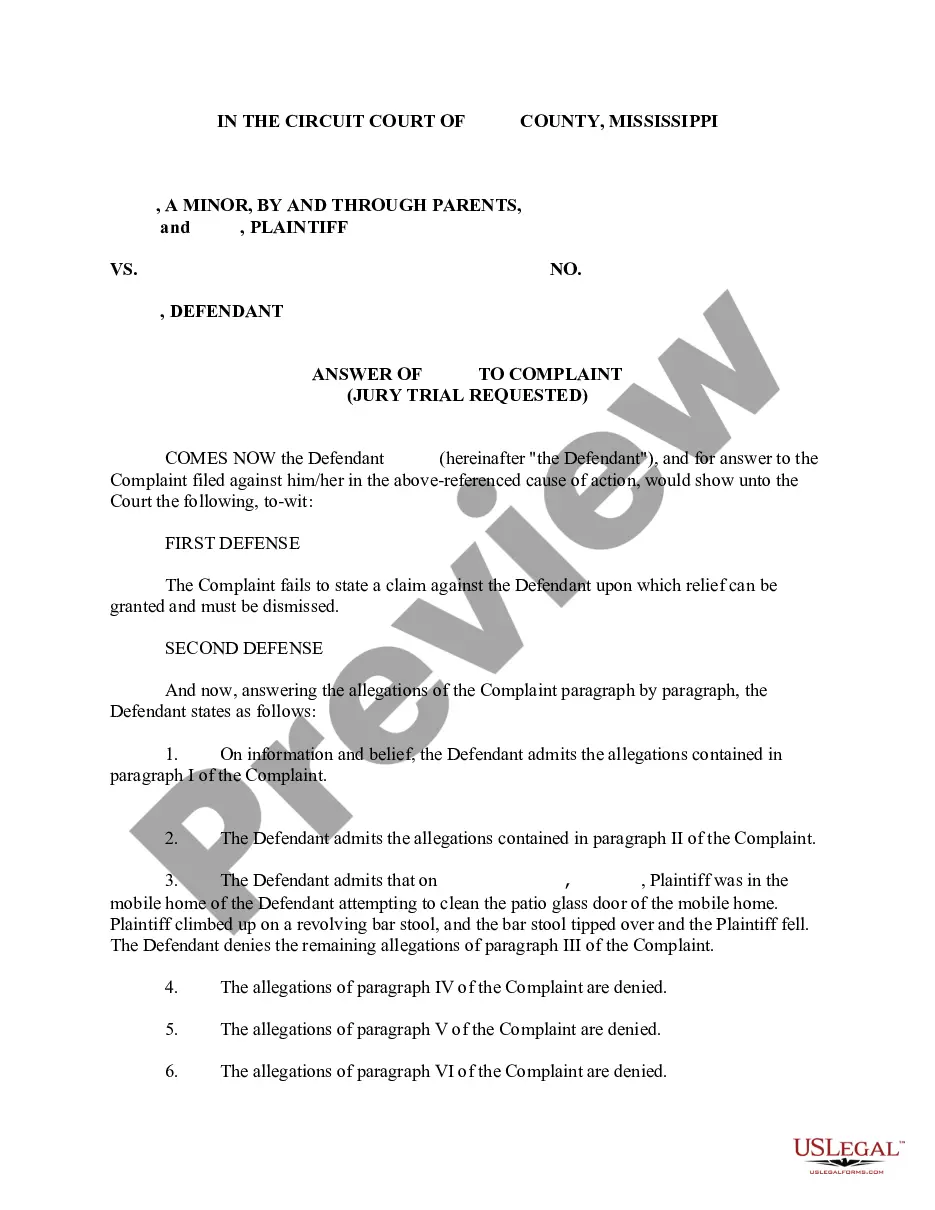
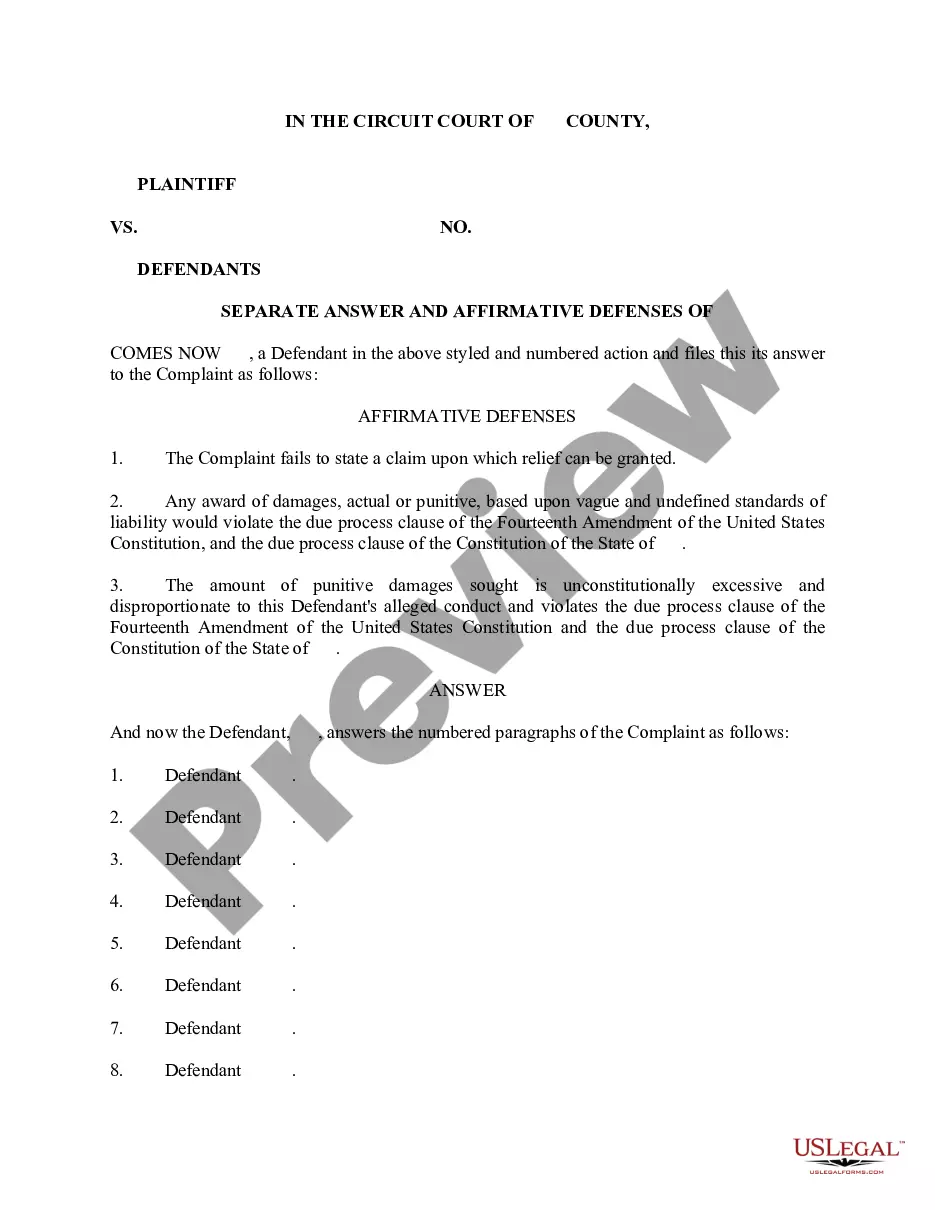
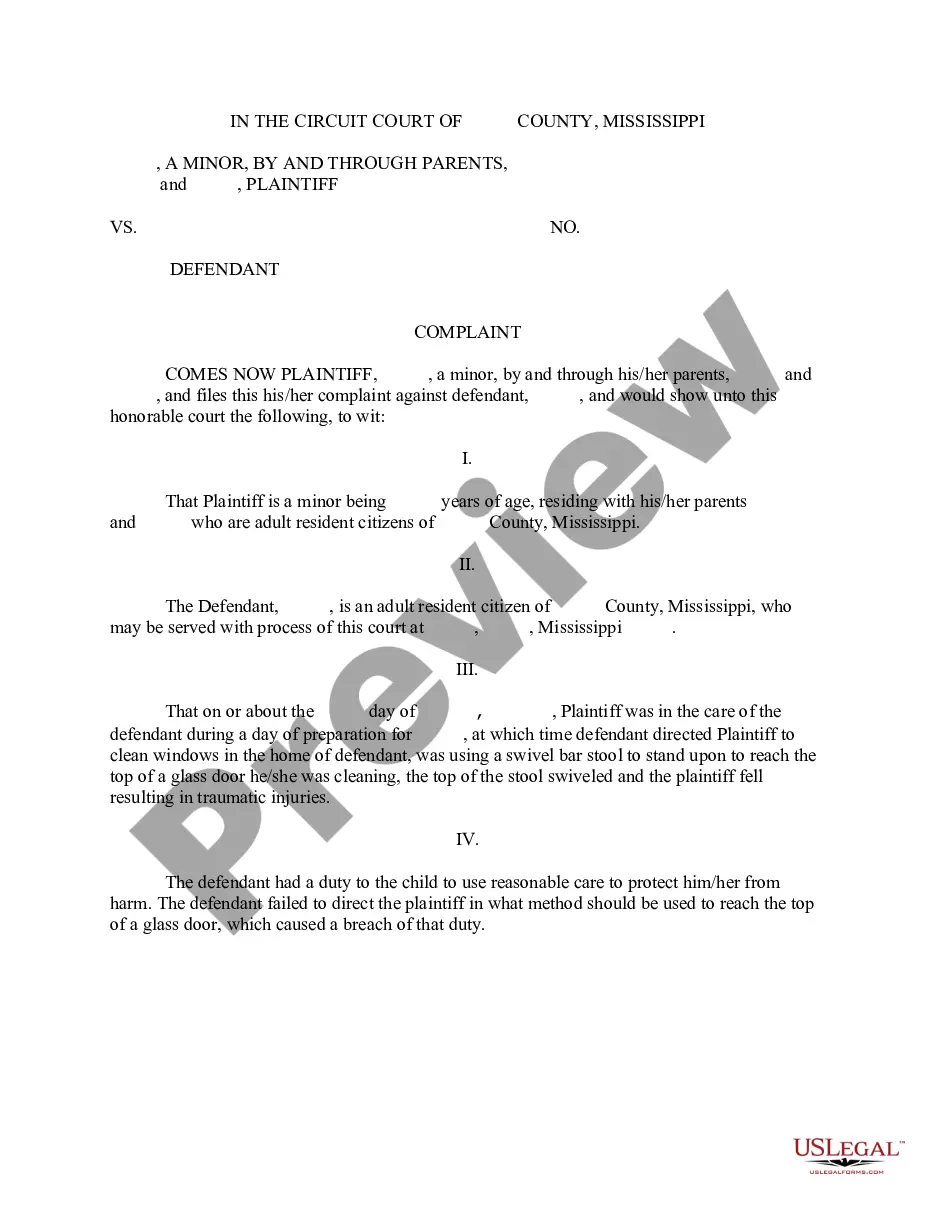
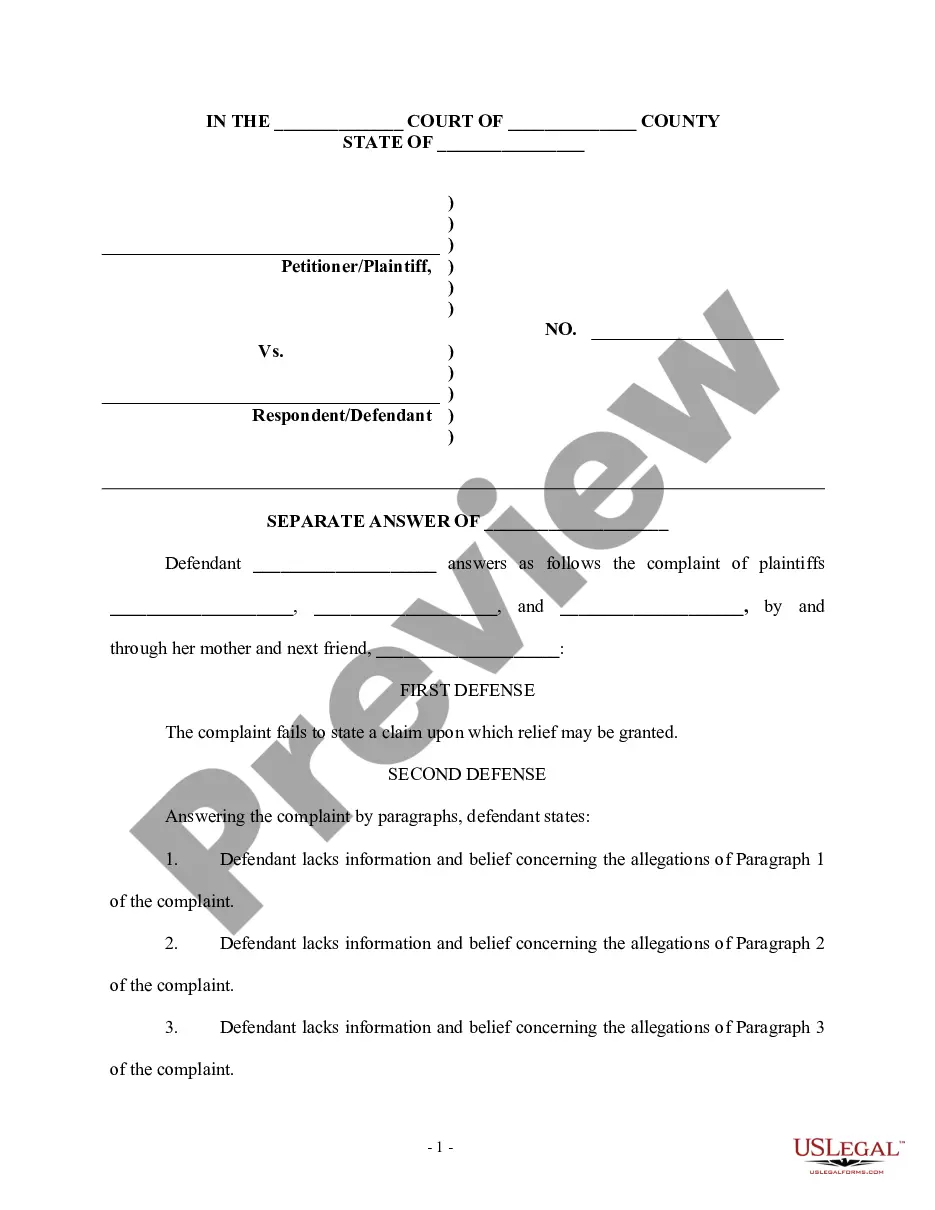
The Answer form is a legal document used to respond to a Complaint when a lawsuit begins. Specifically, this Answer addresses cases involving injuries sustained by a child while the Defendant was supervising that child. This form stands out as it includes Affirmative Defenses which can help the Defendant contest the claims made by the Plaintiff. Download this Answer form in either Word or Rich Text format for ease of use.
Main sections of this form
- First Defense: Claims that the Complaint fails to state a claim for relief.
- Second Defense: Responses to specific allegations in the Complaint, admitting some and denying others.
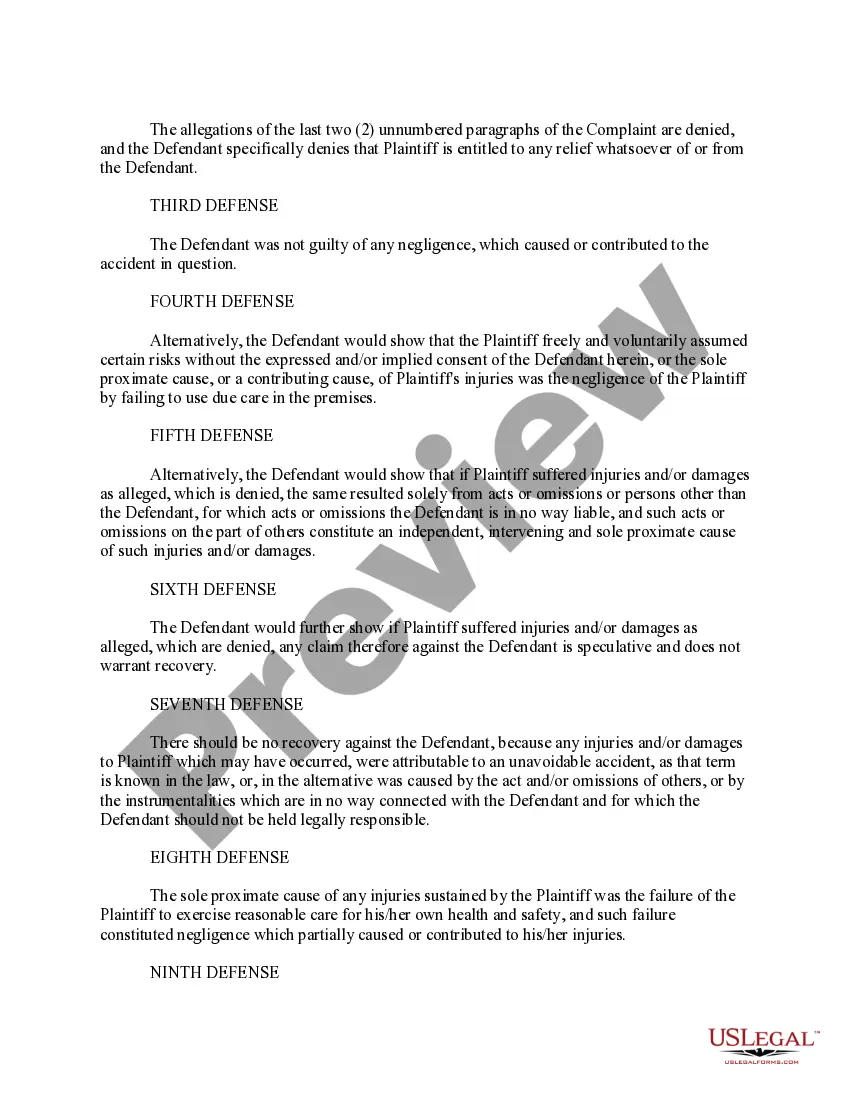
- Subsequent Defenses: Outline various potential defenses such as lack of negligence and assumption of risk.
- Detailed statements that the Plaintiff's damages are speculative or caused by third parties.
- Clear denials of any liability and an assertion of the Plaintiff's contributory negligence.
When this form is needed
This Answer form should be utilized when a Defendant needs to formally respond to a Complaint alleging personal injuries to a child. It is crucial in legal proceedings to ensure that all defenses are properly articulated and submitted within the required timeframe. Using this form can help to establish the Defendant's position and counter the claims made by the Plaintiff.
Who can use this document
- Individuals or entities named as Defendants in a lawsuit regarding child injuries.
- Legal representatives responding to a Complaint on behalf of a Defendant.
- Parties seeking to assert affirmative defenses in their defense strategy.
Steps to complete this form
- Identify the involved parties, specifically the Plaintiff and Defendant.
- Review the Complaint to understand the allegations being made.
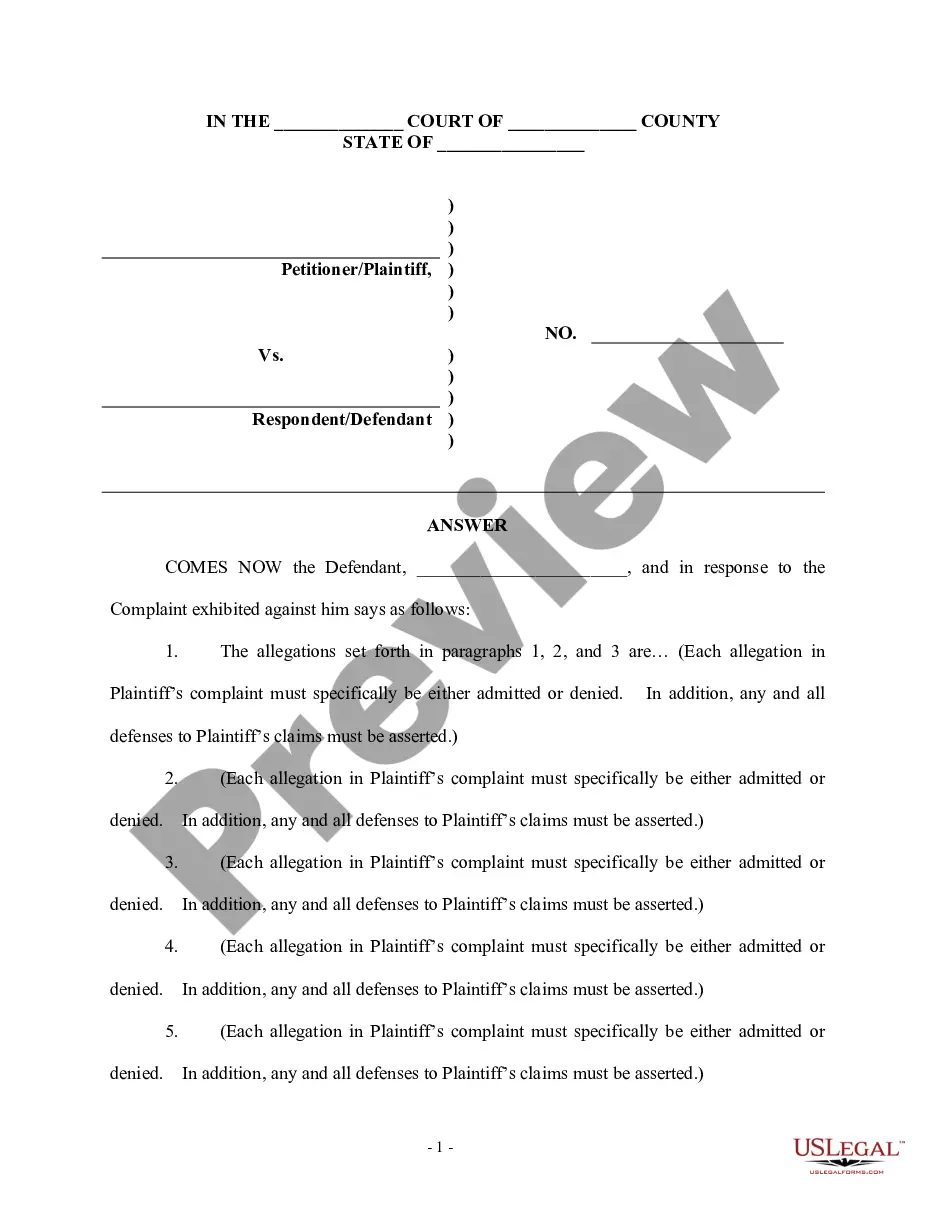
- Respond to each paragraph of the Complaint, admitting or denying each allegation as appropriate.
- Include any Affirmative Defenses relevant to the case.
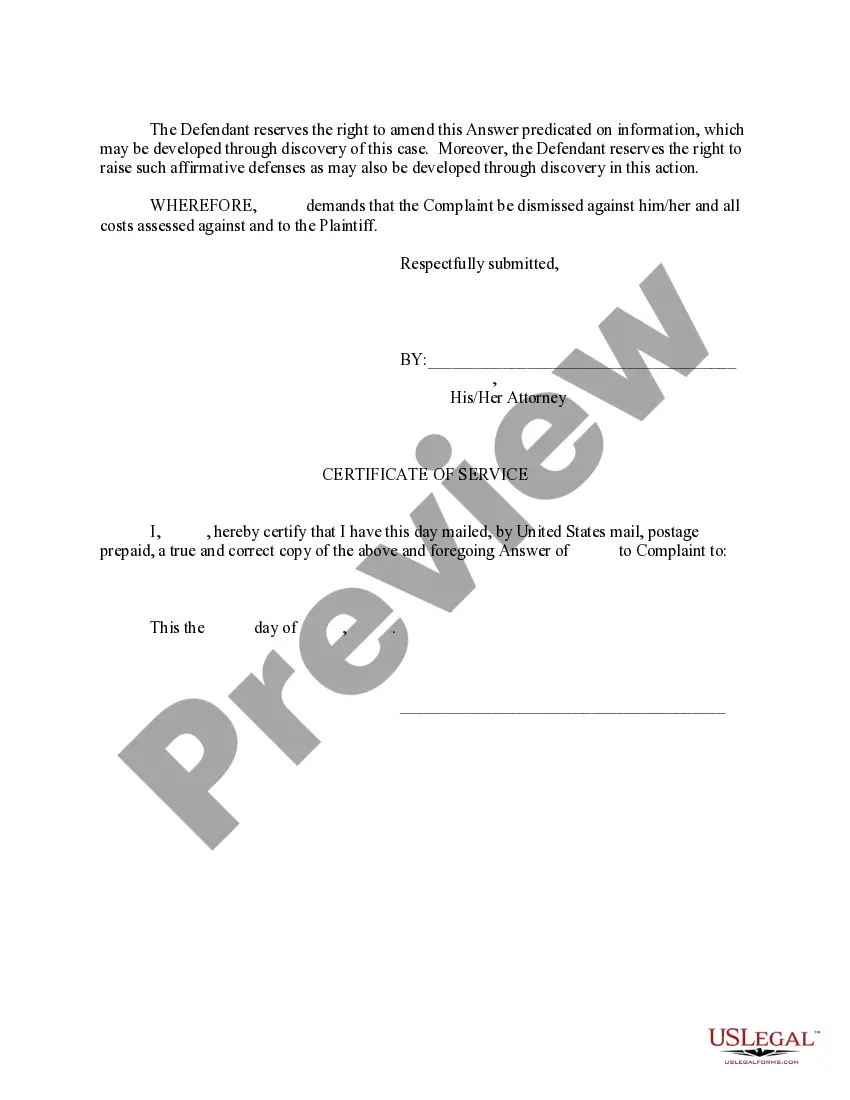
- Sign and date the Answer before submitting it to the court.
Notarization requirements for this form
This form does not typically require notarization unless specified by local law. Always check the local rules applicable to your case to ensure compliance.
Get your form ready online
Our built-in tools help you complete, sign, share, and store your documents in one place.
Make edits, fill in missing information, and update formatting in US Legal Forms—just like you would in MS Word.
Download a copy, print it, send it by email, or mail it via USPS—whatever works best for your next step.
Sign and collect signatures with our SignNow integration. Send to multiple recipients, set reminders, and more. Go Premium to unlock E-Sign.
If this form requires notarization, complete it online through a secure video call—no need to meet a notary in person or wait for an appointment.
We protect your documents and personal data by following strict security and privacy standards.

Make edits, fill in missing information, and update formatting in US Legal Forms—just like you would in MS Word.

Download a copy, print it, send it by email, or mail it via USPS—whatever works best for your next step.

Sign and collect signatures with our SignNow integration. Send to multiple recipients, set reminders, and more. Go Premium to unlock E-Sign.

If this form requires notarization, complete it online through a secure video call—no need to meet a notary in person or wait for an appointment.

We protect your documents and personal data by following strict security and privacy standards.
Typical mistakes to avoid
- Failing to respond within the allotted time period, which may result in a default judgment.
- Not addressing each allegation specifically, leading to automatic admissions.
- Omitting crucial defenses that could strengthen the response.
- Submitting the form without proper signatures or required certificates.
Why use this form online
- Convenience of downloading the form from anywhere at any time.
- Editability allows for customization to fit specific legal situations.
- Access to attorney-drafted templates ensures legal reliability.
- Time-saving compared to drafting a response from scratch.
Looking for another form?
Form popularity
FAQ
If you worked and earned wages in Mississippi, you may file a claim for unemployment insurance benefits online or by calling 601-493-9427. Your claim for benefits will be effective the Sunday of the week the claim is filed.
Normally, there is a one-week waiting period after you are deemed eligible for unemployment compensation (or benefits) before you can be paid benefits. This means that under normal circumstances, you would not receive benefits for the first week after you file your claim.
Provide the name of the court at the top of the Answer. You can find the information on the summons. List the name of the plaintiff on the left side. Write the case number on the right side of the Answer. Address the Judge and discuss your side of the case. Ask the judge to dismiss the case.
You may file your current weekly claim certification online through MDES' Online Unemployment Services. You must login with your user id and password or establish a new user id and password if you are not a current user. You may file online outside normal business hours.
Click the green Verify with ID.me button. Follow the prompts to either log in to your existing ID.me account, or create a new one. Confirm your email address. Select and set up the multi-factor authentication option of your choice.
Benefitpay@mdes.ms.gov. For questions regarding. Unemployment Tax: tax@mdes.ms.gov. For questions regarding. Unemployment Benefits Overpayments: bpc@mdes.ms.gov. For questions regarding. Appeals: appeals@mdes.ms.gov.
Contact the clerk's office of the court where the lawsuit was filed. You'll find a phone number and address for the clerk's office on your summons. The clerk will be able to tell you exactly what documents you should file with your answer and whether any filing fee is required.
When drafting an answer, one must: (1) follow the local, state, and federal court rules; (2) research the legal claims in the adversary's complaint; (3) respond to the adversary's factual allegations; and (4) assert affirmative defenses, counterclaims, cross-claims, or third-party claims, if applicable.
Senate Bill 2988 of the 2008 Legislative Session, known as the Mississippi Employment Protection Act (MEPA), requires all Mississippi employers to register with and use the Federal Government's E-Verify System to determine that individuals hired as employees are legal citizens or legally authorized to work in the
Read the summons and make sure you know the date you must answer by. Read the complaint carefully. Write your answer. Sign and date the answer. Make copies for the plaintiff and yourself. Mail a copy to the plaintiff. File your answer with the court by the date on the summons.