Mississippi Defendants' Amended Answer, Counterclaim and Crossclaim
Overview of this form
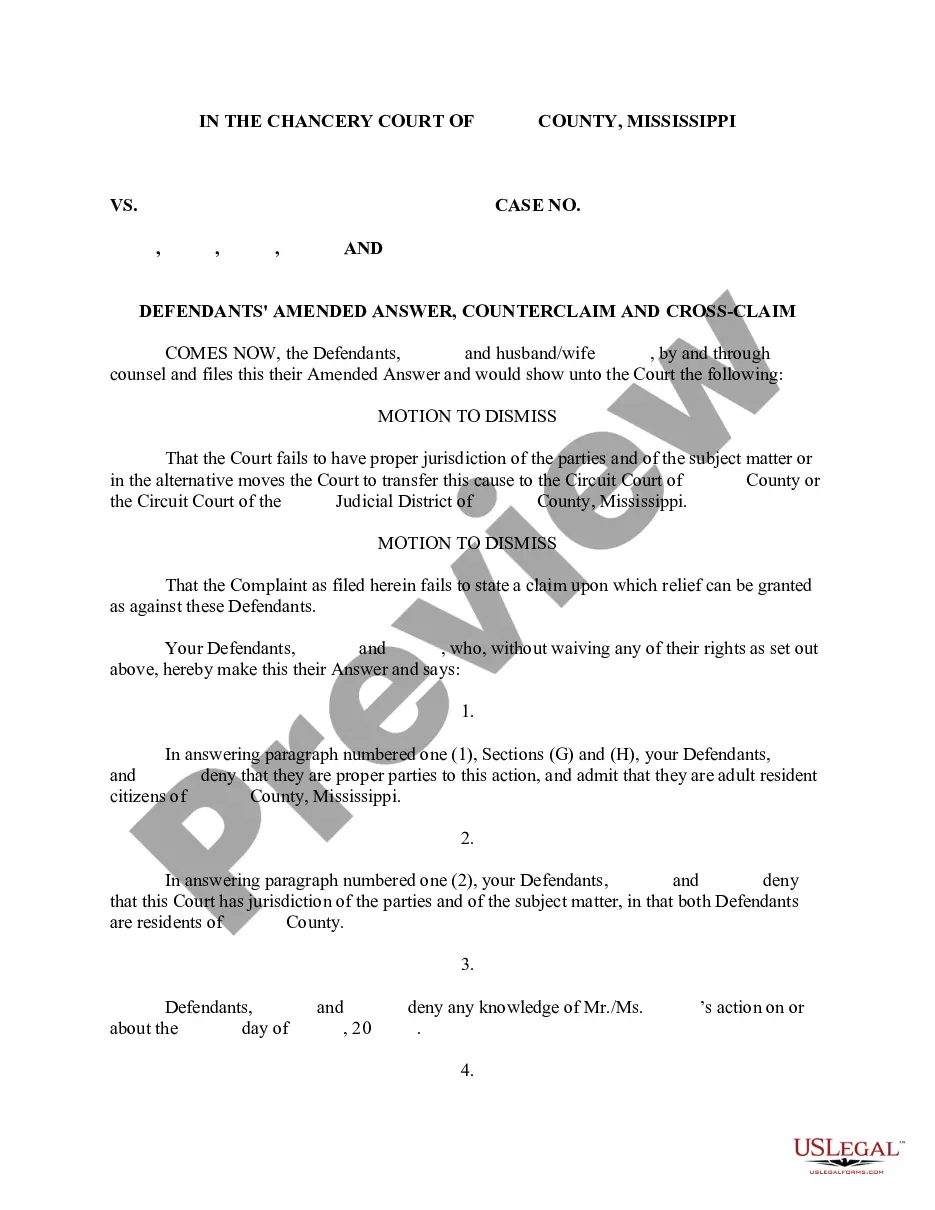
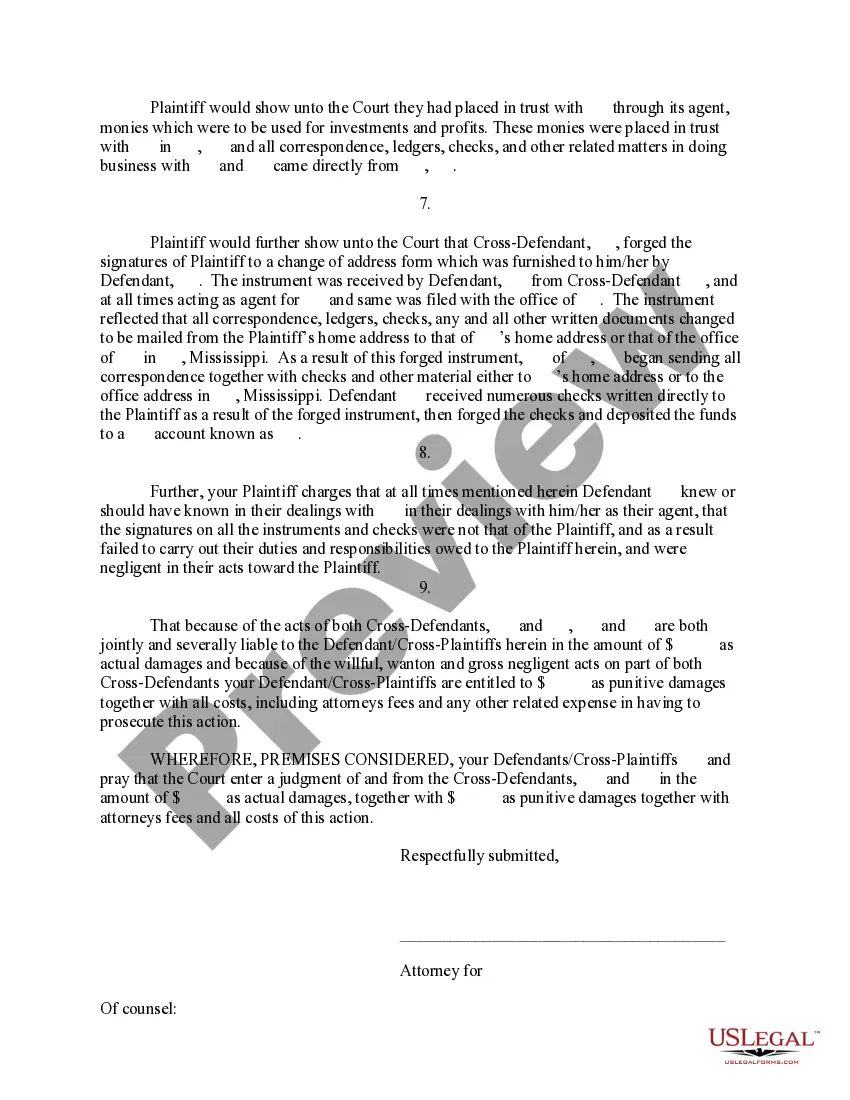
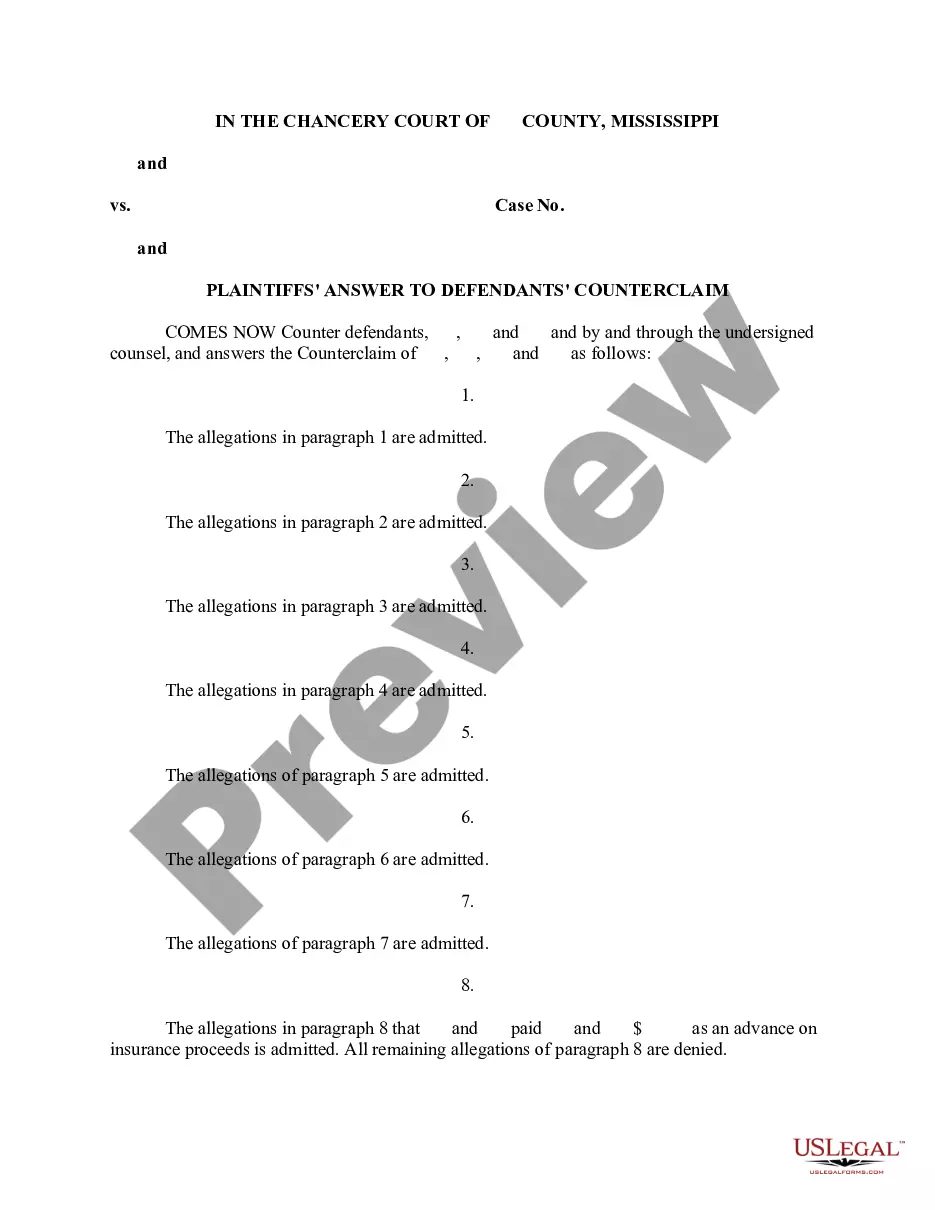
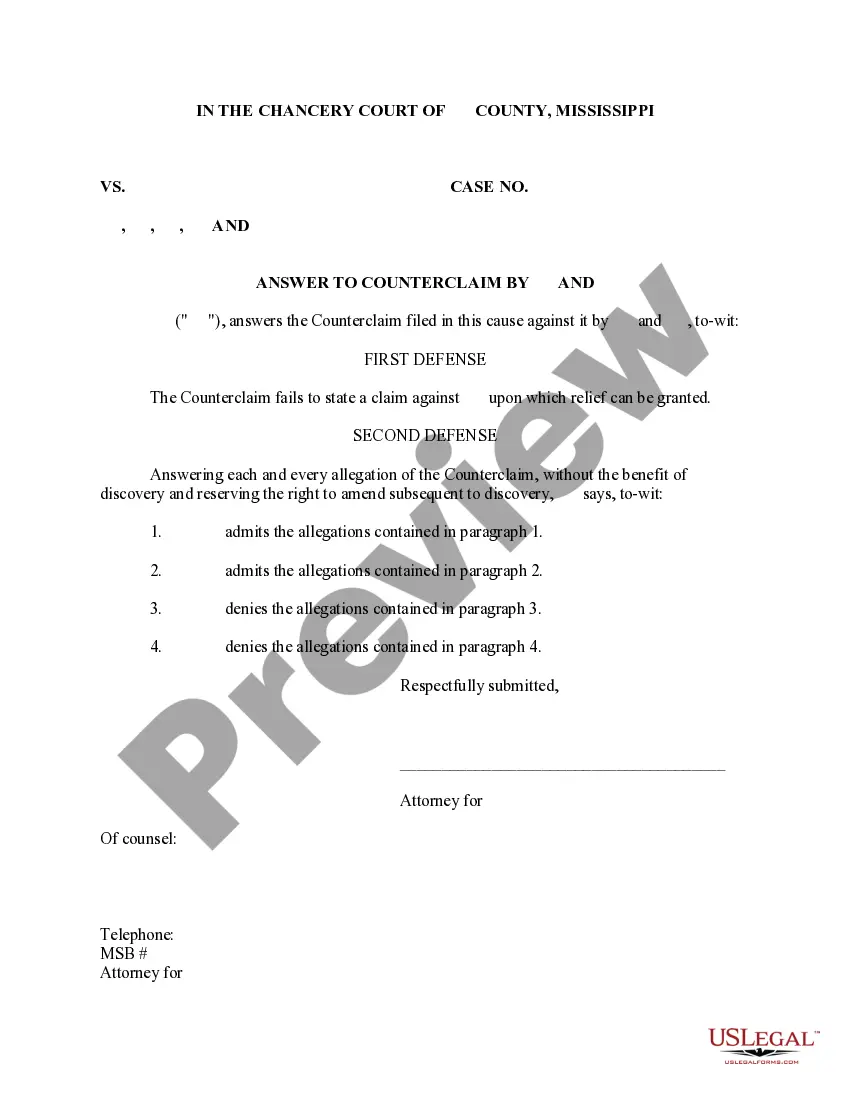
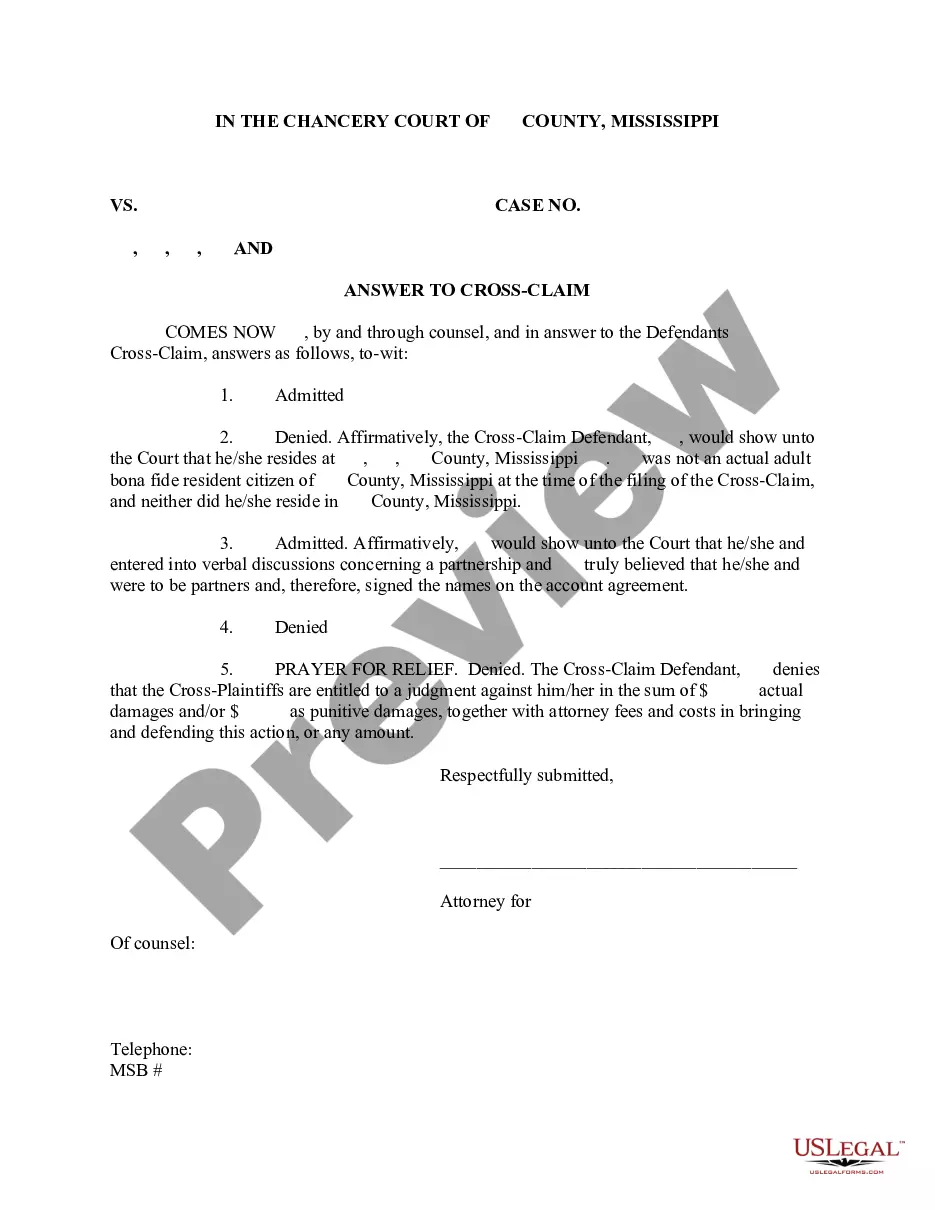
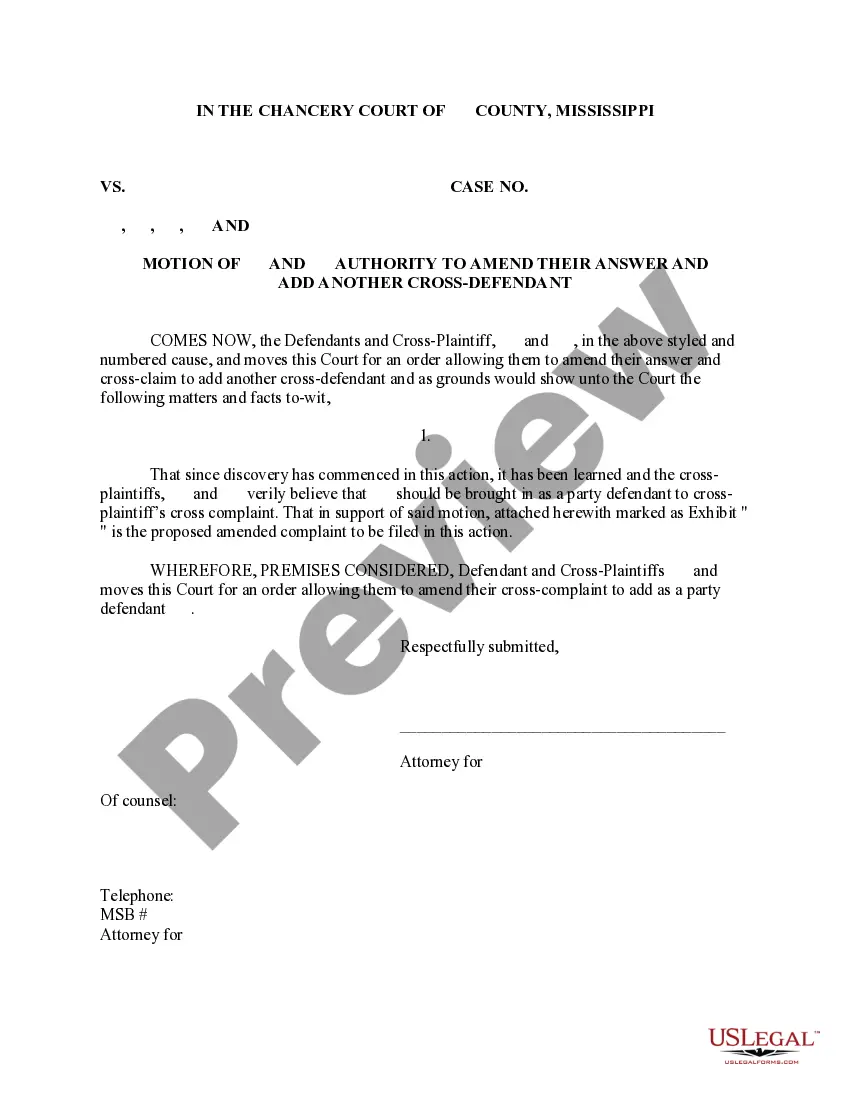
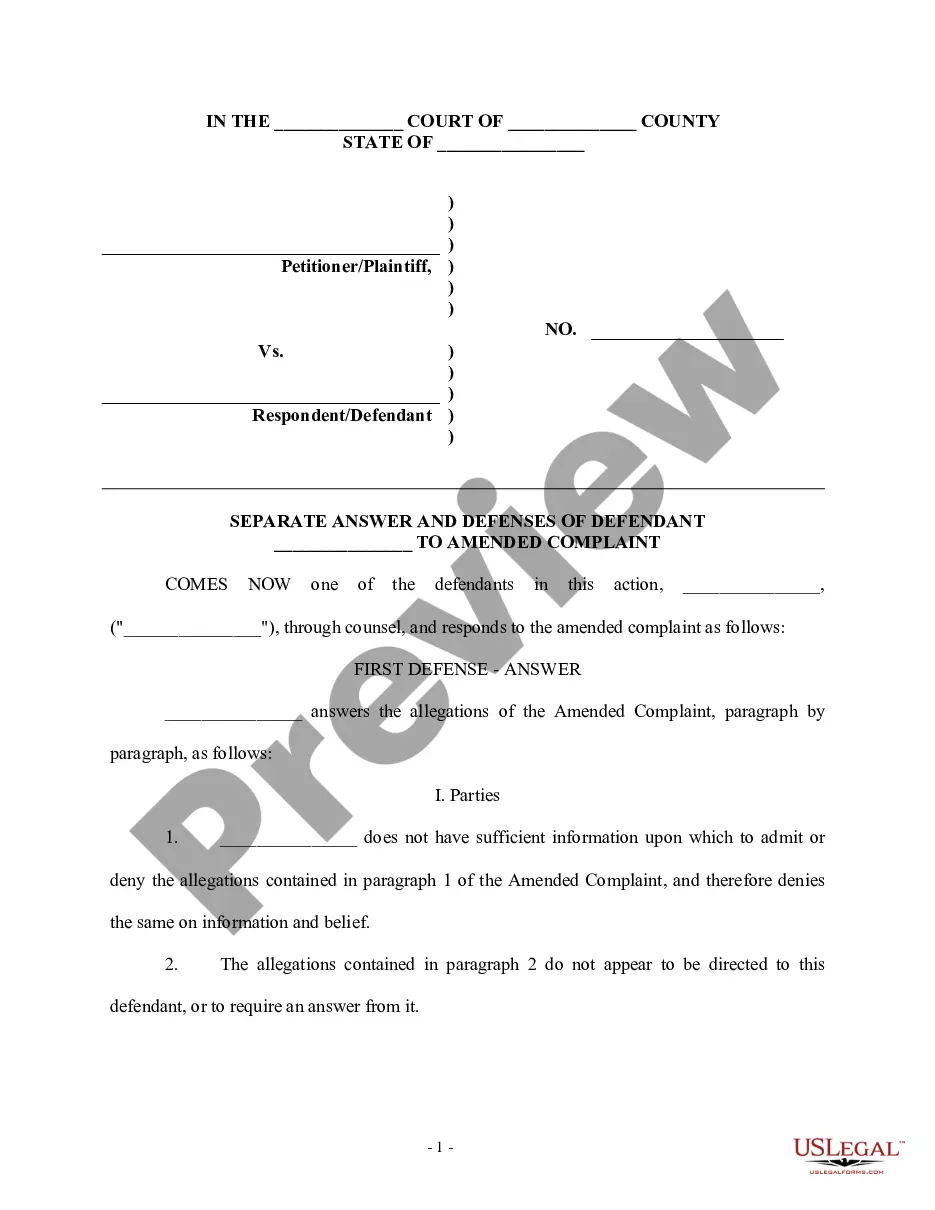
The Defendants' Amended Answer, Counterclaim and Crossclaim is a legal document filed by defendants in response to a plaintiff's complaint. This form is specifically designed for cases involving fraudulent banking activity and identity theft. It allows defendants to formally respond to allegations, present counterclaims against the plaintiff, and assert any crossclaims against other parties. This form helps ensure that the defendants' rights are protected throughout the litigation process.
Key components of this form
- Identification of the parties involved, including the defendants and the plaintiff.
- Motions to dismiss based on jurisdiction and party status.
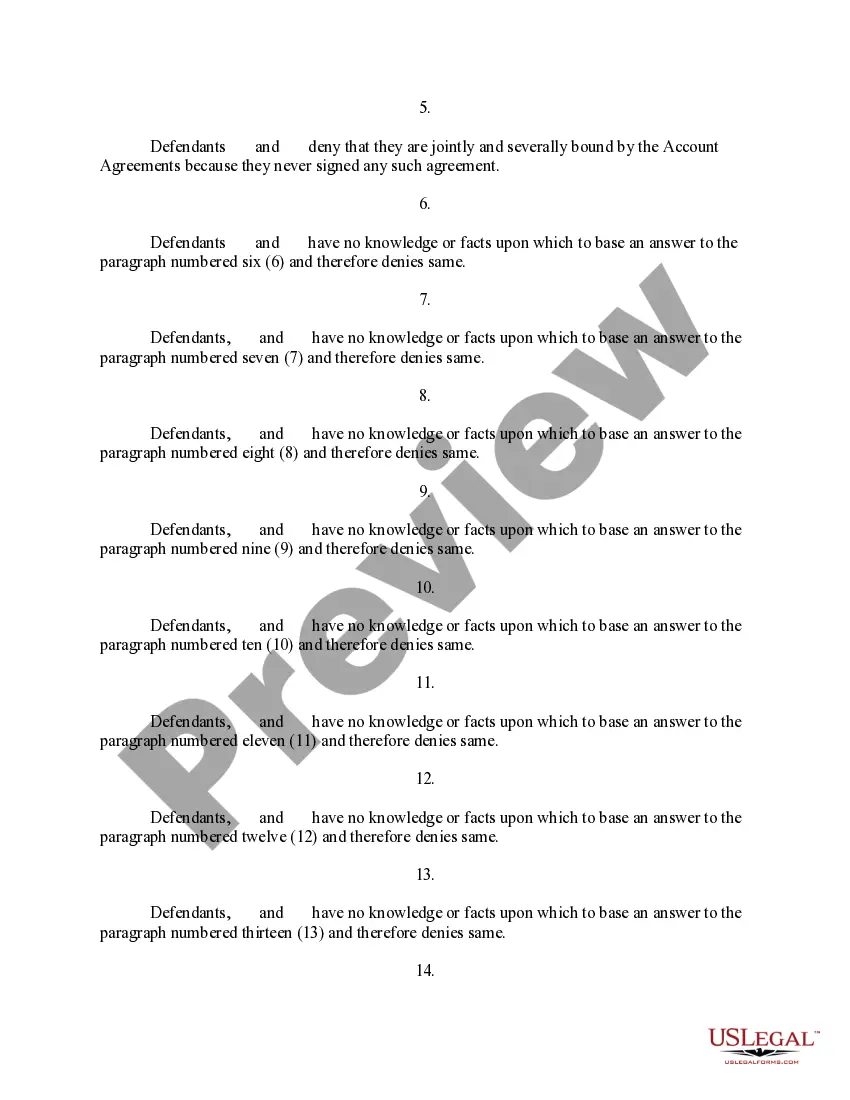
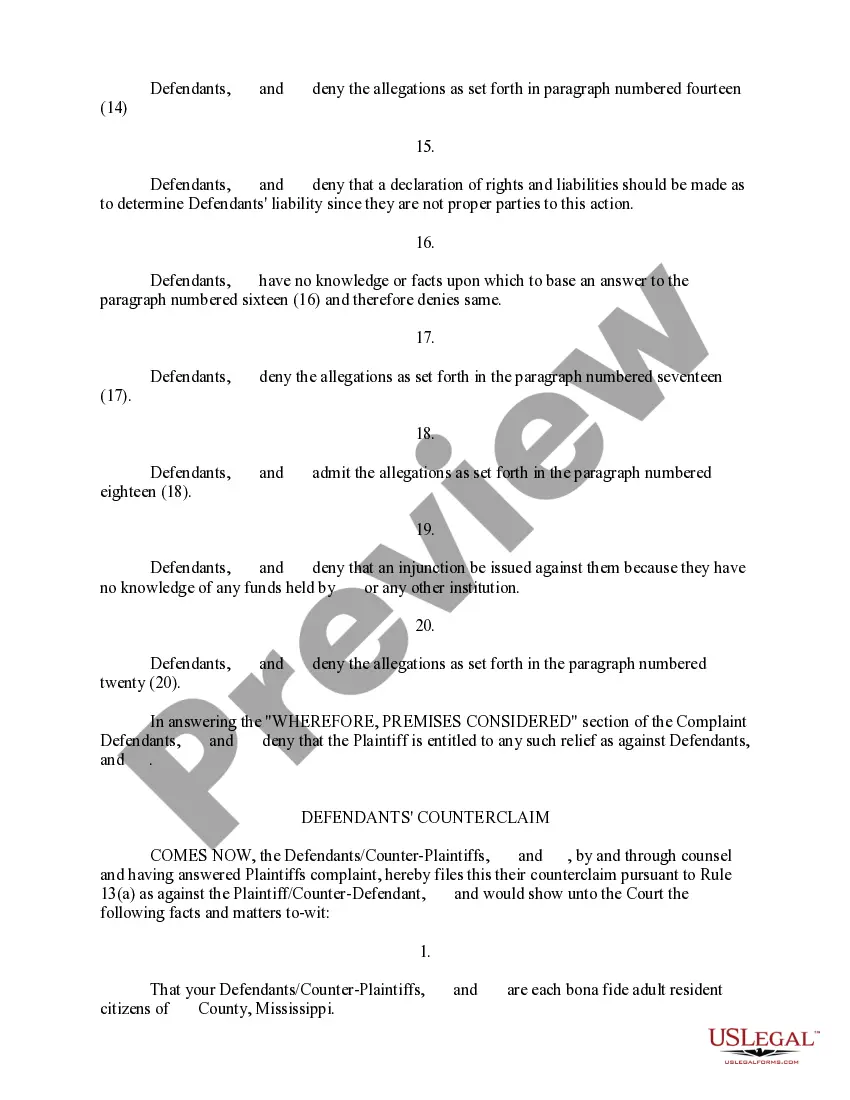
- Denials of specific allegations made by the plaintiff.
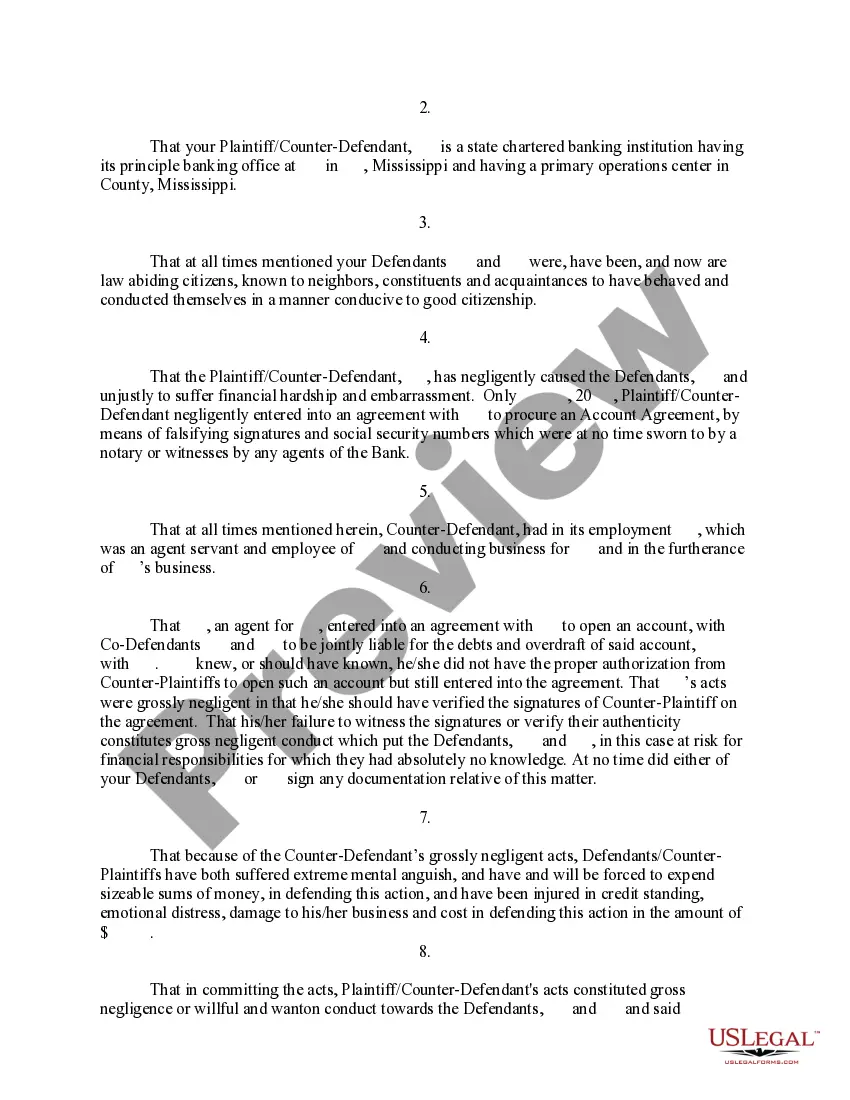
- Formal counterclaims against the plaintiff for negligence and financial harm.
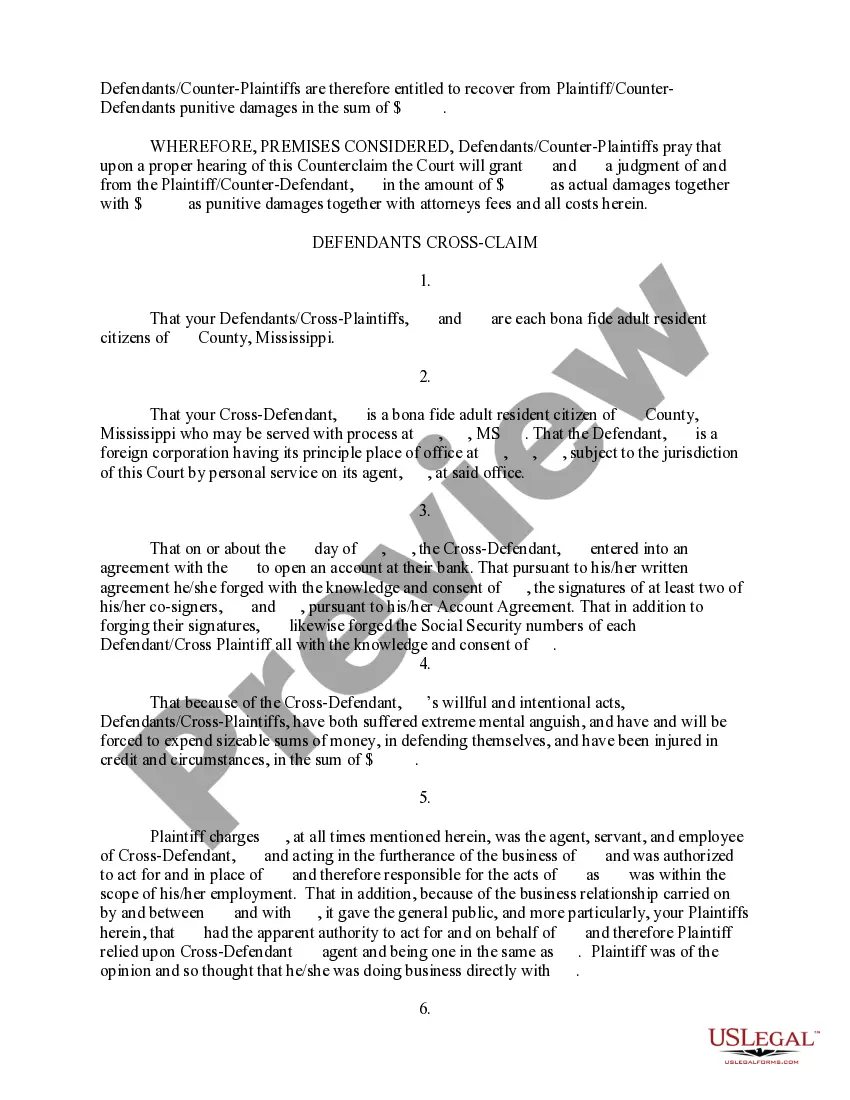
- Crossclaims against third parties who may also be liable.

When this form is needed
This form should be used when you are a defendant in a legal action that involves accusations related to fraudulent banking activities or identity theft. If you believe that you are not liable for the claims made against you, or if you have claims against the plaintiff or other parties, this form will serve to articulate your defenses and claims in an organized manner to the court.
Intended users of this form
- Defendants facing a lawsuit alleging fraud related to banking accounts.
- Individuals who have been accused of identity theft but wish to contest the allegations.
- Defendants who have counterclaims against the plaintiff or third parties.
- Legal representatives of the defendants who are drafting responsive pleadings.
Instructions for completing this form
- Identify the defendants and the plaintiff with accurate names and contact information.
- Respond to each paragraph of the complaint, clearly stating whether you admit or deny the allegations.
- Provide any counterclaims against the plaintiff, including specific facts that support your claims.
- Assert any crossclaims against third parties, if applicable, detailing how they are connected to the action.
- Sign and date the form to validate your response.
Does this document require notarization?
This form does not typically require notarization unless specified by local law. It is advisable to check with the court or legal counsel to ensure compliance with any specific requirements.
Get your form ready online
Our built-in tools help you complete, sign, share, and store your documents in one place.
Make edits, fill in missing information, and update formatting in US Legal Forms—just like you would in MS Word.
Download a copy, print it, send it by email, or mail it via USPS—whatever works best for your next step.
Sign and collect signatures with our SignNow integration. Send to multiple recipients, set reminders, and more. Go Premium to unlock E-Sign.
If this form requires notarization, complete it online through a secure video call—no need to meet a notary in person or wait for an appointment.
We protect your documents and personal data by following strict security and privacy standards.

Make edits, fill in missing information, and update formatting in US Legal Forms—just like you would in MS Word.

Download a copy, print it, send it by email, or mail it via USPS—whatever works best for your next step.

Sign and collect signatures with our SignNow integration. Send to multiple recipients, set reminders, and more. Go Premium to unlock E-Sign.

If this form requires notarization, complete it online through a secure video call—no need to meet a notary in person or wait for an appointment.

We protect your documents and personal data by following strict security and privacy standards.
Mistakes to watch out for
- Failing to respond to each allegation individually, which could be deemed an admission.
- Not including all necessary parties in the counterclaim or crossclaim.
- Missing the filing deadline, which can result in the loss of the right to contest the claims.
- Using legal jargon that may not be clearly understood, leading to confusion.
Benefits of using this form online
- Easy access: Downloadable in Word and Rich Text formats for your convenience.
- Editability: Customize the form to fit your specific case details before printing.
- Cost-effective: Avoid attorney fees by using professionally drafted templates.
- Time-saving: Quickly generate forms and avoid lengthy legal formatting.
What to keep in mind
- The Defendants' Amended Answer, Counterclaim, and Crossclaim is crucial for defendants facing allegations of fraud or identity theft.
- Completing this form accurately helps protect defendantsâ legal rights while allowing them to make their own claims.
- Understanding and following local legal procedures is essential for successful filing and defense in court.
Looking for another form?
Form popularity
FAQ
A motion to amend a complaint is a request to the court to change the original court filing documents. It means to change the basis for the case in some way. A motion to amend a complaint is the formal way of asking the court for permission to change the original complaint.
The defendant shall answer the amendments, or the complaint as amended, within 30 days after service thereof, or such other time as the court may direct, and judgment by default may be entered upon failure to answer, as in other cases.
To amend is to change by adding, subtracting, or substituting. One can amend a statute, a contract, the Constitution of the United States, or a pleading filed in a law suit.
Once a defendant has answered, a first amended complaint can only be filed and served with leave of court. If the plaintiff did not get the court's permission, it is not deemed a valid first amended complaint.
Amended Answer Rules A proposed amendment or amended pleading must be serially numbered to differentiate it from previous pleadings or amendments.An amendment to a pleading must not be made by alterations on the face of a pleading except by permission of the court. The court or the clerk must initial all alterations.
The defendant shall answer the amendments, or the complaint as amended, within 30 days after service thereof, or such other time as the court may direct, and judgment by default may be entered upon failure to answer, as in other cases.
Login to the Online Registry. Click the Search cases tab. Search for the case you wish to file the amended form. Click on the case name. Click on the File form tab. Select form Amended Statement of Claim. Follow the prompts to upload a PDF version of the signed Amended Statement of Claim.