Direct Deposit Agreement
About this form
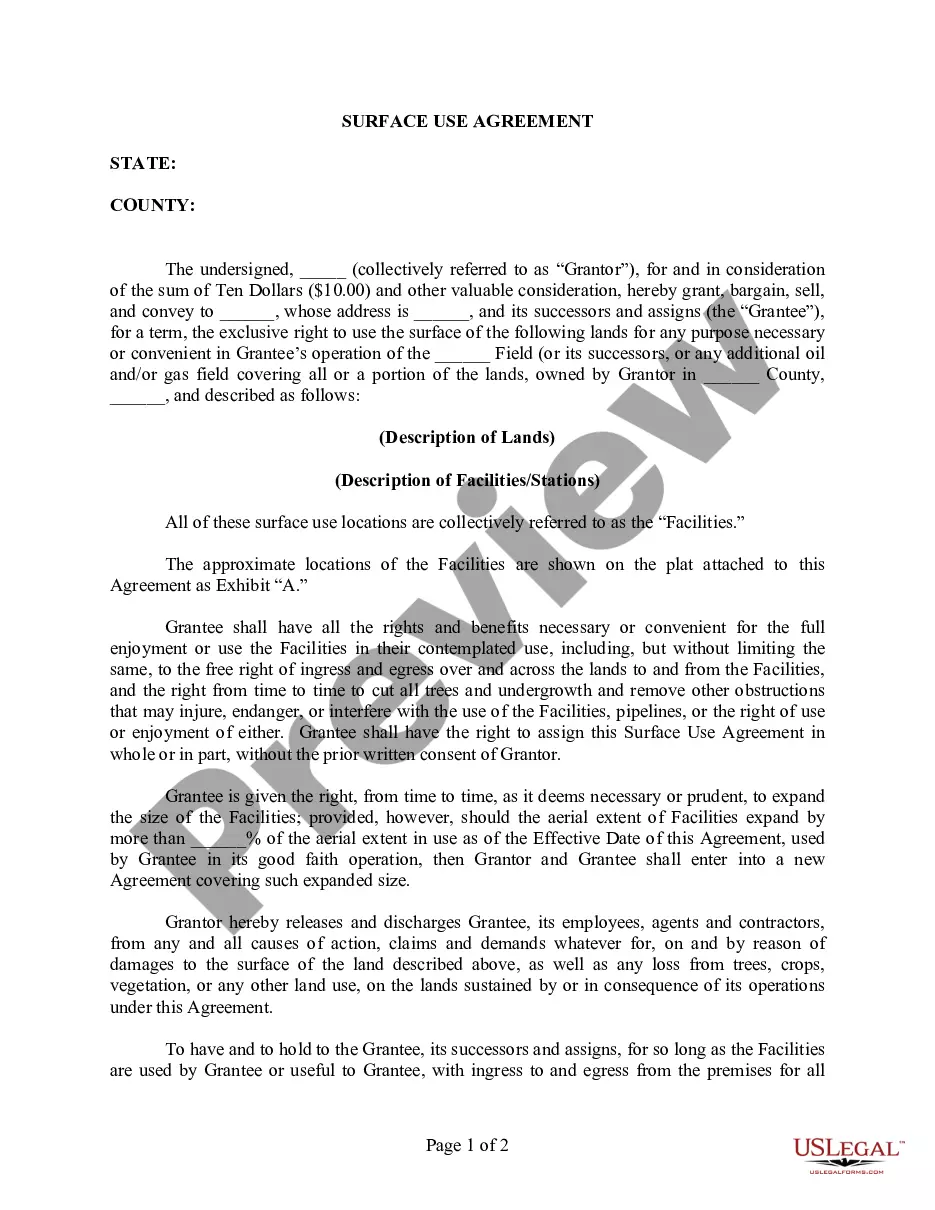
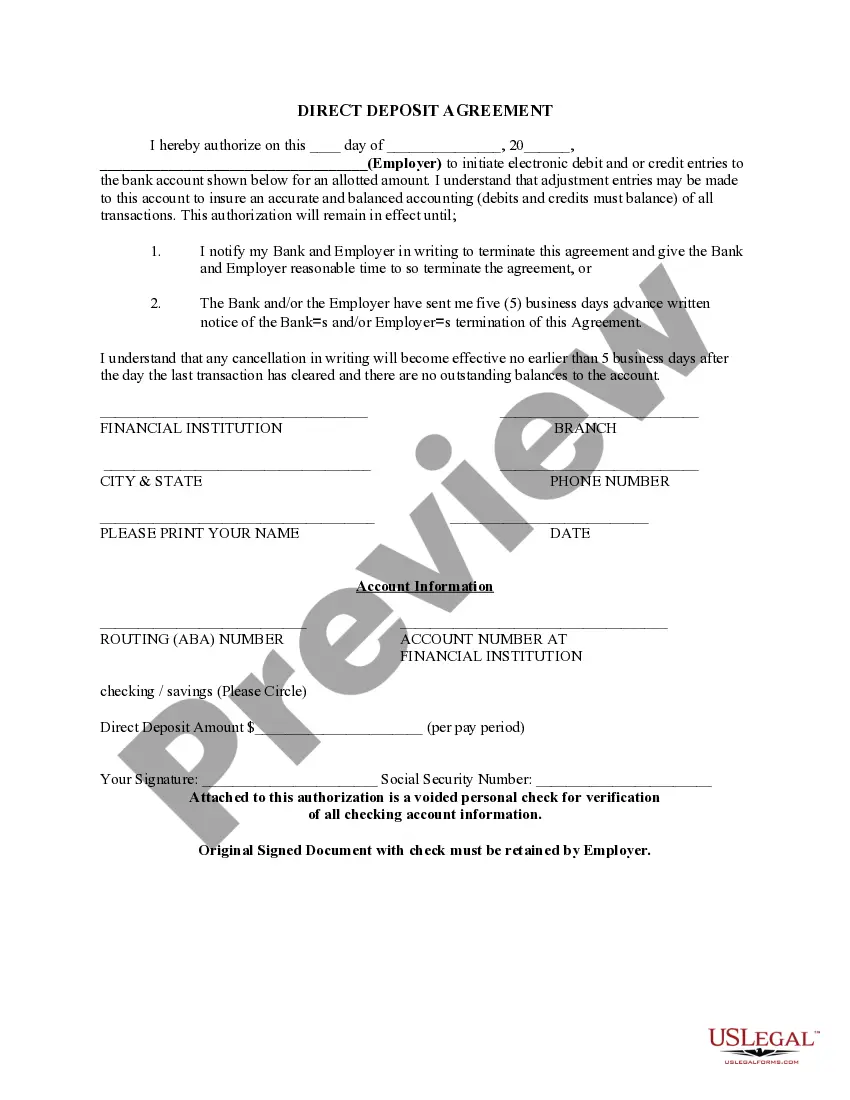
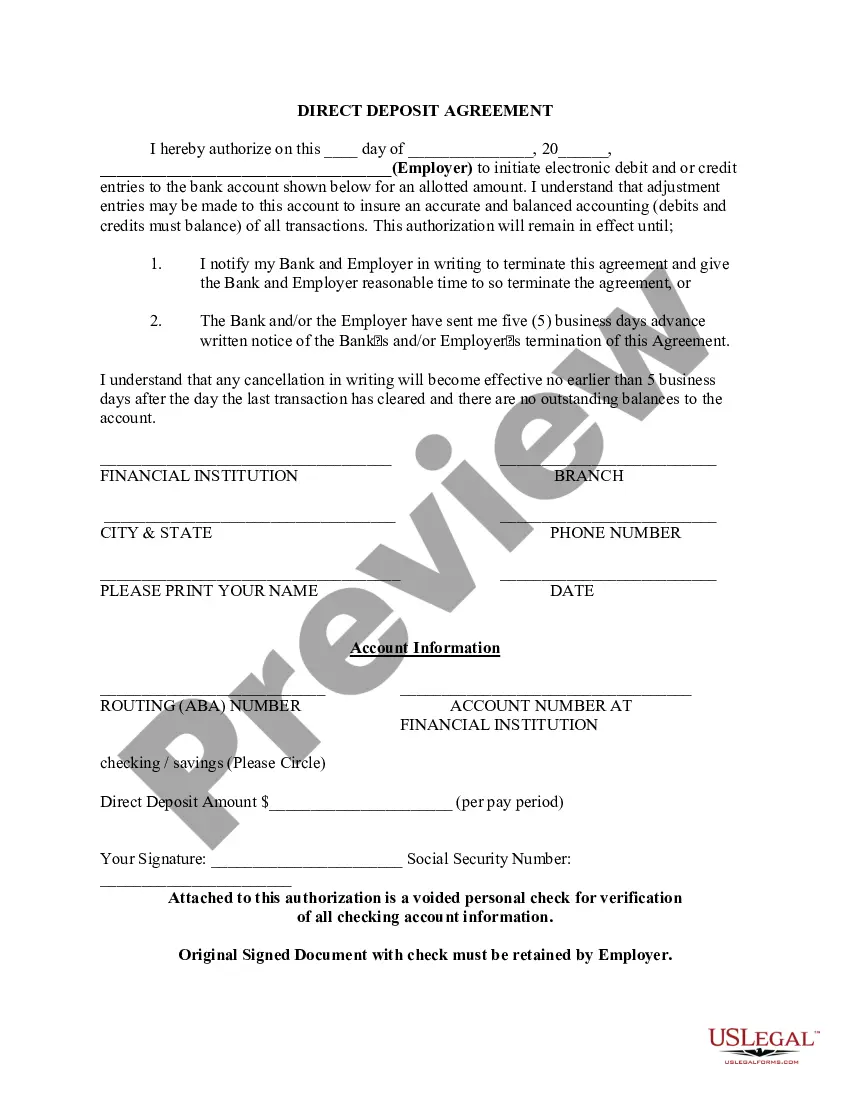
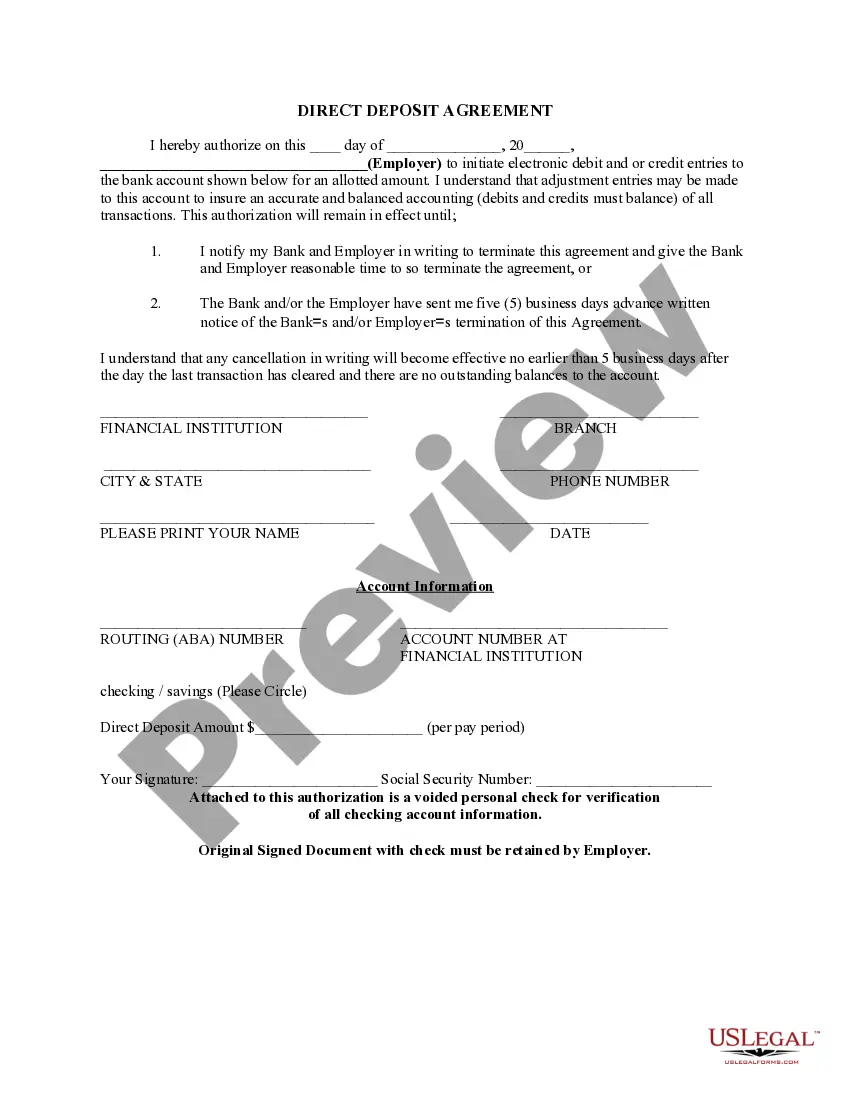
The Direct Deposit Agreement is a legal document that allows individuals, such as employees or government benefit recipients, to receive payments directly into their bank accounts. This form streamlines the payment process, eliminating delays and reducing the risk of lost or stolen checks. Unlike standard payment methods, this agreement ensures that funds are available immediately through electronic transfers, making it a secure and efficient option for recurring payments.
Form components explained
- Date of authorization
- Employer or payment sender's name
- Bank account details (bank name, account number, routing number)
- Deposit amount per pay period
- Signature of the account holder
- Social Security number for identification purposes
- Voided check for account verification


Common use cases
This form should be used when you wish to set up direct deposit for your salary, wages, or any government benefits. It is particularly useful for employees who want their paychecks automatically deposited into their bank accounts, or for individuals receiving regular benefits, such as Social Security or disability payments. If you often find yourself waiting for checks to arrive by mail or worry about the risk of checks being lost or stolen, using this agreement can provide peace of mind.
Intended users of this form
- Employees wanting direct deposit for their paychecks
- Individuals receiving government benefits
- Anyone wishing to eliminate the hassle of cashing or depositing checks
- Employers or organizations setting up direct deposit for staff or clients
Steps to complete this form
- Enter the current date at the top of the form.
- Provide the name of your employer or payment sender in the designated field.
- Fill in your bank account details, including the bank name, account number, and routing number.
- Indicate the amount you would like to be deposited per pay period.
- Sign the form and include your Social Security number for identification.
- Attach a voided check to verify your banking details.
Notarization guidance
This form usually doesn’t need to be notarized. However, local laws or specific transactions may require it. Our online notarization service, powered by Notarize, lets you complete it remotely through a secure video session, available 24/7.
Get your form ready online
Our built-in tools help you complete, sign, share, and store your documents in one place.
Make edits, fill in missing information, and update formatting in US Legal Forms—just like you would in MS Word.
Download a copy, print it, send it by email, or mail it via USPS—whatever works best for your next step.
Sign and collect signatures with our SignNow integration. Send to multiple recipients, set reminders, and more. Go Premium to unlock E-Sign.
If this form requires notarization, complete it online through a secure video call—no need to meet a notary in person or wait for an appointment.
We protect your documents and personal data by following strict security and privacy standards.

Make edits, fill in missing information, and update formatting in US Legal Forms—just like you would in MS Word.

Download a copy, print it, send it by email, or mail it via USPS—whatever works best for your next step.

Sign and collect signatures with our SignNow integration. Send to multiple recipients, set reminders, and more. Go Premium to unlock E-Sign.

If this form requires notarization, complete it online through a secure video call—no need to meet a notary in person or wait for an appointment.

We protect your documents and personal data by following strict security and privacy standards.
Common mistakes to avoid
- Not including a voided check for verification.
- Failing to sign the document, which invalidates the agreement.
- Incorrectly filling in bank account information, which may cause delayed payments.
- Not specifying the deposit amount or frequency of deposits.
- Ignoring the need to notify the bank and employer in writing if terminating the agreement.
Why complete this form online
- Convenience of downloading and filling out from anywhere.
- Editable templates that allow you to customize your agreement easily.
- Reliable access to attorney-drafted forms ensuring legal compliance.
- Quick setup of bank payments without the need for physical paperwork.
Legal use & context
- This agreement facilitates electronic payments, which are legally recognized in all states.
- It is important to comply with both employer and banking policies when setting up direct deposit.
- Ensure that you understand the terms, including how to cancel or change the agreement.
Key takeaways
- The Direct Deposit Agreement sets up automatic payments into your bank account.
- This form helps in eliminating the risks associated with physical checks.
- Completing it accurately ensures timely and secure payments.
- Always retain a copy with your employer for reference.
Looking for another form?

Form popularity
FAQ
Bank account number. Routing number. Type of account (typically a checking account) Bank name and addressyou can use any branch of the bank or credit union you use. Name(s) of account holders listed on the account.
Download our Direct Deposit Authorization form. Fill out the form and staple a voided Fifth Third check to it. For a voided check, write VOID across a blank check. Give the completed form to the company making the direct deposit. For payroll direct deposit, give the form to your HR contact.
Get a direct deposit form from your employer. Fill in account information. Confirm the deposit amount. Attach a voided check or deposit slip, if required. Submit the form.
Take an unused check from your checkbook for the account into which you want the funds deposited. Use a black pen or marker and write "VOID" in large letters across the front of the blank check. Submit your voided check, along with the completed direct deposit authorization form, to your employer.
Bank account number. Routing number. Type of account (typically a checking account) Bank name and addressyou can use any branch of the bank or credit union you use. Name(s) of account holders listed on the account.
How to set up direct deposit for your paycheck. Ask for a copy of your employer's direct deposit signup form, or download the U.S. Bank Direct Deposit Authorization Form (PDF). Provide your U.S. Bank deposit account type (checking or savings), account number and routing number, and other required information.
Choose a direct deposit payroll provider. You will need to set up a payroll service. Collect information from your employees. Add employees to the payroll system. Select your deposit schedule.
A direct deposit authorization form is a document that authorizes a third (3rd) party, usually an employer for payroll, to send money to a bank account by simply using the ABA routing and account numbers.
Get a direct deposit form from your employerAsk for a written or online direct deposit form. If that isn't available, ask your bank or credit union for one. We've included a list of forms from top banks, including the Capital One and Bank of America direct deposit forms.