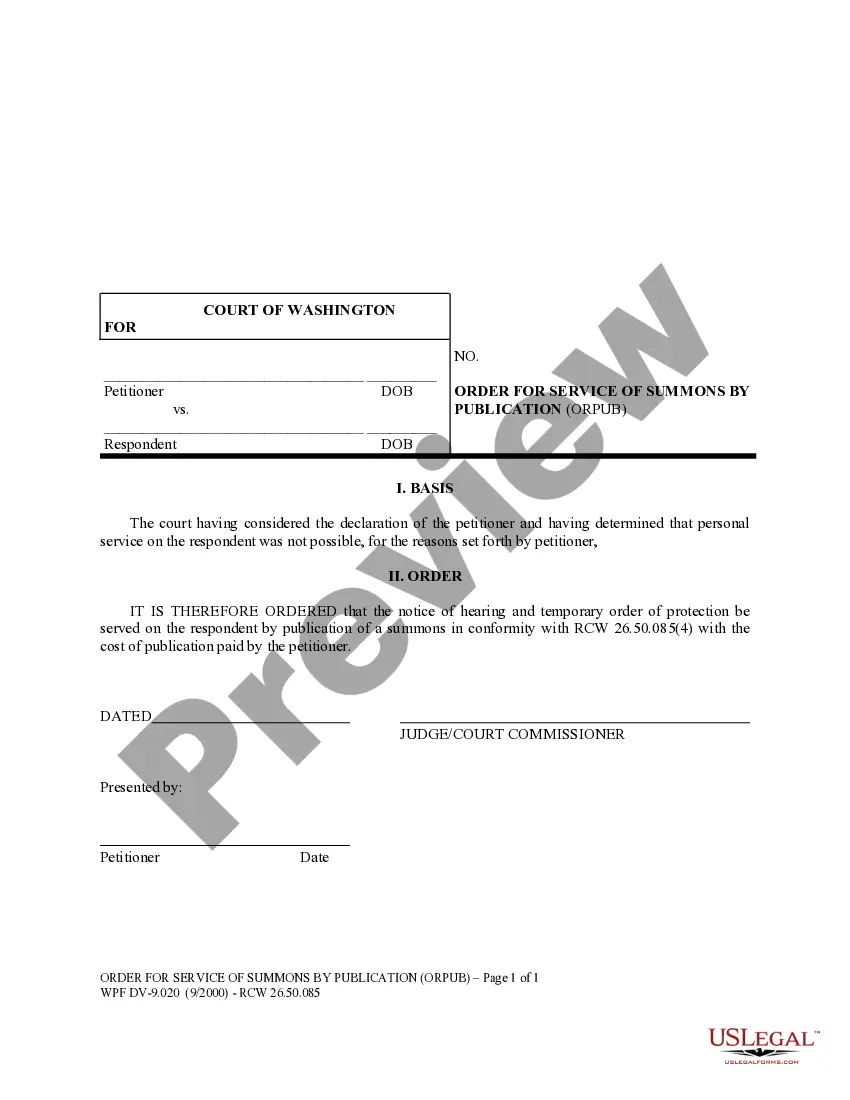
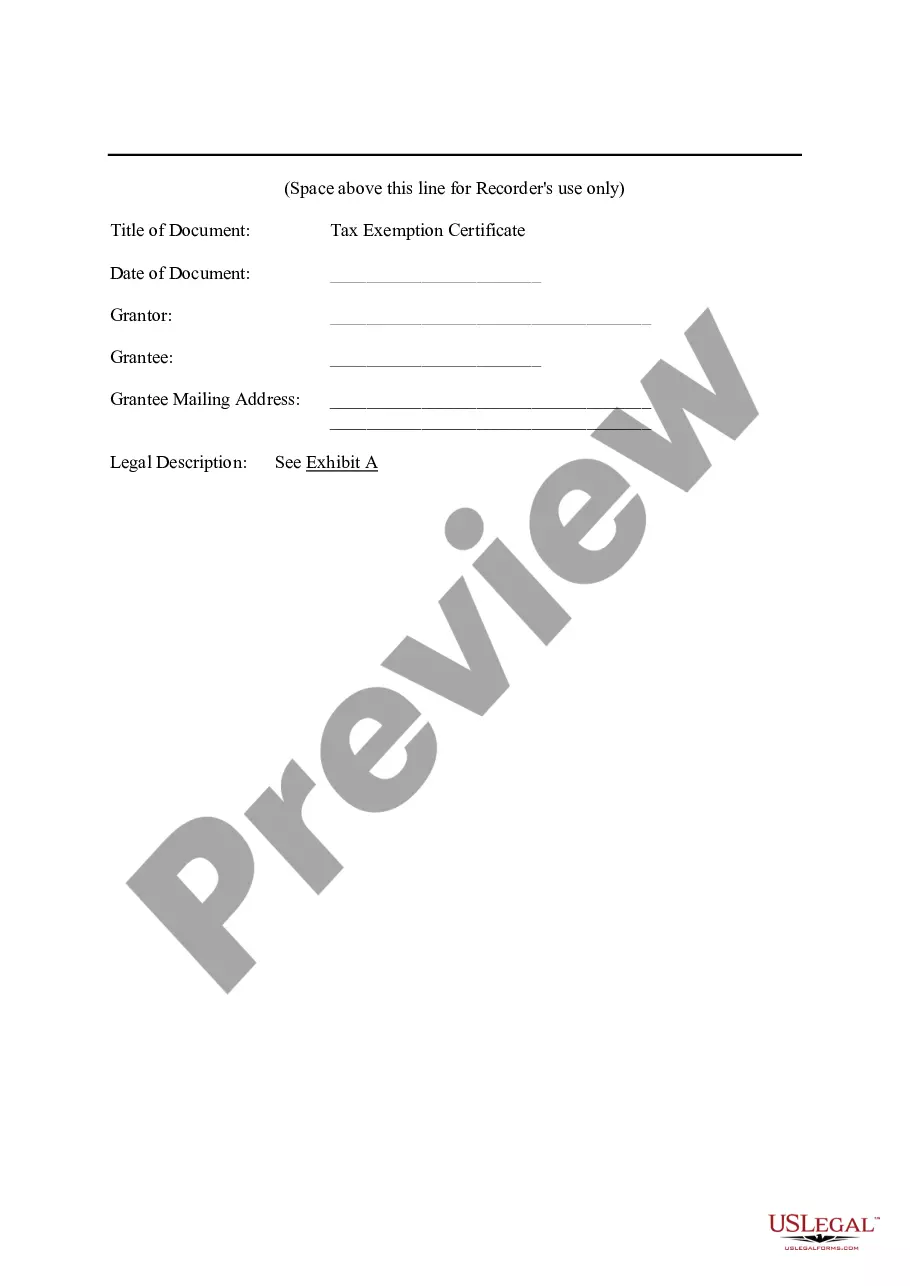
Tax Exemption CertificateThe Planned Industrial Expansion Authority of_____City, Missouri
What is this form?
The Tax Exemption Certificate is a legal document issued by The Planned Industrial Expansion Authority of a city in Missouri. It serves to grant ad valorem tax exemptions to developers who undertake redevelopment projects within designated industrial zones. This certificate is essential for reducing the financial burden of taxes on property redevelopment, distinguishing it from other tax-related forms by its specific focus on industrial expansion projects.
Key components of this form
- Title of Document: States the purpose of the certificate.
- Grantor and Grantee Information: Details the parties involved in the agreement.
- Legal Description: References the specific property involved, detailed in Exhibit A.
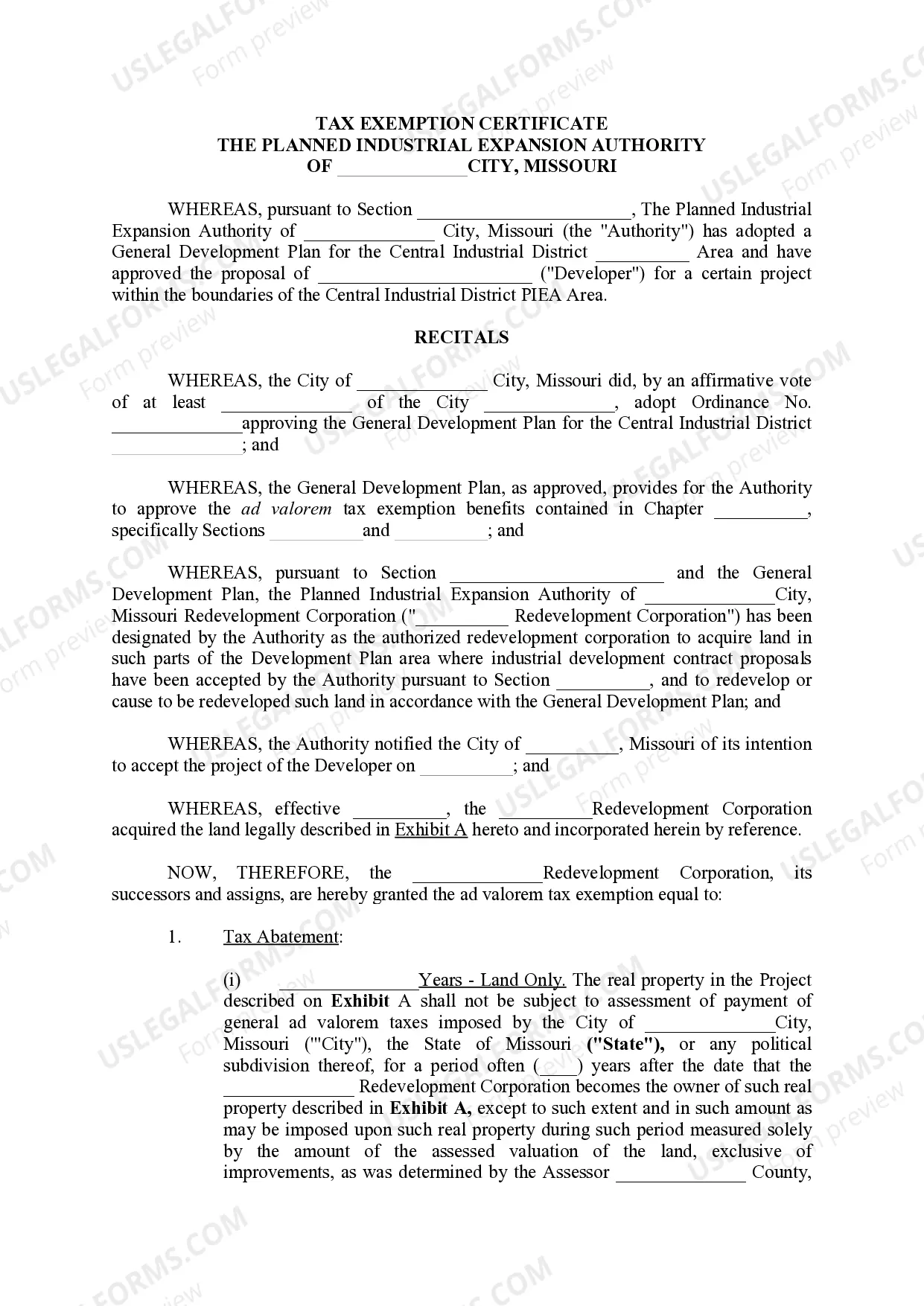
- Tax Abatement Terms: Specifies the years of tax exemption for land and improvements.
- Payments in Lieu of Taxes: Outlines responsibilities of the developer regarding tax payments during the abatement period.
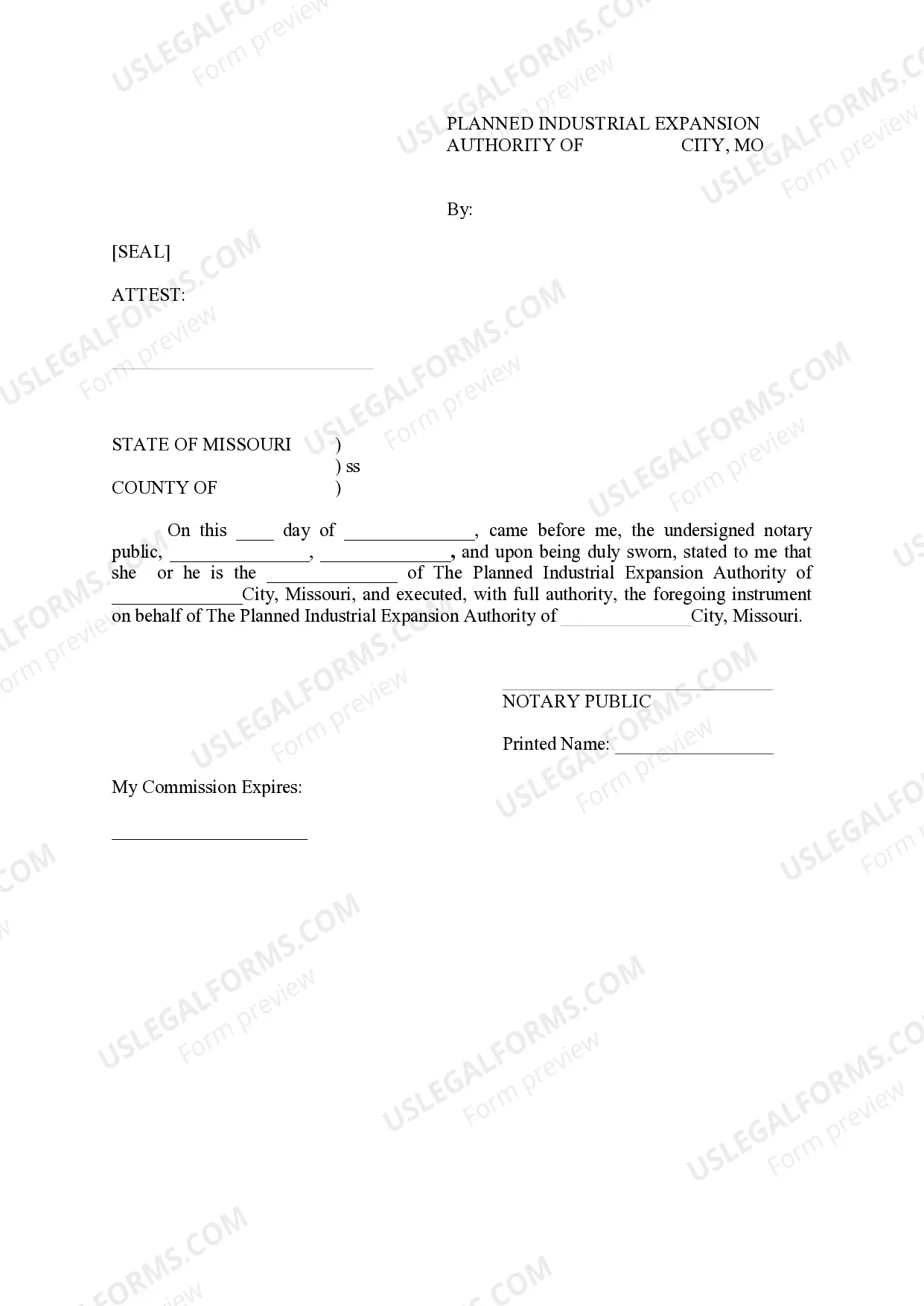
- Signatures and Notary Section: Confirms the document's authenticity and grants legal validity.
When to use this document
This form is utilized when a developer is engaged in a revitalization project within a designated industrial area and requires tax exemptions from local, state, or county authorities. It is particularly applicable when a city has approved a General Development Plan that provides incentives for economic development through tax relief.
Intended users of this form
- Developers undertaking industrial projects in eligible zones.
- Local government authorities involved in the planning and approval of redevelopment plans.
- Real estate professionals navigating tax exemption processes on behalf of clients.
Completing this form step by step
- Identify the parties by entering the names of the Grantor and Grantee.
- Specify the property details in the Legal Description section, referring to Exhibit A.
- Complete the Tax Abatement terms, filling in the durations and rates for exemption.
- Detail any Payments in Lieu of Taxes along with the payment schedule in Exhibit B.
- Obtain required signatures from authorized representatives and a notary public to finalize the document.
Is notarization required?
Yes, this form must be notarized to be legally valid. US Legal Forms provides integrated online notarization, allowing you to have your document notarized securely via a video call at your convenience.
Get your form ready online
Our built-in tools help you complete, sign, share, and store your documents in one place.
Make edits, fill in missing information, and update formatting in US Legal Forms—just like you would in MS Word.
Download a copy, print it, send it by email, or mail it via USPS—whatever works best for your next step.
Sign and collect signatures with our SignNow integration. Send to multiple recipients, set reminders, and more. Go Premium to unlock E-Sign.
If this form requires notarization, complete it online through a secure video call—no need to meet a notary in person or wait for an appointment.
We protect your documents and personal data by following strict security and privacy standards.

Make edits, fill in missing information, and update formatting in US Legal Forms—just like you would in MS Word.

Download a copy, print it, send it by email, or mail it via USPS—whatever works best for your next step.

Sign and collect signatures with our SignNow integration. Send to multiple recipients, set reminders, and more. Go Premium to unlock E-Sign.

If this form requires notarization, complete it online through a secure video call—no need to meet a notary in person or wait for an appointment.

We protect your documents and personal data by following strict security and privacy standards.
Common mistakes to avoid
- Leaving out necessary signatures and notary acknowledgment.
- Failing to accurately specify the property description in Exhibit A.
- Misunderstanding tax exemption terms and timelines, leading to incorrect entries.
Why complete this form online
- Convenience of accessing and downloading the form anytime, anywhere.
- Editability allows users to customize the form to meet their specific needs.
- Reliable templates crafted by licensed attorneys ensure legal compliance.
Key takeaways
- The Tax Exemption Certificate is crucial for reducing tax liabilities for redevelopment projects.
- Accurate completion of the form is essential to avoid legal complications.
- Notarization enhances the document's legal validity, ensuring it meets all regulatory requirements.
Looking for another form?
Form popularity
FAQ
To qualify for a tax exemption in Missouri, you must meet specific criteria set by the state and local authorities. This often includes demonstrating that your organization serves a public benefit or is engaged in certain exempt activities. Following the requirements laid out, you can apply for your Tax Exemption Certificate from the Planned Industrial Expansion Authority of _____ City, Missouri. For more detailed assistance, USLegalForms offers resources and templates to help you through the eligibility process.
Requesting a certificate of no tax due in Missouri involves submitting a formal request to the Missouri Department of Revenue. You will need to provide pertinent details about your tax status and ensure that all obligations are met. Once confirmed, you can receive your Tax Exemption Certificate from the Planned Industrial Expansion Authority of _____ City, Missouri. Platforms like USLegalForms can assist you in navigating this process efficiently and accurately.
The time it takes to obtain a tax clearance certificate in Missouri can vary depending on several factors, including the volume of applications received by the Planned Industrial Expansion Authority of your city. Generally, it may take anywhere from a few days to several weeks. To ensure a quicker process, complete your application accurately and provide all required documentation. If you have questions, consider reaching out to uslegalforms for guidance on expediting your application.
Filling out a tax exemption certificate requires you to provide specific information about your business and the nature of the exemption. Begin by entering your business details, including your name, address, and tax identification number. Next, specify the type of goods or services for which you seek exemption under the Planned Industrial Expansion Authority of your city. Finally, review your certificate for accuracy before submitting it to the relevant authority.
You can apply for tax-exempt status by filling out the appropriate forms provided by the Planned Industrial Expansion Authority of your city. Make sure you have all necessary information, such as your business identification and financial documents. Once your application is prepared, submit it according to the guidelines provided by the authority. Consider using a platform like uslegalforms to simplify the process and ensure accuracy.
To apply for tax-exempt status in Missouri, you need to complete the necessary forms and submit them to the Planned Industrial Expansion Authority of your city. First, gather all required documentation to support your application. Next, ensure your application is accurate and complete before submission. After submitting, you can track your application status through the authority's website.
They have changed the letters; there is no longer an expiration date. They mailed out updated letters on Dec. 15, 2014 to every unit that had a current tax exempt letter as of Dec. 1, 2014.
You can complete the online registration application that can be found at Online Business Registration to register with the Missouri Department of Revenue, or, you can complete the paper Form 2643, Missouri Tax Registration Application, and submit the form to the Missouri Department of Revenue.
The federal tax identification number is nine (9) digits long and is issued in the following format: XX-XXXXXXX. Essentially, it is similar to a Social Security Number ("SSN") for an individual, but an EIN number is for businesses and entities.
The exemption certificates are considered to be valid for five years, unless specific terms are set which declare otherwise. Even if the delivery is out of state, it still may be considered a Missouri transaction.