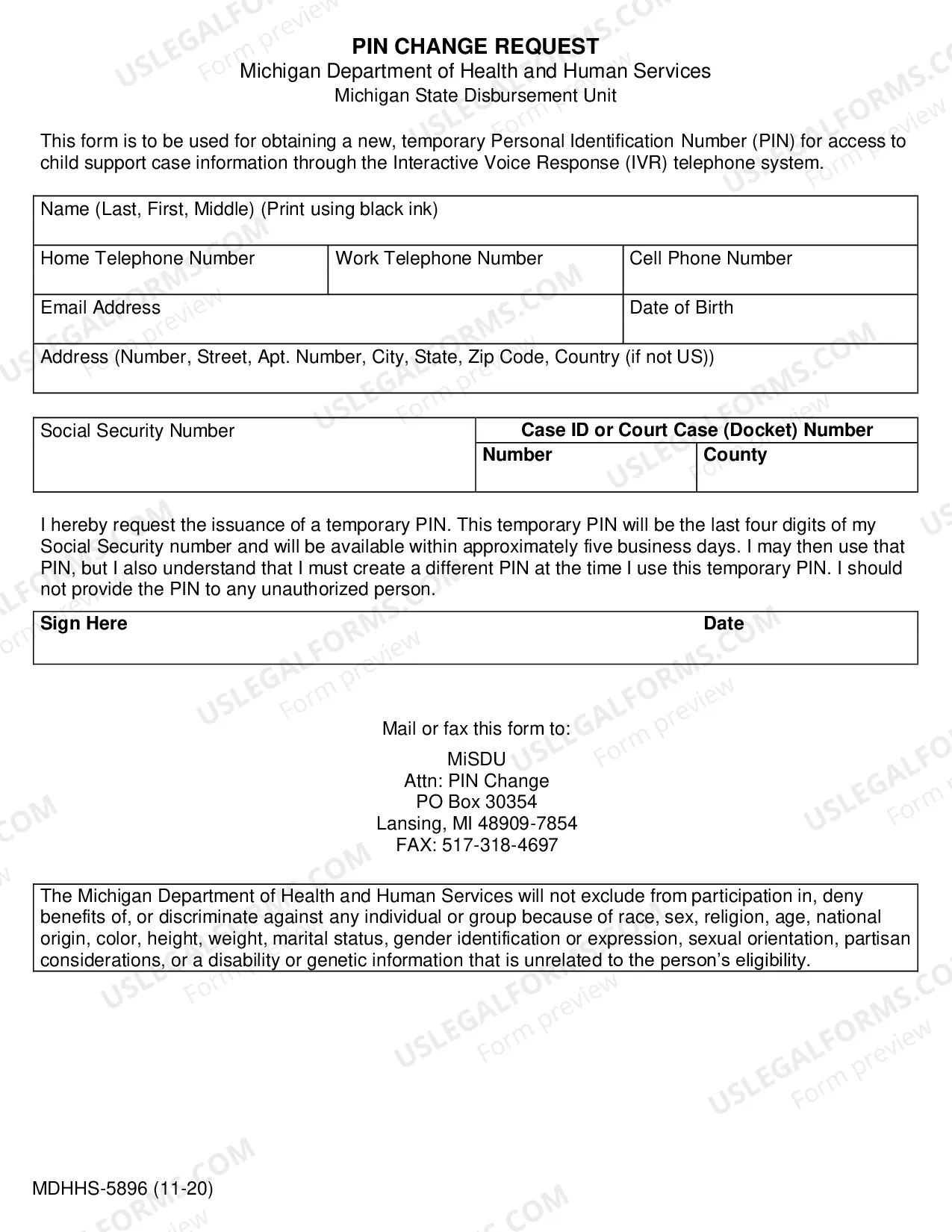
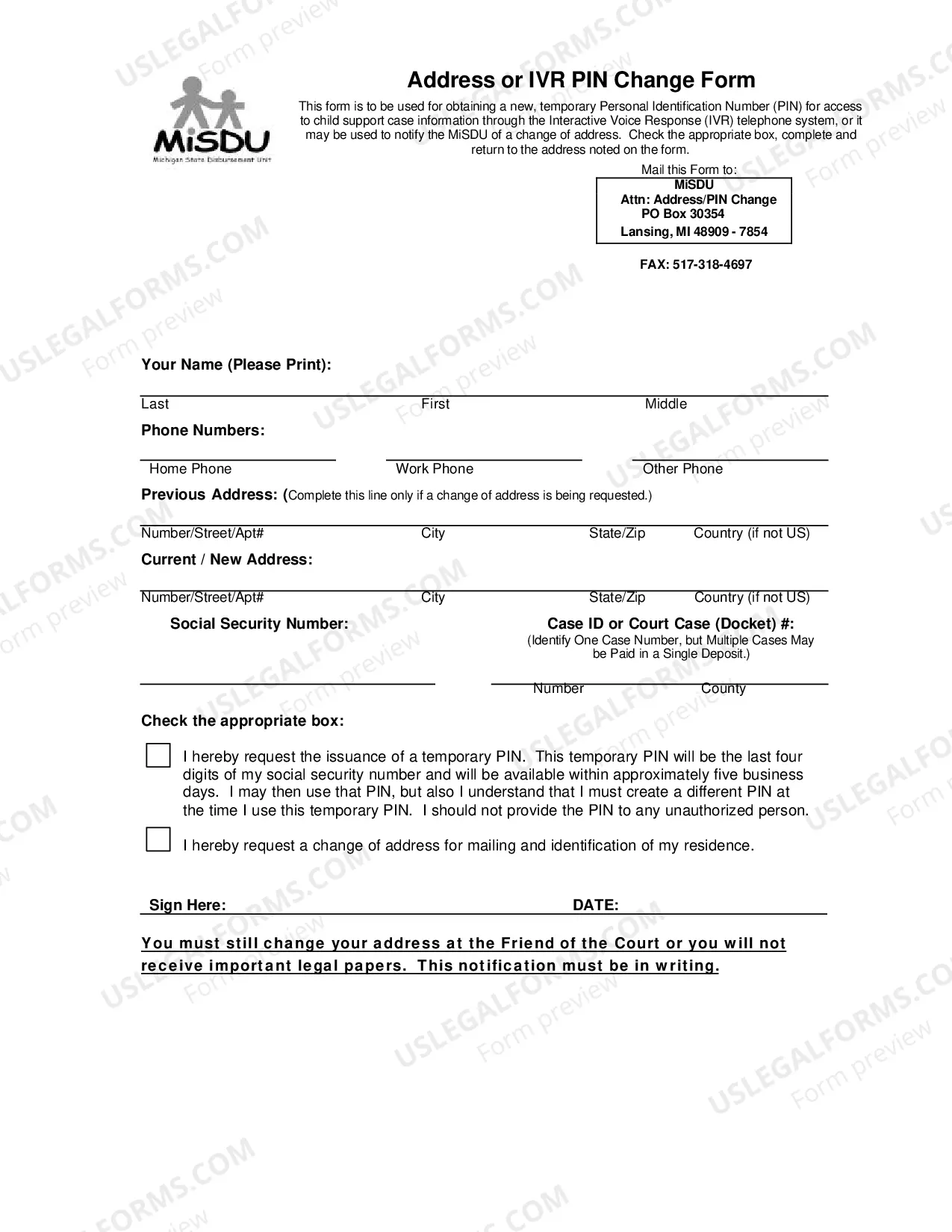
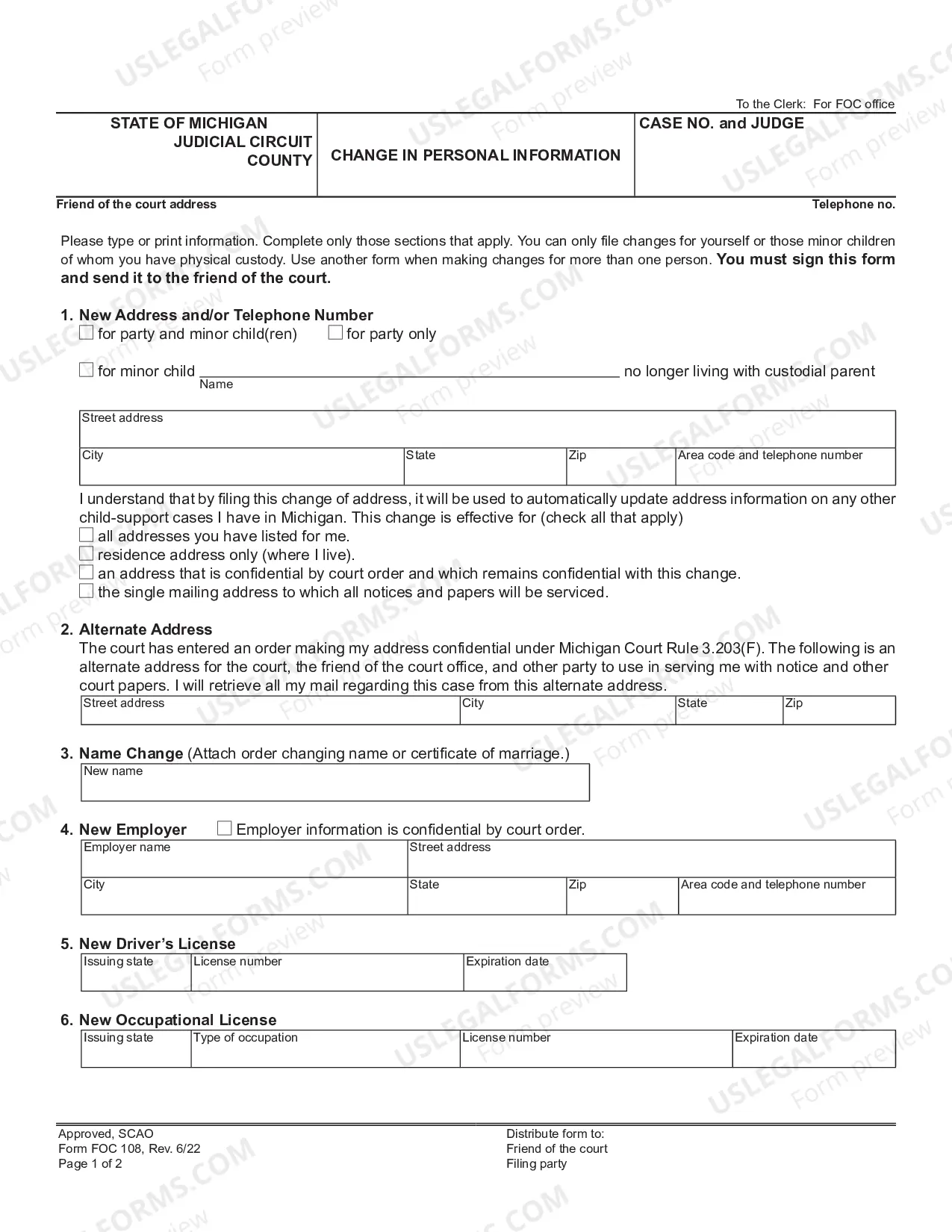
Michigan's Request to Change IVR Personal Identification Number (PIN) is a request form used to change the PIN associated with an individual's account. This request form can be used to change the PIN for accounts that use the Interactive Voice Response (IVR) system. It is important to have the correct PIN in order to access your account. Types of Michigan Request to Change IVR Personal Identification Number (PIN) include: • Change of PIN: Used to change the PIN associated with an individual's account. • Reset PIN: Used to reset an individual's PIN if they have forgotten it. • Create PIN: Used to create a PIN for a new account.
Michigan Request to Change IVR Personal Identification Number (PIN)
Instant download
This website is not affiliated with any governmental entity
Public form
Description
Request to Change IVR Personal Identification Number (PIN)
Get your form ready online
Our built-in tools help you complete, sign, share, and store your documents in one place.
Built-in online Word editor
Make edits, fill in missing information, and update formatting in US Legal Forms—just like you would in MS Word.
Export easily
Download a copy, print it, send it by email, or mail it via USPS—whatever works best for your next step.
E-sign your document
Sign and collect signatures with our SignNow integration. Send to multiple recipients, set reminders, and more. Go Premium to unlock E-Sign.
Notarize online 24/7
If this form requires notarization, complete it online through a secure video call—no need to meet a notary in person or wait for an appointment.
Store your document securely
We protect your documents and personal data by following strict security and privacy standards.

Make edits, fill in missing information, and update formatting in US Legal Forms—just like you would in MS Word.

Download a copy, print it, send it by email, or mail it via USPS—whatever works best for your next step.

Sign and collect signatures with our SignNow integration. Send to multiple recipients, set reminders, and more. Go Premium to unlock E-Sign.

If this form requires notarization, complete it online through a secure video call—no need to meet a notary in person or wait for an appointment.

We protect your documents and personal data by following strict security and privacy standards.
Looking for another form?



How to fill out Michigan Request To Change IVR Personal Identification Number (PIN)?
How much time and resources do you typically allocate to preparing formal documentation? There’s a superior alternative to obtaining such forms than employing legal professionals or spending hours searching the internet for a suitable template.
US Legal Forms is the premier online repository that offers expertly crafted and validated state-specific legal documents for any purpose, such as the Michigan Request to Change IVR Personal Identification Number (PIN).
Another benefit of our service is that you can access previously downloaded documents that you securely keep in your profile in the My documents tab. Retrieve them anytime and redo your paperwork as often as you need.
Save time and effort completing official documentation with US Legal Forms, one of the most dependable web services. Register with us today!
- Review the form content to ensure it aligns with your state requirements. To do so, check the form description or use the Preview option.
- If your legal template does not satisfy your needs, find another one using the search bar at the top of the page.
- If you already possess an account with us, Log In and download the Michigan Request to Change IVR Personal Identification Number (PIN). If not, continue to the next steps.
- Click Buy now once you identify the correct document. Choose the subscription plan that fits you best to access our library’s complete service.
- Register for an account and pay for your subscription. You can make a payment using your credit card or via PayPal - our service is completely reliable for that.
- Download your Michigan Request to Change IVR Personal Identification Number (PIN) onto your device and complete it either on a printed hard copy or electronically.
Form popularity
FAQ
To change your Michigan EBT PIN, first, you will need to contact the customer service line. They can guide you through the Michigan Request to Change IVR Personal Identification Number (PIN) process. You'll need to provide your identification details and follow the prompts to securely update your PIN. For a smoother experience, consider using the US Legal Forms platform; it offers easy-to-understand resources that walk you through the necessary steps.
You can find your IVR PIN by accessing your account on the appropriate state website. Once logged in, navigate to the section that details your personal identification information. If you cannot locate your PIN, consider submitting a Michigan Request to Change IVR Personal Identification Number (PIN) to obtain a new one. This process ensures that you maintain secure access to your account and personal information.
All family support, paternity, and interstate cases must be referred by the State of Michigan Department of Human Services (DHS). Contact the Office of Child Support Enforcement at 1- 866-661-0005 or 1-8-866-540-0008.
All future child support payments will be automatically deposited onto the card the customer initially received. If the card is ever lost or stolen, customers can request a new one from the Way2Go Cardholder Services Help Desk by calling 1-844-649-9843. Any new payments will automatically go to the new card.
All Child Support payments are processed through the Michigan State Disbursement Unit, (MiSDU). When a payment is made with correct information included with it, (docket numbers and SSN), it will be applied to the appropriate case(s) within 3 to 5 business days.
Michigan State Disbursement Unit (misdu.com) You may view your child support case information online, 24-hours a day using the secure MiChildSupport. You may also hear information about your child support case by calling the Michigan child support county interactive voice response (IVR) at 877-543-2660.
For all other questions about the card, contact Way2Go Card Customer Services 24 hours a day, toll-free at 1- 844-893-3119.
You may view your child support case information online, 24-hours a day using the secure MiChildSupport. You may also hear information about your child support case by calling the Michigan child support county interactive voice response (IVR) at 877-543-2660.
Please contact the MiSDU at 877-543-2660 for payment information.
For all other questions about the card, Way2Go Cardholder Services is available 24 hours a day, seven days a week, every day of the year, toll-free at 1-844-649-9843. 17.