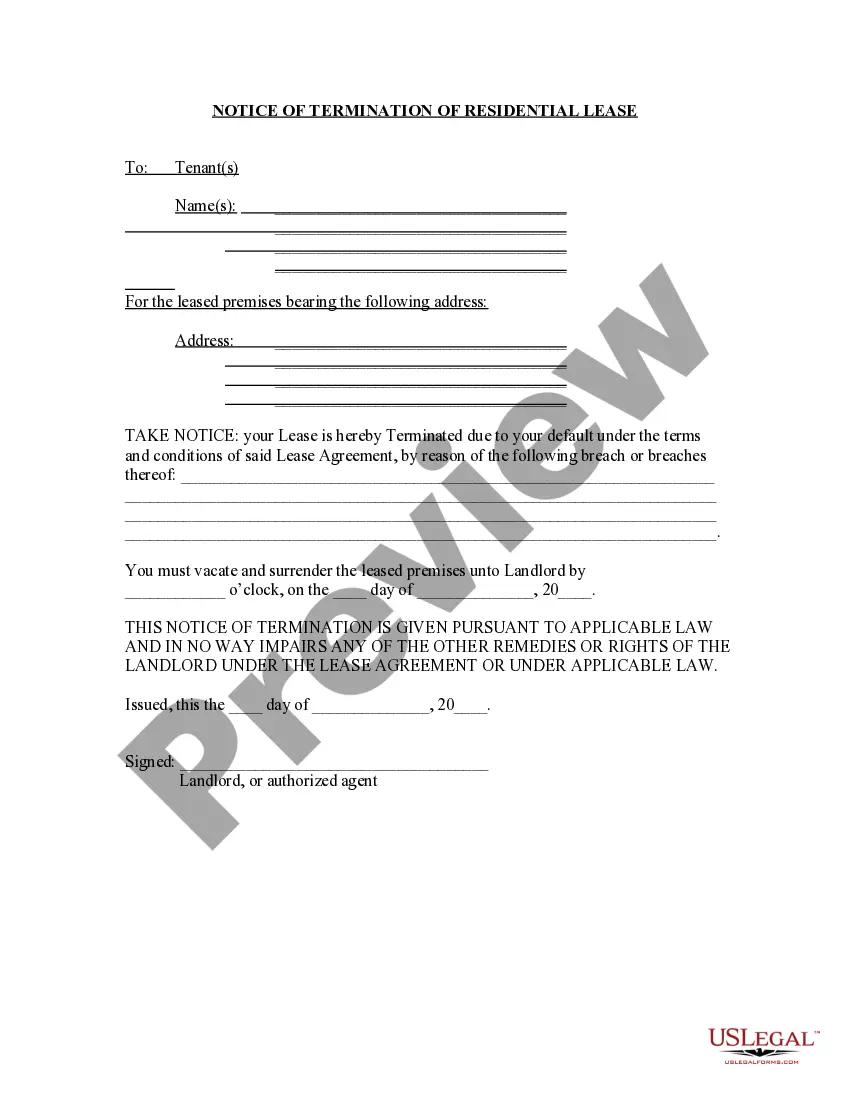
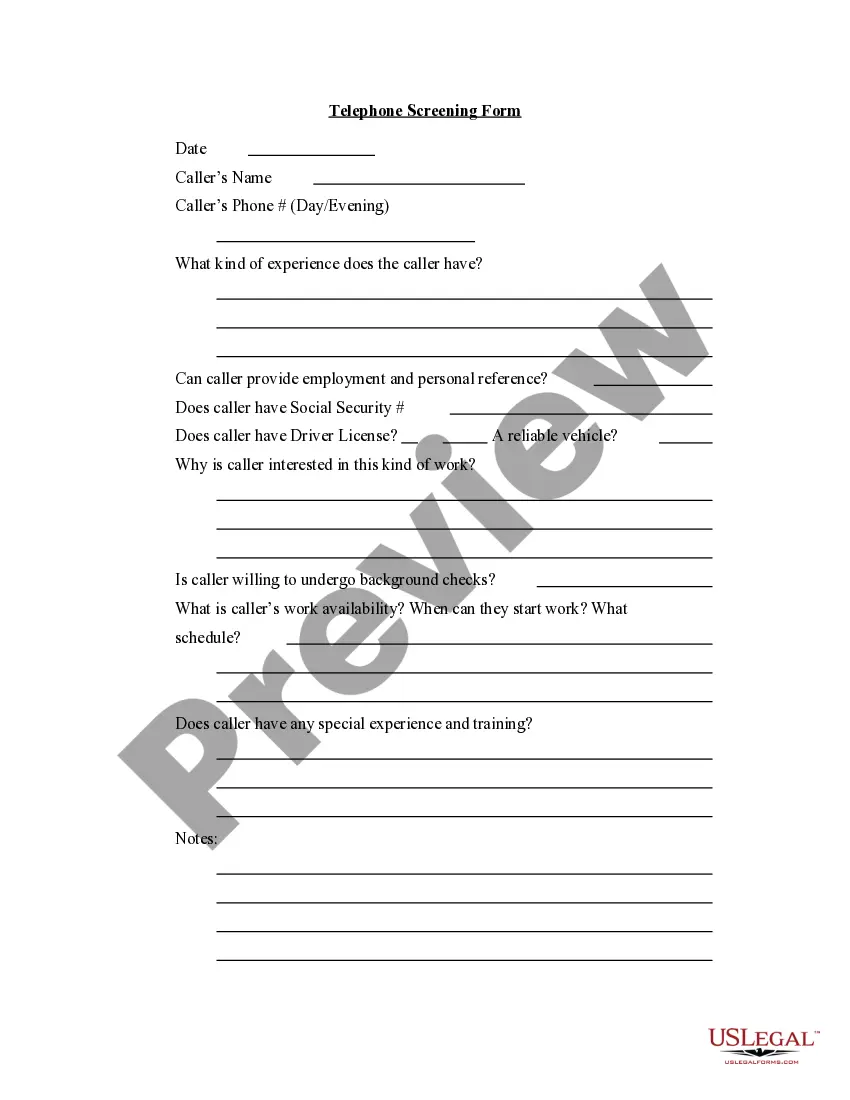
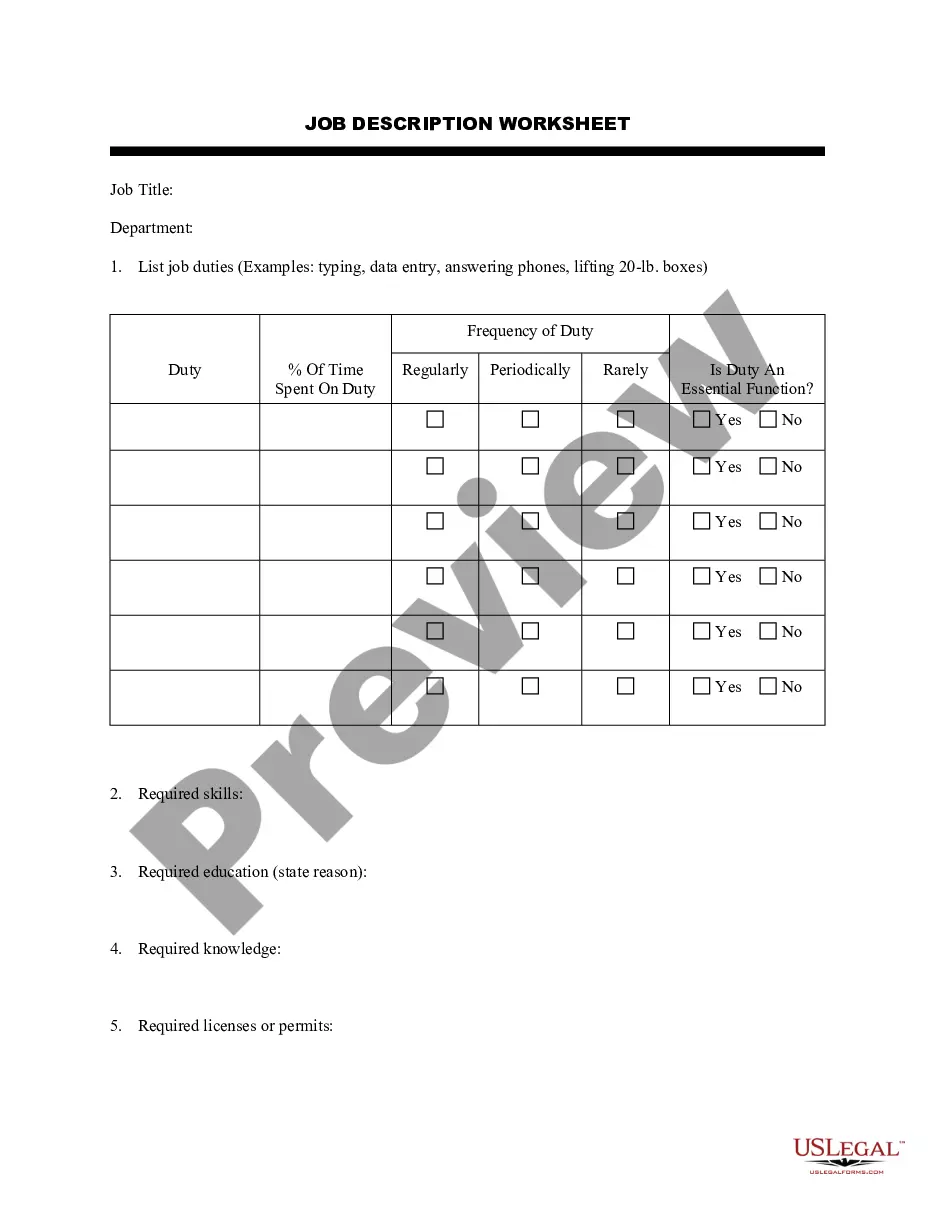
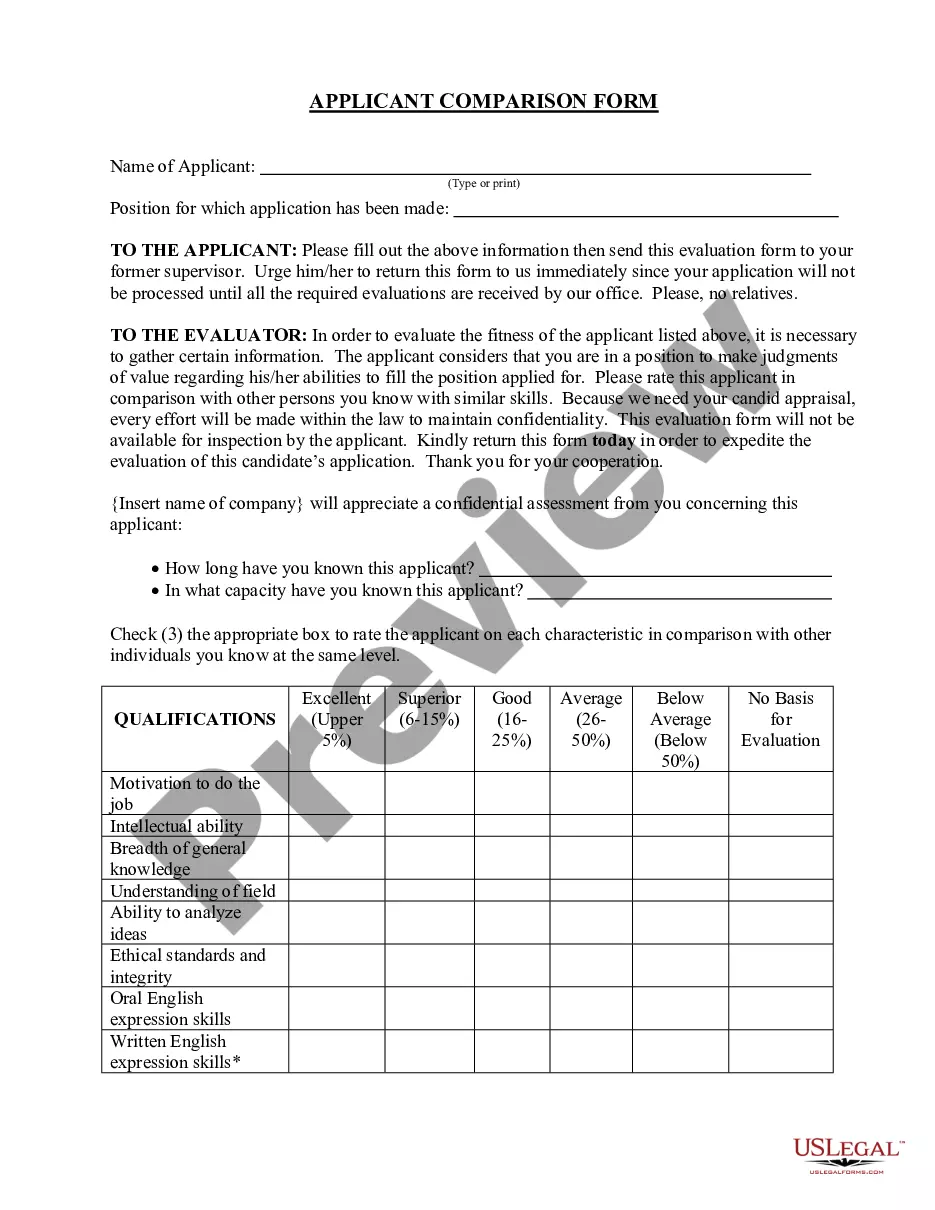
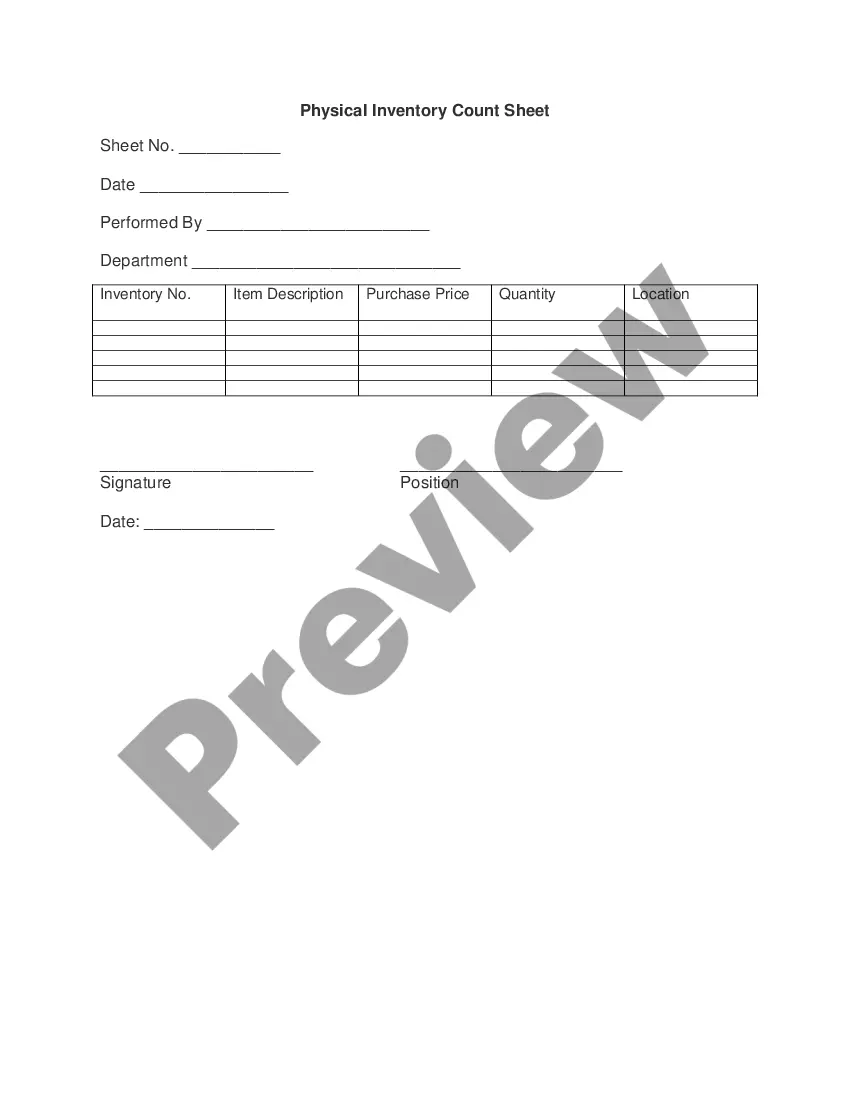
Indiana Temporary Help Screening Worksheet
Description


Get your form ready online
Our built-in tools help you complete, sign, share, and store your documents in one place.
Make edits, fill in missing information, and update formatting in US Legal Forms—just like you would in MS Word.
Download a copy, print it, send it by email, or mail it via USPS—whatever works best for your next step.
Sign and collect signatures with our SignNow integration. Send to multiple recipients, set reminders, and more. Go Premium to unlock E-Sign.
If this form requires notarization, complete it online through a secure video call—no need to meet a notary in person or wait for an appointment.
We protect your documents and personal data by following strict security and privacy standards.

Make edits, fill in missing information, and update formatting in US Legal Forms—just like you would in MS Word.

Download a copy, print it, send it by email, or mail it via USPS—whatever works best for your next step.

Sign and collect signatures with our SignNow integration. Send to multiple recipients, set reminders, and more. Go Premium to unlock E-Sign.

If this form requires notarization, complete it online through a secure video call—no need to meet a notary in person or wait for an appointment.

We protect your documents and personal data by following strict security and privacy standards.
Looking for another form?





How to fill out Temporary Help Screening Worksheet?
US Legal Forms - among the largest collections of legal documents in the United States - provides a variety of legal document templates that you can download or print. By using the site, you can access thousands of forms for business and personal purposes, organized by categories, states, or keywords.
You can retrieve the latest versions of forms like the Indiana Temporary Help Screening Worksheet in moments.
If you already possess a membership, Log In and download the Indiana Temporary Help Screening Worksheet from the US Legal Forms repository. The Download option will appear on every form you view. You have access to all previously acquired forms in the My documents section of your account.
Complete the transaction. Use your credit card or PayPal account to finalize the payment.
Select the format and download the form onto your device. Make changes. Complete, edit, print, and sign the downloaded Indiana Temporary Help Screening Worksheet. Every form you add to your account has no expiration date and is yours permanently. Therefore, if you wish to download or print another copy, simply go to the My documents section and click on the form you need. Access the Indiana Temporary Help Screening Worksheet through US Legal Forms, one of the most extensive collections of legal document templates. Utilize a wide range of professional and state-specific templates that meet your business or individual needs and requirements.
- First, ensure you have selected the correct form for your state/region.
- Click the Review option to examine the form's content.
- Read the form description to make sure you have the right form.
- If the form does not meet your needs, use the Search box at the top of the screen to find one that does.
- When satisfied with the form, confirm your selection by clicking Purchase now.
- Then, choose the payment plan you prefer and provide your information to create an account.
Form popularity
FAQ
State and federal law provides for the order of distribution of child support collections received. If you are currently receiving TANF benefits when child support is collected, the state will keep the child support for repayment of TANF benefits.
Indiana TANF TANF benefits vary based on the family's countable income up to the maximum allowable amount of $592 for a family of three.
Five-Year Time Limit: Families who have received assistance for five years (or less at state option) will be ineligible for state aid under the new welfare law. States are permitted to exempt certain families from the time limit.
Terms of Indiana TANF cash assistance The cash, whether it is about $140 or $700 per month, the money will be authorized to pay for really any bills the household has, provided it addresses so called basic needs.
The average amount in Indiana is about $346 per month, with a minimum of $139 and a maximum of $697 per month.
Indiana's Temporary Assistance for Needy Families (TANF) program provides cash assistance to families with dependent children and requires adults to work or prepare for work.
You may only receive cash assistance as an adult for a total of five years in your lifetime, no matter where you live. Any month in which you receive cash benefits counts toward the five-year (60-month) time limit.
To apply for PUA benefits, you must first file a regular claim for unemployment insurance benefits. Instructions on how to add your employer can be found here. If you are denied, the PUA application will then appear on your claimant home page as a To-Do at the top of the screen for you to submit you PUA application.