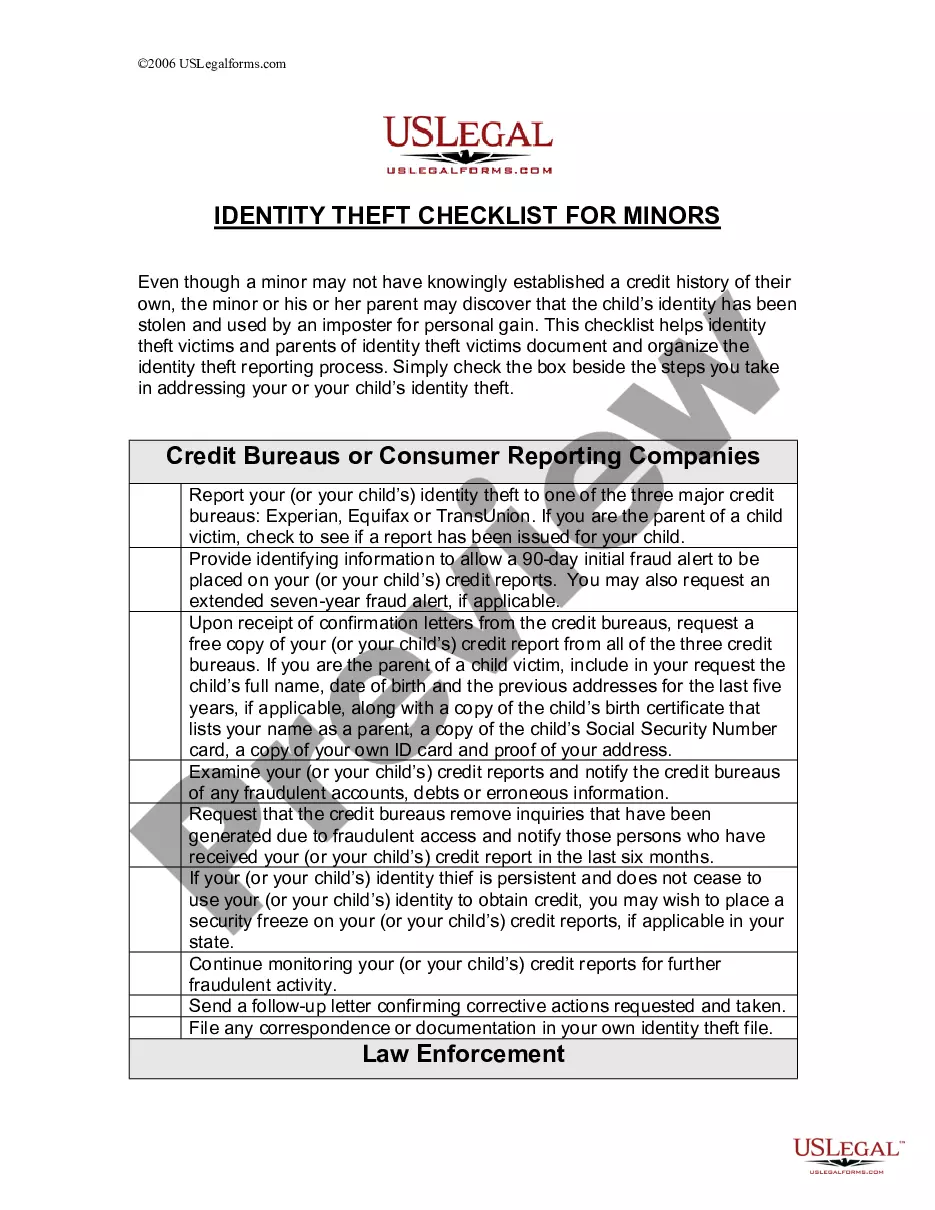
California Employment Information Form
Description



Get your form ready online
Our built-in tools help you complete, sign, share, and store your documents in one place.
Make edits, fill in missing information, and update formatting in US Legal Forms—just like you would in MS Word.
Download a copy, print it, send it by email, or mail it via USPS—whatever works best for your next step.
Sign and collect signatures with our SignNow integration. Send to multiple recipients, set reminders, and more. Go Premium to unlock E-Sign.
If this form requires notarization, complete it online through a secure video call—no need to meet a notary in person or wait for an appointment.
We protect your documents and personal data by following strict security and privacy standards.

Make edits, fill in missing information, and update formatting in US Legal Forms—just like you would in MS Word.

Download a copy, print it, send it by email, or mail it via USPS—whatever works best for your next step.

Sign and collect signatures with our SignNow integration. Send to multiple recipients, set reminders, and more. Go Premium to unlock E-Sign.

If this form requires notarization, complete it online through a secure video call—no need to meet a notary in person or wait for an appointment.

We protect your documents and personal data by following strict security and privacy standards.
Looking for another form?


How to fill out Employment Information Form?
You can utilize your time online looking for the legal document template that satisfies the federal and state requirements you desire.
US Legal Forms offers numerous legal forms that are vetted by professionals.
You can download or print the California Employment Information Form from the services provided.
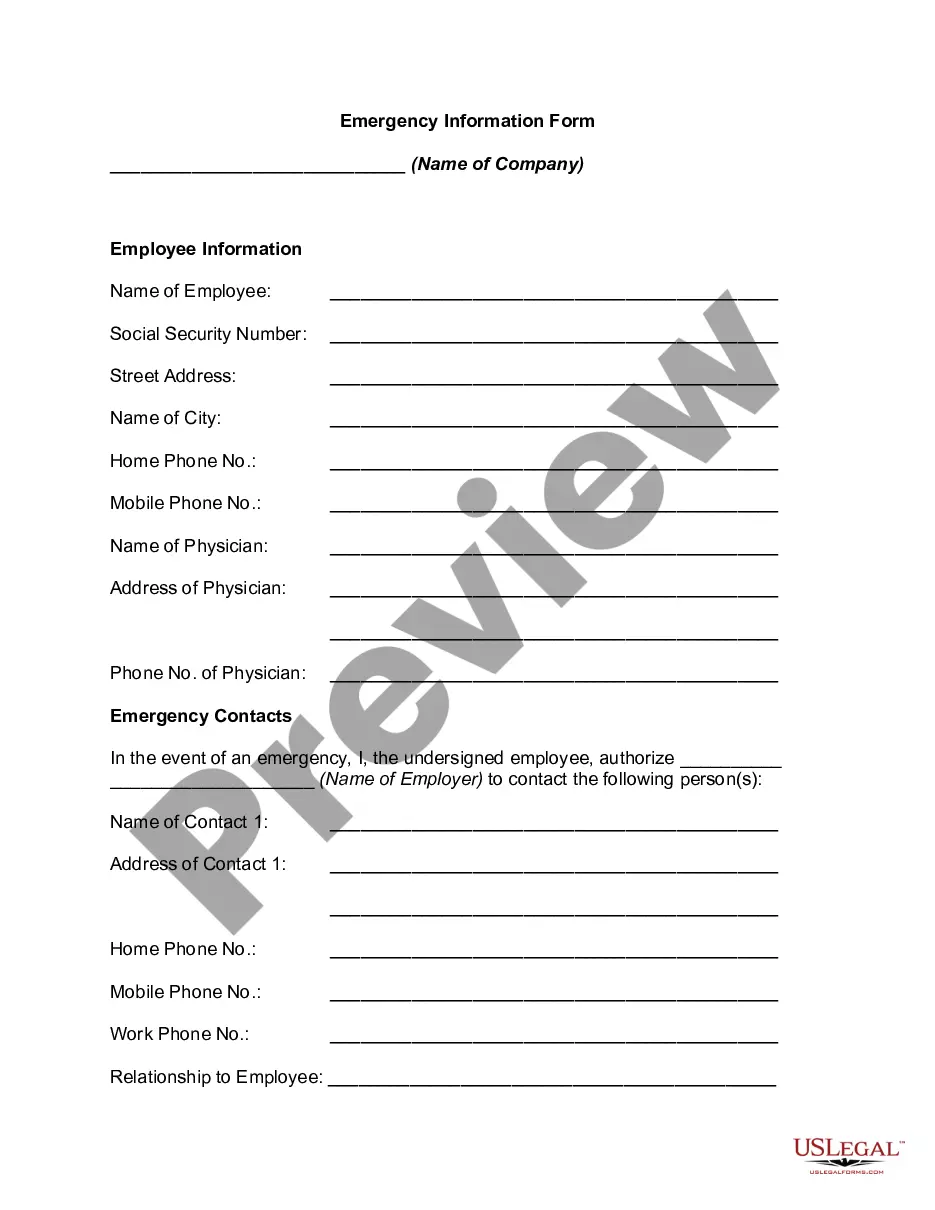
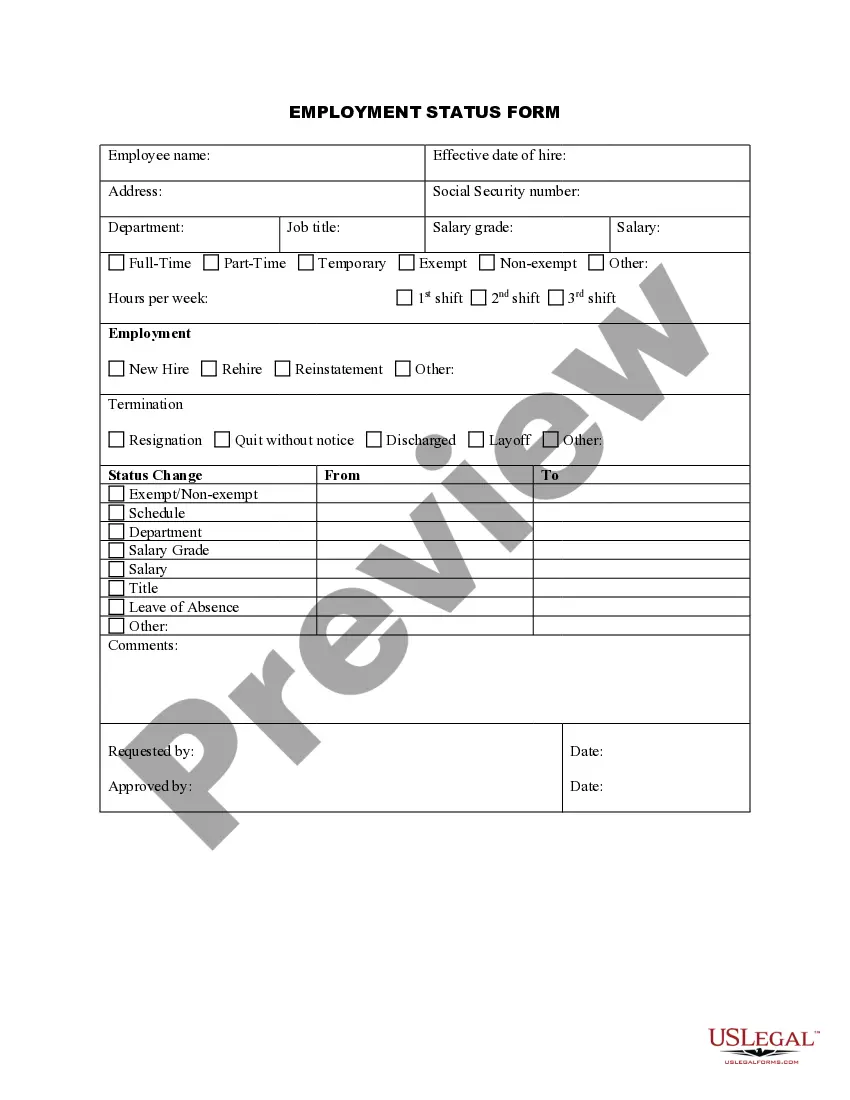
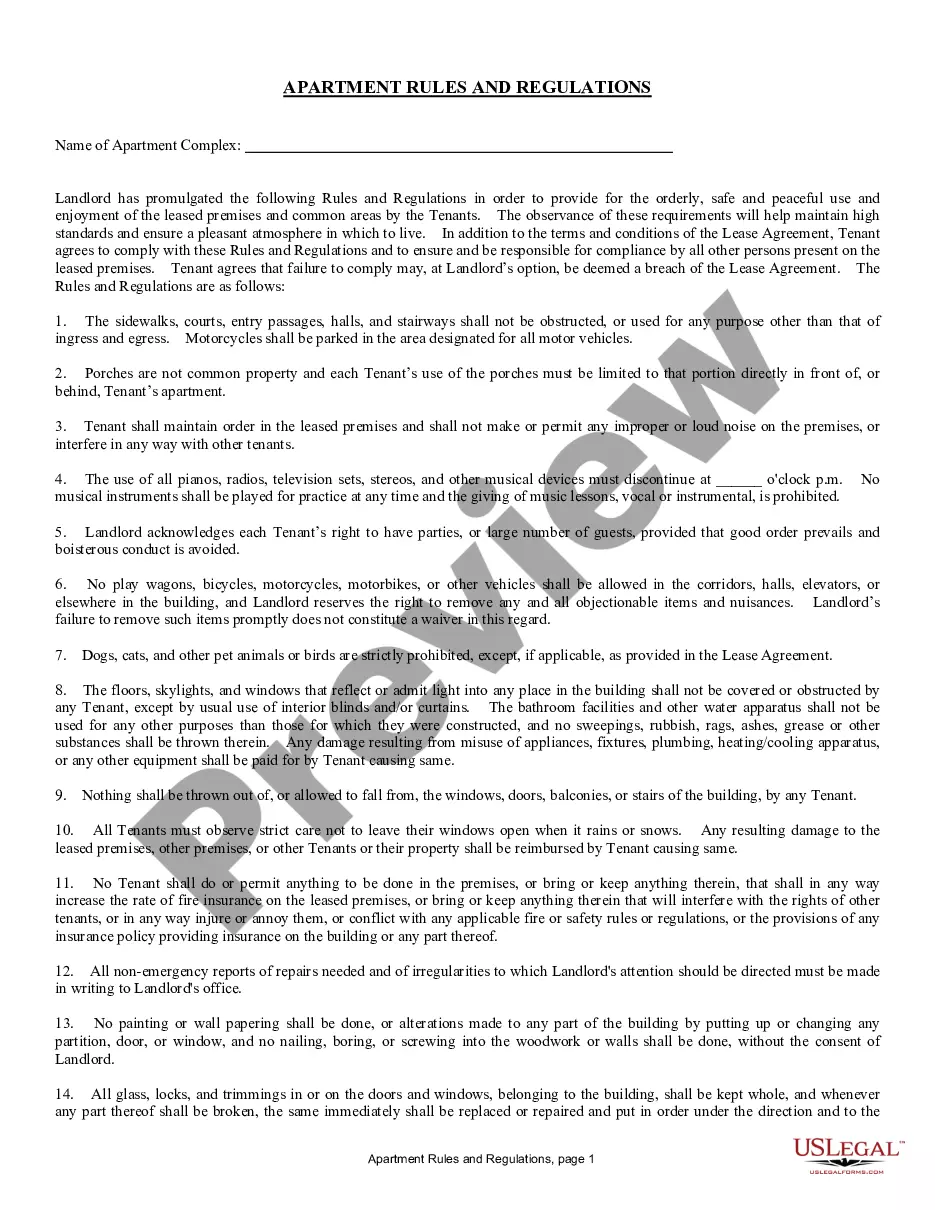
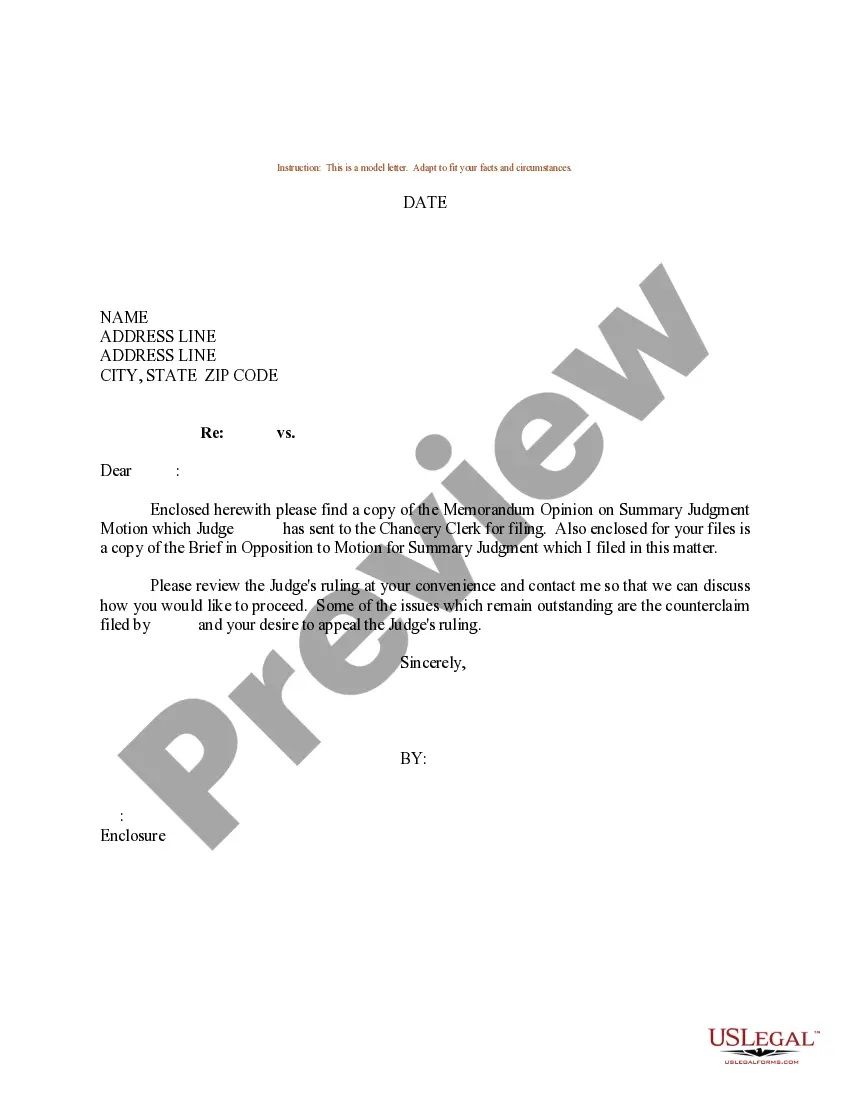
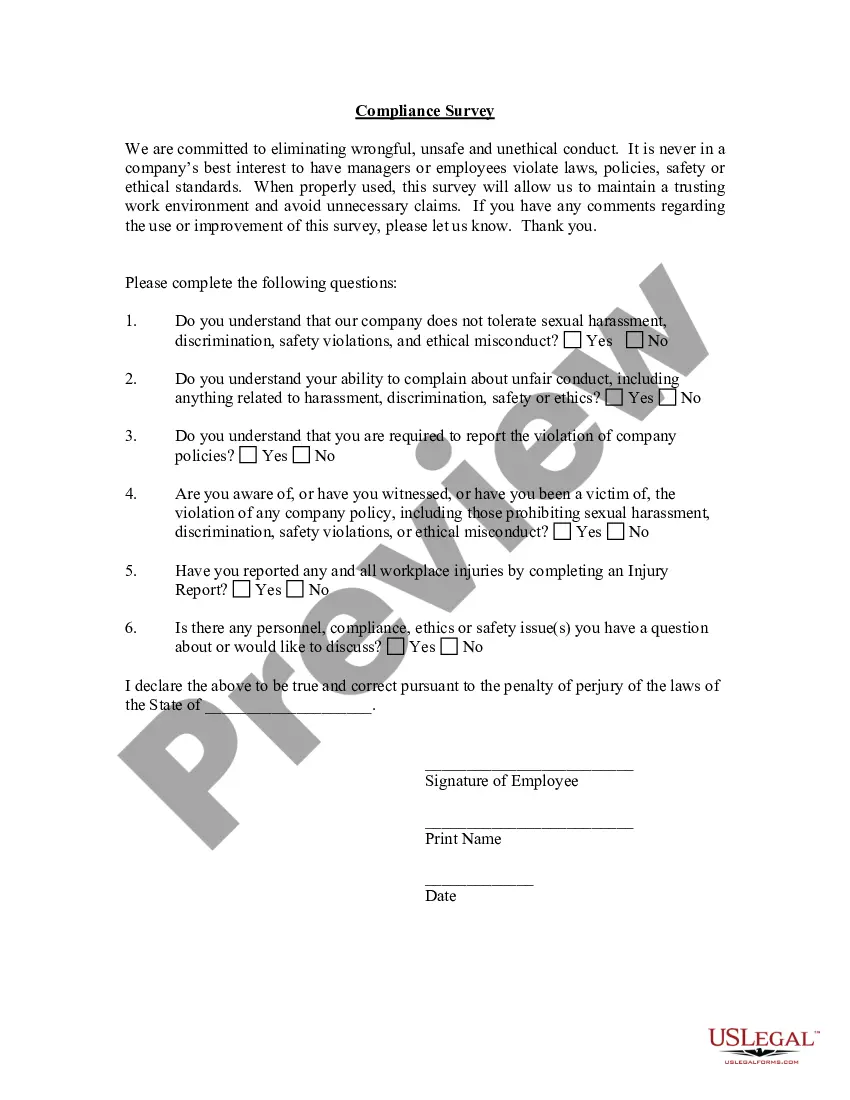
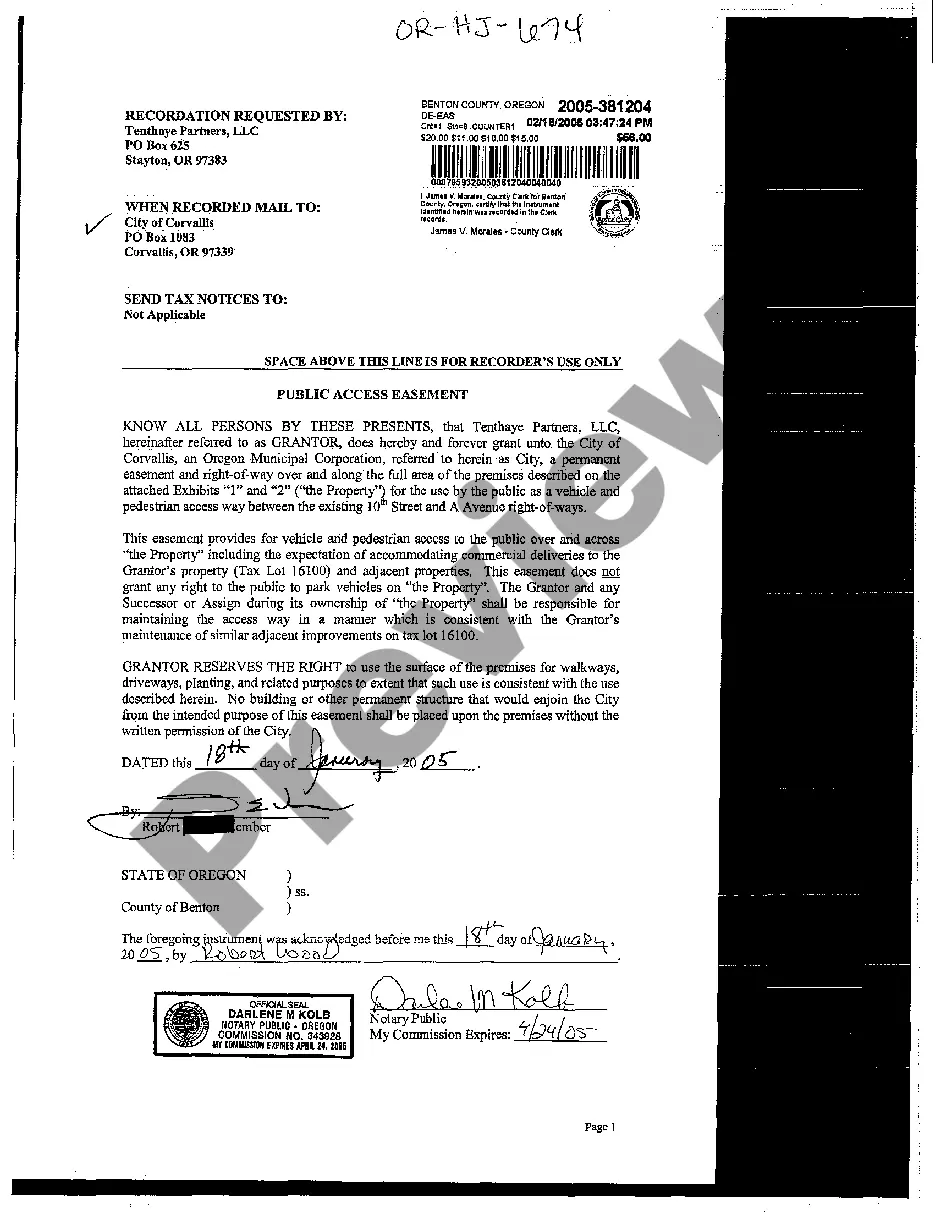
Review the form details to ensure you have selected the correct one. If available, take advantage of the Preview button to browse the document template together.
- If you possess a US Legal Forms account, you can sign in and click on the Get button.
- After that, you can complete, edit, print, or sign the California Employment Information Form.
- Each legal document template you obtain is yours indefinitely.
- To obtain an additional copy of any form you have acquired, visit the My documents section and click on the relevant button.
- If you are using the US Legal Forms website for the first time, follow the simple instructions below.
- First, make sure you have selected the correct document template for the region/city of your choice.
Form popularity
FAQ
To fill out an employment form correctly, start by reviewing all required sections and understanding what information is necessary. Provide accurate personal details, work history, and references as instructed. Make sure to refer to the California Employment Information Form for best practices in completing these sections efficiently.
Getting the form from your physician/practitioner or employer. Visiting an SDI Office. Calling 1-800-480-3287 to request a paper form by mail.
Step 1: Get Your Claim FormOrdering a form online to have it mailed to you.Getting the form from your physician/practitioner or employer.Visiting an SDI Office.Calling 1-800-480-3287 to request a paper form by mail.
Employers can print and complete the Internet version for submission to EDD. The Traditional Chinese version is a sample and is to be used as a guide when completing the English version. Review the DE 4209, Completion Instructions for Notice of Reduced Earnings for more information on partial claims.
Recommended: Log in to your UI Online account and go to the Upload Income Documents for PUA section on the homepage to provide the required documents. If you prefer to mail your documents, write your 10-digit EDD Customer Account Number (EDDCAN) clearly at the top of each page.
mail. Send an email to WOTCsupport@edd.ca.gov. Important Security Reminder: For your protection, if you are sending us an email through third party email software (e.g., Yahoo, Gmail, Outlook), please do not include confidential information such as account numbers, passwords, or Social Security numbers.
Claim for Disability Insurance (DI) Benefits (DE 2501) English: You must submit an original form provided by the EDD, either electronically or through US mail. It cannot be downloaded or reproduced.
Employers can print and complete the Internet version for submission to EDD. The Traditional Chinese version is a sample and is to be used as a guide when completing the English version.