California Personnel File Sheet
Description



Get your form ready online
Our built-in tools help you complete, sign, share, and store your documents in one place.
Make edits, fill in missing information, and update formatting in US Legal Forms—just like you would in MS Word.
Download a copy, print it, send it by email, or mail it via USPS—whatever works best for your next step.
Sign and collect signatures with our SignNow integration. Send to multiple recipients, set reminders, and more. Go Premium to unlock E-Sign.
If this form requires notarization, complete it online through a secure video call—no need to meet a notary in person or wait for an appointment.
We protect your documents and personal data by following strict security and privacy standards.

Make edits, fill in missing information, and update formatting in US Legal Forms—just like you would in MS Word.

Download a copy, print it, send it by email, or mail it via USPS—whatever works best for your next step.

Sign and collect signatures with our SignNow integration. Send to multiple recipients, set reminders, and more. Go Premium to unlock E-Sign.

If this form requires notarization, complete it online through a secure video call—no need to meet a notary in person or wait for an appointment.

We protect your documents and personal data by following strict security and privacy standards.
Looking for another form?
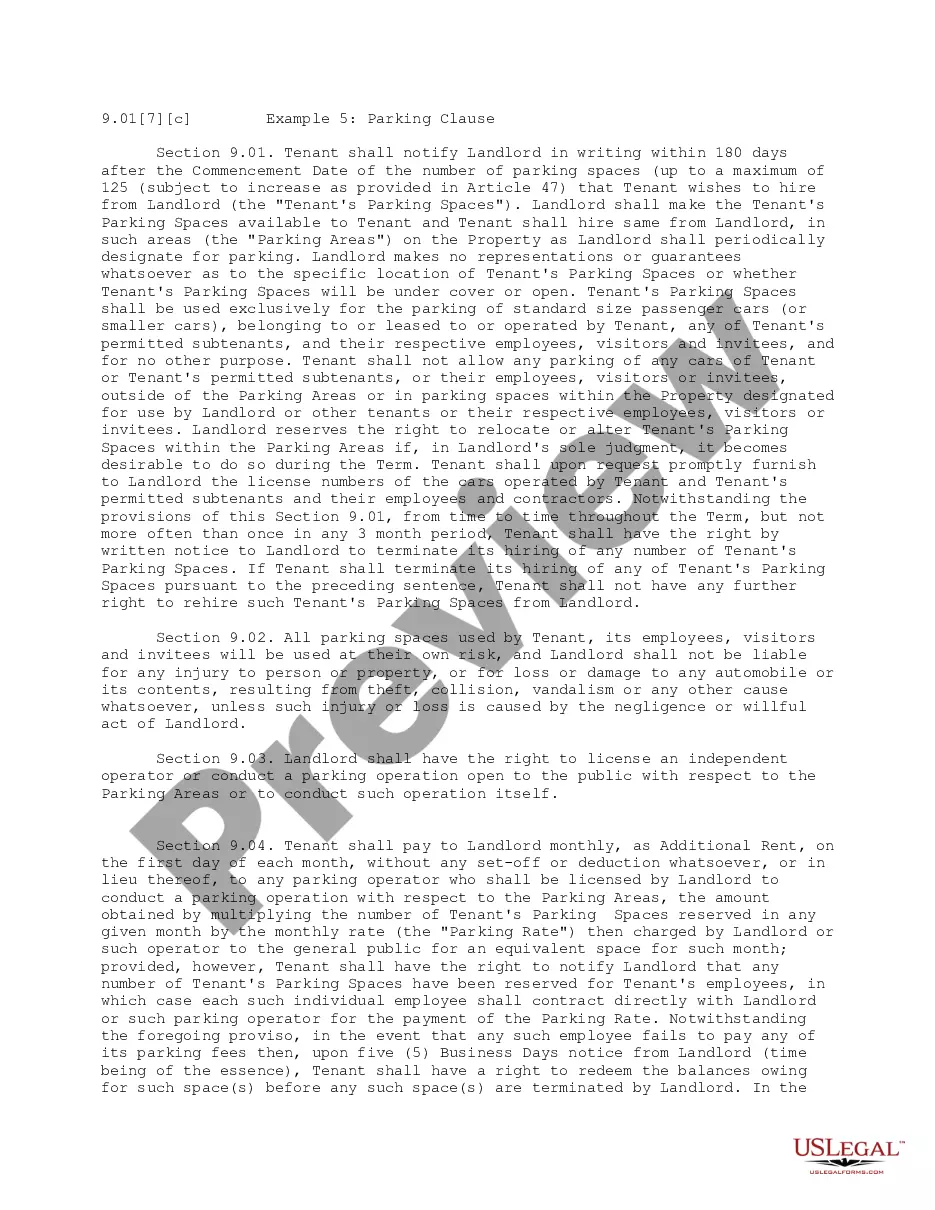



How to fill out Personnel File Sheet?
If you require extensive, procuring, or producing legal document templates, utilize US Legal Forms, the largest selection of legal forms, available online.
Utilize the site's straightforward and convenient search function to locate the documents you need.
A variety of templates for business and personal purposes are organized by categories and states, or keywords.
Step 4. Once you locate the form you require, click the Purchase now button. Choose the pricing plan you prefer and enter your information to create an account.
Step 5. Complete the transaction. You can use your credit card or PayPal account to finalize the purchase.
- Employ US Legal Forms to acquire the California Personnel File Sheet with just a few clicks.
- If you are already a US Legal Forms customer, Log Into your account and click the Download button to retrieve the California Personnel File Sheet.
- You can also access forms you previously retrieved in the My documents section of your account.
- If this is your first time using US Legal Forms, follow the instructions below.
- Step 1. Ensure you have selected the form for the correct city/state.
- Step 2. Use the Review feature to examine the content of the form. Be sure to read through the details.
- Step 3. If you are not satisfied with the template, utilize the Search field at the top of the screen to find alternative versions of the legal document template.
Form popularity
FAQ
Creating a personnel file involves gathering essential documents related to an employee’s employment. Start by collecting the job application, offer letter, performance reviews, and any disciplinary records. Using a California Personnel File Sheet template can simplify this process and ensure all necessary information is included.
Your Personnel File (California Labor Code § 1198.5) The employer must make the personnel file/performance documents available to the worker or his representative within 30 days from the date it receives a written request. If the employer fails to comply, the employee can recover a $750 penalty from the employer.
Personnel files usually contain documents that the employee has already reviewed and so he or she is familiar with their content. This includes documents such as job applications, performance evaluations, letters of recognition, training records, and forms that relate to transfers and promotion.
To organize electronic files, you should create folders that clearly explain your organizational method. You can organize files by employee, in which case you'll have a folder with the employee's name that contains all of the related documents.
Here are some key steps to help you organize employees' personnel files in your organization:Determine which documents to store.Choose a filing method.Format your documents.Learn who can access the files.Create a file retention policy.Update the files as needed.08-Jul-2021
Examples of items that should not be included in the personnel file are:Pre-employment records (with the exception of the application and resume)Monthly attendance transaction documents.Whistleblower complaints, notes generated from informal discrimination complaint investigations, Ombuds, or Campus Climate.More items...
The things to include in an employee's personnel file are:Job application, CV and cover letter.Education and past employment info.Role description.Job offer letter and employment contract.Emergency contact information.Training records.Payroll and benefits information (but not bank details)Performance appraisal forms.More items...?
Whether you use paper, electronic files or both, consistency is the key to effective recordkeeping. For example, if your hiring records are sorted by employee name, organize payroll records the same way. Keep the same system across all types of records, and make sure your file folders have accurate, uniform names.
Employee files should be stored in a secure location and be kept strictly confidential. Access should be restricted to those with a legitimate need to know or as required by law. Several categories of records must be maintained according to specific requirements.