California Simple Time Sheet With Breaks Recorded
What this document covers
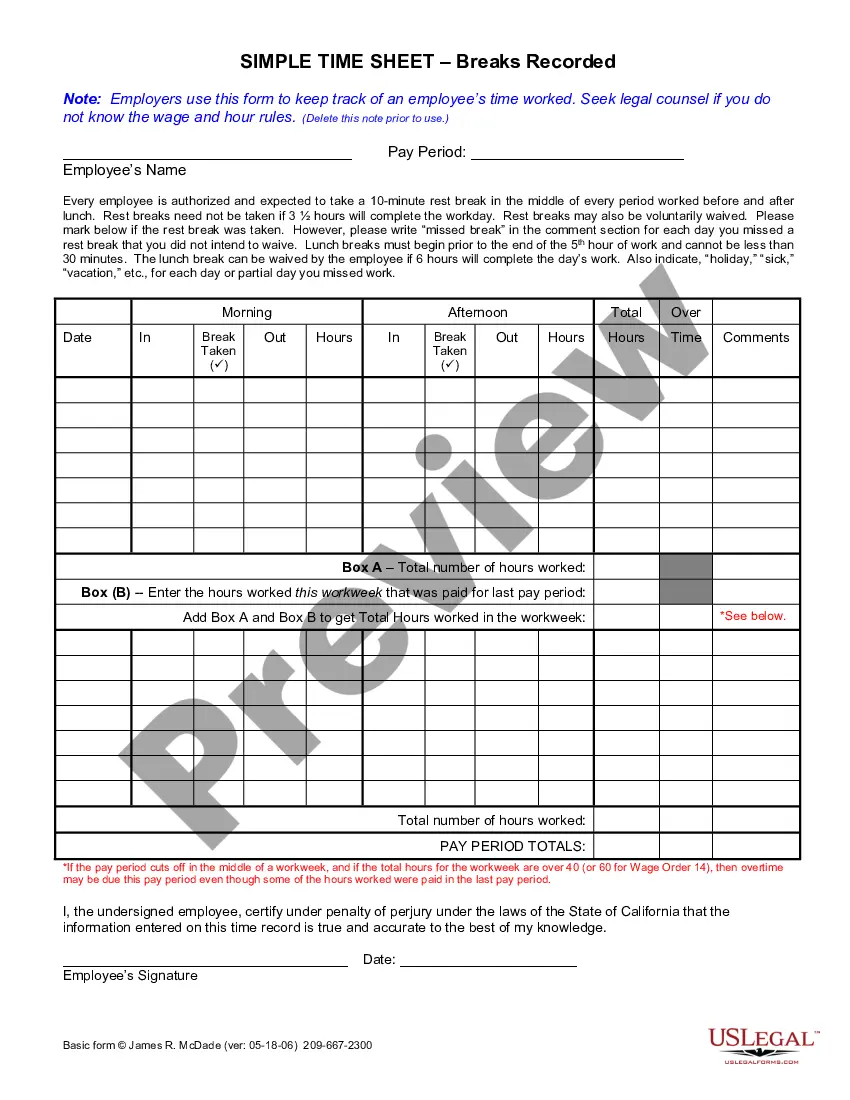
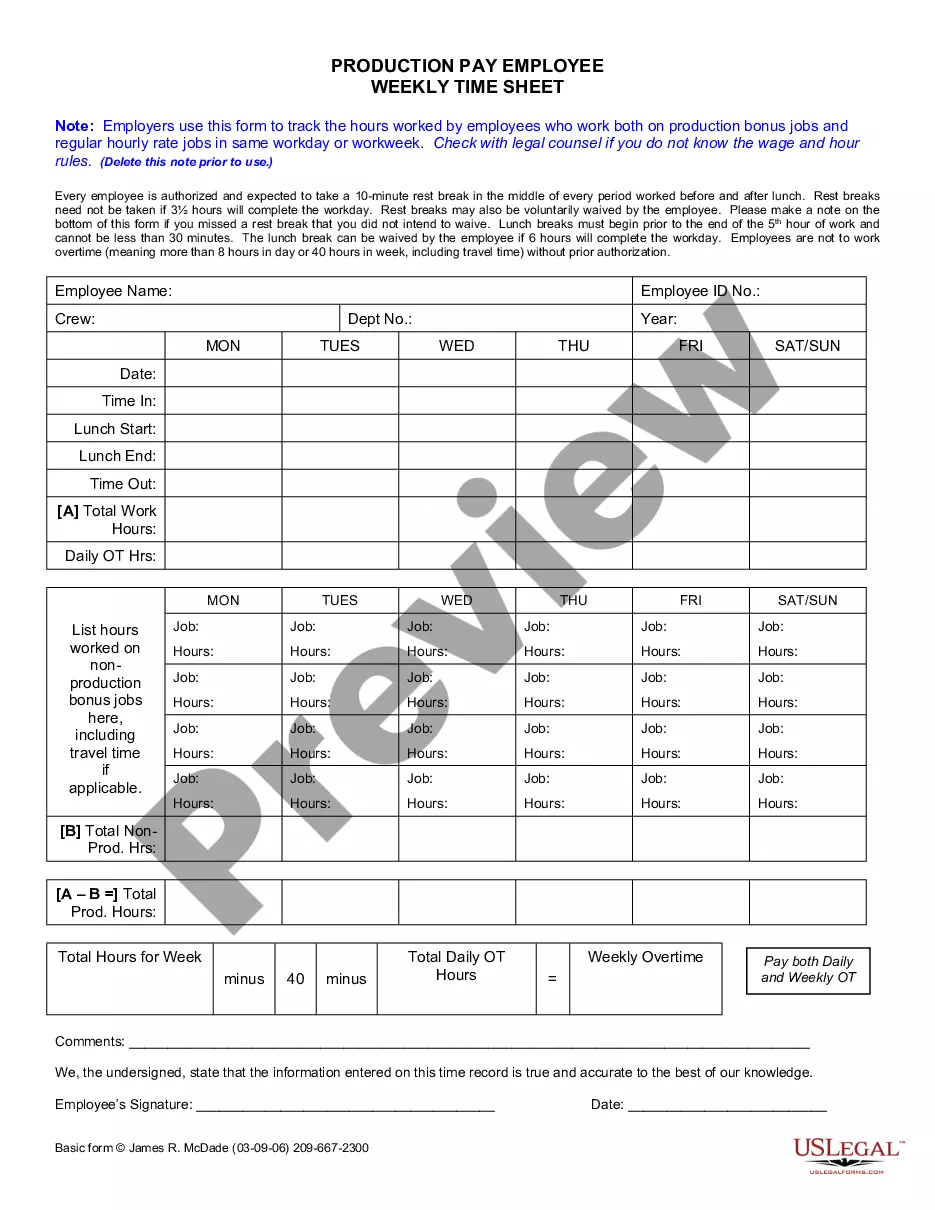
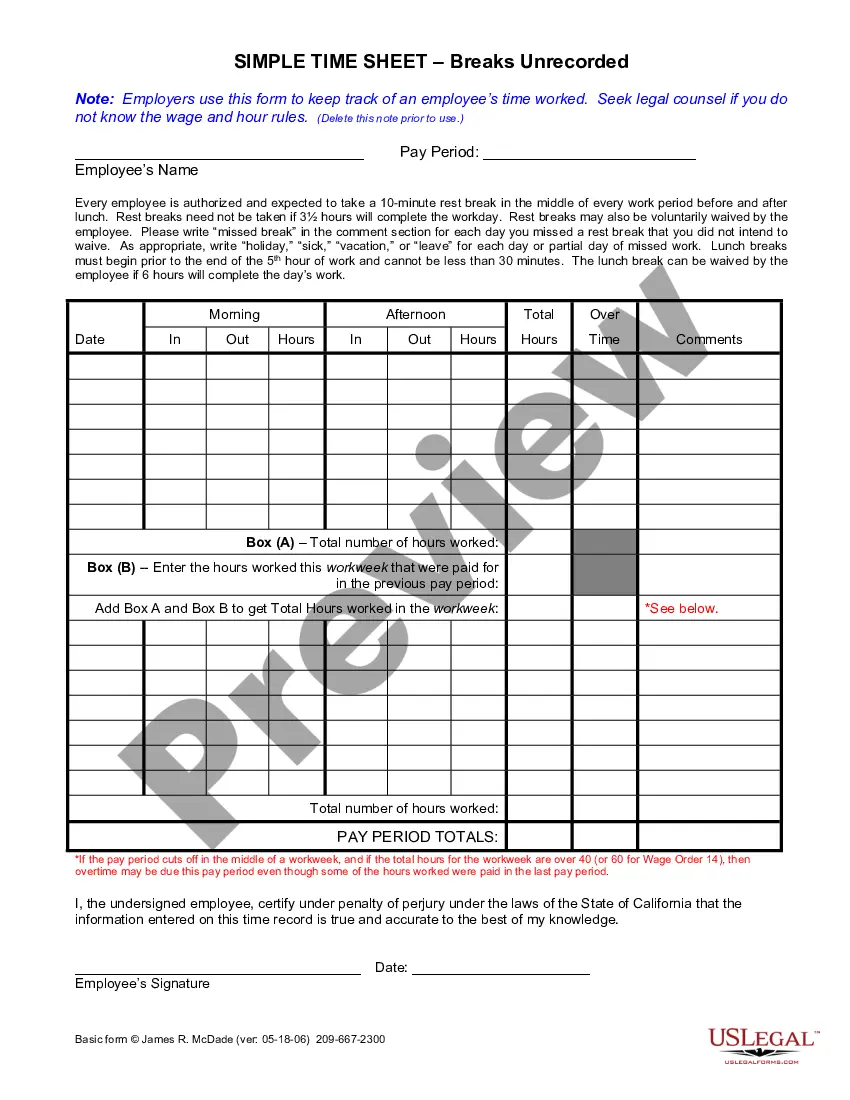
The Simple Time Sheet With Breaks Recorded is a crucial tool for employers to accurately track the time worked by employees. This form goes beyond simple time recording by including spaces for breaks, lunches, and overtime, ensuring compliance with wage and hour rules. This comprehensive approach helps both employers and employees maintain accurate records and avoid potential disputes regarding hours worked.
Main sections of this form
- Pay period section to specify the duration of time tracked.
- Employee details including name to identify the individual using the time sheet.
- Breaks section to record both regular and lunch breaks taken by the employee.
- Comment section for noting missed breaks and other relevant absences.
- Certification statement for the employee to affirm the accuracy of the information provided.

When this form is needed
This form is essential for any employer who wants to systematically track employee hours, including regular hours, breaks, and overtime. It is particularly useful during payroll periods to ensure employees receive appropriate compensation for their time. The form is also valuable for compliance with labor laws, assisting employers in verifying that breaks are appropriately provided as required by law.
Who should use this form
- Employers who manage hourly employees and need to track time worked.
- Human resources professionals responsible for payroll and compliance.
- Employees who want to maintain accurate records of their hours worked for personal reference.
Completing this form step by step
- Enter the pay period at the top of the form to define the timeframe for tracking hours.
- Fill in the employeeâs name to identify who the time sheet belongs to.
- Record the start and end times for each workday, including breaks taken.
- Indicate any days when breaks were missed in the comments section.
- At the end of the pay period, calculate the total hours worked and include any carried over hours if applicable.
- Have the employee sign and date the form to certify that the information is accurate.
Does this document require notarization?
This form does not typically require notarization unless specified by local law. However, ensuring that the employeeâs signature is obtained is crucial for the validity of the recorded hours.
Get your form ready online
Our built-in tools help you complete, sign, share, and store your documents in one place.
Make edits, fill in missing information, and update formatting in US Legal Forms—just like you would in MS Word.
Download a copy, print it, send it by email, or mail it via USPS—whatever works best for your next step.
Sign and collect signatures with our SignNow integration. Send to multiple recipients, set reminders, and more. Go Premium to unlock E-Sign.
If this form requires notarization, complete it online through a secure video call—no need to meet a notary in person or wait for an appointment.
We protect your documents and personal data by following strict security and privacy standards.

Make edits, fill in missing information, and update formatting in US Legal Forms—just like you would in MS Word.

Download a copy, print it, send it by email, or mail it via USPS—whatever works best for your next step.

Sign and collect signatures with our SignNow integration. Send to multiple recipients, set reminders, and more. Go Premium to unlock E-Sign.

If this form requires notarization, complete it online through a secure video call—no need to meet a notary in person or wait for an appointment.

We protect your documents and personal data by following strict security and privacy standards.
Mistakes to watch out for
- Not including the pay period, which can cause confusion during payroll.
- Failing to sign or date the form, which can invalidate the record.
- Inaccurately reporting hours worked or breaks taken, leading to compliance issues.
Why use this form online
- Convenient access to the form allows for timely submissions and record keeping.
- Editable templates ensure data can be easily modified to reflect changes in schedules.
- Reliability of forms drafted by licensed attorneys helps ensure legal compliance.
Legal use & context
- Verifying hours worked is essential for compliance with labor laws.
- Maintaining accurate records helps protect against potential disputes over wages.
- This form facilitates adherence to state regulations regarding mandatory breaks and overtime calculations.
Key takeaways
- The Simple Time Sheet With Breaks Recorded is essential for accurate payroll and compliance.
- It includes specific sections for breaks, ensuring adherence to labor laws.
- Accurate completion and employee certification are crucial to prevent disputes.
Looking for another form?

Form popularity
FAQ
The California Simple Time Sheet With Breaks Recorded is a wage-and-hour time-tracking template employers use to record hours worked, breaks, lunch periods, and overtime, with an employee certification. It supports payroll accuracy and compliance with California labor rules during each pay period.
To use it, fill in the pay period and employee name, then record breaks and overtime in the designated sections. Note missed breaks in the comments, ensure lunch breaks are captured, and have the employee certify the information to confirm accuracy on the record.
California wage-and-hour rules generally require employers to keep accurate records of hours worked, breaks, and overtime. The California Simple Time Sheet With Breaks Recorded helps meet those expectations by providing structured fields for a pay period, employee details, regular and lunch breaks, a comments section, and an employee certification to affirm the accuracy of the entries.
The form records whether lunch breaks were taken, but it does not determine legality. California meal-break rules govern when breaks are required, while this template is used to document actual breaks for payroll accuracy and compliance. For legal standards or exceptions, consult a licensed attorney or official state guidance.
This form does not enact new laws. It provides a structured way to document meal breaks to support compliance with California wage-and-hour rules. For updates or specifics about current lunch-break requirements, refer to official California Department of Industrial Relations guidance.
This form adds explicit breaks and lunch tracking, plus a certification field, in addition to basic hours worked. This enables precise documentation of breaks and overtime for wage-and-hour compliance, whereas a standard time sheet often records only hours worked without structured sections for breaks or a sworn certification.