Org Chart Template In Powerpoint
Description
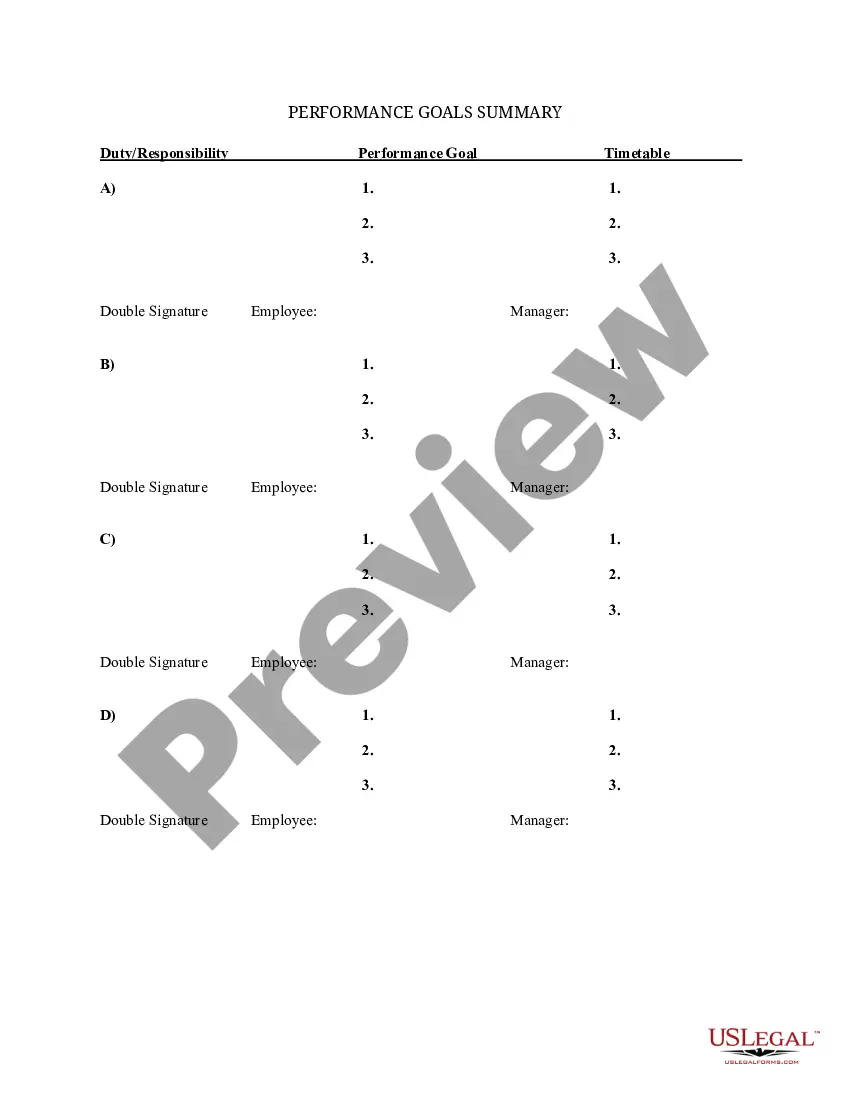
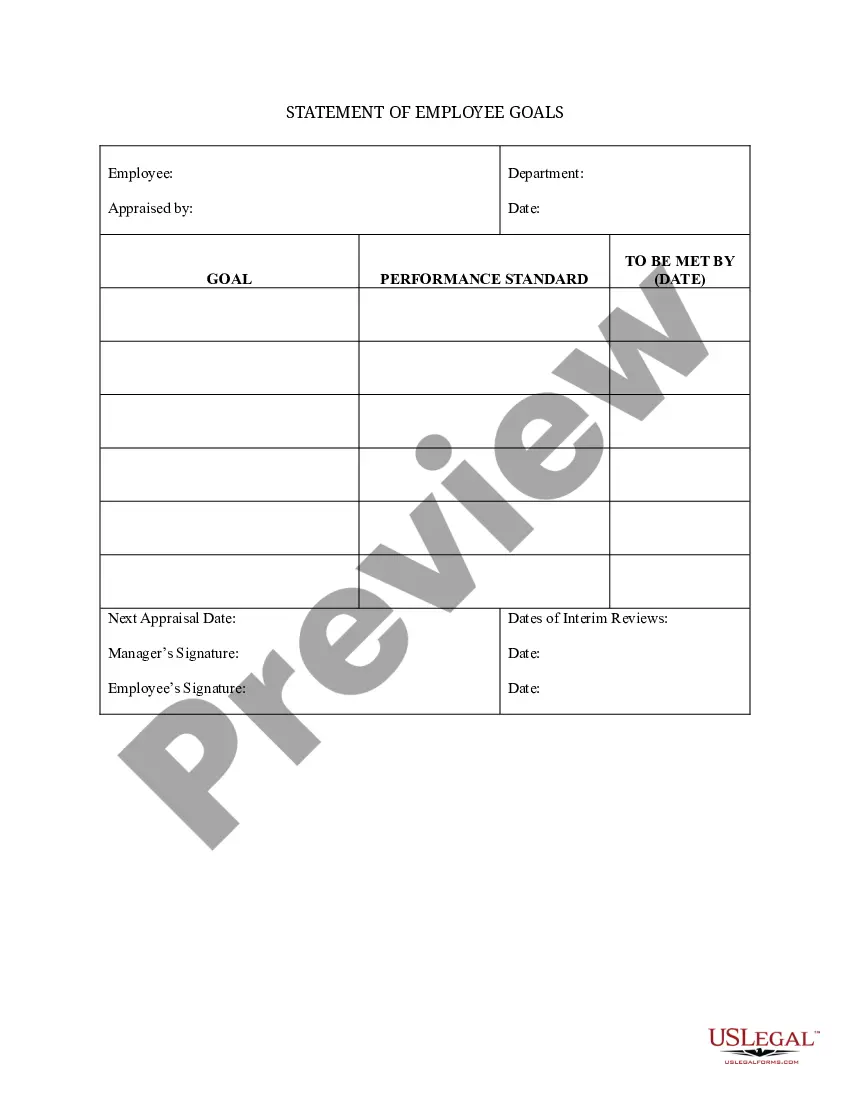



How to fill out Summary Of Departmental Goals - Individual Employee Chart?
Accessing legal documents that align with federal and state regulations is essential, and the web provides numerous choices to choose from.
However, what is the advantage of spending time searching for the ideal Org Chart Template In Powerpoint example online if the US Legal Forms digital library already compiles such templates in one location.
US Legal Forms is the largest online legal repository featuring over 85,000 fillable documents created by legal professionals for various business and personal situations. These documents are easy to navigate, with all files categorized by state and intended usage. Our experts keep up with legislative changes, ensuring that your form is always current and compliant when you secure an Org Chart Template In Powerpoint from our site.
All documents obtained through US Legal Forms are reusable. To re-download and fill out previously acquired forms, visit the My documents section in your profile. Take advantage of the most comprehensive and user-friendly legal document service!
- Securing a Org Chart Template In Powerpoint is quick and straightforward for both existing and new users.
- If you already possess an account with an active subscription, Log In and download the document sample you need in your desired format.
- If you're new to our platform, follow the steps below.
- Examine the template using the Preview feature or the text outline to confirm it meets your requirements.
- Use the search function at the top of the page to find an alternative sample if necessary.
- Click Buy Now when you have located the correct document and select a subscription plan.
- Create an account or Log In and process your payment using PayPal or a credit card.
- Choose the format for your Org Chart Template In Powerpoint and download it.
Form popularity
FAQ
On the Insert tab, in the Illustrations group, click SmartArt. In the Choose a SmartArt Graphic gallery, click Hierarchy. Click an organization chart layout (such as Organization Chart), then click OK.
Add or delete boxes in your organization chart To insert a box at the same level as the selected box but following it, click Add Shape After. To insert a box at the same level as the selected box but before it, click Add Shape Before. To insert a box one level above the selected box, click Add Shape Above.
Copy Chart Elements Open the organizational chart with the application that produced it. ... Press "Ctrl-A" to copy the file's entire contents, including all individual objects. Switch to PowerPoint. ... Press "Ctrl-V" to paste the copied objects to the slide. Press "Ctrl-S" to save the file as a PowerPoint file.
Customize the org chart Click a shape in the org chart and when SmartArt Tools appear on the ribbon, click either the Design or Format tab. Add more shapes to your org chart (to contain more names) or move shapes around in the Create Graphic group. Change the style of the org chart in the SmartArt Styles group.
Creating an org chart in Microsoft PowerPoint is simple. The built-in SmartArt tool allows you to edit templates, add shapes, and format elements.
