Confirmation Letter Example With Address In Alameda
Description
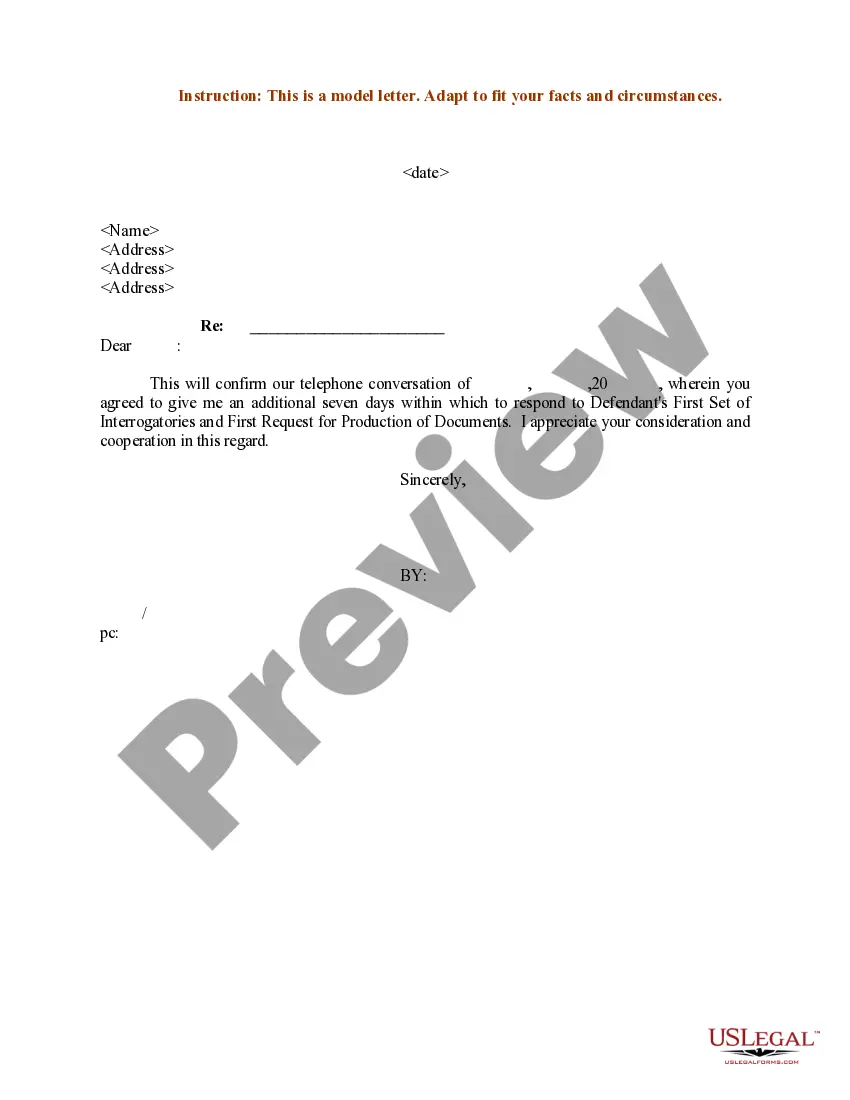
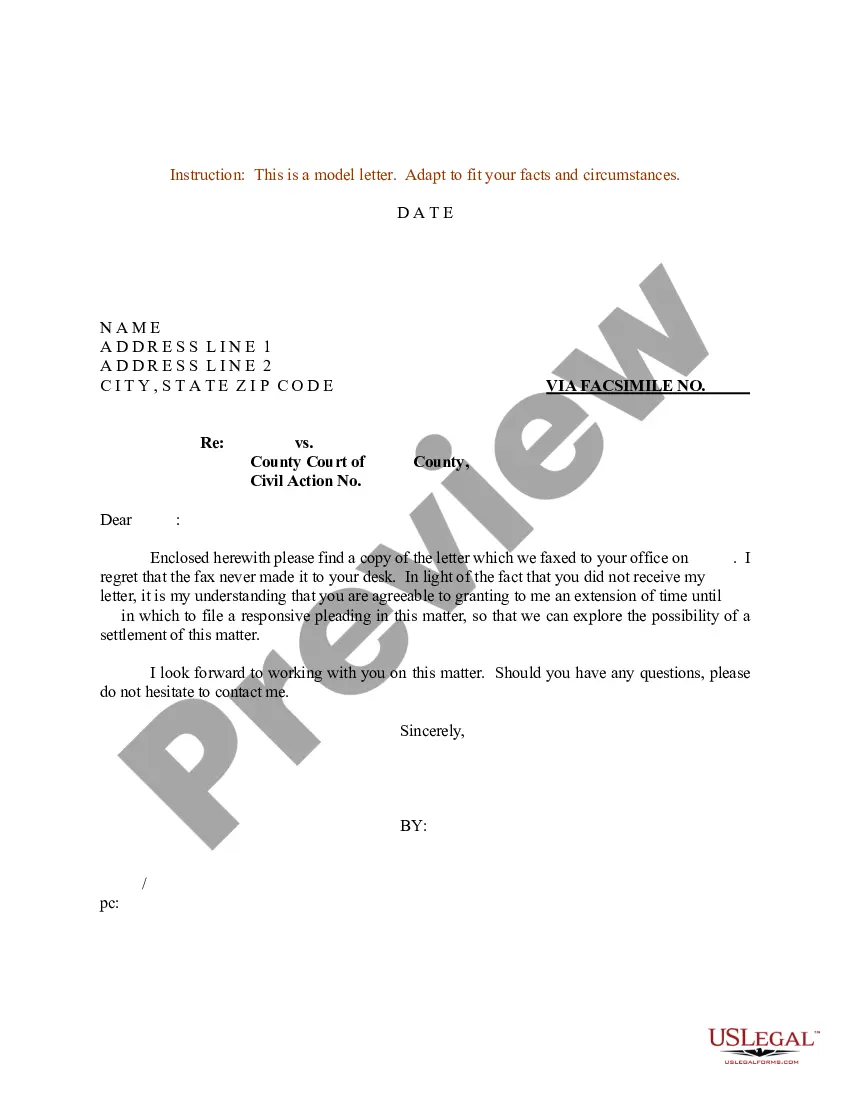


Get your form ready online
Our built-in tools help you complete, sign, share, and store your documents in one place.
Make edits, fill in missing information, and update formatting in US Legal Forms—just like you would in MS Word.
Download a copy, print it, send it by email, or mail it via USPS—whatever works best for your next step.
Sign and collect signatures with our SignNow integration. Send to multiple recipients, set reminders, and more. Go Premium to unlock E-Sign.
If this form requires notarization, complete it online through a secure video call—no need to meet a notary in person or wait for an appointment.
We protect your documents and personal data by following strict security and privacy standards.

Make edits, fill in missing information, and update formatting in US Legal Forms—just like you would in MS Word.

Download a copy, print it, send it by email, or mail it via USPS—whatever works best for your next step.

Sign and collect signatures with our SignNow integration. Send to multiple recipients, set reminders, and more. Go Premium to unlock E-Sign.

If this form requires notarization, complete it online through a secure video call—no need to meet a notary in person or wait for an appointment.

We protect your documents and personal data by following strict security and privacy standards.
Looking for another form?
Form popularity
FAQ
Send the email to: Dept105@alamedaurts.ca OR Dept519@alamedaurts.ca .
Be sure to include all the essential details, including the date and location of the violation, your citation number, and any other relevant factual information. Identify yourself as the violator and explain why you are contesting the ticket.
Each electronic document must include an electronic bookmark to each heading, subheading, and the first page of any component of the document, including any table of contents, table of authorities, petition, verification, memorandum, declaration, certificate of word count, certificate of interested entities or persons, ...
Traffic Court Hours Phone: Call between the hours of a.m. and p.m. Email: Send an email to asktraffic@alamedaurts.ca .
For County assistance, please call 510.208. 9770 for a menu of County Agencies and Departments. You can also look up telephone numbers in the County Telephone Directory.
Writing the Letter as a Resident Start with your legal name. Certify your address. State the length of time you've resided at the residence. Include any other residents. Type your oath. Follow with a closing phrase and your name. Sign and date the letter. Create a line for the notary's signature.
If you need to write a confirmation letter, here are five helpful steps you can use to write your own: Include a letter header. Start with an explanation. Add detailed information. Highlight attachments. End with a supportive statement.
Example 1: Proof of Residency Letter Sample Dear Recipient's Name, I am writing to confirm the residency of my relationship to the family member, e.g., daughter, Full Name of the Family Member, at my address. Full Name has been a permanent resident at Full Address of Residence since start date of residency.
Effective confirmation letters should confirm all essential details in writing, including meeting dates, times, and locations, as well as administrative details and terms and conditions. They should also thank the recipient for their support.
A Proof of Residency Letter is a formal document used to verify where a person lives. It's often required for tasks like school enrollment, setting up utilities, and applying for government services. Writing one involves including the resident's name, address, move-in date, and a statement of residency.

