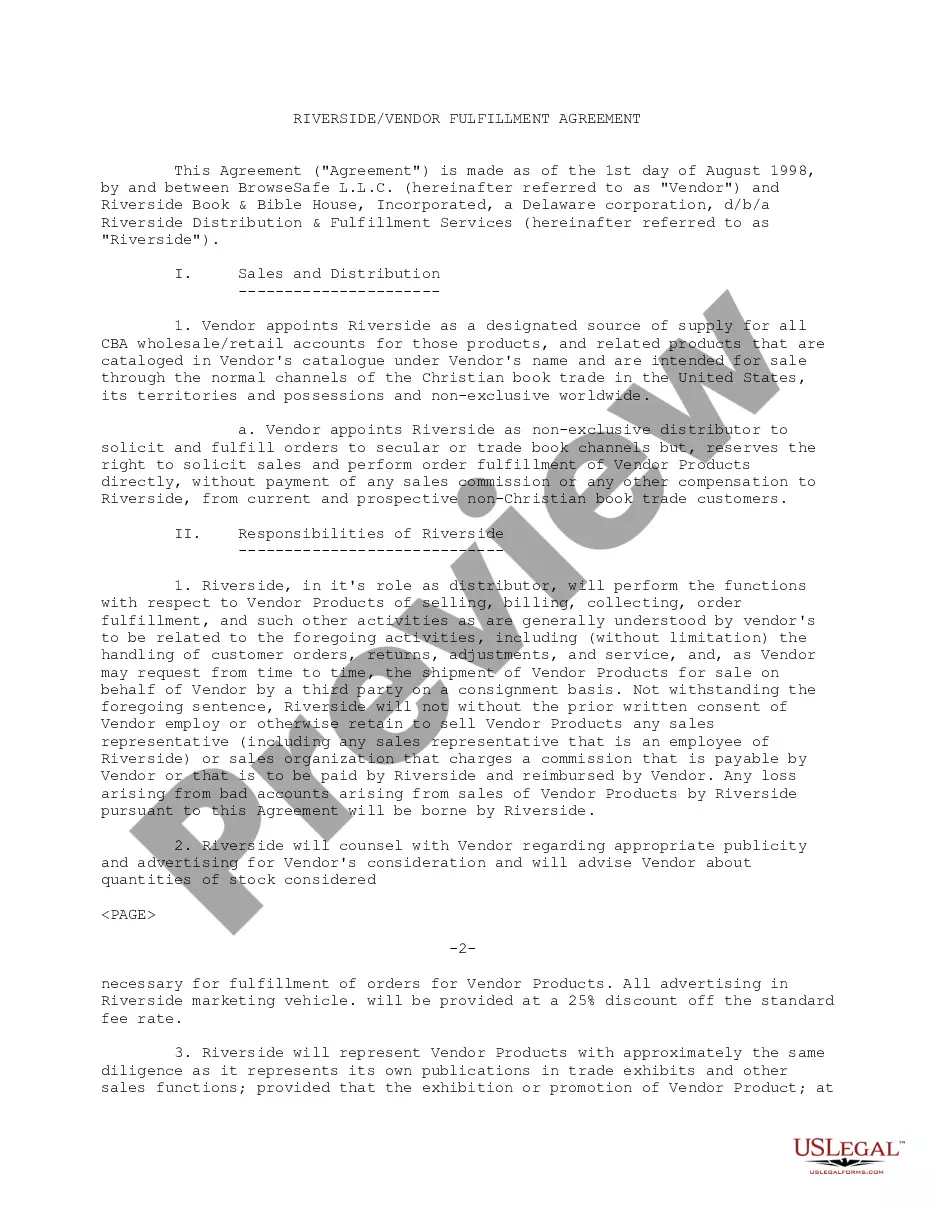
Vendor Agreement With In Texas
Description




Get your form ready online
Our built-in tools help you complete, sign, share, and store your documents in one place.
Make edits, fill in missing information, and update formatting in US Legal Forms—just like you would in MS Word.
Download a copy, print it, send it by email, or mail it via USPS—whatever works best for your next step.
Sign and collect signatures with our SignNow integration. Send to multiple recipients, set reminders, and more. Go Premium to unlock E-Sign.
If this form requires notarization, complete it online through a secure video call—no need to meet a notary in person or wait for an appointment.
We protect your documents and personal data by following strict security and privacy standards.

Make edits, fill in missing information, and update formatting in US Legal Forms—just like you would in MS Word.

Download a copy, print it, send it by email, or mail it via USPS—whatever works best for your next step.

Sign and collect signatures with our SignNow integration. Send to multiple recipients, set reminders, and more. Go Premium to unlock E-Sign.

If this form requires notarization, complete it online through a secure video call—no need to meet a notary in person or wait for an appointment.

We protect your documents and personal data by following strict security and privacy standards.
Looking for another form?









Form popularity
FAQ
Apply for a state vendor's license Regardless, ensure you apply for authorization to sell goods and services to customers or other businesses. States might require you to submit documents like proof of insurance and your tax identification number before approving your license.
Find your Texas Vendor ID by first accessing the Provider Enrollment & Management System (PEMS). For answers on how to create a new account or logging in to an existing account, check out the PEMS video playlist on YouTube.
How to Easily Find State of Texas Contracts. Texas has its Electronic State Business Daily (ESBD) as a central location for finding departments' and agencies' solicitations. You can use this location to find out what Texas government is buying. ESBD includes procurements that are valued at more than $25,000.
Navigate to USB Section: In the System Information window, look for the USB section under Hardware. Locate Your Device: Select the USB device in question from the list of connected devices. Find VID and PID: The Vendor ID and Product ID will be displayed in the detailed information.
Find Your Texas Vendor ID 1) On the Provider Management page in the National Provider Identifier (NPI) search tool, type a 10-digit NPI and press Enter. 2) Once your request has processed, click the elipses (...) to the right of the provider or organization name of your choice. A box will appear. Click View.
Street vendor permit application. Copy of the applicant's driver's license. Notarized statement of consent from the property owner where the activity will occur. Texas Sales Tax Permit. Surety bond in the amount of $10,000 that remains enforce for two years and seven days from the date of (the permit's) issuance.
What do I need to know before applying for my Vendor Permit? A fully completed and notarized application. Insurance. Photo of the cart/stand. Diagram of specific location. Copy or photo of current/valid Texas Sales & Use Tax Permit. Copy or photo of current/valid Mobile Food Vendor Permit, if vending consumables.
If you're trying to break into federal contracting, or you're looking for an easy win, look into religious services contracts. The federal government purchases religious services regularly, and these contracts are easier to win than you think. There are tons of religious opportunities there.
If you are searching for contract data (i.e., searching for specific contracts), you must do so at FPDS , which remains the authoritative source for contract data. Contract data provides detailed information on all contract actions that are required to be reported by federal agencies.
