Jury Instruction - 2.2.2 Fourth Amendment Claim Citizen Alleging Unlawful Arrest - Unlawful Search - Excessive Force
About this form
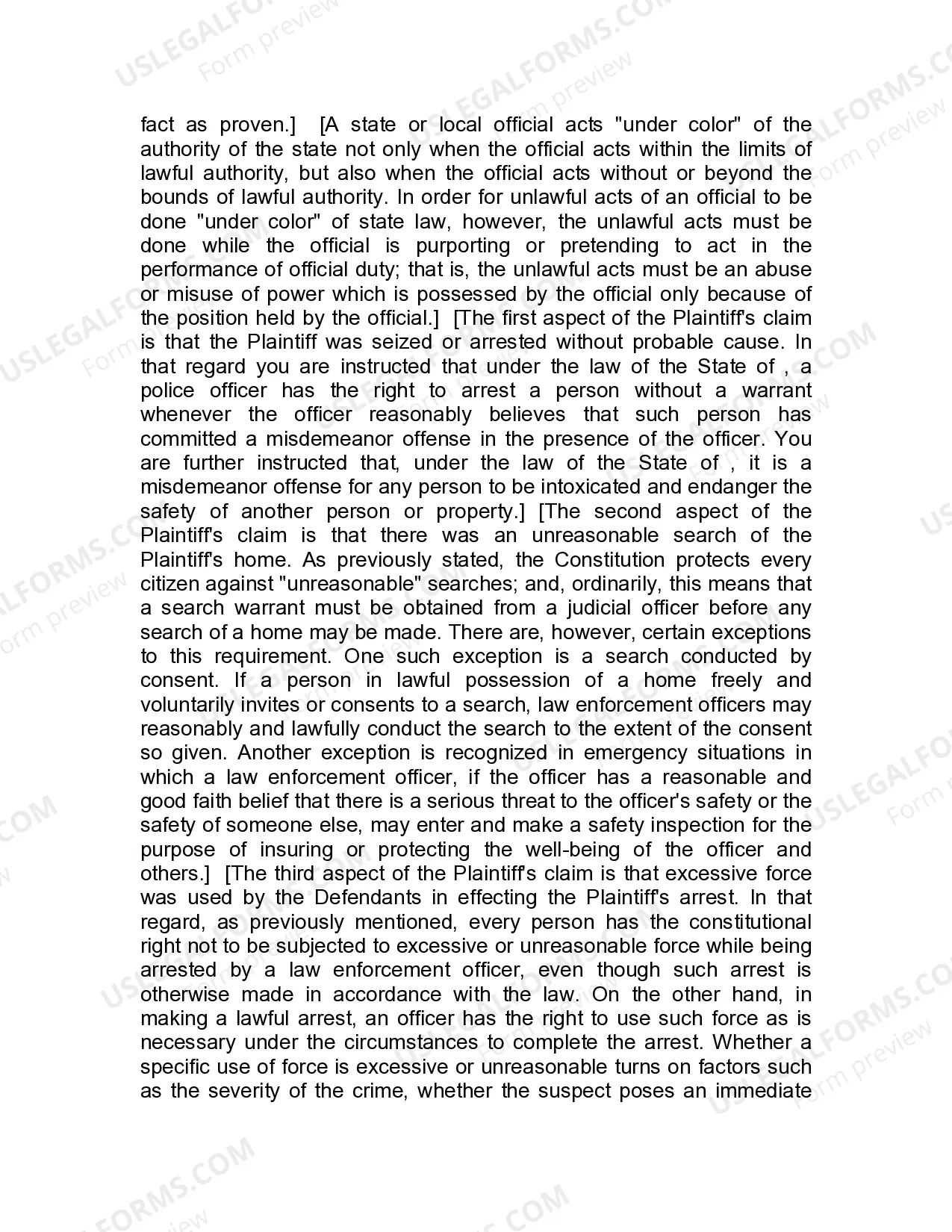
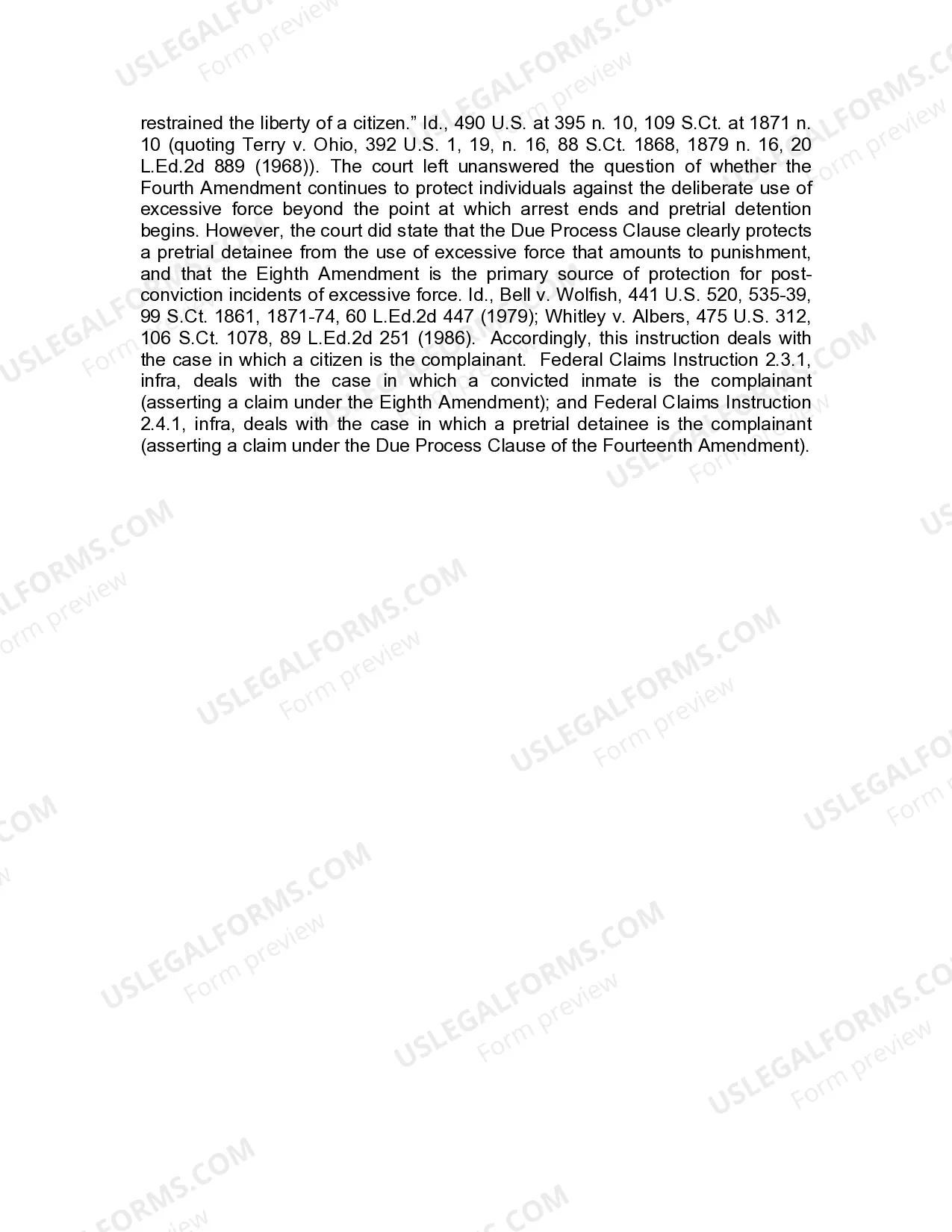
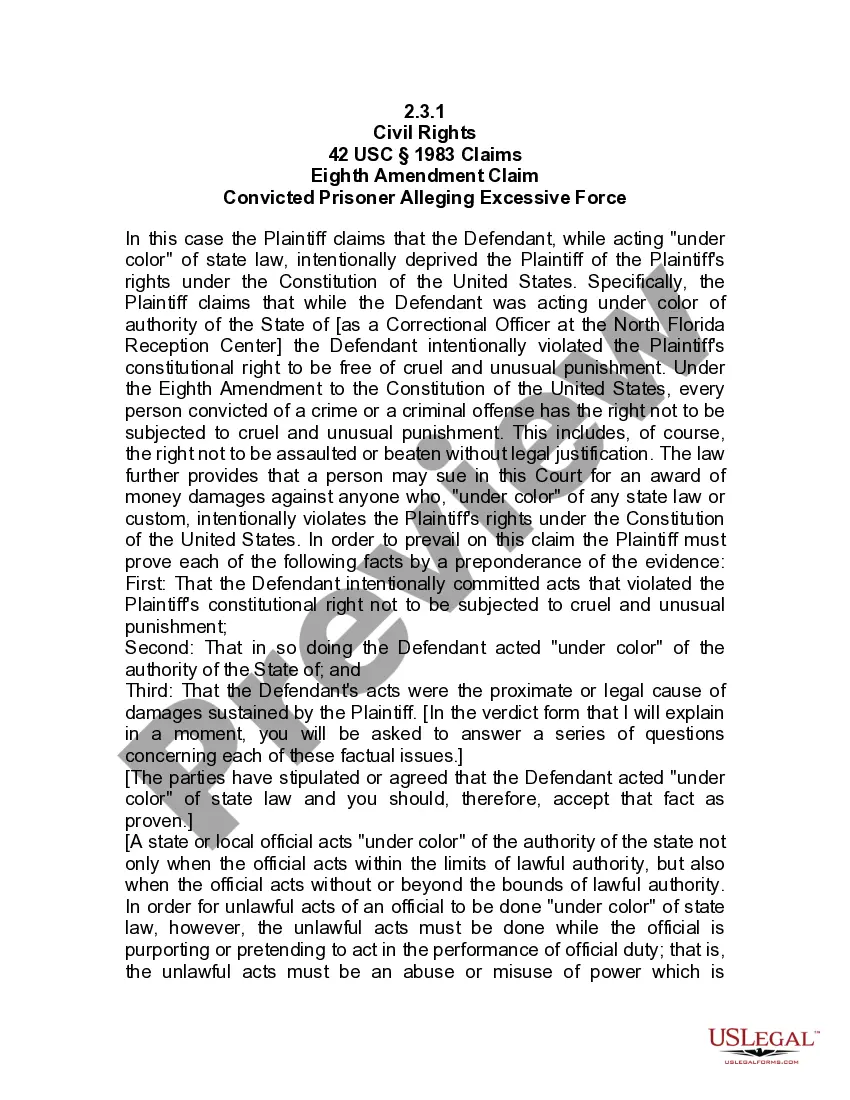
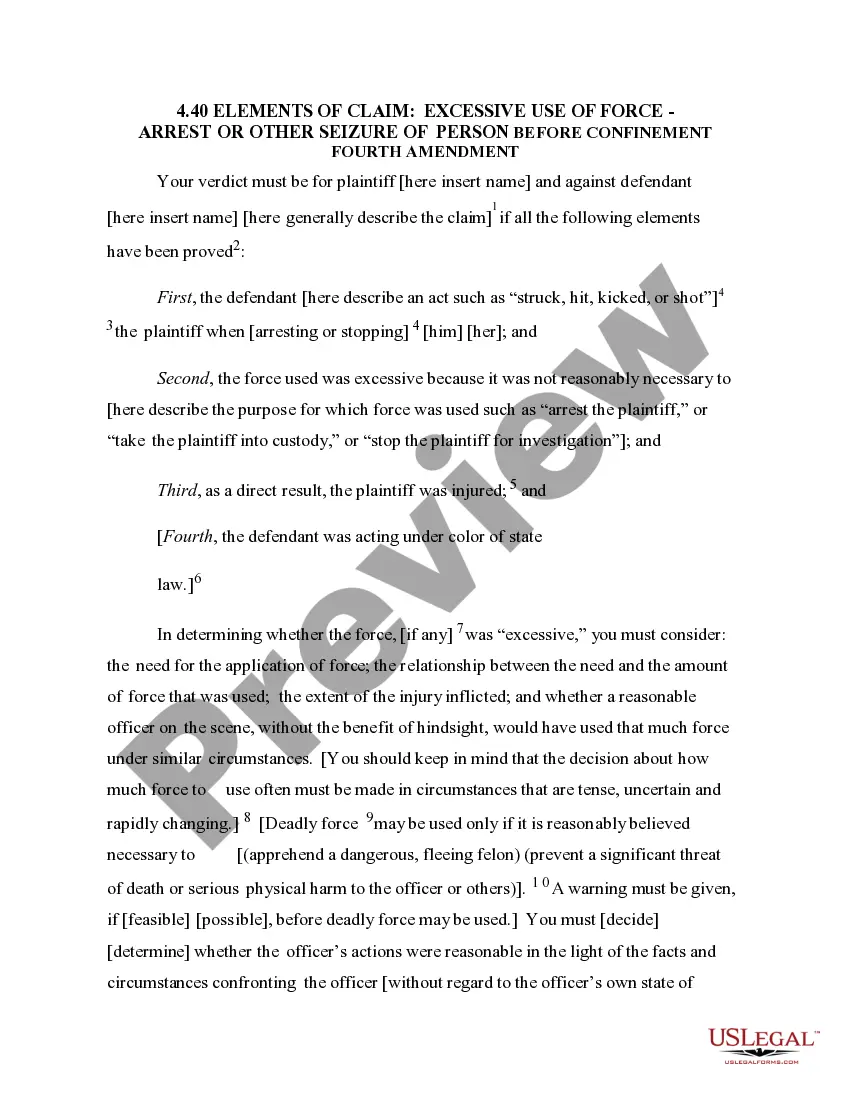
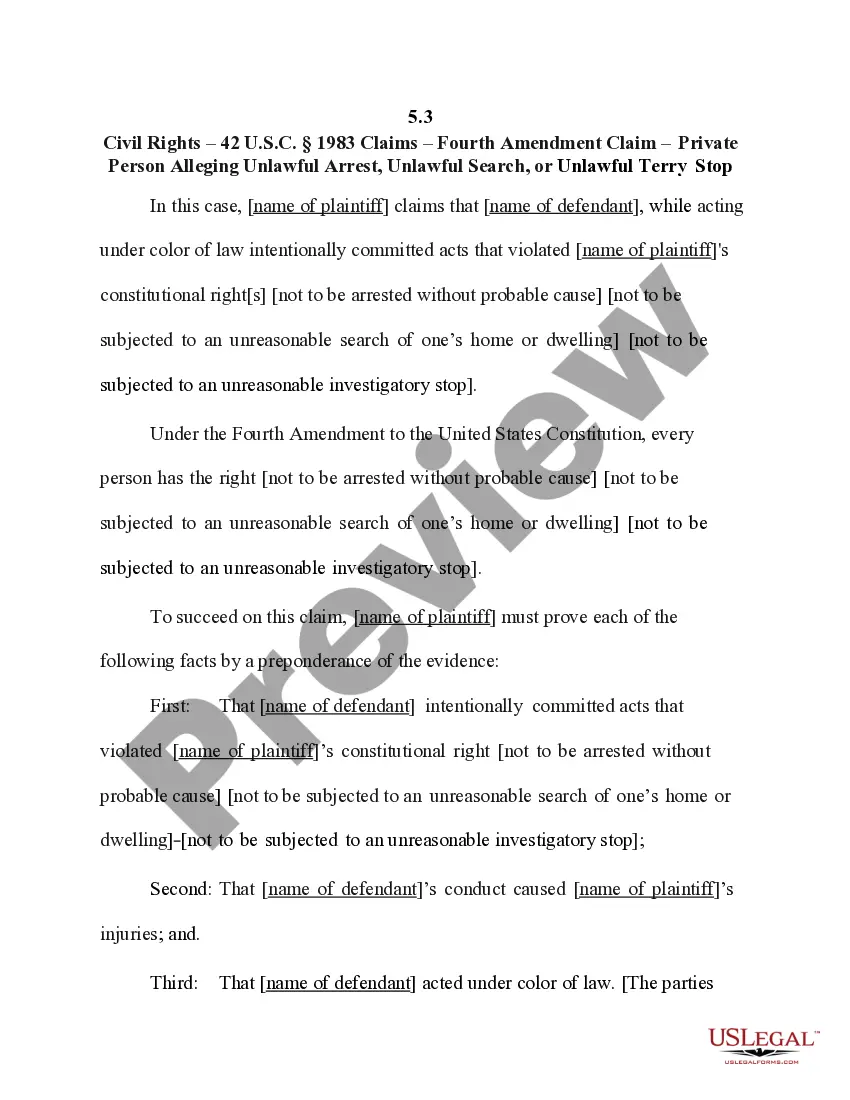
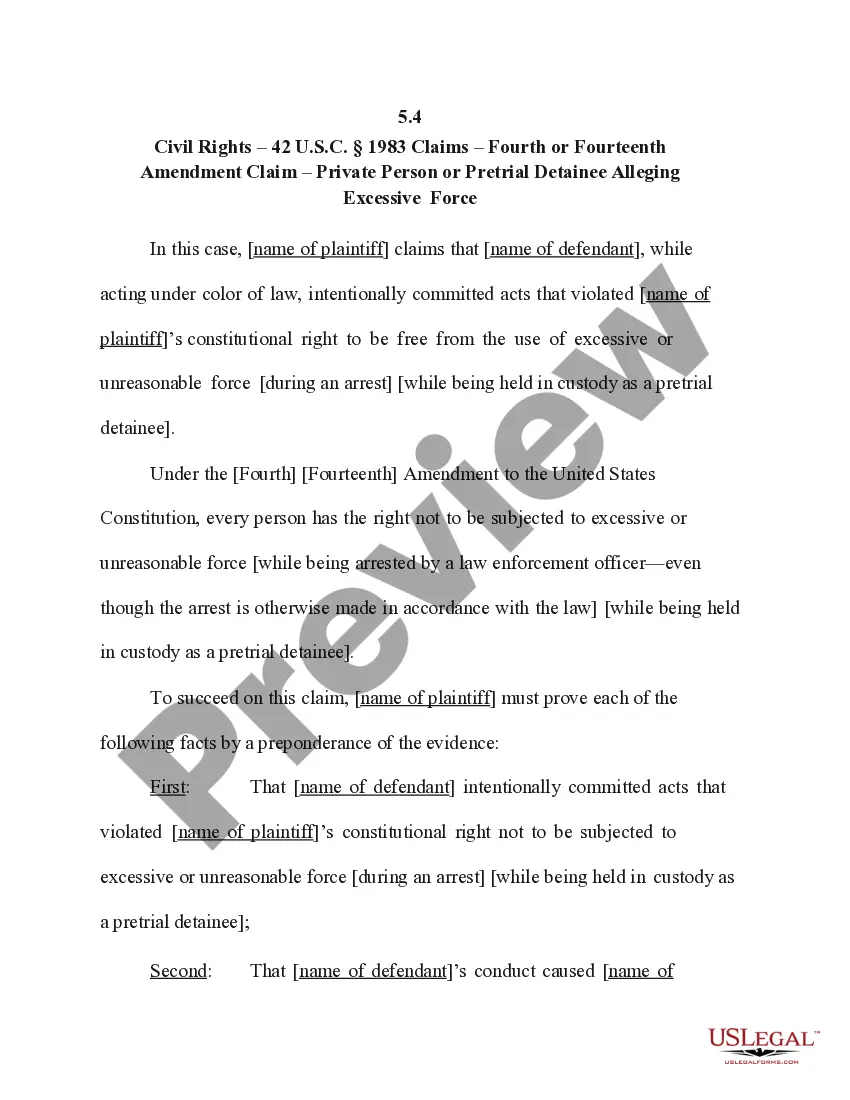
This form, Jury Instruction - Fourth Amendment Claim for Unlawful Arrest, Unlawful Search, and Excessive Force, provides sample jury instructions tailored for cases involving constitutional claims under the Fourth Amendment. It assists in guiding jurors through the legal standards required to assess violations of citizens' rights during police interactions, including unlawful arrests, unreasonable searches, and the application of excessive force. Unlike standard jury instructions that may overlook specific constitutional protections, this form is designed to ensure jurors understand the nuanced legal requirements relevant to civil rights violations by law enforcement officials.
Key components of this form
- Overview of the Fourth Amendment and its protections against unlawful seizures and searches.
- Clarification of the criteria for proving unlawful arrest, search, and use of excessive force.
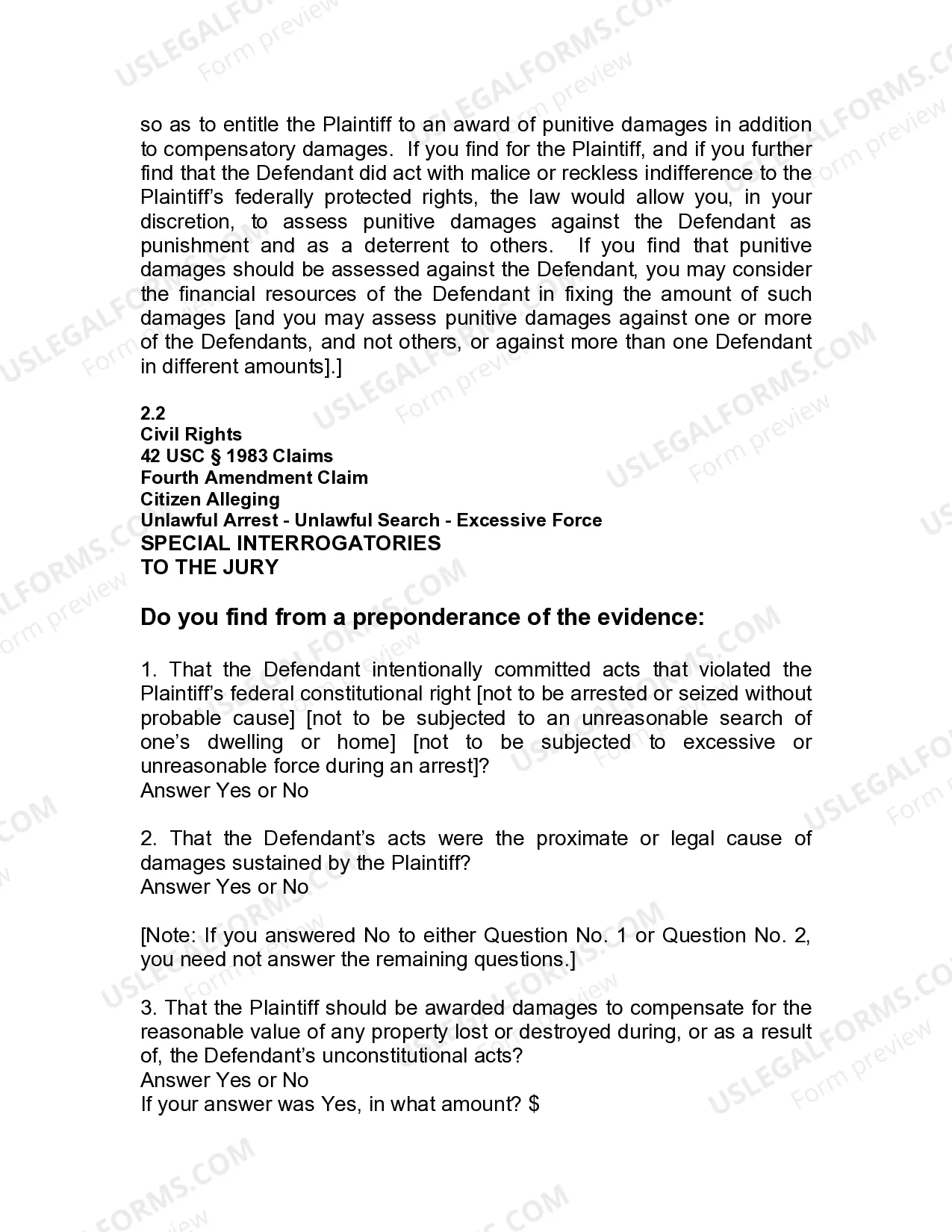
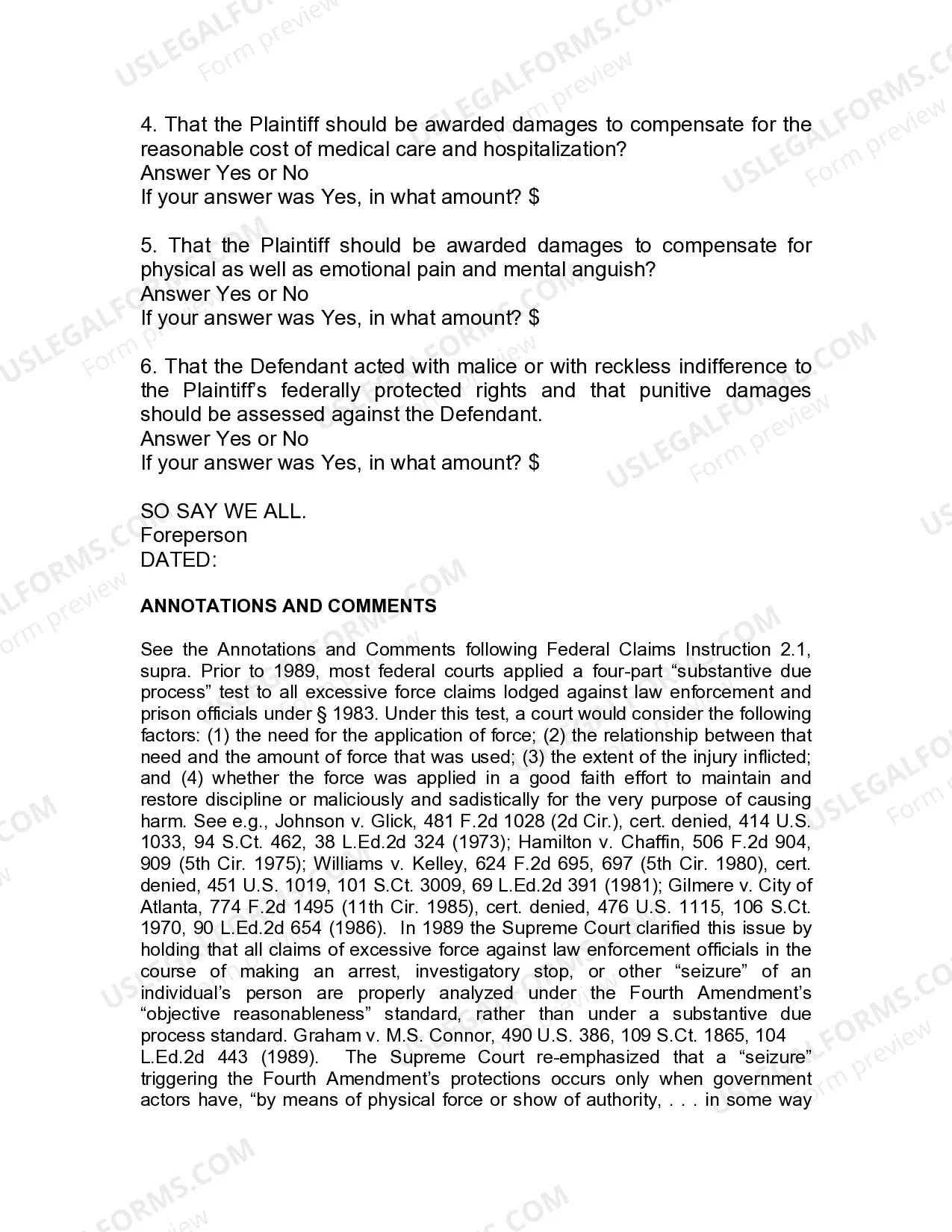
- Special interrogatories for jurors to assess the evidence and decide on liability and damages.
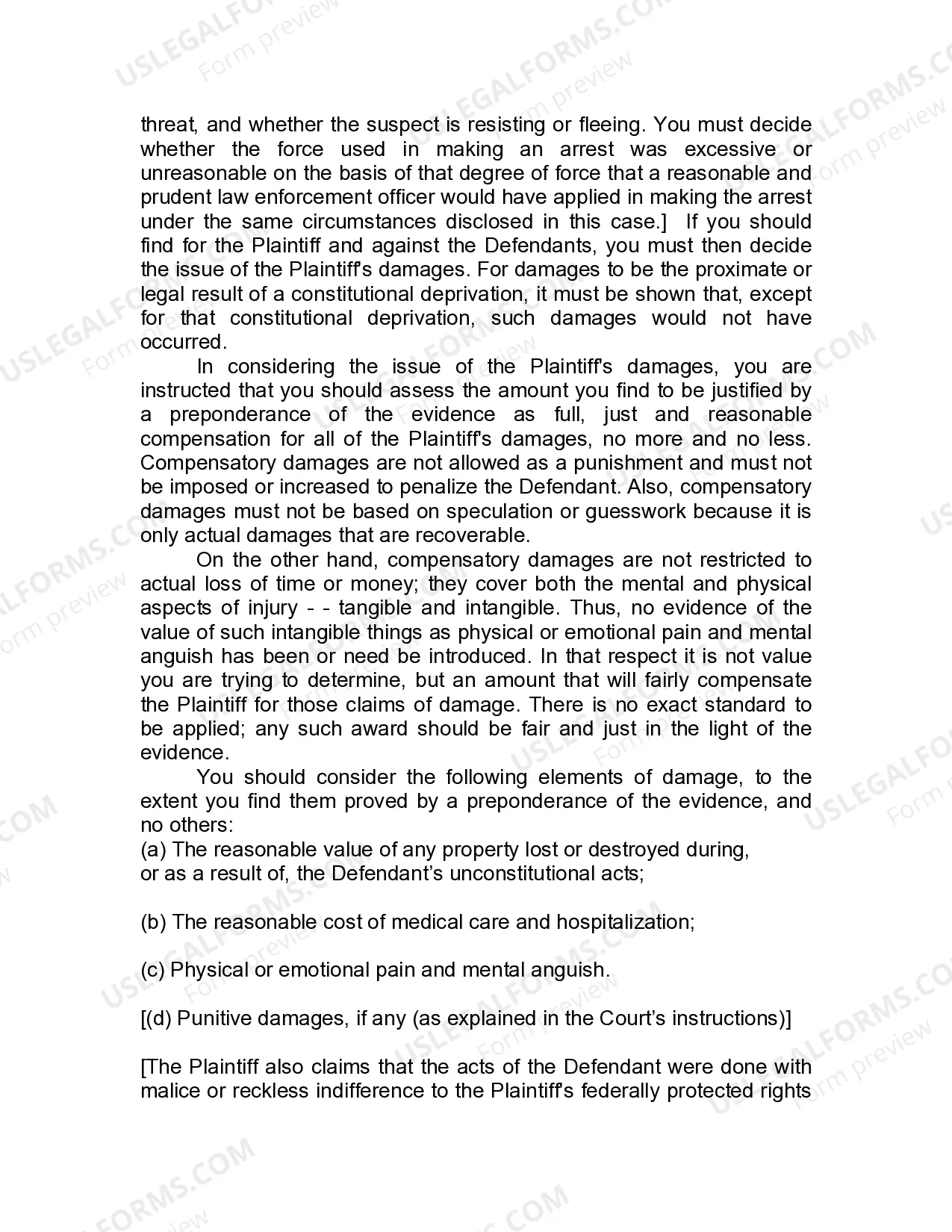
- Guidance on determining compensatory and punitive damages based on the evidence presented.
- Definitions and explanations of terms and concepts relevant to civil rights claims.


When to use this form
This form should be used in civil rights cases where a plaintiff alleges that law enforcement officials have violated their constitutional rights under the Fourth Amendment. Scenarios may include instances of unlawful arrest without probable cause, unreasonable searches of a person's home or property, and the use of excessive force during an arrest. It is particularly relevant in situations where a verdict from a jury is needed to ascertain the validity of these claims and determine appropriate damages.
Who should use this form
- Attorneys representing plaintiffs in civil rights cases involving police misconduct.
- Legal professionals involved in jury trial preparations related to Fourth Amendment claims.
- Jurors tasked with evaluating evidence and making determinations in cases of unlawful arrests, searches, and excessive force.
- Individuals seeking to understand the legal standards applicable to their own civil rights cases related to law enforcement actions.
How to prepare this document
- Review the components of the Fourth Amendment as they apply to the specific case.
- Ensure that the jury instructions reflect the specific state laws relevant to probable cause and excessive force.
- Draft the special interrogatories tailored to the facts of the case to guide jurors in their deliberations.
- Include conditions and criteria for determining compensatory damages related to the constitutional violations.
- Provide clear definitions of terms used within the context of the claim to aid juror understanding.
Notarization requirements for this form
This form usually doesn’t need to be notarized. However, local laws or specific transactions may require it. Our online notarization service, powered by Notarize, lets you complete it remotely through a secure video session, available 24/7.
Get your form ready online
Our built-in tools help you complete, sign, share, and store your documents in one place.
Make edits, fill in missing information, and update formatting in US Legal Forms—just like you would in MS Word.
Download a copy, print it, send it by email, or mail it via USPS—whatever works best for your next step.
Sign and collect signatures with our SignNow integration. Send to multiple recipients, set reminders, and more. Go Premium to unlock E-Sign.
If this form requires notarization, complete it online through a secure video call—no need to meet a notary in person or wait for an appointment.
We protect your documents and personal data by following strict security and privacy standards.

Make edits, fill in missing information, and update formatting in US Legal Forms—just like you would in MS Word.

Download a copy, print it, send it by email, or mail it via USPS—whatever works best for your next step.

Sign and collect signatures with our SignNow integration. Send to multiple recipients, set reminders, and more. Go Premium to unlock E-Sign.

If this form requires notarization, complete it online through a secure video call—no need to meet a notary in person or wait for an appointment.

We protect your documents and personal data by following strict security and privacy standards.
Typical mistakes to avoid
- Failing to specify the jurisdictional nuances of state laws related to unlawful search and seizure.
- Using boilerplate text that does not accurately apply to the specifics of the case.
- Neglecting to define key legal terms that might confuse jurors.
- Omitting important aspects of the constitutional claims that the jurors need to consider.
Why use this form online
- Instant access to professionally drafted jury instructions ensuring legal accuracy.
- Ability to customize the form to match the specific circumstances of individual cases.
- Convenience of downloading and printing forms from anywhere, saving time and resources.
- Access to updates that reflect changes in the law or best practices in civil rights litigation.
Legal use & context
- This form serves as a legal framework for jury instructions in cases involving the Fourth Amendment.
- It is crucial for ensuring that jury members understand their role in assessing civil rights violations by law enforcement.
- Properly using this form can enhance the clarity of the legal arguments presented at trial.