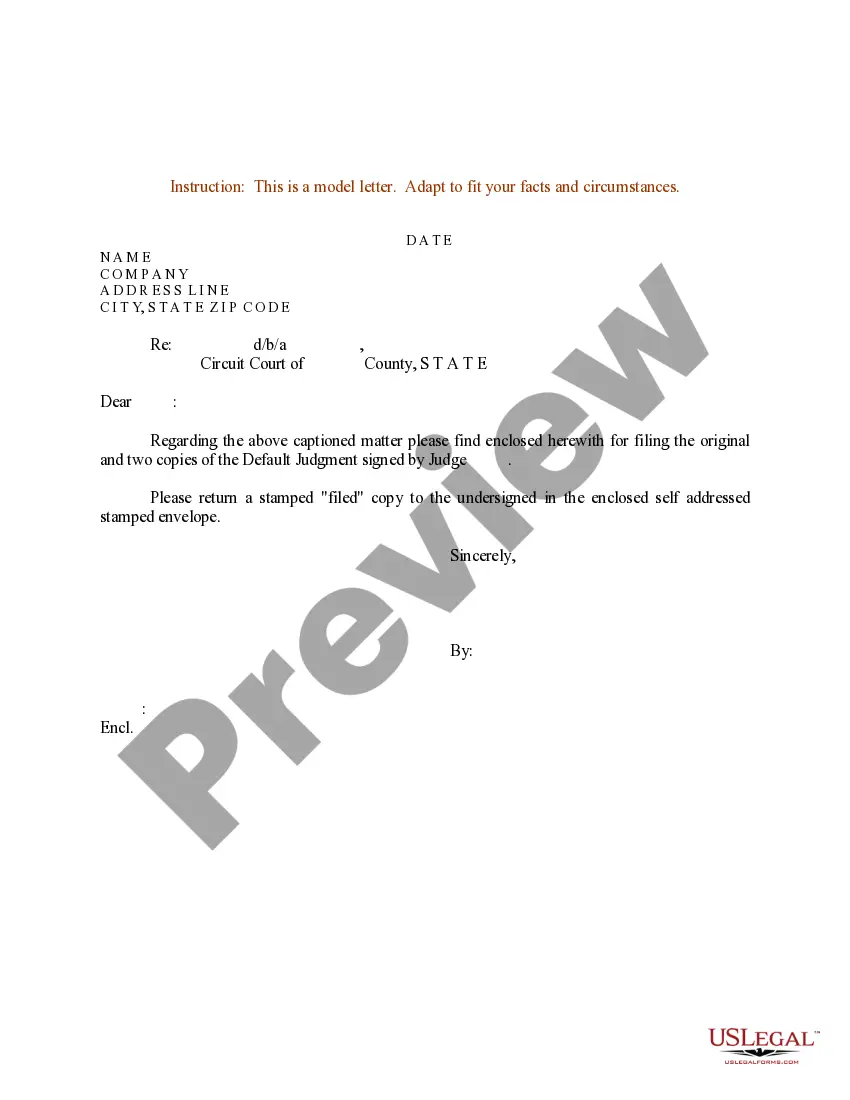
Sample Letter to Clerk for filing Default Judgment Signed by Judge
What this document covers
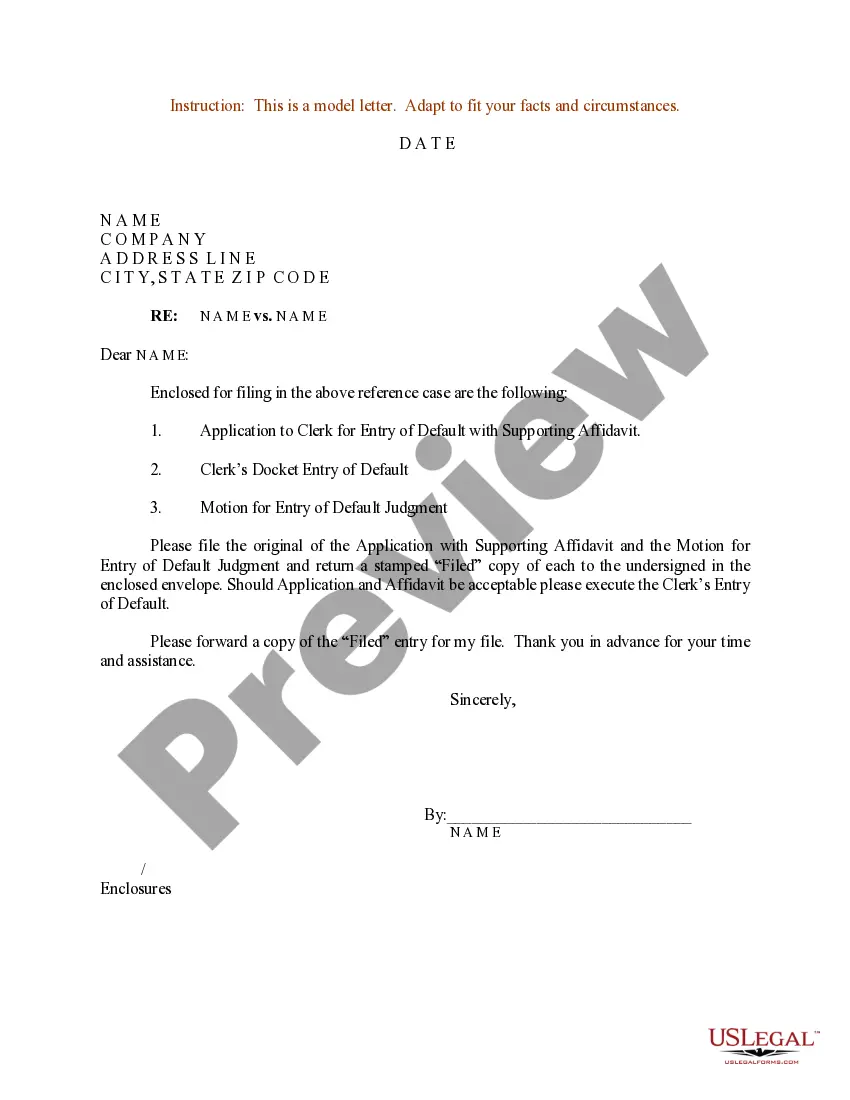
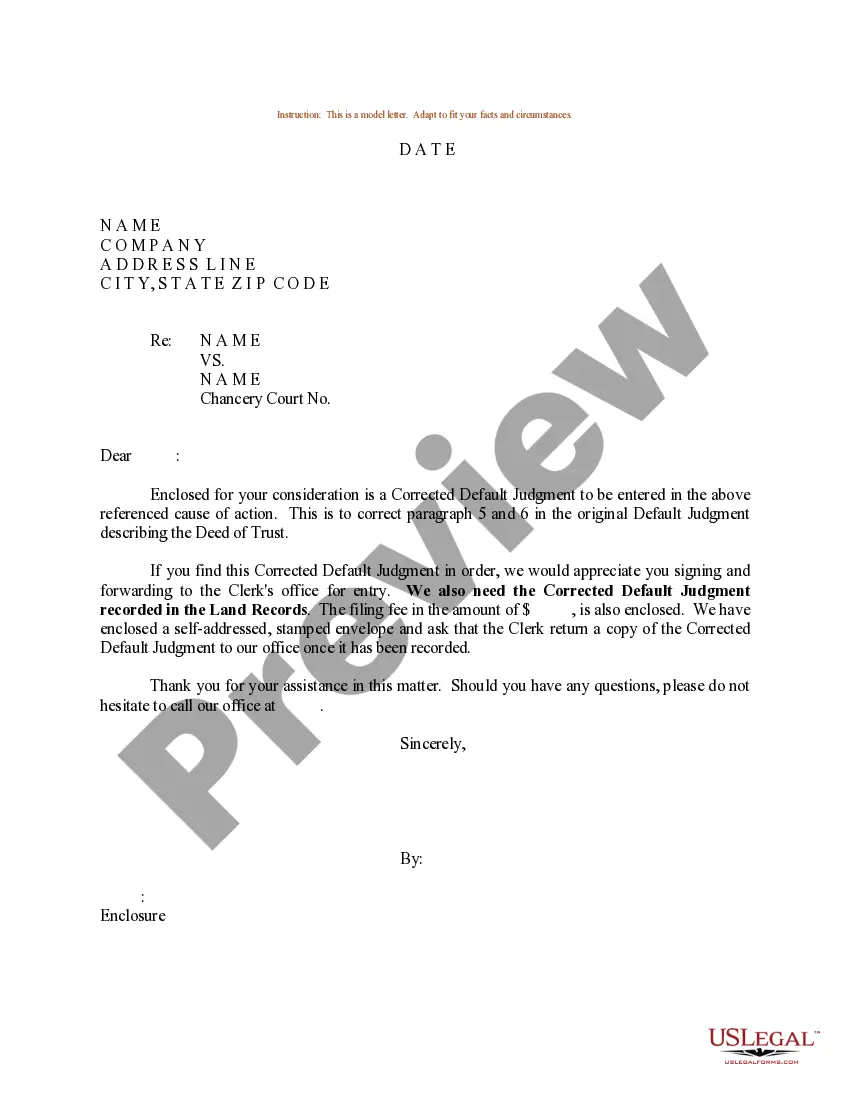
This Sample Letter to Clerk for Filing Default Judgment Signed by Judge serves as a template for notifying the court about a default judgment that has been signed by a judge. It is particularly useful for individuals or attorneys who need to formally communicate this decision to the relevant court clerk. Unlike other court forms, this letter focuses on the procedural aspect of filing and does not require detailed legal arguments or extensive documentation.
Key components of this form
- Date of the letter
- Sender's name and address
- Recipient's information (court clerk)
- Reference to the case number
- Brief mention of the default judgment
- Signature of the sender

When this form is needed
This letter should be used when a judge has signed a default judgment in a case where one party failed to respond or appear. It is necessary to notify the clerk of the court about this judgment to ensure that it is properly recorded in the court's records. Use this letter when you want to fulfill court requirements following a default judgment ruling.
Who this form is for
This form is intended for:
- Individuals representing themselves in court
- Attorneys filing for default judgments on behalf of clients
- Parties involved in civil litigation where a default judgment has been issued
Steps to complete this form
- Enter the date at the top of the letter.
- Fill in your name and contact information.
- Provide the clerkâs details, including the name of the court and address.
- Include the case number and a brief mention of the default judgment.
- Sign the letter to validate it.
Does this form need to be notarized?
This form does not typically require notarization unless specified by local law. However, it's advisable to check local regulations to ensure compliance with any specific requirements.
Get your form ready online
Our built-in tools help you complete, sign, share, and store your documents in one place.
Make edits, fill in missing information, and update formatting in US Legal Forms—just like you would in MS Word.
Download a copy, print it, send it by email, or mail it via USPS—whatever works best for your next step.
Sign and collect signatures with our SignNow integration. Send to multiple recipients, set reminders, and more. Go Premium to unlock E-Sign.
If this form requires notarization, complete it online through a secure video call—no need to meet a notary in person or wait for an appointment.
We protect your documents and personal data by following strict security and privacy standards.

Make edits, fill in missing information, and update formatting in US Legal Forms—just like you would in MS Word.

Download a copy, print it, send it by email, or mail it via USPS—whatever works best for your next step.

Sign and collect signatures with our SignNow integration. Send to multiple recipients, set reminders, and more. Go Premium to unlock E-Sign.

If this form requires notarization, complete it online through a secure video call—no need to meet a notary in person or wait for an appointment.

We protect your documents and personal data by following strict security and privacy standards.
Common mistakes
- Not including the case number, which can delay processing.
- Sending the letter without a signature.
- Failing to double-check the recipient's details.
- Omitting the date of the letter.
Why use this form online
- Convenience of downloading and editing the form at your convenience.
- Access to a professionally drafted template tailored for legal use.
- Time-saving, with immediate availability rather than waiting for physical mail.
Main things to remember
- Use this form to formally notify the court about a default judgment.
- Ensure all necessary details are included for clarity.
- This form can be used in multiple jurisdictions with adaptations as needed.
Looking for another form?
Form popularity
FAQ
If not, then you should draft your own. Title the motion Motion for Entry of Default Judgment.
A clerk default judgment may be obtained when the defendant fails to file a response to the summons and complaint within the time specified on the summons.
A default judgment is a judgment that is taken against someone that's been sued when the person sued (defendant) is served with a lawsuit but ignores the lawsuit, fails to file the proper documents (an Answer) or otherwise make him or herself known to the court.
The danger of allowing a default judgment against you is once this occurs the debt buyer can garnish your wages and your bank accounts.If you don't submit a written answer to the lawsuit the court can enter a default judgment giving the debt buyer everything they are asking for.
In order to vacate a judgment in California, You must file a motion with the court asking the judge to vacate or set aside the judgment. Among other things, you must tell the judge why you did not respond to the lawsuit (this can be done by written declaration).
First, you can ask the court to set aside the default judgment and give you an opportunity to contest it. Next, you can settle the debt with the debt buyer for an amount less than what the default judgment is for. And finally you can eliminate the default judgment completely by filing for bankruptcy.
After you notify the defendant of the judgment, you can begin to enforce the judgment. Your judgment might be for money, repossession, eviction, foreclosure, or any number of things. In any case, your rights at this point would be the same as if you had gone to trial and won.
Typically, a court's rules governing enforcement of default judgments include procedures for wage garnishments, attachment of bank accounts and seizure of assets. The plaintiff can usually pursue more than one of these enforcement mechanisms simultaneously.
In California, entry of default completely cuts off a party's right to appear in the action (e.g., take discovery, file motions other than a motion for relief from default or contest the material allegations of the complaint for purposes of the action).