Communication Interface
About this form
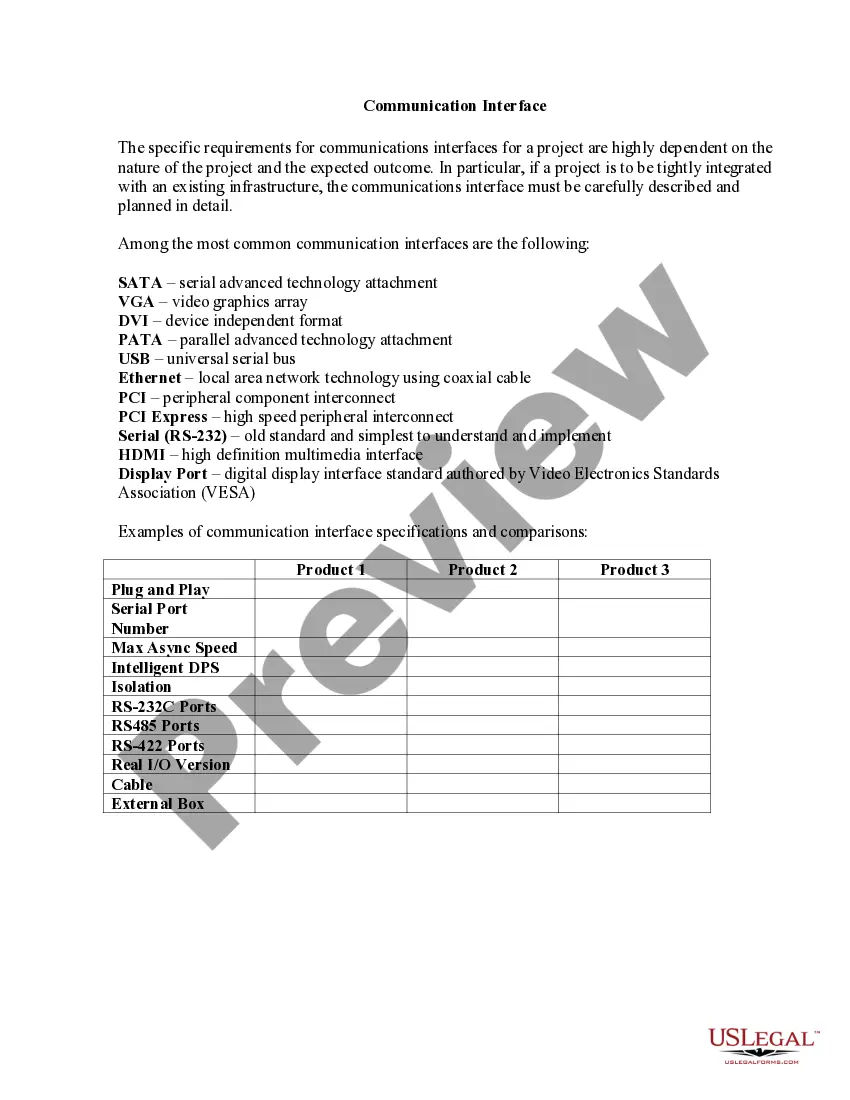
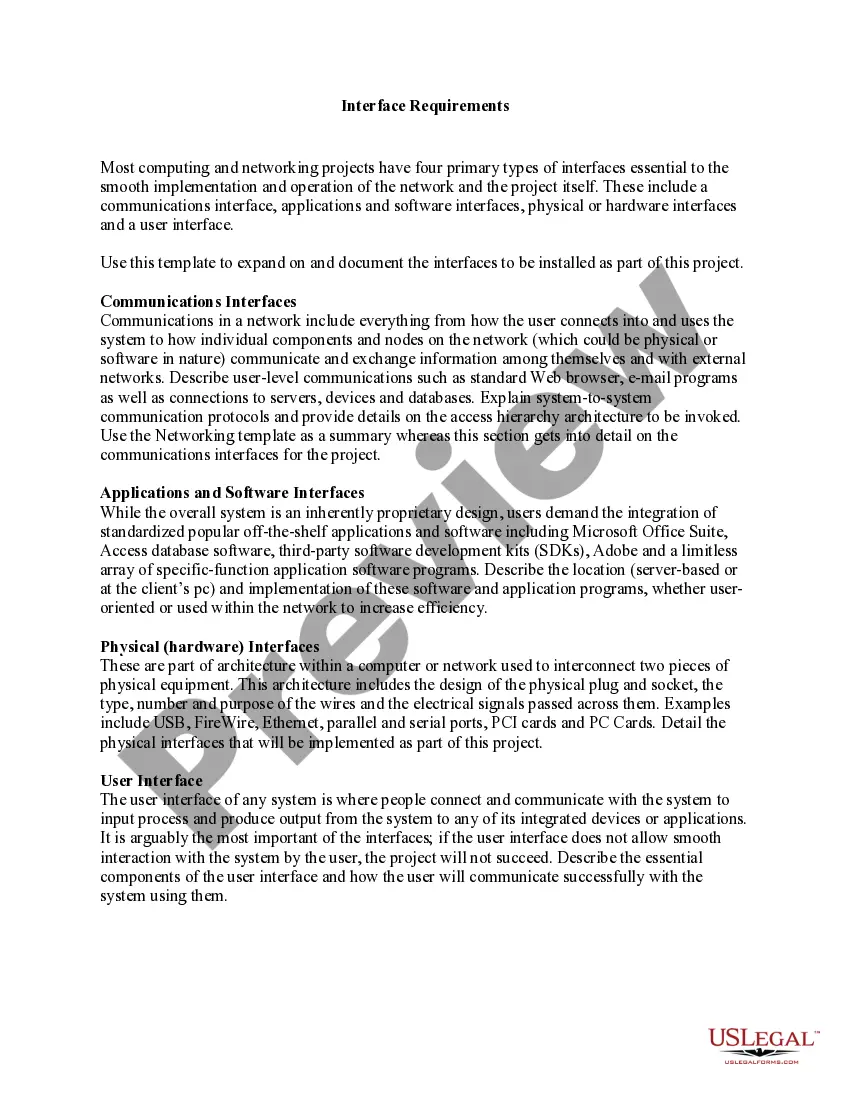
The Communication Interface form is a document that outlines the specifications and requirements for communication interfaces in technical projects. It ensures that various components of a project can effectively communicate with each other, especially when integrating with existing systems. Unlike similar forms, this one focuses specifically on the technical details necessary for establishing reliable connections through various communication technologies.
Main sections of this form
- Detailed description of the communication interfaces used in the project.
- Specifications including types such as SATA, VGA, USB, and Ethernet.
- Comparison of interfaces based on key features like maximum async speed and port types.
- Requirements for integration with existing technical infrastructure.
- Information on plug and play capabilities and intelligent features.
When to use this form
This form is necessary when planning a technical project that requires specific communication parameters. You should use it when you need to define how different hardware components will interact, especially if your project involves integrating new technologies with established systems. It helps in avoiding compatibility issues and ensures seamless data transmission.
Who this form is for
- Project managers overseeing technical integrations.
- Engineers responsible for designing communication systems.
- IT professionals involved in implementing infrastructure upgrades.
- Technicians working on product compatibility and testing.
Completing this form step by step
- Identify the specific communication interfaces required for your project.
- Specify the integration requirements with existing systems.
- Detail the features and specifications for each interface type.
- Identify the maximum asynchronous speeds and connectivity needs.
- Review and compare the performance requirements for different interfaces.
Does this document require notarization?
This form does not typically require notarization to be legally valid. However, some jurisdictions or document types may still require it. US Legal Forms provides secure online notarization powered by Notarize, available 24/7 for added convenience.
Get your form ready online
Our built-in tools help you complete, sign, share, and store your documents in one place.
Make edits, fill in missing information, and update formatting in US Legal Forms—just like you would in MS Word.
Download a copy, print it, send it by email, or mail it via USPS—whatever works best for your next step.
Sign and collect signatures with our SignNow integration. Send to multiple recipients, set reminders, and more. Go Premium to unlock E-Sign.
If this form requires notarization, complete it online through a secure video call—no need to meet a notary in person or wait for an appointment.
We protect your documents and personal data by following strict security and privacy standards.

Make edits, fill in missing information, and update formatting in US Legal Forms—just like you would in MS Word.

Download a copy, print it, send it by email, or mail it via USPS—whatever works best for your next step.

Sign and collect signatures with our SignNow integration. Send to multiple recipients, set reminders, and more. Go Premium to unlock E-Sign.

If this form requires notarization, complete it online through a secure video call—no need to meet a notary in person or wait for an appointment.

We protect your documents and personal data by following strict security and privacy standards.
Common mistakes to avoid
- Failing to specify all required interface types.
- Overlooking compatibility issues with existing systems.
- Neglecting to compare the performance features of communication interfaces.
- Missing detailed descriptions that guide the implementation process.
Why use this form online
- Convenience of downloading and completing the form at your pace.
- Editability to ensure the document meets specific project needs.
- Access to templates crafted by licensed attorneys for legal reliability.
- Ability to quickly integrate feedback and make necessary updates.
Legal use & context
- The Communication Interface form is essential for ensuring compliance with technical standards.
- It helps establish a clear framework for system integration, reducing legal liabilities associated with miscommunication.
- Failure to properly document communication needs may lead to project delays or failures.
Looking for another form?




Form popularity
FAQ
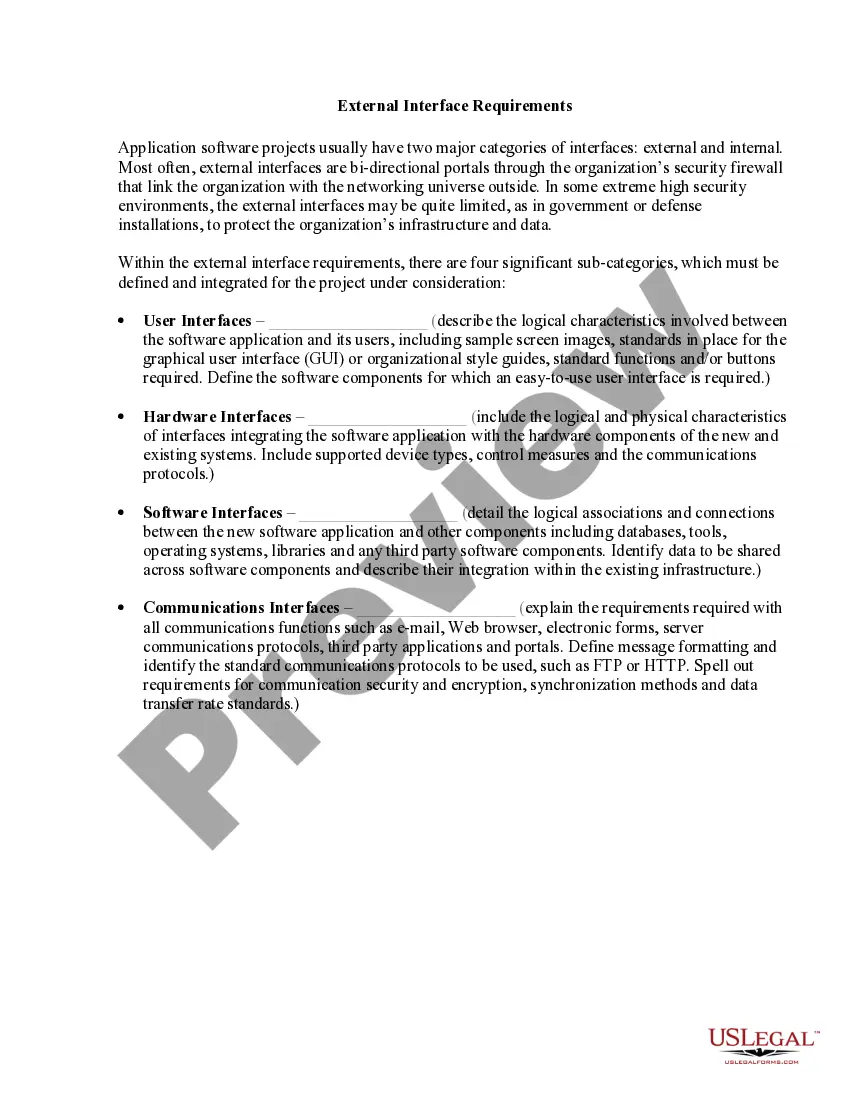
Some examples of user interfaces include: computer mouse. remote control. virtual reality.
A User Interface can be defined as the mode of communication between a website or web application and its users. That is, User Interface determines how end-users visit, see and use a website/web application. It could feature display screens, keyboards and basic design elements.
A serial communications interface (SCI) is a device that enables the serial exchange of data -- that is, one bit at a time -- between a microprocessor and peripherals, such as printers, external drives, scanners and mice. In this respect, it is similar to a serial peripheral interface.
In general, an interface is a device or a system that unrelated entities use to interact.
A point where two things link, connect or interact. connection. link. interconnection. junction.
Think of an interface as a "face-to-face," a place where things, or people, or people and things (like you and your computer) meet. Any common boundary or area of convergence can be an interface. Used as a verb, interface means to merge or mingle, bonding and synthesizing by communicating and working together.
Interfaces are points of communication between different components of an application or system. They can also define interactions between a hardware device, software program and a user.