External Interface Requirements
About this form
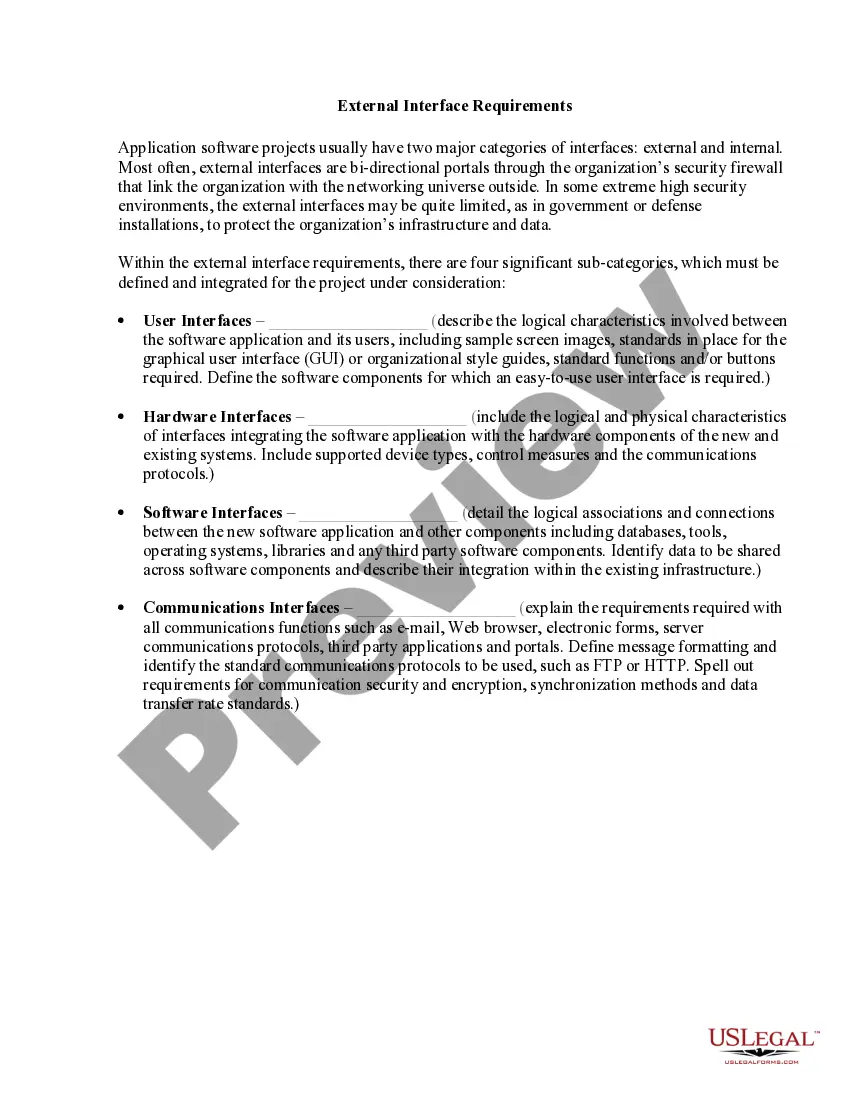
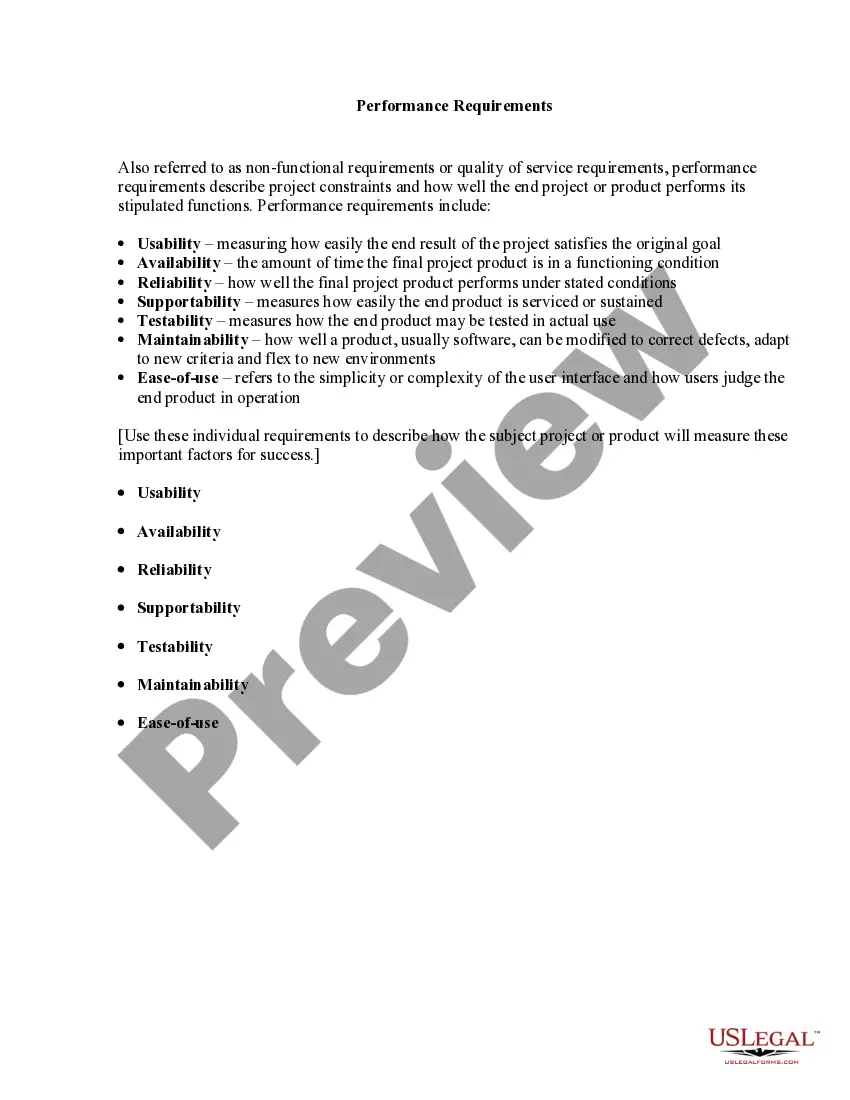
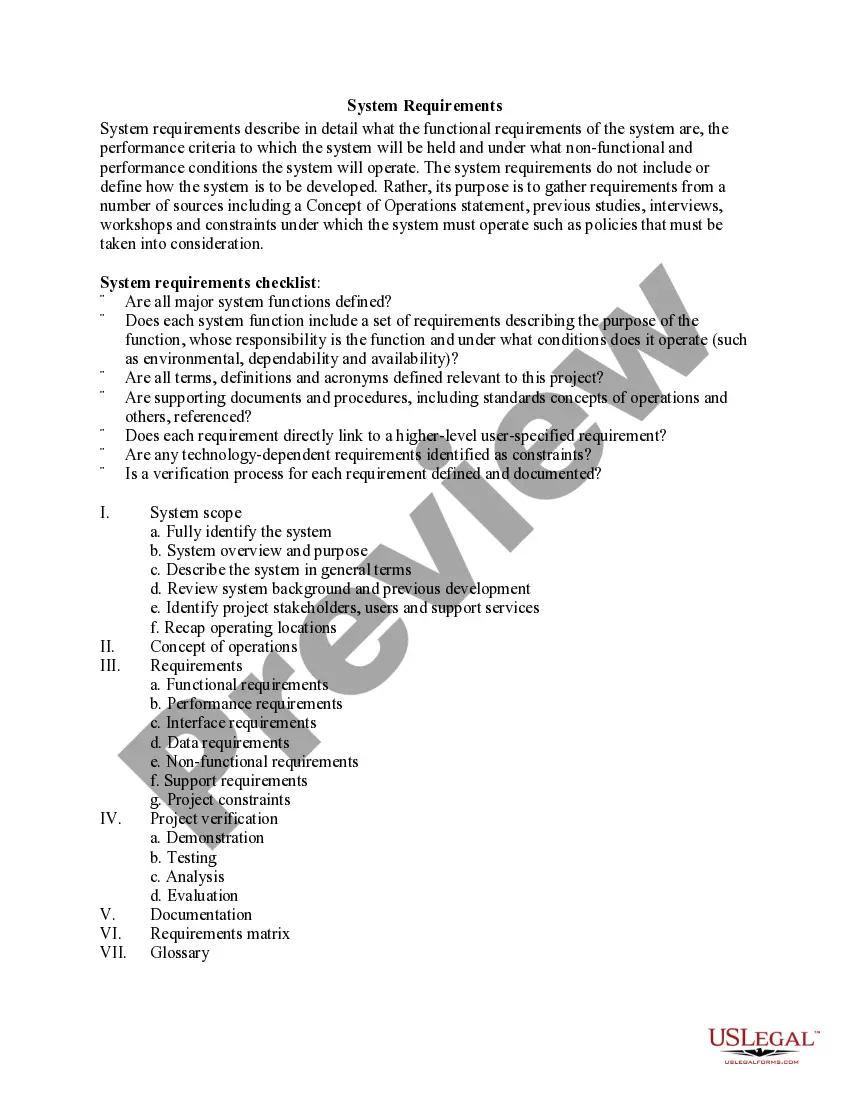
The External Interface Requirements form is a critical document used in application software projects that outlines the necessary interfaces between an organization's software and the external environment. This form helps define user, hardware, software, and communications interfaces, ensuring that the project aligns with security and operational standards. Unlike similar forms, this document focuses specifically on the interactions between software and external systems, rather than internal communications.
Form components explained
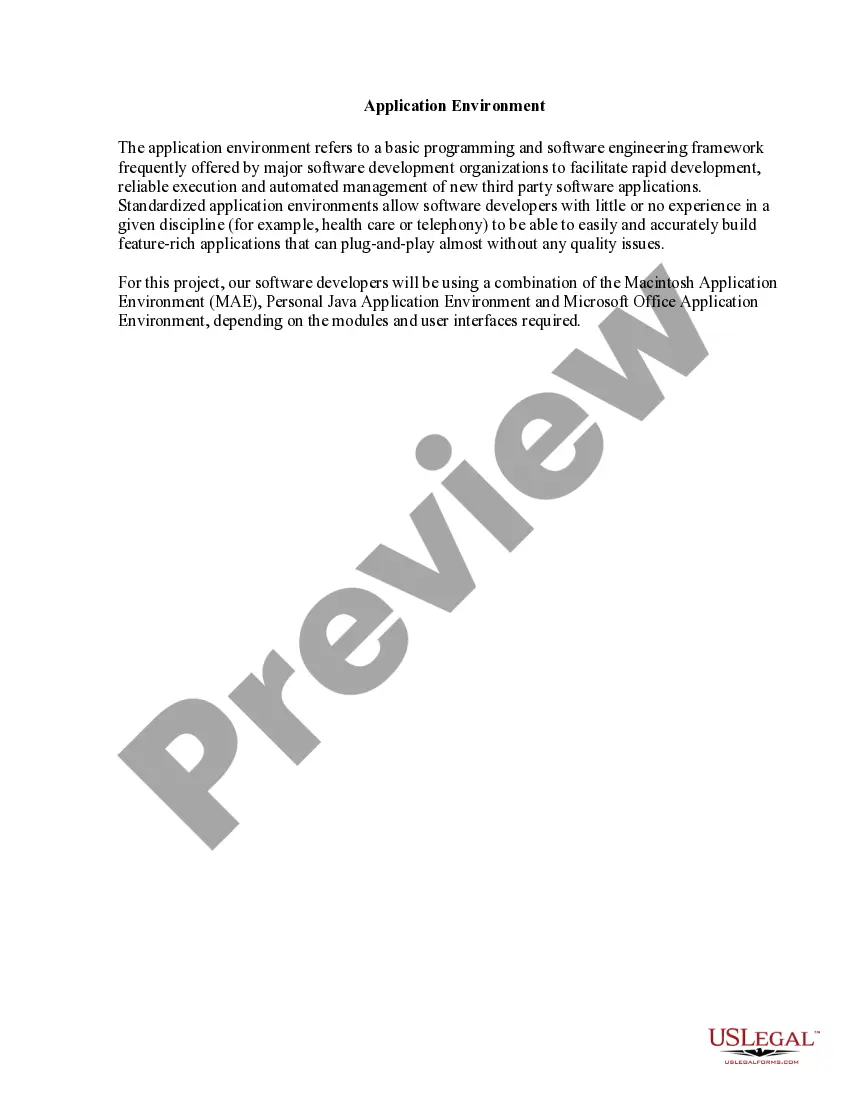
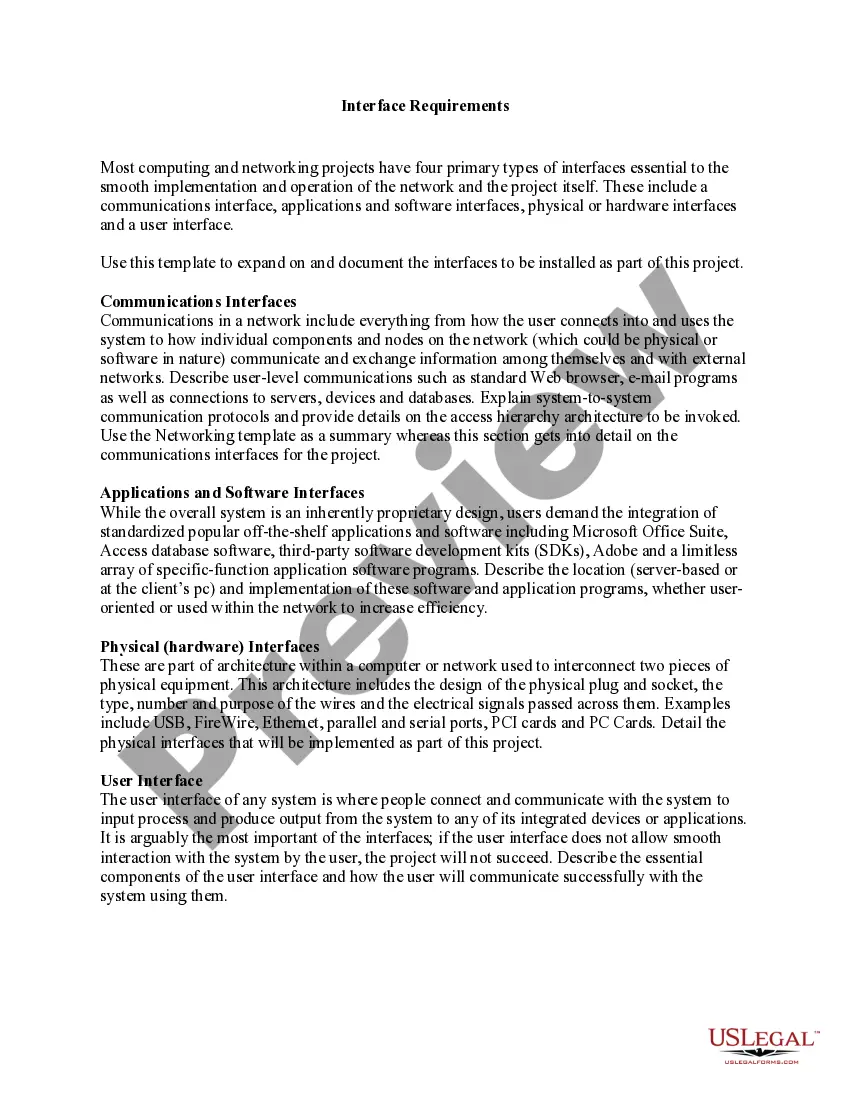
- User interfaces: Describes the logical characteristics between the software and its users, including graphical user interface standards and required functionalities.
- Hardware interfaces: Details the logical and physical aspects connecting the software application to existing and new hardware systems.
- Software interfaces: Outlines the associations and connections between the new software application and other software components, such as databases and third-party tools.
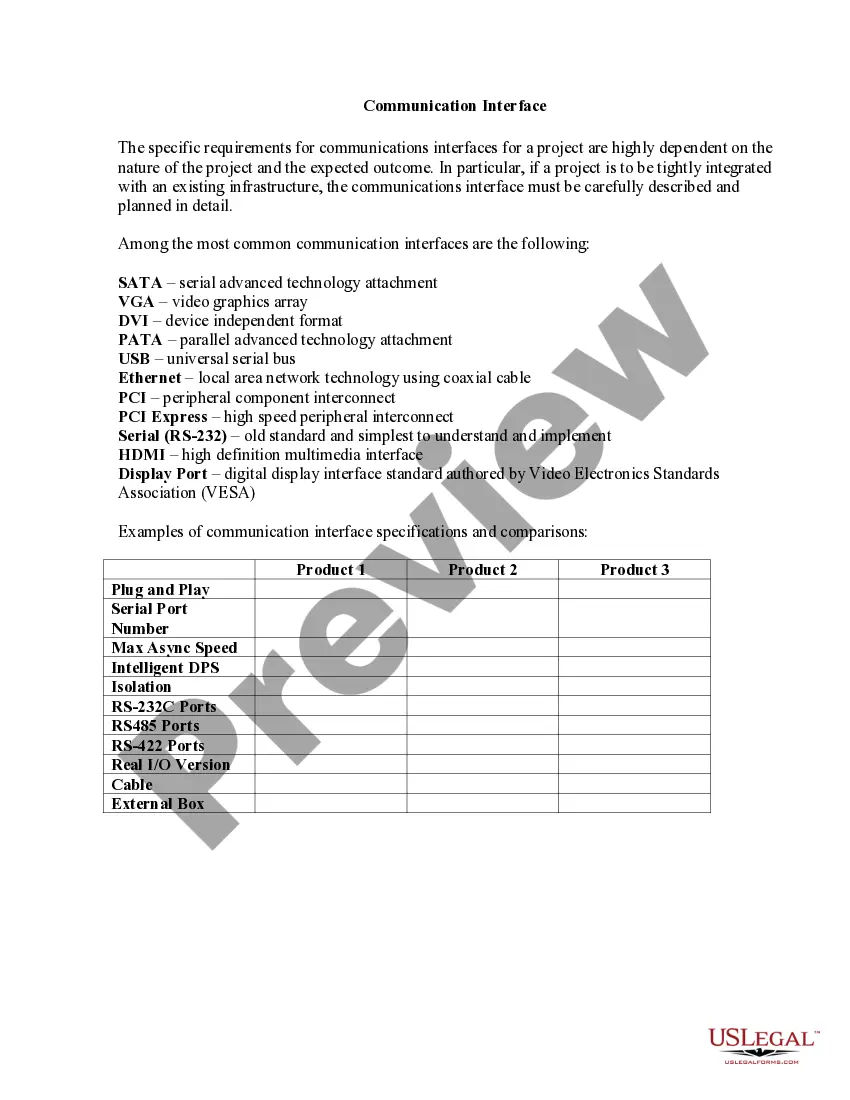
- Communications interfaces: Explains requirements for communication functions, including messaging protocols, security measures, and data transfer standards.
When to use this document
This form is essential when initiating a software project that requires interaction with external systems or users. You should use the External Interface Requirements form if you are developing a new application that will integrate with existing hardware, software, or communication systems, particularly in environments where data security is a concern.
Intended users of this form
The following individuals and organizations should utilize this form:
- Project managers overseeing software development projects.
- Software engineers tasked with defining application interfaces.
- Security specialists ensuring compliance with organizational standards.
- Organizations looking to standardize their application development processes.
Completing this form step by step
- Identify the user interface requirements by describing the standard functionalities and visual guidelines.
- Detail the hardware interfaces, including the types of devices and communication protocols involved.
- Outline the software interfaces by specifying the connections with databases and other software components.
- Define communications interfaces by explaining protocols, security measures, and message formatting.
- Review the completed form for clarity and completeness before finalizing it for project use.
Does this document require notarization?
This form usually doesn’t need to be notarized. However, local laws or specific transactions may require it. Our online notarization service, powered by Notarize, lets you complete it remotely through a secure video session, available 24/7.
Get your form ready online
Our built-in tools help you complete, sign, share, and store your documents in one place.
Make edits, fill in missing information, and update formatting in US Legal Forms—just like you would in MS Word.
Download a copy, print it, send it by email, or mail it via USPS—whatever works best for your next step.
Sign and collect signatures with our SignNow integration. Send to multiple recipients, set reminders, and more. Go Premium to unlock E-Sign.
If this form requires notarization, complete it online through a secure video call—no need to meet a notary in person or wait for an appointment.
We protect your documents and personal data by following strict security and privacy standards.

Make edits, fill in missing information, and update formatting in US Legal Forms—just like you would in MS Word.

Download a copy, print it, send it by email, or mail it via USPS—whatever works best for your next step.

Sign and collect signatures with our SignNow integration. Send to multiple recipients, set reminders, and more. Go Premium to unlock E-Sign.

If this form requires notarization, complete it online through a secure video call—no need to meet a notary in person or wait for an appointment.

We protect your documents and personal data by following strict security and privacy standards.
Mistakes to watch out for
- Failing to include all necessary interface details, leading to misunderstandings during development.
- Overlooking security requirements, which could expose the organization to data breaches.
- Using vague language in the descriptions that may lead to varied interpretations among team members.
- Not updating the form as project requirements evolve, resulting in outdated information.
Why complete this form online
- Immediate access to a professionally drafted document tailored for software development needs.
- Editability allows for adjustments based on project scope or stakeholder feedback.
- Secure storage keeps your form easily retrievable and shareable among project team members.
Legal use & context
- This form serves as a formal specification that can help reduce risks during software development by ensuring all parties understand interface requirements.
- In jurisdictions that emphasize data security, properly completed forms may enhance compliance with relevant legal frameworks.
- Documentation of external interface requirements can be critical in legal disputes regarding software functionality and integration.
Key takeaways
- The External Interface Requirements form is essential for defining how software interacts with external systems.
- Clear and thorough documentation can prevent misunderstandings and improve project outcomes.
- This form is suitable for a wide range of users, from project managers to security specialists, across various states.
Looking for another form?

Form popularity
FAQ
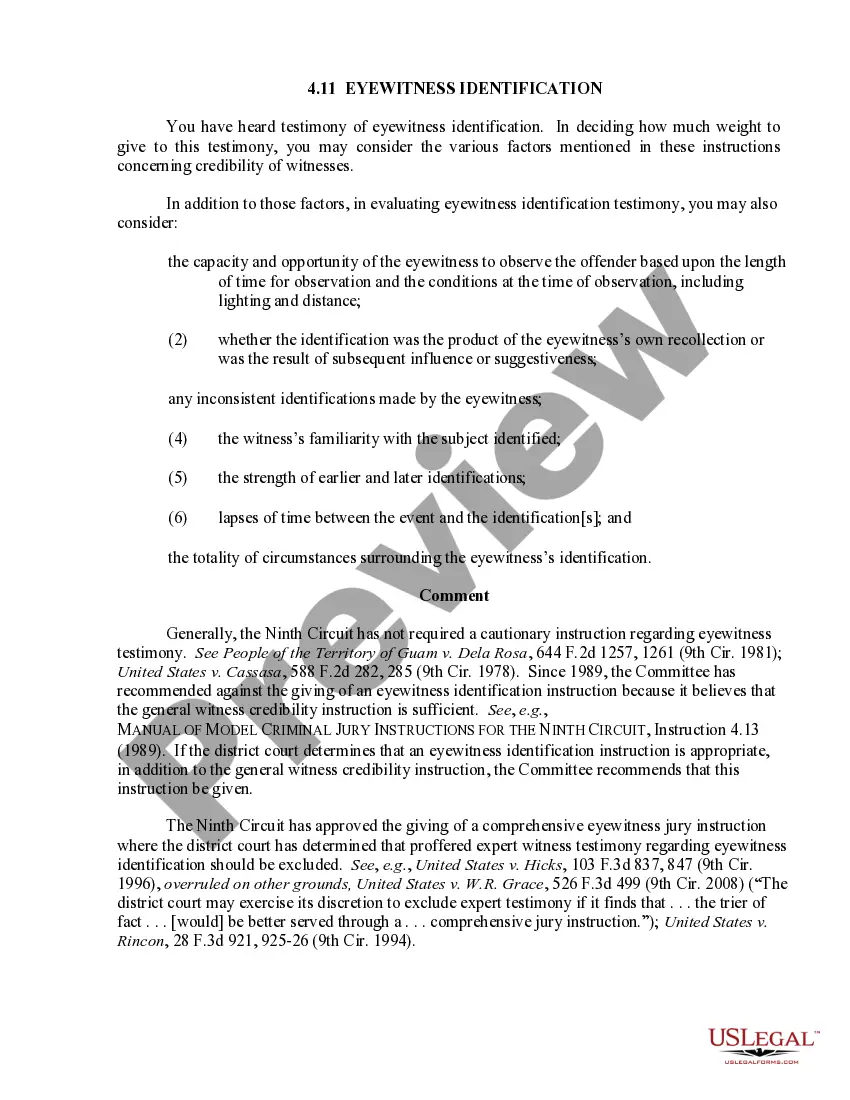
External Interface requirements state the required characteristics at a point or region of connection of the system to the outside world (e.g. location, geometry, inputs and outputs by name and specification, allocation of signals to pins etc).
(1) A connection to a device outside the computer's cabinet. Contrast with internal interface. (2) A connection to the WAN side of a router. The WAN may be a public or private network.
External Interface Requirements These requirements include user interfaces (interaction logic between software and user), screen layouts, buttons, functions on every screen, hardware interfaces (here a team describes what devices the software is created for), and other relevant particularities.
An interface requirement is a system requirement that involves an interaction with another system. The format of the interface requirement is such that it includes a reference (pointer) to the specific location in the definition document that defines the interface.
An Interface Requirement is a requirement that specifies the ports for connecting systems and parts of a system. Optionally, it may include the items that flow across the connector and/or the Interface constraints.
The external interface is the interface that connects to the Internet or a Wide Area Network (WAN). The external interface must have an IP address to operate correctly. You can assign a static or dynamic IP address to the external interface.
The external interface is the interface that connects to the Internet or a Wide Area Network (WAN). The external interface must have an IP address to operate correctly. You can assign a static or dynamic IP address to the external interface.
External interfaces can be Ethernet, LTE, PPPoE or T1 devices. They can also be configured with static IP addresses or to use DHCP.