Networking
What this document covers
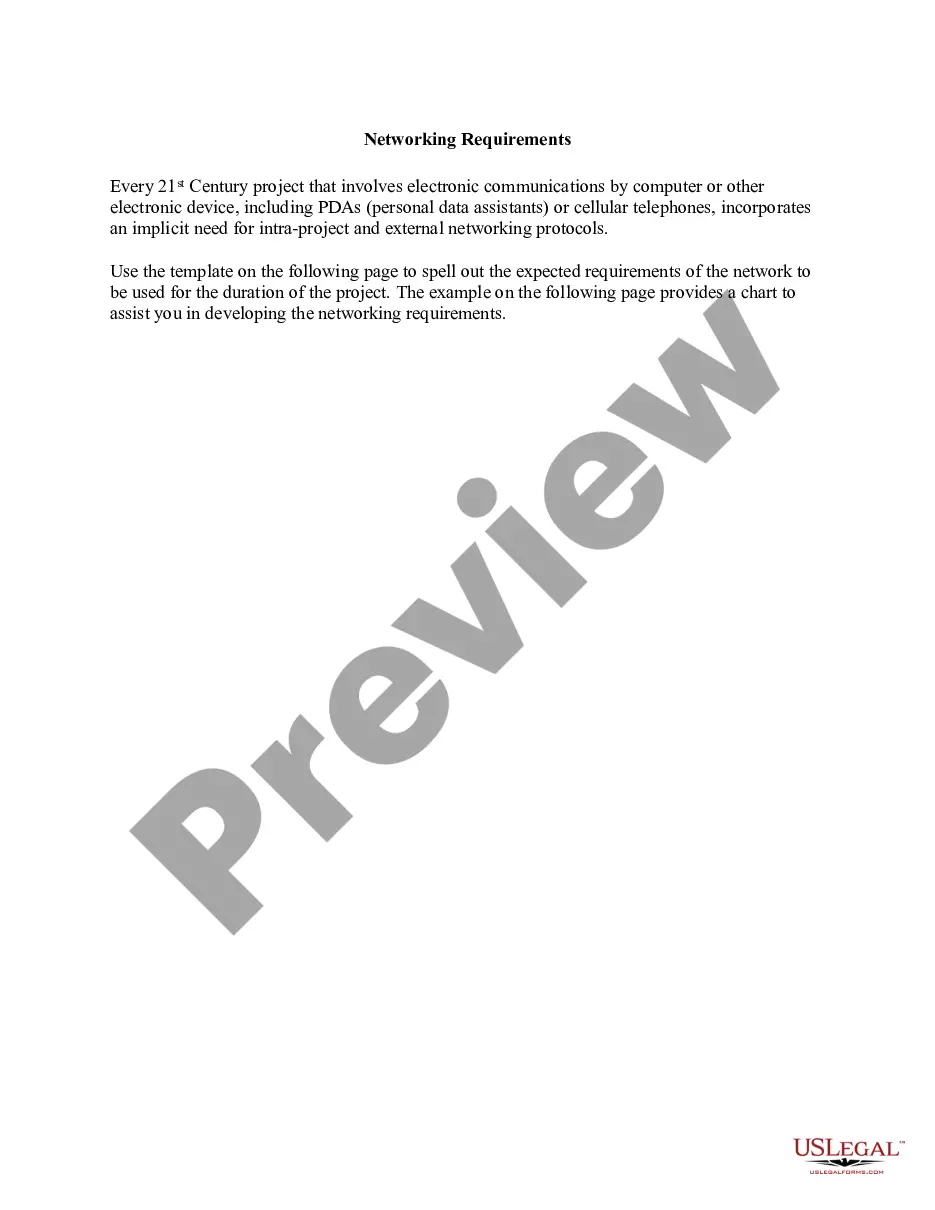
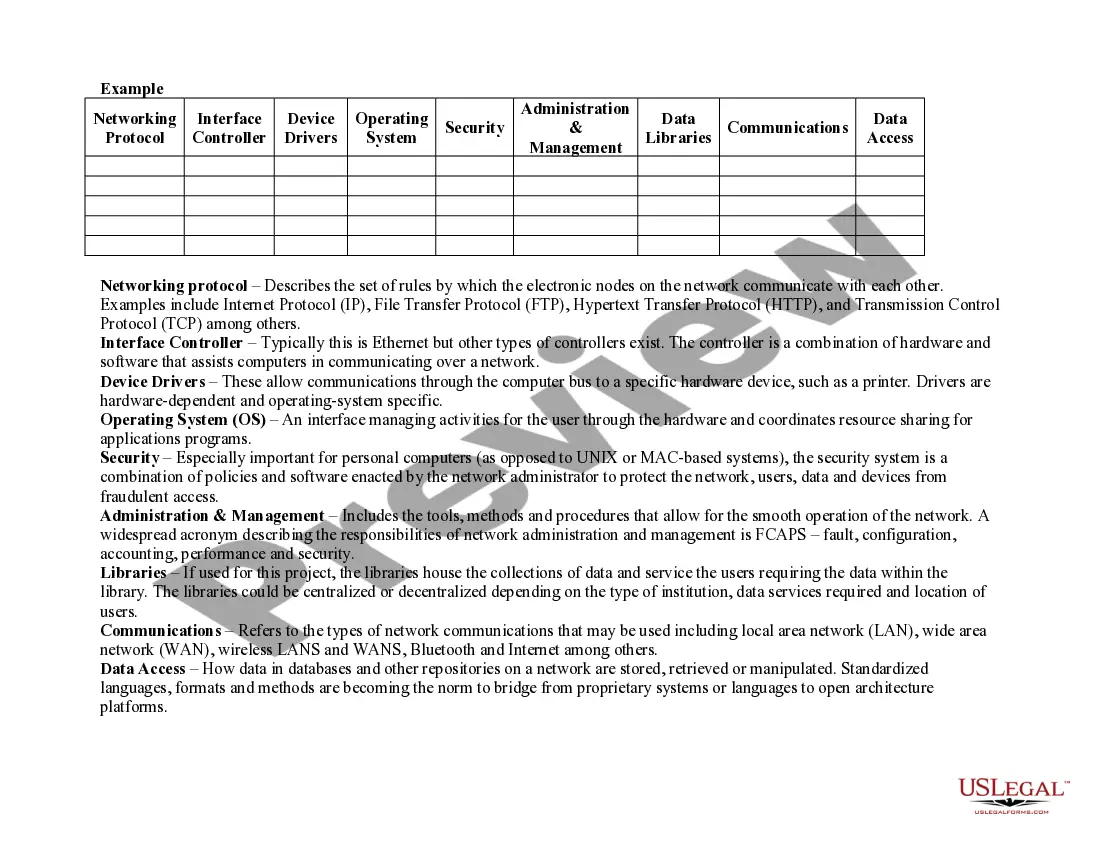
The Networking form is a template designed to outline and document the network requirements for a project involving electronic communications. Unlike other generic forms, this Networking template specifically addresses the intricacies of electronic network setup and management, ensuring all necessary protocols and components are clearly defined for effective project execution.
Main sections of this form
- Networking protocol: Describes rules for communication between network nodes, such as Internet Protocol (IP) and File Transfer Protocol (FTP).
- Interface controller: Specifies the hardware and software used for network communication.
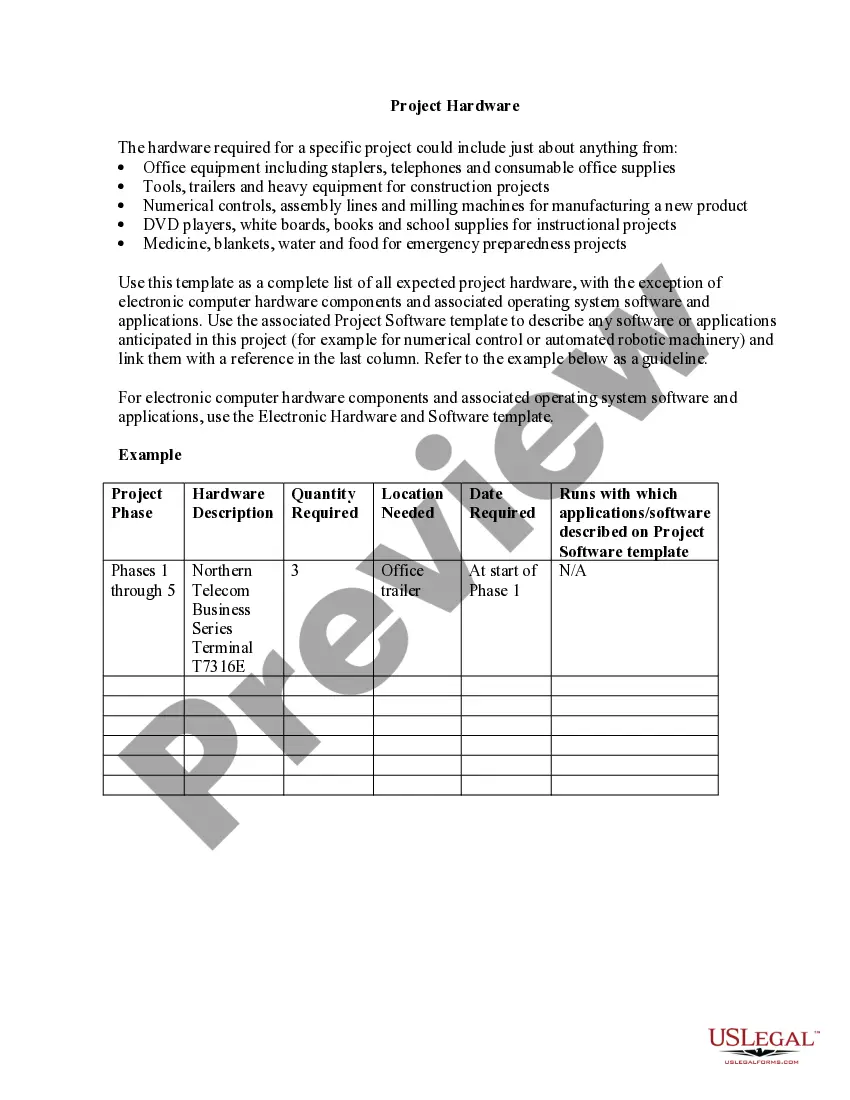
- Device drivers: Details the drivers required for hardware interaction, like printers.
- Operating system (OS): Outlines how the OS manages user activities and resource sharing.
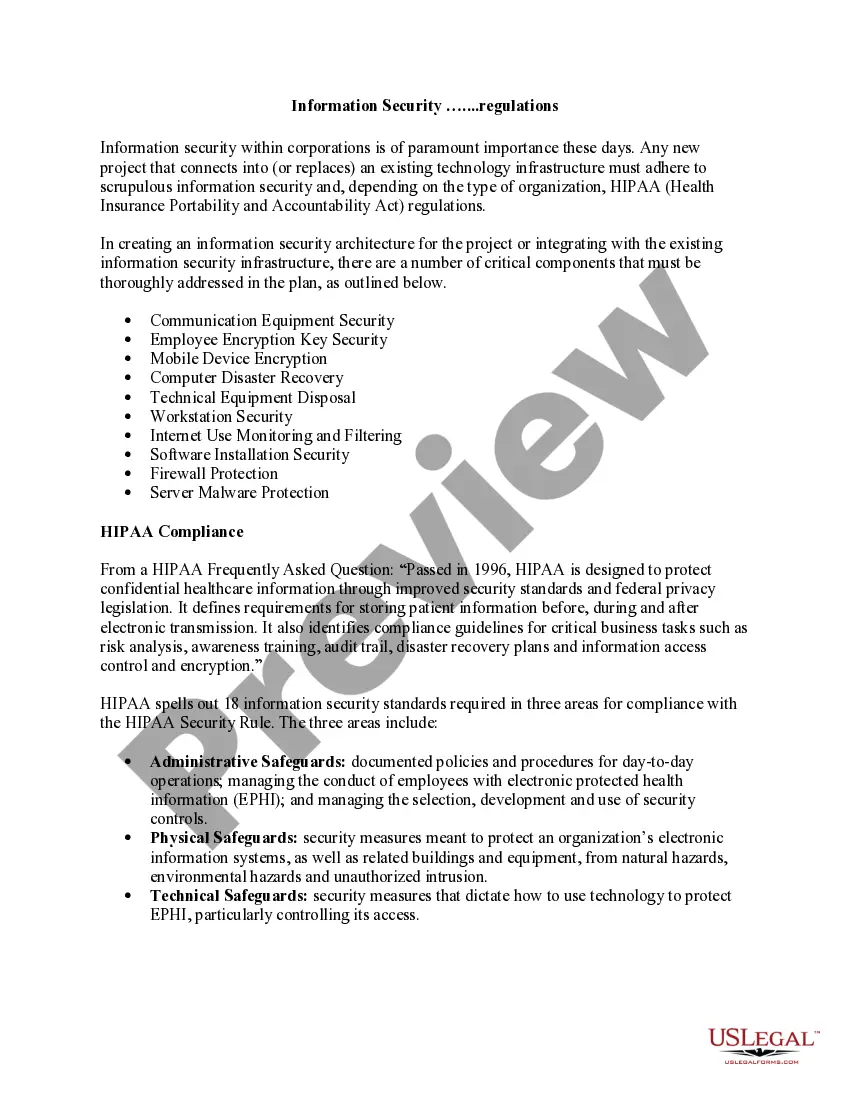
- Security: Covers policies and software to protect users and data from unauthorized access.
- Administration management: Refers to tools and methods for network operation, including fault and performance management.

Common use cases
This form is essential when initiating any project that requires a defined network structure. Use it when you need to set up a new electronic communication network, update existing protocols, or ensure compliance with organizational standards for networking in projects involving electronic devices.
Who this form is for
- Project managers overseeing IT or communications projects.
- IT professionals responsible for network configuration.
- Anyone involved in the planning stages of electronic project implementations.
- Organizations looking to document networking standards and protocols for internal projects.
Instructions for completing this form
- Identify the networking protocol to be used for the project.
- Specify the interface controller that will manage the network connections.
- List the required device drivers for hardware components involved in the project.
- Outline the operating system specifications based on project needs.
- Detail the security measures that will be implemented to protect the network.
- Define the administration and management protocols that will oversee network operations.
Does this document require notarization?
Notarization is generally not required for this form. However, certain states or situations might demand it. You can complete notarization online through US Legal Forms, powered by Notarize, using a verified video call available anytime.
Get your form ready online
Our built-in tools help you complete, sign, share, and store your documents in one place.
Make edits, fill in missing information, and update formatting in US Legal Forms—just like you would in MS Word.
Download a copy, print it, send it by email, or mail it via USPS—whatever works best for your next step.
Sign and collect signatures with our SignNow integration. Send to multiple recipients, set reminders, and more. Go Premium to unlock E-Sign.
If this form requires notarization, complete it online through a secure video call—no need to meet a notary in person or wait for an appointment.
We protect your documents and personal data by following strict security and privacy standards.

Make edits, fill in missing information, and update formatting in US Legal Forms—just like you would in MS Word.

Download a copy, print it, send it by email, or mail it via USPS—whatever works best for your next step.

Sign and collect signatures with our SignNow integration. Send to multiple recipients, set reminders, and more. Go Premium to unlock E-Sign.

If this form requires notarization, complete it online through a secure video call—no need to meet a notary in person or wait for an appointment.

We protect your documents and personal data by following strict security and privacy standards.
Common mistakes
- Failing to include all essential network components in the documentation.
- Not updating the form with current network technology and protocols.
- Overlooking security details, which can lead to vulnerabilities.
- Using outdated terminology that may confuse users.
Why use this form online
- Convenient access to the form anytime, anywhere.
- Easy to edit and customize to fit specific project needs.
- Reliable templates drafted by licensed attorneys ensure legal compliance.
Legal use & context
- This Networking form provides a formalized structure for documenting network requirements, making it enforceable in project management contexts.
- Clear documentation aids in compliance with regulatory standards for electronic communications.
- Reduces potential disputes regarding network expectations by clearly defined protocols.
Looking for another form?
Form popularity
FAQ
Network example: your home Wi-Fi Since the devices are connected to the router as clients, they are part of the network and can use the same resource as the server, namely the Internet. The devices can also communicate with each other without having to establish a direct connection to each device.
In today's world, social media is one of the best examples of business networking tools. Social media can create a personal connection with not just other professionals but clients as well. It leads to many relevant connections and consistent increments in credibility and quality of connections if used correctly.
You might check the calendar on your phone and receive a notification about the weather forecast, which reminds you? you need to take an umbrella. You might use the Sat Nav GPS in your car, getting live traffic updates based on your location data. Or you might check the bus timetable using your 4G network.
Common examples of professional networking include: Joining industry associations or clubs. Getting involved in networking events, expos, conferences or careers fairs. Connecting with and reaching out to relevant professionals on LinkedIn.
Simply put, networking means building connections with other professionals. Networking should always be beneficial to both parties. The reasons why networking is important to include a better reputation, increased visibility, a stronger support network, improved business growth, and more impactful connections.
Networking contributes to your social well-being.Networking leads to the exchange of ideas.Networking helps you meet people at various professional levels.Networking can make you more confident.Networking expands your visibility.5 ways to network professionally.
Some of the most important networking skills for 2023 include active listening, communication, confidence, positivity, and public speaking. Being aware of your body language, preparing a safety net, and asking open-ended questions are among the most useful tips to improve your networking.