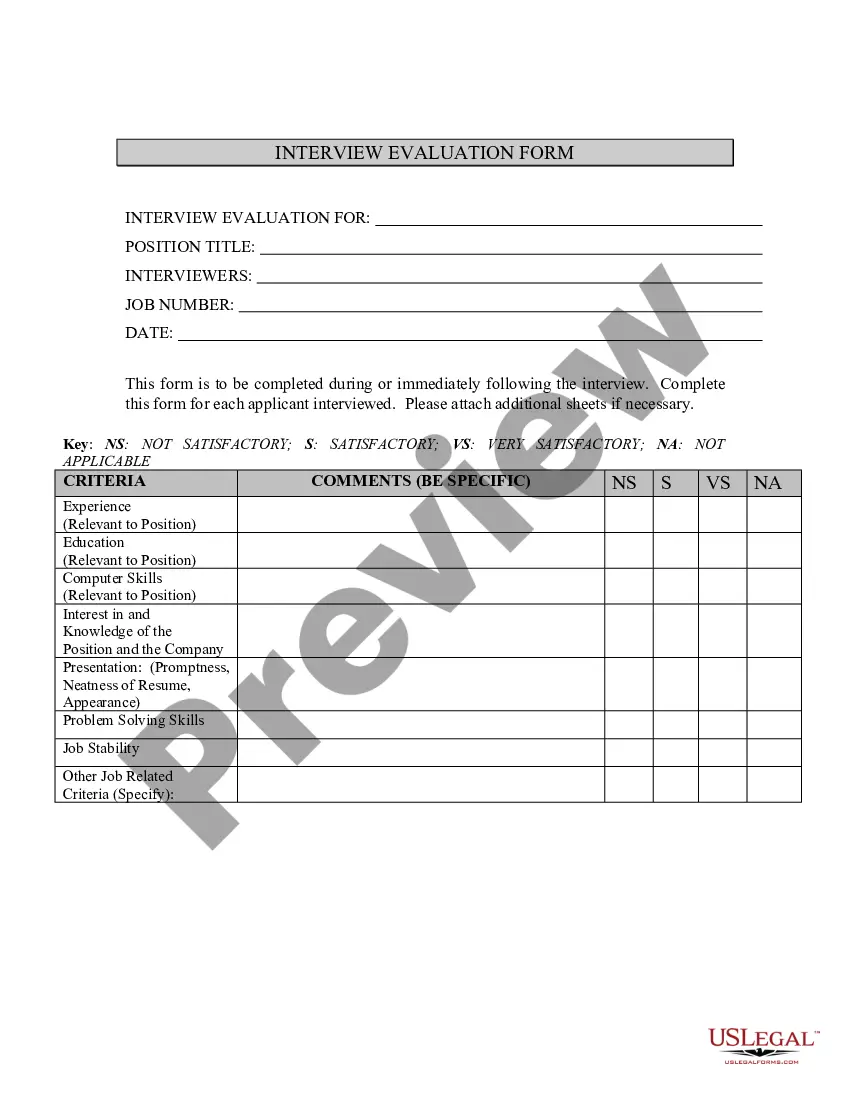
Interview Evaluation Form In Excel
Description
Get your form ready online
Our built-in tools help you complete, sign, share, and store your documents in one place.
Make edits, fill in missing information, and update formatting in US Legal Forms—just like you would in MS Word.
Download a copy, print it, send it by email, or mail it via USPS—whatever works best for your next step.
Sign and collect signatures with our SignNow integration. Send to multiple recipients, set reminders, and more. Go Premium to unlock E-Sign.
If this form requires notarization, complete it online through a secure video call—no need to meet a notary in person or wait for an appointment.
We protect your documents and personal data by following strict security and privacy standards.

Make edits, fill in missing information, and update formatting in US Legal Forms—just like you would in MS Word.

Download a copy, print it, send it by email, or mail it via USPS—whatever works best for your next step.

Sign and collect signatures with our SignNow integration. Send to multiple recipients, set reminders, and more. Go Premium to unlock E-Sign.

If this form requires notarization, complete it online through a secure video call—no need to meet a notary in person or wait for an appointment.

We protect your documents and personal data by following strict security and privacy standards.
Looking for another form?

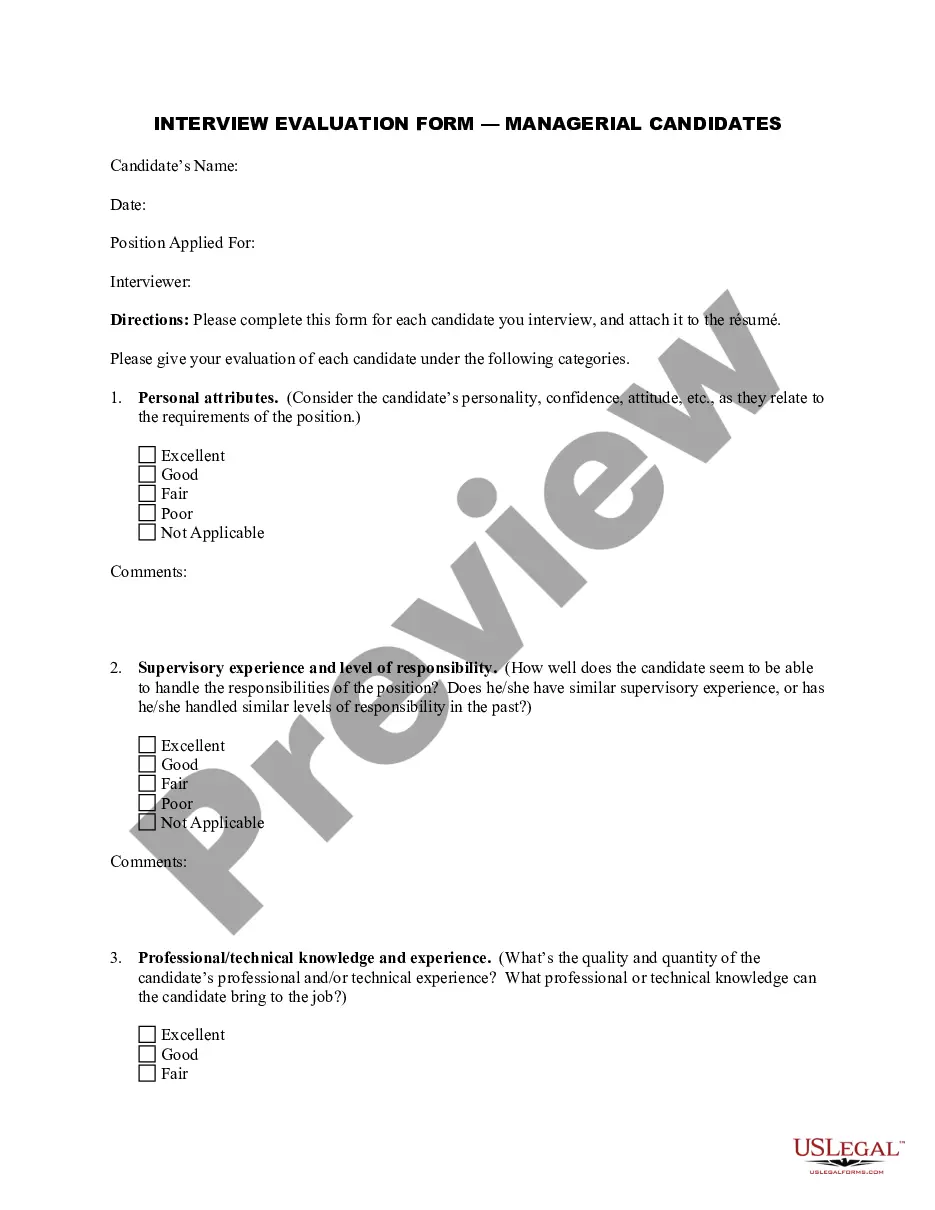
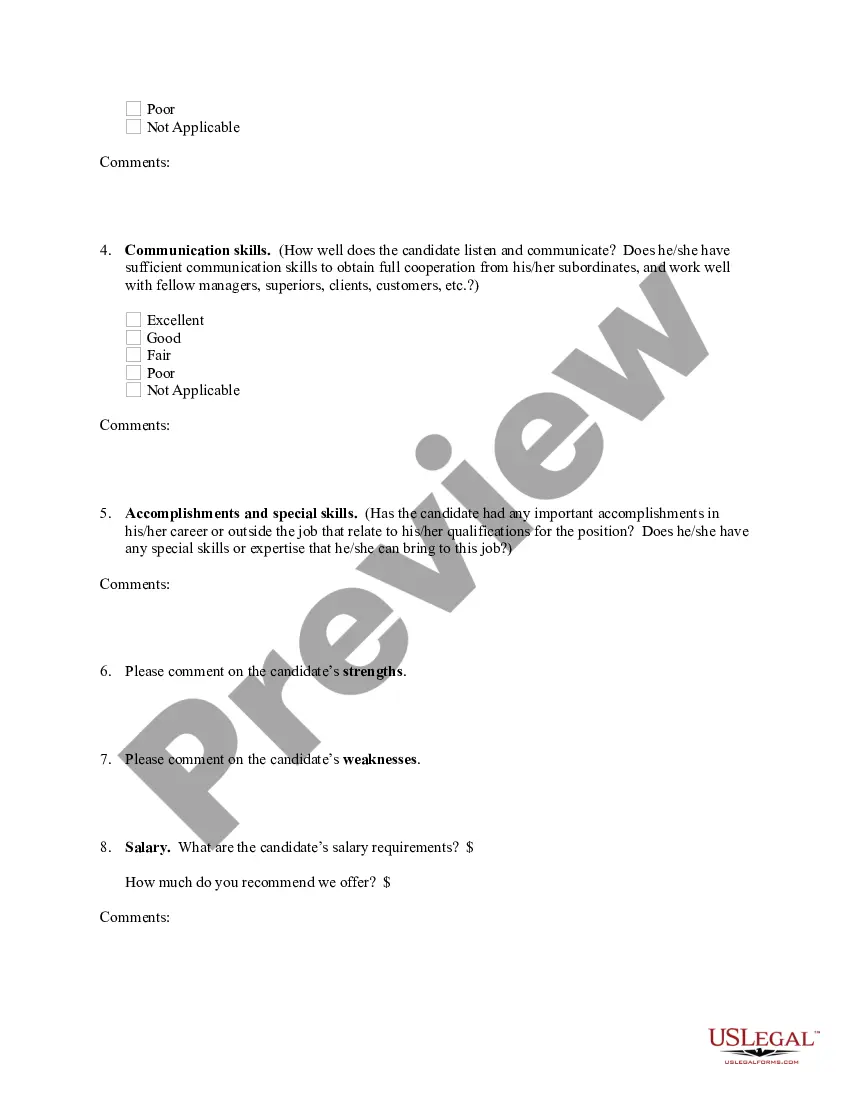
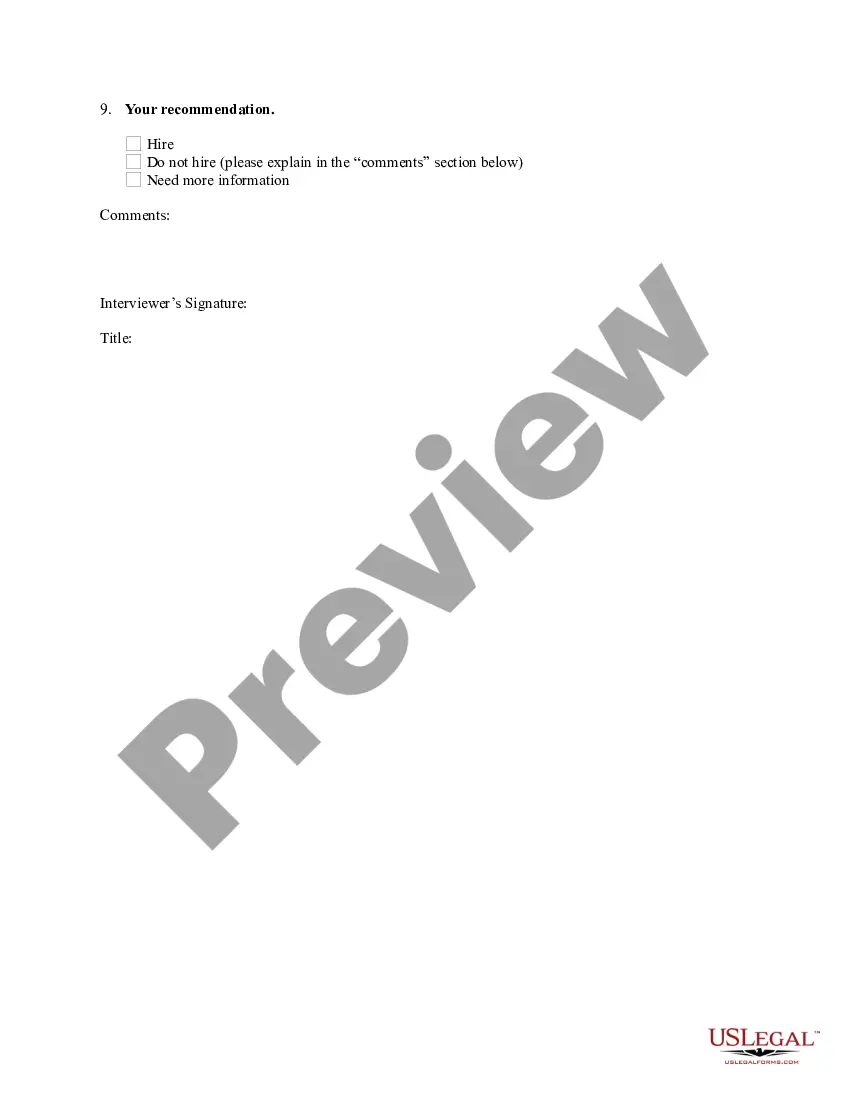
How to fill out Interview Evaluation Form - Managerial Candidates?
Creating legal documents from the ground up can occasionally feel overwhelming.
Certain situations may require extensive research and considerable financial resources.
If you’re looking for a more user-friendly and economical approach to producing Interview Evaluation Form In Excel or any other documents without excessive effort, US Legal Forms is always ready to assist you.
Our online library of over 85,000 current legal documents covers nearly every facet of your financial, legal, and personal matters. With just a few clicks, you can immediately access state- and county-compliant forms meticulously prepared for you by our legal experts.
Ensure the template you choose adheres to the regulations and laws of your state and county. Select the appropriate subscription plan to obtain the Interview Evaluation Form In Excel. Download the file, then fill it out, sign it, and print it. US Legal Forms boasts an impeccable reputation and has over 25 years of experience. Join us today and simplify form execution!
- Utilize our platform whenever you require dependable and trustworthy services that enable you to swiftly locate and download the Interview Evaluation Form In Excel.
- If you’re a returning user of our website and have previously established an account with us, simply Log In to your account, find the form, and download it or retrieve it at any time later in the My documents section.
- Not signed up yet? No problem. It takes only a few minutes to register and navigate the collection.
- However, prior to immediately downloading the Interview Evaluation Form In Excel, adhere to these suggestions.
- Review the document preview and descriptions to confirm you have located the correct document.
Form popularity
FAQ
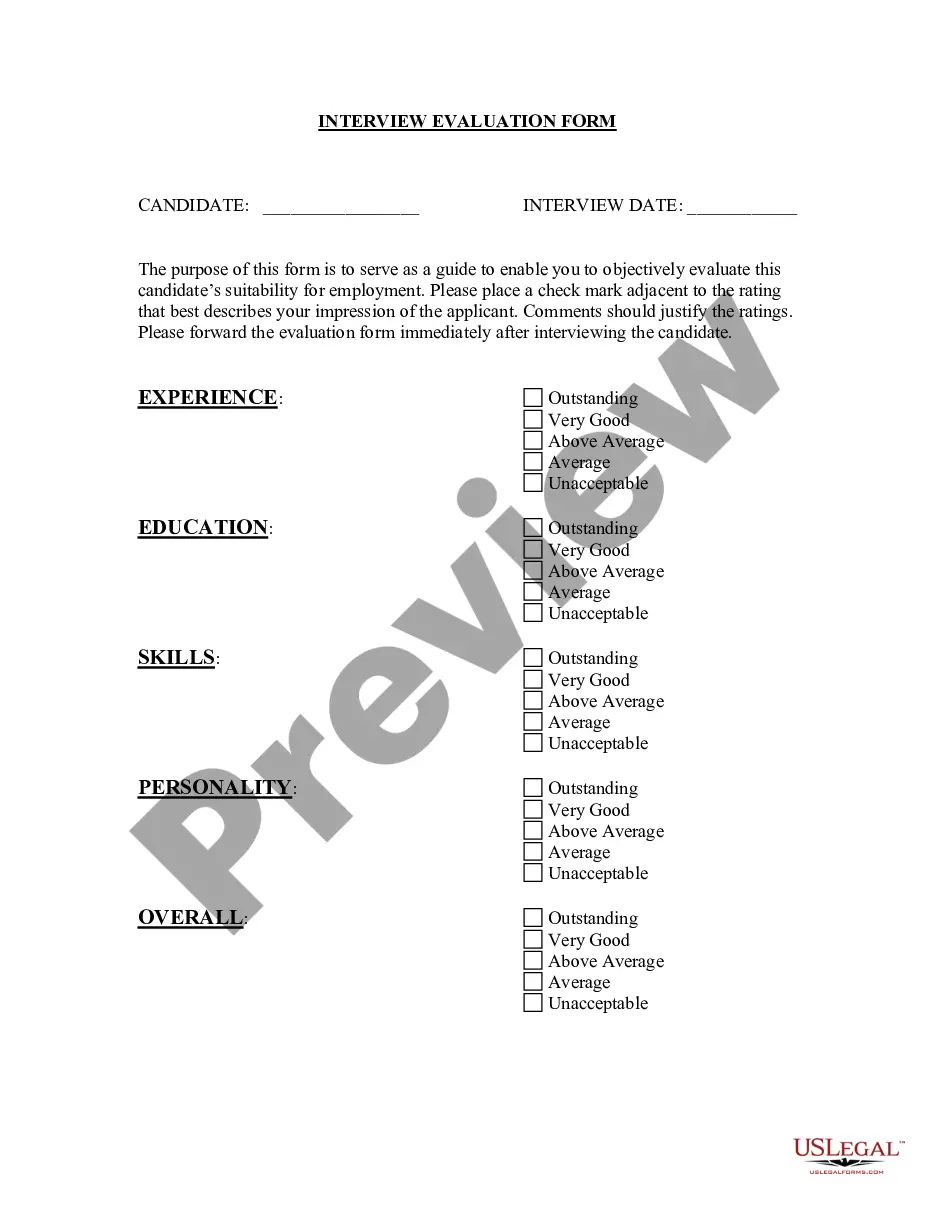
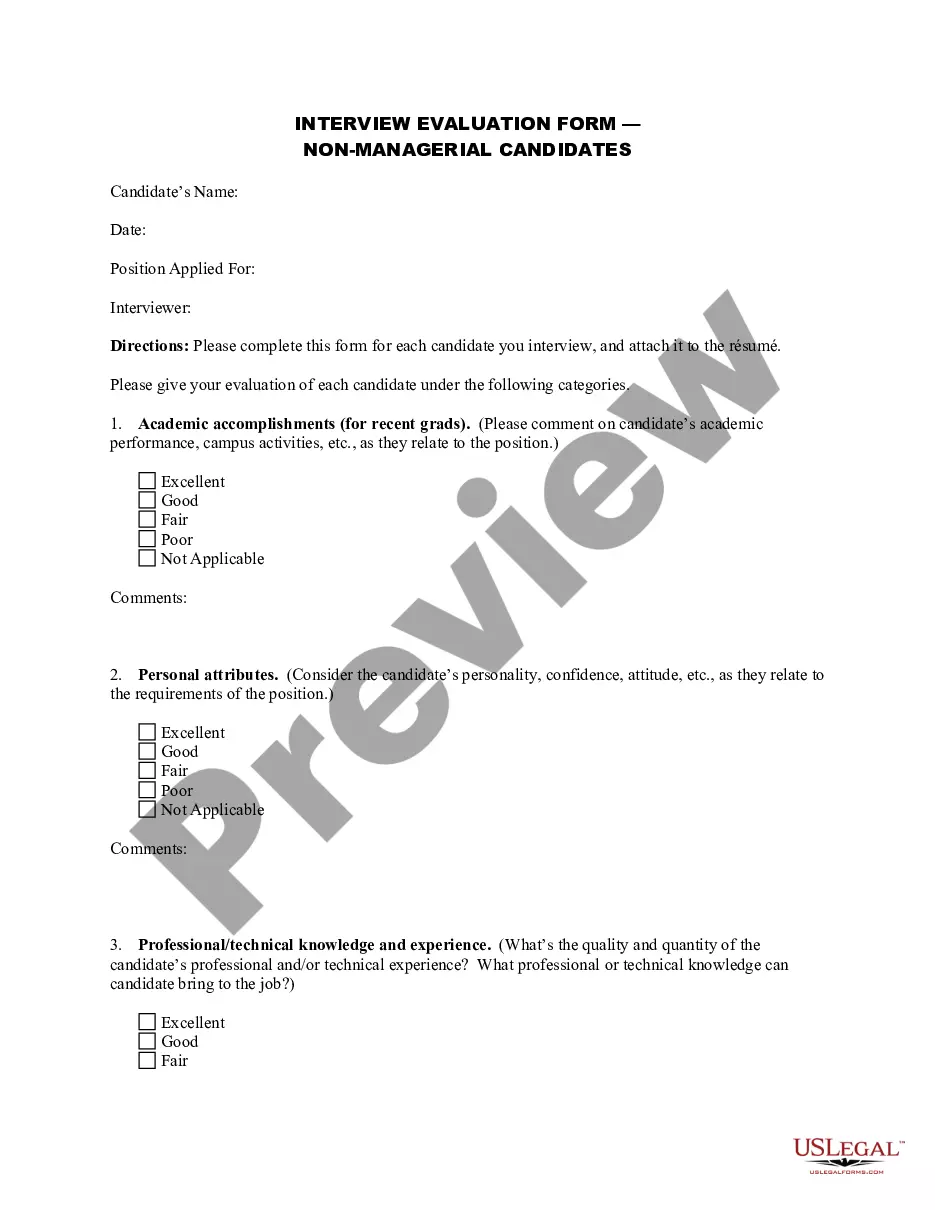
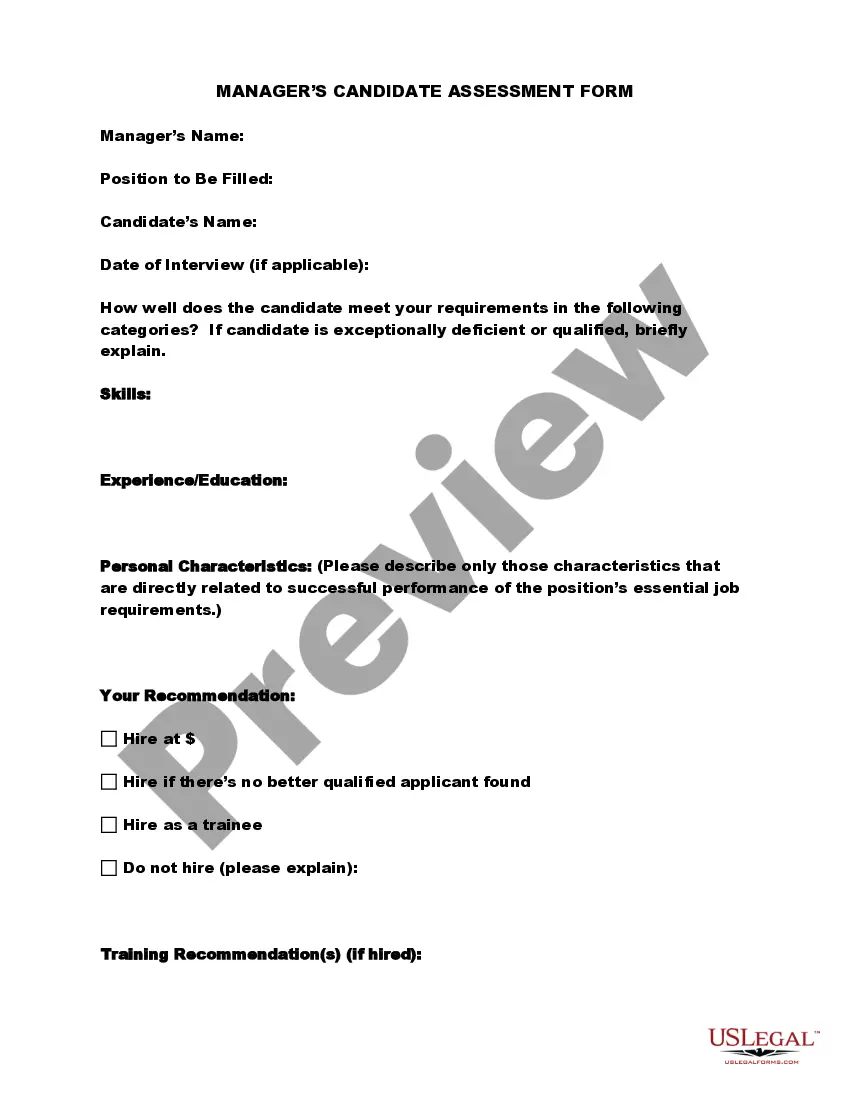
Creating an interview evaluation form in 6 steps Step 1: Identify requirements for the job role. ... Step 2: Formulate relevant questions and evaluation criteria. ... Step 3: Structure your form. ... Step 4: Determine the scoring system. ... Step 5: Include the interviewer's impressions and recommendations.
Beginner Level Excel Interview Questions What is a cell address in Excel? ... What do you mean by Relative cell referencing and Absolute cell referencing in MS Excel? ... How do you freeze panes in Excel? ... How can you restrict someone from copying a cell from your worksheet? ... How is a Formula different from a Function in Excel?
So we decided to put together a few quick tips to help you dazzle your next interviewer. Practice your answers to avoid stumbling. ... Relax! ... Research the company. ... Be honest about your experience. ... Don't be scared to speak up if you're unsure about a question. ... Match your CV with the job spec.
Follow these steps to create an interview report: Combine interview preparation with writing preparation. Gather all the relevant information about the interviewee and the occasion for the interview. ... Consider your audience and tone. ... Decide on a style. ... Use the report template as a guide. ... Complete the report. ... Proofread.
An interview evaluation form is a great way to help you further structure an interview. It's a way for you and your hiring team to carefully go over and agree upon the criteria against which a candidate will be judged.