File Resolution With Companies House
Description
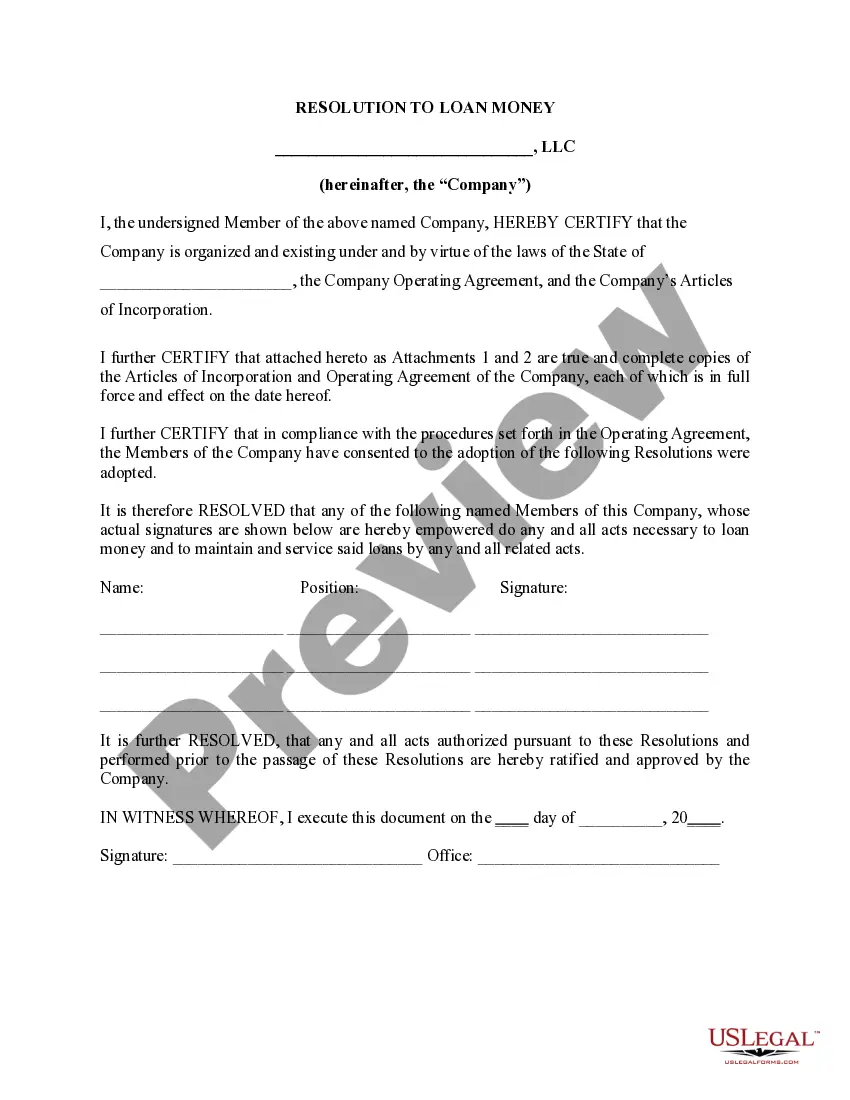
Get your form ready online
Our built-in tools help you complete, sign, share, and store your documents in one place.
Make edits, fill in missing information, and update formatting in US Legal Forms—just like you would in MS Word.
Download a copy, print it, send it by email, or mail it via USPS—whatever works best for your next step.
Sign and collect signatures with our SignNow integration. Send to multiple recipients, set reminders, and more. Go Premium to unlock E-Sign.
If this form requires notarization, complete it online through a secure video call—no need to meet a notary in person or wait for an appointment.
We protect your documents and personal data by following strict security and privacy standards.

Make edits, fill in missing information, and update formatting in US Legal Forms—just like you would in MS Word.

Download a copy, print it, send it by email, or mail it via USPS—whatever works best for your next step.

Sign and collect signatures with our SignNow integration. Send to multiple recipients, set reminders, and more. Go Premium to unlock E-Sign.

If this form requires notarization, complete it online through a secure video call—no need to meet a notary in person or wait for an appointment.

We protect your documents and personal data by following strict security and privacy standards.
Looking for another form?




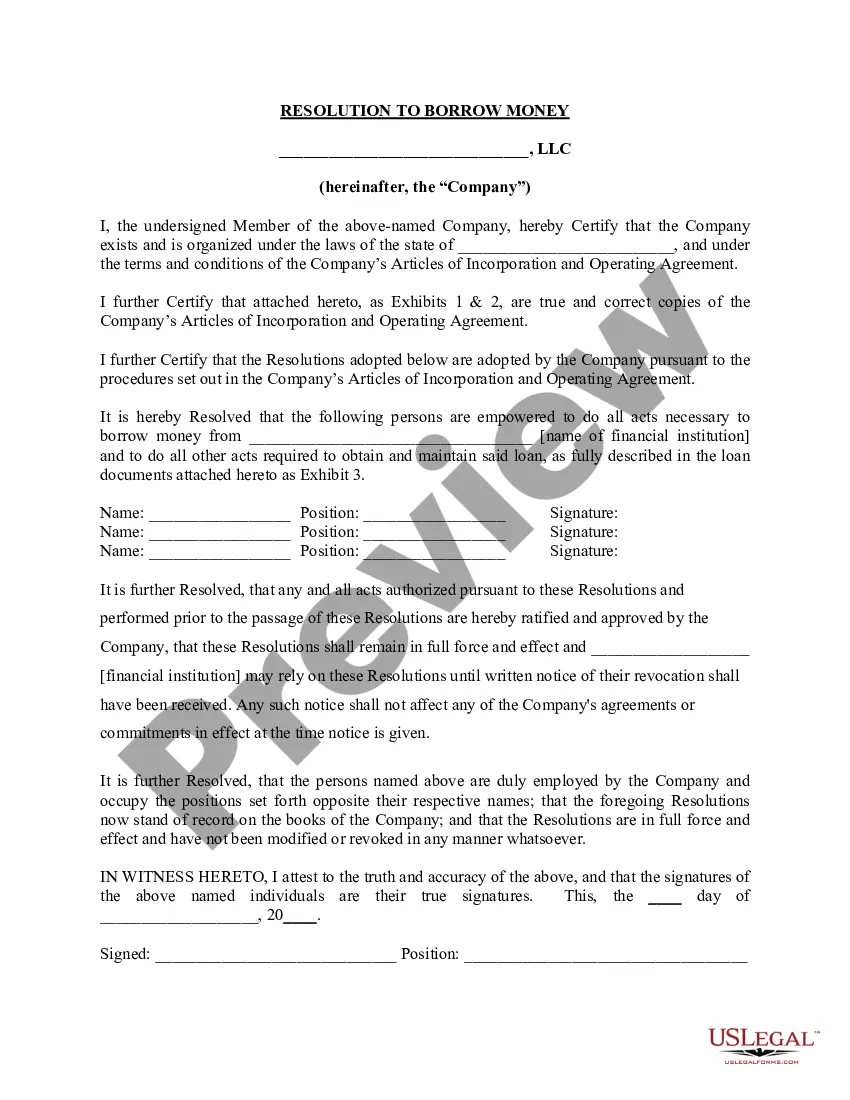
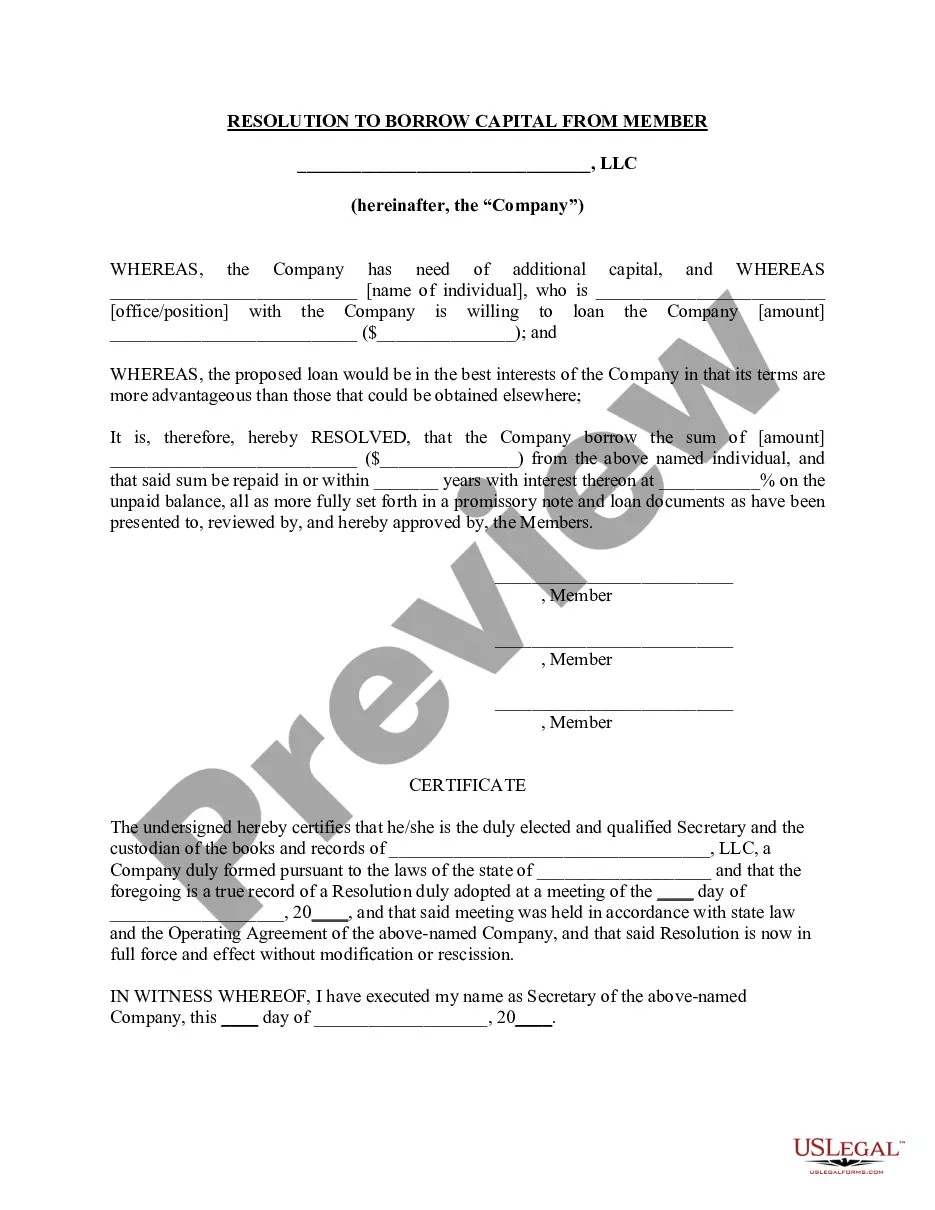
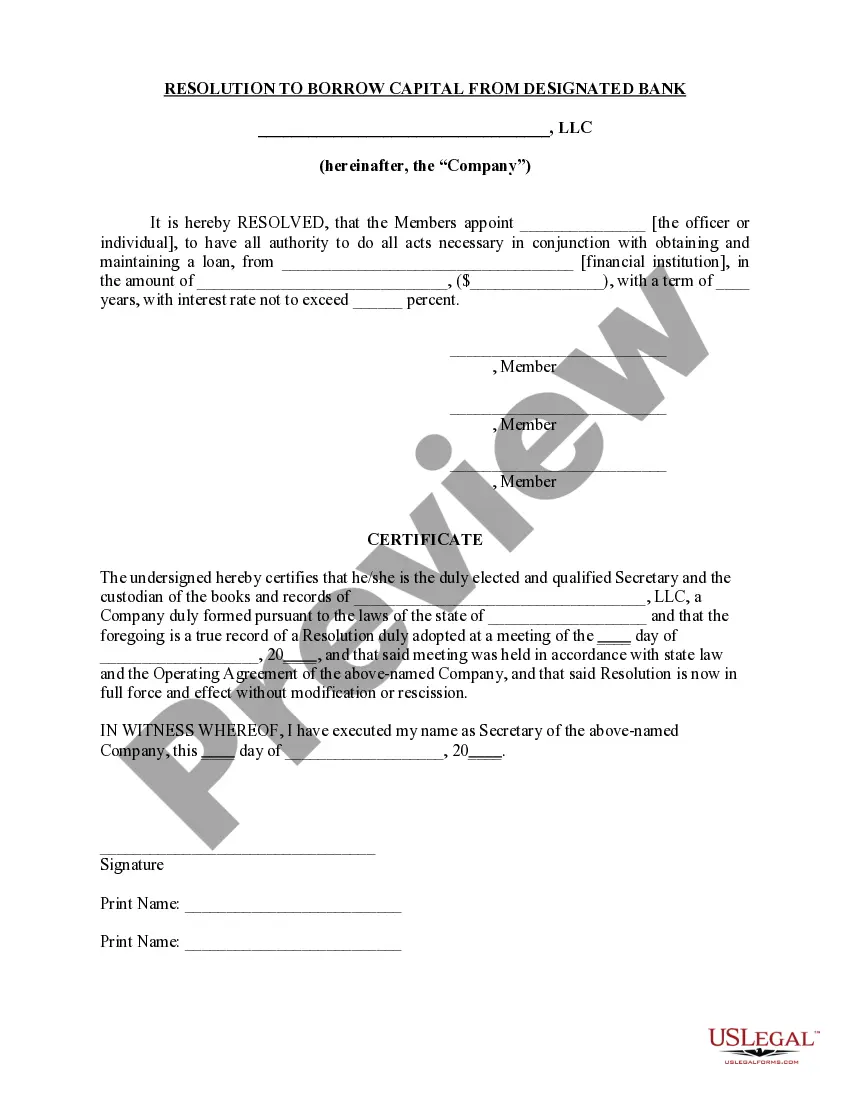
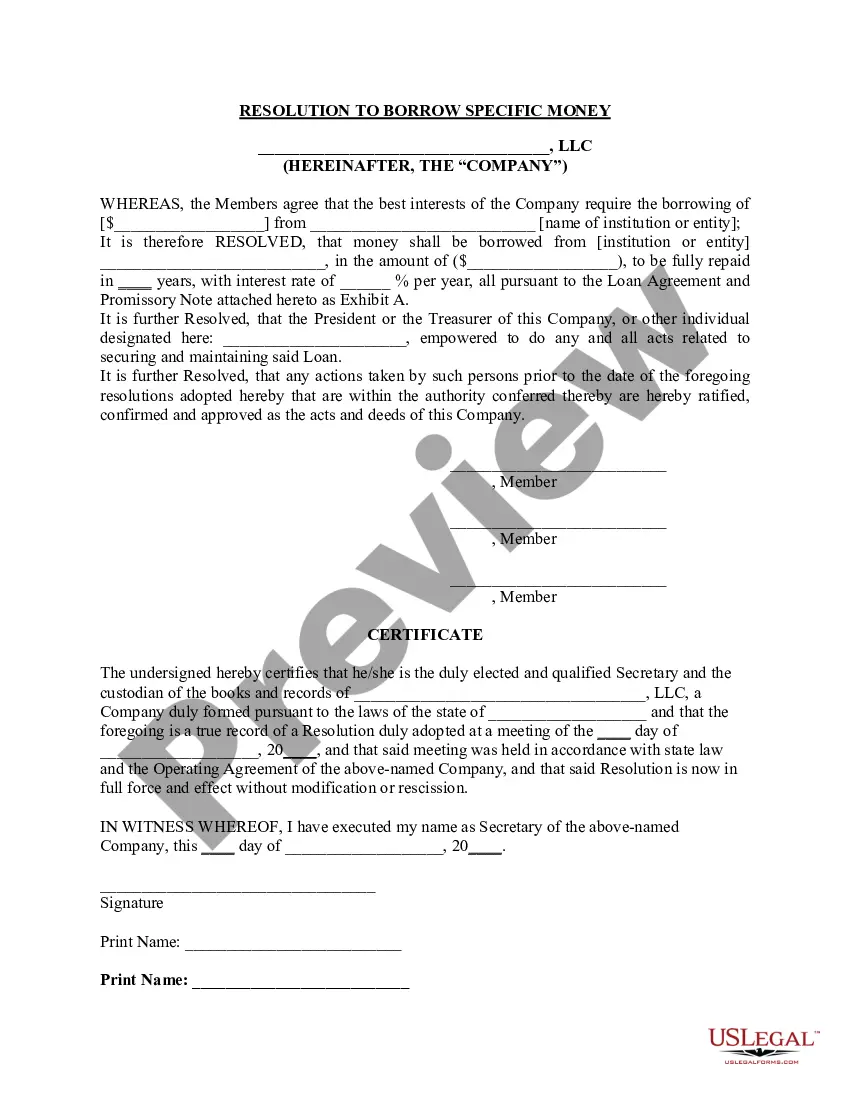
How to fill out Resolution Of Meeting Of LLC Members To Borrow Money?
Creating legal documents from the ground up can frequently be overwhelming.
Certain cases may require extensive research and significant financial investment.
If you’re seeking a simpler and more cost-effective method of preparing File Resolution With Companies House or any other paperwork without unnecessary complications, US Legal Forms is always accessible.
Our online repository of over 85,000 current legal documents covers nearly every aspect of your financial, legal, and personal affairs.
However, before proceeding to download File Resolution With Companies House, adhere to these guidelines: Review the document preview and descriptions to confirm that you have located the document you need. Ensure the form you select complies with the laws and regulations of your state and county. Choose the appropriate subscription plan to acquire the File Resolution With Companies House. Download the file, then complete, certify, and print it out. US Legal Forms boasts a flawless reputation and more than 25 years of experience. Join us today and make form completion a straightforward and efficient process!
- With just a few clicks, you can swiftly obtain state- and county-compliant forms carefully assembled for you by our legal experts.
- Utilize our platform whenever you need a dependable and trustworthy service through which you can easily locate and download the File Resolution With Companies House.
- If you’re already familiar with our services and have set up an account with us before, simply Log In to your account, choose the template, and download it immediately or re-download it later in the My documents section.
- Don’t possess an account? No problem.
- It requires minimal time to register and dive into the library.
Form popularity
FAQ
Under section 30 of the Companies Act 2006, all special resolutions that are passed must be submitted to Companies House within 15 days of their passing. Failure to do so is an offence that is committed by both the company itself and also the officers of said company (in other words, the director(s) and secretary).
Resolution Types The director's resolutions don't usually need filing at Companies House, unless you are talking about a substantial change being proposed that would affect the company, such as a change of PLC status following the buying back of shares.
Company resolutions are legally binding decisions made by the members (shareholders or guarantors) or directors of a limited company.
Filing written resolutions at Companies House Some resolutions need to be filed with Companies House (mainly special resolutions). In another article we explain which these are. These need to be sent to Companies House whether they are agreed by a written resolution, or a resolution during a meeting.
A special resolution will be passed as a written resolution if signed by shareholders representing not less than 75% of the total voting rights of eligible shareholders. The written resolution must state that it is a special resolution.