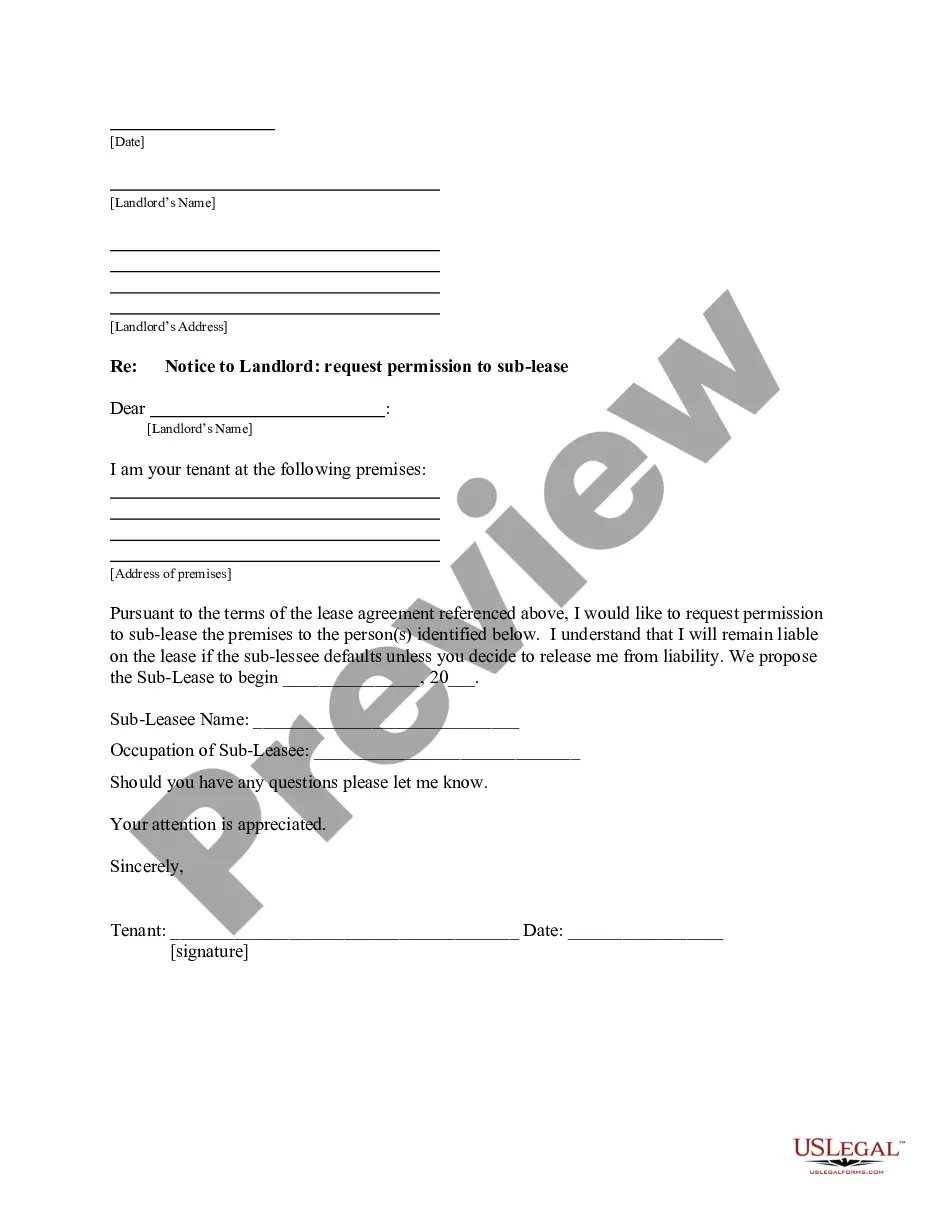
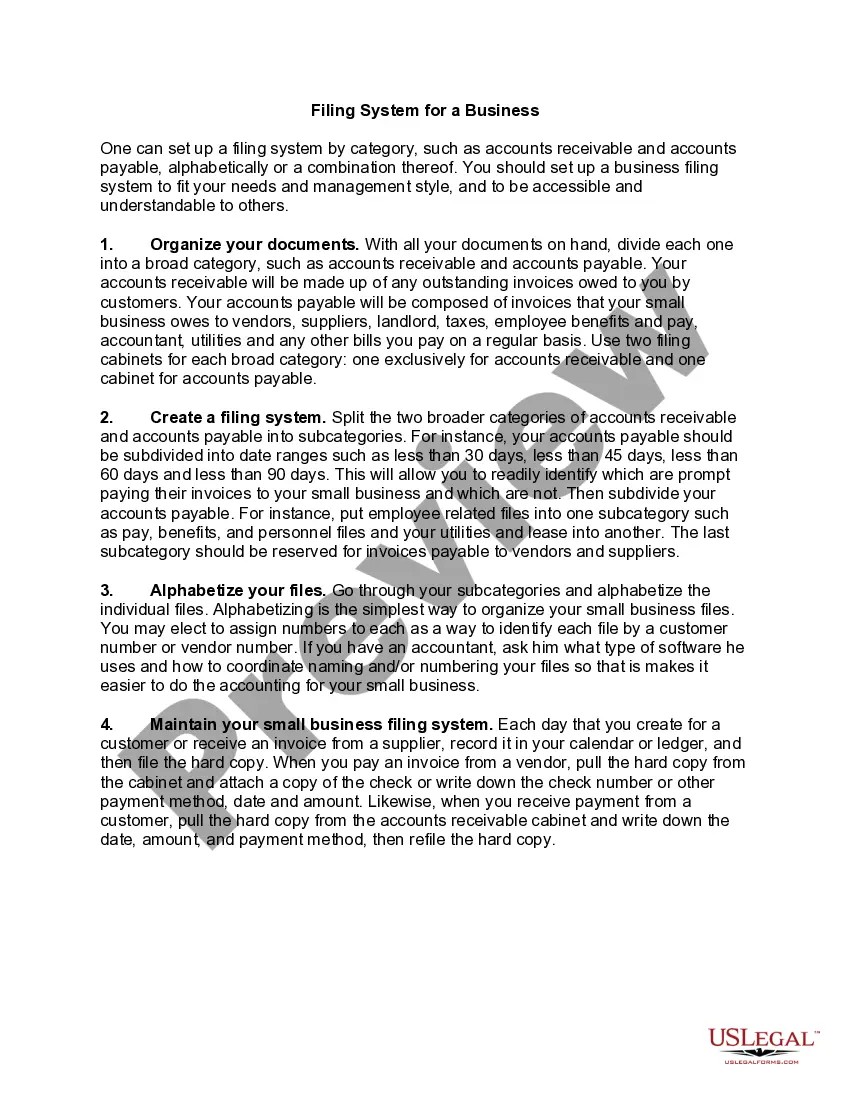
Filing System for a Business
What this document covers
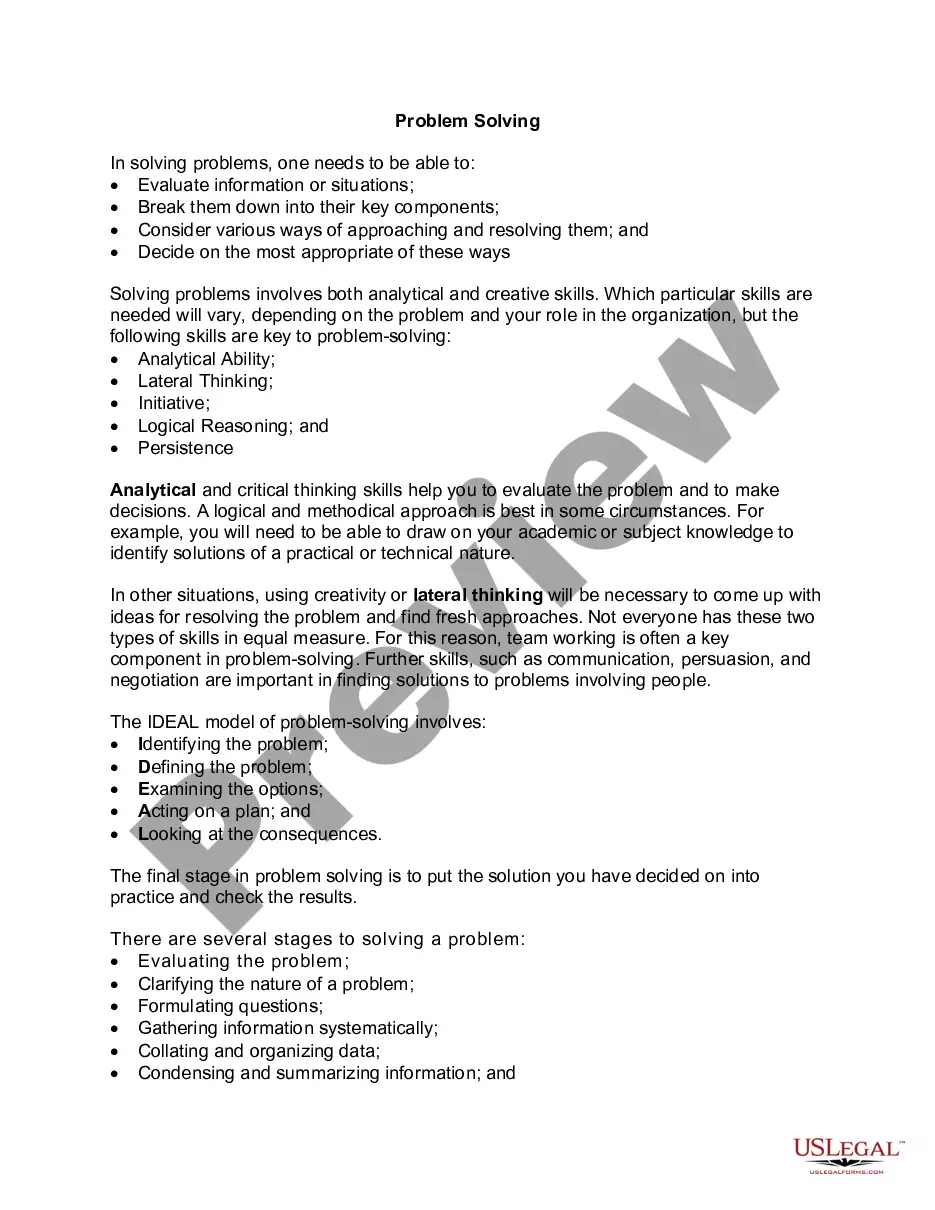
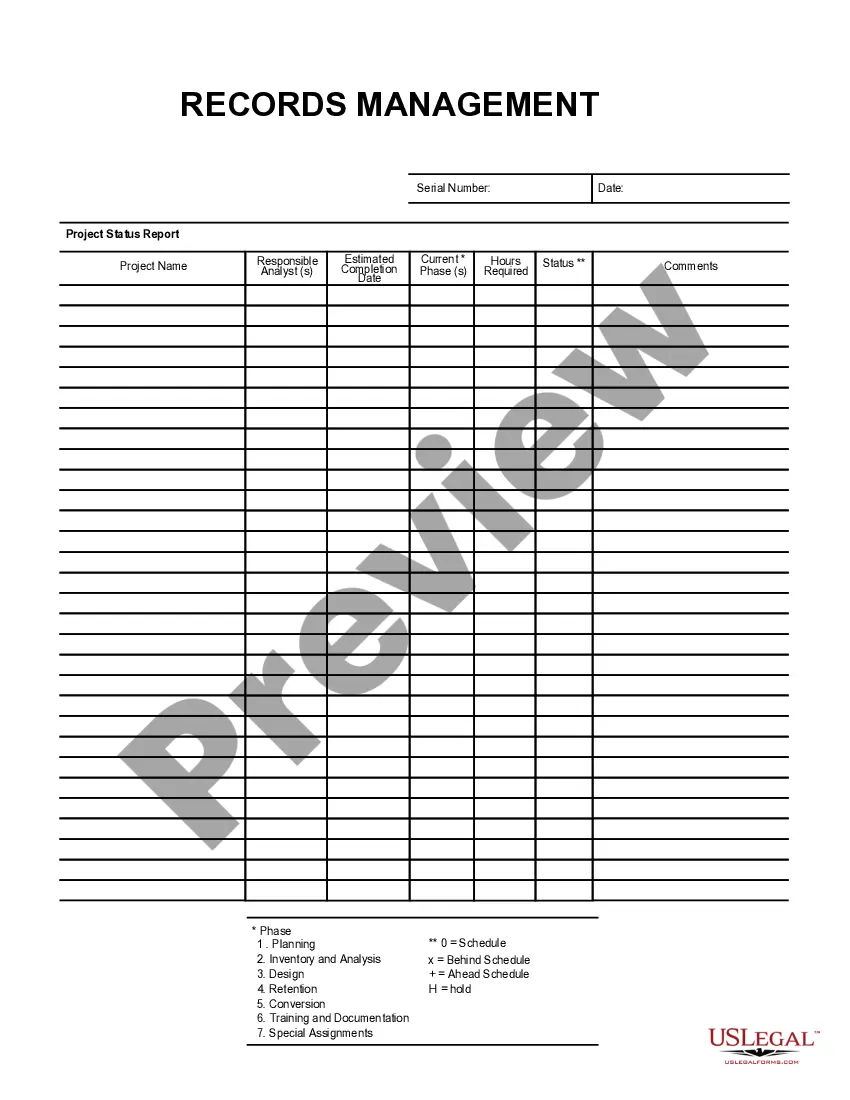
The Filing System for a Business form is a structured framework designed to help businesses organize their financial and operational documents. This form assists in categorizing documents such as accounts receivable and accounts payable, creating a more efficient filing system tailored to the unique needs of your business. Unlike other organizational tools, this form provides clear guidelines on how to maintain and update your filing system regularly, ensuring it remains accessible and understandable for all stakeholders.
What’s included in this form
- Document organization by broad categories, like accounts receivable and accounts payable.
- Subcategorization of files by date ranges and types for better access.
- Alphabetical arrangement of files within each subcategory for ease of retrieval.
- Regular maintenance procedures to keep the filing system current.
When to use this form
This form is useful when starting a new business or when you need to revamp an existing filing system. It can be utilized during financial audits, tax preparations, or any time you need to ensure proper document management for operational efficiency. This form helps in establishing clear protocols for documenting accounts payable and receivable, thus streamlining financial reporting and decision-making processes.
Who can use this document
- Small business owners seeking to organize their financial documents.
- Accounting professionals who need a consistent filing method.
- Office managers responsible for document management systems.
- Anyone involved in financial management and document organization processes.
Instructions for completing this form
- Gather all necessary financial documents relevant to your business operations.
- Divide documents into broad categories such as accounts receivable and accounts payable.
- Further divide each category into subcategories based on criteria like date or type of billing.
- Alphabetize the files within each subcategory for streamlined access.
- Implement a daily routine for filing new documents and maintaining records.
Is notarization required?
Notarization is not commonly needed for this form. However, certain documents or local rules may make it necessary. Our notarization service, powered by Notarize, allows you to finalize it securely online anytime, day or night.
Get your form ready online
Our built-in tools help you complete, sign, share, and store your documents in one place.
Make edits, fill in missing information, and update formatting in US Legal Forms—just like you would in MS Word.
Download a copy, print it, send it by email, or mail it via USPS—whatever works best for your next step.
Sign and collect signatures with our SignNow integration. Send to multiple recipients, set reminders, and more. Go Premium to unlock E-Sign.
If this form requires notarization, complete it online through a secure video call—no need to meet a notary in person or wait for an appointment.
We protect your documents and personal data by following strict security and privacy standards.

Make edits, fill in missing information, and update formatting in US Legal Forms—just like you would in MS Word.

Download a copy, print it, send it by email, or mail it via USPS—whatever works best for your next step.

Sign and collect signatures with our SignNow integration. Send to multiple recipients, set reminders, and more. Go Premium to unlock E-Sign.

If this form requires notarization, complete it online through a secure video call—no need to meet a notary in person or wait for an appointment.

We protect your documents and personal data by following strict security and privacy standards.
Common mistakes
- Failing to regularly update the filing system, leading to outdated documents.
- Not categorizing documents correctly, which can cause confusion.
- Neglecting to maintain a backup of important files.
- Overcomplicating the filing structure, making it difficult to navigate.
Benefits of completing this form online
- Convenience of downloading and using the form at any time.
- Editability allows for quick adjustments to fit specific business needs.
- Reliable resources crafted by licensed attorneys ensure legal compliance.
- Immediate access to organizational guidelines streamlines the setup process.
Legal use & context
Using a structured filing system is essential for maintaining the legality and accuracy of your business records. Ensure that your filing practices comply with financial regulations and local laws to avoid potential issues.
Quick recap
- Organizing financial documents is critical for business efficiency.
- Establishing a filing system helps track finances and simplifies audits.
- Regular maintenance of the filing system is essential to keep records organized.
Looking for another form?


Form popularity
FAQ
Simplicity: The filing system should be simple and not too elaborate.Accessibility: A good filing system should be arranged in such a way that the records are easily available whenever required. The filing system should allow the insertion of additional documents without disturbing the existing order of files.
Filing by Subject/Category. Filing in Alphabetical order. Filing by Numbers/Numerical order. Filing by Places/Geographical order. Filing by Dates/Chronological order.
Determine how you want to retrieve the files. Label each hanging and manila folders. Stick with the same labeling system. Leave space in the drawer for new files. Lay the paper in the folders so you can see the tabs. Find a filing cabinet that will hold all your files.
Filing and classification systems fall into three main types: alphabetical, numeric and alphanumeric. Each of these types of filing systems has advantages and disadvantages, depending on the information being filed and classified. In addition, you can separate each type of filing system into subgroups.
Simplicity: The filing system should be simple and not too elaborate.Accessibility: A good filing system should be arranged in such a way that the records are easily available whenever required. The filing system should allow the insertion of additional documents without disturbing the existing order of files.
Alphabetic systems are the most natural and common method of arranging files. However, even the simplest alphabetic system requires establishing, filing standards, including written filing procedures, cross-reference methods, and practices for filing duplicate name changes, etc.
Separate documents by type. Use chronological and alphabetical order. Organize your filing space. Color-code your filing system. Label your filing system. Dispose of unnecessary documents. Digitize files.
Simple Binder Filing System For small businesses that don't generate too much paperwork, the binder system is a good choice. It's also ideal for people who like to have everything in one place or who need their information to be mobile.
Simplicity. Simplicity is the first quality of a proper filing system. Economy. A good filing system should be economical. Compactness. A good filing system should be compact. Flexibility. Safety. Accessibility. Cross reference. Classification and indexing.