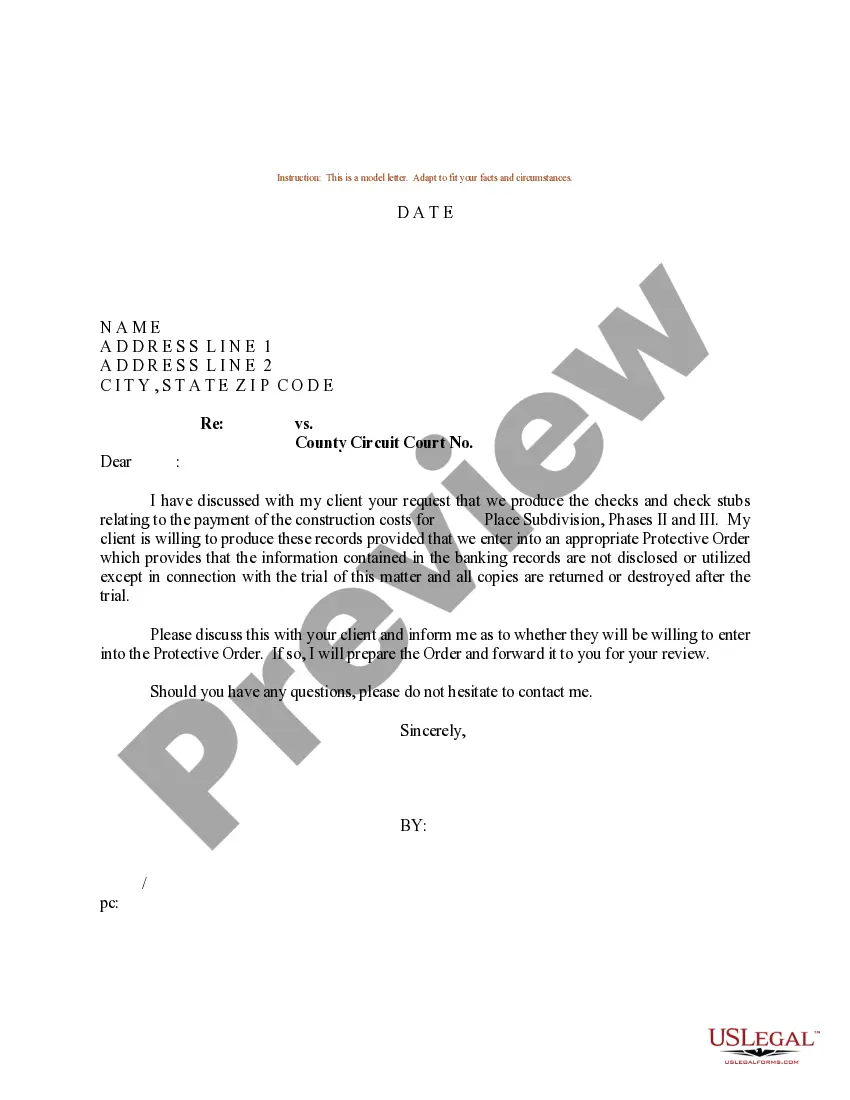
Protective Order Documents With Iphone
Description
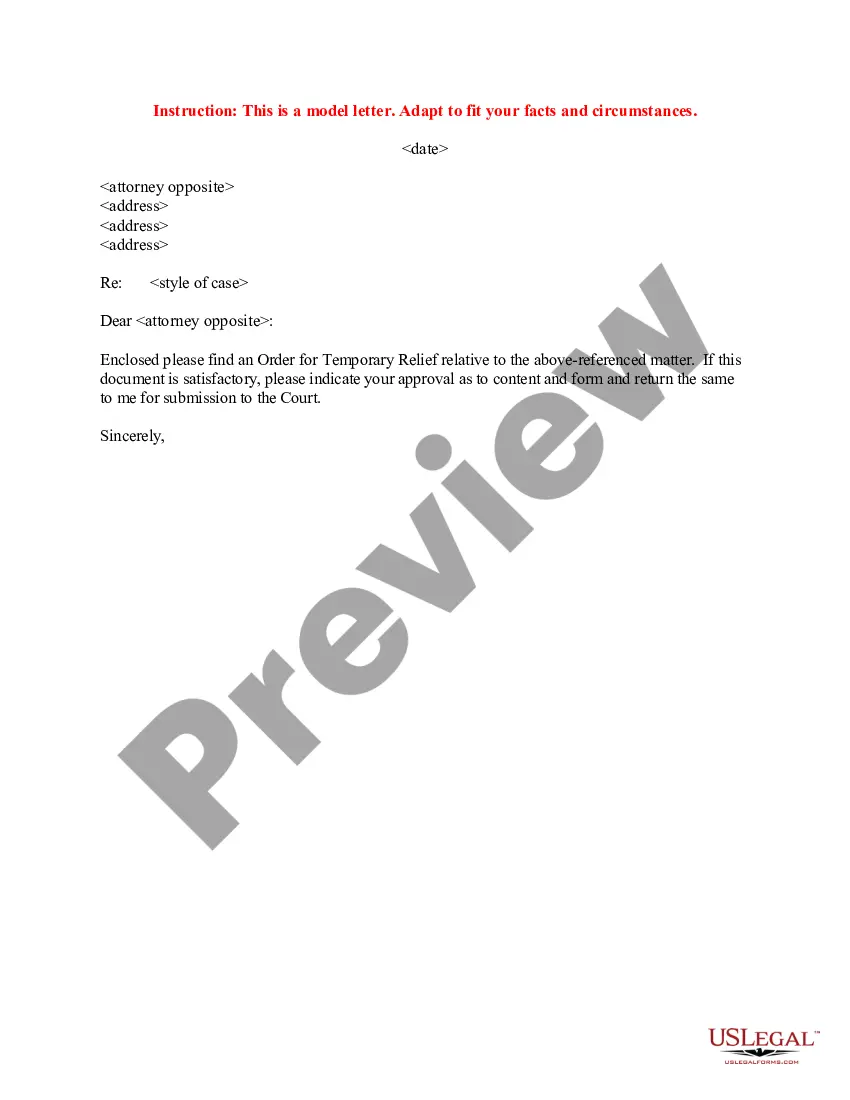
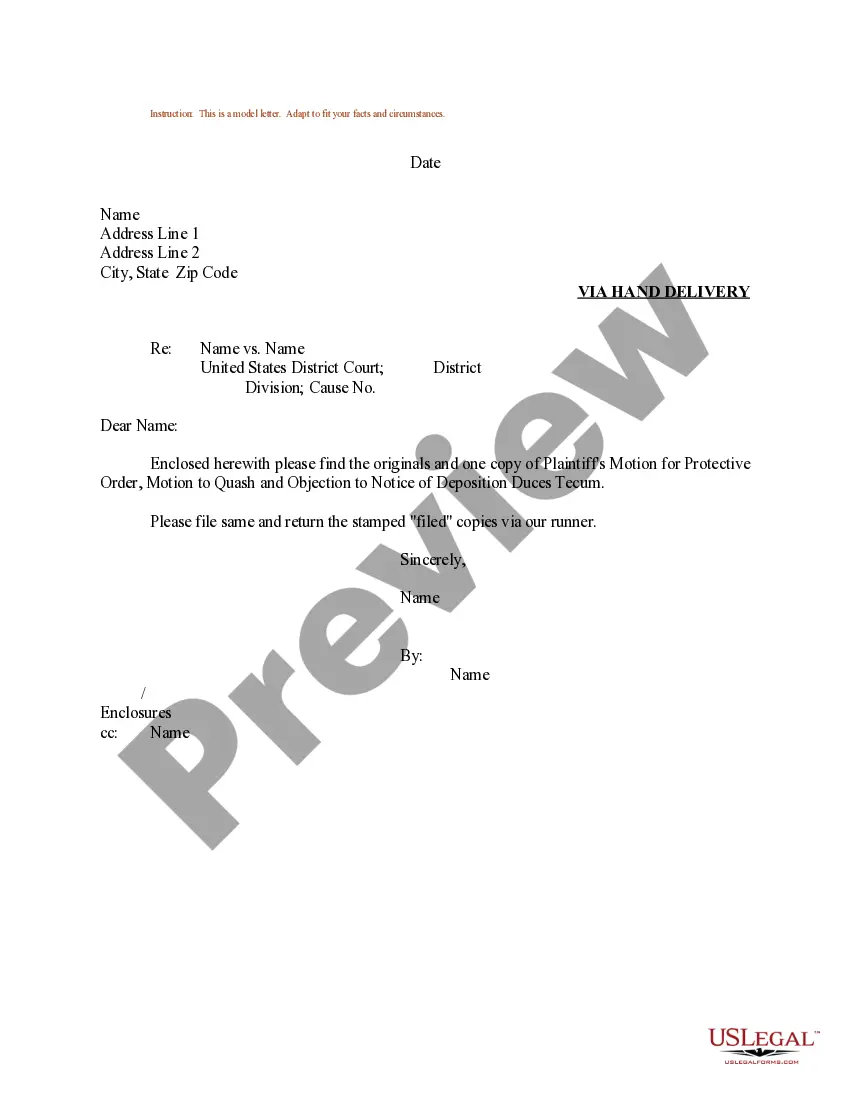
Get your form ready online
Our built-in tools help you complete, sign, share, and store your documents in one place.
Make edits, fill in missing information, and update formatting in US Legal Forms—just like you would in MS Word.
Download a copy, print it, send it by email, or mail it via USPS—whatever works best for your next step.
Sign and collect signatures with our SignNow integration. Send to multiple recipients, set reminders, and more. Go Premium to unlock E-Sign.
If this form requires notarization, complete it online through a secure video call—no need to meet a notary in person or wait for an appointment.
We protect your documents and personal data by following strict security and privacy standards.

Make edits, fill in missing information, and update formatting in US Legal Forms—just like you would in MS Word.

Download a copy, print it, send it by email, or mail it via USPS—whatever works best for your next step.

Sign and collect signatures with our SignNow integration. Send to multiple recipients, set reminders, and more. Go Premium to unlock E-Sign.

If this form requires notarization, complete it online through a secure video call—no need to meet a notary in person or wait for an appointment.

We protect your documents and personal data by following strict security and privacy standards.
Looking for another form?



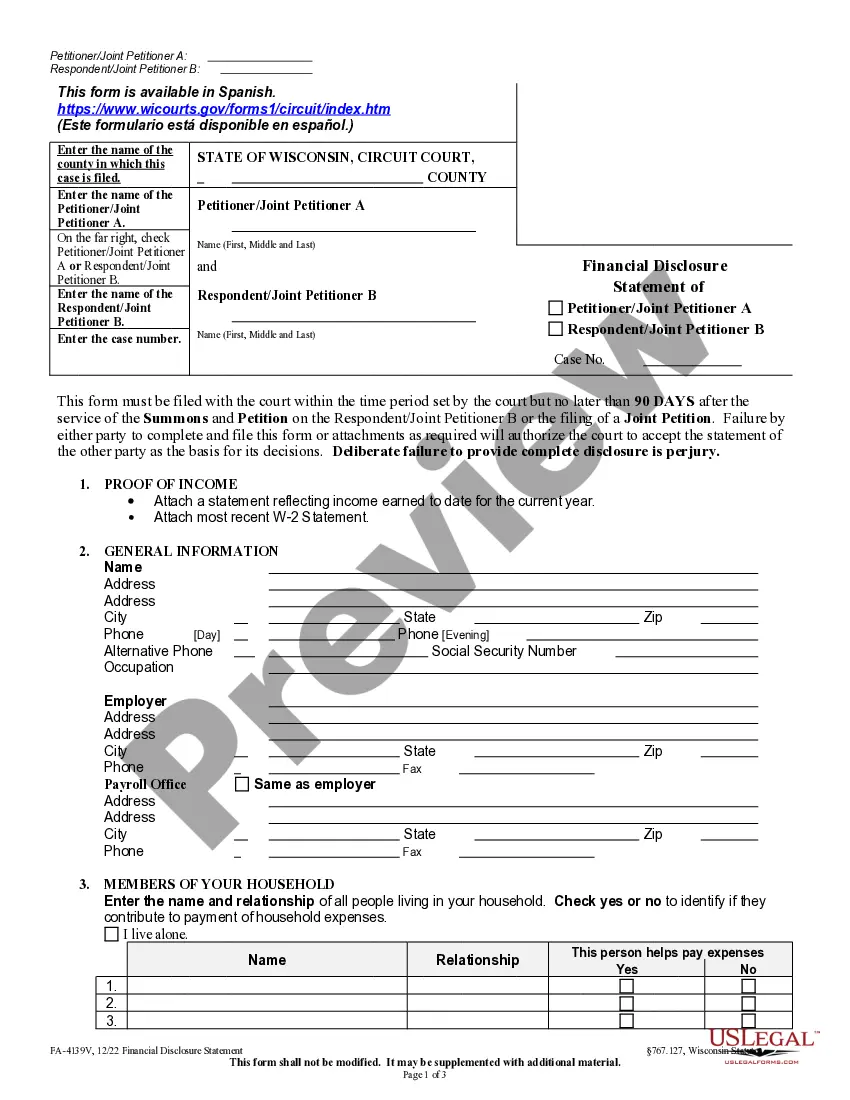

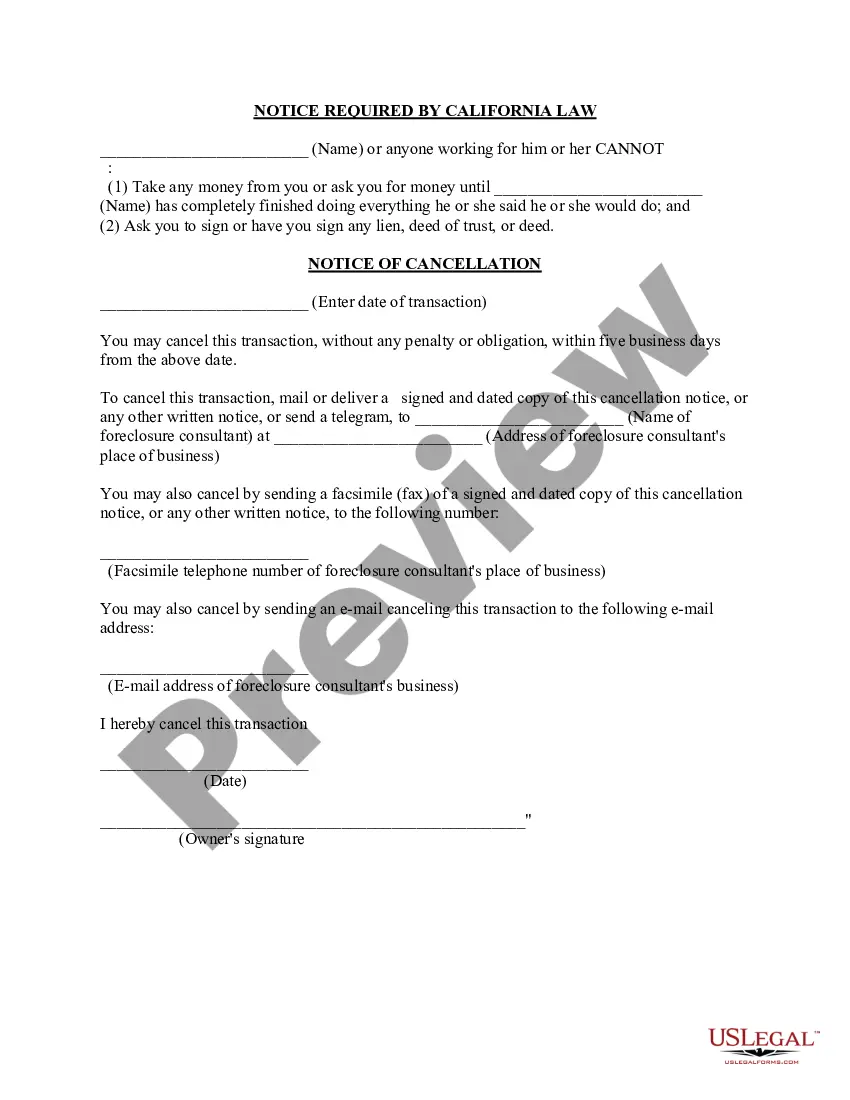



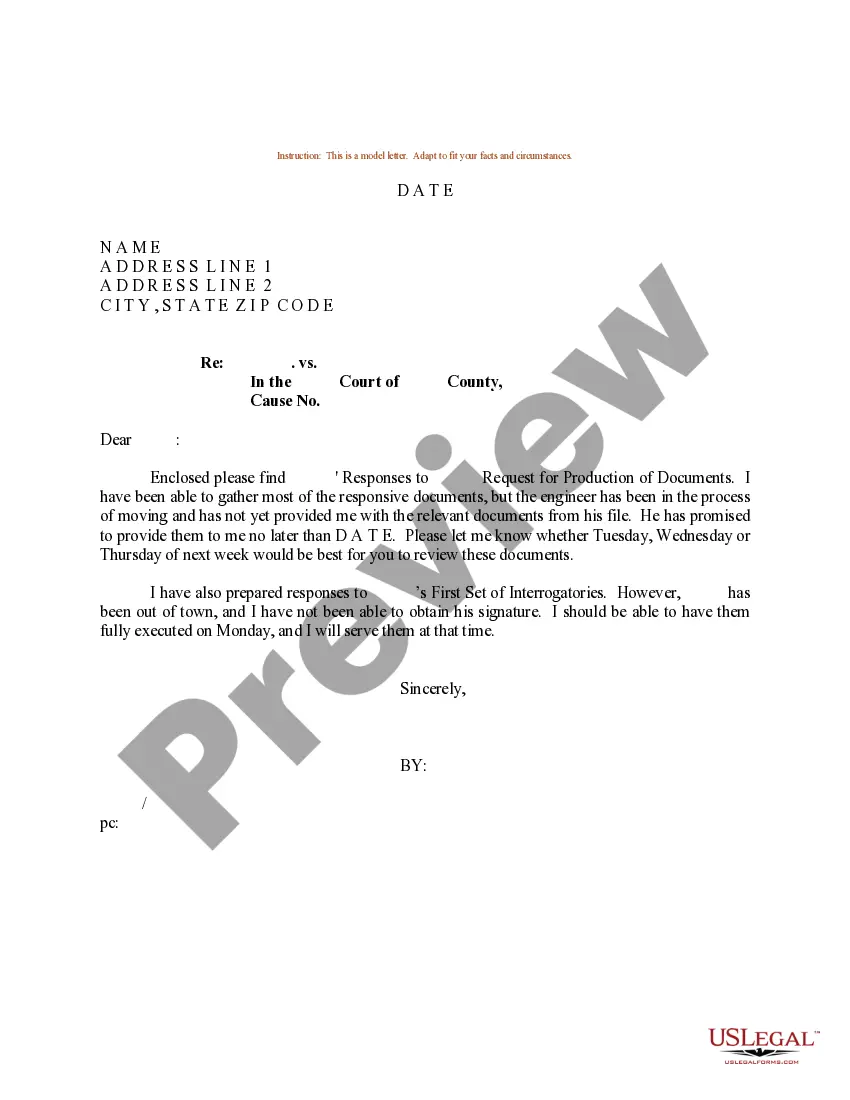
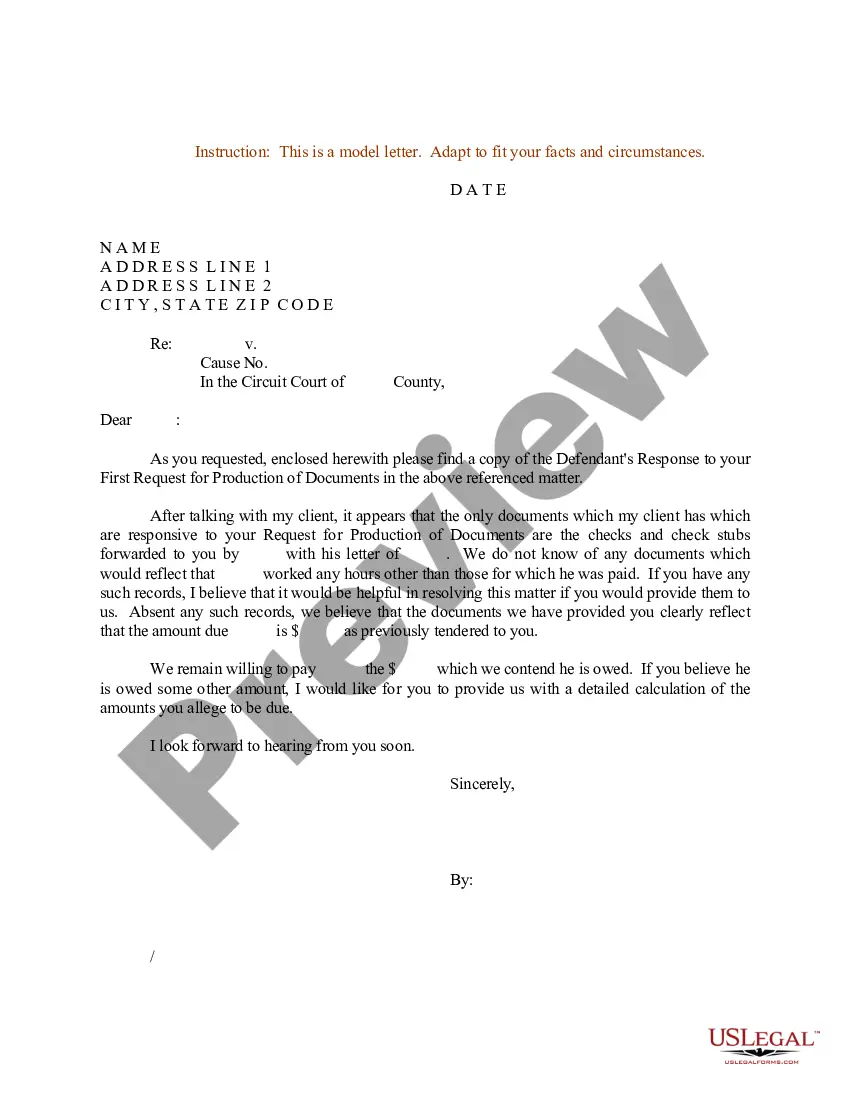
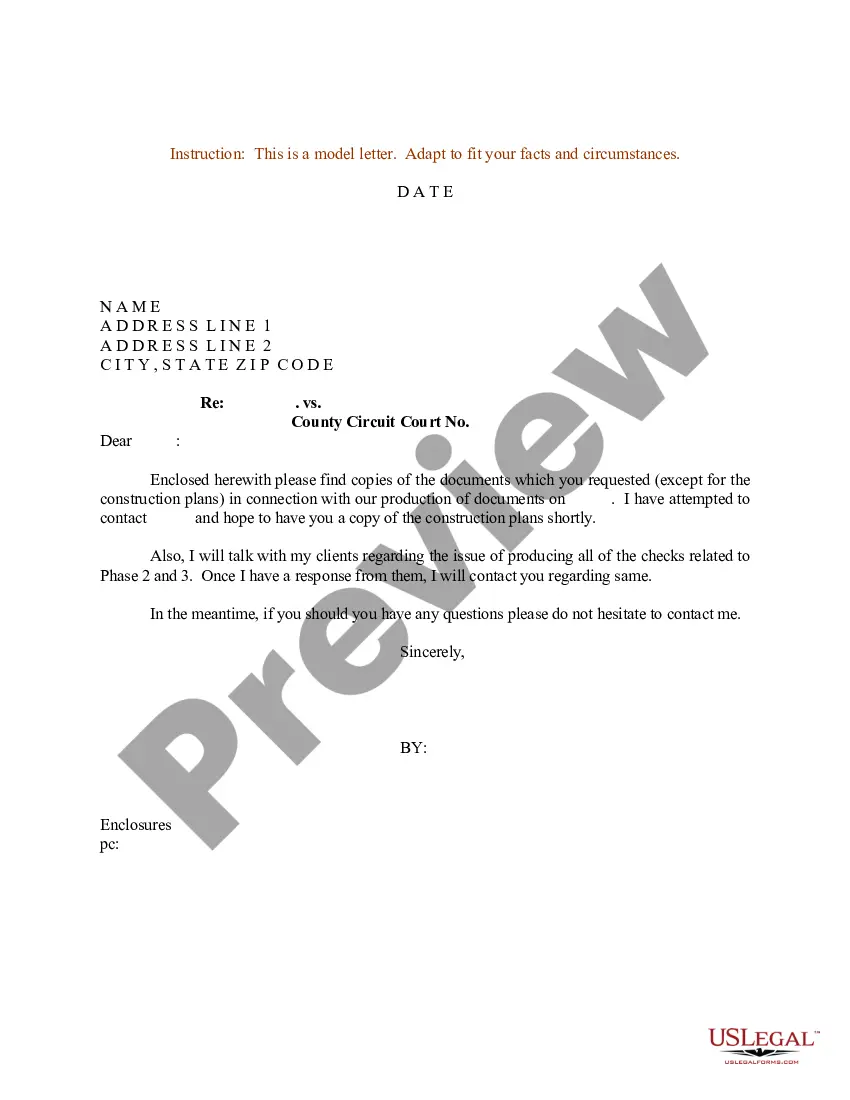
How to fill out Sample Letter Requesting Protective Order For Documents?
Creating legal papers from scratch can frequently be intimidating.
Certain situations may require countless hours of investigation and significant financial investment.
If you're searching for a simpler and more economical method of producing Protective Order Documents with iPhone or any other paperwork without unnecessary obstacles, US Legal Forms is always within reach.
Our online repository of over 85,000 current legal documents covers nearly every aspect of your financial, legal, and personal matters.
Before diving directly into downloading Protective Order Documents with iPhone, consider these suggestions: Review the document preview and descriptions to confirm that you've identified the form you need. Verify if the template you select adheres to the statutes and regulations of your state and county. Select the appropriate subscription plan to obtain the Protective Order Documents with iPhone. Download the document. Then finalize, authorize, and print it out. US Legal Forms has an excellent reputation and over 25 years of experience. Join us today and turn form completion into a straightforward and efficient process!
- With just a handful of clicks, you can swiftly acquire state- and county-compliant templates carefully crafted by our legal professionals.
- Utilize our platform whenever you require a dependable service through which you can effortlessly find and download the Protective Order Documents with iPhone.
- If you're familiar with our services and have already established an account, simply Log In, choose the template, and download it immediately or retrieve it later in the My documents section.
- Not signed up yet? No problem. It requires minimal time to create your account and browse the library.
Form popularity
FAQ
From the application, tap on the file to select it and enter the password. Inside the application, users need to tap on the three-dots icon in the top right corner. Select Change Password and tap on Remove Password to disable the password-protection on the document.
Fill out forms and add signatures to documents on iPhone Tap the file to open the document. ... Tap. ... To fill out another line, tap it, then enter text. To add additional text or to add your signature to the form, tap. ... When you're done, tap. ... Tap Done to close the form.
Before you begin you will need to Adobe Acrobat Viewer from the App Store. Step 1 Open the PDF form you want to fill in and select the Share icon. Step 2 Select the More icon. Step 3 Select copy to Acrobat. Step 4 Select a text box and start filling the form in.
You can fill out forms and sign documents that you receive on your iPhone. After you complete a form, you can add your signature and share it with others. Tap the file to open the document. If prompted, open the document in the Files app, then tap Save.
Open the document, click the More button in the toolbar, then choose Set Password. Type a password and password hint, then click Set Password. A secure symbol appears in the document's thumbnail in the document manager. Be sure to send the password to anyone you want to have access.