Stock Option Plan of Sunrise Assisted Living, Inc., for grant of Incentive Stock Options and Nonqualified Stock Options to employees, consultants and advisers
Understanding this form
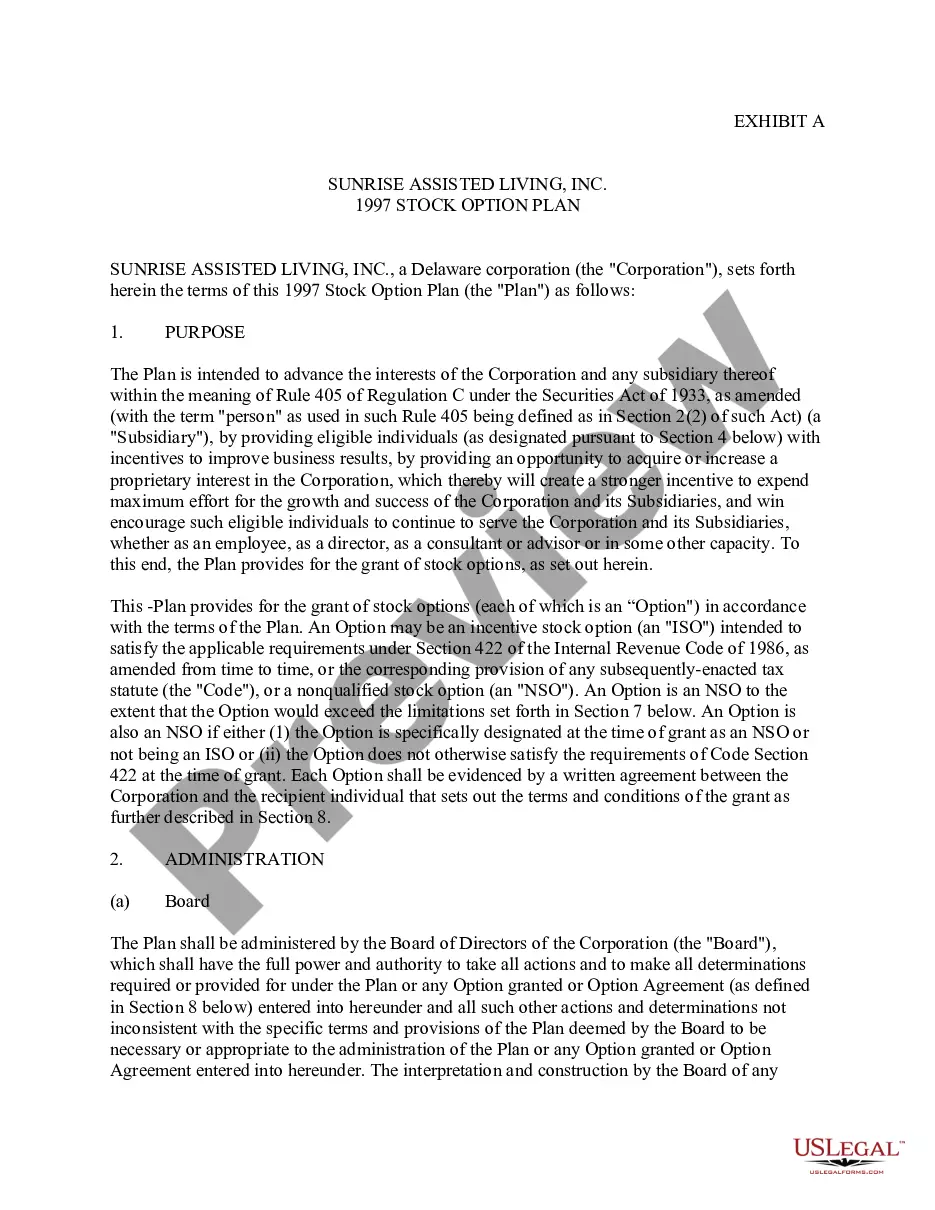
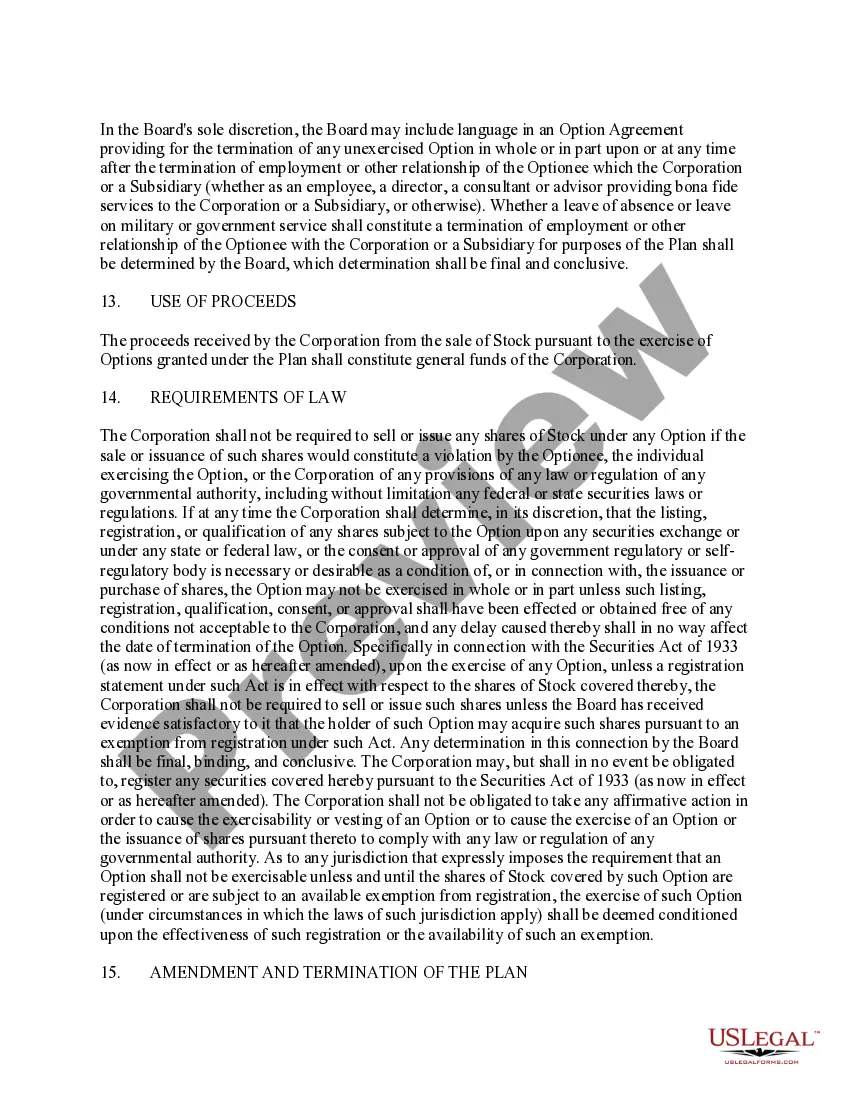
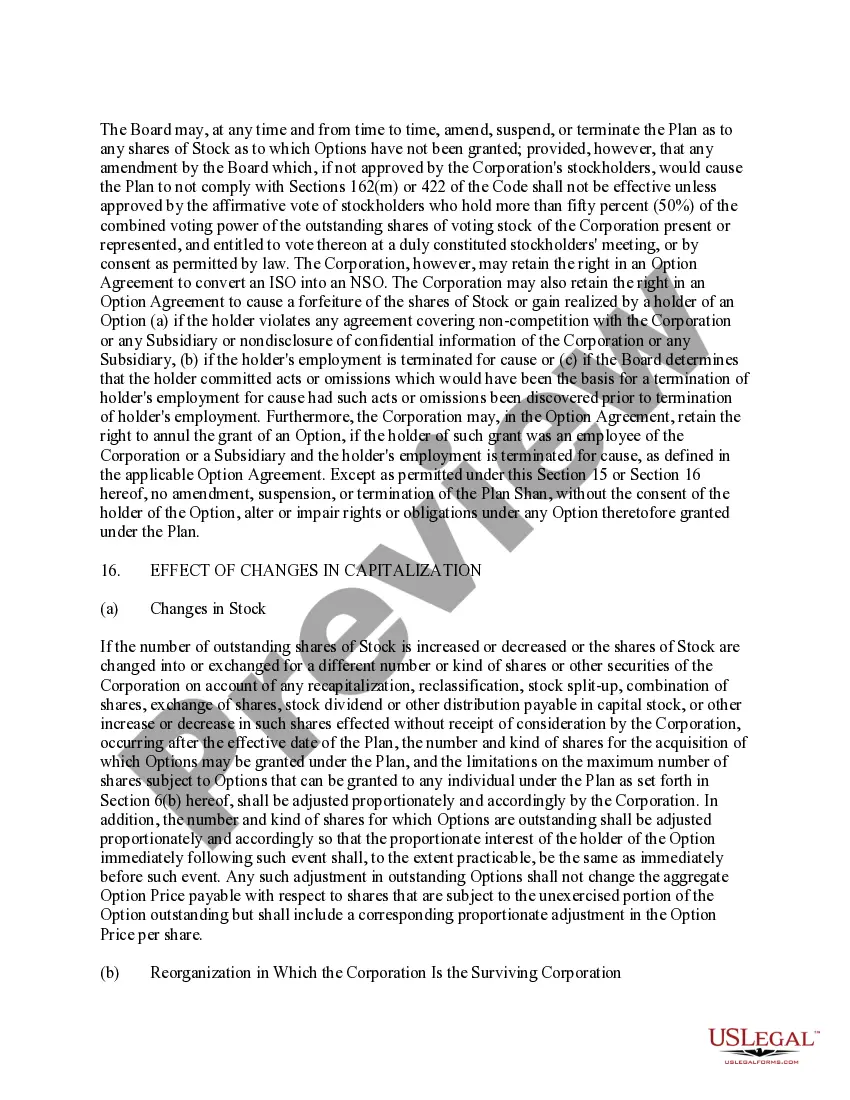
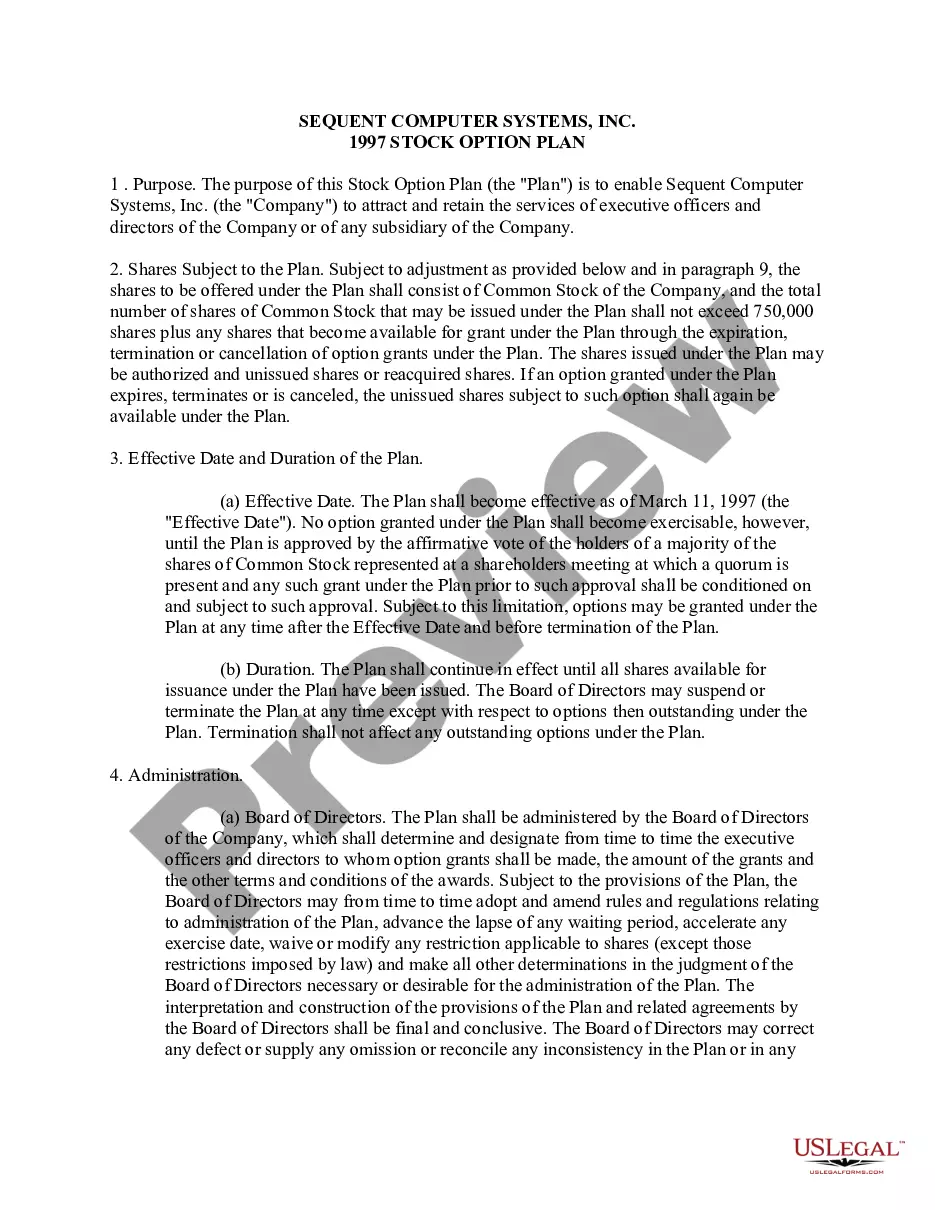
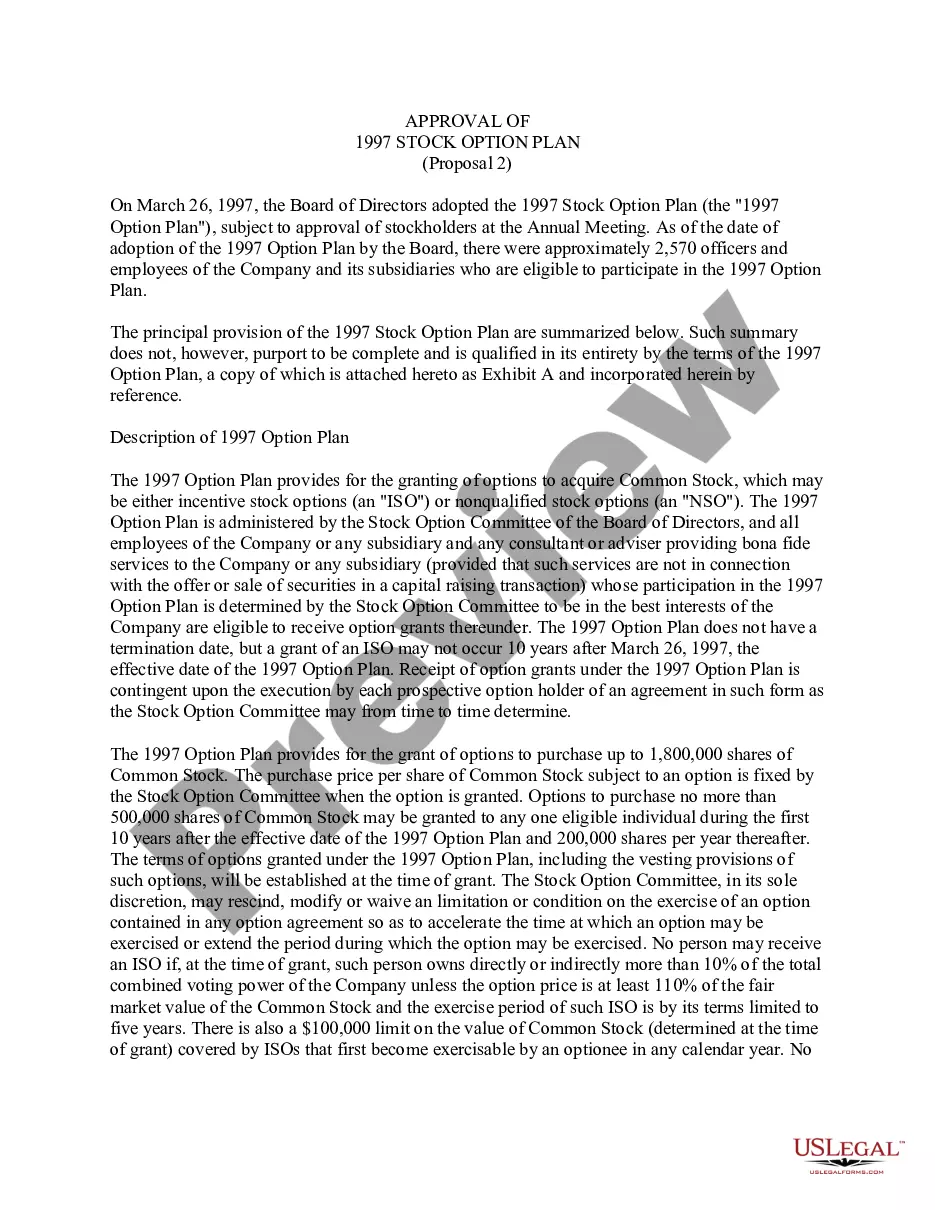
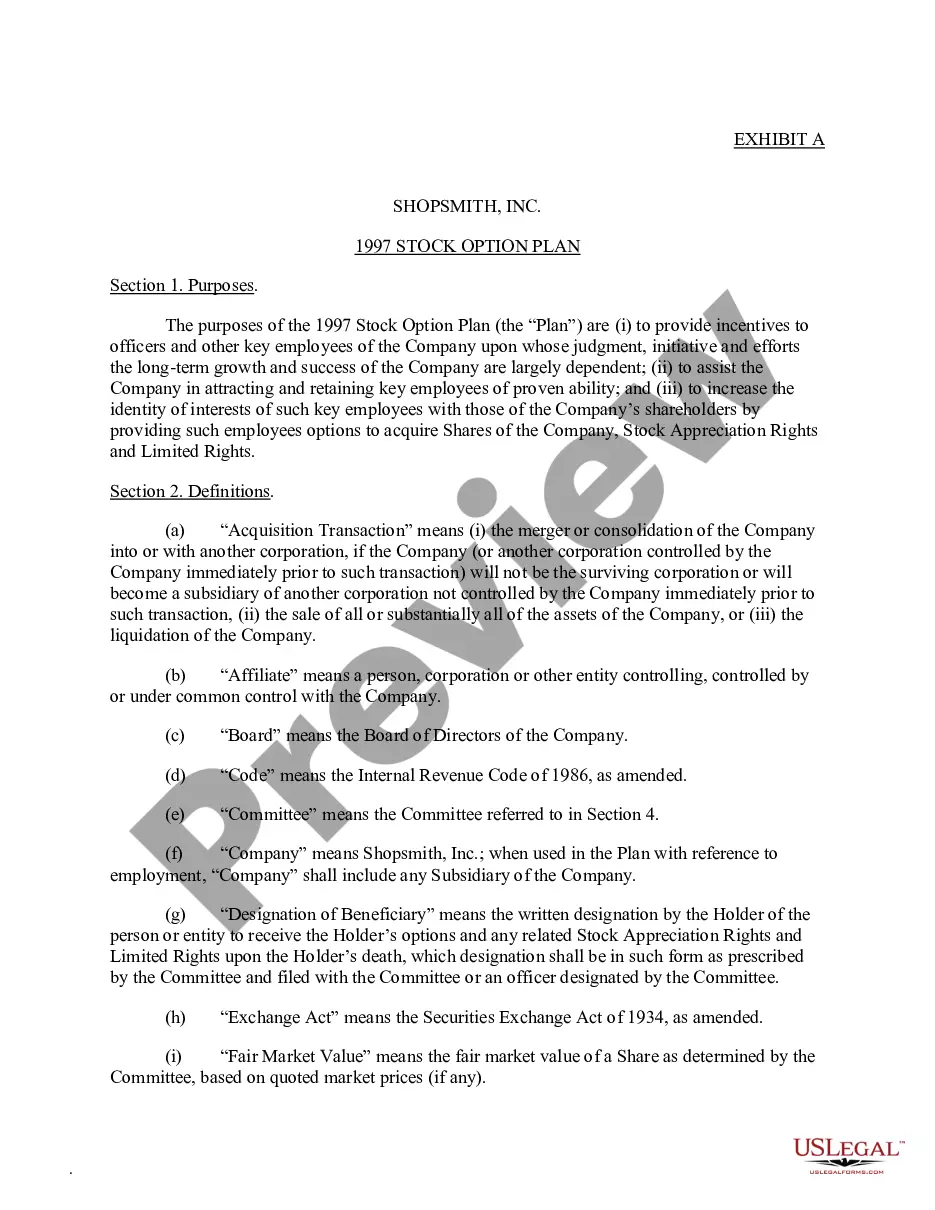
The Stock Option Plan of Sunrise Assisted Living, Inc. is a legal document that establishes the terms under which the corporation grants stock options to its employees, consultants, and advisers. This plan outlines the incentive stock options (ISOs) and nonqualified stock options (NSOs) available to eligible participants. This document is essential for companies looking to incentivize their staff through equity ownership, aligning their interests with the corporation's success.
Form components explained
- Purpose: Explains the incentive program's goals for the corporation and its subsidiaries.
- Administration: Details how the plan is administered by the Board of Directors or a designated committee.
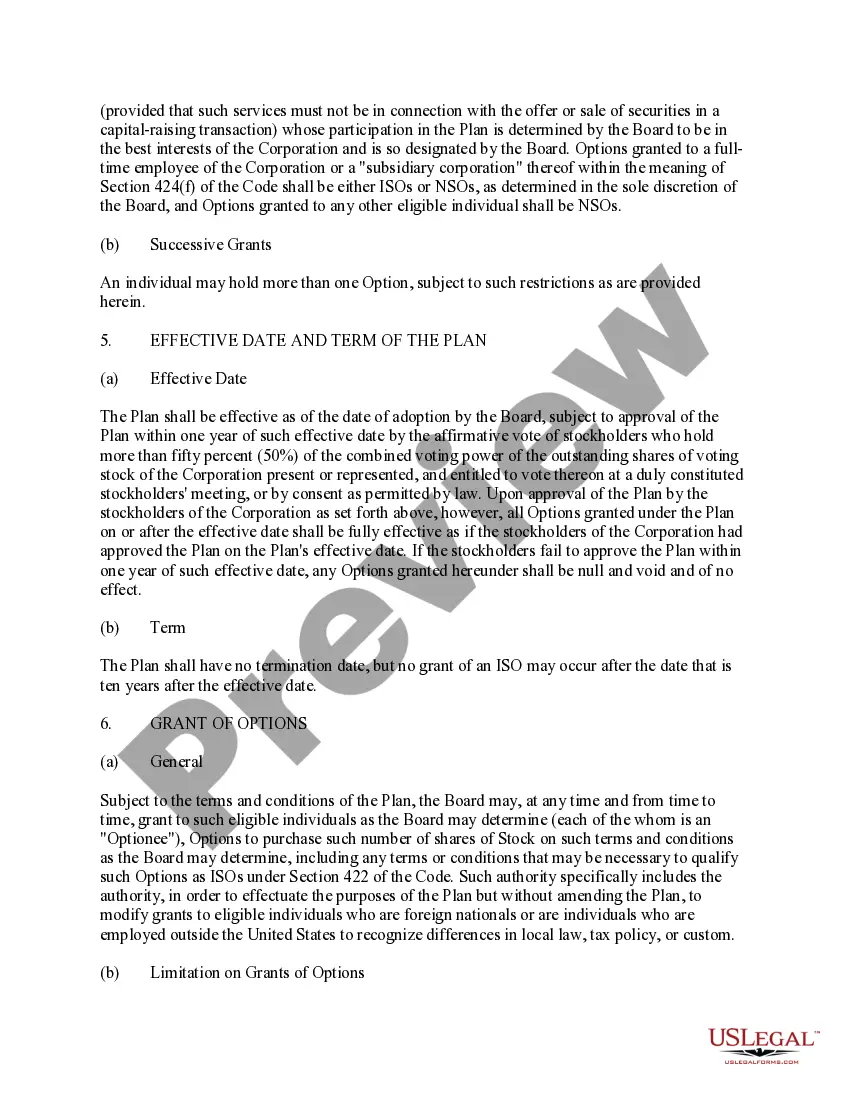
- Eligibility: Specifies who can receive options, including types of employees and consultants.
- Grant of Options: Outlines how and when stock options can be granted.
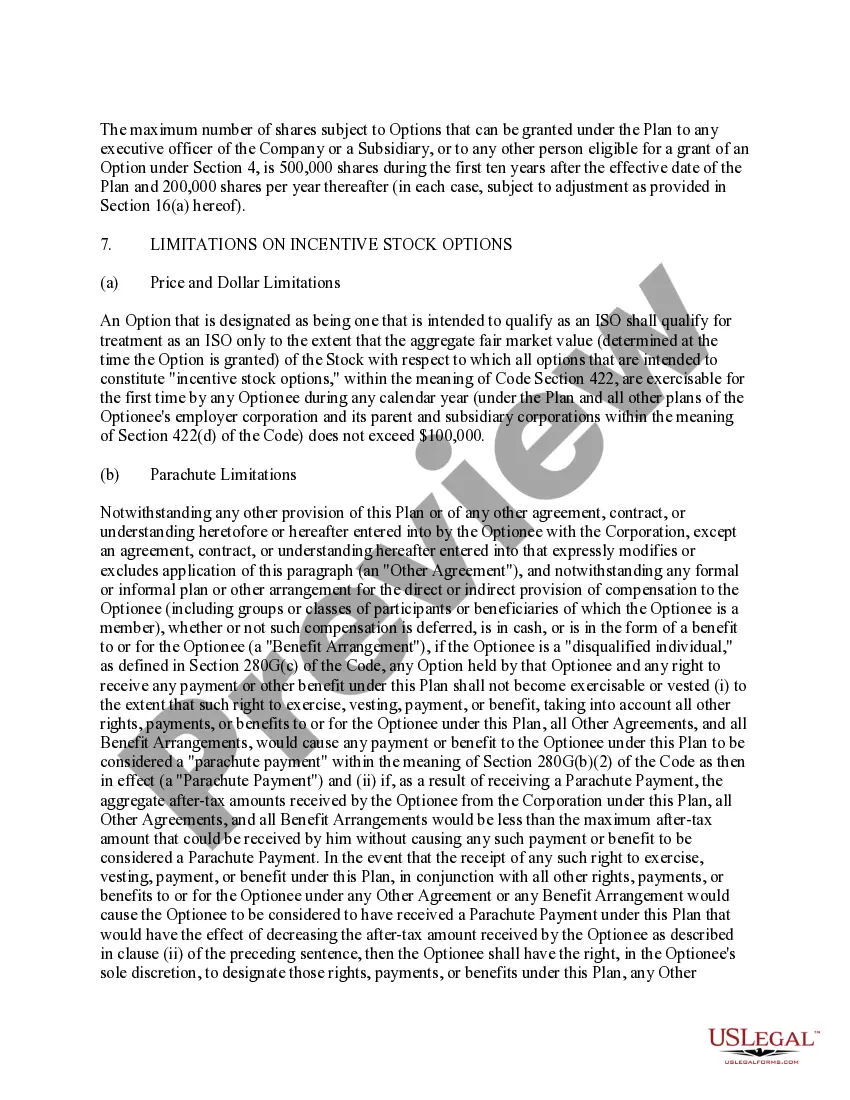
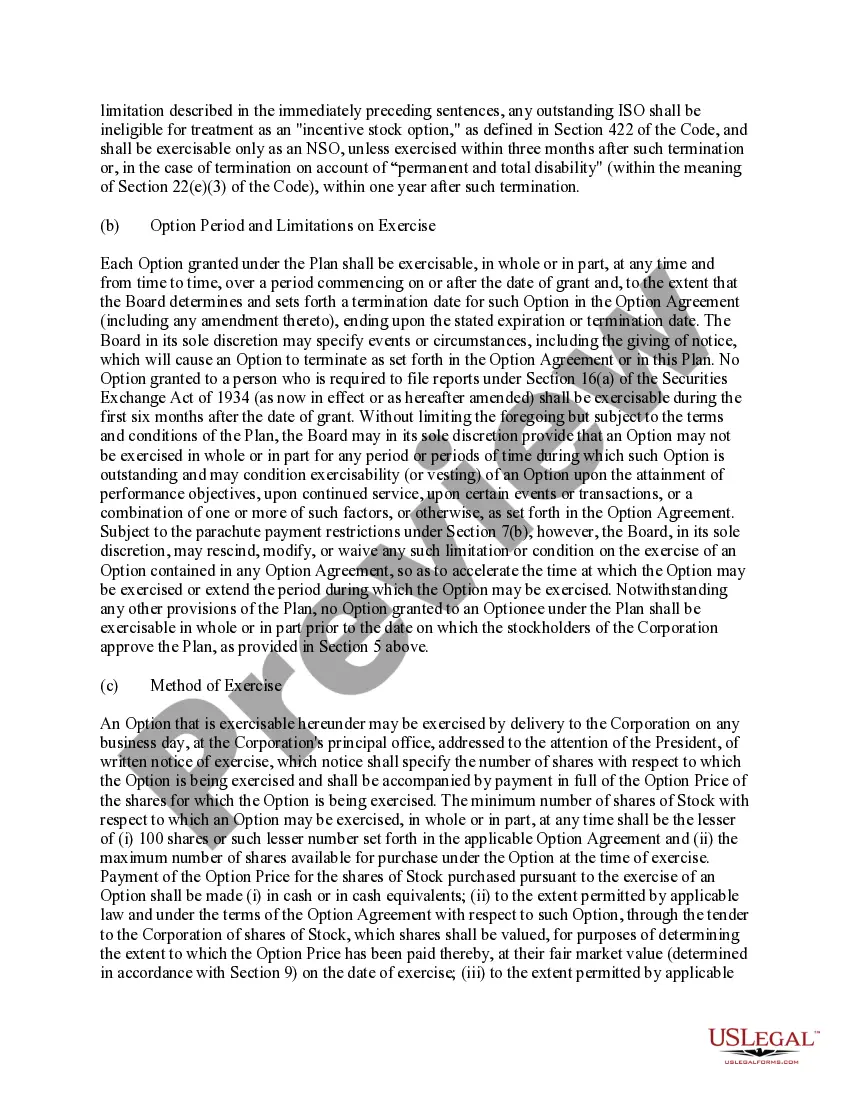
- Terms and Conditions: Provides information on how options can be exercised and limitations on their use.
- Amendment and Termination: Discusses the corporation's rights to amend or terminate the plan.







Situations where this form applies
This form should be used when a corporation wants to establish a stock option plan for its employees and consultants. It is necessary when a company aims to enhance employee engagement and retention by offering equity participation. It is also essential for new corporate initiatives, mergers, or any situation where employee incentives need to be formalized through stock options.
Who can use this document
- Corporate officers and directors looking to implement an employee incentive program.
- Human resources or compensation committees within corporations.
- Employers seeking to attract and retain top talent through stock options.
- Consultants advising companies on incentive plans.
Instructions for completing this form
- Outline the purpose of the stock option plan and its intended benefits.
- Define the eligible individuals and entities that can receive stock options.
- Establish the administration guidelines, highlighting the powers of the Board or Committee.
- Specify the number of shares available for options and any limits on grants.
- Include provisions regarding the exercise terms for options issued under the plan.
Notarization guidance
This form does not typically require notarization unless specified by local law. However, it is recommended to consult with a legal professional to ensure compliance with applicable regulations.
Get your form ready online
Our built-in tools help you complete, sign, share, and store your documents in one place.
Make edits, fill in missing information, and update formatting in US Legal Forms—just like you would in MS Word.
Download a copy, print it, send it by email, or mail it via USPS—whatever works best for your next step.
Sign and collect signatures with our SignNow integration. Send to multiple recipients, set reminders, and more. Go Premium to unlock E-Sign.
If this form requires notarization, complete it online through a secure video call—no need to meet a notary in person or wait for an appointment.
We protect your documents and personal data by following strict security and privacy standards.

Make edits, fill in missing information, and update formatting in US Legal Forms—just like you would in MS Word.

Download a copy, print it, send it by email, or mail it via USPS—whatever works best for your next step.

Sign and collect signatures with our SignNow integration. Send to multiple recipients, set reminders, and more. Go Premium to unlock E-Sign.

If this form requires notarization, complete it online through a secure video call—no need to meet a notary in person or wait for an appointment.

We protect your documents and personal data by following strict security and privacy standards.
Common mistakes
- Failing to clearly define eligibility criteria for stock options.
- Not aligning the plan's terms with current corporate goals and strategy.
- Overlooking local laws and regulations that may affect the plan.
- Neglecting to include clear guidelines for the administration of the plan.
Benefits of using this form online
- Convenience of downloading and editing the form from anywhere.
- Access to templates drafted by licensed attorneys, ensuring legal compliance.
- Immediate availability, allowing for quicker implementation of the stock option plan.
- Ability to customize the document to fit specific corporate needs easily.
Legal use & context
- The stock option plan must comply with state securities laws and the Internal Revenue Code regarding stock options.
- Care should be taken to structure the options correctly (ISOs vs. NSOs) based on eligibility and tax implications.
- The plan should outline any limitations on the exercise of options to avoid potential legal issues.
Looking for another form?



Form popularity
FAQ
Exhibits should be numbered (1, 2, 3) or lettered (A, B, C) consecutively in the order they are first encountered in the body of the contract.
Exhibits should be numbered (1, 2, 3) or lettered (A, B, C) consecutively in the order they are first encountered in the body of the contract.
To add an exhibit to your document, go to your document on Typeset and click on Add sections > Add Exhibit, located in the bottom of the left-hand panel. You will see an exhibit section created with the greyed out text "Click here to add exhibit title".
Generally, exhibits are labeled in sequential alphabetical or numerical order. For example, Exhibit A is followed by Exhibit B, etc. This gives the reader clear guideposts to follow throughout the document.
1) A document or object (including a photograph) introduced as evidence during a trial. 2) a copy of a paper attached to a pleading (any legal paper filed in a lawsuit), declaration, affidavit, or other document, which is referred to and incorporated into the main document.
Include a typed notation within the body of the legal document where the exhibit should be referenced. Thereafter, assign the exhibit with an identifying number or letter. For instance, this notation can state either "See Exhibit A" or "See Exhibit 1".
To cite a specific section or page from the exhibit, you may say: Douma, Michael, curator. "Title of section or page," Calendars through the Ages, 2008, URL, (date of retrieval).
Generally, exhibits are labeled in sequential alphabetical or numerical order. For example, Exhibit A is followed by Exhibit B, etc. This gives the reader clear guideposts to follow throughout the document.