Web Package
About this form package
The Web Package includes a comprehensive collection of essential forms for anyone establishing a web-based business. This package offers documents drafted by licensed attorneys, uniquely catering to the legal needs of online entrepreneurs. Unlike other generic templates, these forms provide specific legal provisions for domain ownership, website usage, and regulations governing online content, ensuring compliance with applicable laws.
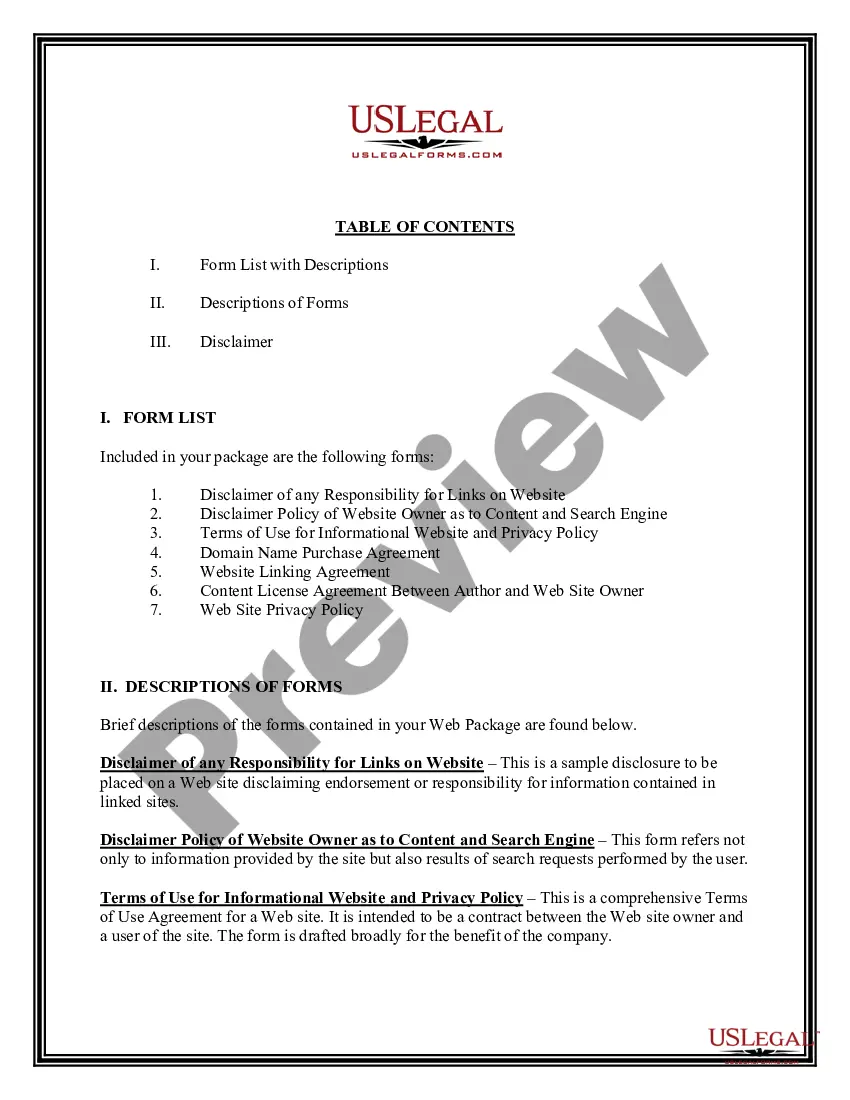
Documents contained in this package
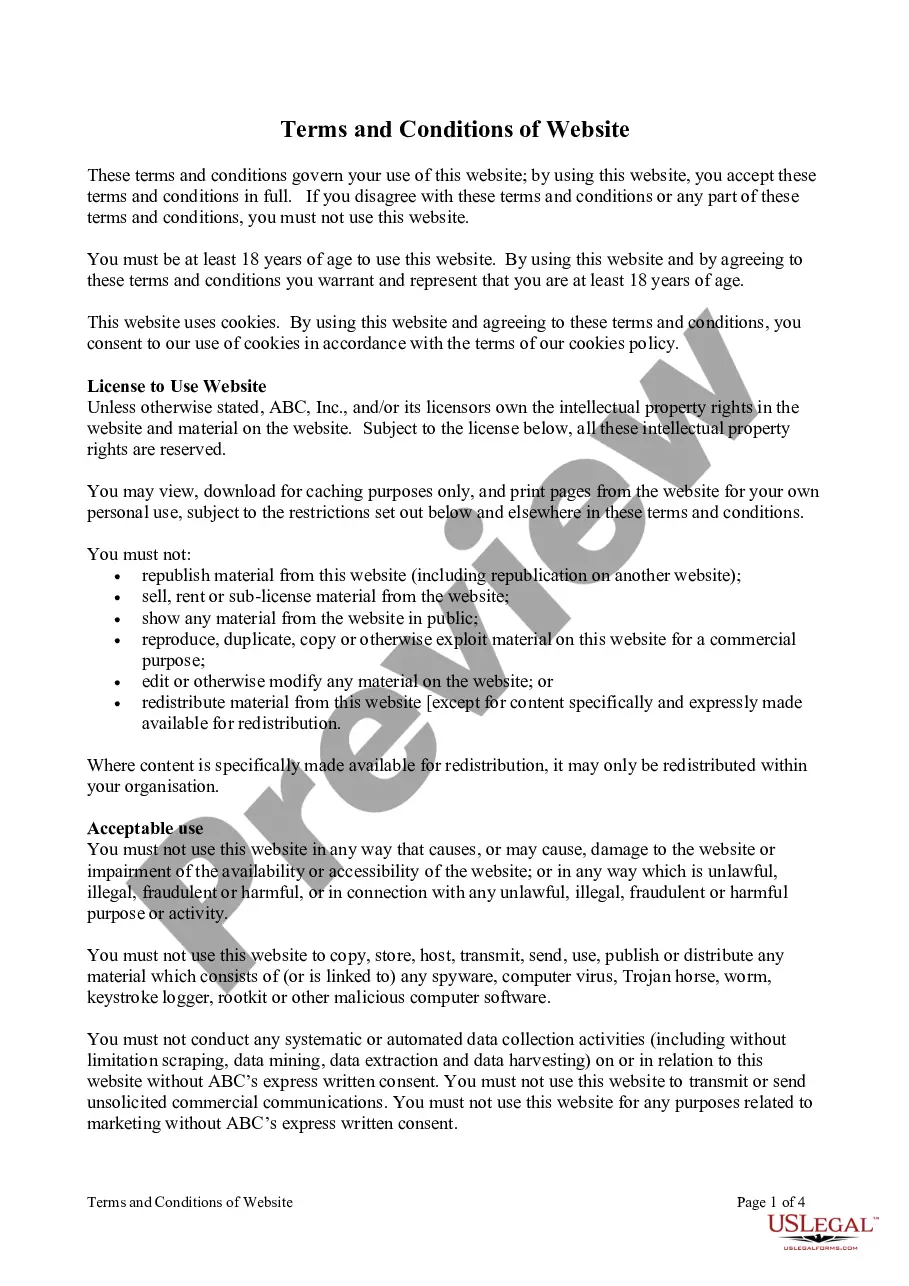
- Disclaimer of any Responsibility for Links on Website
- Disclaimer Policy of Website Owner as to Content and Search Engine
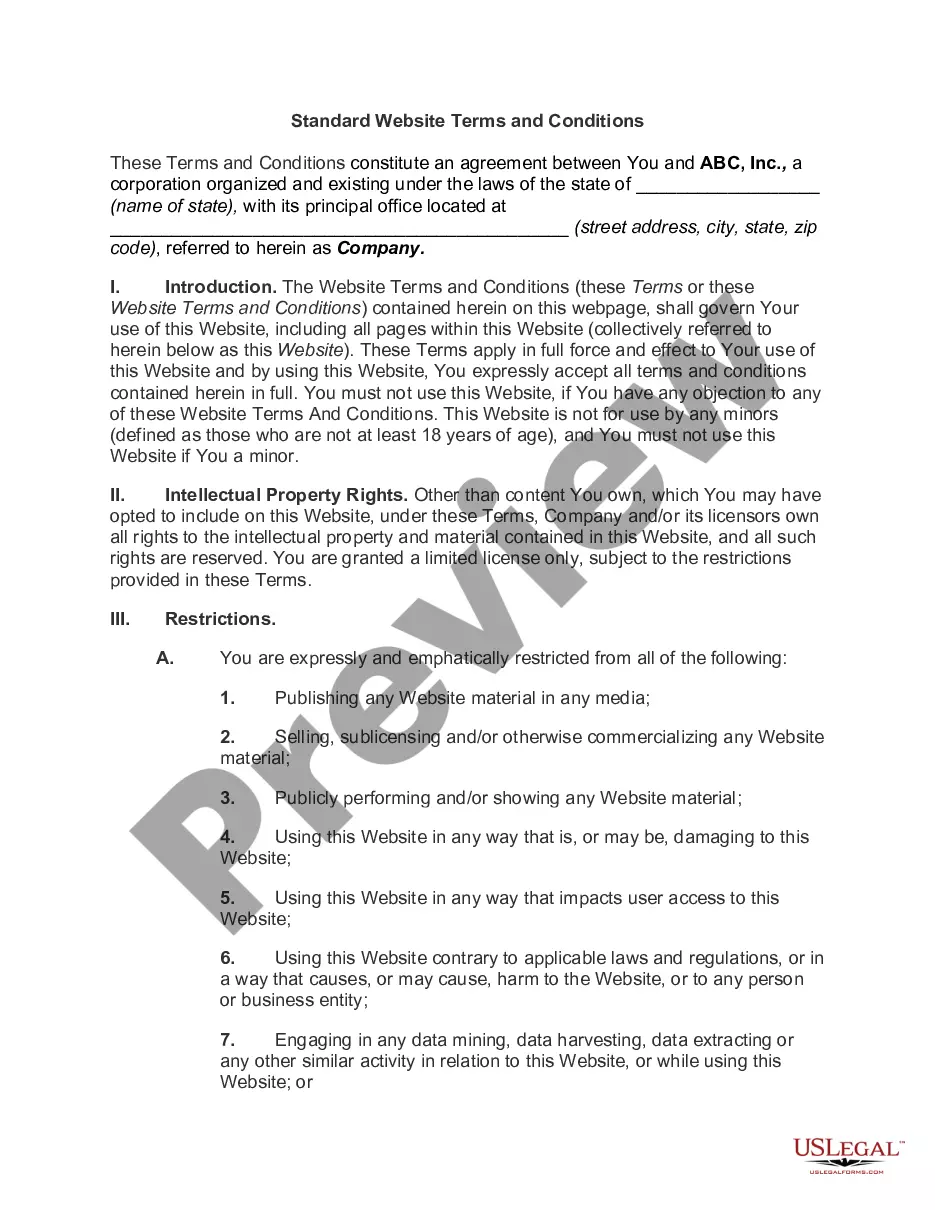
- Terms of Use for Informational Website and Privacy Policy
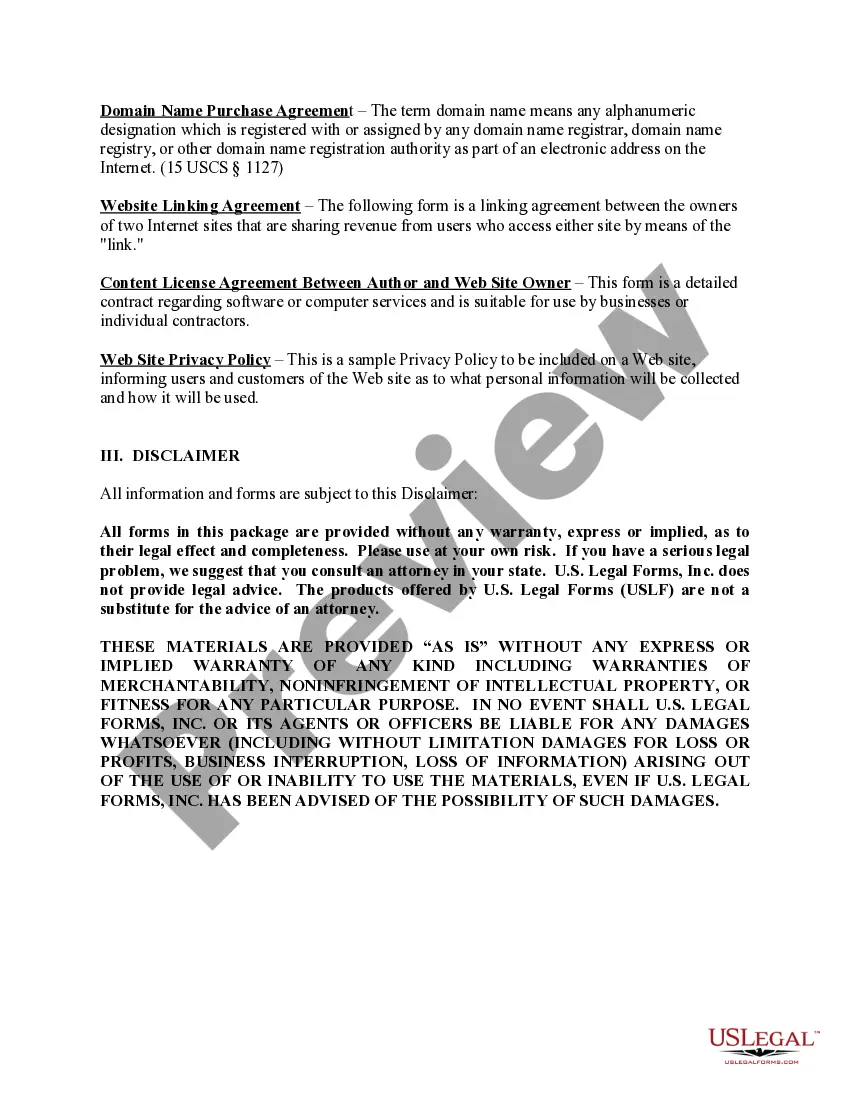
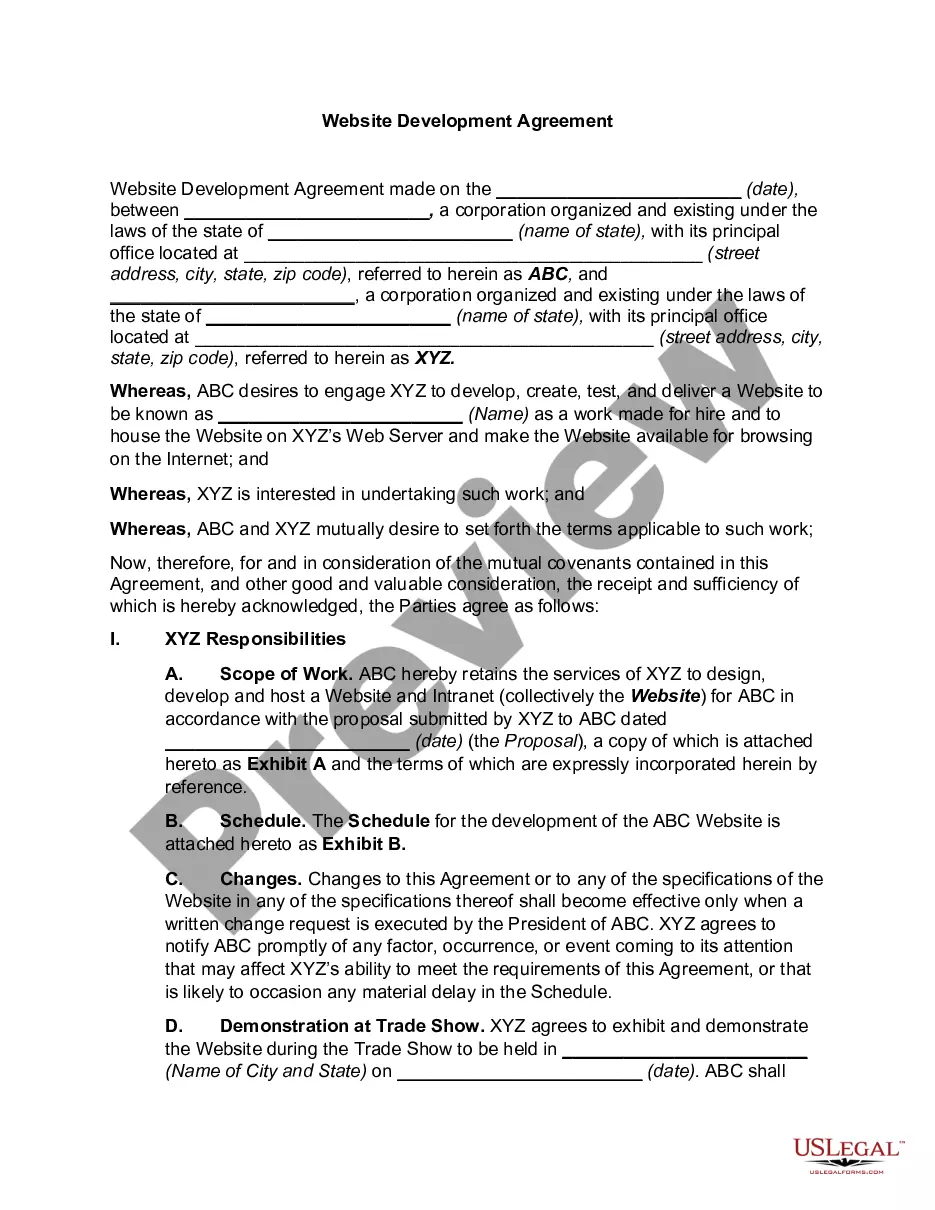
- Domain Name Purchase Agreement
- Website Linking Agreement
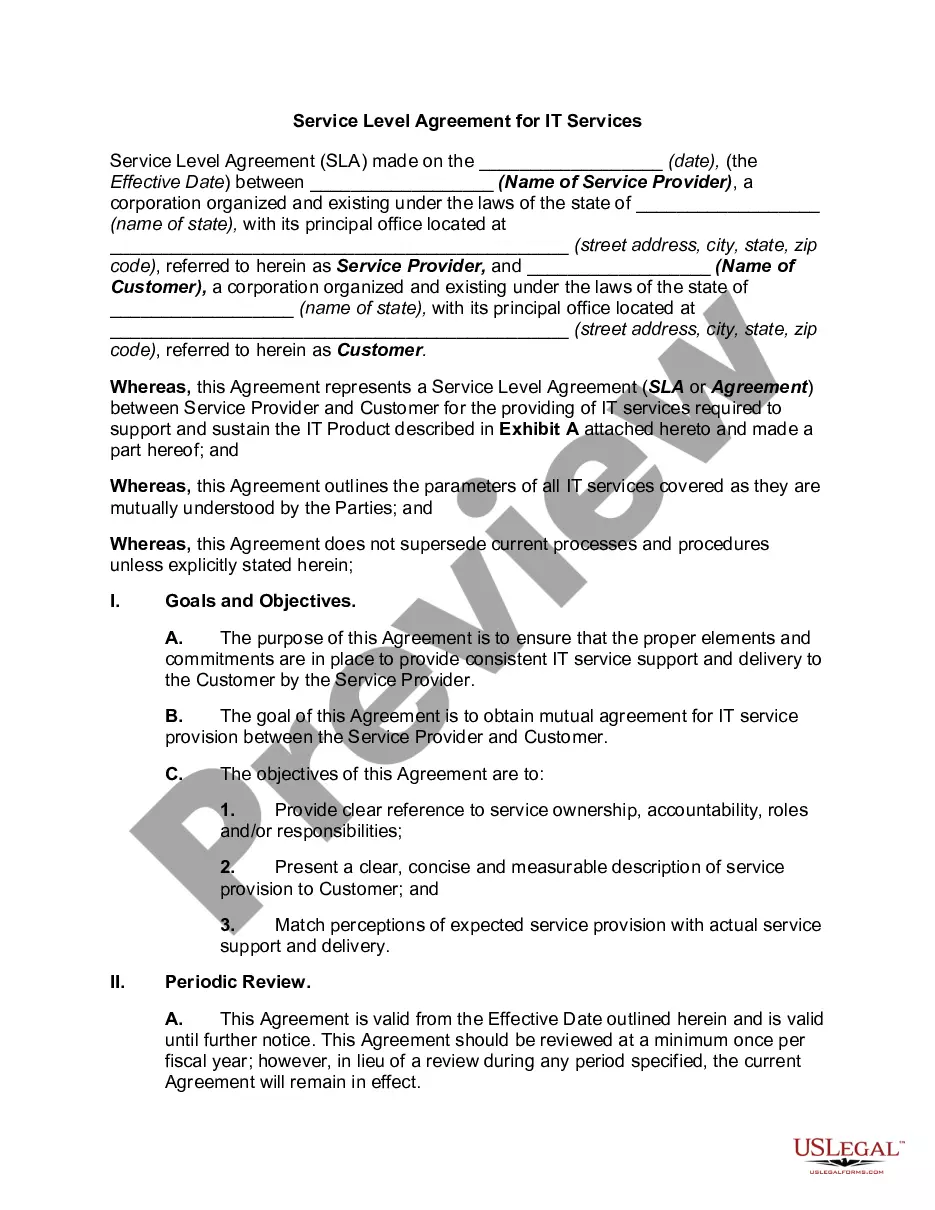
- Content License Agreement Between Author and Web Site Owner
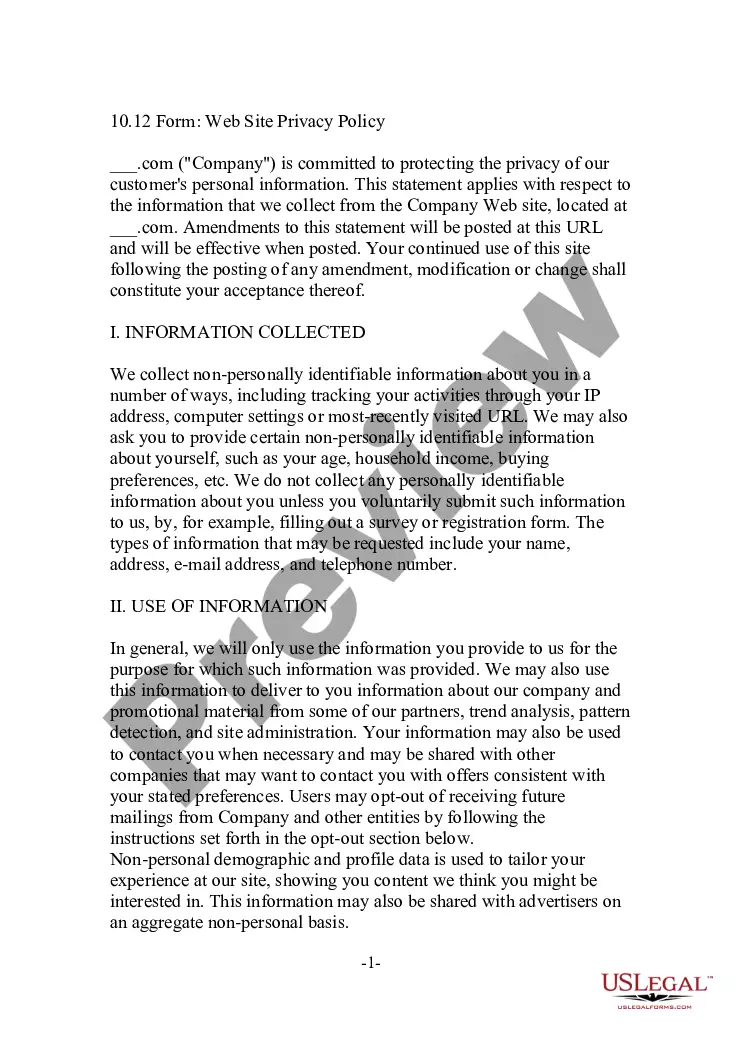
- Web Site Privacy Policy
Common use cases
This form package is ideal for businesses or individuals who:
- Are starting a new website or online business.
- Need to establish legal guidelines for users accessing their site.
- Require agreements concerning domain names and content licensing.
- Aim to clarify their liability relating to external links.
Who this form package is for
- Entrepreneurs launching an online business.
- Website owners seeking to comply with legal standards.
- Content creators looking to formalize agreements with site owners.
- Individuals or companies purchasing domain names.
Instructions for completing these forms
- Review the included forms to understand each document's purpose.
- Identify the parties involved in the agreements and fill in the necessary details.
- Customize the terms as needed to fit your specific requirements.
- Sign the documents where required and keep copies for your records.
- Consider consulting with an attorney to ensure compliance with local laws.
Do forms in this package need to be notarized?
Forms in this package typically do not require notarization unless required by local law. It is advisable to check specific state regulations to ensure compliance.
Get your form ready online
Our built-in tools help you complete, sign, share, and store your documents in one place.
Make edits, fill in missing information, and update formatting in US Legal Forms—just like you would in MS Word.
Download a copy, print it, send it by email, or mail it via USPS—whatever works best for your next step.
Sign and collect signatures with our SignNow integration. Send to multiple recipients, set reminders, and more. Go Premium to unlock E-Sign.
If this form requires notarization, complete it online through a secure video call—no need to meet a notary in person or wait for an appointment.
We protect your documents and personal data by following strict security and privacy standards.

Make edits, fill in missing information, and update formatting in US Legal Forms—just like you would in MS Word.

Download a copy, print it, send it by email, or mail it via USPS—whatever works best for your next step.

Sign and collect signatures with our SignNow integration. Send to multiple recipients, set reminders, and more. Go Premium to unlock E-Sign.

If this form requires notarization, complete it online through a secure video call—no need to meet a notary in person or wait for an appointment.

We protect your documents and personal data by following strict security and privacy standards.
Avoid these common issues
- Failing to include all necessary parties in the agreements.
- Not customizing the terms to fit the specific nature of the business.
- Overlooking to review the forms for compliance with local laws.
Benefits of using this package online
- Convenience of downloading and accessing forms immediately.
- Editability in Microsoft Word format allows for customization as needed.
- Reliability of documents drafted by licensed attorneys.
Summary of main points
- The Web Package provides essential legal forms for online businesses in a customizable format.
- It is suitable for a variety of users, from entrepreneurs to content creators.
- Reviewing local laws is crucial to ensure compliance when using the forms.
- Clear and accurate completion of the forms is necessary to avoid common mistakes.
Looking for another form?

Form popularity
FAQ
To get started, fill in an online form, click the Autofill icon, create a new profile from the drop down and then click the Generate Autofill Rules button. You can leave it at that and the form will be filled when you visit the same webpage again, but it won't work on other forms.
Introduction: Creating a Web Form. This is a simple instruct on how to make a web form. Step 1: Open Notepad. Step 2: Save the File As Index. Step 3: Type a Standard Html Page's Format. Step 4: Give the Page a Name and Create the Form. Step 5: Add Fields to the Form. Step 6: Go to Your Documents Folder and Open the Web Page.
Import urllib. import urllib2. import webbrowser. data = urllib. urlencode({'q': 'Python'}) url = 'http://duckduckgo.com/html/' # Python 2.x example. import requests. url = 'https://duckduckgo.com/html/' payload = {'q':'python'} r = requests. import mechanize. url = "http://duckduckgo.com/html" br = mechanize. Browser() br.
Cc-name. cc-number. cc-csc. cc-exp-month. cc-exp-year. cc-exp. cc-type.
Create a form. Build and customize your form with our easy-to-use form builder. Share it. Link to your form on any page, embed it on a site, or use our REST API. Collect data and payments. Get notified as responses come in, or set up a real-time report.
Tap the three dots located either to the right of the address bar (on Android) or the bottom-left corner of the screen (on iPhone) and select "Settings." To change your settings for autofill addresses, tap "Addresses and more" and toggle the feature on or off, or edit your saved information as necessary.
You'll need AutoHotkey_L (the most recently updated version), and then you can use the COM Interface for Internet Explorer. It can even fill in the forms, and not show up on your screen. You may then instruct your script to Load the initial page again, and then fill in more data, and submit again. Just put a while wb.
A web form, also called an HTML form, is an online page that allows for user input. It is an interactive page that mimics a paper document or form, where users fill out particular fields. Web forms can be rendered in modern browsers using HTML and related web-oriented languages.
Create the PDF file. Convert any electronic document to a PDF file, or scan a paper form directly into Acrobat (choose File > Create PDF > From Scanner). Use the Form Wizard to create form fields. Choose Forms > Start Form Wizard. Evaluate form fields. Add and edit form fields. Save the form.