Jury Instruction - Computer Fraud Injury To United States
What this document covers
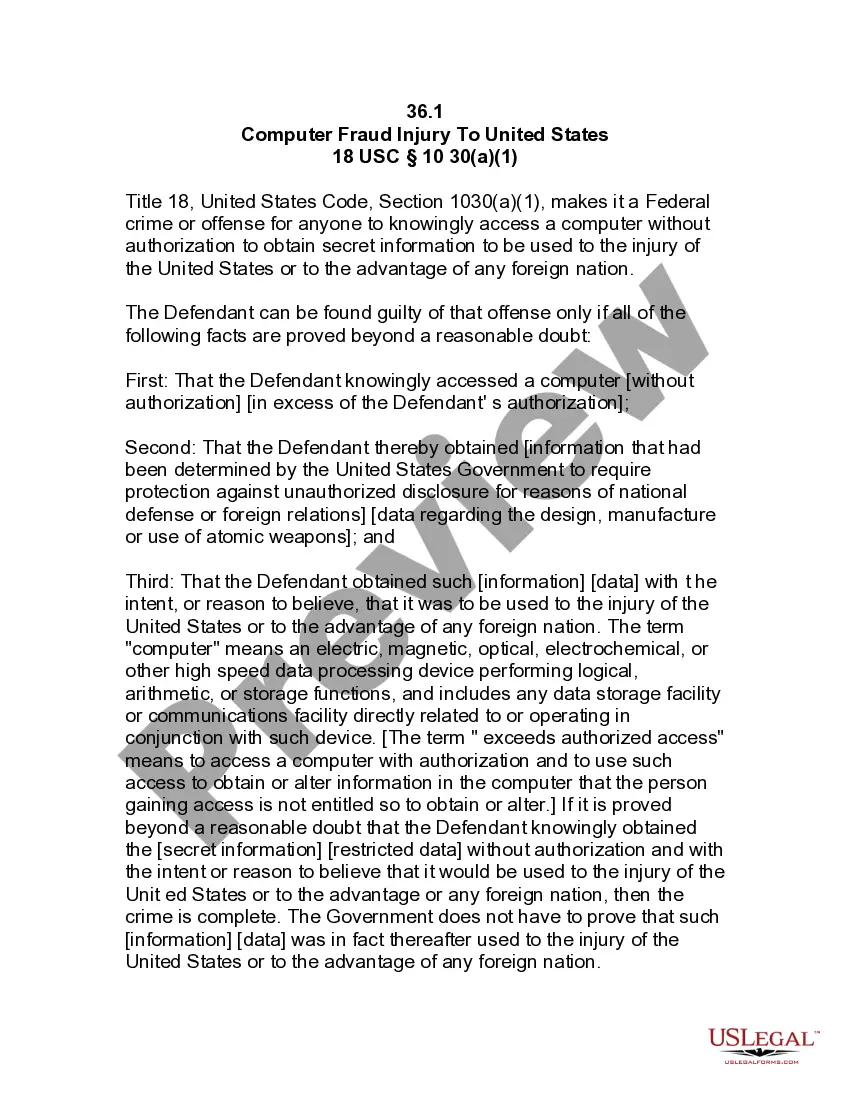
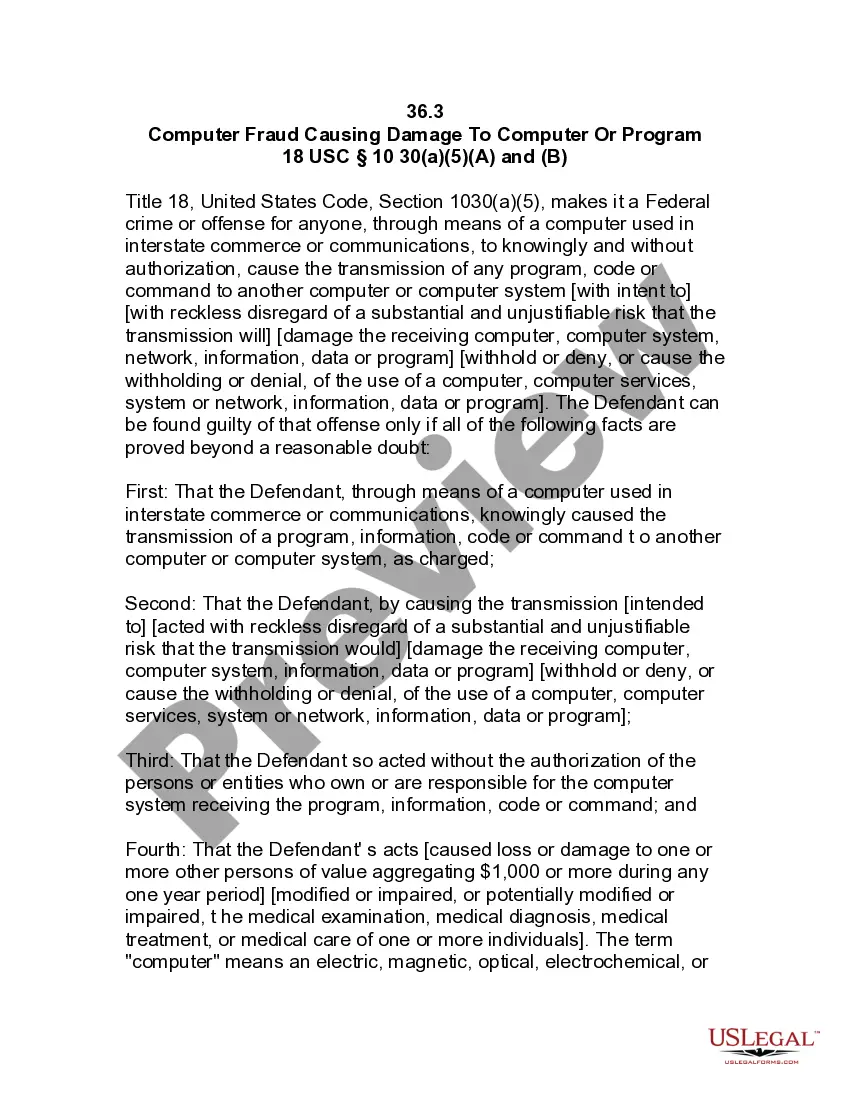
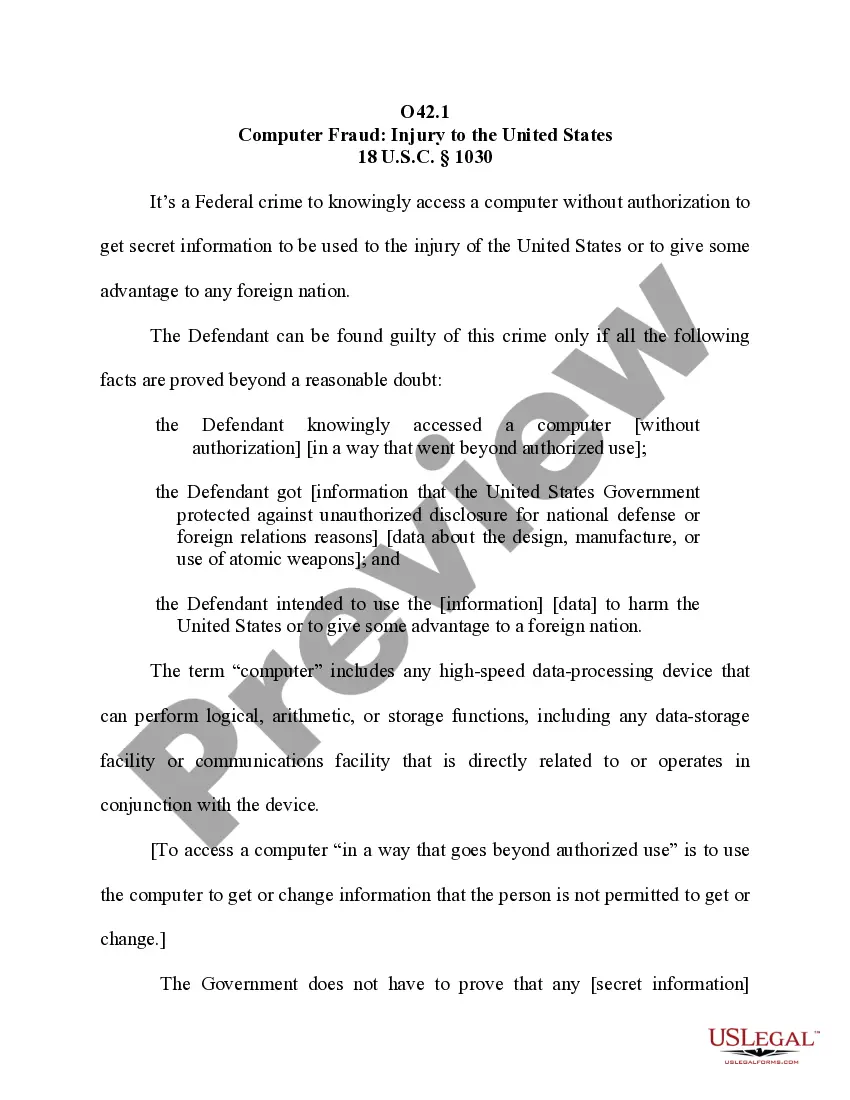
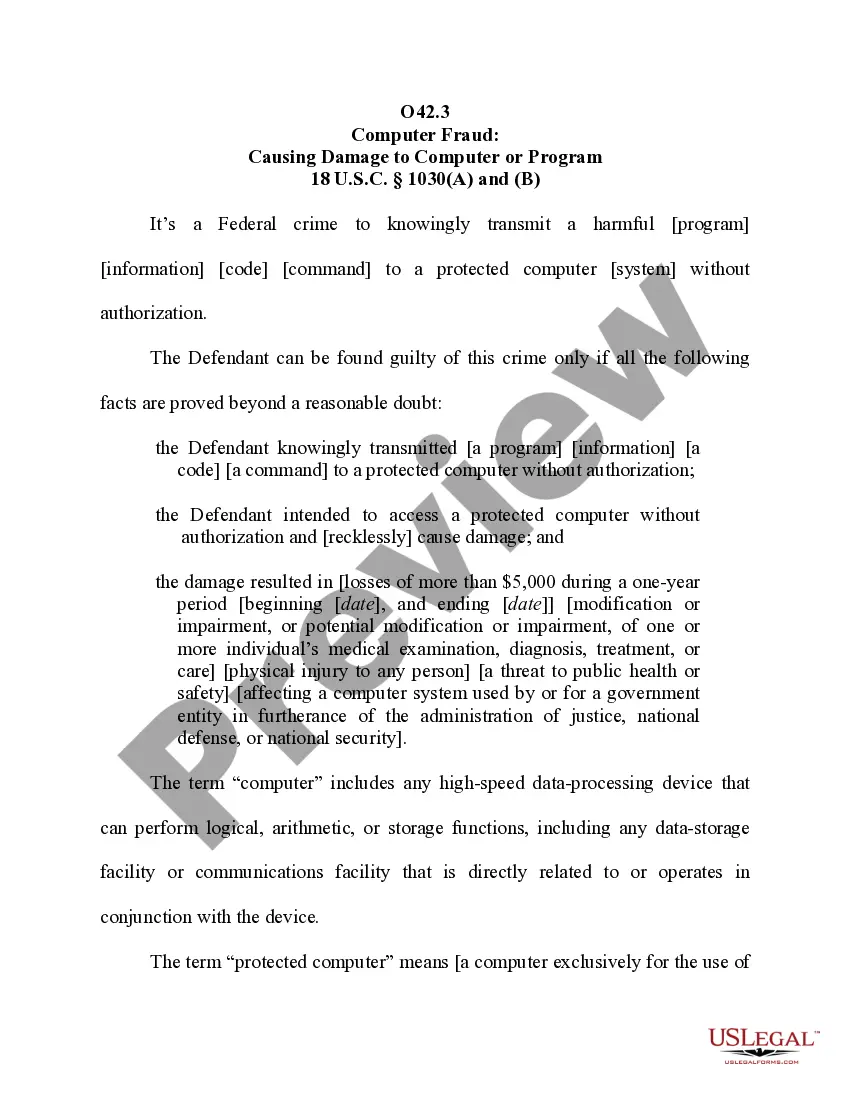
The Jury Instruction - Computer Fraud Injury To United States form provides guidance on legal jury instructions concerning computer fraud cases that may injure the United States. It serves as a model for drafting jury instructions to address cases of unauthorized computer access aimed at national defense or foreign relations. This form specifically complies with Title 18, United States Code, Section 1030(a)(1), defining criminal access without authorization to classified data.
Key components of this form
- Definition of unauthorized computer access and its implications for national security.
- Outline of the necessary elements to prove the offense, including intent and knowledge.
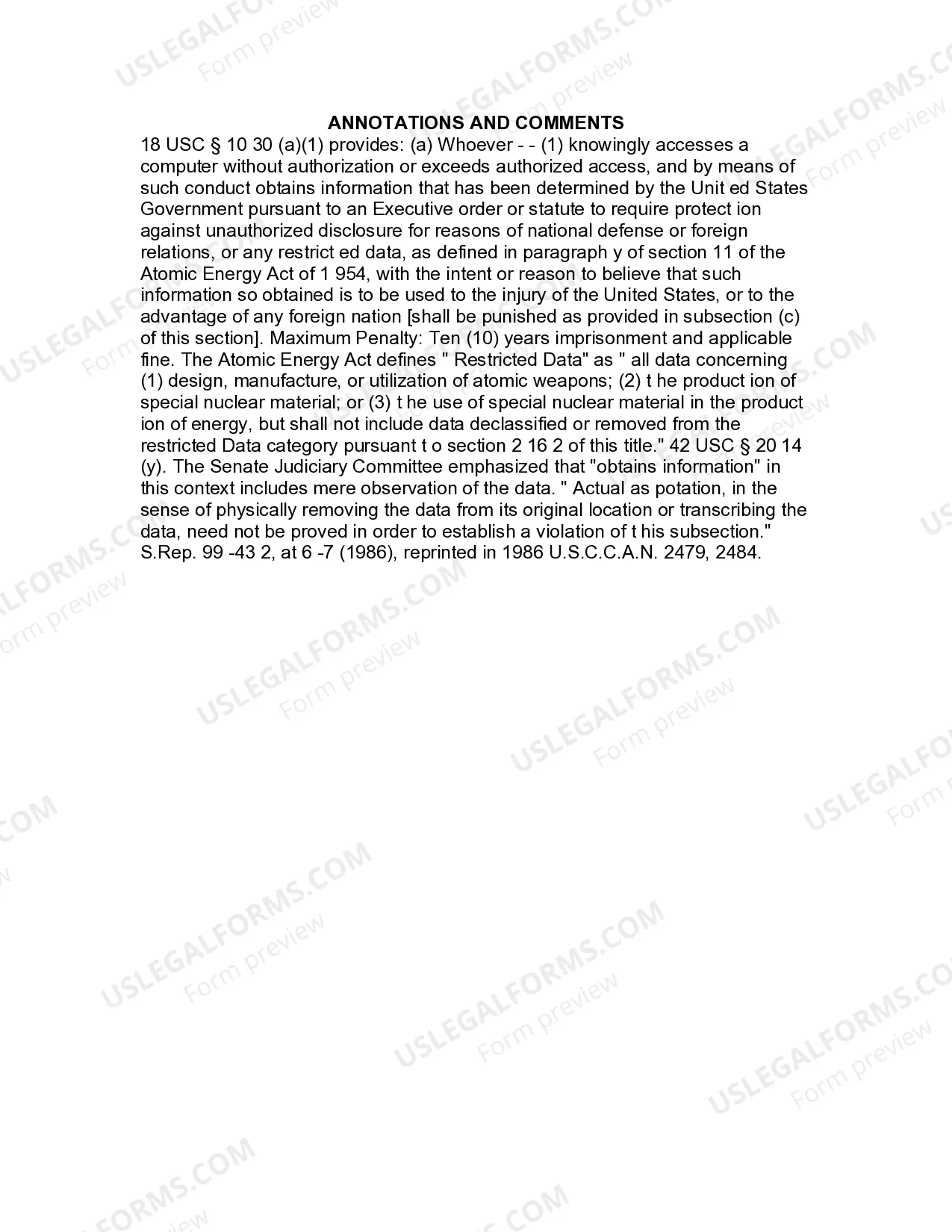
- Explanation of what constitutes "restricted data" under the Atomic Energy Act.
- Detailing the penalties associated with violations of this statute.
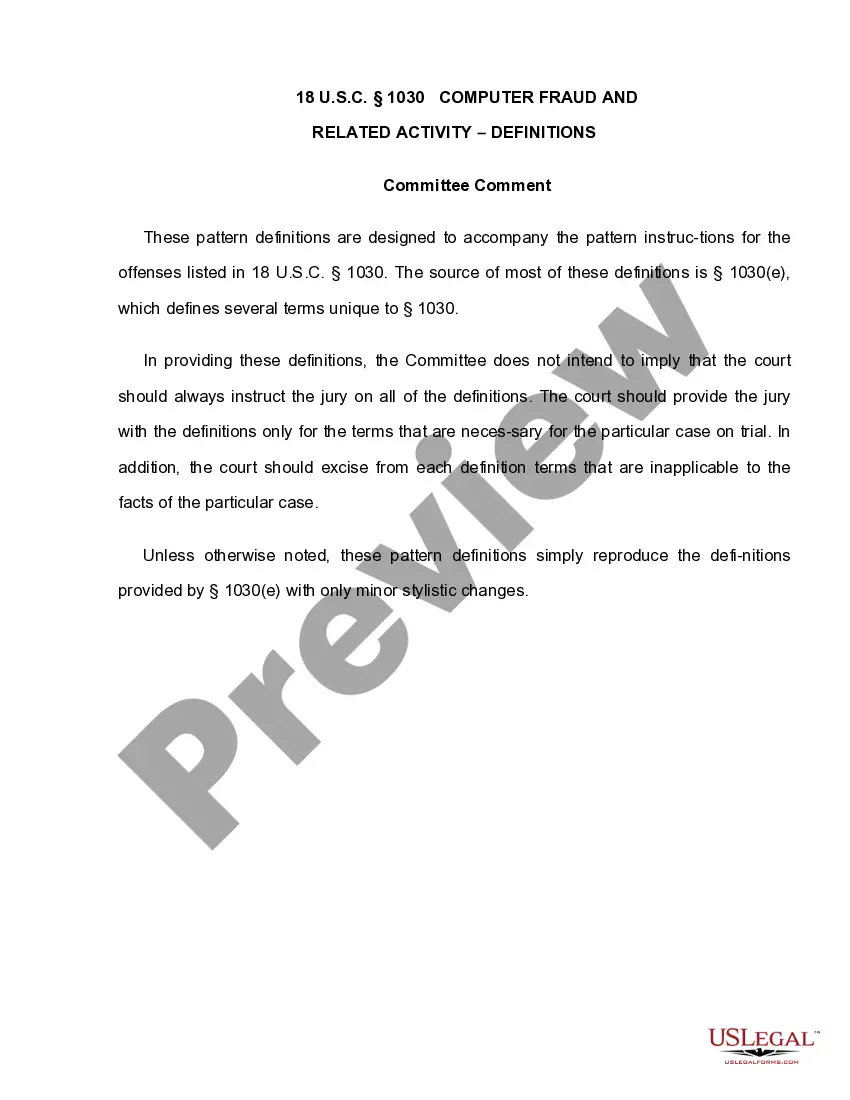
- Clarification of terms such as "computer" and "exceeds authorized access."
Common use cases
This form is essential when preparing jury instructions in federal cases involving allegations of computer fraud. It is particularly relevant when the case focuses on unauthorized access to computers that results in the acquisition of sensitive information detrimental to U.S. interests. Use this form to ensure compliance with federal standards while customizing instructions based on specific case details.
Who should use this form
- Prosecutors handling federal cases of computer fraud.
- Defense attorneys representing clients accused of violating computer fraud laws.
- Judges who need to provide accurate jury instructions in related cases.
- Legal educators and law students studying computer fraud legislation.
Instructions for completing this form
- Review the elements of the offense outlined in Section 1030(a)(1).
- Modify the instructional questions and language to fit the specifics of your case.
- Ensure that all necessary legal definitions are clear and accessible to jurors.
- Confirm that the jury instructions address the anticipated defenses and points of contention.
- Finalize the document and ensure it adheres to federal court procedures.
Is notarization required?
Notarization is generally not required for this form. However, certain states or situations might demand it. You can complete notarization online through US Legal Forms, powered by Notarize, using a verified video call available anytime.
Get your form ready online
Our built-in tools help you complete, sign, share, and store your documents in one place.
Make edits, fill in missing information, and update formatting in US Legal Forms—just like you would in MS Word.
Download a copy, print it, send it by email, or mail it via USPS—whatever works best for your next step.
Sign and collect signatures with our SignNow integration. Send to multiple recipients, set reminders, and more. Go Premium to unlock E-Sign.
If this form requires notarization, complete it online through a secure video call—no need to meet a notary in person or wait for an appointment.
We protect your documents and personal data by following strict security and privacy standards.

Make edits, fill in missing information, and update formatting in US Legal Forms—just like you would in MS Word.

Download a copy, print it, send it by email, or mail it via USPS—whatever works best for your next step.

Sign and collect signatures with our SignNow integration. Send to multiple recipients, set reminders, and more. Go Premium to unlock E-Sign.

If this form requires notarization, complete it online through a secure video call—no need to meet a notary in person or wait for an appointment.

We protect your documents and personal data by following strict security and privacy standards.
Mistakes to watch out for
- Failing to properly define terms, leading to juror confusion.
- Omitting any required elements of the crime, which may weaken the prosecution's case.
- Using outdated statutory references that do not reflect current laws.
- Not customizing the instructions for particular case facts.
Advantages of online completion
- Immediate access to a professionally drafted legal document.
- Convenient downloading and editing to tailor instructions to specific cases.
- Reliability of documents that are compliant with U.S. federal law.
- Enhanced efficiency by streamlining the jury instruction preparation process.
Legal use & context
- This form is designed to support the enforceability of jury instructions in federal court cases.
- Properly tailored instructions can significantly influence jury deliberations and outcomes.
- Instructing jurors accurately is crucial for upholding the integrity of the judicial process.