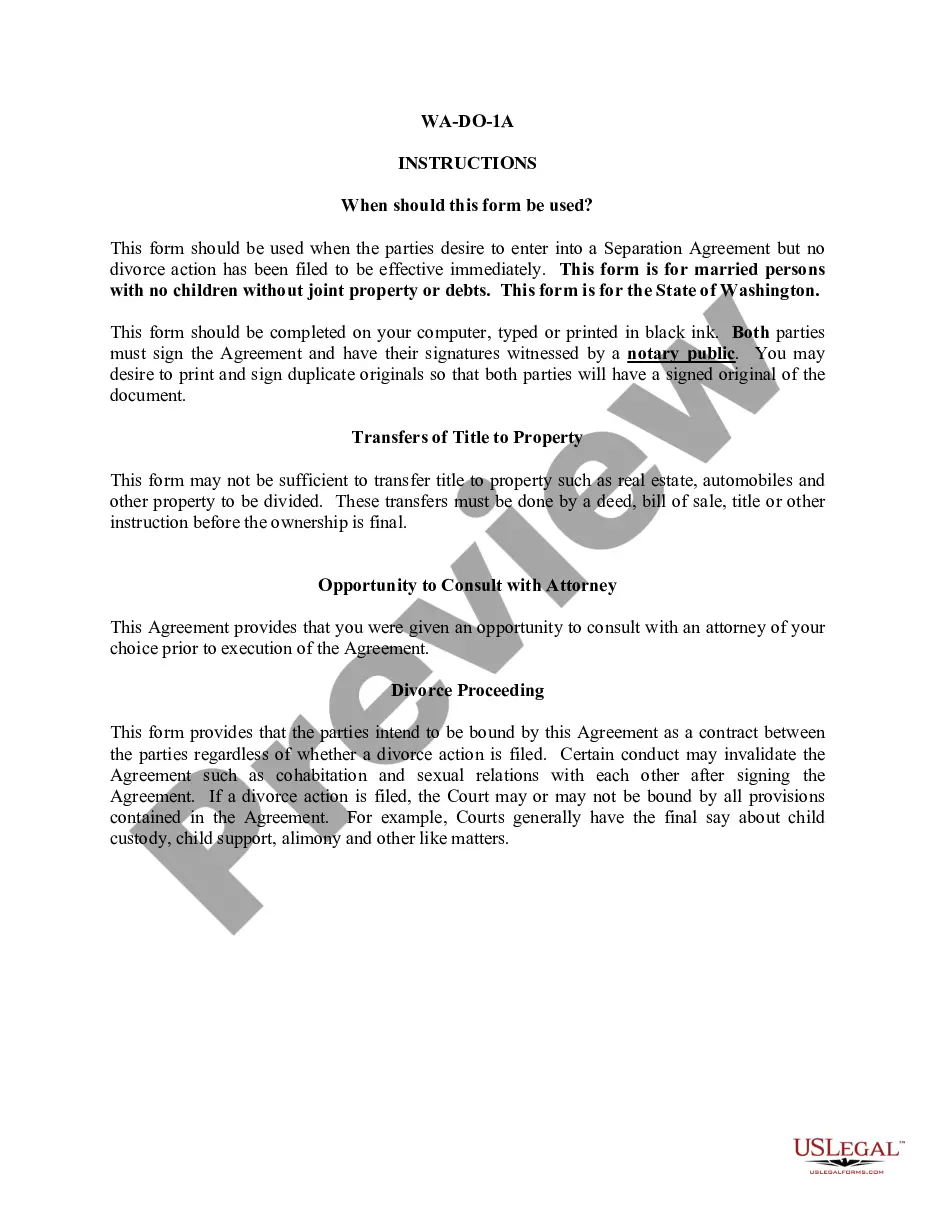
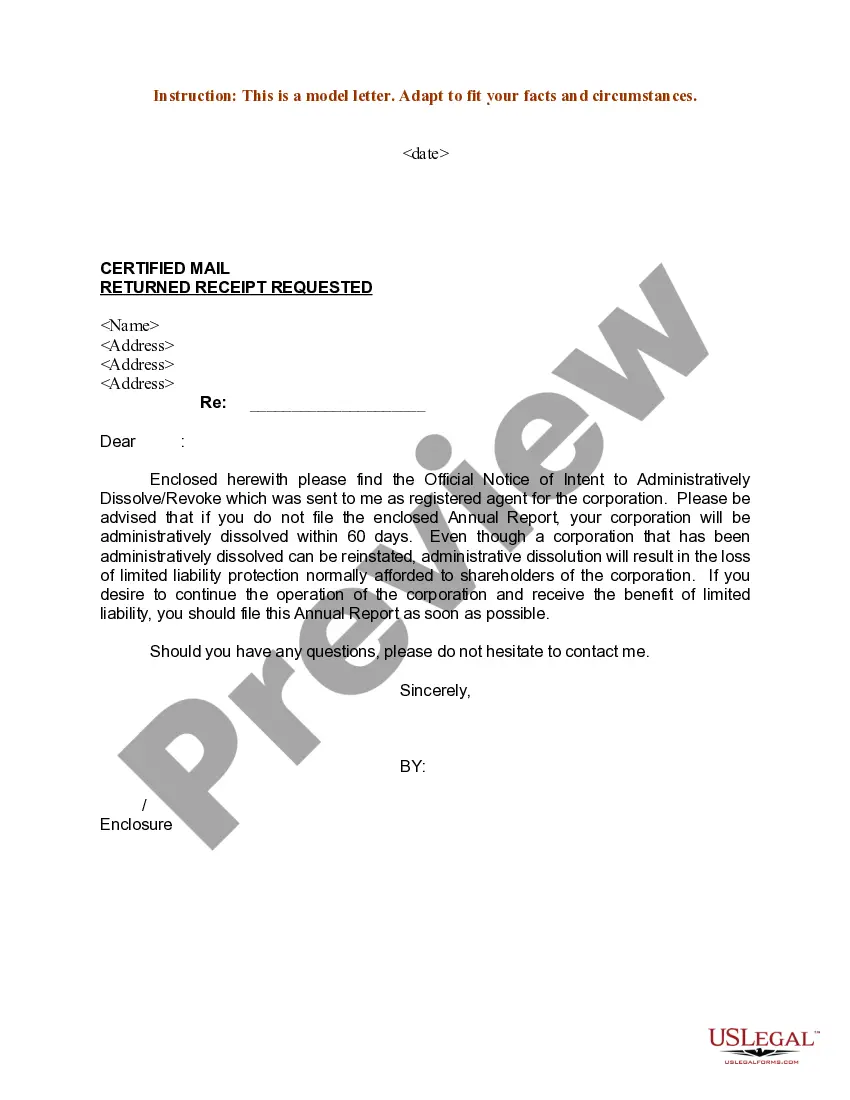
Sample Letter regarding Notification of Official Notice of Intent to Administratively Dissolve or Revoke Corporation
Overview of this form
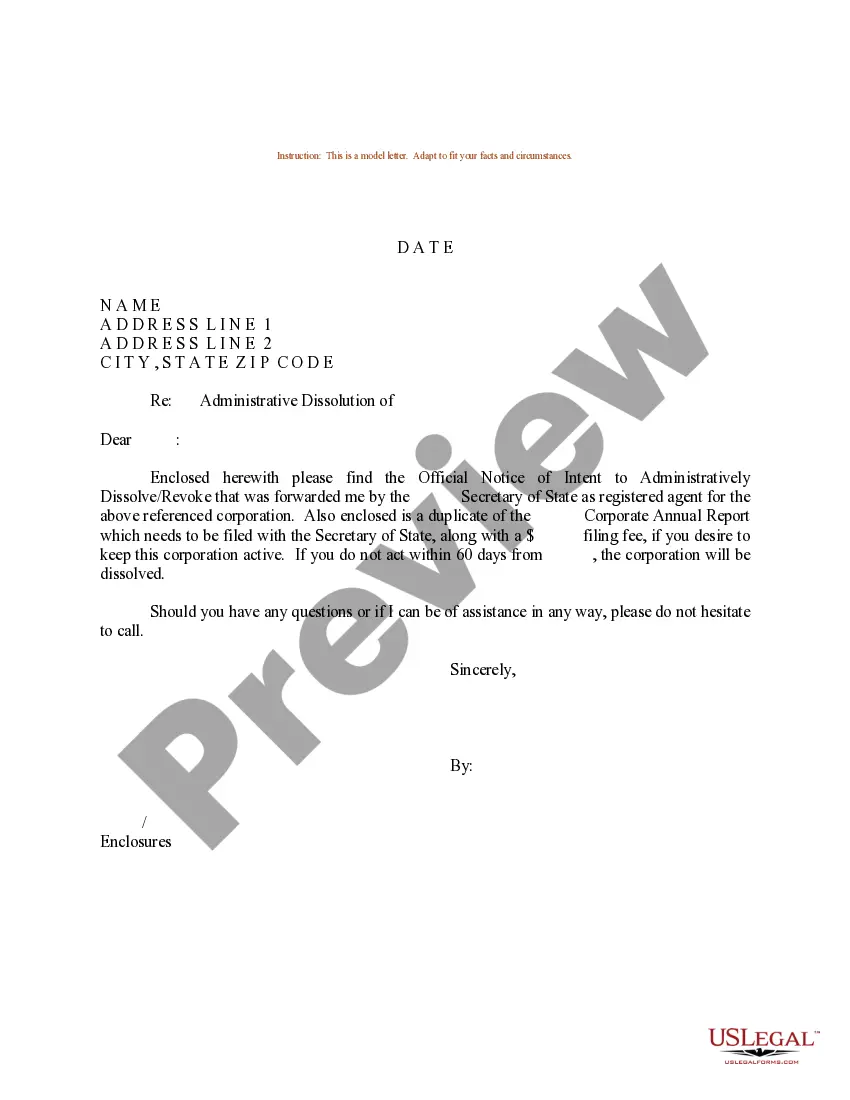
This form is a sample letter regarding the notification of an official notice of intent to administratively dissolve or revoke a corporation. It serves as a formal communication to inform stakeholders of the impending actions against a corporation. This letter is essential for ensuring that proper notice is given and important rights are preserved, distinguishing it from other general correspondence or notifications related to corporate governance.
Form components explained
- Date of notification
- Sender's name and address
- Recipient's name and address
- Subject line specifying the nature of the correspondence
- Closing remarks and contact information for inquiries
When to use this form
This form should be used when a corporation receives a formal notice of intent to dissolve or revoke its corporate status from a government agency. It is crucial for the corporation to respond appropriately to protect its interests and inform all relevant parties about the situation. The letter can serve as a defensive measure it can help mitigate any negative impacts stemming from the administrative actions being proposed.
Intended users of this form
- Corporation owners and directors
- Corporate legal representatives
- Stakeholders or interested parties in the corporation
How to prepare this document
- Enter the date of the letter at the top.
- Provide the sender's name and address clearly.
- Fill in the recipient's name and address as indicated.
- Specify the subject matter of the notice in the subject line.
- Conclude with a polite closing and include contact information for any follow-up questions.
Is notarization required?
This form does not typically require notarization unless specified by local law. It is advisable to check the specific requirements in your jurisdiction to ensure proper handling of the notification.
Get your form ready online
Our built-in tools help you complete, sign, share, and store your documents in one place.
Make edits, fill in missing information, and update formatting in US Legal Forms—just like you would in MS Word.
Download a copy, print it, send it by email, or mail it via USPS—whatever works best for your next step.
Sign and collect signatures with our SignNow integration. Send to multiple recipients, set reminders, and more. Go Premium to unlock E-Sign.
If this form requires notarization, complete it online through a secure video call—no need to meet a notary in person or wait for an appointment.
We protect your documents and personal data by following strict security and privacy standards.

Make edits, fill in missing information, and update formatting in US Legal Forms—just like you would in MS Word.

Download a copy, print it, send it by email, or mail it via USPS—whatever works best for your next step.

Sign and collect signatures with our SignNow integration. Send to multiple recipients, set reminders, and more. Go Premium to unlock E-Sign.

If this form requires notarization, complete it online through a secure video call—no need to meet a notary in person or wait for an appointment.

We protect your documents and personal data by following strict security and privacy standards.
Common mistakes
- Failing to include the date of the notice.
- Incorrectly addressing the recipient, which can lead to the letter not being received.
- Omitting necessary contact information for follow-up inquiries.
Benefits of using this form online
- Convenience of downloading and filling out the form from home.
- Editability allows for easy customization to fit specific needs.
- Reliability of having a legally compliant letter drafted by licensed attorneys.
Legal use & context
- This form is essential for notifying involved parties of potential corporate dissolution.
- Failure to use this form appropriately may result in legal consequences, including loss of corporate status.
Key takeaways
- This form is crucial for responding to a formal notice of corporate dissolution.
- Complete the form accurately to preserve your rights and interests.
- Be aware of and comply with specific state requirements as applicable.
Looking for another form?
Form popularity
FAQ
To apply to strike off your limited company, you must send Companies House form DS01. The form must be signed by a majority of the company's directors. You should deal with any of the assets of the company before applying, eg close any bank accounts and transfer any domain names.
In theory, a dissolved corporation can be sued. However, getting a lawsuit to stick is tricky. For one, each state's laws allow a specific period of time for lawsuits to be brought against a dissolved corporation typically, this is allowed for a period of up to three years.
In order to dissolve an Ontario corporation, an application first must be made to the Ministry of Finance requesting its consent. The corporation must send a letter to the Ministry of Finance, Client Services Branch requesting them to provide a Letter of Consent to Dissolve Corporation.
Respected Sir, I want to say that I want to cancel the business partnership with you as I am shifting abroad and I want to shift my business there too. I want to end your business partnership due to a personal dispute, business growth, and financial problems. (state your actual problem and situation).
Decide to close. File dissolution documents. Cancel registrations, permits, licenses, and business names. Comply with employment and labor laws. Resolve financial obligations. Maintain records.
1. What is an administrative dissolution? When an entity fails to timely file an annual report, fails to maintain a registered agent, its duration expires or in several other situations, the Secretary of State may administratively dissolve that entity.
The name of the recipient and the name of the person sending the letter. The purpose of the letter, including the relationship to be terminated and the date of termination, stated in the first paragraph.
Step 1: Hold a Board Meeting and Seek Shareholder Approval. Step 2: File a Certificate of Dissolution with the Secretary of State. Step 3: Notify the Internal Revenue Service and Other Taxing Authorities. Step 4: Formal Notice of Dissolution. Step 5: Settle Claims with Creditors.
Administrative dissolution is an action taken by the Secretary of State that results in the loss of a business entity's rights, powers and authority. Reinstatement is the action taken that restores an administratively dissolved business entity's rights, powers, and authority.