Appointment due to Vacancy - Resolution Form - Corporate Resolutions
What this document covers
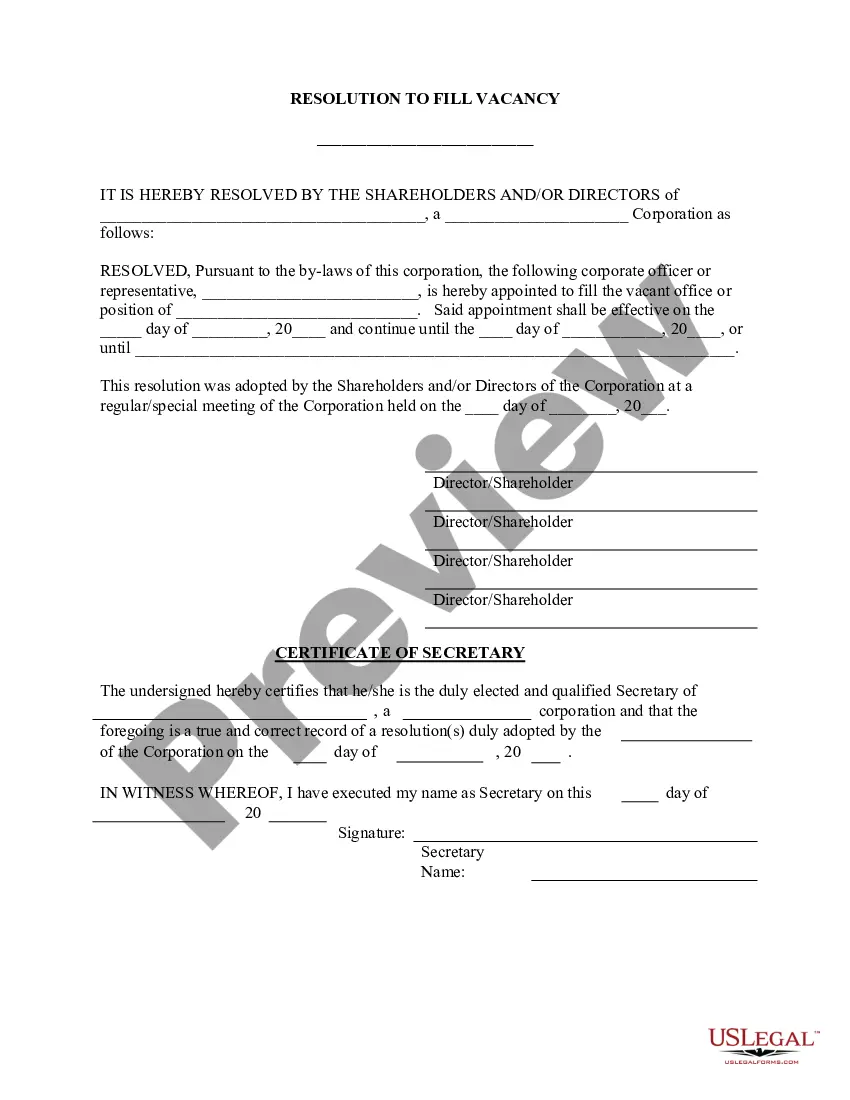
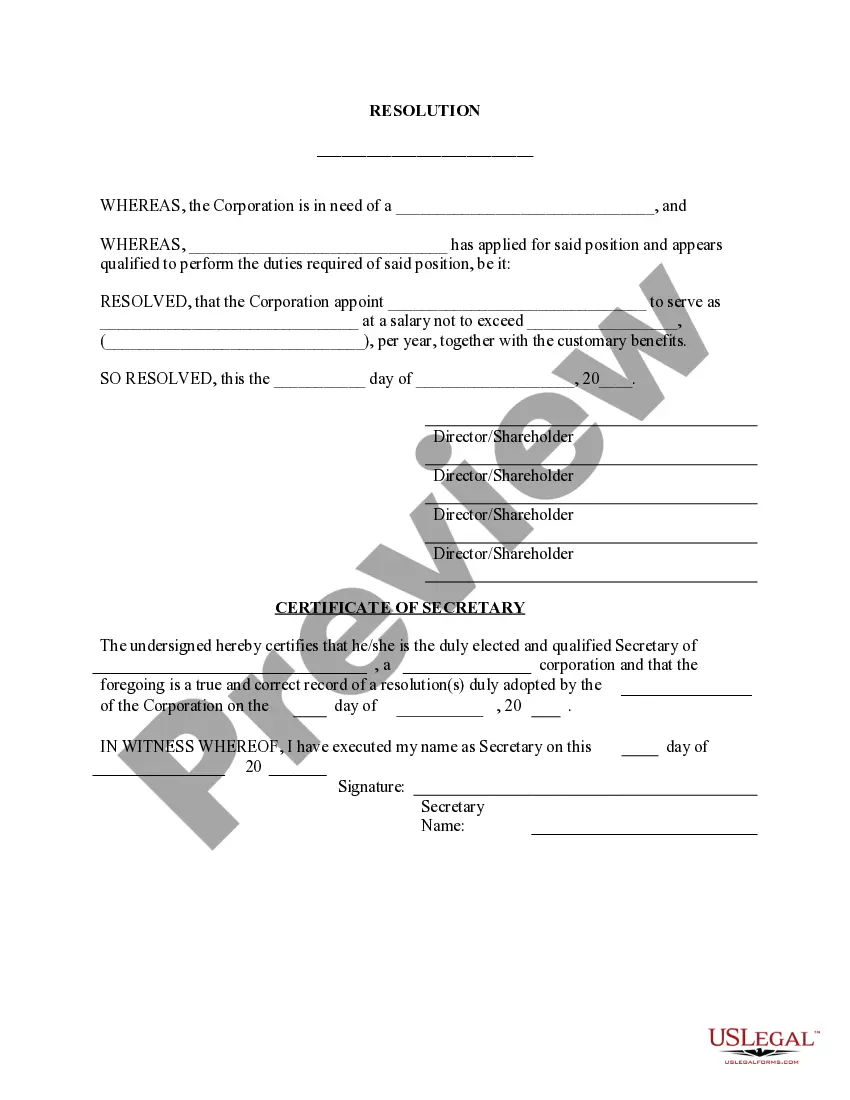
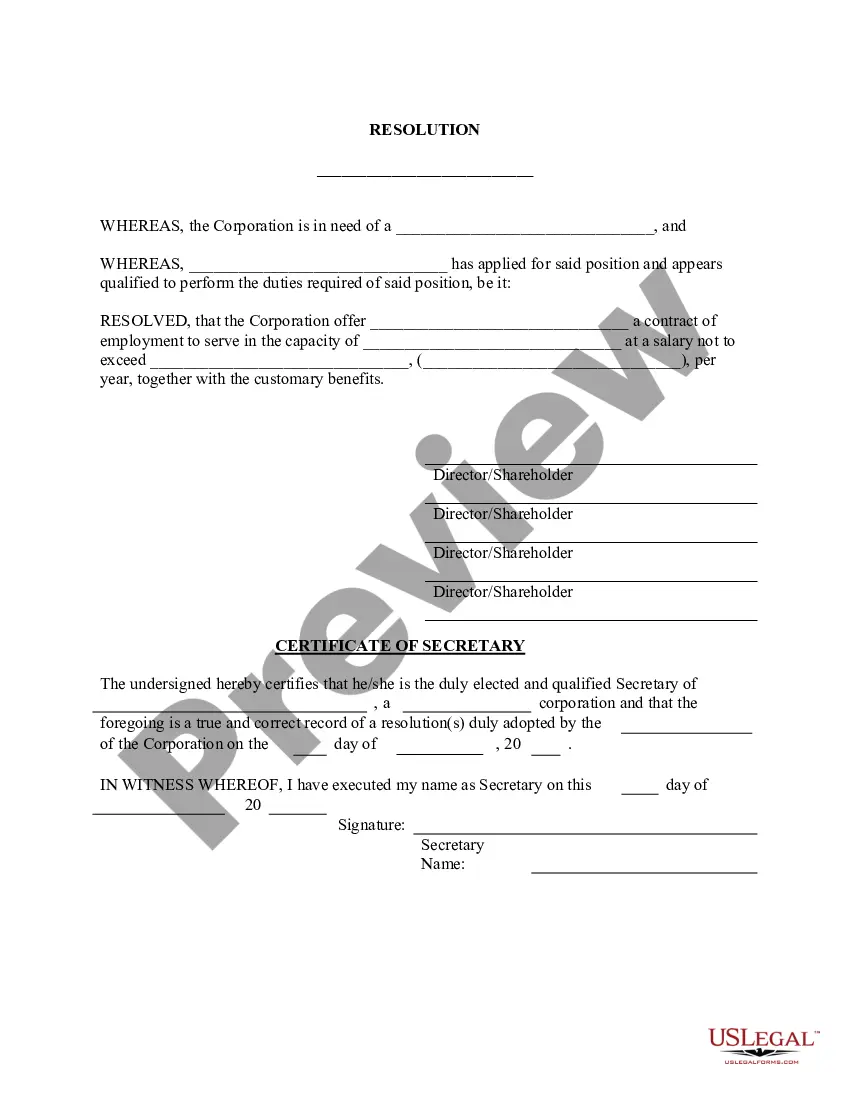
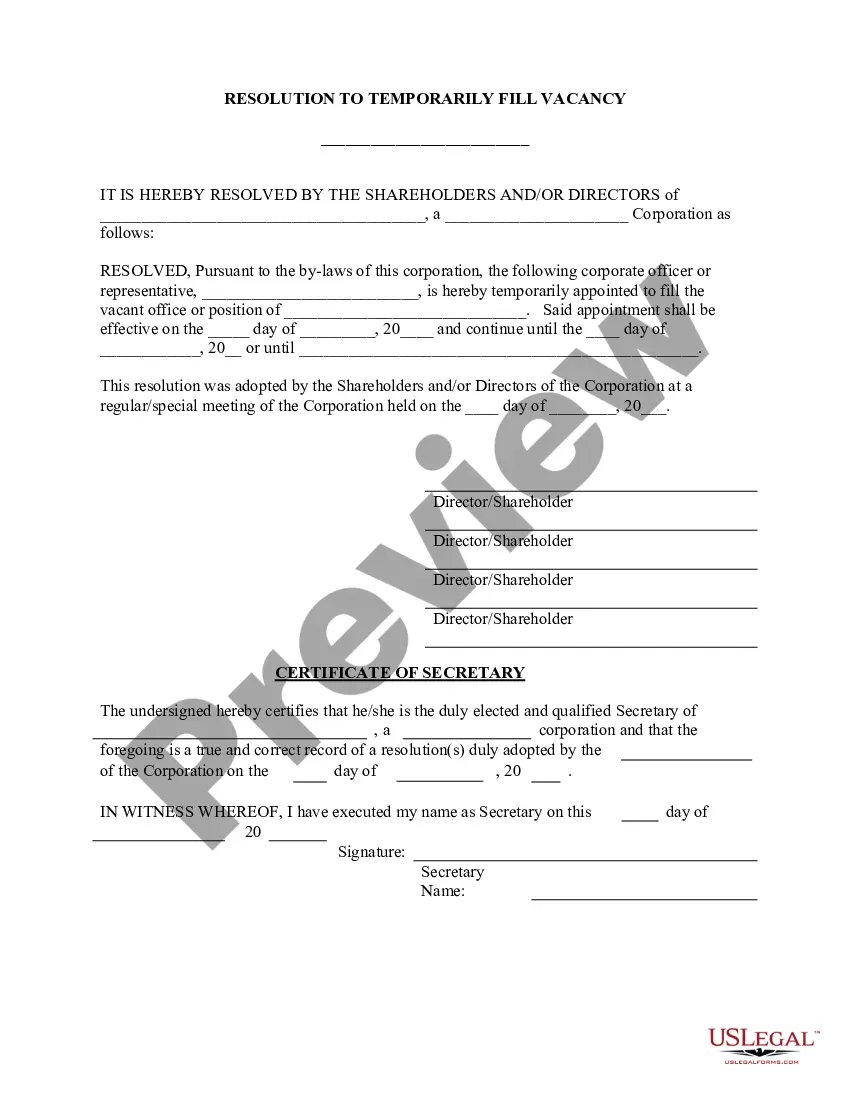
The Appointment due to Vacancy - Resolution Form allows the directors of a corporation to officially appoint an individual to fill a vacant officer's position. This form is essential for maintaining corporate governance and ensuring that vacancies are promptly addressed, distinguishing it from other corporate resolution forms that might serve different purposes, such as amending bylaws or authorizing corporate actions.
Key components of this form
- Identification of the corporation and its status
- Name and title of the individual being appointed
- Description of the vacant position being filled
- Effective dates of the appointment
- Confirmation of the resolution by shareholders and/or directors
- Certification by the corporate secretary


When this form is needed
This form should be used when there is a vacancy in a corporate officer's position that needs to be filled. Situations may include resignation, retirement, or removal of an officer, where the corporate bylaws require a formal appointment process to ensure compliance and proper documentation.
Who this form is for
- Corporation directors responsible for appointing officers
- Shareholders who participate in the governance of the corporation
- Corporate secretaries who must record and certify the resolution
How to complete this form
- Identify the corporation and its type, filling in the appropriate name and details.
- Enter the name and title of the individual being appointed.
- Specify the vacant position and the effective dates of the appointment.
- Secure signatures from the required shareholders and/or directors to confirm the resolution.
- The corporate secretary should certify the resolution by completing the certification section.
Notarization requirements for this form
This form does not typically require notarization unless specified by local law. Always check with your stateâs regulations to ensure proper compliance.
Get your form ready online
Our built-in tools help you complete, sign, share, and store your documents in one place.
Make edits, fill in missing information, and update formatting in US Legal Forms—just like you would in MS Word.
Download a copy, print it, send it by email, or mail it via USPS—whatever works best for your next step.
Sign and collect signatures with our SignNow integration. Send to multiple recipients, set reminders, and more. Go Premium to unlock E-Sign.
If this form requires notarization, complete it online through a secure video call—no need to meet a notary in person or wait for an appointment.
We protect your documents and personal data by following strict security and privacy standards.

Make edits, fill in missing information, and update formatting in US Legal Forms—just like you would in MS Word.

Download a copy, print it, send it by email, or mail it via USPS—whatever works best for your next step.

Sign and collect signatures with our SignNow integration. Send to multiple recipients, set reminders, and more. Go Premium to unlock E-Sign.

If this form requires notarization, complete it online through a secure video call—no need to meet a notary in person or wait for an appointment.

We protect your documents and personal data by following strict security and privacy standards.
Common mistakes to avoid
- Failing to include all necessary signatures from directors or shareholders.
- Not specifying the effective dates for the appointment accurately.
- Omitting the details of the vacant position, leading to confusion.
Why complete this form online
- Convenient access to the form from anywhere at any time.
- Editable templates that allow customization to meet specific corporate needs.
- Reliable sourcing from licensed attorneys ensuring compliance with legal requirements.
Legal use & context
- The resolution must comply with the corporation's bylaws for validity.
- This form helps maintain a formal record of corporate governance.
- Completing this form ensures clarity within the organization regarding authority roles.
Key takeaways
- The Appointment due to Vacancy - Resolution Form is essential for corporate governance.
- Clearly state the position, the appointeeâs name, and the effective dates.
- Ensure all necessary signatures are obtained for validity.
Looking for another form?
Form popularity
FAQ
Format the resolution by putting the date and resolution number at the top. Form a title of the resolution that speaks to the issue that you want to document. Use formal language in the body of the resolution, beginning each new paragraph with the word, whereas.
The name of the organization; The maximum and minimum loan amounts; The names, titles, and signatures of four officers referred to this Resolution; The place of the meeting during which the Resolution was adopted; The exact date of that meeting;
A corporate resolution is a written document created by the board of directors of a company detailing a binding corporate action.The board helps to set policies, appoint executives, and provide oversight as to the direction of the corporation.
1Write the Name of the Company.2State at the top of the page, the governing body and the legal name of the organization making the corporate resolution.3Add Further Legal Identification.How to Write a Corporate Resolution - Small Business - Chron.com\nsmallbusiness.chron.com >> Corporations
A corporate resolution is a document that formally records the important binding decisions into which a company enters. These decisions are made by such stakeholders as the corporation's managers, directors, officers or owners.
A corporate resolution form is used by a board of directors. Its purpose is to provide written documentation that a business is authorized to take specific action. This form is most often used by limited liability companies, s-corps, c-corps, and limited liability partnerships.
A corporate resolution is a written document created by the board of directors of a company detailing a binding corporate action. A corporate resolution is the legal document that provides the rules and framework as to how the board can act under various circumstances.
Format the resolution by putting the date and resolution number at the top. Form a title of the resolution that speaks to the issue that you want to document. Use formal language in the body of the resolution, beginning each new paragraph with the word, whereas.