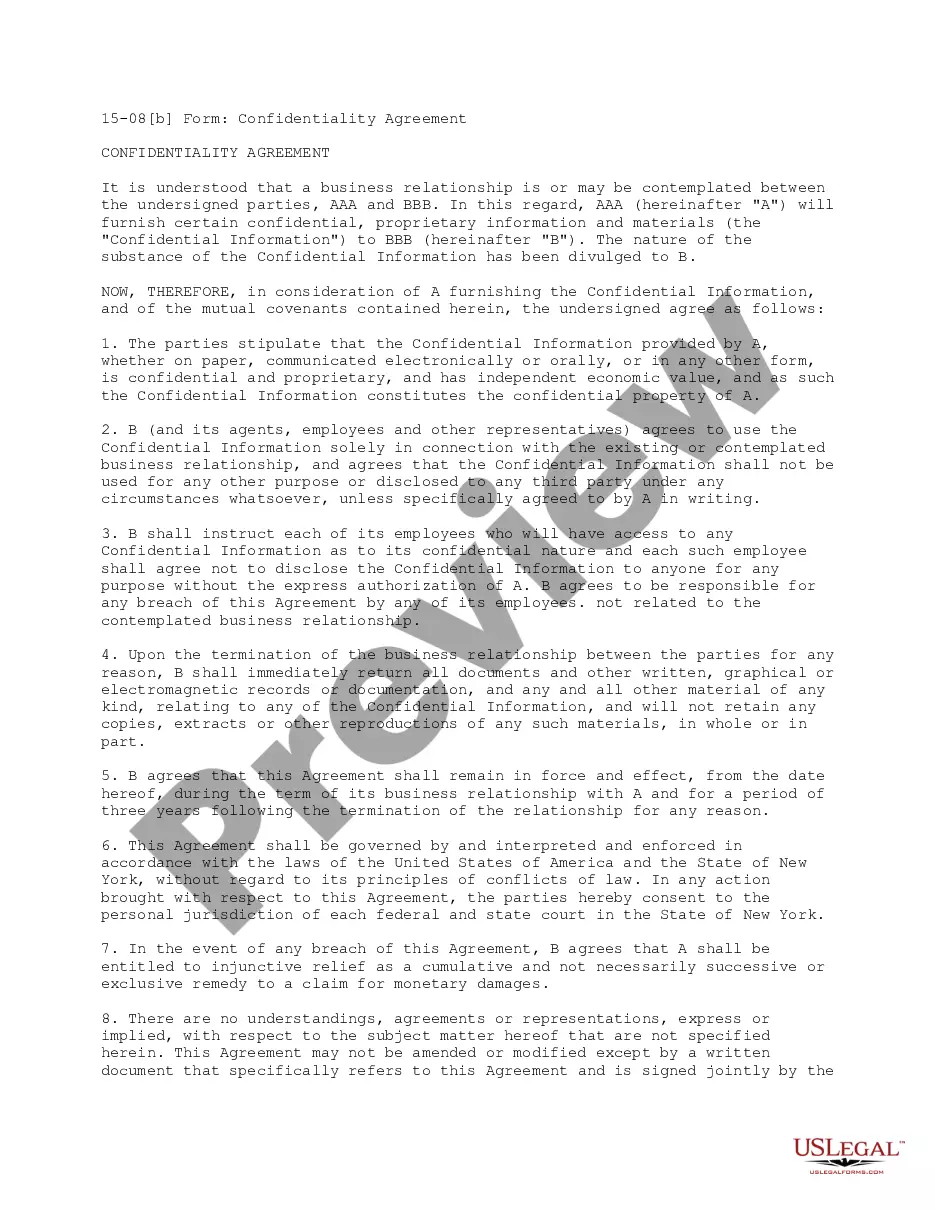
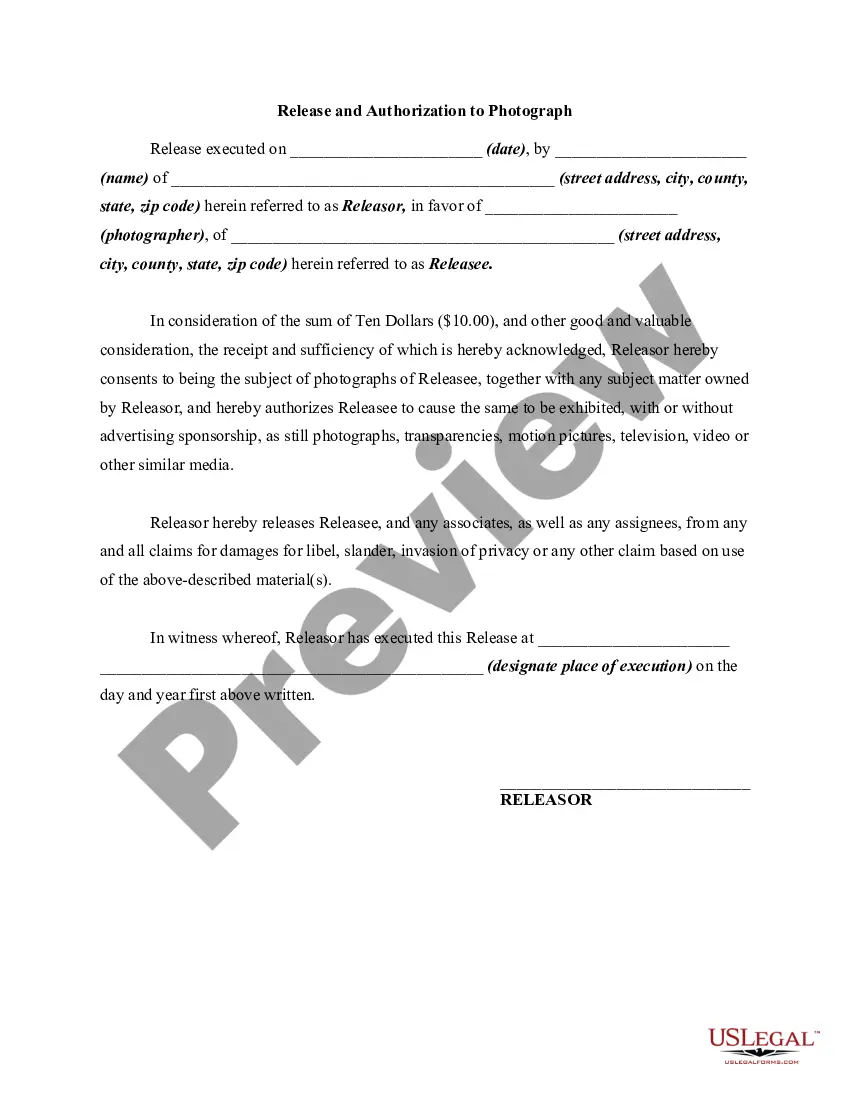
Photography Release and Authorization to Photograph
What this document covers
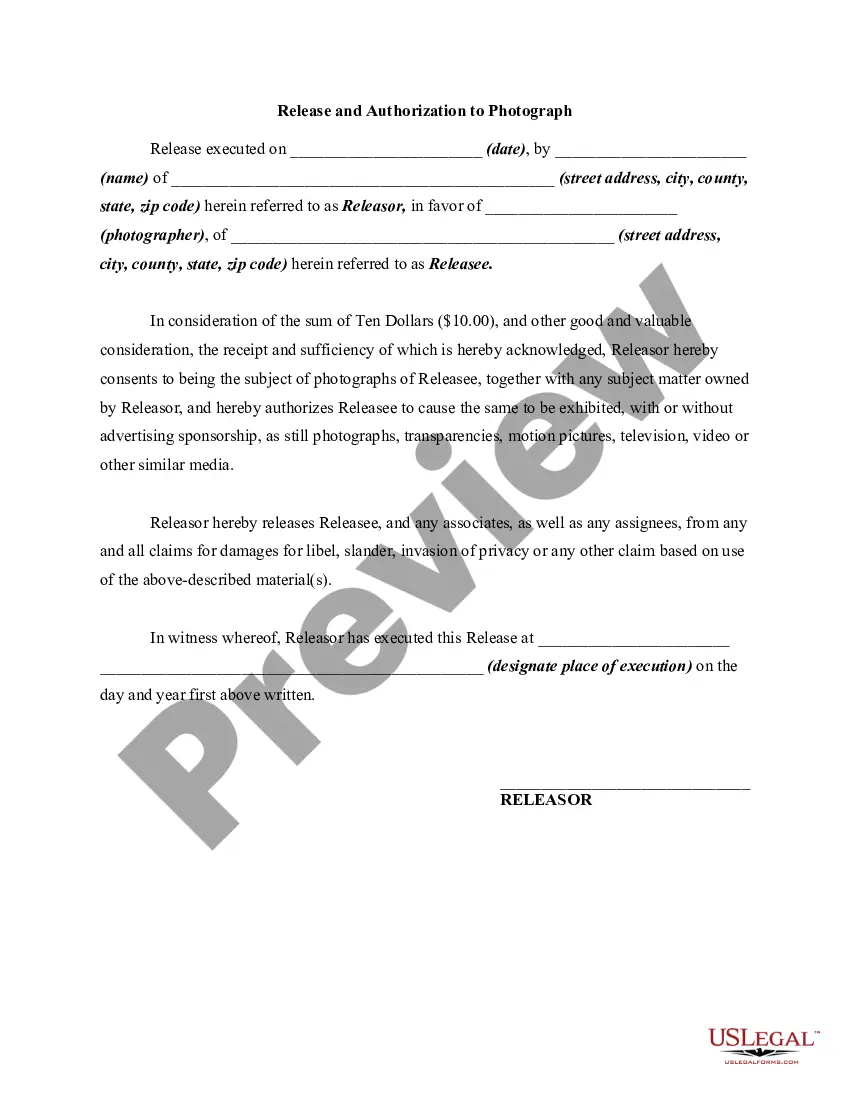
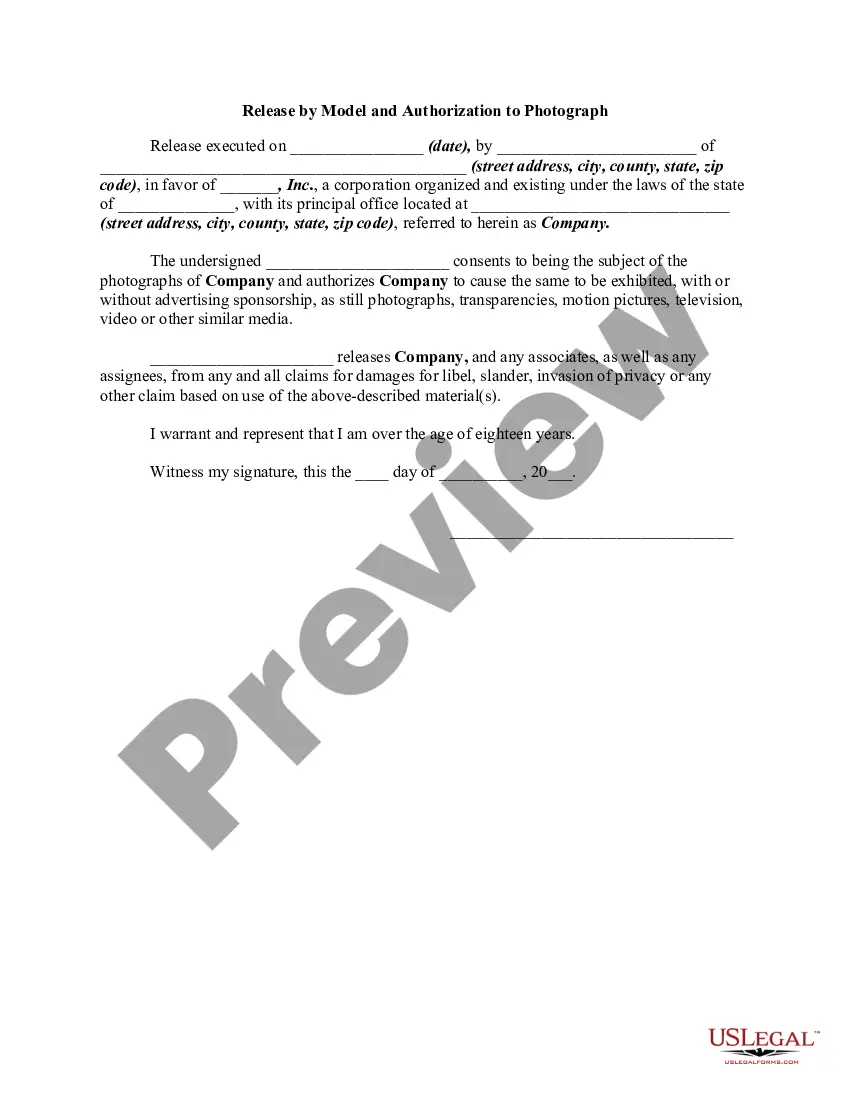
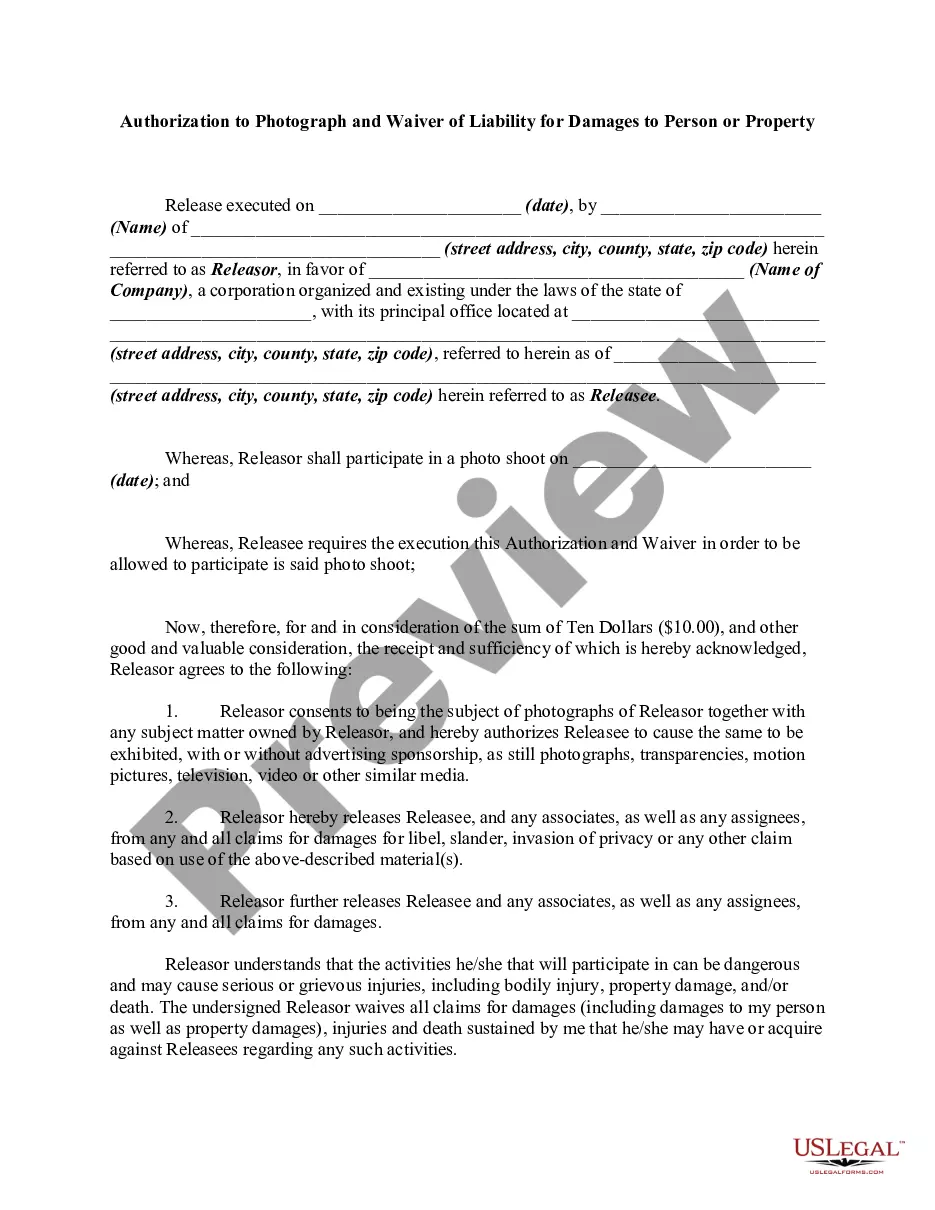
The Photography Release and Authorization to Photograph is a legal form that grants permission to a photographer to take and use photographs of a subject. This release covers various media forms, including still photographs, video, and motion pictures. Unlike similar forms, this document explicitly releases the photographer from claims related to the use of the images, providing legal clarity for both parties involved.
What’s included in this form
- Identification of the Releasor (the person being photographed) and the Releasee (the photographer).
- The date on which the release is executed.
- The consent for the use of photographs in various media formats.
- Release of liability regarding claims for libel, slander, or invasion of privacy.
- Signature and date of execution by the Releasor.
When to use this document
You should use the Photography Release and Authorization to Photograph when you are allowing a photographer to capture and utilize your likeness for various purposes. This form is particularly important in commercial settings, such as advertising, marketing, or events where photographs will be publicly displayed or sold. It is also useful for personal projects where consent is needed to avoid future disputes.
Intended users of this form
- Individuals who are being photographed and wish to grant permission for use of their images.
- Photographers seeking to formalize consent before capturing images for commercial or personal use.
- Organizations planning to photograph individuals for promotional materials.
Instructions for completing this form
- Enter the date when the release is being executed.
- Provide the name and address of the Releasor (the person being photographed).
- Fill in the name and address of the Releasee (the photographer).
- Specify the payment consideration (typically Ten Dollars) provided for the release.
- Include the location where the release is signed and have the Releasor sign the document.
Notarization requirements for this form
In most cases, this form does not require notarization. However, some jurisdictions or signing circumstances might. US Legal Forms offers online notarization powered by Notarize, accessible 24/7 for a quick, remote process.
Get your form ready online
Our built-in tools help you complete, sign, share, and store your documents in one place.
Make edits, fill in missing information, and update formatting in US Legal Forms—just like you would in MS Word.
Download a copy, print it, send it by email, or mail it via USPS—whatever works best for your next step.
Sign and collect signatures with our SignNow integration. Send to multiple recipients, set reminders, and more. Go Premium to unlock E-Sign.
If this form requires notarization, complete it online through a secure video call—no need to meet a notary in person or wait for an appointment.
We protect your documents and personal data by following strict security and privacy standards.

Make edits, fill in missing information, and update formatting in US Legal Forms—just like you would in MS Word.

Download a copy, print it, send it by email, or mail it via USPS—whatever works best for your next step.

Sign and collect signatures with our SignNow integration. Send to multiple recipients, set reminders, and more. Go Premium to unlock E-Sign.

If this form requires notarization, complete it online through a secure video call—no need to meet a notary in person or wait for an appointment.

We protect your documents and personal data by following strict security and privacy standards.
Mistakes to watch out for
- Not providing complete names and addresses for both the Releasor and Releasee.
- Failing to sign and date the form, which can render it ineffective.
- Neglecting to review local laws that might affect the use of the release.
Why complete this form online
- Convenient access to a professionally drafted form that can be downloaded instantly.
- Editability allows users to customize the document to their specific needs.
- Reliability of templates created by licensed attorneys ensures legal compliance.
Legal use & context
A signed Photography Release provides the photographer the right to use the images without the risk of legal claims. It establishes clear consent from the subject and can be crucial in protecting both parties' rights regarding the usage of photographs.
Key takeaways
- This release form is essential for legal protection in photography.
- Always ensure the form is completed and signed before any photography begins.
- Be aware of the specific requirements in your state regarding photography releases.
Looking for another form?
Form popularity
FAQ
Not so, according to attorney Smith. He said anytime you take someone else's photo from a social media page and repost without permission - even if you are in the picture - you are breaking the law. "They are using the image when they do not have the permission to do so," Smith said. "That is copyright infringement. "
As a general rule, taking photos of people and places in a public area does not require permission.You can photograph people in a public area, and it's perfectly legal to do so.
There are two main points that most disclaimers should cover: copyright infringement and modification. Tell the client what they can and cannot do with your property. If they do not have the right to copy, use or alter your photographs, state that. If photographs may be used for a limited purpose, state that as well.
Requirements for Publishing ImagesAnyone is allowed to take photos of anyone or anything in a public space. If the photo is for personal enjoyment, nothing else is required you don't need a model release form or permission.Publish means that the photo will be used for promotional purposes.
Identify the releasor. Describe the photo, image, likeness, or video. Address any payment the model receives for the release. Address royalties. Address whether the model has the ability to revoke their authorization. The parties sign and date the release.
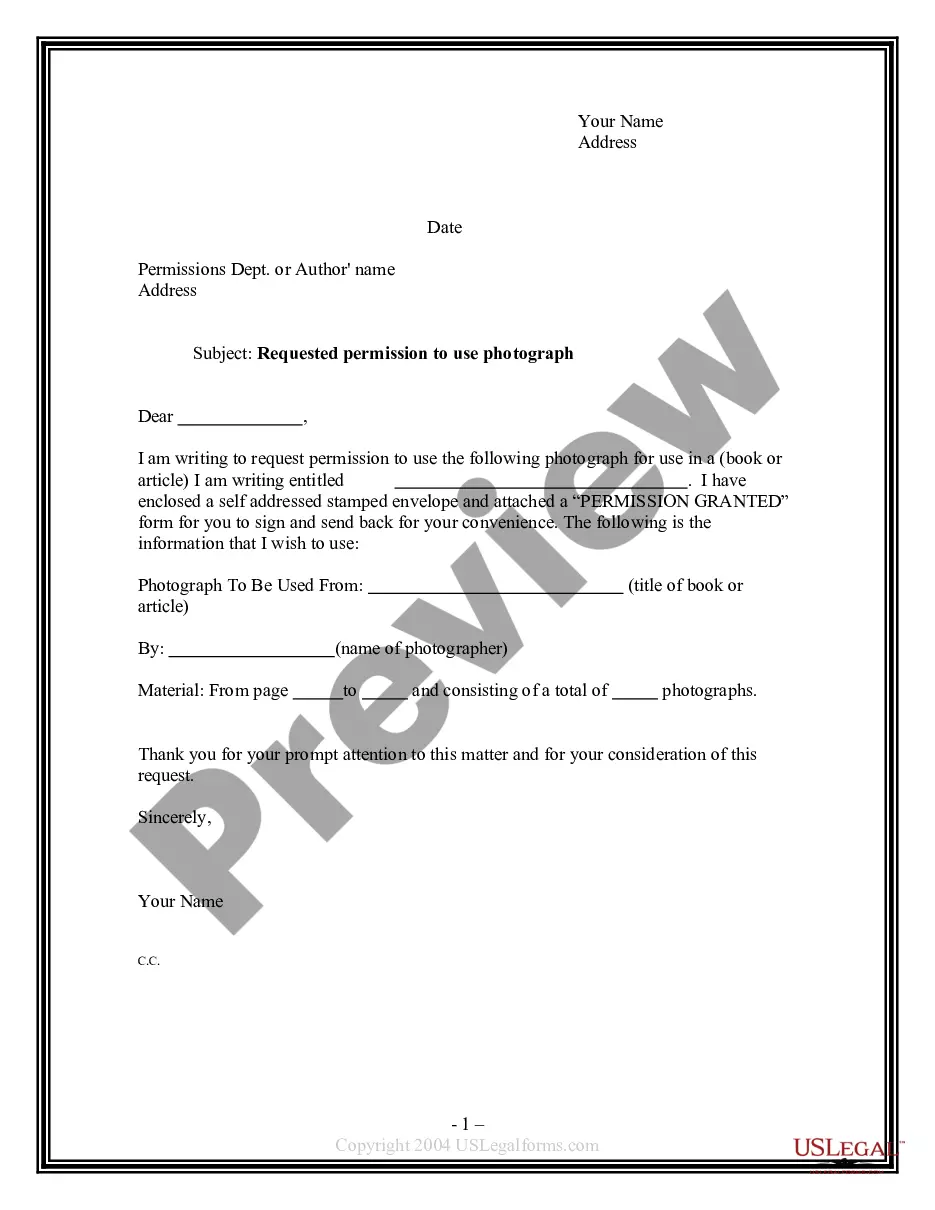
Use business letterhead paper to create the document. State who owns the copyright. Describe and name the images(s) to be released. Explain the release usage.
Identify the releasor. Describe the photo, image, likeness, or video. Address any payment the model receives for the release. Address royalties. Address whether the model has the ability to revoke their authorization. The parties sign and date the release.
Although taking a photo of you in a public setting is not an invasion of privacy, if the person captures you in your home and then uses it on social media without your consent, you have legal recourse.Defamation To prove defamation, the photo posted by someone else on a social media site would have to defame you.
Most forms include the following general information: Name of Photographer or Releasee. Name of Model or Releasor. Address and phone number.