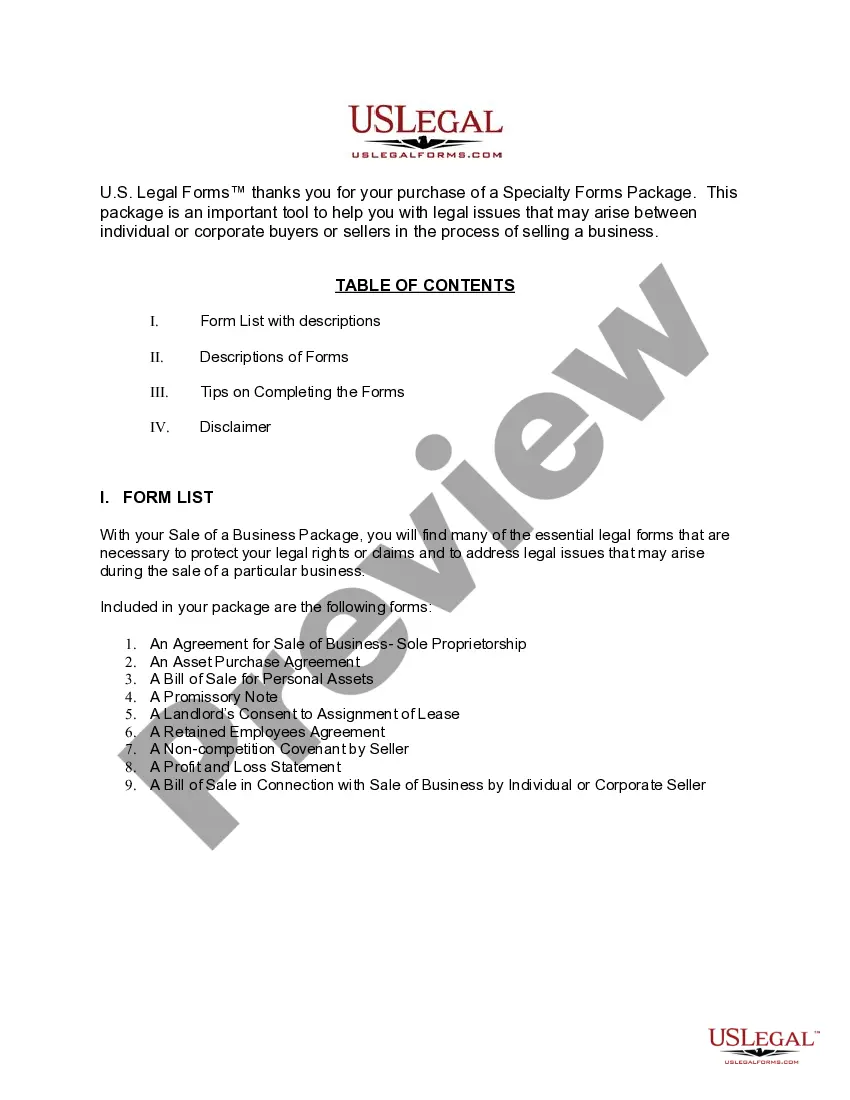
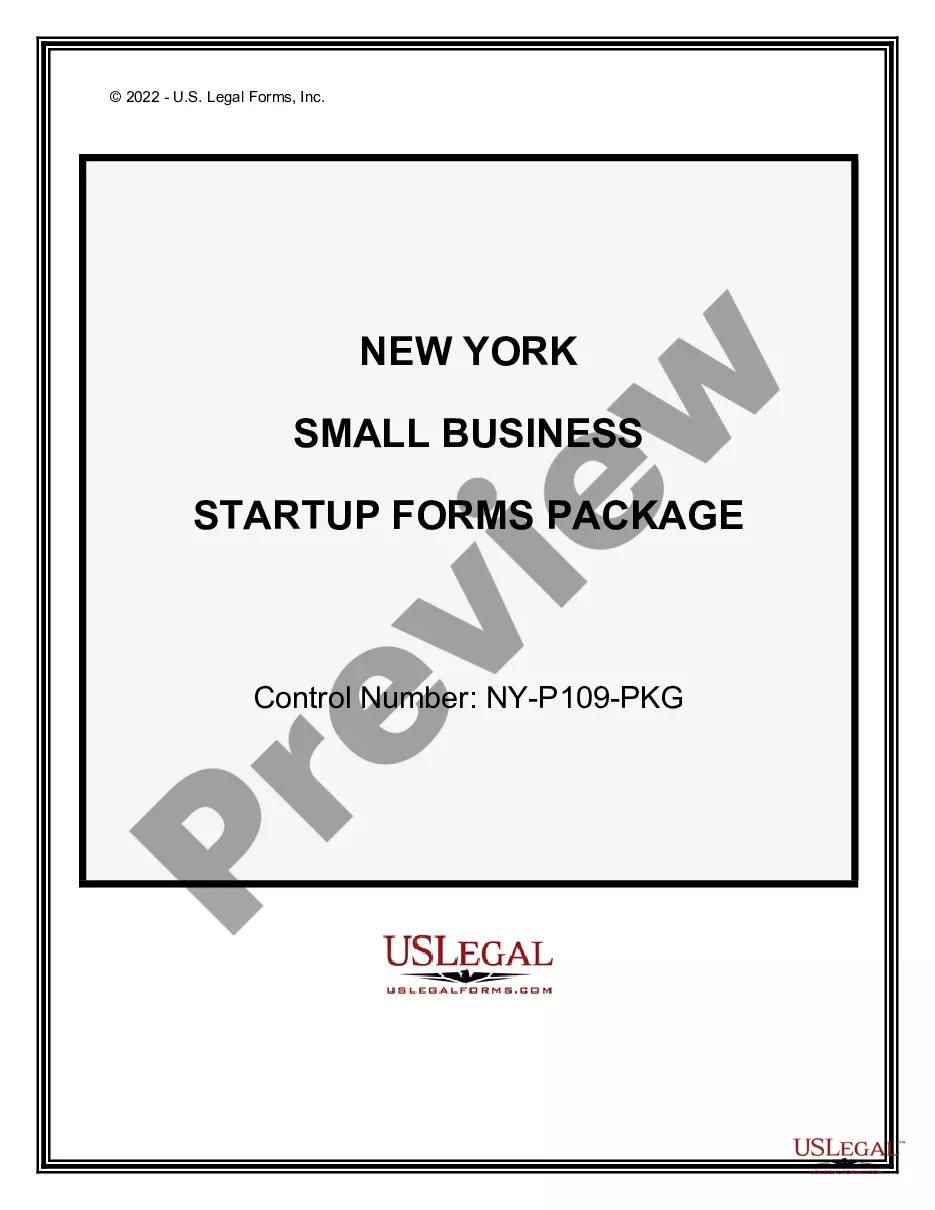
New York Sale of a Business Package
Overview of this form package
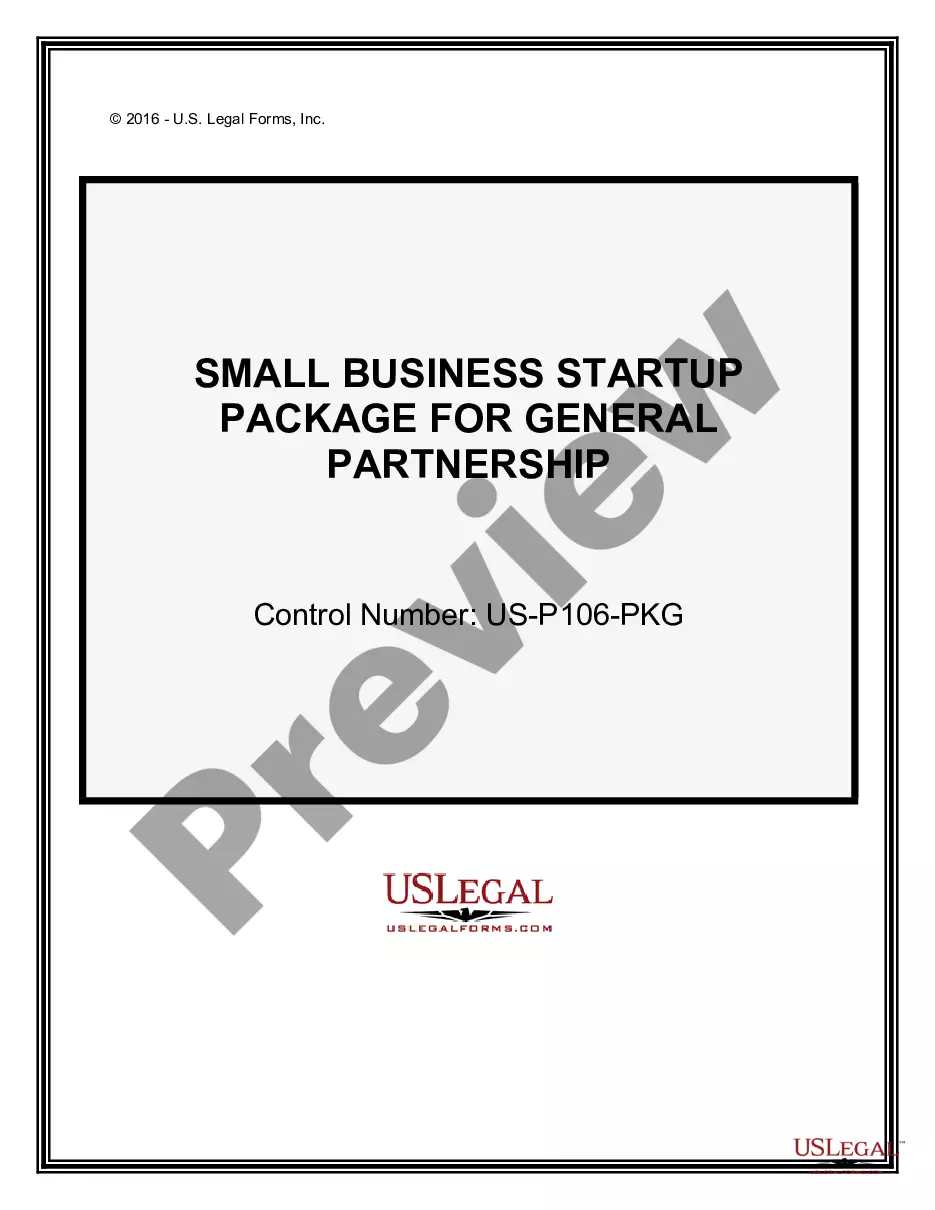
The New York Sale of a Business Package is designed to assist both individual and corporate buyers or sellers in the process of selling a business. It includes essential legal forms tailored for this specific context, allowing for modifications to meet individual circumstances. This package is ideal for those looking to navigate the complexities of a business sale efficiently and effectively.
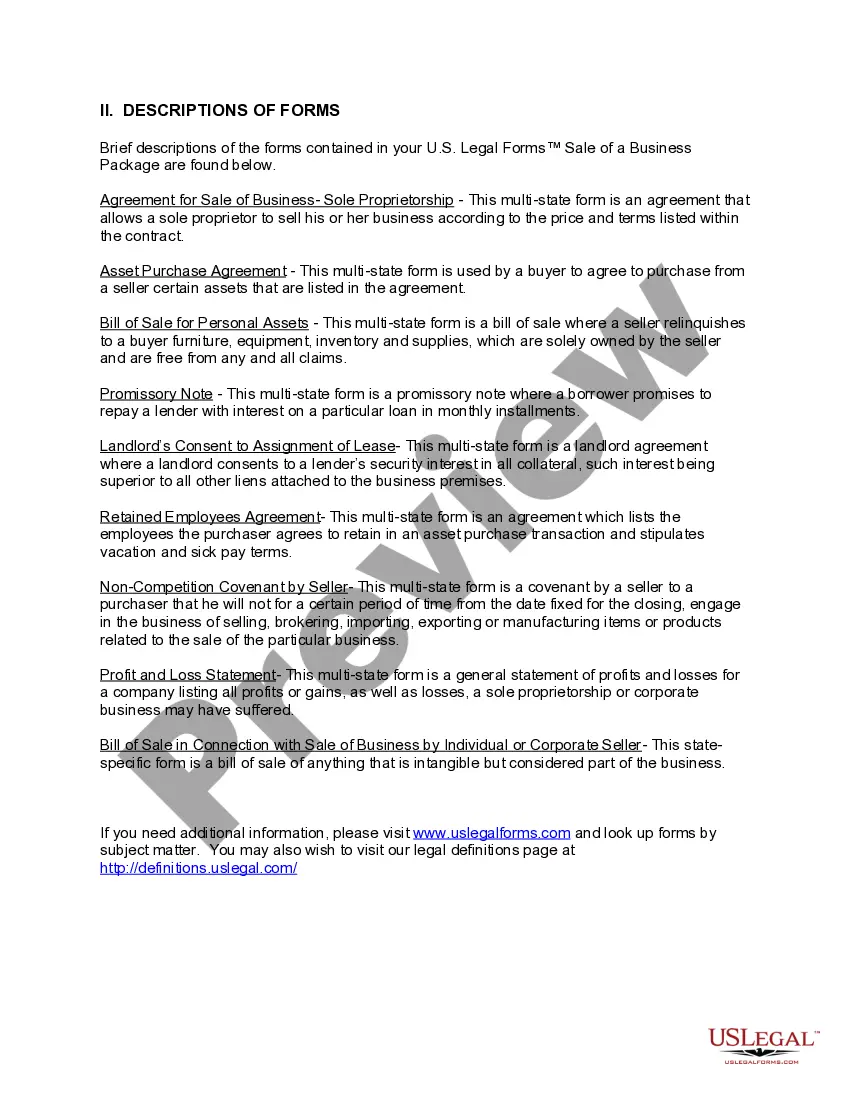
Documents contained in this package
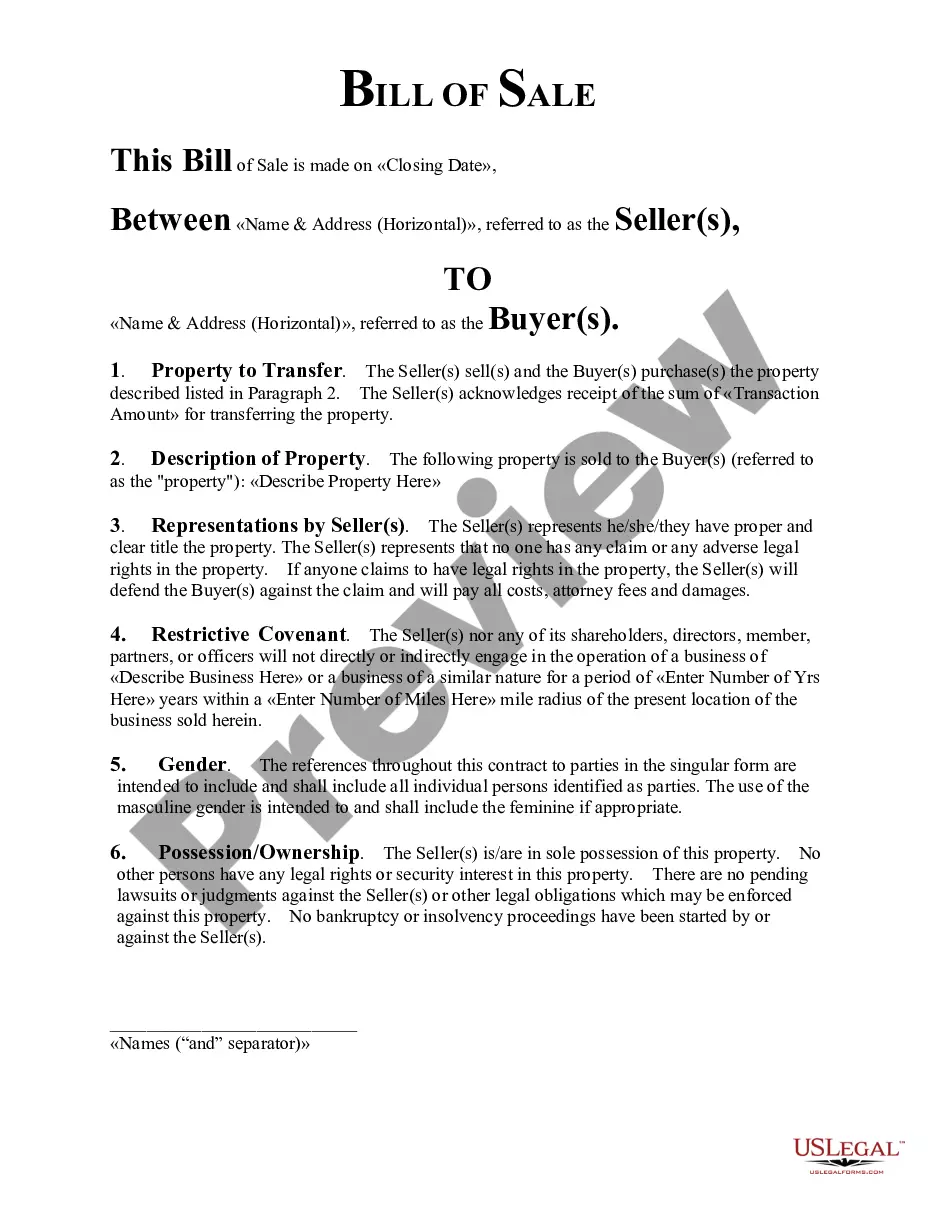
- Bill of Sale in Connection with Sale of Business by Individual or Corporate Seller
- Asset Purchase Agreement - Business Sale
- Sale of Business - Bill of Sale for Personal Assets - Asset Purchase Transaction
- Sale of Business - Landlord's Consent to Assignment of Lease - Asset Purchase Transaction
- Sale of Business - Promissory Note - Asset Purchase Transaction
- Sale of Business - Retained Employees Agreement - Asset Purchase Transaction
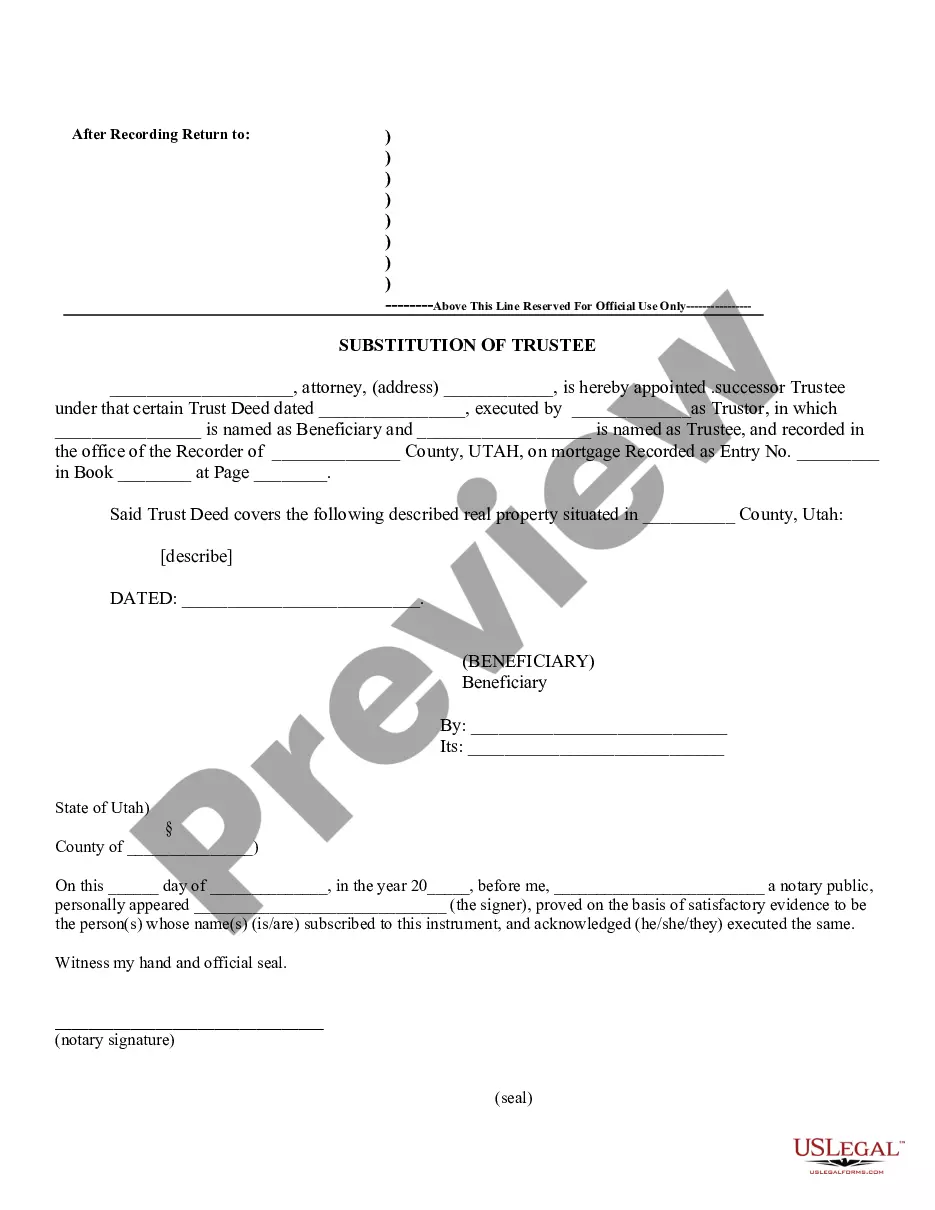
- Noncompetition Covenant by Seller in Sale of Business
- Agreement for Sale of Business - Sole Proprietorship - Asset Purchase
- Profit and Loss Statement
Common use cases
This package is particularly useful when:
- You are a seller preparing to sell your business and need legal documentation to finalize the sale.
- You are a buyer seeking to purchase a business and require the appropriate agreements to secure the transaction.
- You are entering into negotiations for the sale of business assets and need to outline terms and conditions.
Intended users of this form package
- Business owners looking to sell their sole proprietorship or corporate entity.
- Individuals or corporations interested in buying an existing business.
- Real estate professionals involved in business transactions requiring lease assignments.
- Attorneys or legal representatives assisting clients with business sales.
Completing these forms step by step
- Review the list of included forms to understand which ones apply to your situation.
- Gather necessary information about the business, such as assets, liabilities, and employee details.
- Fill out the forms by entering relevant details such as names, addresses, and financial terms.
- Ensure all parties involved review and sign the necessary documents.
- Consult with a legal professional if you have questions or need further clarification on any terms.
Notarization requirements for forms in this package
Forms in this package usually don’t need notarization, but certain jurisdictions or signing circumstances may require it. US Legal Forms provides a secure online notarization option powered by Notarize, accessible 24/7 from anywhere.
Get your form ready online
Our built-in tools help you complete, sign, share, and store your documents in one place.
Make edits, fill in missing information, and update formatting in US Legal Forms—just like you would in MS Word.
Download a copy, print it, send it by email, or mail it via USPS—whatever works best for your next step.
Sign and collect signatures with our SignNow integration. Send to multiple recipients, set reminders, and more. Go Premium to unlock E-Sign.
If this form requires notarization, complete it online through a secure video call—no need to meet a notary in person or wait for an appointment.
We protect your documents and personal data by following strict security and privacy standards.

Make edits, fill in missing information, and update formatting in US Legal Forms—just like you would in MS Word.

Download a copy, print it, send it by email, or mail it via USPS—whatever works best for your next step.

Sign and collect signatures with our SignNow integration. Send to multiple recipients, set reminders, and more. Go Premium to unlock E-Sign.

If this form requires notarization, complete it online through a secure video call—no need to meet a notary in person or wait for an appointment.

We protect your documents and personal data by following strict security and privacy standards.
Avoid these common issues
- Failing to fully complete all sections of the forms, which may lead to legal issues later.
- Overlooking the need for required signatures from all parties before submitting.
- Not including necessary addendums or special provisions relevant to the sale.
Benefits of completing this package online
- Convenience of downloading and filling out forms at your own pace.
- Editability allows for quick adjustments to meet specific needs.
- Access to attorney-drafted documents ensures reliability and compliance with legal standards.
Legal use & context
- These documents help formalize the rights and obligations of parties in a business sale.
- Properly completed forms serve as evidence of the transaction's terms and conditions.
- Lack of proper documentation can lead to disputes or legal challenges in the future.
Quick recap
- The New York Sale of a Business Package is tailored for safe and effective business transactions.
- It includes essential forms necessary for both buyers and sellers to execute a sale.
- Ensure compliance with New York state-specific legal requirements when using the forms.
Looking for another form?
Form popularity
FAQ
Do You Need A Business License To Sell Online? Legally, yes, you do. Operating an online business does not exclude you from certain legal formalities. A business license is one of them.
Log in to your Business Online Services account or create one. Select the 2261 Services menu in the upper left-hand corner of your Account Summary homepage. Select Sales tax - file and pay, then select Sales tax web file from the expanded menu.
You may be required to collect sales tax on the products or services that you sell. For example, if you sell items at a retail store or food establishment, or perform services such as auto repairs, pool cleaning, or lawn care, you must collect sales tax from your customers.
You must have a General Vendor license if you sell, lease, or offer to sell or lease goods or services in a public place that is not a store. You do NOT need a General Vendor license to sell:Call 311 or visit nyc.gov/health for information about food cart vendor licenses and permits.
Schedule payments in advance, save your bank account information, and. receive instant confirmation from the New York State Tax Department.
Pay using your Online Services account Log in or create an Online Services account. Select Payments, bills and notices from the Services menu. Then select Make a payment.
Free Online Filing Options Eligible taxpayers can access and use the same free software available at filing sites anytime from their computer, smartphone, or tablet at www.tax.ny.gov. Taxpayers can click Free File on the Tax Department website to be directed to the tax preparation software.
Log in to your Business Online Services account or create one. Select the 2261 Services menu in the upper left-hand corner of your Account Summary homepage. Select Sales tax - file and pay, then select Sales tax web file from the expanded menu.
Examples of services not subject to sales tax are capital improvements to real property, medical care, education, and personal and professional services.