Minnesota Warranty Deed from Husband and Wife to Corporation
What this document covers
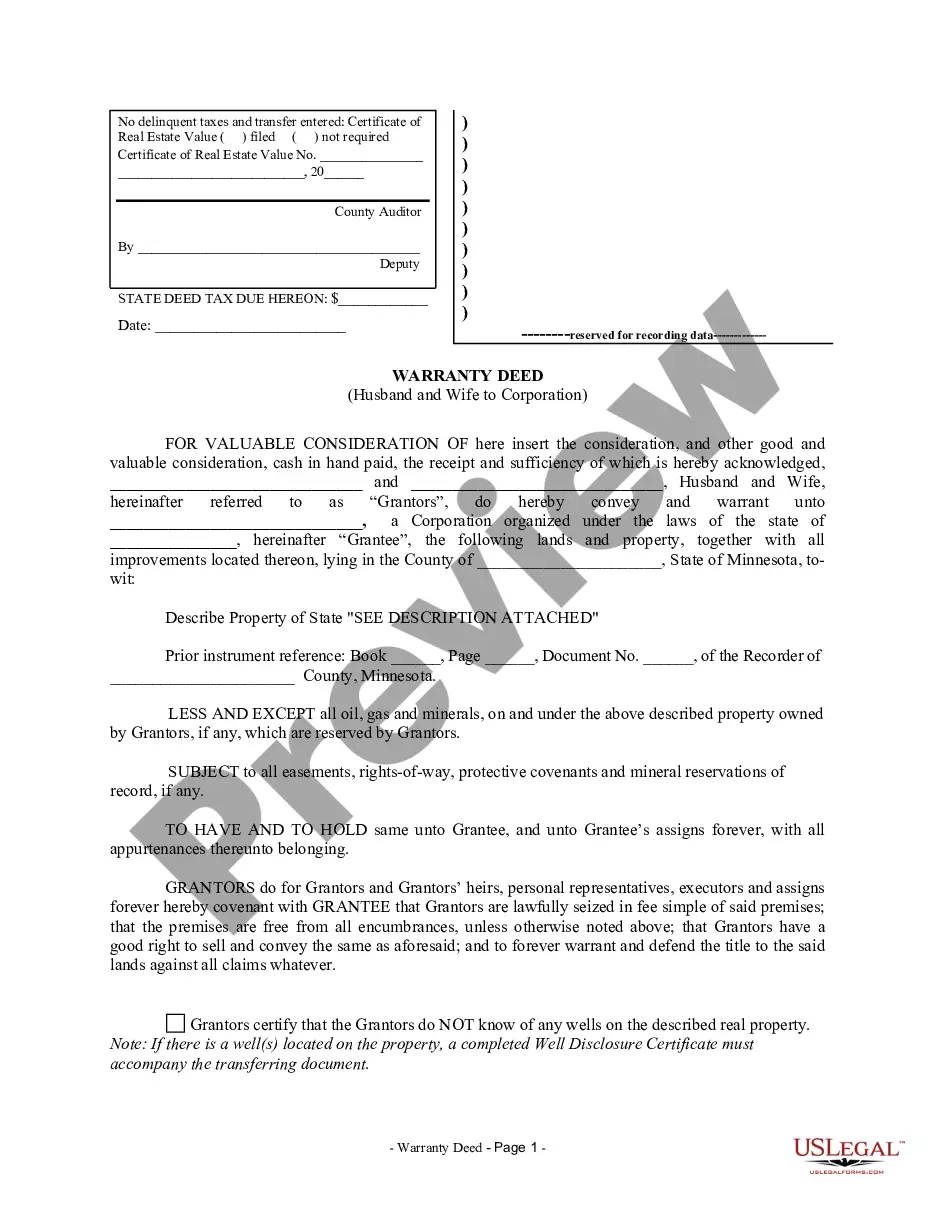
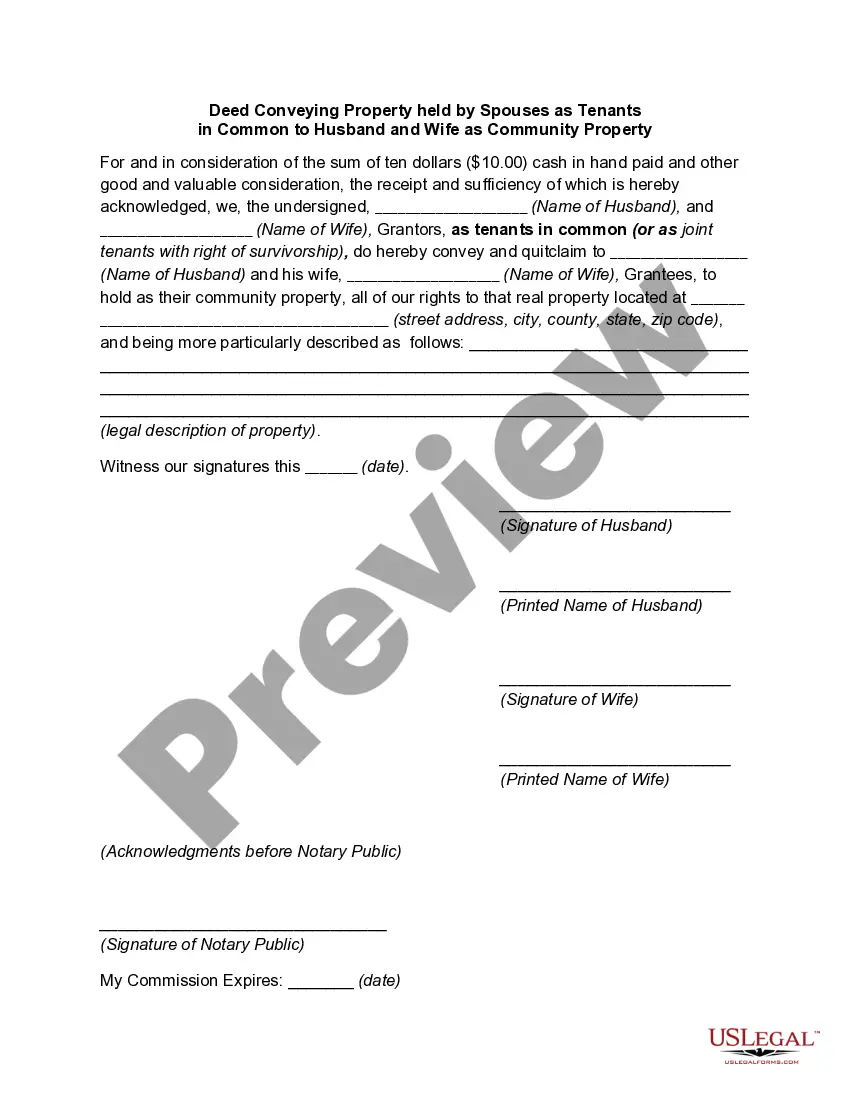
The Warranty Deed from Husband and Wife to Corporation is a legal document that facilitates the transfer of property ownership from a married couple (grantors) to a corporate entity (grantee). This form ensures that the grantors are conveying their rights to the property, while reserving any rights they may have to oil, gas, and minerals beneath it. This differs from other types of deeds as it specifically outlines the parties involved and the nature of the transaction, focusing on the corporate ownership aspect.
Form components explained
- Identification of the grantors (husband and wife) and the grantee (corporation).
- Detailed description of the property being transferred.
- Statement of consideration (the value exchanged for the property).
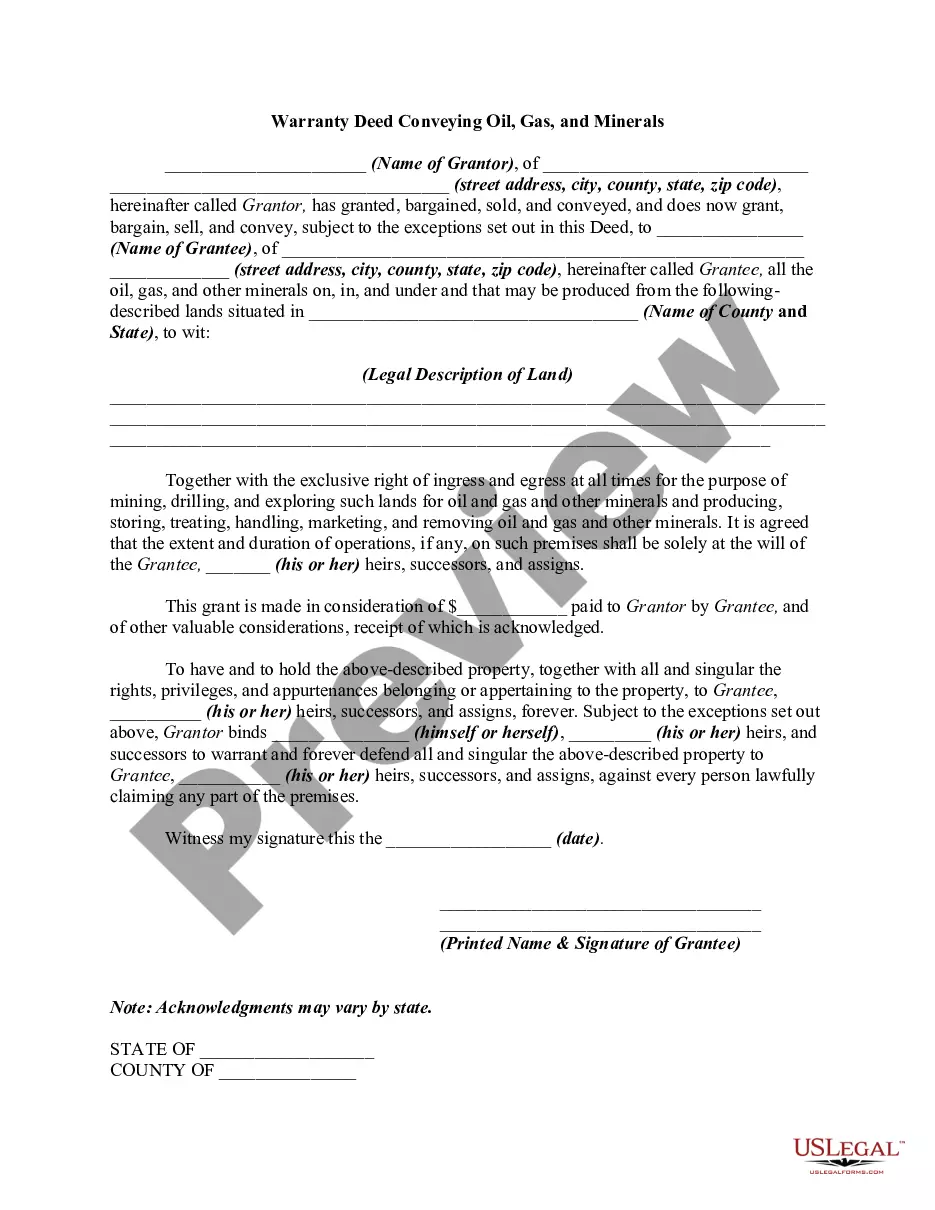
- Reservation clause for oil, gas, and minerals owned by the grantors.
- Warranties and covenants regarding the title and ownership of the property.

Situations where this form applies
This form should be used when a husband and wife wish to transfer ownership of real estate to a corporation. It is commonly employed in situations where business ownership structures require property to be held under a corporate entity, facilitating legal and financial advantages such as liability protection and potential tax benefits.
Who needs this form
This form is intended for:
- Married couples who own property jointly.
- Corporations looking to acquire real estate from individual owners.
- Real estate professionals and legal advisors guiding clients through property transactions.
Completing this form step by step
- Identify the grantors by entering their names as husband and wife.
- Provide the name of the corporation as the grantee.
- Describe the property being transferred, including any improvements.
- State the consideration being paid for the property.
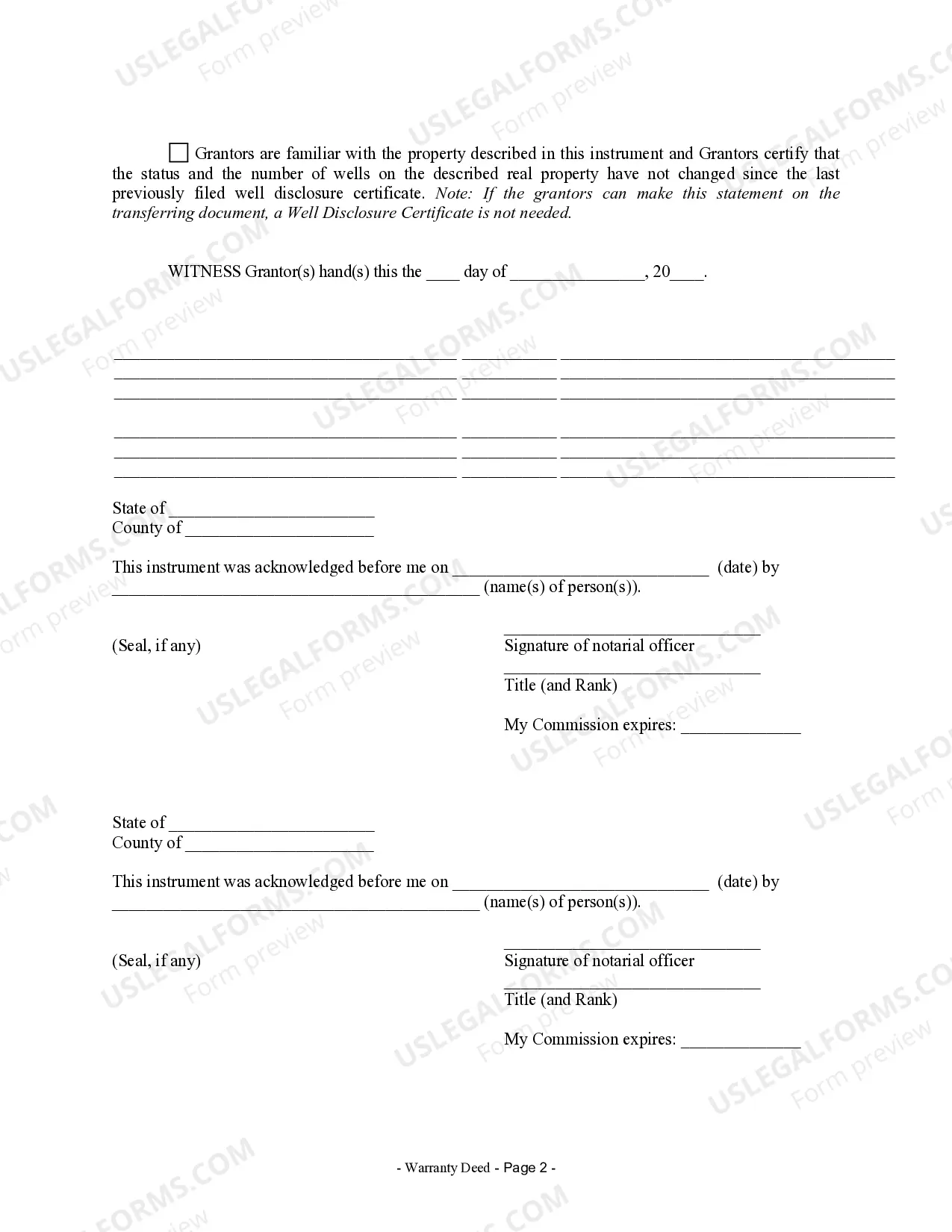
- Have the grantors sign the document in the presence of a notary, if required.
Notarization requirements for this form
Yes, this form must be notarized to be legally valid. US Legal Forms offers integrated online notarization services that are available 24/7, enabling secure video calls for notarization without the need for travel.
Get your form ready online
Our built-in tools help you complete, sign, share, and store your documents in one place.
Make edits, fill in missing information, and update formatting in US Legal Forms—just like you would in MS Word.
Download a copy, print it, send it by email, or mail it via USPS—whatever works best for your next step.
Sign and collect signatures with our SignNow integration. Send to multiple recipients, set reminders, and more. Go Premium to unlock E-Sign.
If this form requires notarization, complete it online through a secure video call—no need to meet a notary in person or wait for an appointment.
We protect your documents and personal data by following strict security and privacy standards.

Make edits, fill in missing information, and update formatting in US Legal Forms—just like you would in MS Word.

Download a copy, print it, send it by email, or mail it via USPS—whatever works best for your next step.

Sign and collect signatures with our SignNow integration. Send to multiple recipients, set reminders, and more. Go Premium to unlock E-Sign.

If this form requires notarization, complete it online through a secure video call—no need to meet a notary in person or wait for an appointment.

We protect your documents and personal data by following strict security and privacy standards.
Common mistakes to avoid
- Failing to include a complete and accurate description of the property.
- Not specifying the consideration amount clearly.
- Omitting the reservation of oil, gas, and minerals if applicable.
- Not having the form notarized when required, or failing to include the notarial certificate.
Benefits of using this form online
- Convenience of accessing and completing the form from home at any time.
- Editability allows customization to meet specific needs.
- Reliability in using state-specific language and requirements.
Main things to remember
- The Warranty Deed from Husband and Wife to Corporation facilitates secure property transfer to a corporate entity.
- Key details must be provided to prevent legal issues later.
- Notarization is a crucial step in completing this form correctly.
Looking for another form?



Form popularity
FAQ
Several factors can render a warranty deed invalid in Minnesota. For instance, if the deed does not include the required signatures or lacks proper notarization, it may not be enforceable. Additionally, if the property description is unclear or if there are any liens against the property that are not disclosed, these issues can lead to complications. To avoid these pitfalls, using a Minnesota Warranty Deed from Husband and Wife to Corporation from a reliable source like US Legal Forms can help ensure the document meets all legal standards.
Yes, you can create a warranty deed without an attorney in Minnesota, but it’s essential to understand the legal requirements. Using a Minnesota Warranty Deed from Husband and Wife to Corporation, you can fill out the necessary details yourself. However, it is wise to review the completed deed to ensure compliance with state laws. If you have any doubts, consider using platforms like US Legal Forms, which provide templates and guidance to help you through the process.
To transfer ownership of a property in Minnesota, you will typically use a Minnesota Warranty Deed from Husband and Wife to Corporation. This deed serves as a legal document that outlines the transfer of property rights from the current owners to the corporation. It’s important to ensure that the deed is properly executed, which includes signatures from all parties involved. Additionally, you should record the deed with the county recorder's office to make the transfer official.
You can file a general warranty deed yourself in Minnesota, but it is important to follow the proper procedures to ensure validity. This process involves completing the deed accurately, having it signed and notarized, and then filing it with the county recorder's office. Utilizing tools from USLegalForms can simplify this process, especially when creating a Minnesota Warranty Deed from Husband and Wife to Corporation, ensuring all legal requirements are met for a smooth filing.
Yes, a non-lawyer can draft a deed, including a Minnesota Warranty Deed from Husband and Wife to Corporation. However, it is crucial to understand that legal documents must meet specific requirements to be valid. While you can create your own deed, using a platform like USLegalForms can provide you with templates and guidance to ensure that your deed complies with Minnesota law and protects your interests.
In Minnesota, if your name is not on the deed but you are married, you may still have rights to the property. Minnesota law generally recognizes that both spouses have an interest in marital property, even if only one spouse's name appears on the deed. This means you could have a claim to the property in case of divorce or death. To ensure your rights are protected, consider consulting with a legal expert or using resources like USLegalForms to understand how a Minnesota Warranty Deed from Husband and Wife to Corporation may affect your situation.
To fill out a warranty deed, such as a Minnesota Warranty Deed from Husband and Wife to Corporation, begin with the names of the parties involved. Clearly state the transfer of property by including the legal description. After that, ensure that both parties sign the deed, and have it notarized. Using platforms like US Legal Forms can simplify this process, as they provide templates and guidance tailored to your needs.
Filling out a Minnesota Warranty Deed from Husband and Wife to Corporation requires you to include specific details. Start by entering the legal names of the husband and wife as grantors, followed by the corporation’s name as the grantee. Ensure you accurately describe the property being transferred, including its address and legal description. Finally, both spouses must sign the deed in the presence of a notary public to validate the document.