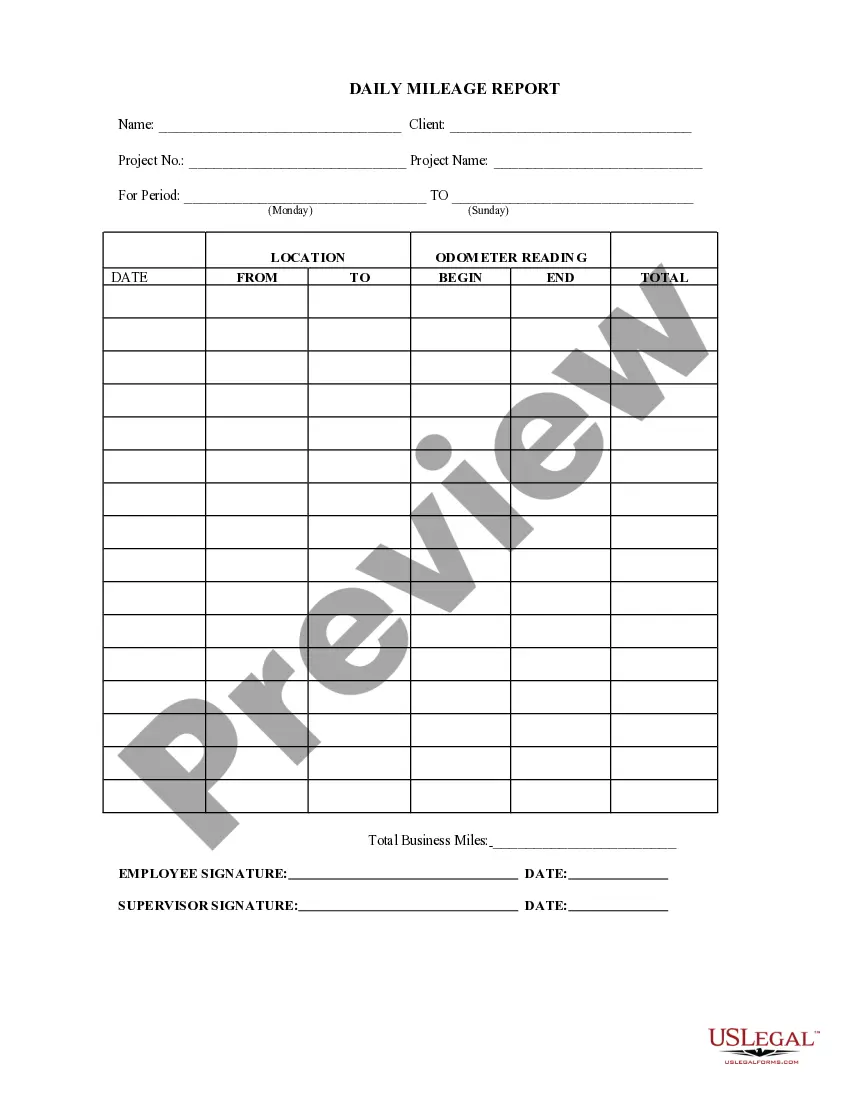
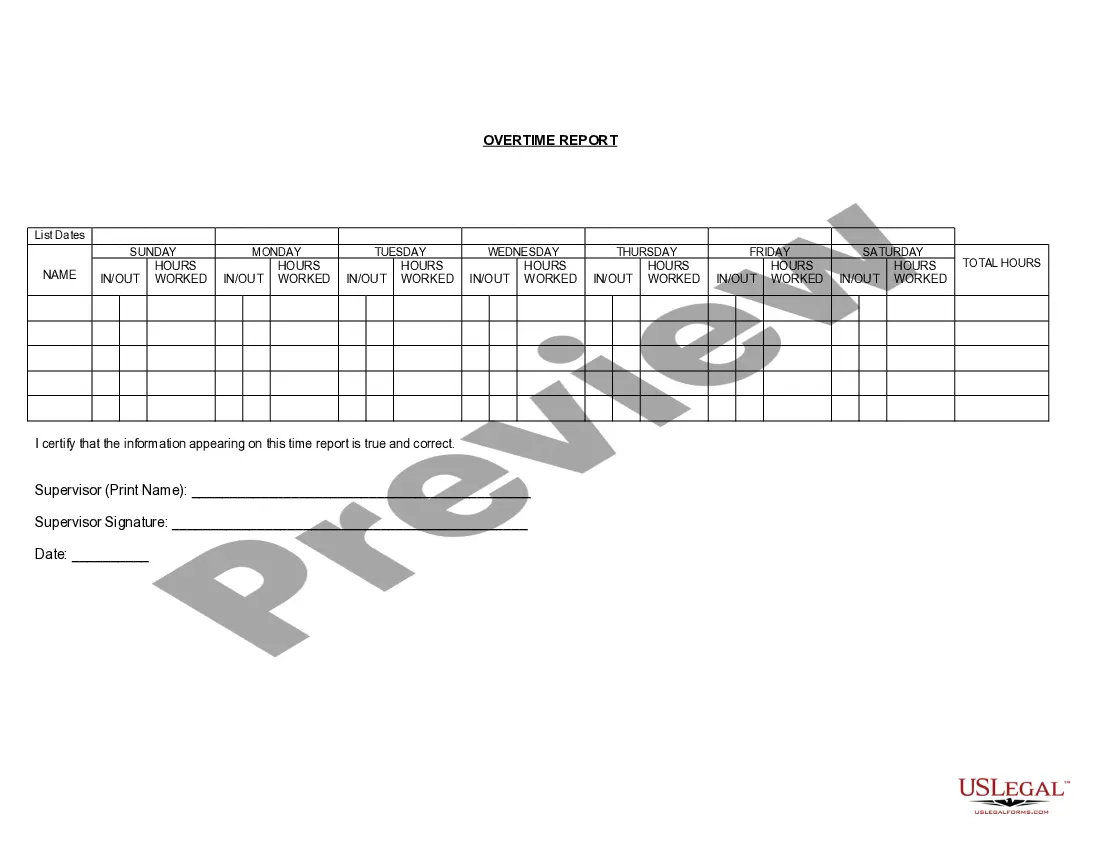
This form documents the daily mileage report for projects. The report consists of the date, location (from/to) and the odometer reading (begin/end), and the total.
Virgin Islands Daily Mileage Report
Instant download
Description


Get your form ready online
Our built-in tools help you complete, sign, share, and store your documents in one place.
Built-in online Word editor
Make edits, fill in missing information, and update formatting in US Legal Forms—just like you would in MS Word.
Export easily
Download a copy, print it, send it by email, or mail it via USPS—whatever works best for your next step.
E-sign your document
Sign and collect signatures with our SignNow integration. Send to multiple recipients, set reminders, and more. Go Premium to unlock E-Sign.
Notarize online 24/7
If this form requires notarization, complete it online through a secure video call—no need to meet a notary in person or wait for an appointment.
Store your document securely
We protect your documents and personal data by following strict security and privacy standards.

Make edits, fill in missing information, and update formatting in US Legal Forms—just like you would in MS Word.

Download a copy, print it, send it by email, or mail it via USPS—whatever works best for your next step.

Sign and collect signatures with our SignNow integration. Send to multiple recipients, set reminders, and more. Go Premium to unlock E-Sign.

If this form requires notarization, complete it online through a secure video call—no need to meet a notary in person or wait for an appointment.

We protect your documents and personal data by following strict security and privacy standards.
Looking for another form?



How to fill out Daily Mileage Report?
US Legal Forms - one of the most prominent collections of legal templates in the United States - offers a variety of legal document formats that you can download or create.
By using the website, you can access thousands of forms for business and personal needs, classified by categories, states, or keywords. You can find the latest versions of forms such as the Virgin Islands Daily Mileage Report in moments.
If you already have a membership, Log In and retrieve the Virgin Islands Daily Mileage Report from the US Legal Forms repository. The Download button will appear on every form you view. You can access all previously downloaded forms in the My documents section of your account.
Complete the transaction. Use a credit card or PayPal account to finalize the purchase. Select the format and download the form to your device.
Make edits. Complete, modify, and print and sign the downloaded Virgin Islands Daily Mileage Report. Every design you added to your account has no expiration date and is yours permanently. So, if you want to download or print another copy, just go to the My documents section and click on the form you need. Access the Virgin Islands Daily Mileage Report with US Legal Forms, the most extensive library of legal document templates. Utilize thousands of professional and state-specific templates that meet your business or personal requirements and needs.
- If you want to use US Legal Forms for the first time, here are simple steps to get you started.
- Ensure you have selected the correct form for your city/state. Click the Preview button to check the form's contents.
- Examine the form description to confirm that you have chosen the right form.
- If the form does not meet your needs, utilize the Search field at the top of the screen to find one that does.
- If you are satisfied with the form, confirm your selection by clicking the Purchase now button.
- Then, choose the payment plan you prefer and provide your details to register for the account.
Form popularity
FAQ
Filling out a mileage report for your Virgin Islands Daily Mileage Report involves entering specific details like dates, destinations, and total miles traveled for each trip. Start by organizing your trips chronologically, and ensure you capture all necessary information accurately. Utilizing platforms like USLegalForms can guide you through the process, making it easy to complete and submit your report.
For mileage claims related to your Virgin Islands Daily Mileage Report, you need to gather documentation such as trip logs and receipts for any related expenses. It’s helpful to maintain a consistent record, detailing each trip, to substantiate your claims. Using tools like USLegalForms can simplify documentation and ensure you meet all requirements.
To show proof of mileage for your Virgin Islands Daily Mileage Report, keep a detailed log of your trips. This log should include dates, starting and ending locations, and the total miles driven. You can use apps or templates to streamline this process, ensuring you have accurate records to support your claims.
Google Sheets does not have a built-in mileage tracker, but you can create one easily using customizable templates. With a little setup, you can track your miles, destinations, and purposes. Alternatively, using the Virgin Islands Daily Mileage Report feature from USLegalForms can save you time and ensure accuracy in your mileage tracking.
An individual vehicle mileage record is a detailed account of miles driven for business purposes for a specific vehicle. This record typically includes dates, destinations, and travel reasons. By keeping a comprehensive Virgin Islands Daily Mileage Report, you can easily track your driving habits and support your tax deductions.
If the IRS did not accept your mileage log, it may be due to insufficient detail or lack of supporting documentation. Ensure your log includes all necessary information, such as trip purposes and total miles. Using a structured tool like the Virgin Islands Daily Mileage Report can help you maintain accurate records and enhance your chances of IRS acceptance.
Creating a mileage log involves consistently recording your travel details. Begin by noting the date, destination, and purpose of each trip, along with the total miles driven. Utilizing the Virgin Islands Daily Mileage Report from USLegalForms will simplify your record-keeping and provide a reliable format for your documentation.
To generate a mileage log, start by documenting each trip you take for business purposes. You can use a simple spreadsheet or a dedicated app to track your miles. For a more organized approach, consider using the Virgin Islands Daily Mileage Report feature on USLegalForms, which helps streamline this process and keeps your records accurate.
The IRS requires a thorough mileage log to substantiate your business travel. This log should include the date of each trip, the starting and ending locations, the total miles driven, and the purpose of the trip. By maintaining a detailed Virgin Islands Daily Mileage Report, you can ensure compliance with IRS regulations and maximize your potential deductions.