Notary Form Acknowledgement
What this document covers
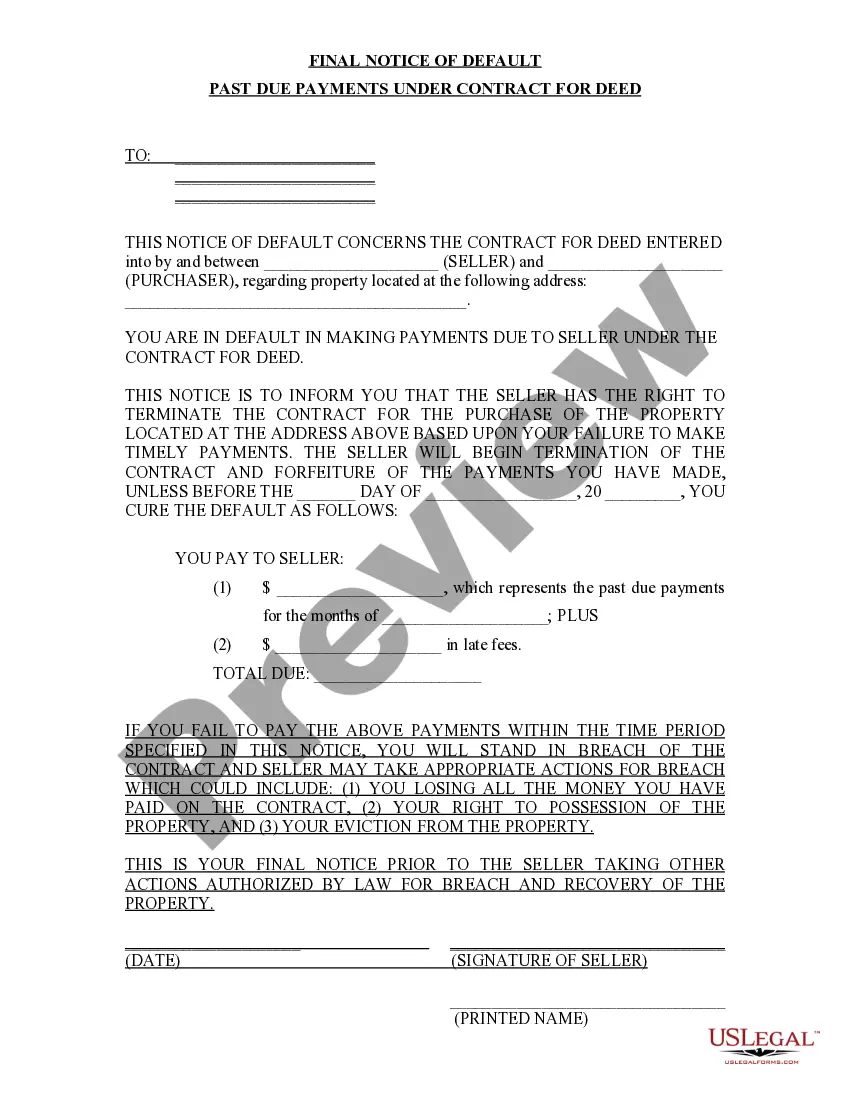
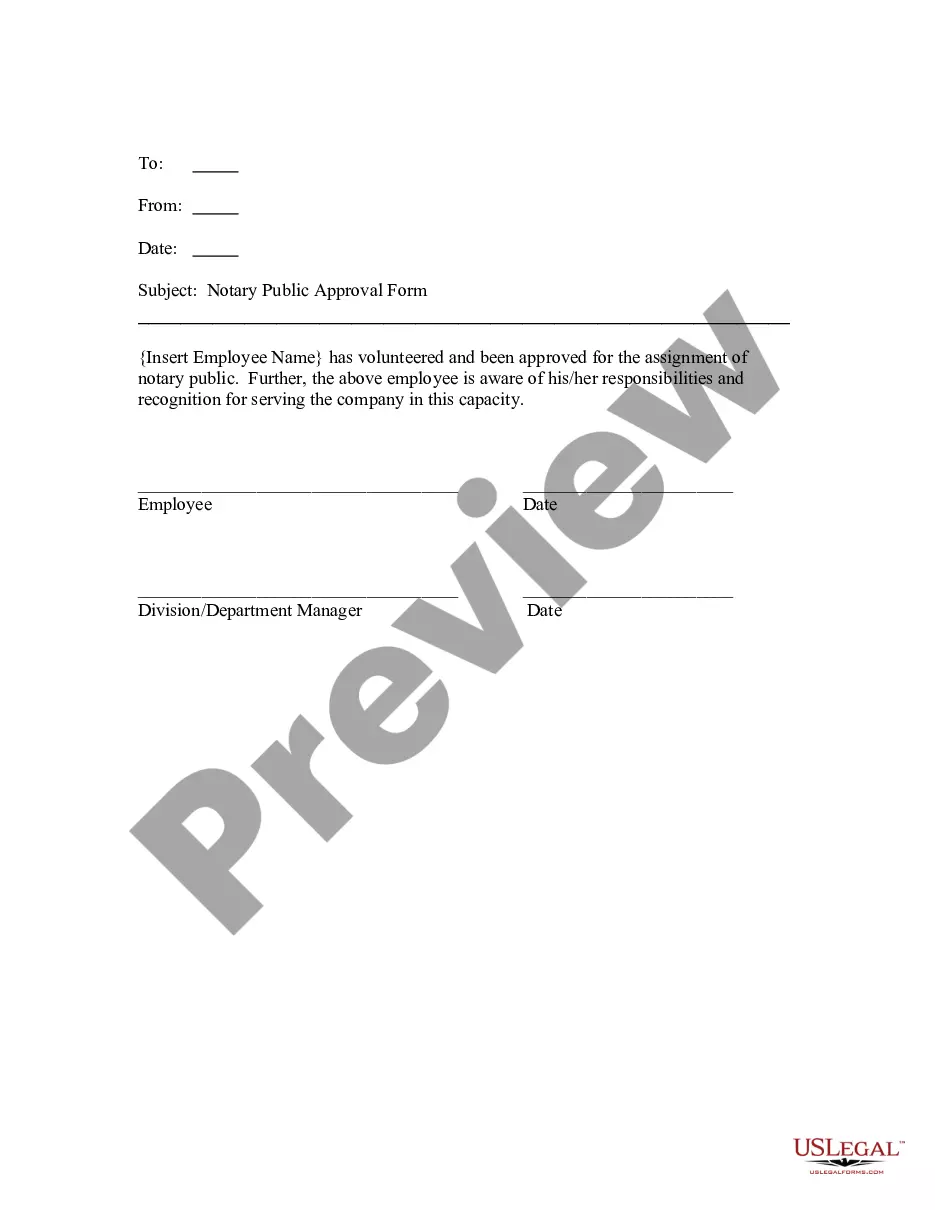
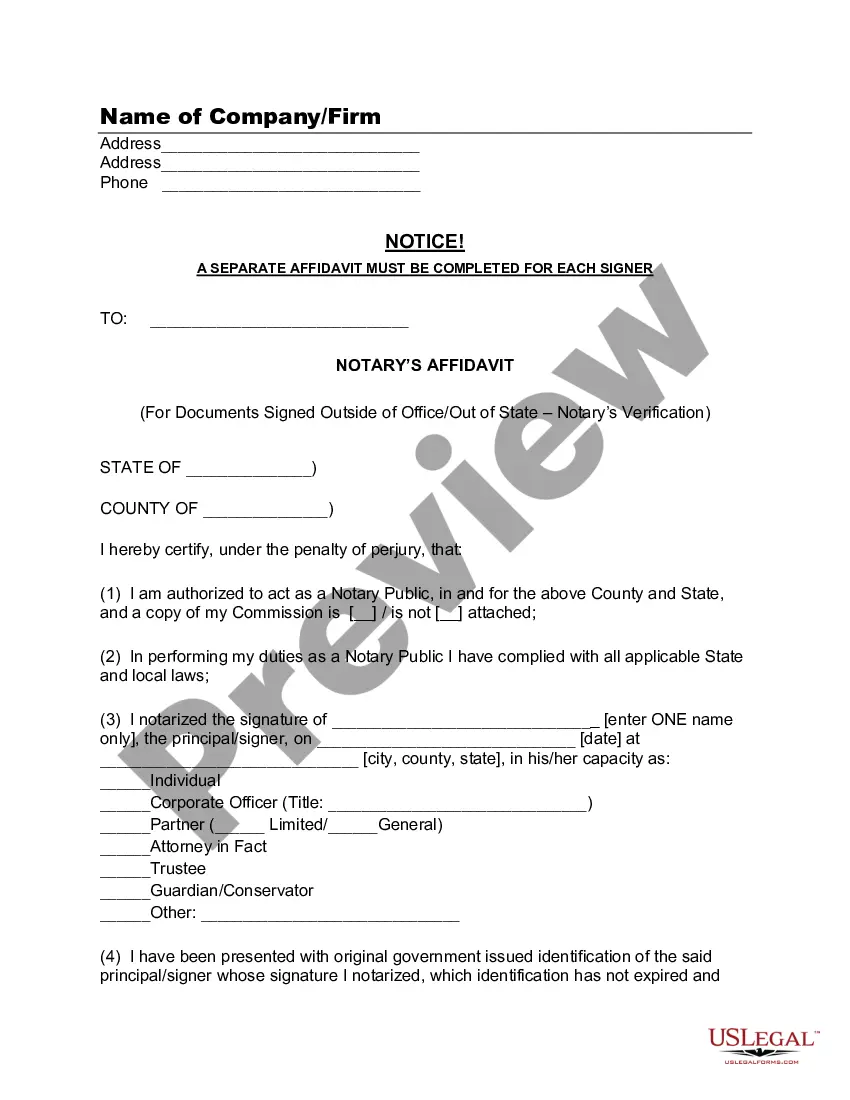
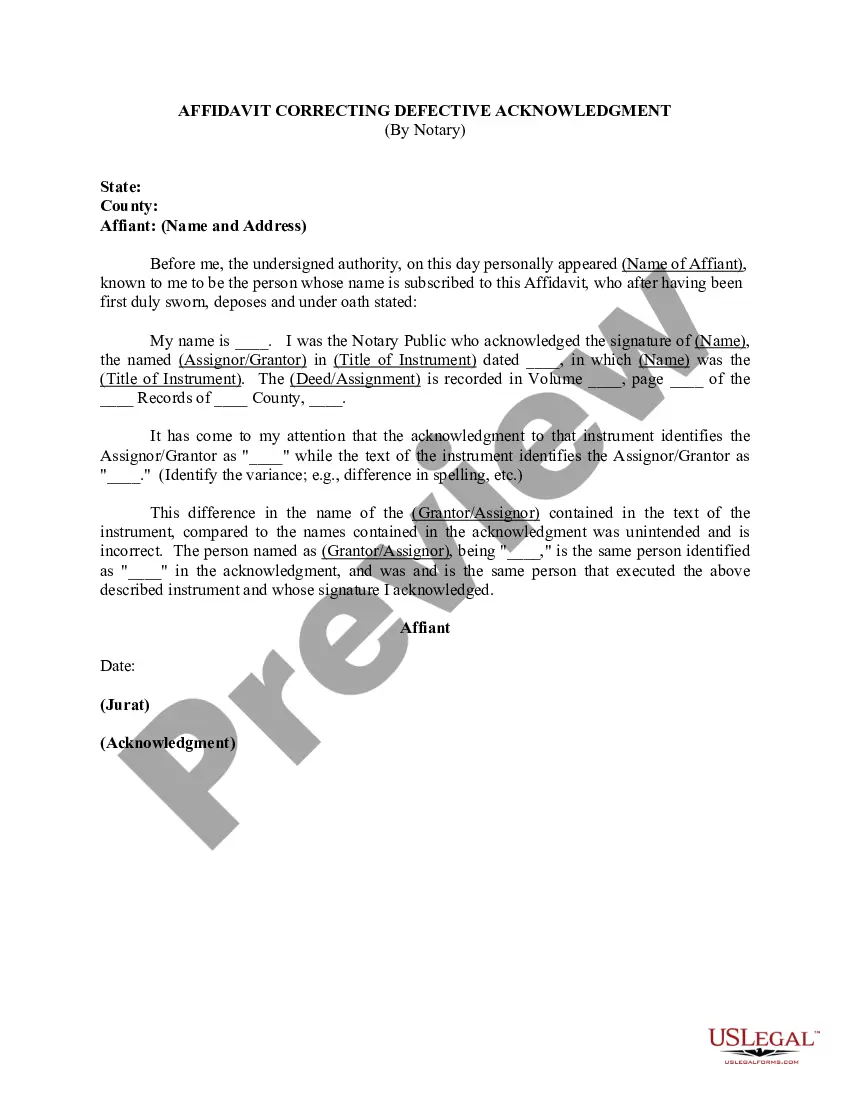
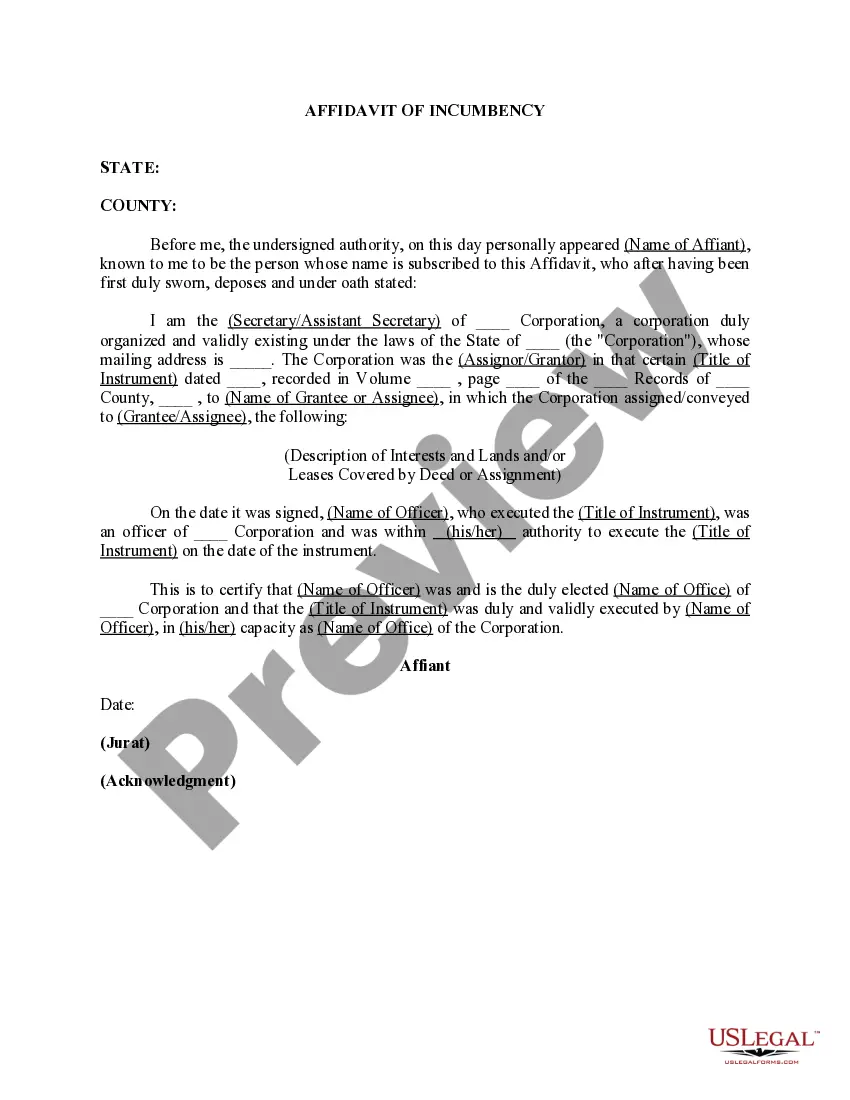
The Notary Form Acknowledgement is a legal document used to verify the identity of individuals signing a document. This form serves as an official record that the notary public has witnessed the signing of the document, confirming that it was done voluntarily and with the necessary understanding of its contents. Unlike other forms that may not require a notary, this acknowledgement is critical for ensuring the authenticity of signatures on legal documents, making it essential in various legal contexts.
Main sections of this form
- Date of acknowledgment
- Name and signature of the notary public
- Name of the person acknowledging the signature
- Description of the document being acknowledged
- Notary seal (if required by state law)

Situations where this form applies
This form should be used whenever someone needs to verify the signature on a legal document, such as contracts, deeds, and affidavits. It is also necessary in situations where law or regulation mandates notarization, ensuring that the document is legally binding and enforceable. Common scenarios include real estate transactions, loan documents, and any formal agreements requiring proof of signatures.
Who should use this form
- Individuals signing legal documents that require notarization.
- Businesses needing to verify signatures on corporate documents.
- Real estate professionals involved in property transactions.
- Attorneys preparing legal documents for their clients.
How to complete this form
- Identify the parties involved in the document.
- Fill in the date on which the acknowledgment takes place.
- Enter the name of the person signing the document.
- Ensure the notary public signs the form and applies their seal if required.
- Keep a copy for your records after completion.
Does this form need to be notarized?
Yes, this form must be notarized to be legally valid. Notarization adds an extra layer of authenticity to the document, which is crucial for legal and financial transactions. With US Legal Forms, you can use integrated online notarization services, available 24/7 through secure video calls, ensuring your documents are professionally notarized without the need for travel.
Get your form ready online
Our built-in tools help you complete, sign, share, and store your documents in one place.
Make edits, fill in missing information, and update formatting in US Legal Forms—just like you would in MS Word.
Download a copy, print it, send it by email, or mail it via USPS—whatever works best for your next step.
Sign and collect signatures with our SignNow integration. Send to multiple recipients, set reminders, and more. Go Premium to unlock E-Sign.
If this form requires notarization, complete it online through a secure video call—no need to meet a notary in person or wait for an appointment.
We protect your documents and personal data by following strict security and privacy standards.

Make edits, fill in missing information, and update formatting in US Legal Forms—just like you would in MS Word.

Download a copy, print it, send it by email, or mail it via USPS—whatever works best for your next step.

Sign and collect signatures with our SignNow integration. Send to multiple recipients, set reminders, and more. Go Premium to unlock E-Sign.

If this form requires notarization, complete it online through a secure video call—no need to meet a notary in person or wait for an appointment.

We protect your documents and personal data by following strict security and privacy standards.
Common mistakes to avoid
- Failing to include the notary's seal when required.
- Using incorrect information for the date or names of parties.
- Not verifying the identity of the signer properly.
- Leaving sections of the form blank, which can render it invalid.
Why complete this form online
- Convenience of accessing and completing the form anytime.
- Editable templates ensure you can customize fields easily.
- Secure storage reduces the risk of loss or misplacement.
- Immediate downloads allow for quick use in legal transactions.
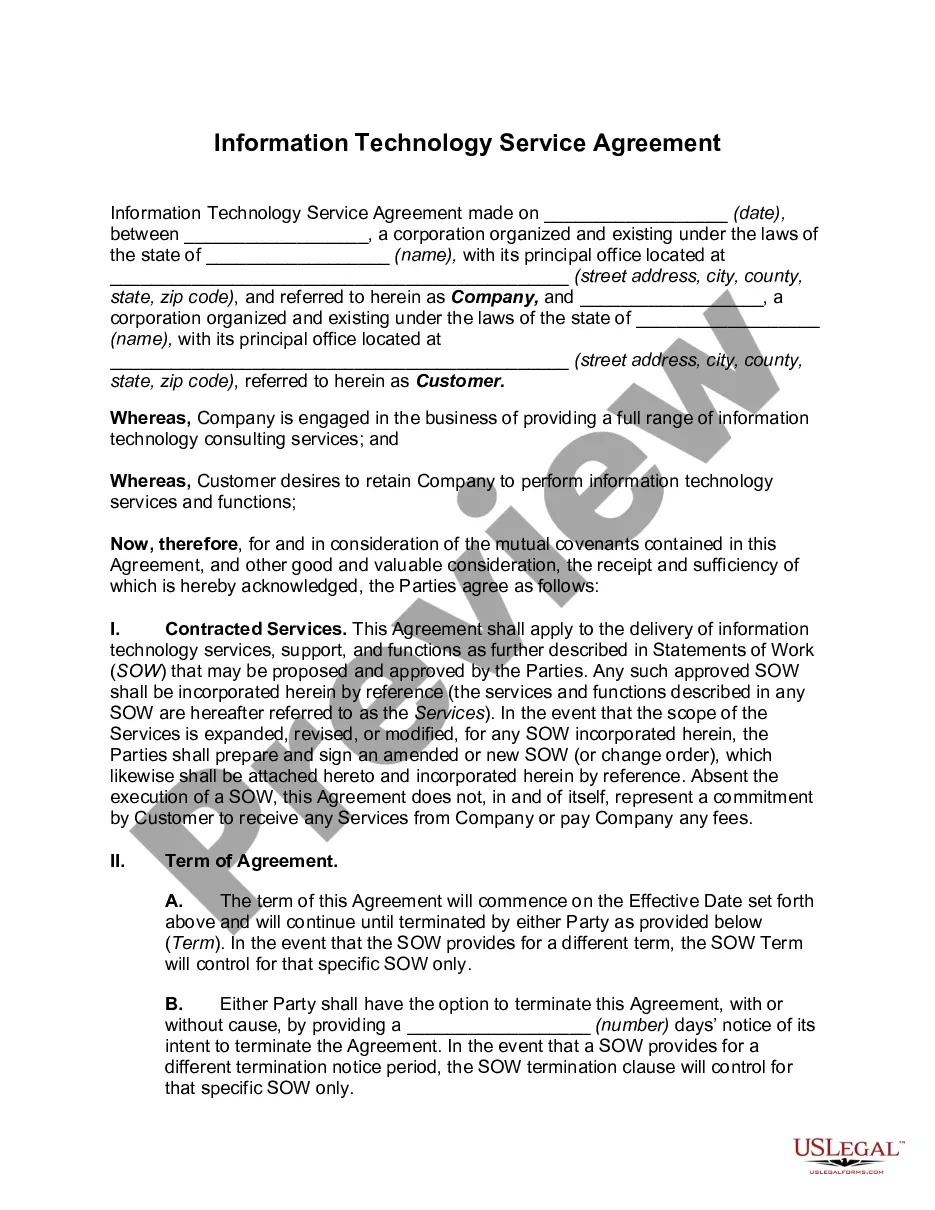
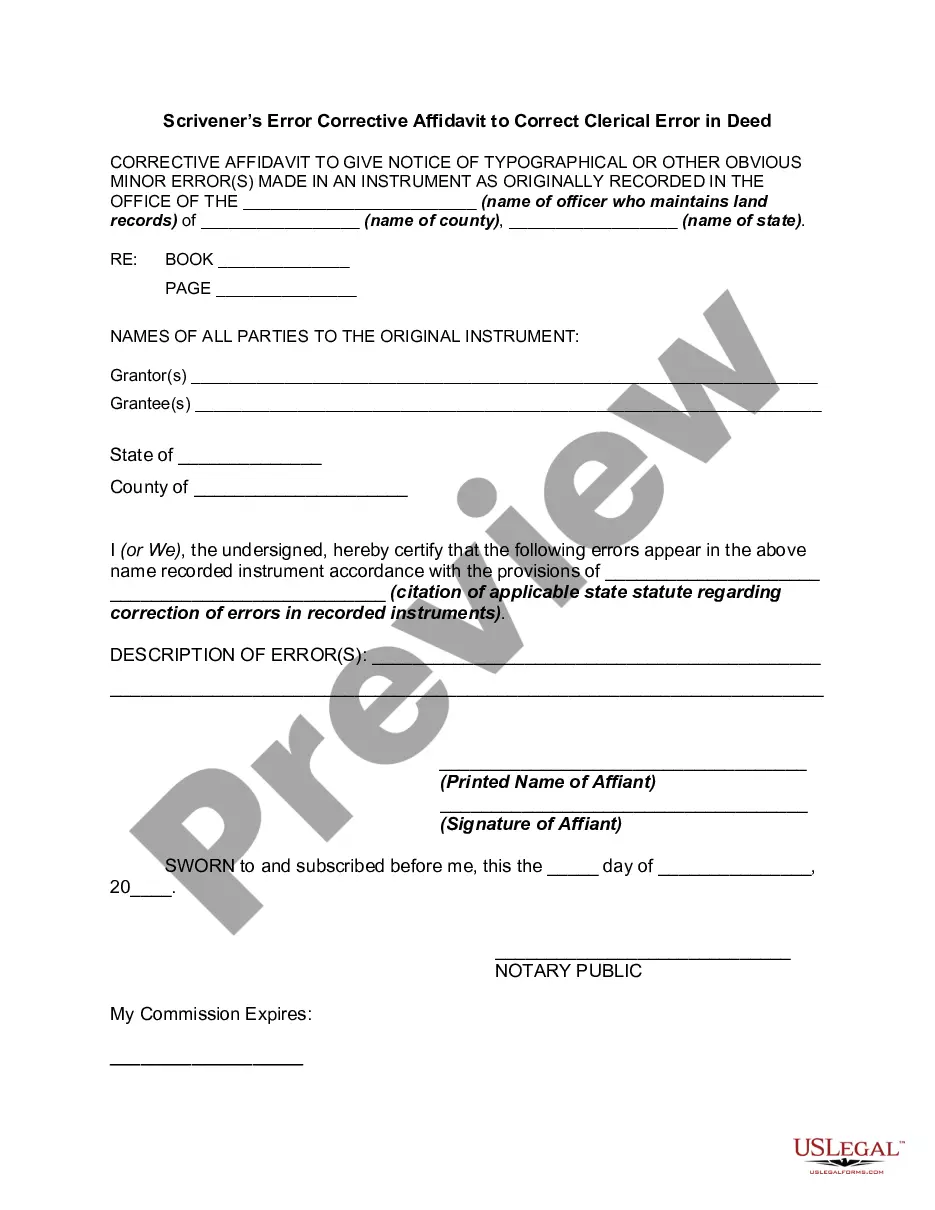
Looking for another form?
Form popularity
FAQ
What is an acknowledgment? The purpose of an acknowledgment is for a signer, whose identity has been verified, to declare to a Notary or notarial officer that he or she has willingly signed a document.
An Acknowledgement of Signature or Acknowledgement of Execution is a notary which verifies that a particular person signed a given document. It is often used for legal agreements, business documents, etc.
A Massachusetts notary acknowledgment form is a document signed by a notary public to officially verify a signature on a legal document. The notary acts as a witness to the signature of the document in order to certify that the signer has signed of their own free will and is not under any duress.
With an Oath, the affiant is swearing to the content of a document. With an Acknowledgment, the affiant is acknowledging that he/she did sign the document.
If the document has already been signed, the signer must acknowledge to you that the signature is theirs. If there is no signature, watch the signer sign the document.
After witnessing the document being signed, the Notary then completes the appropriate certificate wording for the signature witnessing. An acknowledgment, on the other hand, does not require the Notary to witness the signature in most states.
After witnessing the document being signed, the Notary then completes the appropriate certificate wording for the signature witnessing. An acknowledgment, on the other hand, does not require the Notary to witness the signature in most states.