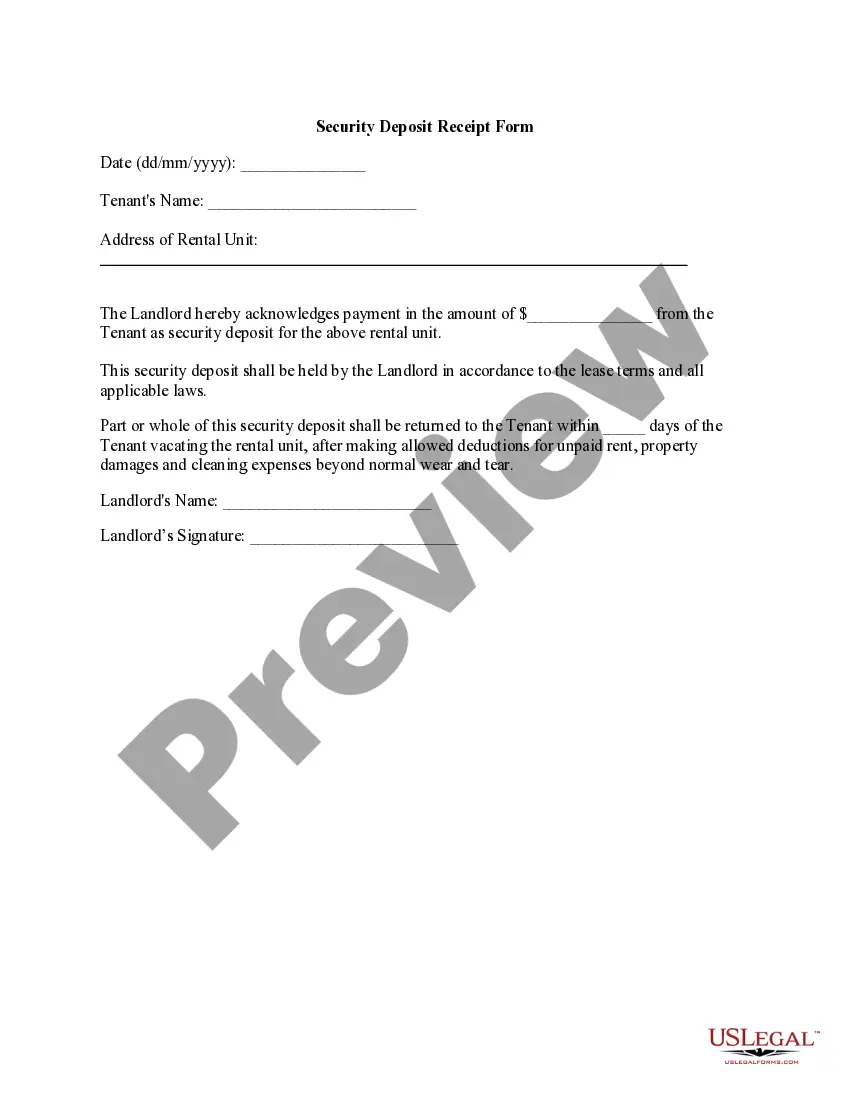
Security Deposit Receipt Form
Overview of this form
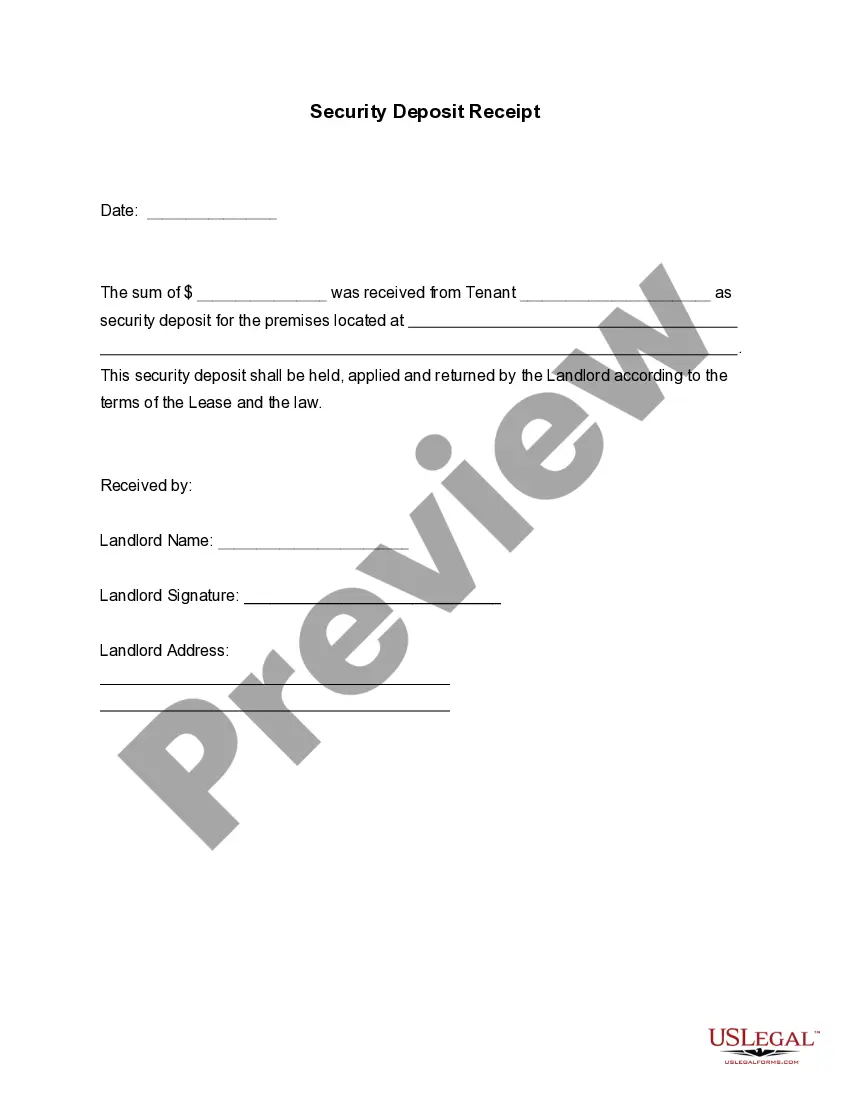
The Security Deposit Receipt Form is a legal document that provides proof of a payment made by a tenant to a landlord as a security deposit. This form serves as a record of the amount paid, the date of payment, the tenant's details, and the method of payment. Unlike other rental agreements or lease forms, the Security Deposit Receipt specifically focuses on confirming the receipt of the security deposit, which is crucial for both tenants and landlords to understand their rights and obligations regarding the security deposit funds.
Key parts of this document
- Date of payment
- Tenant's name
- Address of the rental unit
- Amount paid as a security deposit
- Landlord's name and signature
- Terms regarding the return of the security deposit
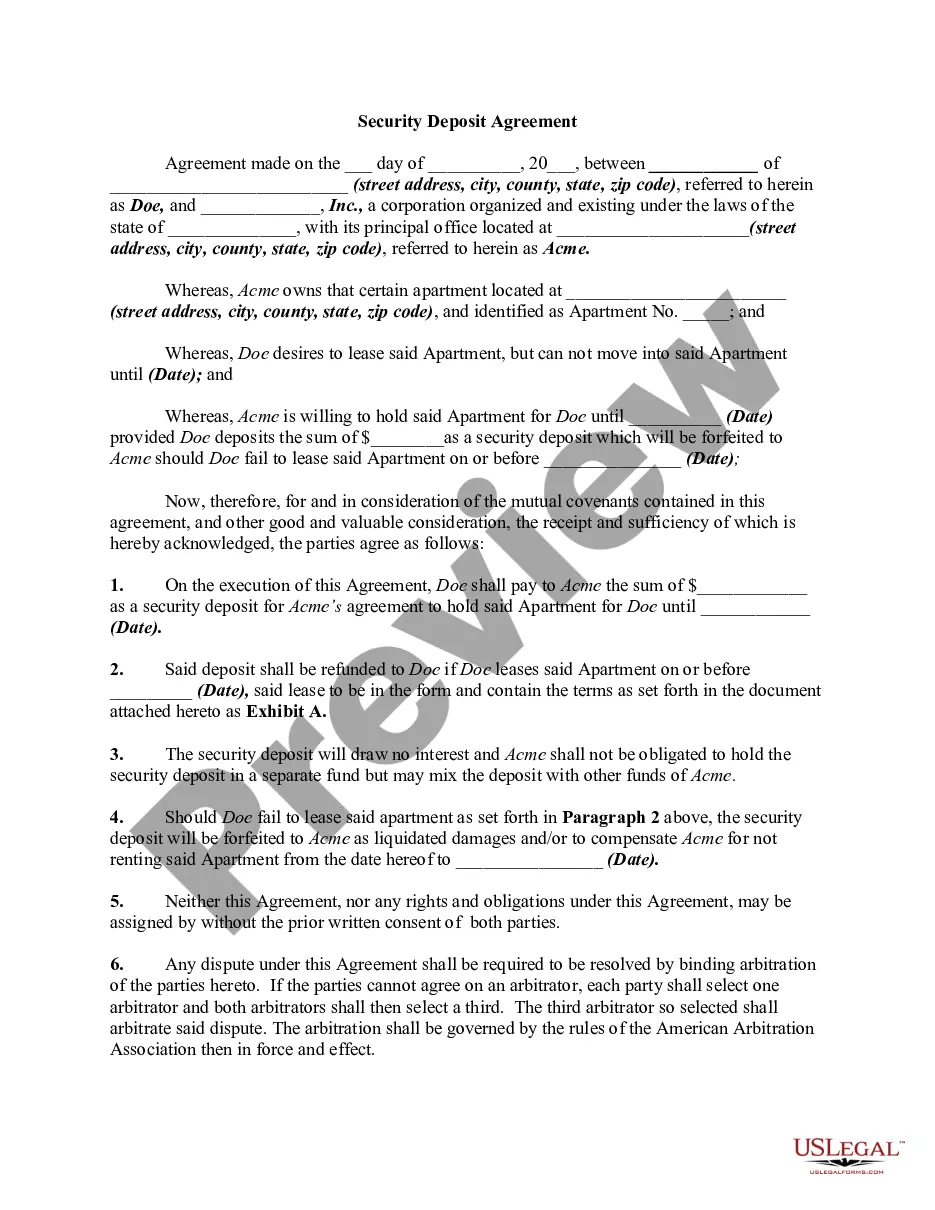
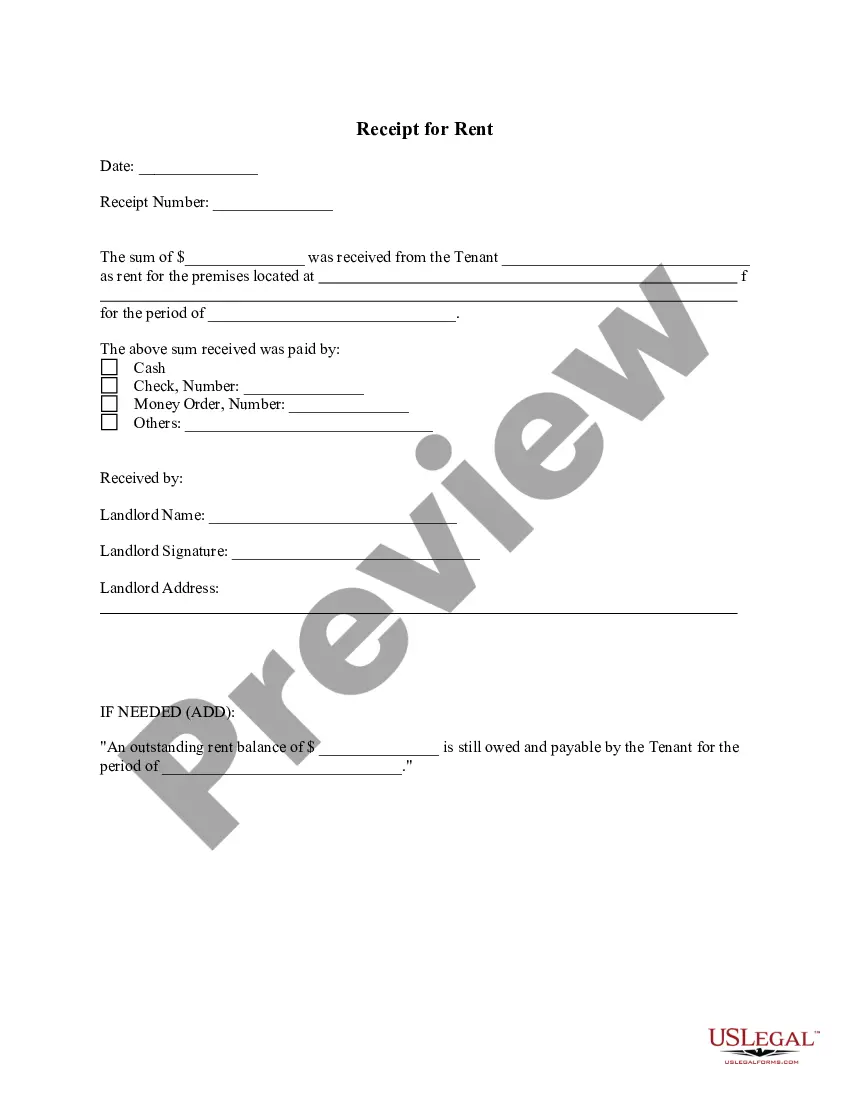
Situations where this form applies
This form should be used when a tenant pays a security deposit to a landlord. It is vital for both parties to document this transaction, as it provides legal protection in case there is a dispute over the return of the deposit upon the tenant's departure. Additionally, it may be used when the payment method is varied (such as cash, check, or electronic transfer), ensuring that there is a clear record of the transaction.
Who needs this form
- Tenants who have made a security deposit to their landlord.
- Landlords receiving security deposits from tenants.
- Real estate agents managing rental properties.
Steps to complete this form
- Enter the date of the transaction in the specified format.
- Fill in the tenant's name and the address of the rental unit.
- Write the amount of the security deposit paid by the tenant.
- Specify the landlord's name and sign the receipt.
- Include any terms related to the timeline for returning the security deposit.
Notarization requirements for this form
This form does not typically require notarization unless specified by local law.
Get your form ready online
Our built-in tools help you complete, sign, share, and store your documents in one place.
Make edits, fill in missing information, and update formatting in US Legal Forms—just like you would in MS Word.
Download a copy, print it, send it by email, or mail it via USPS—whatever works best for your next step.
Sign and collect signatures with our SignNow integration. Send to multiple recipients, set reminders, and more. Go Premium to unlock E-Sign.
If this form requires notarization, complete it online through a secure video call—no need to meet a notary in person or wait for an appointment.
We protect your documents and personal data by following strict security and privacy standards.

Make edits, fill in missing information, and update formatting in US Legal Forms—just like you would in MS Word.

Download a copy, print it, send it by email, or mail it via USPS—whatever works best for your next step.

Sign and collect signatures with our SignNow integration. Send to multiple recipients, set reminders, and more. Go Premium to unlock E-Sign.

If this form requires notarization, complete it online through a secure video call—no need to meet a notary in person or wait for an appointment.

We protect your documents and personal data by following strict security and privacy standards.
Avoid these common issues
- Failing to provide the date of payment.
- Leaving out the tenant's name or address.
- Not obtaining the landlord's signature.
- Omitting the terms for returning the security deposit.
Benefits of completing this form online
- Convenient access to legal forms from anywhere with an internet connection.
- Easy customization to fit specific payment details and terms.
- Reliable and legally vetted by licensed attorneys.
Quick recap
- The Security Deposit Receipt Form is essential for documenting rental security deposits.
- This form protects both tenants and landlords by providing proof of payment.
- Accurate completion of the form is vital to avoid disputes regarding the security deposit.
Looking for another form?


Form popularity
FAQ
If the security deposit will not be returned within one year of the balance sheet date, the security deposit is reported as a long-term asset by the entity paying the security deposit.
Basic Components of a Receipt Name of vendor (person or company you paid) Transaction date (when you paid) Detailed description of goods or services purchased (what you bought) Amount paid. Form of payment (how you paid ? cash, check, or last four digits of a credit card)
The person paying the security deposit would credit the asset account Cash and would debit the asset account Security Deposits. The person receiving the security deposit would debit the asset account Cash and would credit the liability account Security Deposits Returnable.
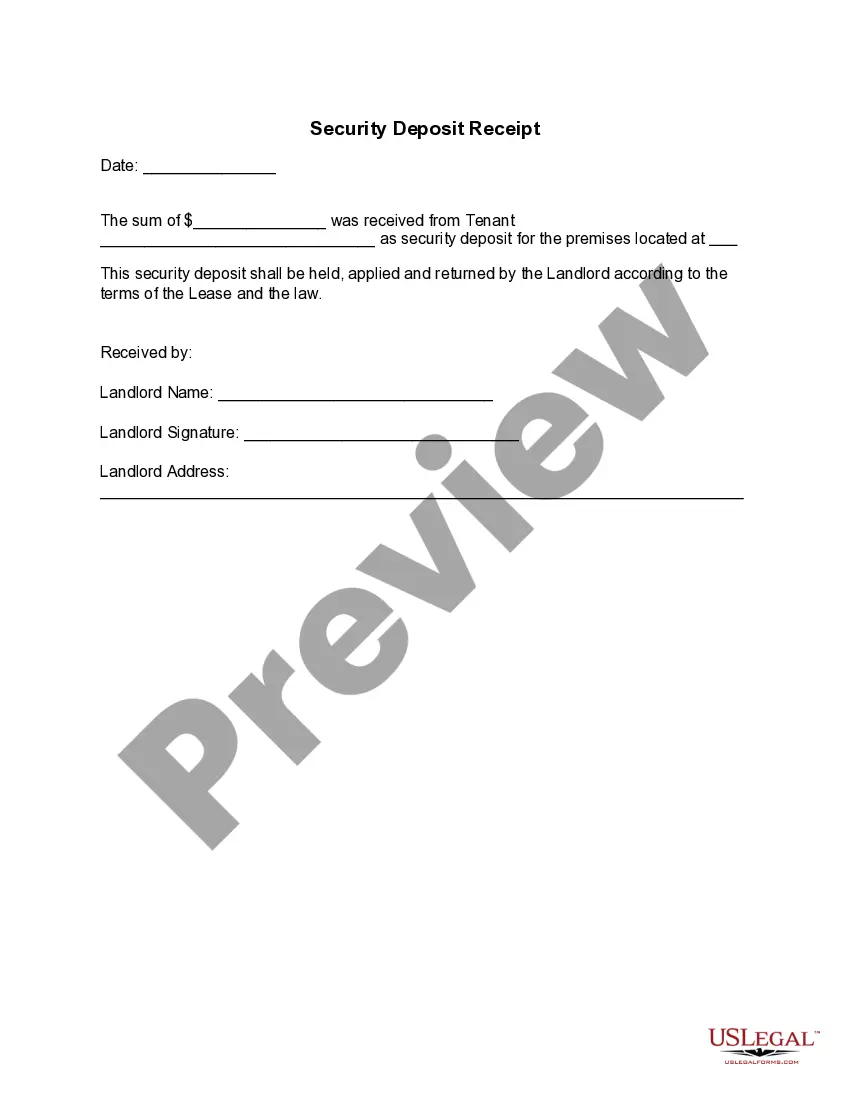
A security deposit receipt is a document that confirms the landlord has received the security deposit and provides details on the bank it's held at. Depending on your state, you'll need to provide tenants with a security deposit receipt within a certain timeframe so they're informed on where their payment is held.
Since a refundable deposit is cash that must be returned to the customer in the future, the company should debit restricted cash and credit the customer deposit liability account. When the deposit is returned to the customer, the customer deposit liability account is debited, and restricted cash is credited.
The Cash Receipt Electronic Deposit (C1) document records all monies collected and deposited directly to the bank electronically.
Because security deposits are generally not considered rental income, they should not appear on your income statement or cash flow statement. Instead, include it as a liability on your balance sheet on the date you received it, since it's an amount you're planning to eventually return.
If your security deposit should be included in taxable income, then you can record the receipt of a security deposit as Rental Income with a note in the description. However, if the security deposit is refundable to the tenant, then you should create a separate Other Current Liability account to track the deposits.