Sales Receipt
Understanding this form
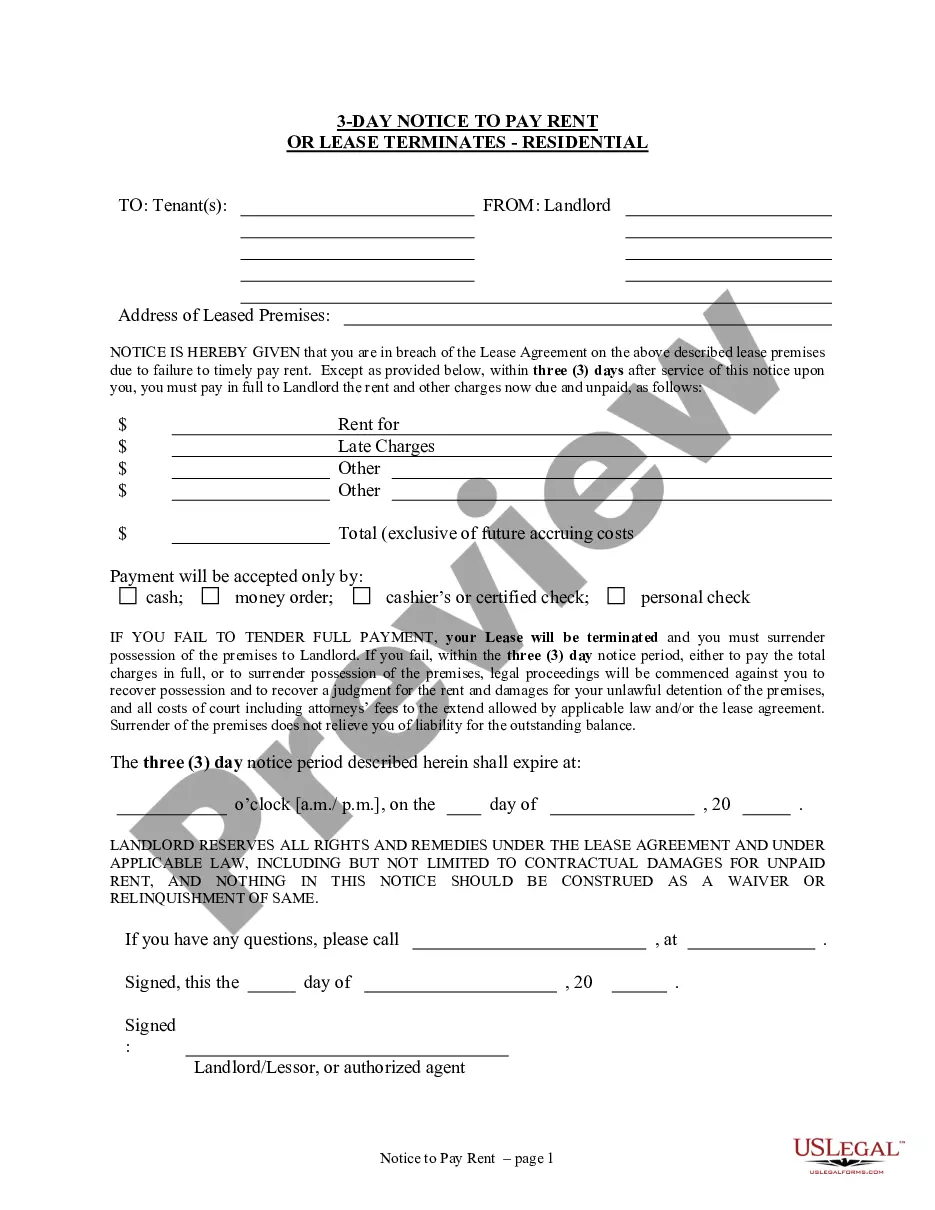
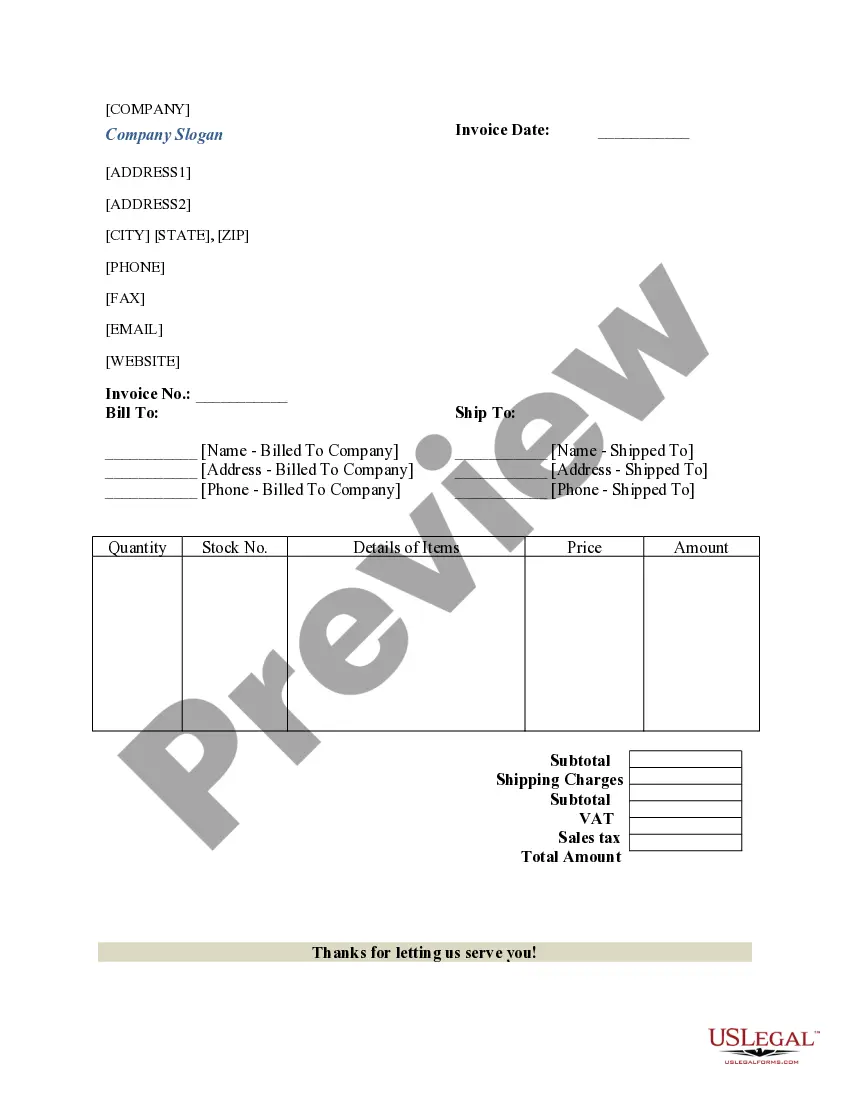
A sales receipt is a vital document that details the specifics of a sales transaction. It serves as proof of purchase for both the seller and the purchaser, outlining key details such as the date, items sold, prices, and payment method. Unlike an invoice, a sales receipt indicates that payment has been received, providing clarity in financial records and transactions.
Form components explained
- Name of the business
- Address of the business
- Payment method (Check, Credit Card, Cash)
- Sales representative's number
- Details of each item sold (Particulars, Quantity, Price per Unit, Total Price)
- Grand total of the transaction
- Signatures of the sales person and purchaser




Situations where this form applies
This sales receipt form is useful whenever a sale is completed. It is particularly important for businesses that require documentation of transactions for record-keeping, returns, or tax purposes. Common situations for its use include retail sales, service transactions, or any other scenario involving the transfer of goods or services in exchange for payment.
Who should use this form
- Small business owners who sell goods or services.
- Retail stores conducting point-of-sale transactions.
- Service providers who need proof of payment for services rendered.
- Individuals conducting personal sales, such as garage sales or online marketplaces.
How to complete this form
- Identify the business name and address at the top of the form.
- Specify the payment method used by the purchaser.
- List all items sold with their quantities, prices per unit, and total prices.
- Calculate the grand total and write it in the designated area.
- Have both the sales person and the purchaser sign the receipt for verification.
Notarization guidance
This form does not typically require notarization to be legally valid. However, some jurisdictions or document types may still require it. US Legal Forms provides secure online notarization powered by Notarize, available 24/7 for added convenience.
Get your form ready online
Our built-in tools help you complete, sign, share, and store your documents in one place.
Make edits, fill in missing information, and update formatting in US Legal Forms—just like you would in MS Word.
Download a copy, print it, send it by email, or mail it via USPS—whatever works best for your next step.
Sign and collect signatures with our SignNow integration. Send to multiple recipients, set reminders, and more. Go Premium to unlock E-Sign.
If this form requires notarization, complete it online through a secure video call—no need to meet a notary in person or wait for an appointment.
We protect your documents and personal data by following strict security and privacy standards.

Make edits, fill in missing information, and update formatting in US Legal Forms—just like you would in MS Word.

Download a copy, print it, send it by email, or mail it via USPS—whatever works best for your next step.

Sign and collect signatures with our SignNow integration. Send to multiple recipients, set reminders, and more. Go Premium to unlock E-Sign.

If this form requires notarization, complete it online through a secure video call—no need to meet a notary in person or wait for an appointment.

We protect your documents and personal data by following strict security and privacy standards.
Common mistakes
- Forgetting to include all items sold, leading to discrepancies in the total.
- Not obtaining signatures from both parties, which can cause issues in disputes.
- Failing to accurately record payment methods and details for proper documentation.
Why complete this form online
- Convenient access to downloadable templates saves time.
- Editability allows for customization to fit specific transaction details.
- Reliability from templates created by licensed attorneys ensures legal compliance.
Key takeaways
- A sales receipt serves as proof of payment for a purchase.
- This form is essential for accurate record-keeping in business transactions.
- Complete the form accurately to avoid common mistakes that could lead to issues later.
Looking for another form?


Form popularity
FAQ
While an invoice is a request for payment, a receipt is the proof of payment. It is a document confirming that a customer received the goods or services they paid a business for or, conversely, that the business was appropriately compensated for the goods or services they sold to a customer.
Add in your company details (name, address) in From section. Fill out client details (name, email, address) in For section. Write out line items with description, rate and quantity. Finish with the date, invoice number and your personalized brand.
A payment receipt, also referred to as a receipt for payment, is an accounting document that a business provides its customer as proof of full or partial payment toward a product or service. Payment receipts typically include the following information about the transaction: Business name.
A receipt is a simple document issued by a vendor and given to the customer immediately after a sale. An invoice is sent after a vendor provides its goods or services, as a way to request payment.