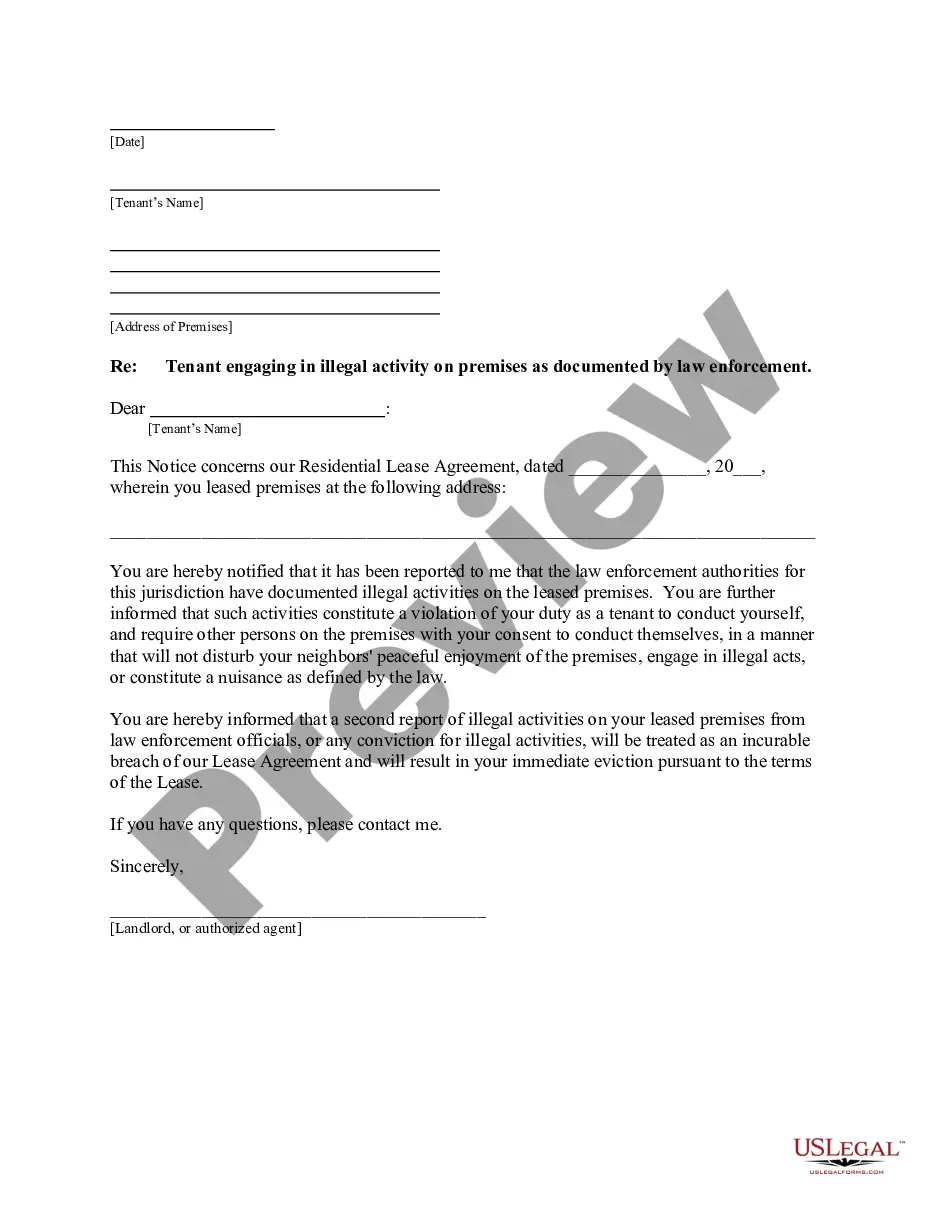
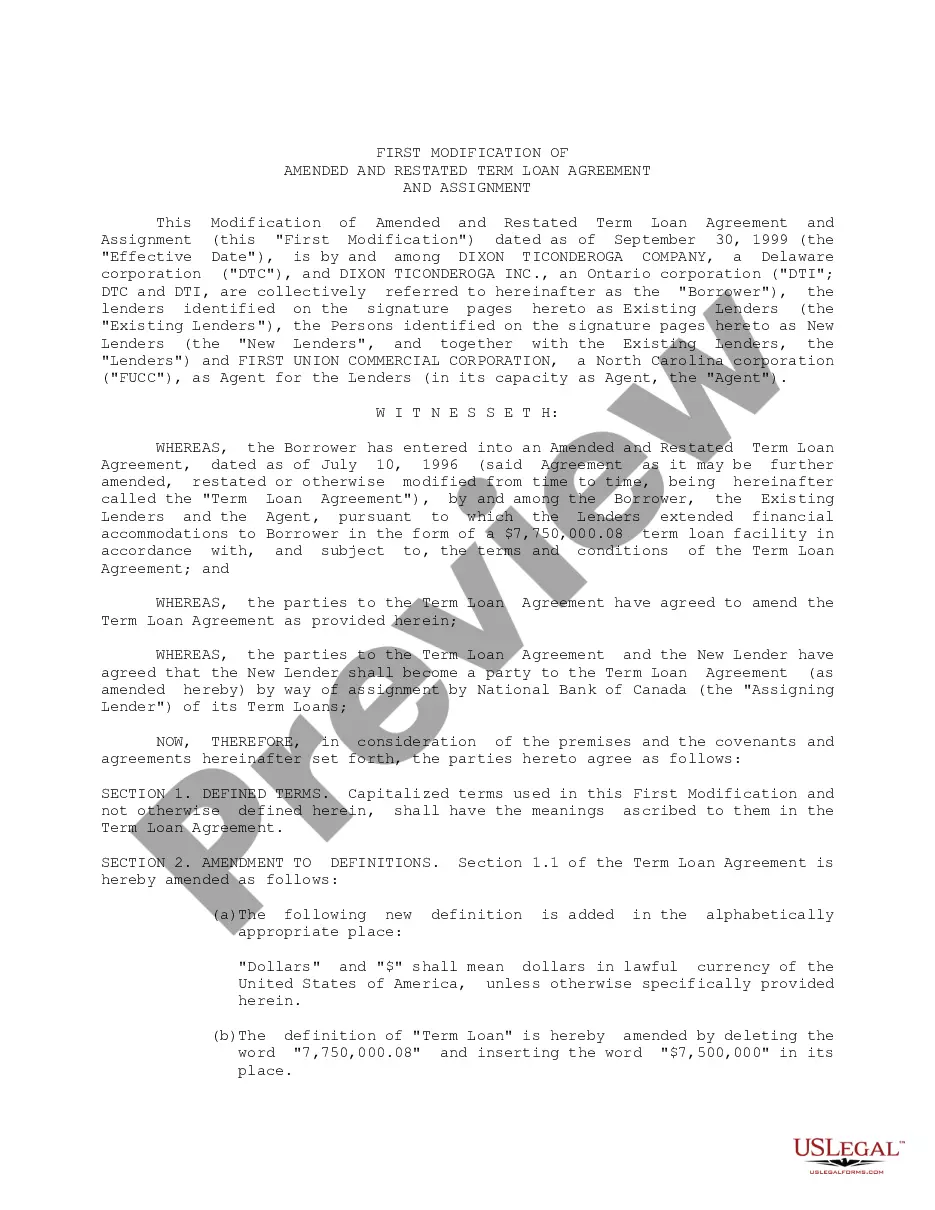
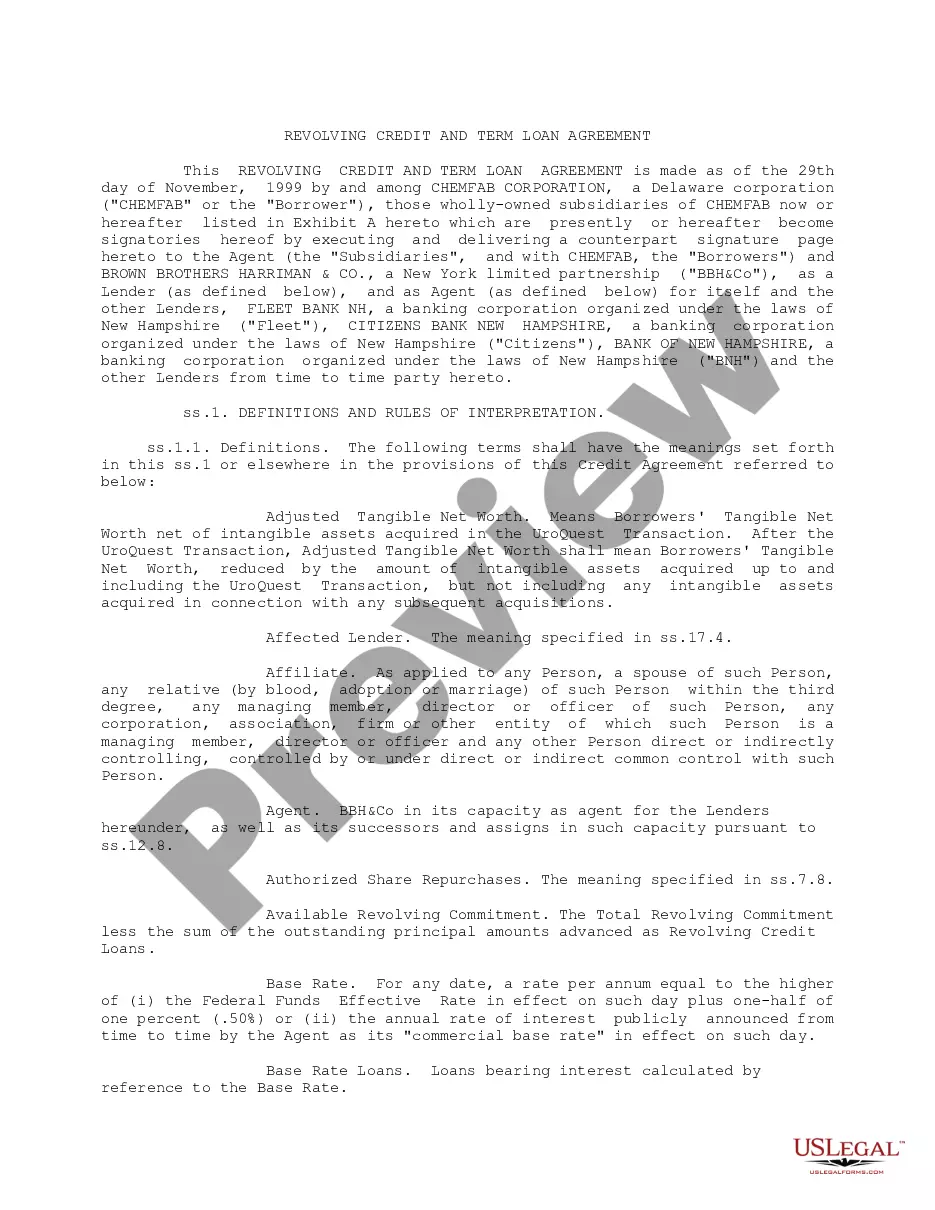
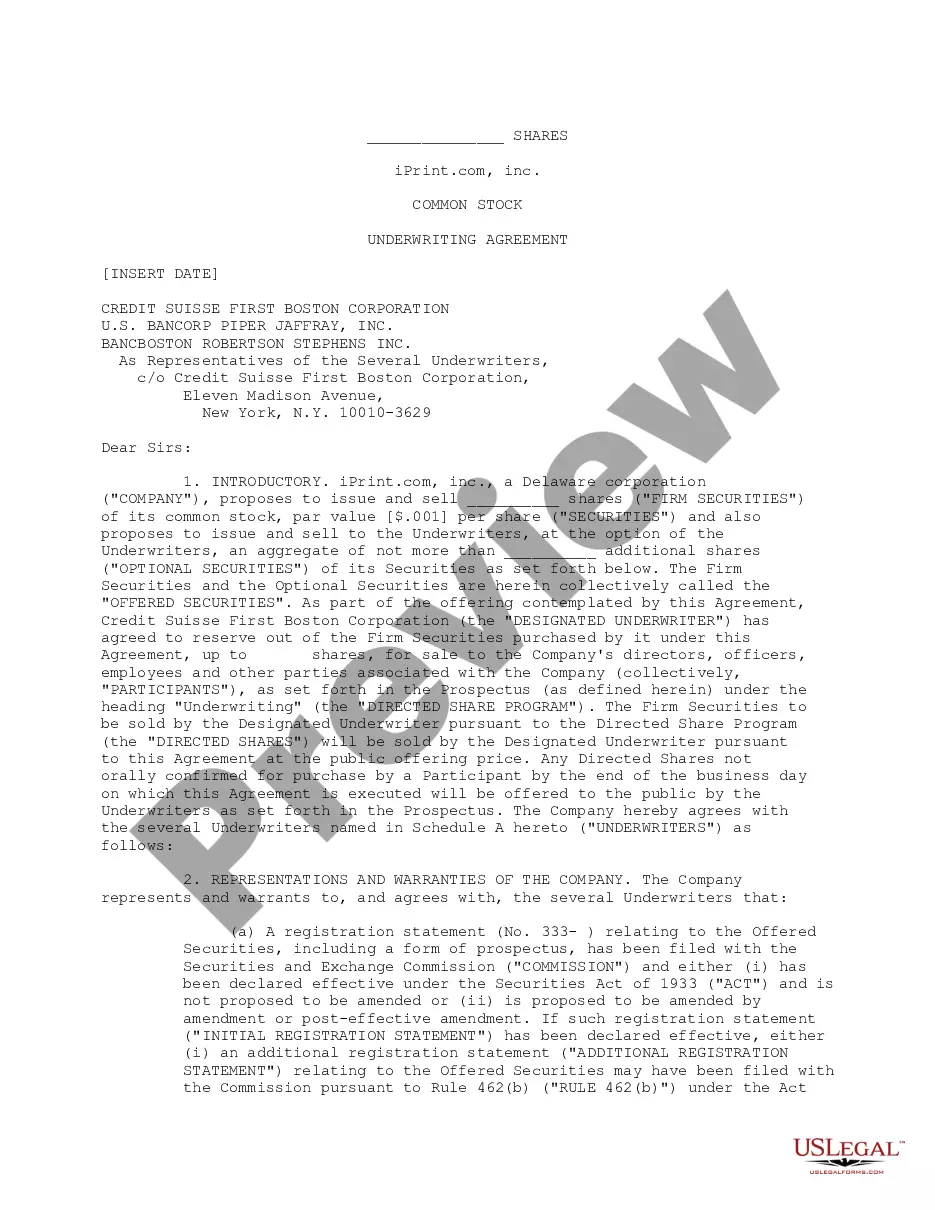
Quickstart Loan and Security Agreement between Silicon Valley Bank and iPrint, Inc.
Understanding this form
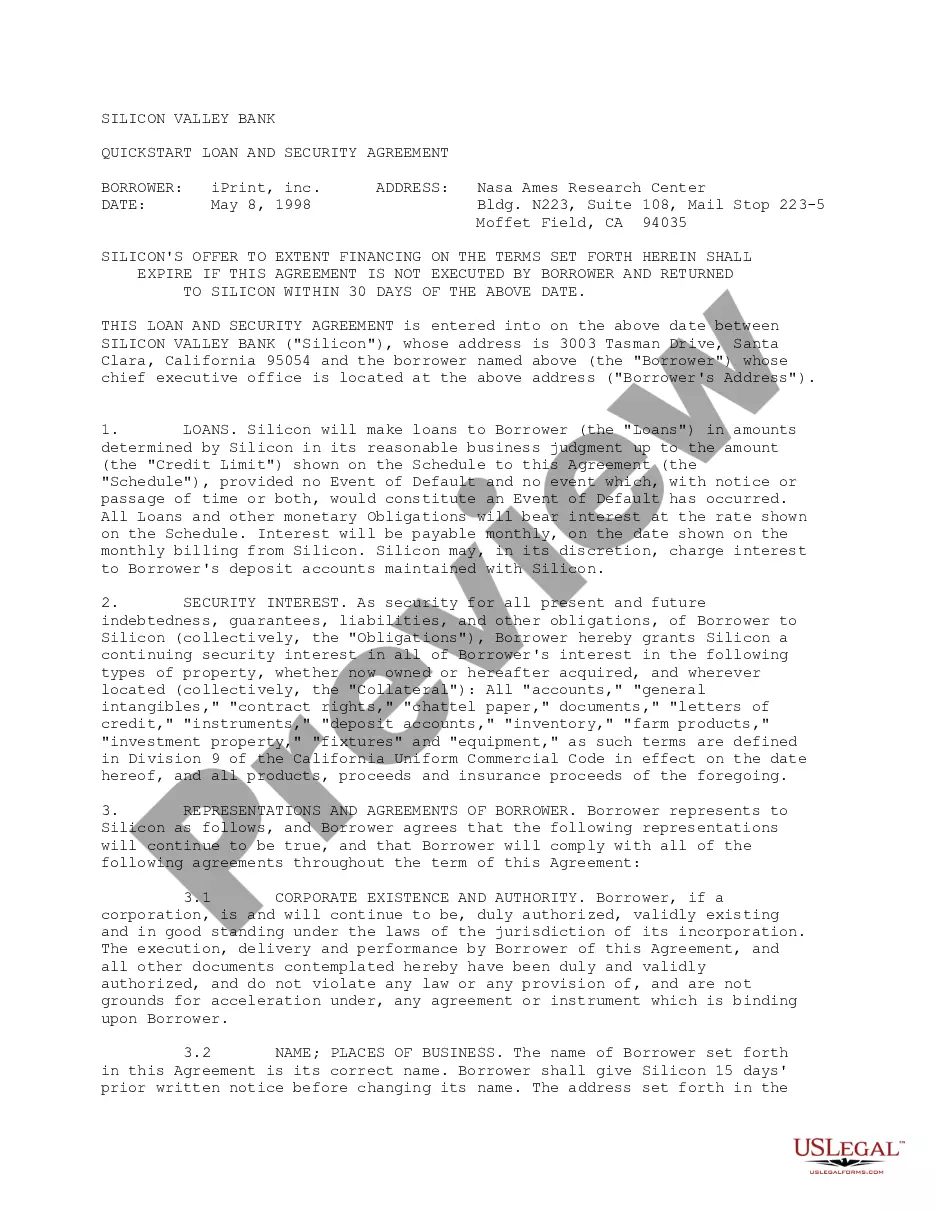
The Quickstart Loan and Security Agreement is a legal document that establishes a loan relationship between Silicon Valley Bank and iPrint, Inc. This agreement outlines the terms and conditions under which the bank will provide financing, the security interests involved, and the obligations of both parties. Unlike standard loan agreements, this quickstart form offers tailored provisions designed for business contexts, helping both lenders and borrowers navigate their financial commitments effectively.
Key components of this form
- Borrower and lender details, including names and addresses.
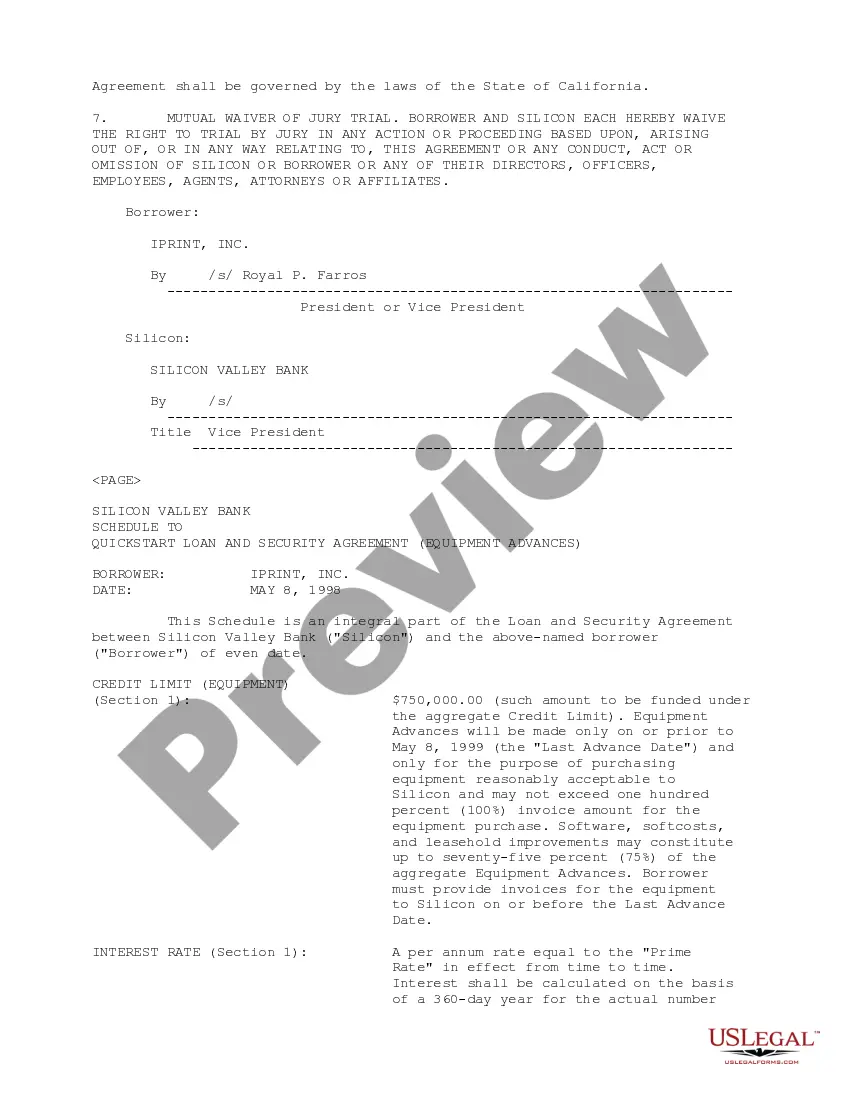
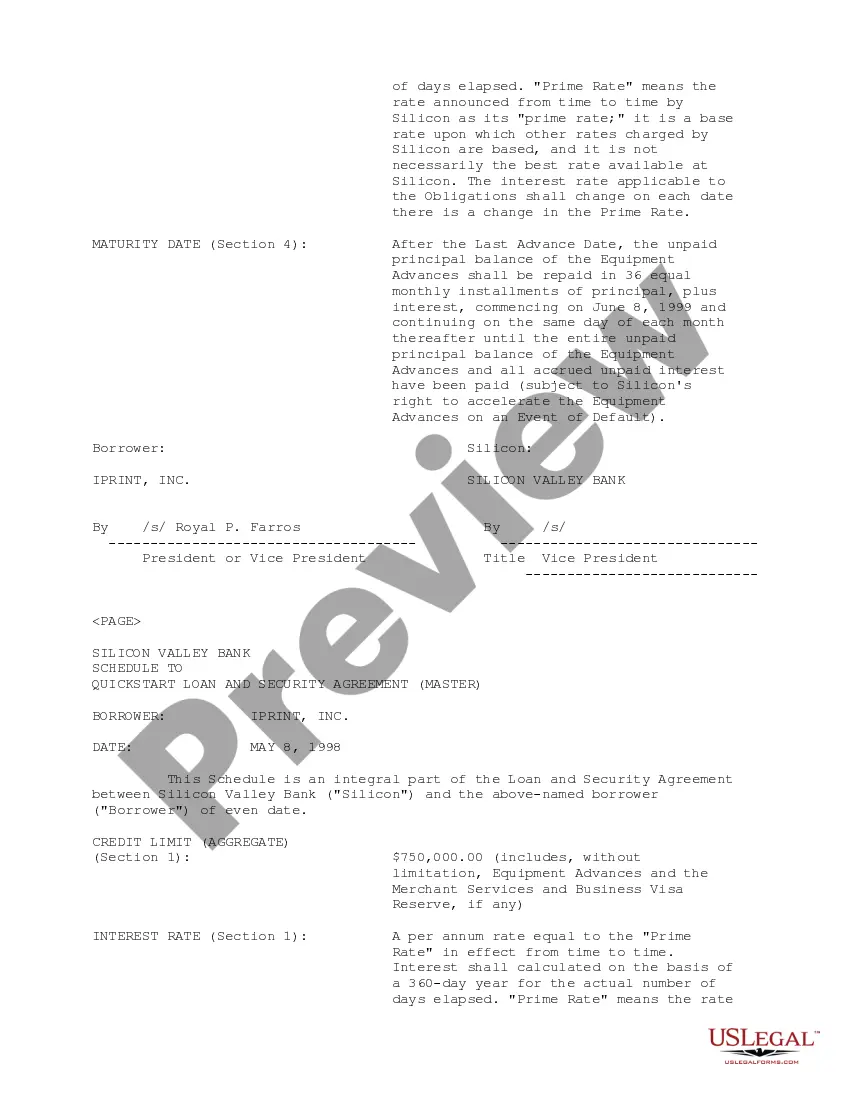
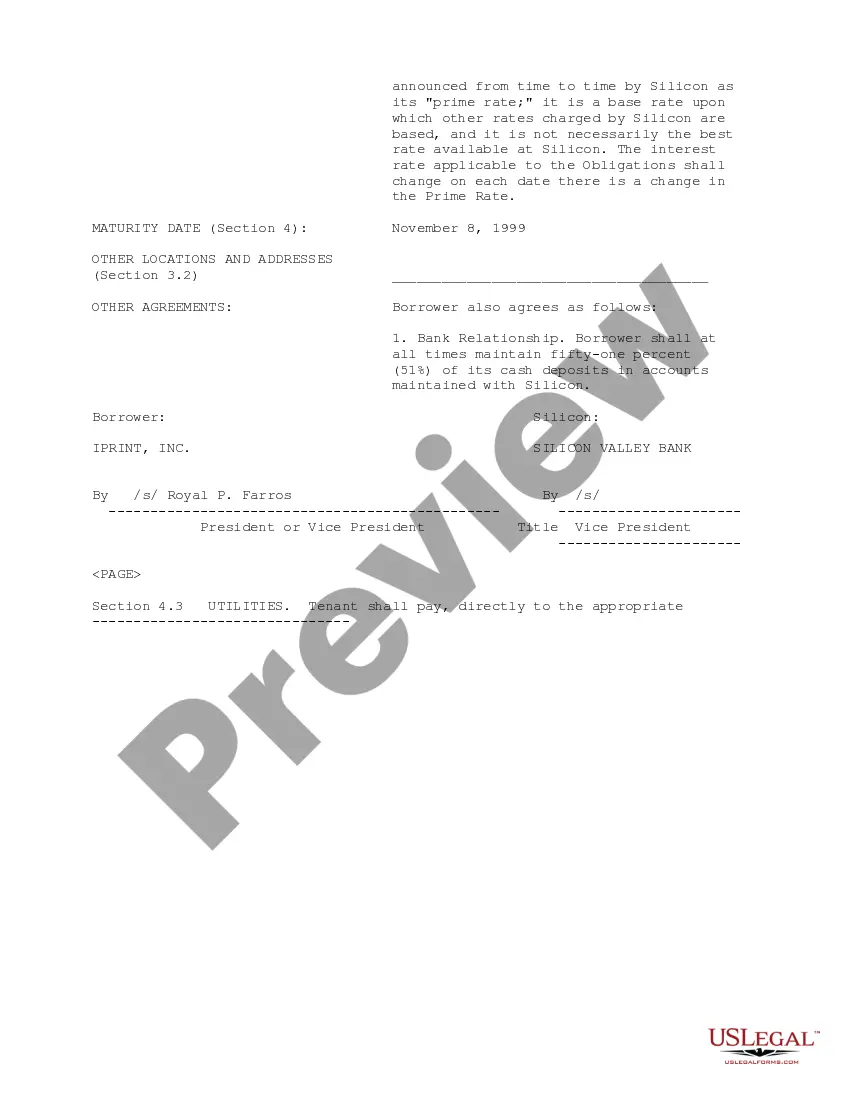
- Loan amounts and credit limits specified in the schedule.
- Granting of continuing security interests in collateral.
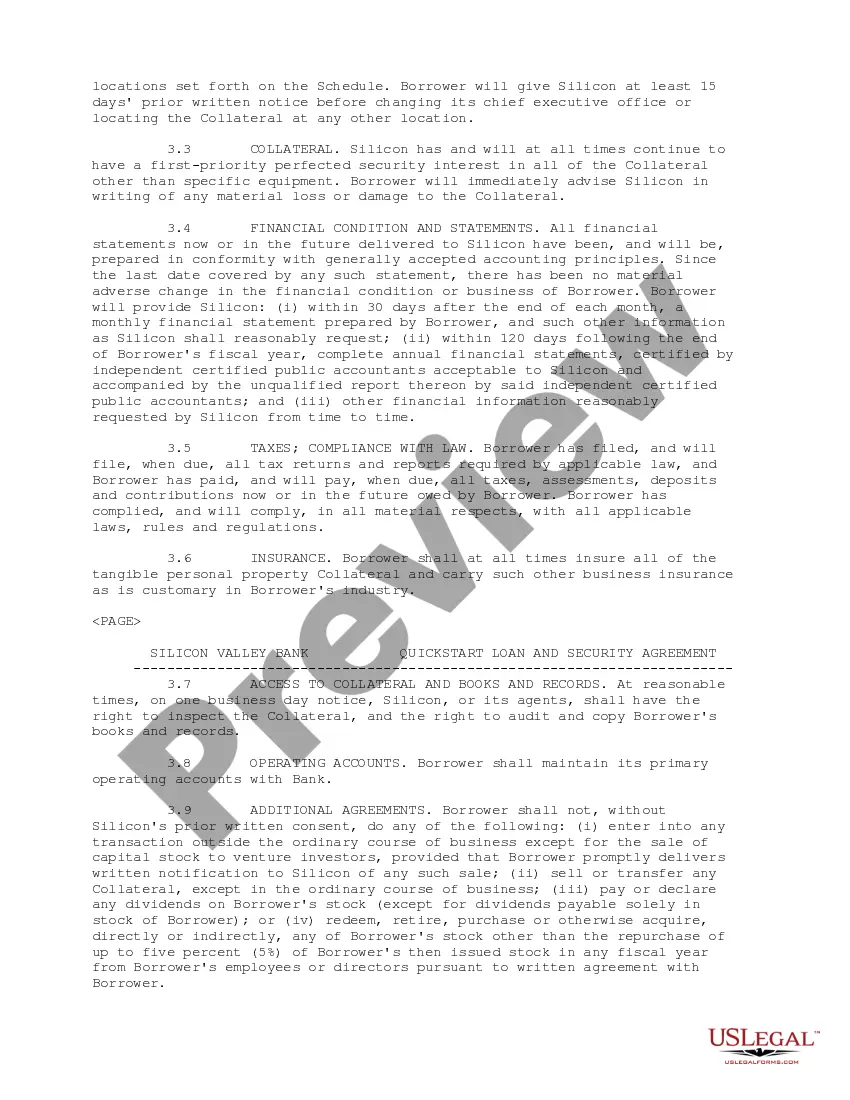
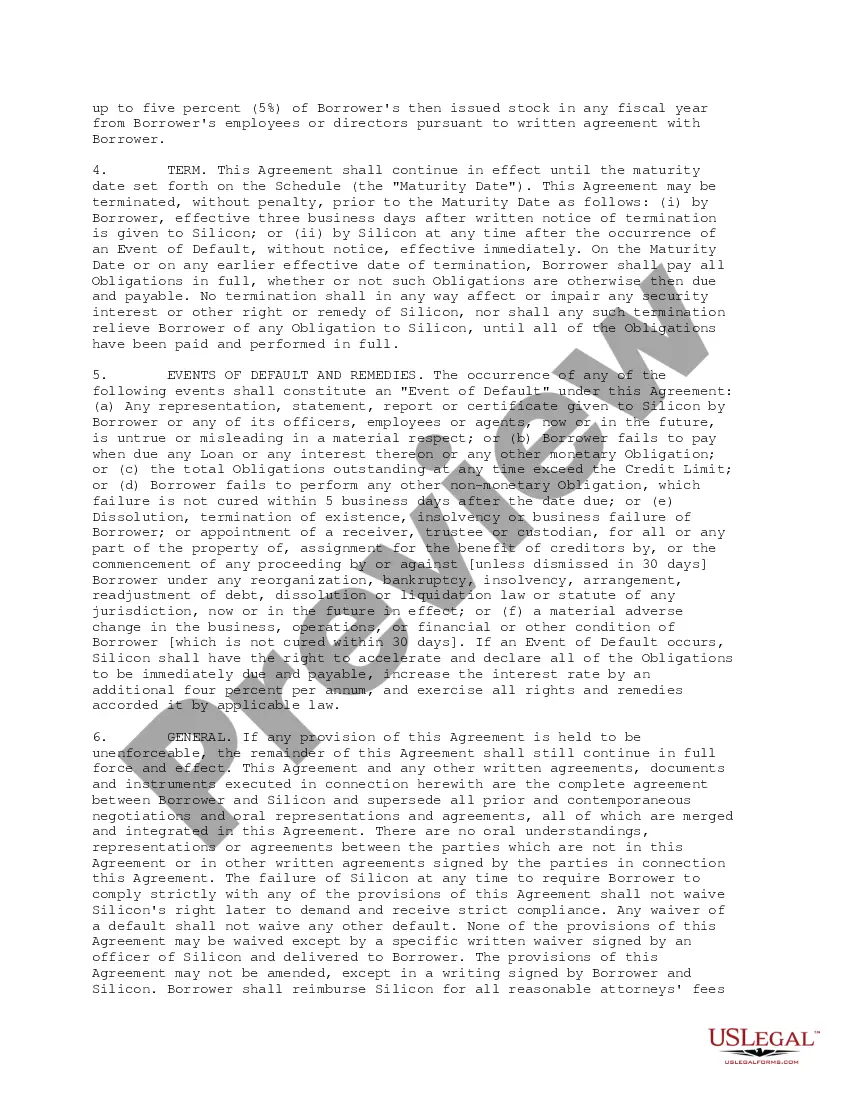
- Representations and agreements made by the borrower regarding corporate authority and financial conditions.
- Events of default and remedies available to the lender.
- General provisions governing the agreement, including waiver of jury trial and governing law.
Situations where this form applies
This form is used when a business seeks to secure a loan from a bank while pledging certain business assets as collateral. It is appropriate in situations where immediate financing is necessary for operations, equipment purchases, or expansion, particularly when the lender has specific terms they want formalized in an agreement.
Who can use this document
- Businesses seeking financing from lenders or banks.
- Corporate borrowers looking for terms that outline their obligations and rights.
- Financial institutions needing a structured agreement to secure loans and terms with borrowers.
How to prepare this document
- Identify the parties involved, including lender and borrower details with their addresses.
- Specify the loan amount and any credit limits in the schedule section.
- Clearly define the collateral to be pledged as security for the loan.
- Ensure all representations and agreements made by the borrower are accurately completed.
- Enter the relevant dates for execution and maturity as stated in the agreement.
- Both parties must review and sign the document to validate the agreement.
Notarization guidance
This form does not typically require notarization unless specified by local law. Always ensure that the document is reviewed for any specific requirements regarding notarization based on jurisdictional rules.
Get your form ready online
Our built-in tools help you complete, sign, share, and store your documents in one place.
Make edits, fill in missing information, and update formatting in US Legal Forms—just like you would in MS Word.
Download a copy, print it, send it by email, or mail it via USPS—whatever works best for your next step.
Sign and collect signatures with our SignNow integration. Send to multiple recipients, set reminders, and more. Go Premium to unlock E-Sign.
If this form requires notarization, complete it online through a secure video call—no need to meet a notary in person or wait for an appointment.
We protect your documents and personal data by following strict security and privacy standards.

Make edits, fill in missing information, and update formatting in US Legal Forms—just like you would in MS Word.

Download a copy, print it, send it by email, or mail it via USPS—whatever works best for your next step.

Sign and collect signatures with our SignNow integration. Send to multiple recipients, set reminders, and more. Go Premium to unlock E-Sign.

If this form requires notarization, complete it online through a secure video call—no need to meet a notary in person or wait for an appointment.

We protect your documents and personal data by following strict security and privacy standards.
Mistakes to watch out for
- Not clearly defining the collateral which may lead to disputes.
- Inaccurate completion of borrower details, affecting enforceability.
- Failing to review conditions that trigger events of default.
- Overlooking required signatures or dates, making the agreement invalid.
Benefits of completing this form online
- Convenience of downloading and filling out the form at any time.
- Editability allows for tailored adjustments to meet specific needs.
- Reliability ensured by templates drafted by licensed attorneys.
Looking for another form?










Form popularity
FAQ
STEP 1: Submit an Application. You can use your phone, tablet or laptop for the application. STEP 2: Approval. NIRSAL MFB reviews your application and forward the application to the CBN for final approval. STEP 3: Disbursement.
A loan application is used by borrowers to apply for a loan. Through the loan application, borrowers reveal key details about their finances to the lender. The loan application is crucial to determining whether the lender will grant the request for funds or credit.
Deposit Challan. A deposit slip or challan is a form supplied by a bank for a depositor to deposit money in the bank. Withdrawal Slips. A Withdrawal Slip is a written order to your bank instructing it to withdraw funds from the account. Cheque. Demand Draft. Difference between Cheque and Demand Draft.
Duly filled KCC application form along with self declaration. Identity proof: Voter ID card / PAN card / Passport / Aadhaar card / Driving License etc. Address proof: Voter ID card / Passport / Aadhaar card / Driving license etc. Valid agriculture land documents.
Driver's license. Social Security card. Passport. State ID. Military ID. Certificate of citizenship. Government-issued photo ID.
Start with a business registration form. Register your business name. Initial capital.As in the case with any startup, you will need a specific amount of funds that you will spend for the development of your app. UI/UX design. Software development.
Start with a business registration form. Register your business name. Initial capital.As in the case with any startup, you will need a specific amount of funds that you will spend for the development of your app. UI/UX design. Software development.
You should apply for a home loan by filling up all necessary details including your personal information, i.e. name, address, date of birth, PIN code and employment details, along with information related to your monthly income, contact details and so on.
STEP 2: At the homepage, click at the Download KCC Form tab present in the main menu. STEP 5: All the interested farmer beneficiaries of PM Kisan Samman Nidhi Scheme can download this KCC form in PDF format. Finally, people can submit the completed Kisan Credit Card application form at the bank itself.