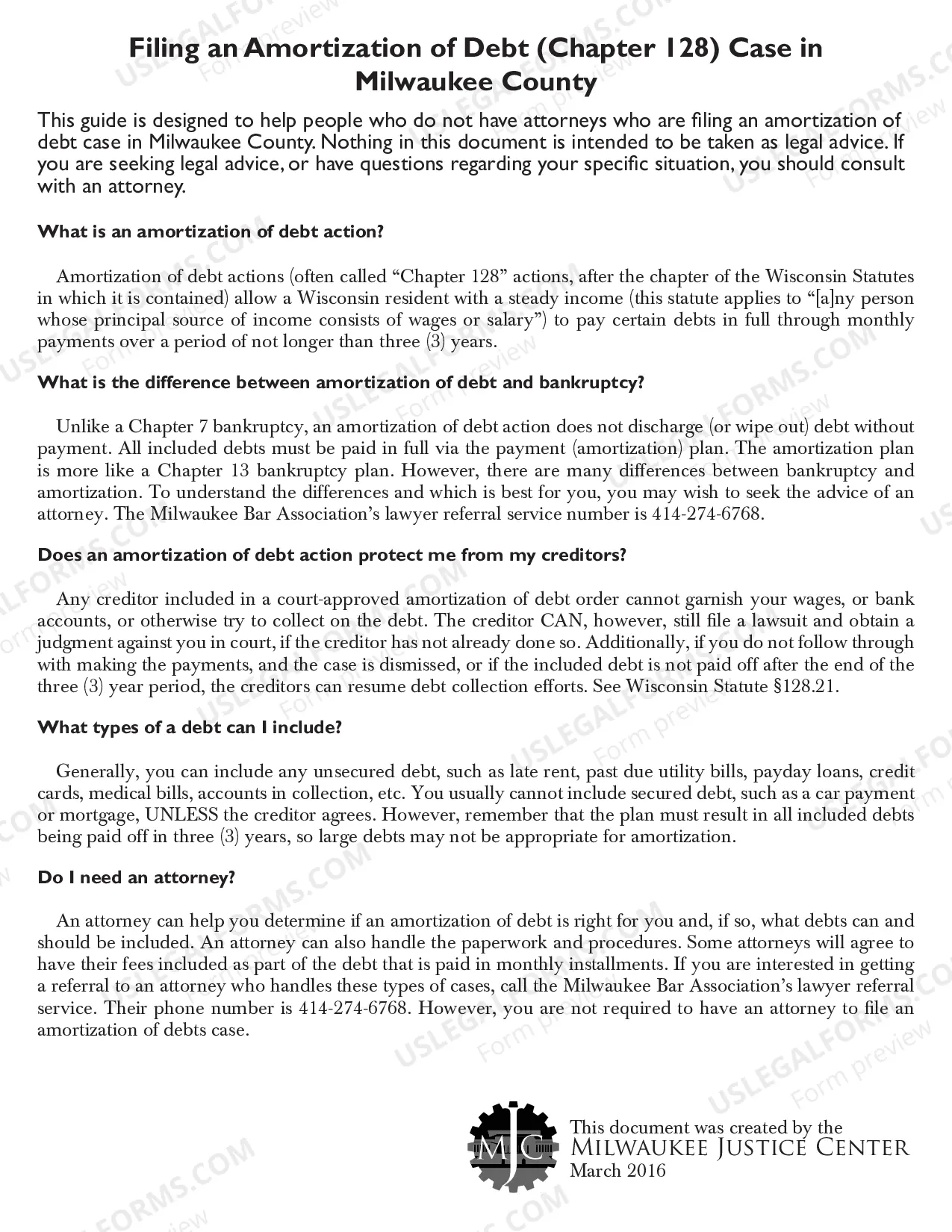
Partnership Data Summary
About this form
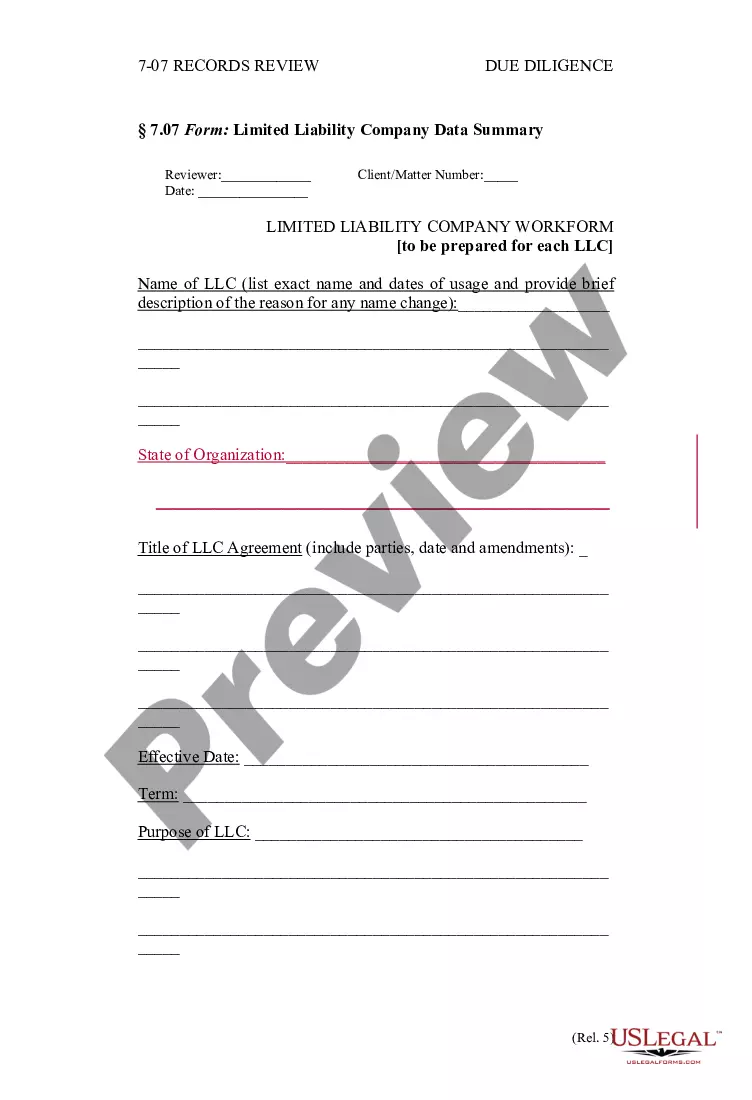
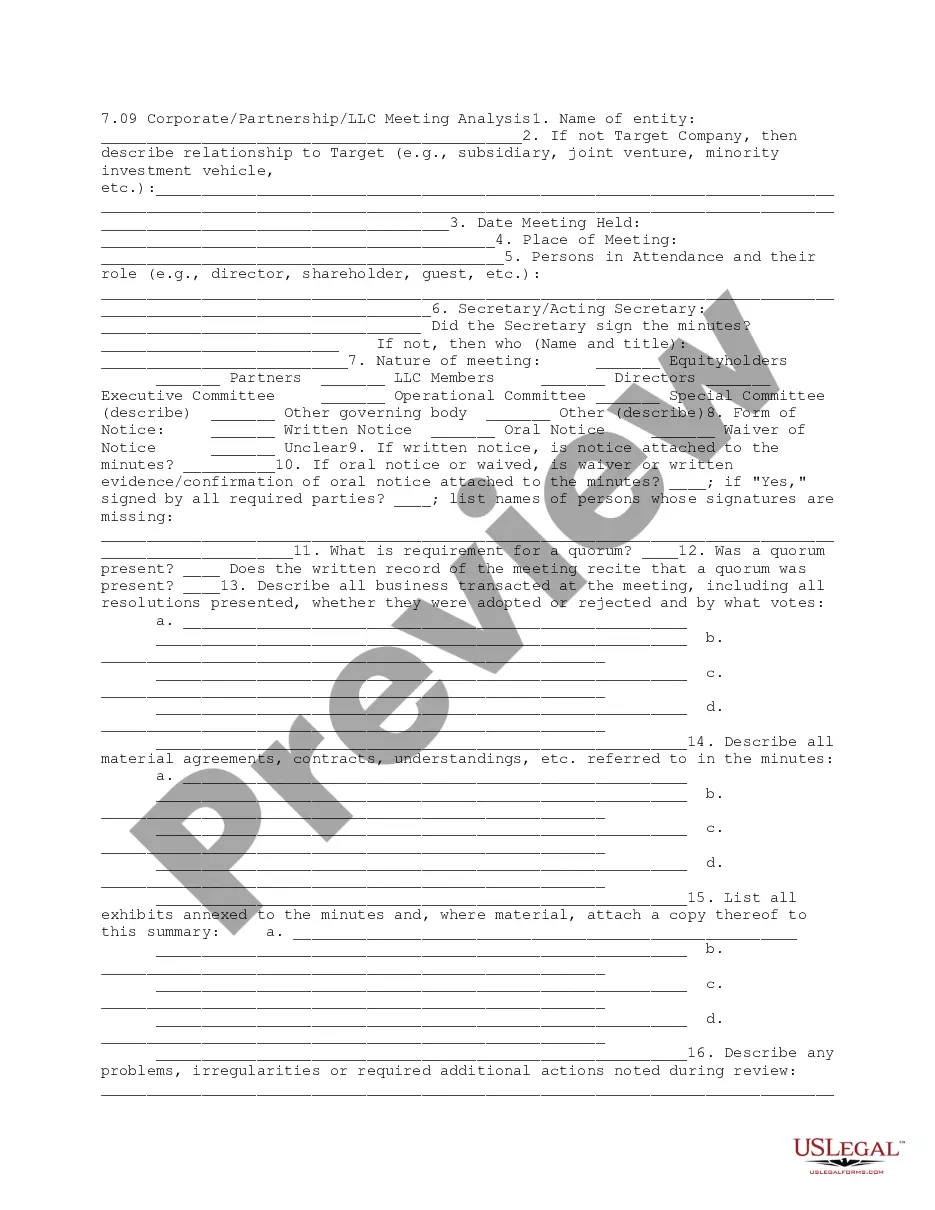
The Partnership Data Summary is a crucial due diligence form that summarizes essential information about each partnership entity linked to a business. This form serves to provide a clear overview in business transactions, distinguishing it from other partnership forms by focusing specifically on relevant data needed for assessments or negotiations.
What’s included in this form
- Name and description of each partnership entity.
- Type of partnership (general or limited) and state of organization.
- Details of the partnership agreement, including title, parties, and date.
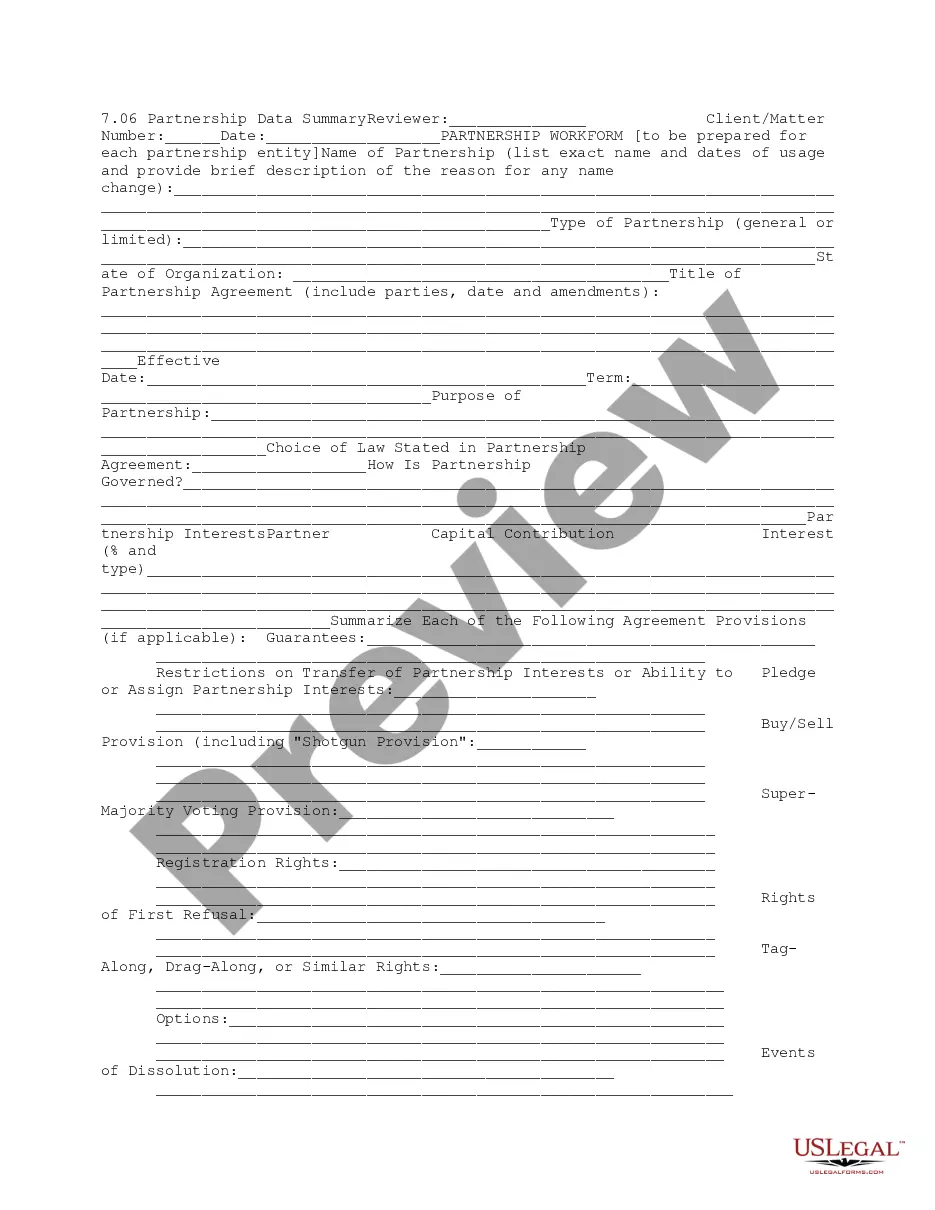
- Summary of key provisions such as guarantees, restrictions, and voting rights.
- List of capital contributions and partnership interests.
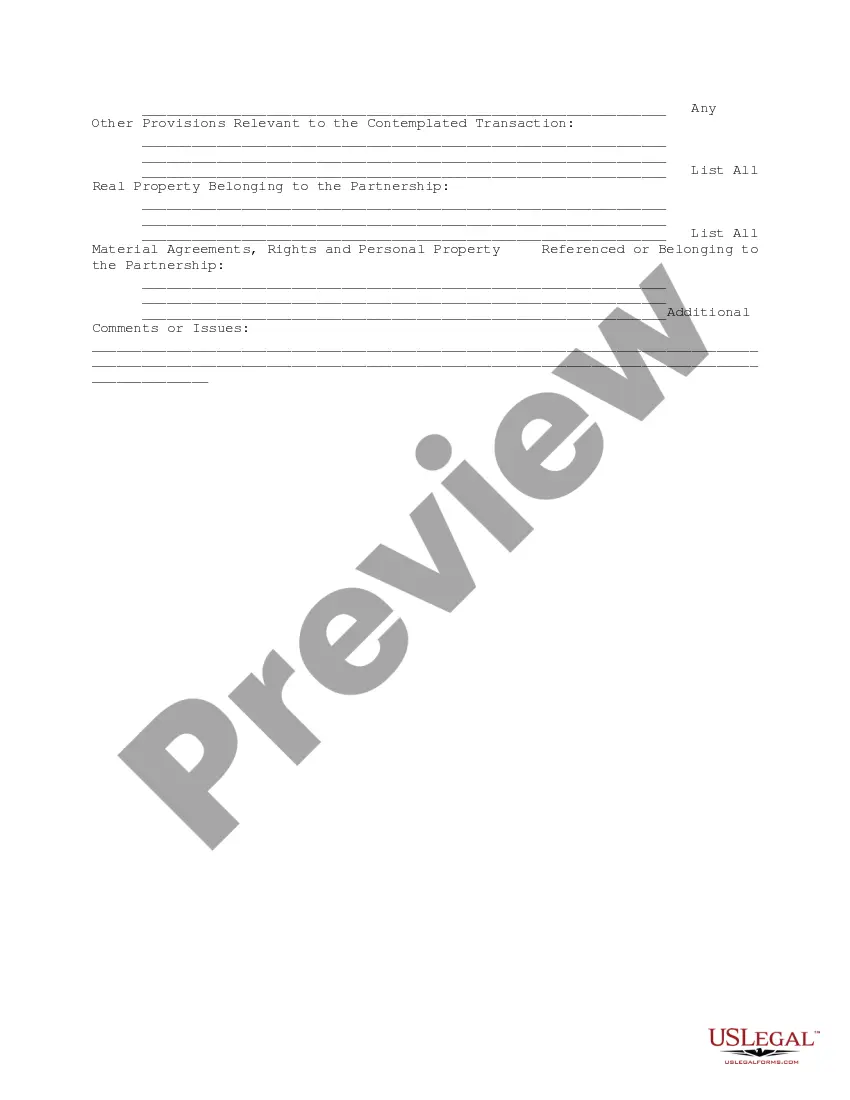
- Additional comments or issues relevant to the transaction.


When to use this document
This form is typically used during business transactions where a partnership's details must be evaluated. It is essential for conducting due diligence when entering partnerships, selling interests, or assessing financial stability and arrangements within partnerships.
Who this form is for
This form is suitable for:
- Business owners entering into partnerships.
- Legal professionals conducting due diligence.
- Investors assessing partnership entities prior to financial commitments.
- Accountants preparing financial statements with partnership interests.
Instructions for completing this form
To complete the Partnership Data Summary, follow these steps:
- Identify and list each partnership's name along with relevant dates and descriptions.
- Specify the type of partnership and the state where it is organized.
- Detail the partnership agreement's title, parties involved, and its effective date.
- Summarize significant provisions such as restrictions on transfers and voting rights.
- Document all real property and material agreements related to the partnership.
Notarization requirements for this form
Notarization is generally not required for this form. However, certain states or situations might demand it. You can complete notarization online through US Legal Forms, powered by Notarize, using a verified video call available anytime.
Get your form ready online
Our built-in tools help you complete, sign, share, and store your documents in one place.
Make edits, fill in missing information, and update formatting in US Legal Forms—just like you would in MS Word.
Download a copy, print it, send it by email, or mail it via USPS—whatever works best for your next step.
Sign and collect signatures with our SignNow integration. Send to multiple recipients, set reminders, and more. Go Premium to unlock E-Sign.
If this form requires notarization, complete it online through a secure video call—no need to meet a notary in person or wait for an appointment.
We protect your documents and personal data by following strict security and privacy standards.

Make edits, fill in missing information, and update formatting in US Legal Forms—just like you would in MS Word.

Download a copy, print it, send it by email, or mail it via USPS—whatever works best for your next step.

Sign and collect signatures with our SignNow integration. Send to multiple recipients, set reminders, and more. Go Premium to unlock E-Sign.

If this form requires notarization, complete it online through a secure video call—no need to meet a notary in person or wait for an appointment.

We protect your documents and personal data by following strict security and privacy standards.
Common mistakes
- Omitting important details about the partnership agreement.
- Failing to specify the exact names and dates for partnerships.
- Neglecting to summarize all key provisions listed in the form.
- Forgetting to review state-specific regulations that may apply.
Benefits of completing this form online
- Convenience of downloading and filling out the form from anywhere.
- Editability allows users to update information easily.
- Reliability through templates created by licensed attorneys.
Main things to remember
- The Partnership Data Summary is essential for summarizing partnership information in business transactions.
- It helps facilitate due diligence and informed decision-making.
- Proper completion of the form ensures compliance with legal and partnership agreements.
Looking for another form?
Form popularity
FAQ
Just click on the e-file logo and then on the link for e-file for business and self-employed taxpayers. There, you will find more information as well as links to companies' Websites. You may be able to enter your return information online using software provided by the Form 1065 e-file provider of your choice.
Schedule K-1 (Form 1065) is a source document that is prepared by a Partnership as part of the filing of their tax return (Form 1065).The K-1 reflects a partner's share of income, deductions, credits and other items that the partner will need to report on their individual tax return (Form 1040).
Each partner's tax basis is calculated and recorded on Schedule K-1 in the partnership tax return. Individual partners report the information from their K-1s on their personal tax returns each year.
A Schedule K-1 Tax Form is used to report a partner's share of a business's income, credits, deductions etc.It is not filed with a partner's tax return, unless the IRS requires you to do so. The partner may need to pay tax on their share of the partnership income by reporting it on their individual tax return.
Fill in Boxes A Through J. Once you have all the documents handy, it'll be time to fill out boxes A through J, which are located on the very top of 1065 Form. Complete the Remainder of Page 1. Fill Out Schedule B. Complete Schedule K. Fill Out the Remaining Sections. Review and File with the IRS.
Step 1: Gather relevant financial documents and IRS forms. Step 2: Fill in IRS Form 1065 A-J. Step 3: Fill in the remainder of IRS Form 1065 page 1. Step 4: Fill in IRS Form 1065 Schedule B (page 2) Step 5: Complete IRS Form 1065 Schedule B (page 3)
Income. Rents, Royalties, Entities (Sch E, K-1, 4835, 8582) K-1 Input. New or Pull. For a new K-1 entry select the entity it relates to, either Form 1065, Form 1120S, or Form 1041.
Step 1: Gather relevant financial documents and IRS forms. Step 2: Fill in IRS Form 1065 A-J. Step 3: Fill in the remainder of IRS Form 1065 page 1. Step 4: Fill in IRS Form 1065 Schedule B (page 2) Step 5: Complete IRS Form 1065 Schedule B (page 3)
How do I file my own Schedule K-1 form? You can file your Schedule K-1 form when you submit your Form 1065 or 1120S to the IRS. The easiest thing to do is to submit the form electronically by using IRS Free File or tax prep software. You can also file the form by mail.