Sample Agreement and General Release
What is this form?
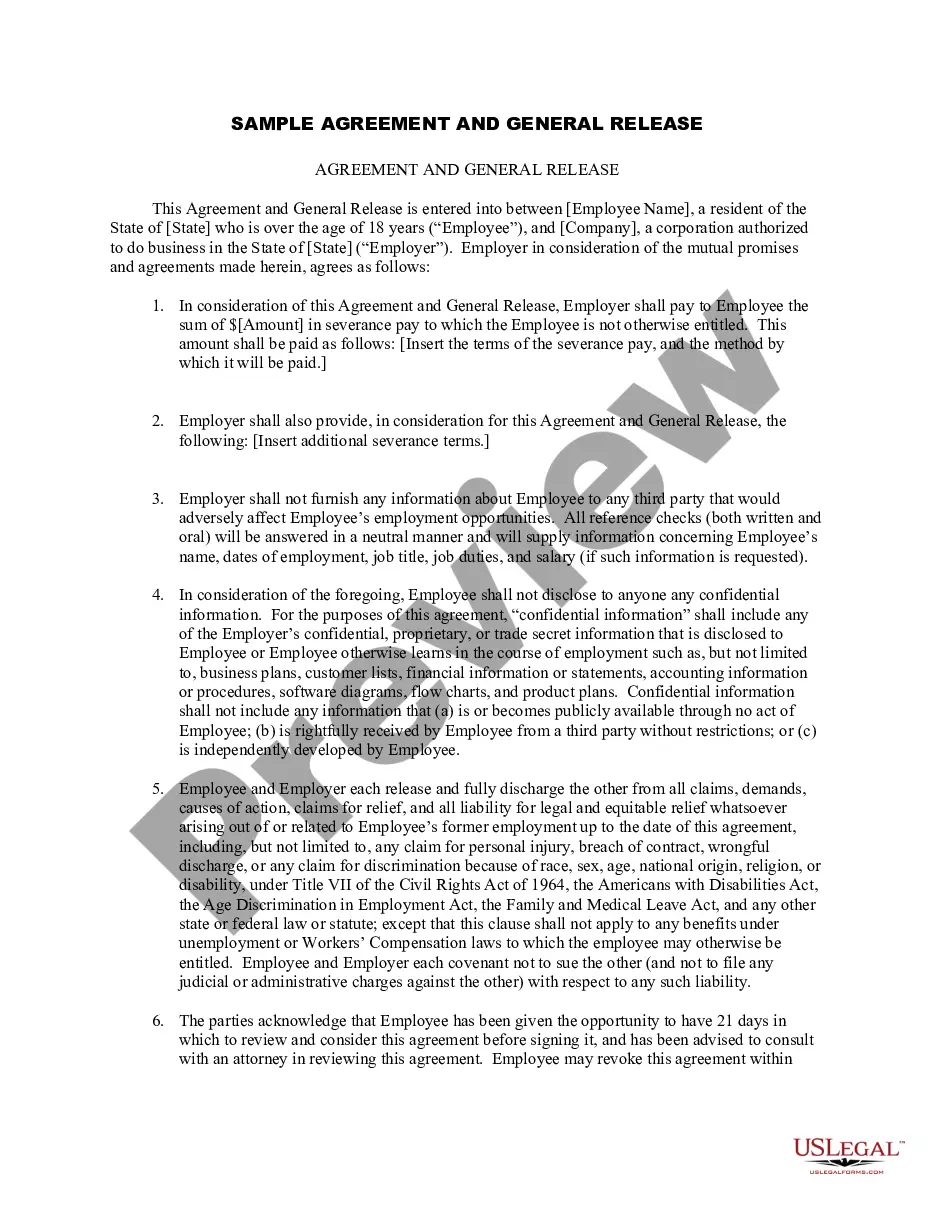
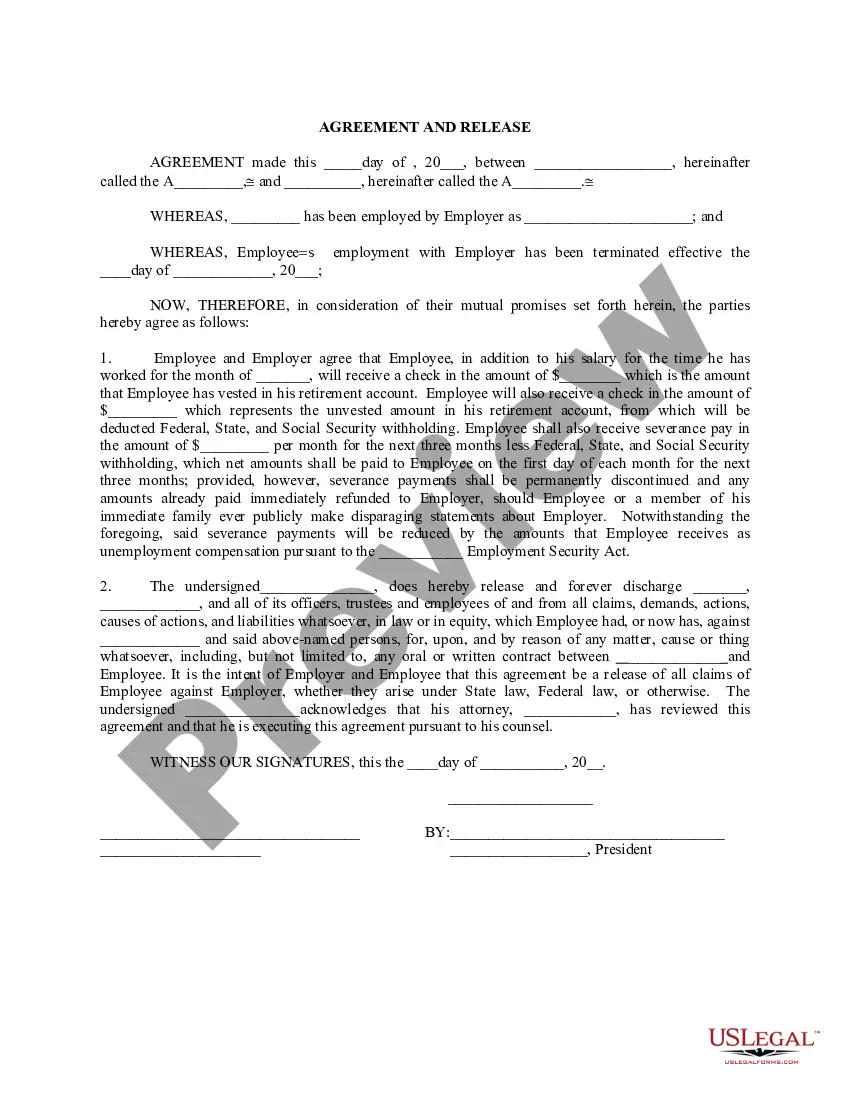
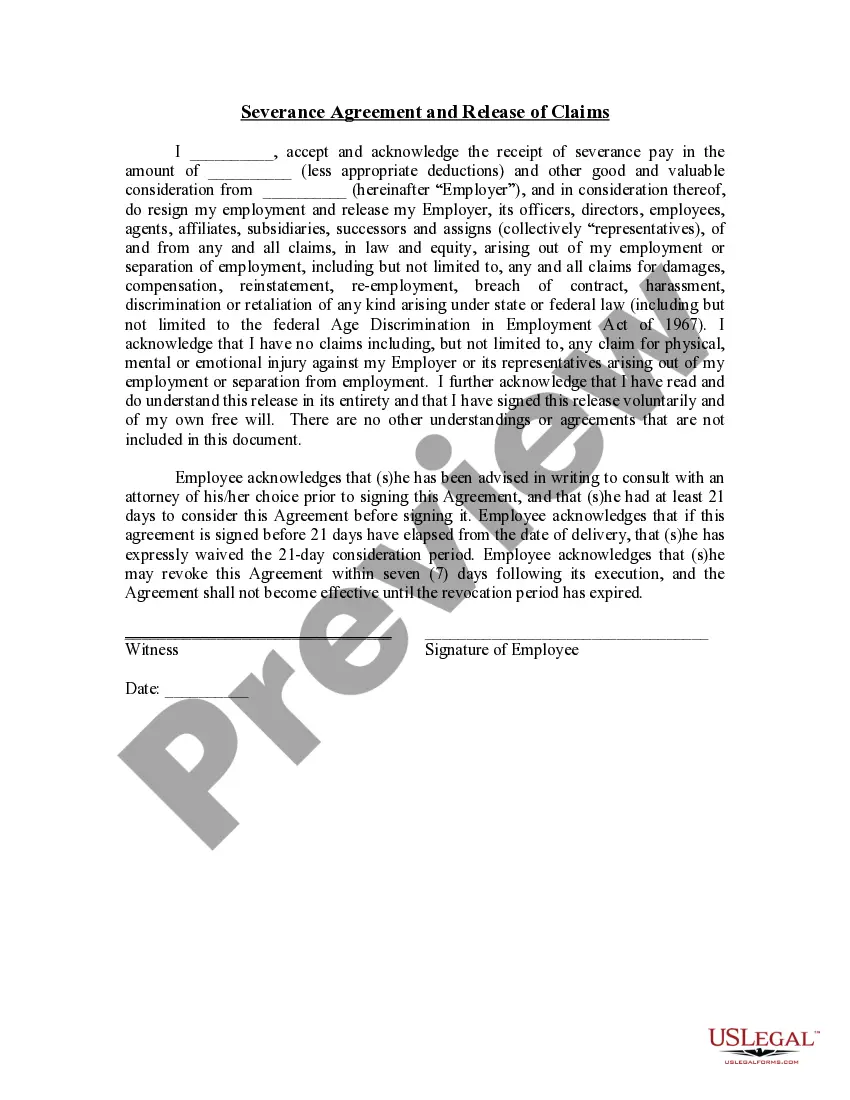
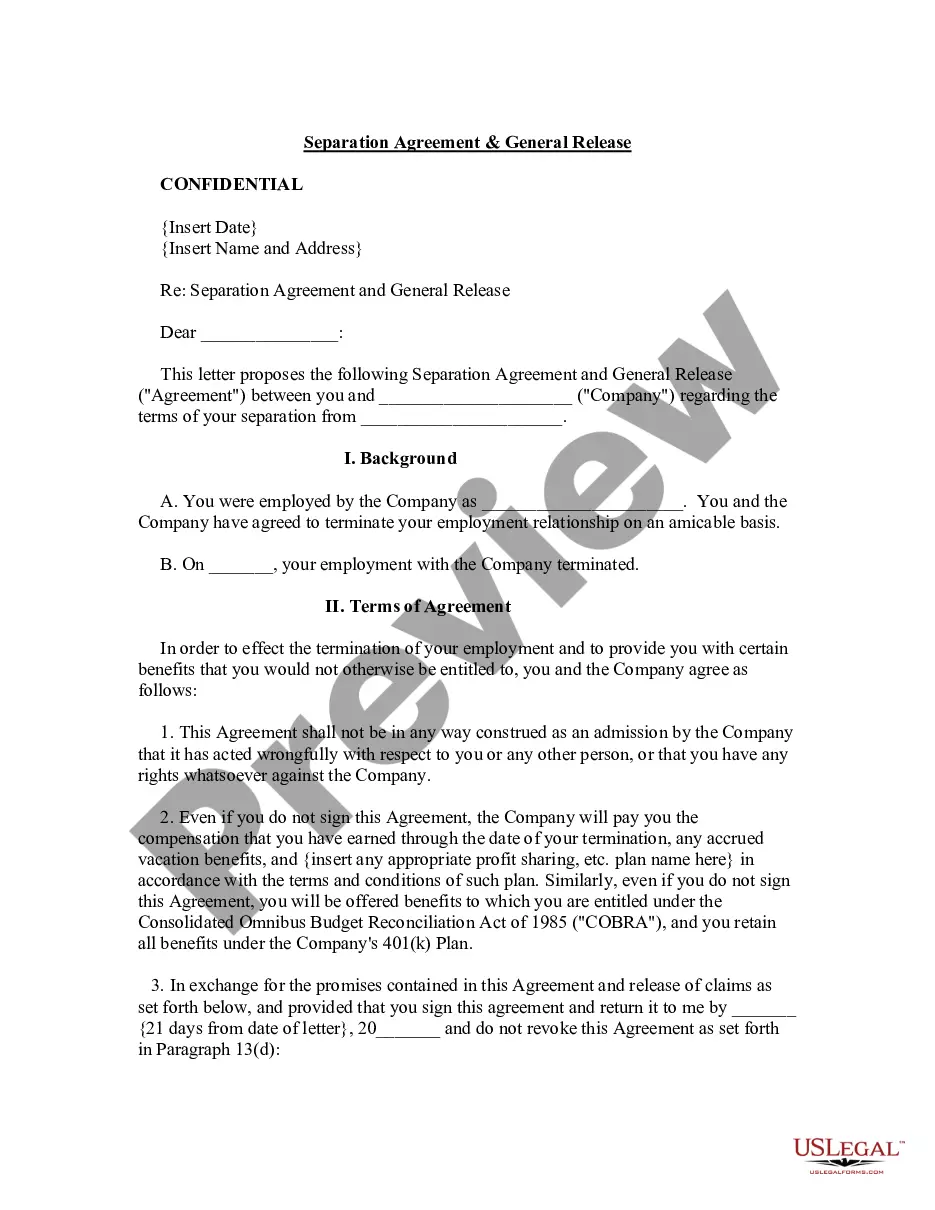
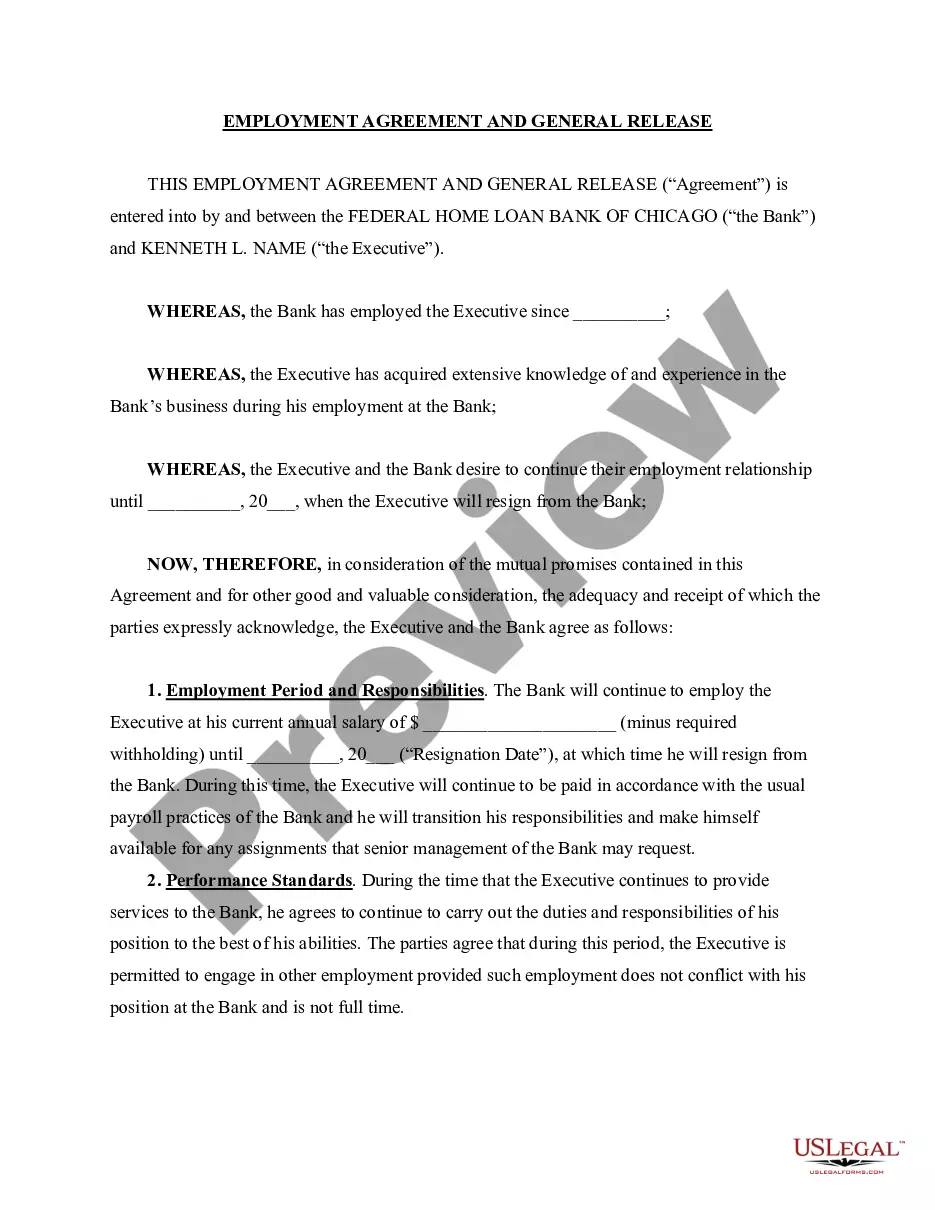
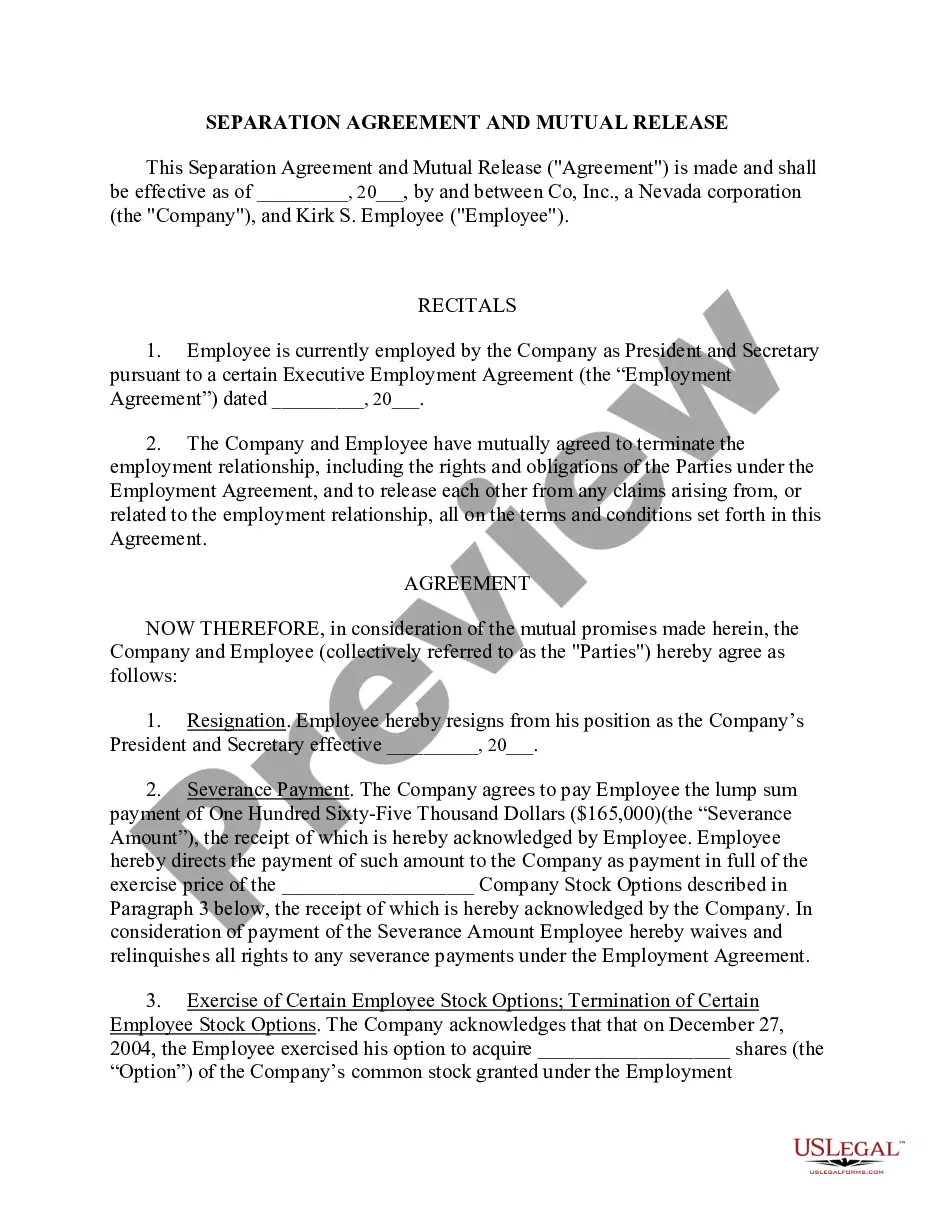
The Sample Agreement and General Release is a legal document used when an employee's employment is terminated. This form serves to outline the terms and conditions of the release and agreement between the employee and employer, effectively protecting both parties from future claims related to the employment relationship. Unlike other termination documents, this form specifically emphasizes release from potential legal claims against the employer, providing a structured and formalized acknowledgment of the severance agreement.
Form components explained
- Identification of the employee and employer, including names and addresses.
- Details on the severance payment amount and payment terms.
- Clauses specifying the non-disclosure of confidential information.
- Release of claims against the employer related to the termination of employment.
- Clauses allowing the employee a review period for the agreement.
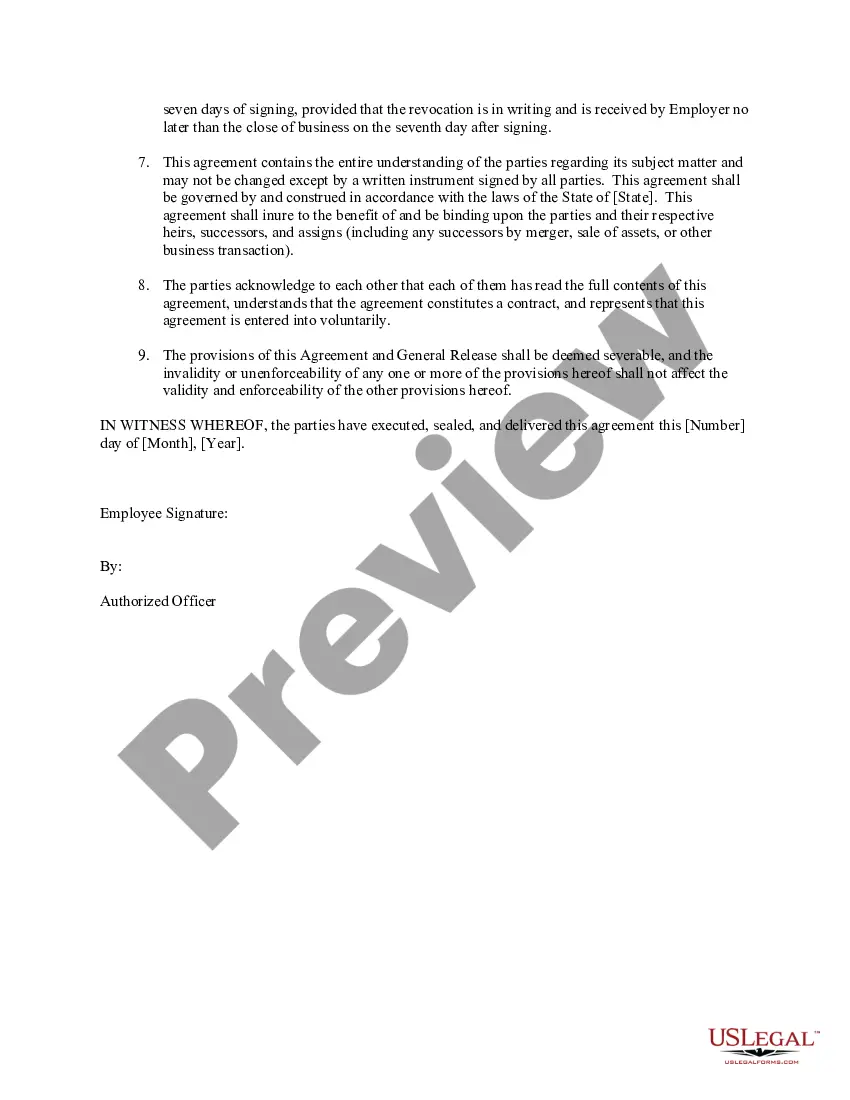
- Signature fields for both the employee and an authorized officer of the company.
When to use this document
This form should be utilized in scenarios where an employee is being terminated and a mutual agreement is reached regarding severance pay and the release of any future claims. Common situations include layoffs, resignation packages, or mutual termination agreements. It ensures that both parties understand their rights and responsibilities moving forward.
Who needs this form
- Employees who are terminating their employment and wish to negotiate a severance agreement.
- Employers looking to formalize a termination process while minimizing future legal risks.
- Human resource professionals involved in the recruitment, termination, and severance processes.
How to prepare this document
- Identify and enter the full names and contact information of both the employee and employer.
- Specify the agreed severance payment amount and the terms of payment.
- Include any additional severance terms and conditions that have been decided upon.
- Ensure that both parties read and acknowledge the non-disclosure agreement details.
- Have both the employee and an authorized company representative sign and date the agreement.
- Provide a copy of the signed agreement to all parties involved for their records.
Is notarization required?
Notarization is not commonly needed for this form. However, certain documents or local rules may make it necessary. Our notarization service, powered by Notarize, allows you to finalize it securely online anytime, day or night.
Get your form ready online
Our built-in tools help you complete, sign, share, and store your documents in one place.
Make edits, fill in missing information, and update formatting in US Legal Forms—just like you would in MS Word.
Download a copy, print it, send it by email, or mail it via USPS—whatever works best for your next step.
Sign and collect signatures with our SignNow integration. Send to multiple recipients, set reminders, and more. Go Premium to unlock E-Sign.
If this form requires notarization, complete it online through a secure video call—no need to meet a notary in person or wait for an appointment.
We protect your documents and personal data by following strict security and privacy standards.

Make edits, fill in missing information, and update formatting in US Legal Forms—just like you would in MS Word.

Download a copy, print it, send it by email, or mail it via USPS—whatever works best for your next step.

Sign and collect signatures with our SignNow integration. Send to multiple recipients, set reminders, and more. Go Premium to unlock E-Sign.

If this form requires notarization, complete it online through a secure video call—no need to meet a notary in person or wait for an appointment.

We protect your documents and personal data by following strict security and privacy standards.
Avoid these common issues
- Failing to clearly define the severance payment terms.
- Not allowing sufficient review time for the employee before signing.
- Omitting specific details about confidentiality obligations.
- Neglecting to include a revocation period for the agreement.
- Forgetting to obtain signatures from both parties.
Why use this form online
- Convenience of accessing the form anytime and from anywhere.
- Editability ensures that all specific terms can be tailored to fit the unique circumstances of the termination.
- Reliable legal backing, as the form is drafted by licensed attorneys.
- Fast and easy processing of document completion without the need for in-person meetings.
Looking for another form?
Form popularity
FAQ
The short answer is no. You don't have to accept what your employer offers, nor do you have to sign a release. A release is valid only if it's voluntary: If your employer requires or coerces you sign, it won't be upheld in court. This doesn't mean, however, that you are entitled to severance.
A general release is a document in which one person releases another from any claims or threats of lawsuits.Generally, releases are effective to eliminate all claims you may have up until the time of the release.
Include the specific grounds for termination. Include a severance payment in addition to any vacation time or salary that the employee is owed. Make sure that the agreement complies with state and federal laws. State that the employee must return any company products or business materials in the employee's possession.
The release waives claims for conduct that occurs on or before the date the agreement is signed. As a result, an employee often signs the separation agreement and release after the date that the employee stops working, often called the termination date.
A release agreement is an enforceable promise not to proceed with a legal claim in exchange for money or other compensation. Essentially, a party (the releasee) gives money or other consideration to a second party (the releasor).Commonly, money is offered as consideration.
In California, a general release does not extend to claims which a party does not know or suspect to exist in his or her favor at the time of executing the release (Cal. Civ. Code § 1542).Conditional releases are enforceable in California and are commonly used in the construction contracts.
Sometimes, employers will instruct you to sign a release under the guise that it is required to obtain your earned vacation pay, a reference, or severance. In most circumstances, be suspicious if an employer wants a signature on the spot. Typically, you are signing away some important legal right.