Software Assurance Agreement
Understanding this form
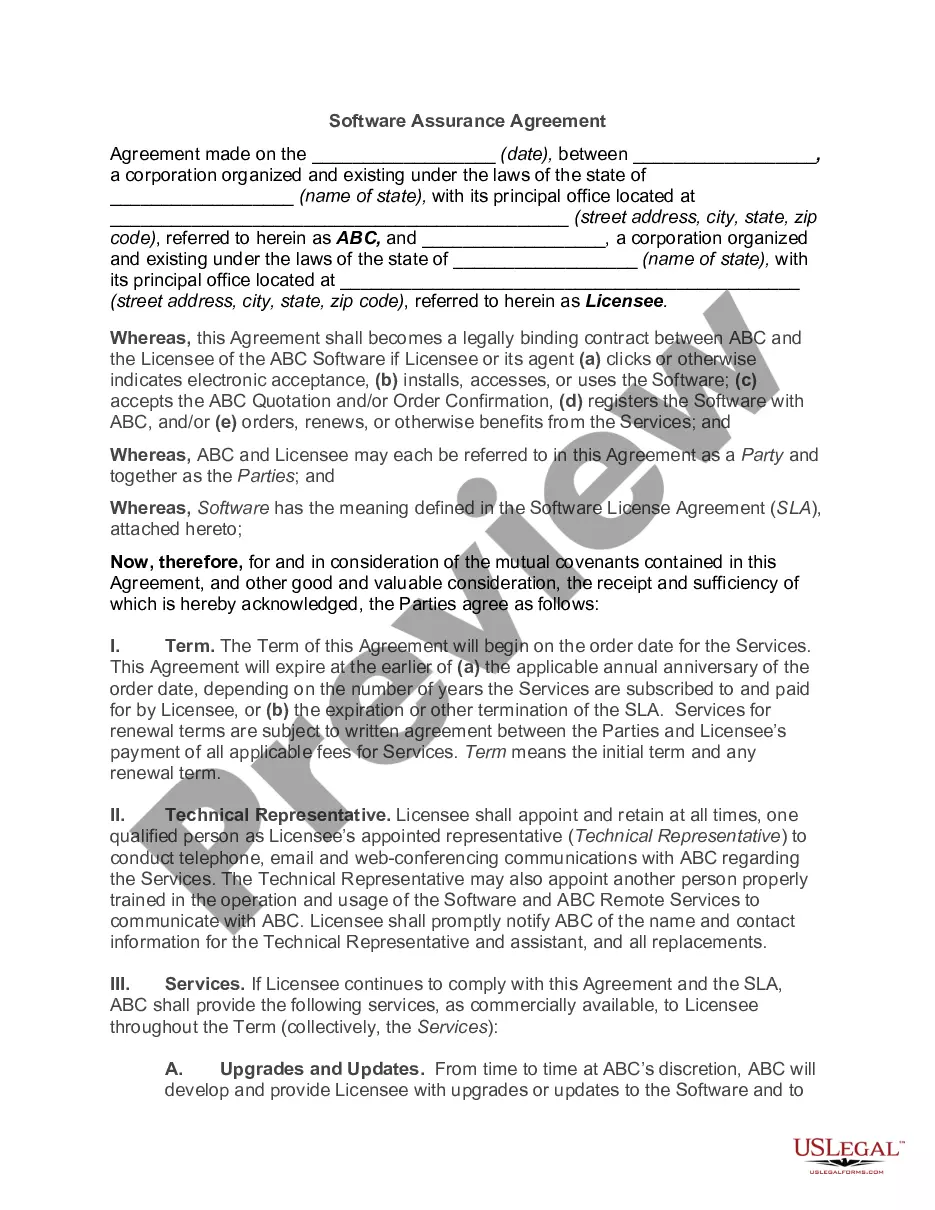
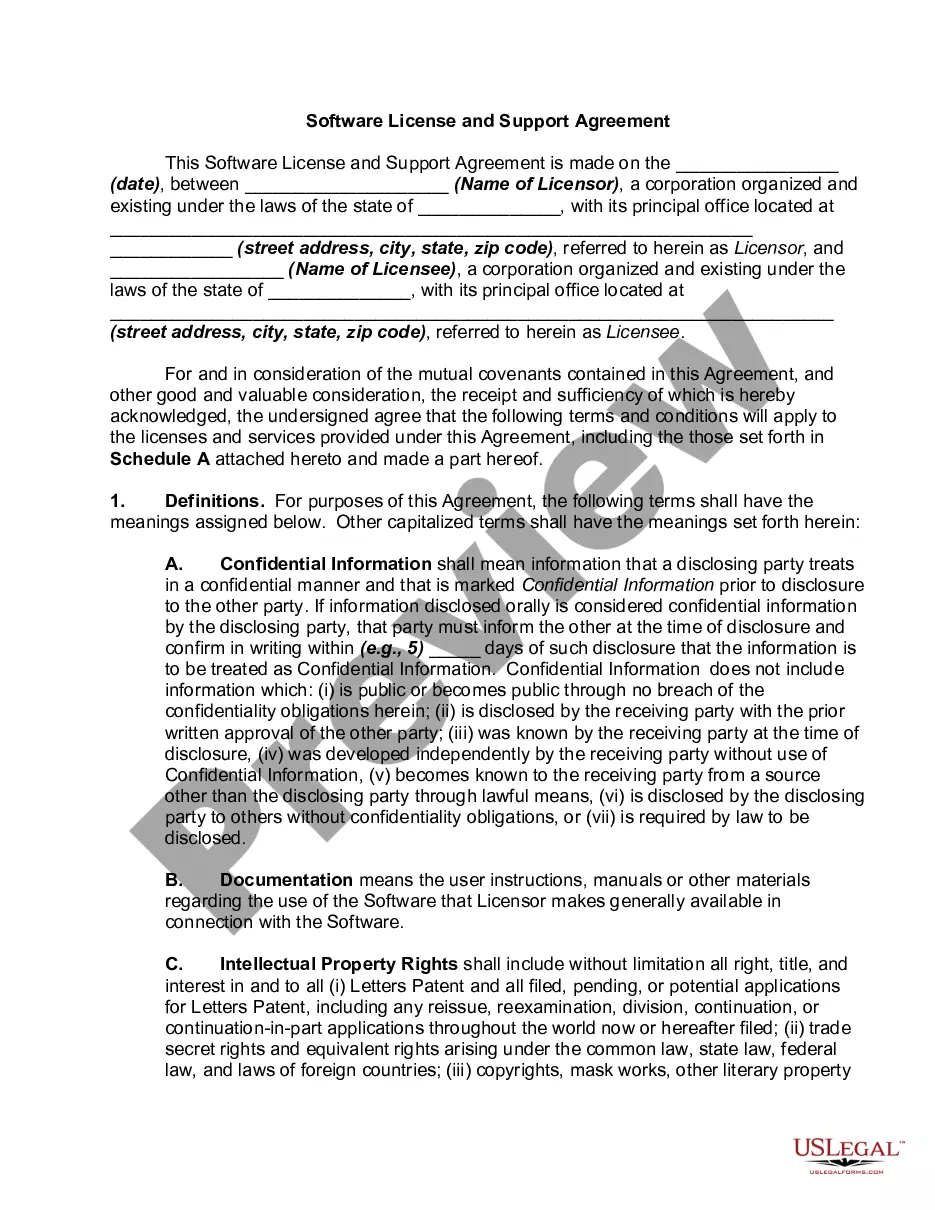
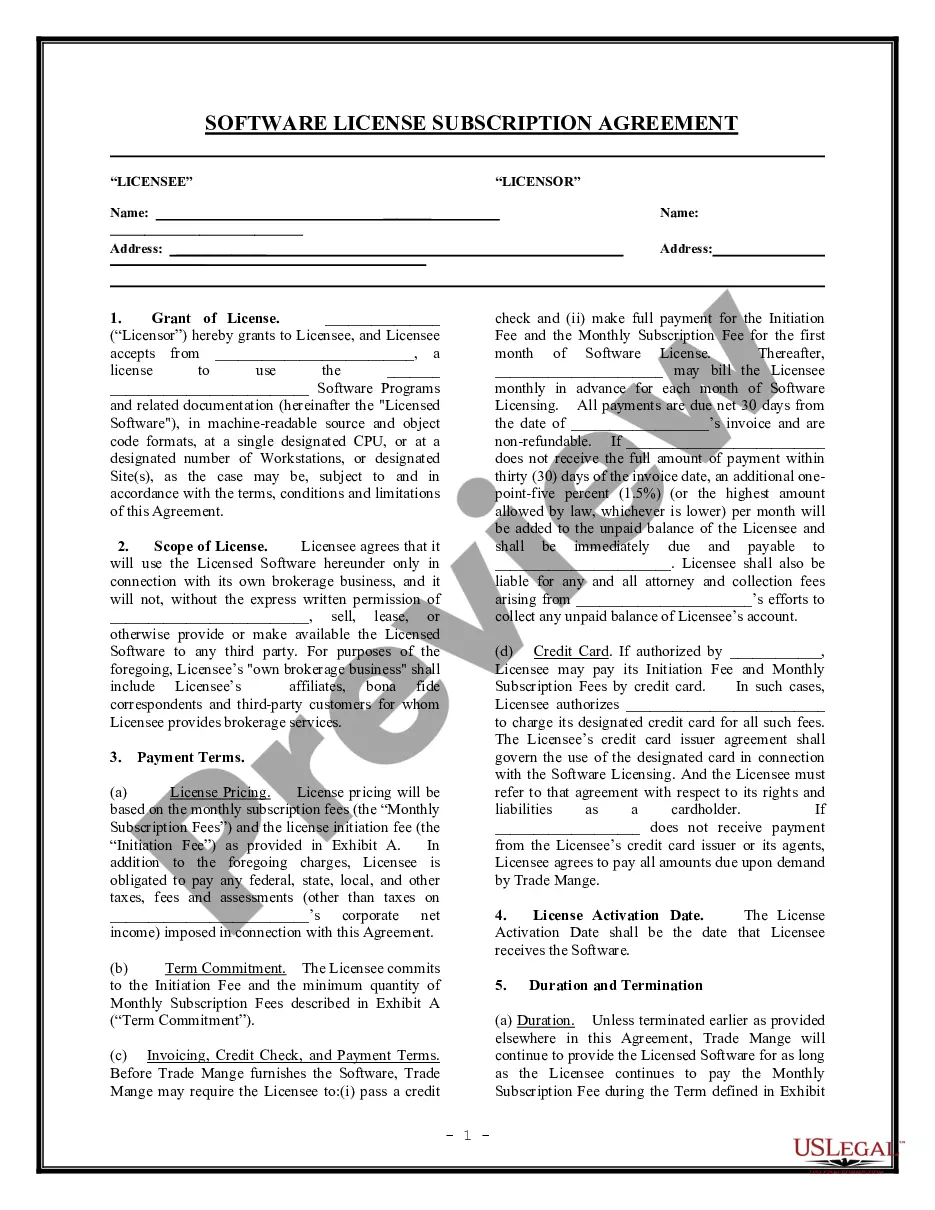
The Software Assurance Agreement is a legal document that outlines the terms and conditions related to the assurance of software provided by a vendor. It ensures that the software is free from vulnerabilities and functions as intended. This agreement is essential for establishing a formal relationship between the software provider and the licensee, highlighting the rights, responsibilities, and services included in the software subscription.
Form components explained
- Identification of the parties involved, including their contact information.
- Duration of the agreement and terms for renewal.
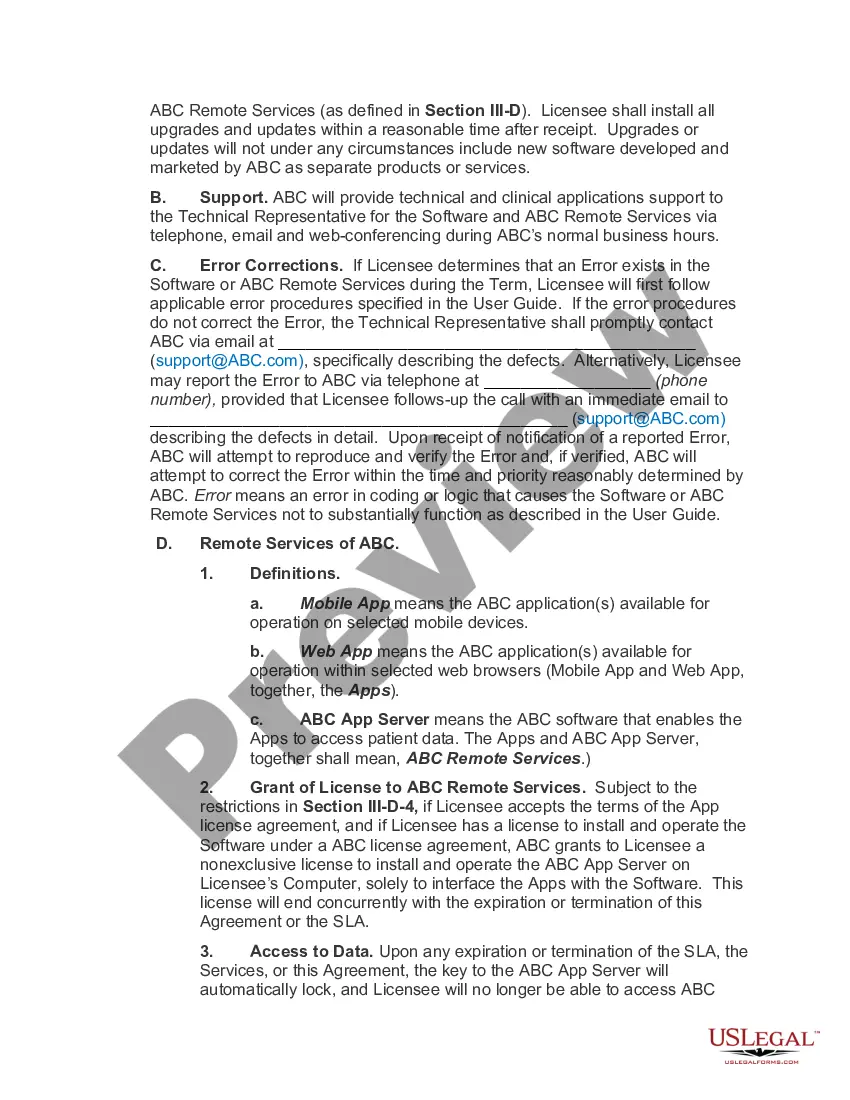
- Specifications on services provided, including support and error corrections.
- Licensing details for remote services associated with the software.
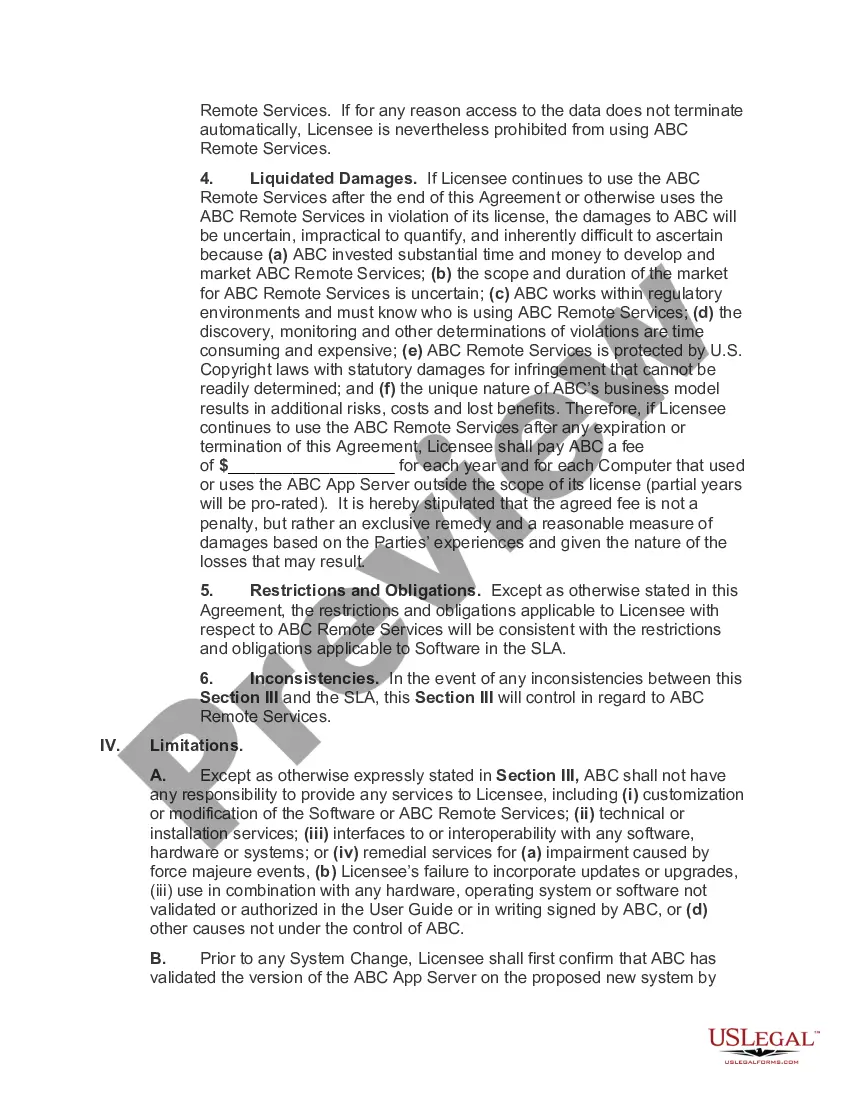
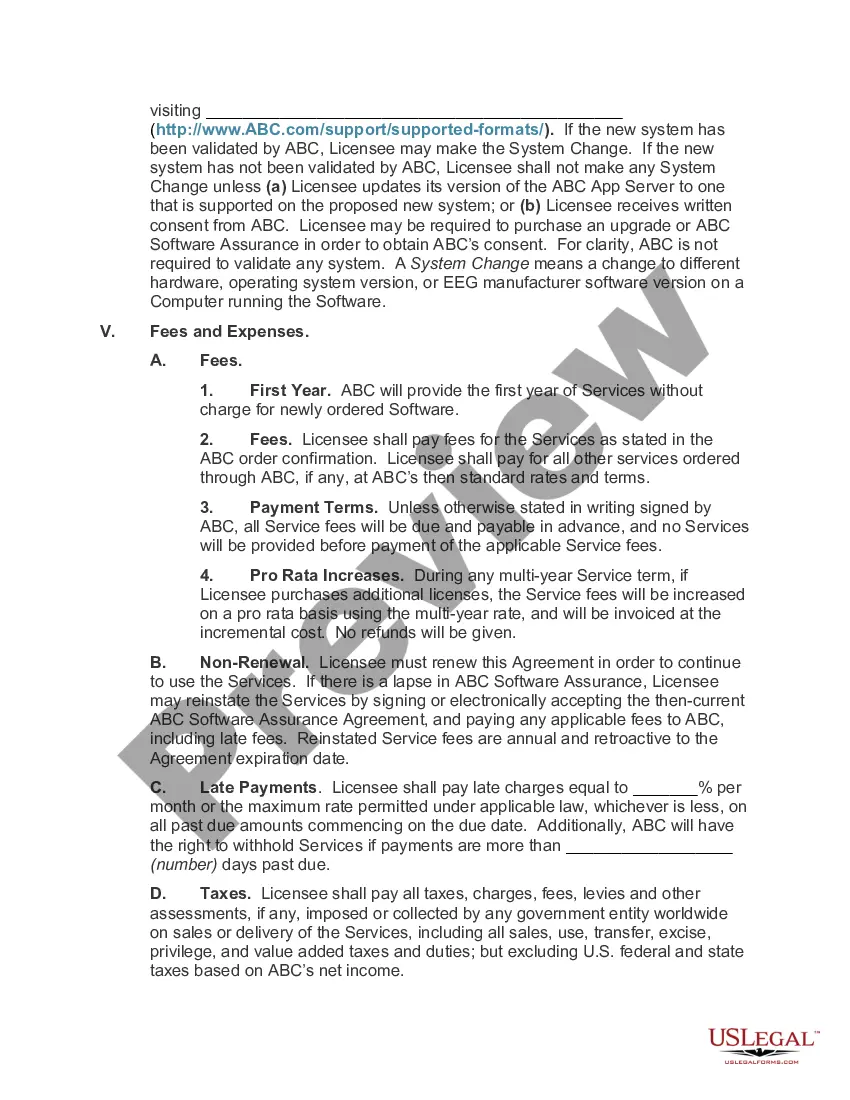
- Fees and payment terms to be adhered to by the licensee.
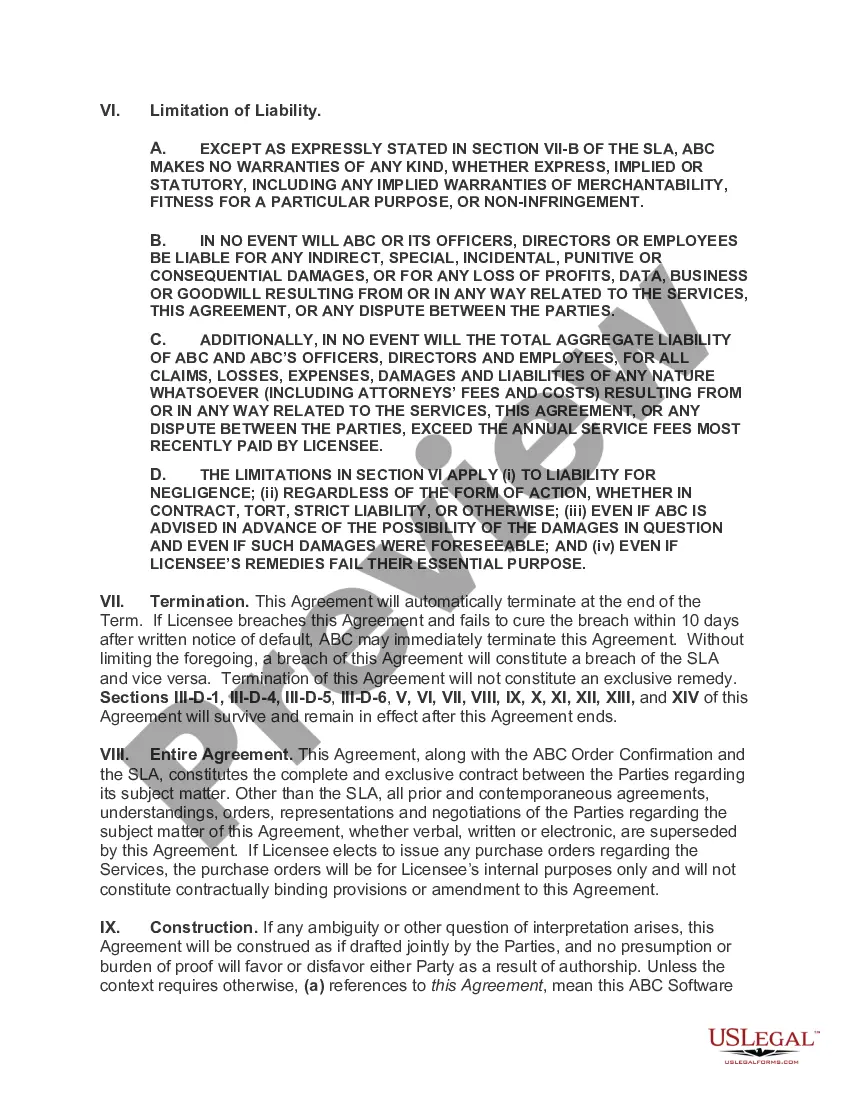
- Terms regarding liability and limitations of responsibility.
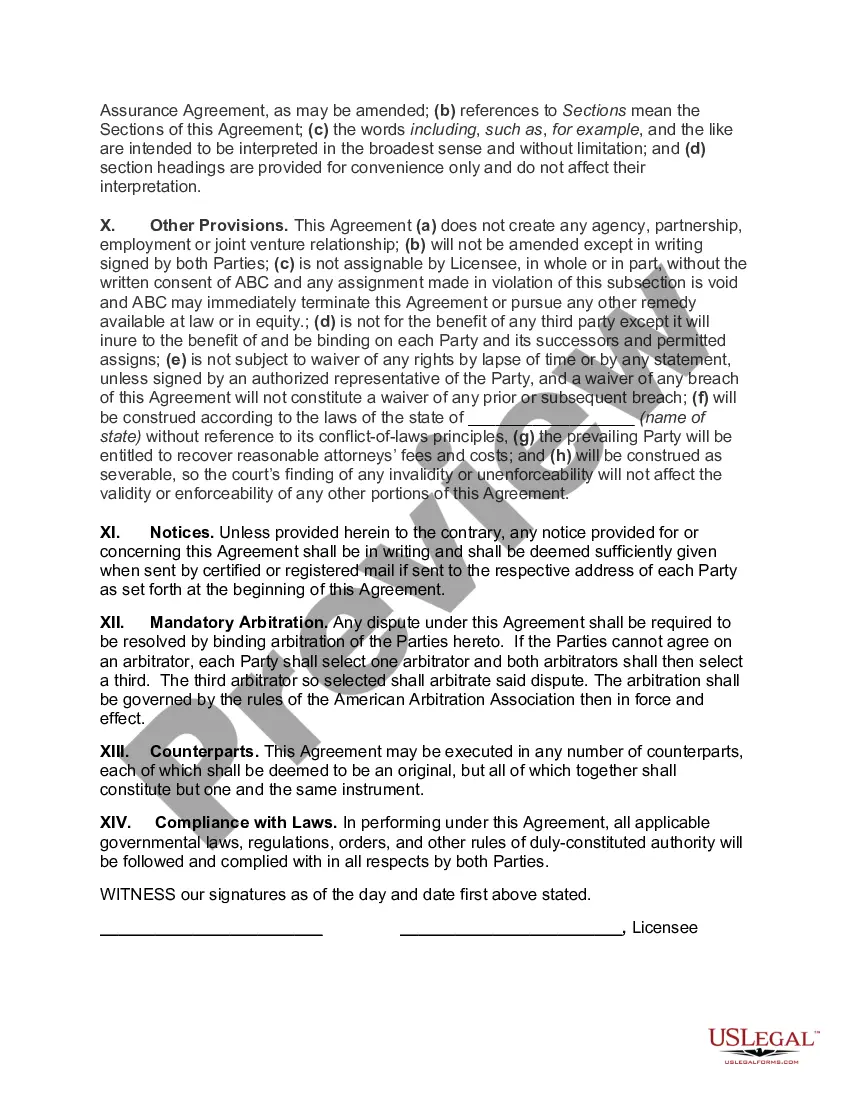
- Conditions under which the agreement may be terminated.
Situations where this form applies
This form should be used when entering into an agreement for software services that require ongoing support and updates. It is typically needed when a business intends to use specific software on a licensed basis and wants to ensure that it has assurance against vulnerabilities and proper functioning. This agreement is crucial for software that is critical to business operations or that contains sensitive data.
Who can use this document
- Businesses utilizing software services that require regular updates and support.
- Corporations entering into a licensing agreement for software with a vendor.
- Any organization that desires to formalize the terms of software assurance to protect against vulnerabilities.
How to complete this form
- Identify and enter the date of the agreement.
- Fill in the official names and addresses of both the provider and the licensee.
- Specify the term duration and any renewal conditions for the software services.
- Detail the roles of technical representatives from each party for ongoing communication.
- Outline the fees and payment schedule associated with the services offered.
- Both parties must sign the agreement to finalize the arrangement.
Does this form need to be notarized?
This form does not typically require notarization unless specified by local law.
Get your form ready online
Our built-in tools help you complete, sign, share, and store your documents in one place.
Make edits, fill in missing information, and update formatting in US Legal Forms—just like you would in MS Word.
Download a copy, print it, send it by email, or mail it via USPS—whatever works best for your next step.
Sign and collect signatures with our SignNow integration. Send to multiple recipients, set reminders, and more. Go Premium to unlock E-Sign.
If this form requires notarization, complete it online through a secure video call—no need to meet a notary in person or wait for an appointment.
We protect your documents and personal data by following strict security and privacy standards.

Make edits, fill in missing information, and update formatting in US Legal Forms—just like you would in MS Word.

Download a copy, print it, send it by email, or mail it via USPS—whatever works best for your next step.

Sign and collect signatures with our SignNow integration. Send to multiple recipients, set reminders, and more. Go Premium to unlock E-Sign.

If this form requires notarization, complete it online through a secure video call—no need to meet a notary in person or wait for an appointment.

We protect your documents and personal data by following strict security and privacy standards.
Common mistakes
- Failing to specify the term of the agreement, leading to confusion over service duration.
- Not detailing the responsibilities of the technical representative.
- Omitting payment terms, which can result in disputes over fees.
- Neglecting to obtain signatures from both parties, which may invalidate the agreement.
Benefits of using this form online
- Convenient access for downloading and completing the form from anywhere.
- Editability allows users to customize the agreement as needed.
- Reliability of using a legally vetted template created by licensed attorneys.
Summary of main points
- The Software Assurance Agreement defines the service terms for software assurance.
- It is essential for businesses to protect themselves against vulnerabilities in software.
- Detailed completion of the agreement ensures validity and clarity in the licensing relationship.
Looking for another form?
Form popularity
FAQ
2) Select Software Assurance from the top menu. 3) Select Training Vouchers. This will take you to the Manage Software Assurance Benefits page. 4) Click on the LicenseID under which you choose to activate your SA Training Voucher benefit and view the Benefits for Activation pane.
Can I add Software Assurance to an OEM/Retail product license? Yes, you can attach standalone Software Assurance coverage to an OEM/Retail product license, but you must do so within 90 days of purchasing the OEM/Retail (full packaged product) product license.
Software Assurance is a comprehensive Volume Licensing program that includes a unique set of technologies, services, and rights to help you deploy, manage, and use your Microsoft products more efficiently. Using Software Assurance benefits can help you take full advantage of your investments in IT.
For products that come with Microsoft Software Assurance, your organisation will receive benefits for two years from the time of your original donation request. Microsoft offers Software Assurance only with its volume licensing programs.
When the truth is that you only require software assurance on these products if you wish to make use of Roaming Use Rights. This would allow access by the primary user of a licensed device from a third-party device. If you only provide access to desktop applications to users from work devices, SA is not required.
Software assurance (SwA) is defined as "the level of confidence that software is free from vulnerabilities, either intentionally designed into the software or accidentally inserted at any time during its lifecycle, and that the software functions in the intended manner."
Software Assurance is only available through Volume Licensing and is purchased when you buy or renew a Volume Licensing agreement. It is included with some agreements and is an optional purchase with others. Your available benefits are determined by the types and quantity of products that you purchase.
To your agreement expiration date, your Software Assurance benefits will lapse. You will be required to repurchase one or more new licenses, along with new Software Assurance coverage, in order to be eligible for the benefits your company now enjoys.