Stop Annuity Request
What this document covers
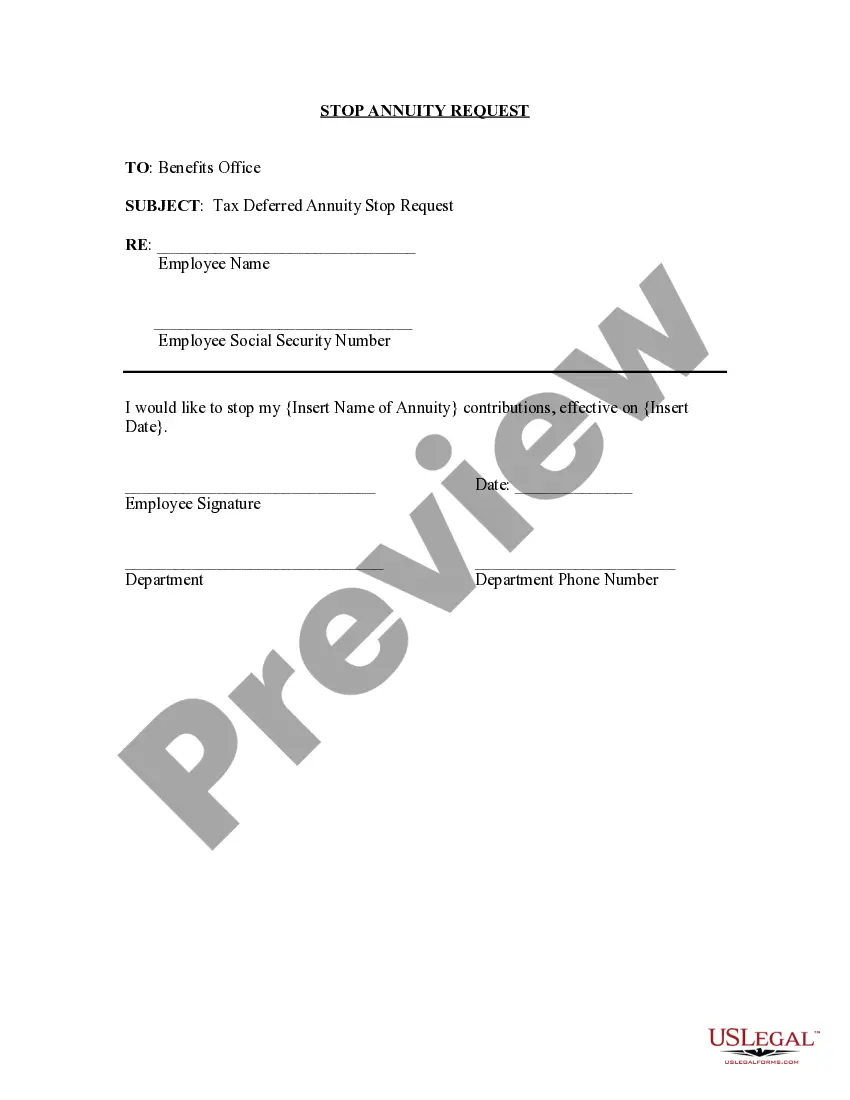
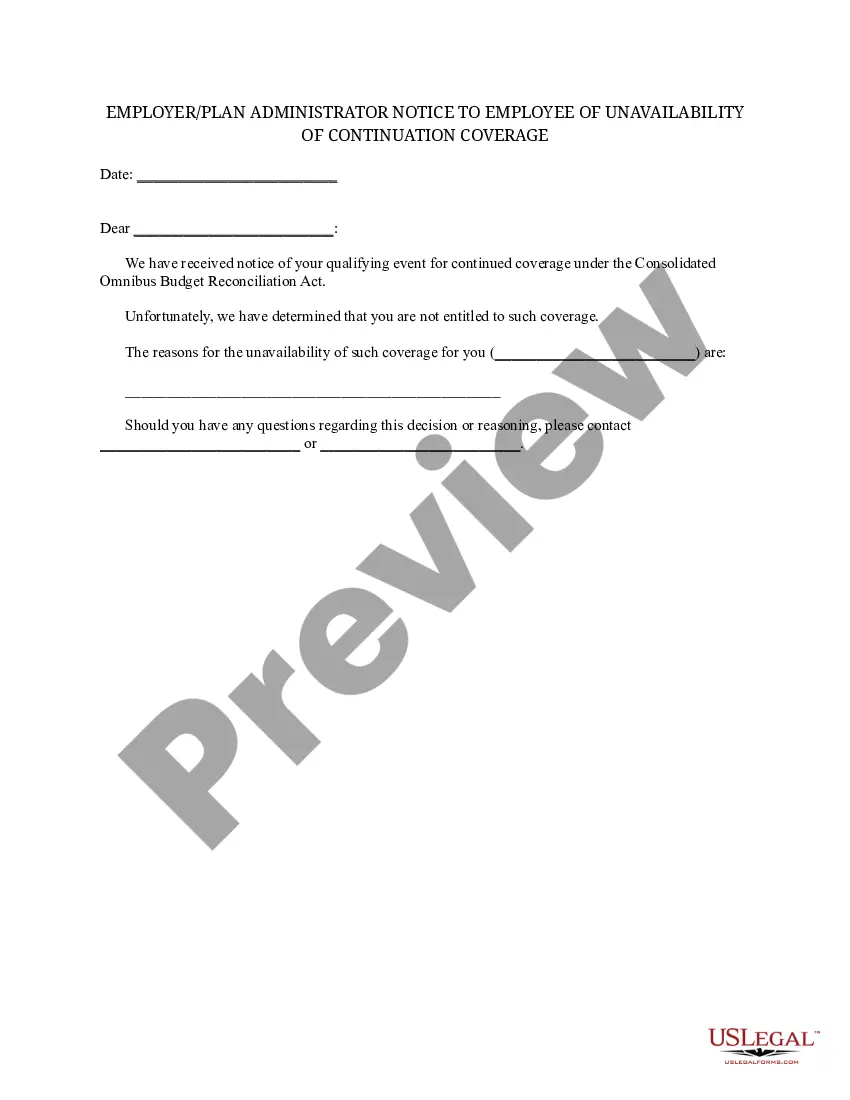
The Stop Annuity Request form is a legal document that enables an employee to officially request the cessation of annuity contributions from their payroll. This form is specifically used to communicate the discontinuation of contributions to a tax-deferred annuity, distinguishing it from other form types associated with employee benefits or retirement plans.
Key components of this form
- Employee Name: The name of the employee requesting to stop contributions.
- Employee Social Security Number: A unique identifier for the employee.
- Annuity Name: The specific annuity whose contributions are to be stopped.
- Effective Date: The date on which the stop of contributions will take effect.
- Employee Signature: Required acknowledgment from the employee to confirm the request.
- Department Information: Contact details for the relevant department handling the request.

Common use cases
This form should be utilized by employees who wish to stop their annuity contributions for various reasons, including changing financial circumstances, retirement planning, or changing employment status. It's essential to complete this form promptly to ensure that payroll adjustments are made by the desired effective date.
Intended users of this form
- Current employees who have established tax-deferred annuity contributions.
- Individuals looking to adjust their financial contributions to better suit their current situation.
- Employees approaching retirement who want to manage their retirement savings strategies.
- Any staff member undergoing employment changes that affect their payroll deductions.
Instructions for completing this form
- Enter your full name in the designated field.
- Provide your Social Security Number for identification purposes.
- Specify the name of the annuity you wish to stop contributions for.
- Indicate the effective date for stopping the contributions.
- Sign and date the form to authenticate your request.
- Include your department and contact number for follow-up.
Does this form need to be notarized?
This form usually doesn’t need to be notarized. However, local laws or specific transactions may require it. Our online notarization service, powered by Notarize, lets you complete it remotely through a secure video session, available 24/7.
Get your form ready online
Our built-in tools help you complete, sign, share, and store your documents in one place.
Make edits, fill in missing information, and update formatting in US Legal Forms—just like you would in MS Word.
Download a copy, print it, send it by email, or mail it via USPS—whatever works best for your next step.
Sign and collect signatures with our SignNow integration. Send to multiple recipients, set reminders, and more. Go Premium to unlock E-Sign.
If this form requires notarization, complete it online through a secure video call—no need to meet a notary in person or wait for an appointment.
We protect your documents and personal data by following strict security and privacy standards.

Make edits, fill in missing information, and update formatting in US Legal Forms—just like you would in MS Word.

Download a copy, print it, send it by email, or mail it via USPS—whatever works best for your next step.

Sign and collect signatures with our SignNow integration. Send to multiple recipients, set reminders, and more. Go Premium to unlock E-Sign.

If this form requires notarization, complete it online through a secure video call—no need to meet a notary in person or wait for an appointment.

We protect your documents and personal data by following strict security and privacy standards.
Mistakes to watch out for
- Failing to provide accurate information, such as your Social Security number or the name of the annuity.
- Not specifying an effective date for stopping contributions.
- Neglecting to sign the form, which may lead to processing delays.
- Submitting the form too late for the intended effective date.
Why complete this form online
- Convenience of completing the form at your own pace.
- Editability allows for correcting mistakes before final submission.
- Immediate access to the required form without needing to visit a physical location.
- Ensures compliance with current legal standards by providing a template reviewed by licensed attorneys.
What to keep in mind
- Use the Stop Annuity Request form to halt payroll contributions to an annuity.
- Ensure all required fields are completed, particularly the effective date and signature.
- Submit the form to the appropriate benefits office for processing.
Looking for another form?
Form popularity
FAQ
Many insurance companies allow annuity owners to withdraw up to 10 percent of their account value without paying a surrender charge. However, if you withdraw more than your contract allows, you may still have to pay a penalty even after the surrender period has ended.
Calculate your surrender charges. Nearly every annuity contract contains provisions allowing the insurance company to keep some of your money if you close the account too early. Fill out the paperwork. Contact the insurance company and get the forms required to close your account. Prepare for the tax bill.
Key Takeaways. When borrowing from an annuity, be prepared to pay an assortment of fees and penalties. The insurance company levies a penalty, called a surrender charge, on early withdrawals from an annuity. You may be able to borrow from the annuity without paying a penalty if you've held the contract long enough.
You can take your money out of an annuity at any time, but understand that when you do, you will be taking only a portion of the full annuity contract value.
Your annuity contract takes effect on the day that you sign the contract. In most states, you can generally get a refund and cancel the contract at any point during the 10 days immediately following the purchase date.
Cosma, Yes, you can make your retirement annuity paid-up. You need to inform Old Mutual of this, and you may incur a surrender penalty by doing so. Your paid-up retirement annuity will only be repaid to you if the balance is less than R7 000, otherwise you have to wait until you are 55 for your money.
You Can Get Cash Today Without Giving Up All Future Payments Selling a portion of your annuity is generally done by either forfeiting payments for a set time period, say one to three years, or selling a specific dollar amount for a lump sum.
Most annuities offer a surrender-free withdrawal option, available in each contract year. (Your contract year begins the day you sign the annuity contract and ends 364 days later.)If you do have a surrender charge, you may send your penalty-free withdrawal to another non-annuity IRA without paying tax as well.