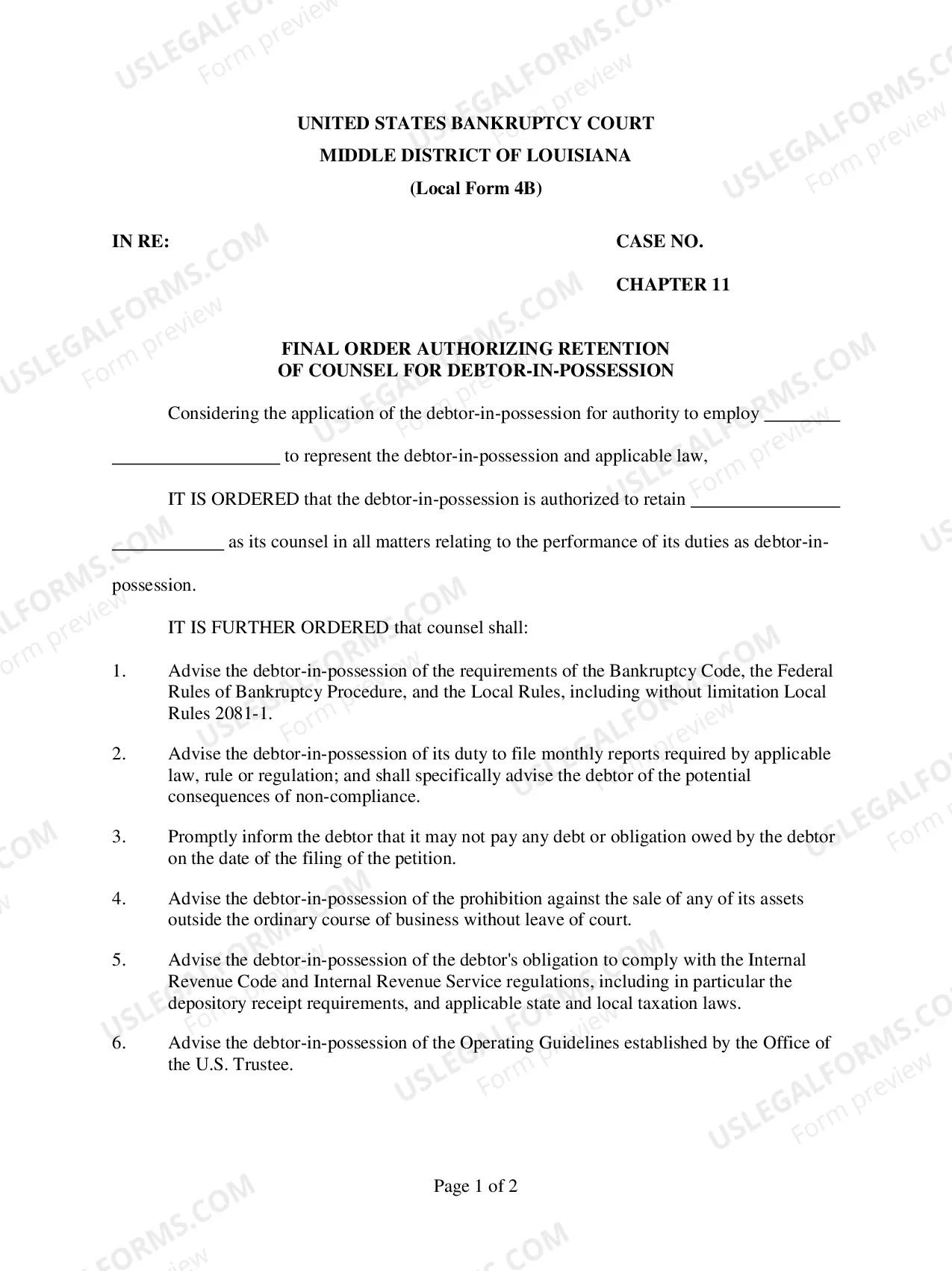
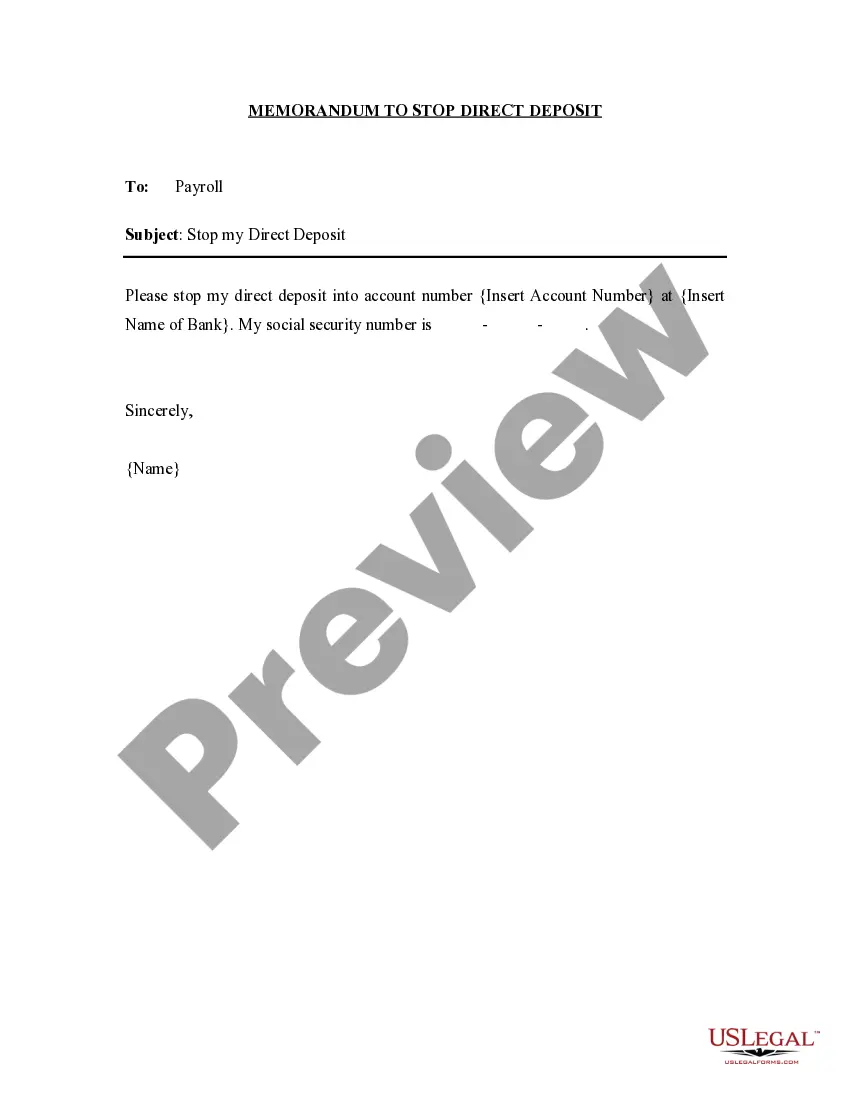
Memorandum to Stop Direct Deposit
Understanding this form
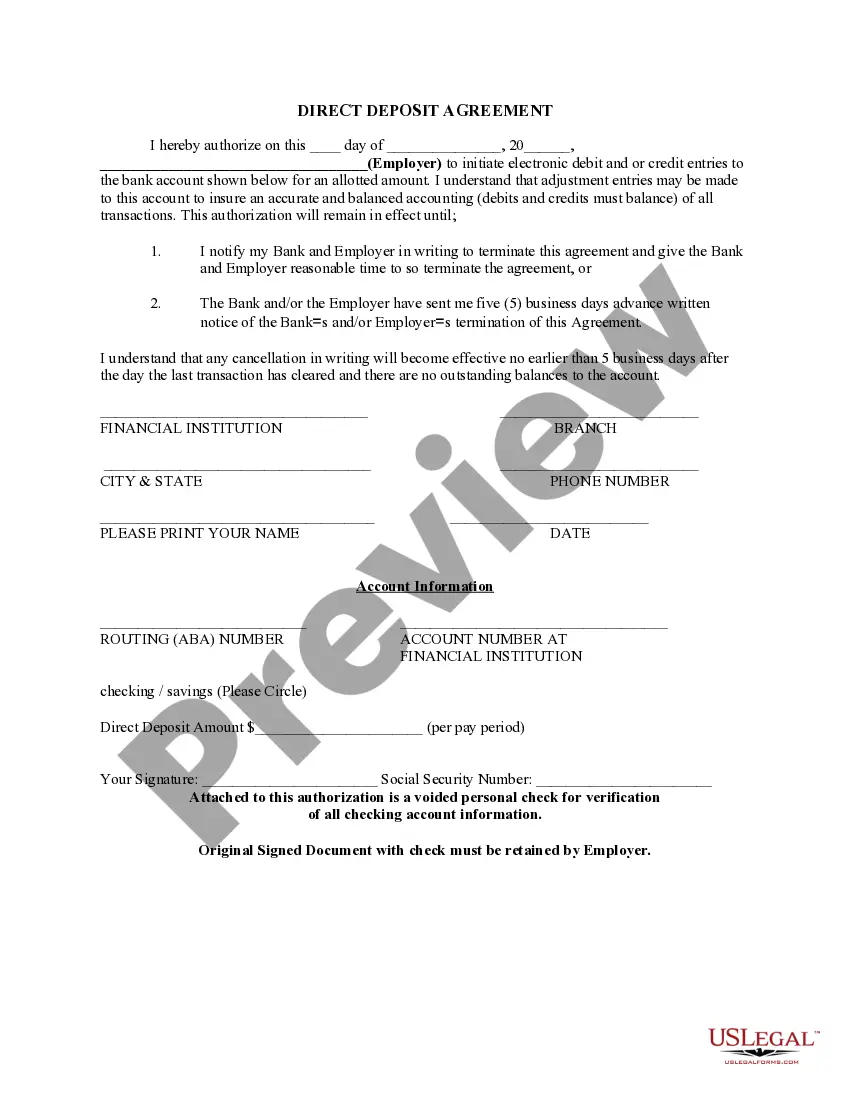
The Memorandum to Stop Direct Deposit is a legal document that allows an employee to formally instruct their employer's payroll department to halt all direct deposits into a specified bank account. This form is crucial for managing salary payments effectively and differs from other payroll-related documents by focusing specifically on the cessation of direct deposit transactions.
Key components of this form
- Employee details: Name, employee ID, and contact information.
- Bank account information: The specific account where direct deposits should be halted.
- Effective date: The date from which the stop payment applies.
- Signature: Employee's signature to authorize the request.
- Employer acknowledgment: A section for payroll to confirm receipt of the memo.

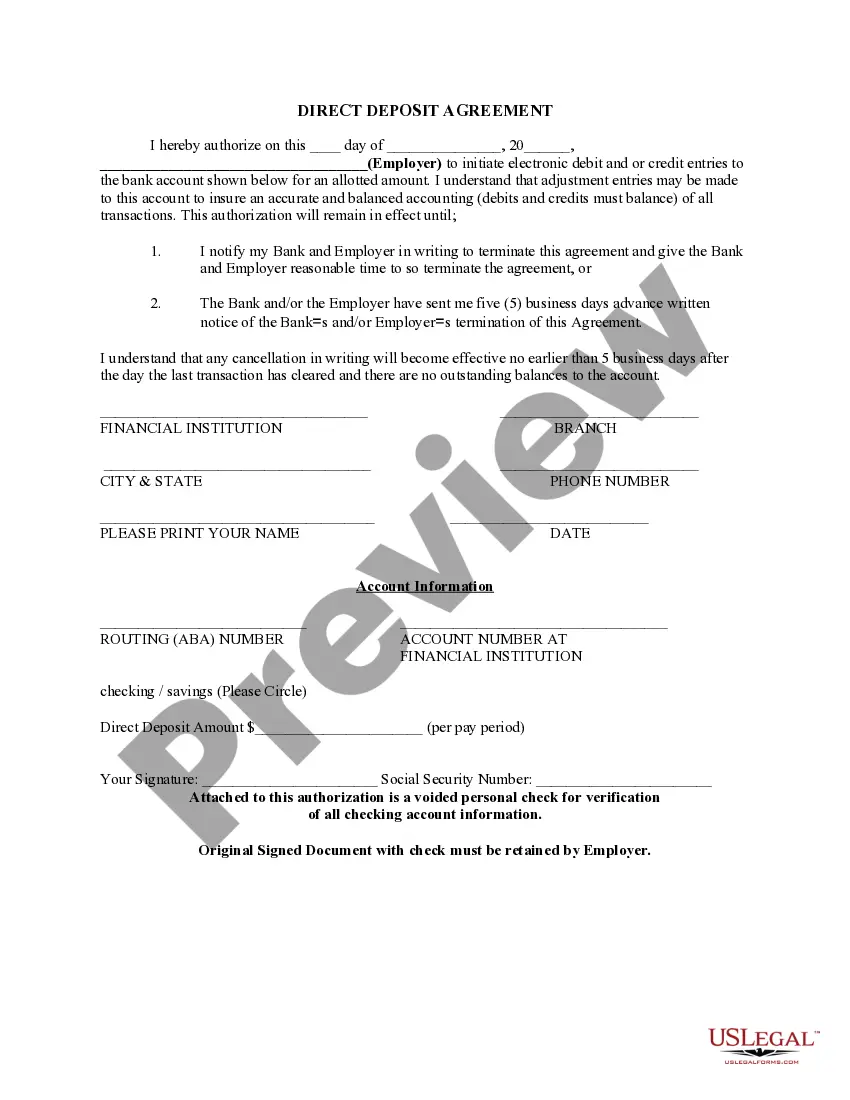
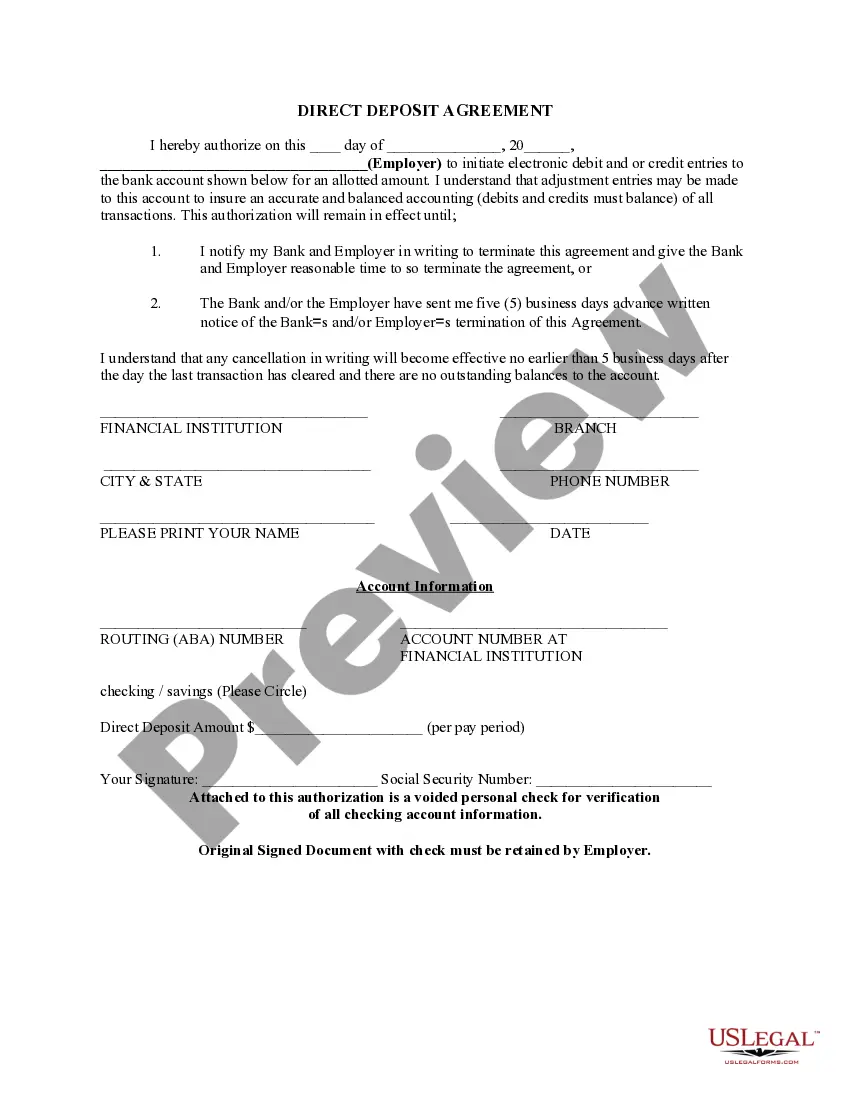

When to use this document
This form is typically used when an employee wishes to stop direct deposits due to reasons such as changing bank accounts, closing an existing account, or other personal financial decisions. It ensures that payroll is properly notified to prevent any unauthorized deposits into an account that is no longer valid.
Who this form is for
Eligible users of this form include:
- Employees of any organization who receive payments via direct deposit.
- Individuals managing changes in their banking information.
- Employees looking to prevent future deposits into an outdated account.
Completing this form step by step
- Identify the employee: Provide full name, employee ID, and contact details.
- Specify the account: Clearly indicate the bank account number that should be stopped.
- Enter the effective date: Write down the date from which the direct deposit should cease.
- Add your signature: Sign the memo to authorize the stop payment.
- Submit the form: Deliver the completed memorandum to the payroll department of your employer.
Does this form need to be notarized?
This form does not typically require notarization unless specified by local law. It is important for employees to check with their employer to ensure compliance with company policy regarding direct deposit requests.
Get your form ready online
Our built-in tools help you complete, sign, share, and store your documents in one place.
Make edits, fill in missing information, and update formatting in US Legal Forms—just like you would in MS Word.
Download a copy, print it, send it by email, or mail it via USPS—whatever works best for your next step.
Sign and collect signatures with our SignNow integration. Send to multiple recipients, set reminders, and more. Go Premium to unlock E-Sign.
If this form requires notarization, complete it online through a secure video call—no need to meet a notary in person or wait for an appointment.
We protect your documents and personal data by following strict security and privacy standards.

Make edits, fill in missing information, and update formatting in US Legal Forms—just like you would in MS Word.

Download a copy, print it, send it by email, or mail it via USPS—whatever works best for your next step.

Sign and collect signatures with our SignNow integration. Send to multiple recipients, set reminders, and more. Go Premium to unlock E-Sign.

If this form requires notarization, complete it online through a secure video call—no need to meet a notary in person or wait for an appointment.

We protect your documents and personal data by following strict security and privacy standards.
Typical mistakes to avoid
- Not providing complete employee or account information.
- Failing to include an effective date for the cessation of deposits.
- Not signing the form before submission.
- Submitting the form without notifying payroll in advance.
Advantages of online completion
- Convenience: Easily download the form from anywhere at any time.
- Editability: Customize the form to fit individual circumstances securely.
- Reliability: Ensure your request for stopping direct deposit is documented properly.
- This memorandum serves as a formal record of the employee's request to stop direct deposits.
- It should be submitted directly to the payroll department for processing.
- Employers are generally required to comply with the request in a timely manner, as per employment laws.
Summary of main points
- The Memorandum to Stop Direct Deposit is essential for employees needing to discontinue their direct deposits.
- Complete all sections accurately to avoid processing delays.
- This form can be used across various states, keeping in mind local payroll practices.
Looking for another form?


Form popularity
FAQ
An employer can stop direct deposit. However, the employer must still pay wages in the time allowed by law. Speak to your personnel department to find out whey the employer stopped the direct deposit.
Both manual and direct deposit checks can be voided.) Mark the box to confirm action. Select Void Paycheck.
A prenote (or prenotification) is a zero dollar test to validate the employee bank account information. Prenotes are sent and verified before direct deposit payroll can be processed.After the bank routing and account numbers are entered, the prenote status is pending.
Yes, it can be done however you need to contact your employer and provide them with the updated information in order for the direct deposit to be posted to the new account.
Direct deposit requests normally take anywhere from 2-3 business days as long as there are no errors with your account information. If the account or routing number is incorrect, it takes 5 business days for the bank to reject the request.
The company will not issue a check or forward the money to another account until the direct deposit funds are returned. The bank's policy determines the time frame during which the funds must be sent back to the sender, which may range from five to seven days or seven to 10 days.
The Electronic Fund Transfer Act (EFTA), also known as federal Regulation E, permits employers to make direct deposit mandatory, as long as the employee is able to choose the bank that his or her wages will be deposited into. Alternatively, employers can choose the bank that employees must use for direct deposit.
Cancellation by the Financial Institution: The financial institution receiving the direct deposits may cancel direct deposit. The institution must provide you and your payroll office 30 days written notice of the cancellation. The cancellation will not take effect until the Research Foundation processes it.
Yes. The national NACHA (The Electronic Payments Association) guidelines say that an employer is permitted to reverse a direct deposit within five business days.Once five business days pass, the employer is no longer allowed to reverse the direct deposit.
Take an unused check from your checkbook for the account into which you want the funds deposited. Use a black pen or marker and write "VOID" in large letters across the front of the blank check. Submit your voided check, along with the completed direct deposit authorization form, to your employer.