Employer - Plan Administrator Notice to Employee of Unavailability of Continuation
Understanding this form
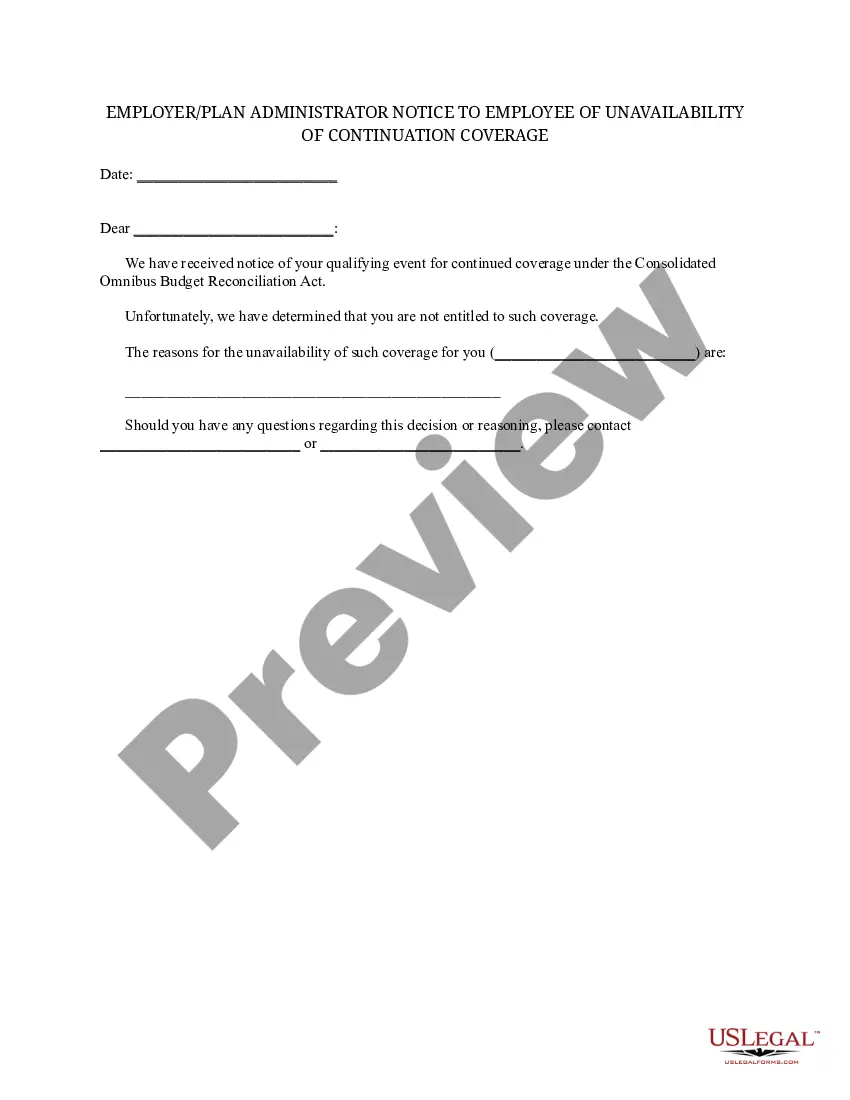
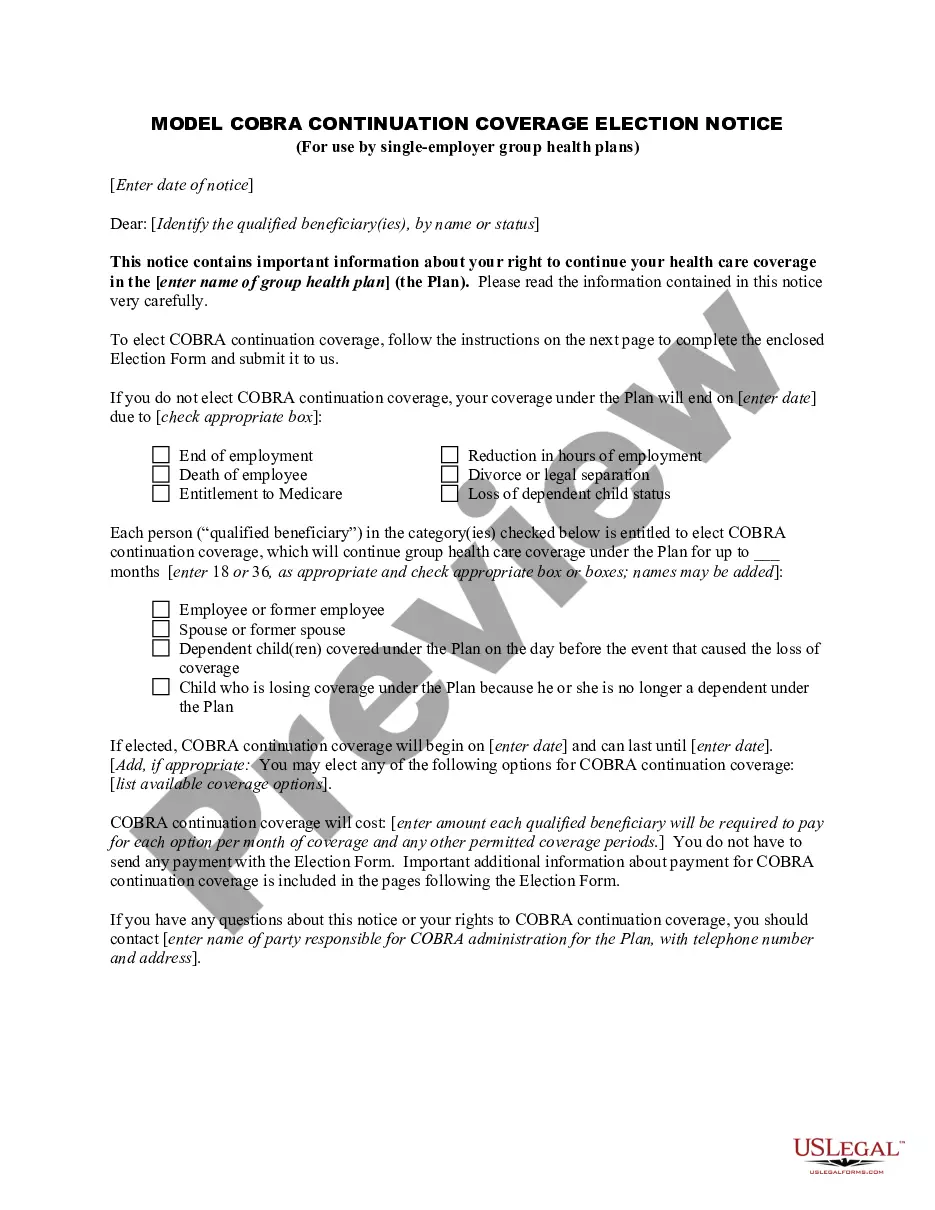
The Employer - Plan Administrator Notice to Employee of Unavailability of Continuation is a legal document used to inform employees that they do not qualify for continued health insurance coverage under the Consolidated Omnibus Budget Reconciliation Act (COBRA). This form specifies the reasons for the unavailability of coverage and is critical for employers to communicate clearly with their employees regarding their health benefits eligibility after a qualifying event.
Form components explained
- Employee Name: The name of the employee who is being notified.
- Qualifying Event: Description of the qualifying event that prompted the notice.
- Reasons for Unavailability: Details outlining why the employee is not entitled to COBRA coverage.
- Contact Information: Names of the company executive and plan administrator for any inquiries regarding the notice.
- Date: The date the notice is issued to the employee.

When this form is needed
This form should be used when an employee experiences a qualifying event but is determined to be ineligible for COBRA continuation coverage. Such situations may include termination from employment for reasons other than gross misconduct or a significant reduction in hours that does not lead to loss of health coverage.
Intended users of this form
- Employers who provide health insurance to employees and are subject to COBRA regulations.
- Plan administrators responsible for managing employee benefits.
- Human resources personnel tasked with communicating benefits changes to employees.
Instructions for completing this form
- Enter the date of the notice in the designated field.
- Fill in the employee's name to personalize the notice.
- Clearly state the qualifying event that triggered the COBRA eligibility review.
- Detail the reasons for unavailability of COBRA coverage.
- Provide contact information for both the company executive and the plan administrator.
- Ensure the form is signed by the relevant parties before issuing it to the employee.
Is notarization required?
This form usually doesn’t need to be notarized. However, local laws or specific transactions may require it. Our online notarization service, powered by Notarize, lets you complete it remotely through a secure video session, available 24/7.
Get your form ready online
Our built-in tools help you complete, sign, share, and store your documents in one place.
Make edits, fill in missing information, and update formatting in US Legal Forms—just like you would in MS Word.
Download a copy, print it, send it by email, or mail it via USPS—whatever works best for your next step.
Sign and collect signatures with our SignNow integration. Send to multiple recipients, set reminders, and more. Go Premium to unlock E-Sign.
If this form requires notarization, complete it online through a secure video call—no need to meet a notary in person or wait for an appointment.
We protect your documents and personal data by following strict security and privacy standards.

Make edits, fill in missing information, and update formatting in US Legal Forms—just like you would in MS Word.

Download a copy, print it, send it by email, or mail it via USPS—whatever works best for your next step.

Sign and collect signatures with our SignNow integration. Send to multiple recipients, set reminders, and more. Go Premium to unlock E-Sign.

If this form requires notarization, complete it online through a secure video call—no need to meet a notary in person or wait for an appointment.

We protect your documents and personal data by following strict security and privacy standards.
Common mistakes to avoid
- Failing to notify the employee promptly after the qualifying event.
- Leaving out necessary contact information for follow-up questions.
- Not specifying the reasons for unavailability clearly.
- Using incorrect or outdated version of the form.
Why use this form online
- Convenience of downloading and completing the form at your own pace.
- Editable templates that can easily be customized for different employees.
- Quick access to the latest legal requirements and updates.
- Reliable storage and retrieval options for record-keeping purposes.
Legal use & context
- This notice is a required communication under COBRA for employees not entitled to continuation coverage.
- Failure to provide this notice may lead to legal challenges from employees who believe they are eligible.
What to keep in mind
- The Employer - Plan Administrator Notice is essential for notifying employees about their COBRA eligibility.
- It must include clear reasons for denial of coverage to ensure compliance with federal regulations.
- Correct completion can avoid misunderstandings and improve communication between employers and employees.
Looking for another form?

Form popularity
FAQ
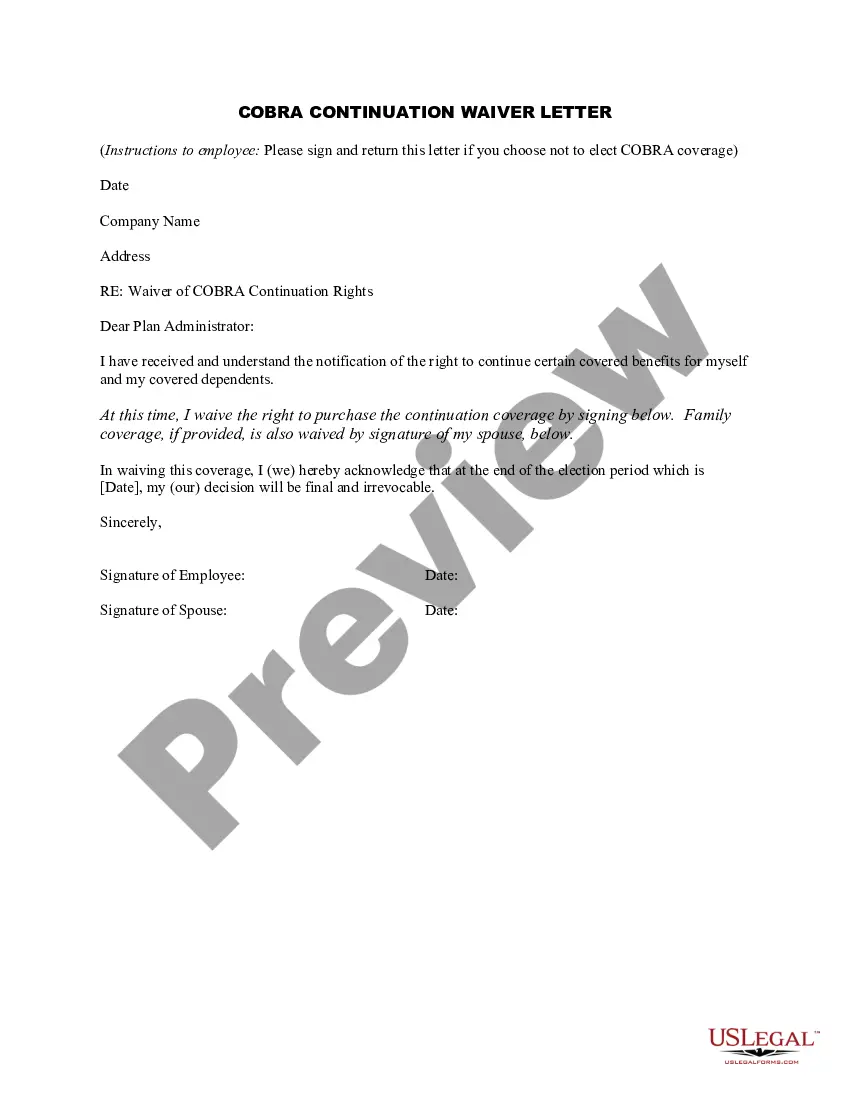
COBRA (Consolidated Omnibus Budget Reconciliation Act of 1985) is a federal law that requires employers of 20 or more employees who offer health care benefits to offer the option of continuing this coverage to individuals who would otherwise lose their benefits due to termination of employment, reduction in hours or
Employers do not have to offer COBRA coverage to: Employees who are not yet eligible for a group health plan. Eligible employees who declined to participate in a group health plan. Individuals who are enrolled for benefits under Medicare.
An employer that is subject to COBRA requirements is required to notify its group health plan administrator within 30 days after an employee's employment is terminated, or employment hours are reduced.
COBRA (Consolidated Omnibus Budget Reconciliation Act of 1985) is a federal law that requires employers of 20 or more employees who offer health care benefits to offer the option of continuing this coverage to individuals who would otherwise lose their benefits due to termination of employment, reduction in hours or
The employer must notify the plan within 30 days of the event. You (the covered employee or one of the qualified beneficiaries) must notify the plan if the qualifying event is divorce, legal separation, or a child's loss of dependent status under the plan.
If a plan does not comply with COBRA, the employer maintaining the plan may be liable for a tax penalty of $100 per employee or family member (up to $200 per family) for each day of noncompliance, subject to a statutory limit of up to $500,000 for unintentional violations that are due to reasonable cause and not
Employers who fail to comply with the COBRA requirements can be required to pay a steep price. Failure to provide the COBRA election notice within this time period can subject employers to a penalty of up to $110 per day, as well as the cost of medical expenses incurred by the qualified beneficiary.
Notifying all eligible group health care participants of their COBRA rights. Providing timely notice of COBRA eligibility, enrollment forms, duration of coverage and terms of payment after a qualifying event has occurred.
Generally, when an employer fails to offer COBRA coverage, it must send the election notice and offer the coverage retroactively. However, if the offer is extremely late meaning the maximum coverage period has ended the employer may offer coverage going forward.