Information Technology Course Tracking Form
Overview of this form
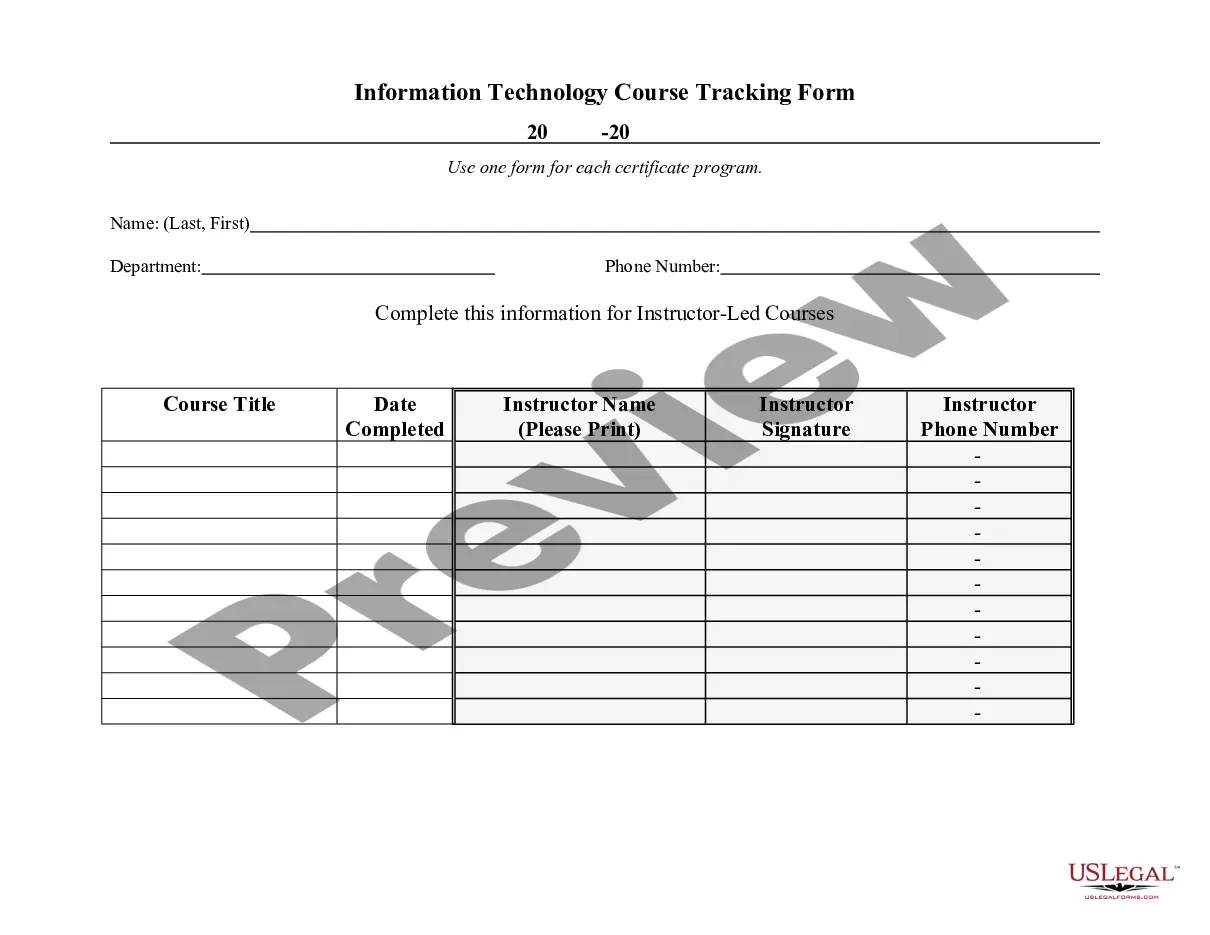
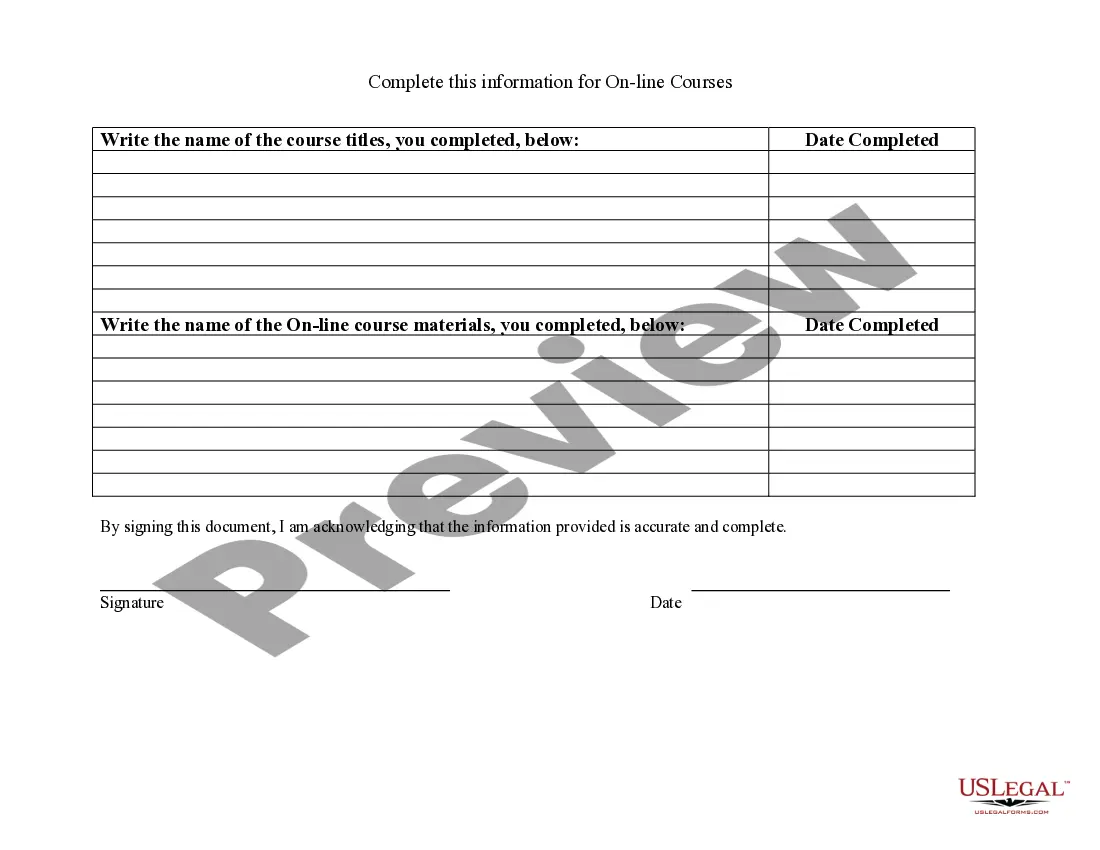
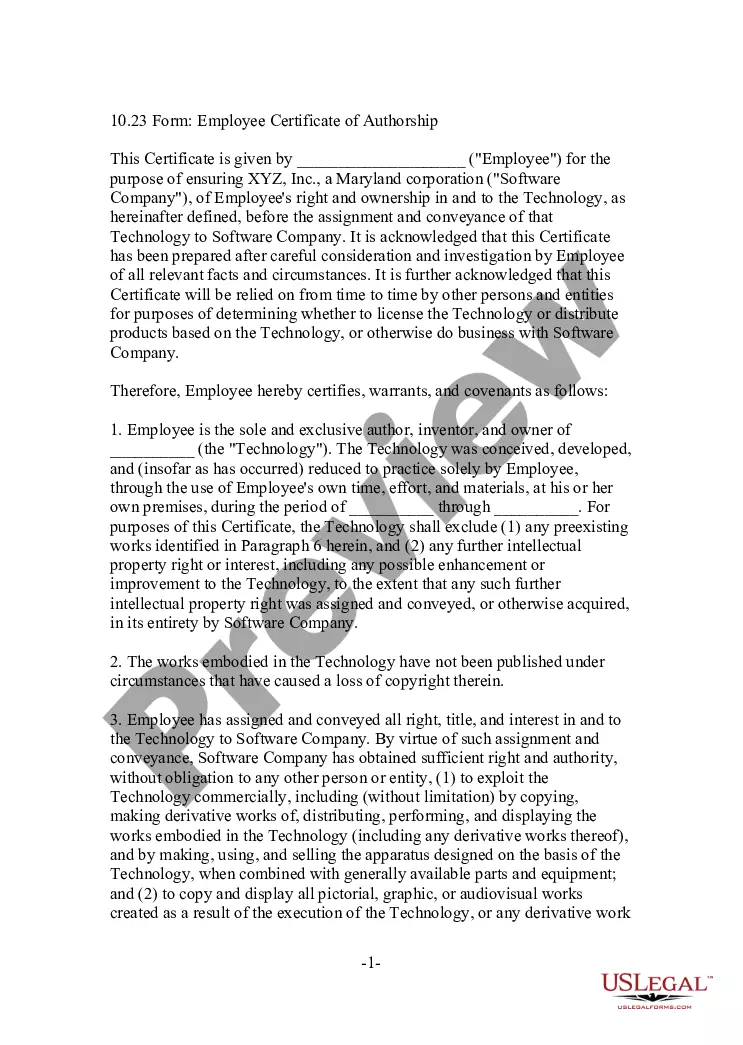
The Information Technology Course Tracking Form is a document designed for employees seeking certification in various information technology skills. This form is essential for employees to record their progress and completion of relevant training courses, ensuring they meet necessary qualifications. Unlike other certification forms, this document specifically focuses on tracking IT course completion, making it tailored for those in the technology sector.
What’s included in this form
- Employee information section: Includes name, department, and contact details.
- Course details: Fields to specify each course title, completion date, and instructor.
- Certification status: Section to indicate if certification has been achieved for the listed courses.
- Additional comments: Space for notes or remarks regarding the courses or skills acquired.


When this form is needed
This form should be filled out when an employee completes an information technology course that leads to certification. It is typically used when documenting skills training within an organization, applying for new positions, or during performance evaluations where IT skills are critical.
Intended users of this form
- Employees of an organization seeking certification in IT skills.
- Human resources personnel who manage training and development records.
- IT managers looking to track employee qualifications and skills development.
Steps to complete this form
- Enter your full name and contact information in the employee information section.
- List each IT course you have completed along with the corresponding completion date and instructor.
- Indicate whether you received certification for each course by checking the appropriate box.
- Add any relevant comments about your training or skills in the comments section.
- Review your entries for accuracy before submitting the form to your supervisor or HR.
Does this document require notarization?
This form does not typically require notarization unless specified by local law.
Get your form ready online
Our built-in tools help you complete, sign, share, and store your documents in one place.
Make edits, fill in missing information, and update formatting in US Legal Forms—just like you would in MS Word.
Download a copy, print it, send it by email, or mail it via USPS—whatever works best for your next step.
Sign and collect signatures with our SignNow integration. Send to multiple recipients, set reminders, and more. Go Premium to unlock E-Sign.
If this form requires notarization, complete it online through a secure video call—no need to meet a notary in person or wait for an appointment.
We protect your documents and personal data by following strict security and privacy standards.

Make edits, fill in missing information, and update formatting in US Legal Forms—just like you would in MS Word.

Download a copy, print it, send it by email, or mail it via USPS—whatever works best for your next step.

Sign and collect signatures with our SignNow integration. Send to multiple recipients, set reminders, and more. Go Premium to unlock E-Sign.

If this form requires notarization, complete it online through a secure video call—no need to meet a notary in person or wait for an appointment.

We protect your documents and personal data by following strict security and privacy standards.
Common mistakes to avoid
- Neglecting to include all completed courses.
- Providing incorrect completion dates.
- Forgetting to sign and date the form before submission.
Benefits of using this form online
- Convenience of downloading and completing the form from anywhere.
- Easy editing features to ensure all information is accurate.
- Access to legally vetted templates crafted by licensed attorneys.
Legal use & context
- This form is primarily for internal documentation and does not serve as a legally binding contract.
- Ensure all provided information is accurate to avoid any discrepancies in certification applications.
Main things to remember
- The Information Technology Course Tracking Form is essential for documenting IT course completion.
- This form is primarily used by employees seeking certification in IT skills.
- Accurate completion of the form can enhance career advancement opportunities.