Employee Key and Card Request
Understanding this form
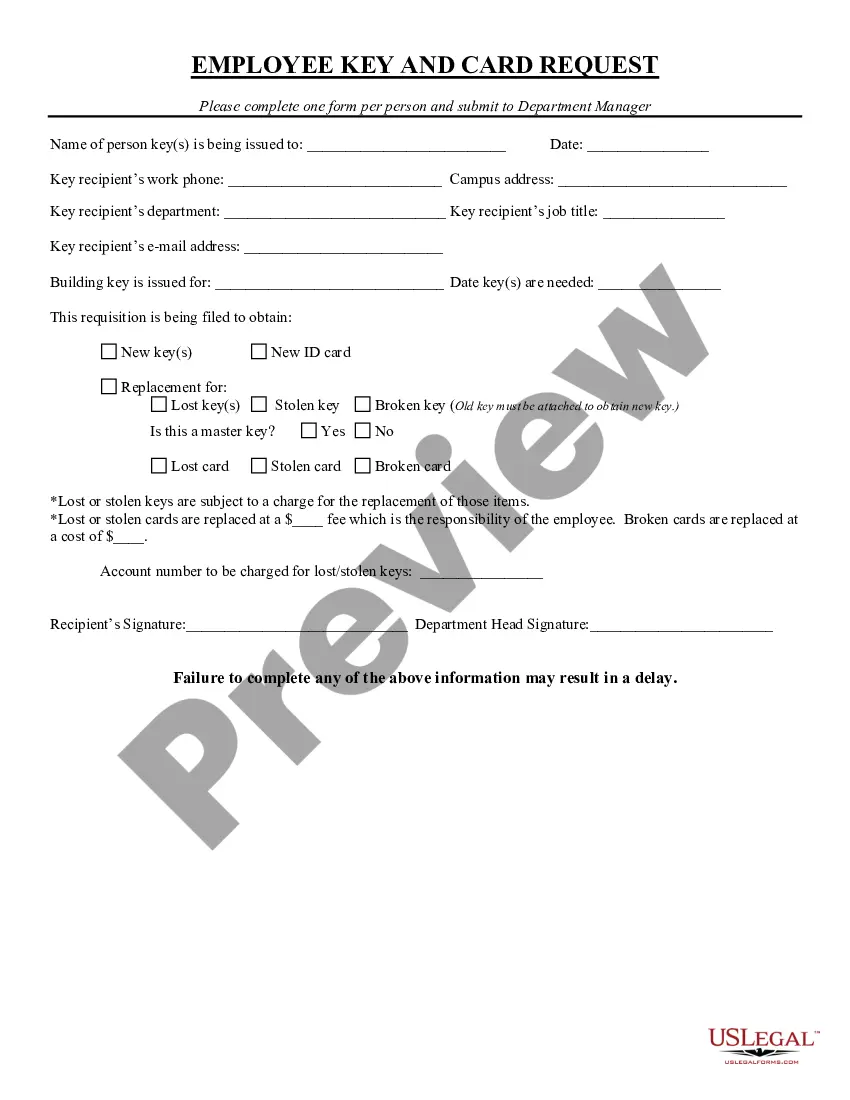
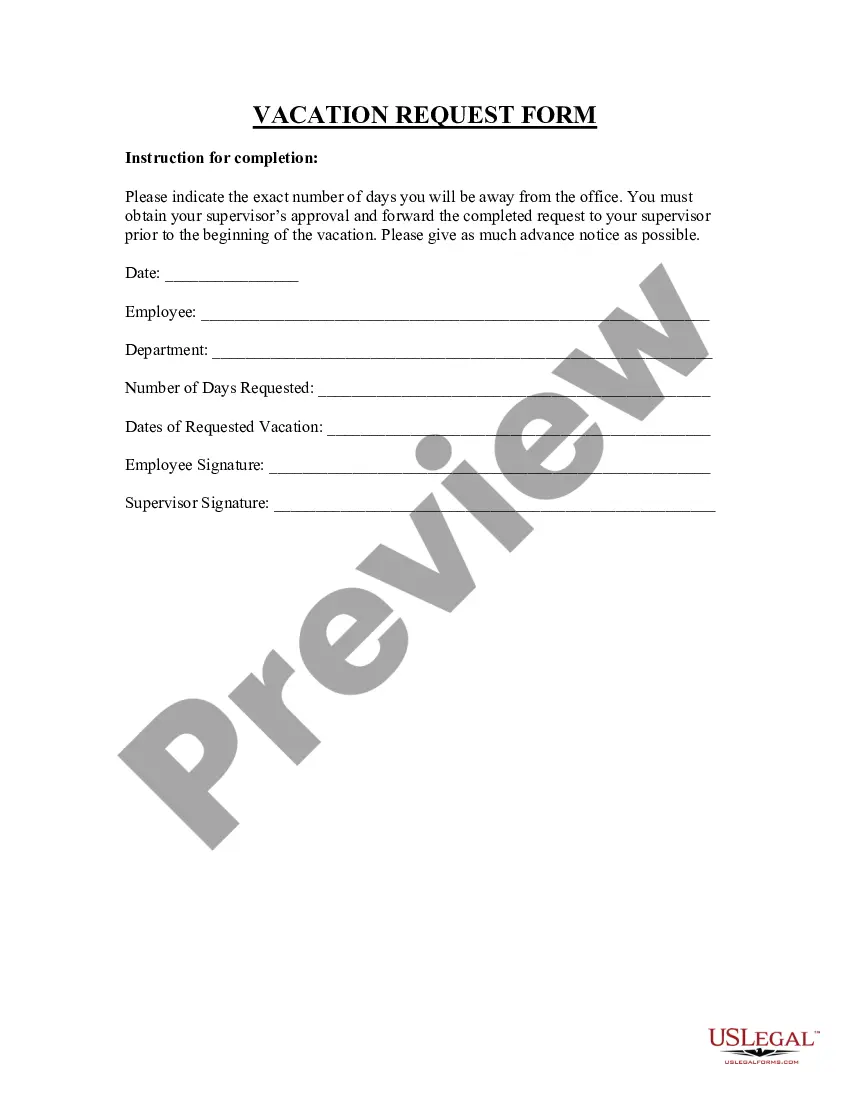
The Employee Key and Card Request form is a document used to order keys and request ID cards for employees. This form is essential for maintaining security and access within an organization, allowing employers to track and manage the distribution of keys and ID cards, which differ from other general requisition forms by focusing specifically on access and identification needs in the workplace.
What’s included in this form
- Name of the person receiving the key(s)
- Date of the request
- Key recipient's work phone, email, and job title
- Campus address of the key recipient
- Building the key is issued for
- Purpose of the request (new or replacement keys and cards)
- Information regarding lost or stolen keys and cards
- Account number for charges related to lost items
- Signatures from the key recipient and department head



When to use this document
This form should be used whenever an employee requires a new key or ID card, whether for initial access or as a replacement due to loss, theft, or damage. It is particularly important during onboarding or when an employee's role within the organization changes, necessitating new access rights. To ensure security, departments must regularly assess and update key distributions.
Intended users of this form
This form is intended for:
- Department managers who are responsible for issuing keys and ID cards
- Employees requesting access through a new key or a replacement for lost, stolen, or damaged keys and ID cards
- Administrators handling security and access control
How to prepare this document
- Start by entering the name of the individual receiving the key(s).
- Fill in the date of the request.
- Provide the recipient's work contact information, including phone and email, as well as their job title and department.
- Specify the building for which the key is being requested and the date by which the key is needed.
- Indicate whether the request is for new keys, replacements, or if a master key is needed.
- Obtain signatures from both the recipient and the department head before submission to ensure authorization.
Does this form need to be notarized?
In most cases, this form does not require notarization. However, some jurisdictions or signing circumstances might. US Legal Forms offers online notarization powered by Notarize, accessible 24/7 for a quick, remote process.
Get your form ready online
Our built-in tools help you complete, sign, share, and store your documents in one place.
Make edits, fill in missing information, and update formatting in US Legal Forms—just like you would in MS Word.
Download a copy, print it, send it by email, or mail it via USPS—whatever works best for your next step.
Sign and collect signatures with our SignNow integration. Send to multiple recipients, set reminders, and more. Go Premium to unlock E-Sign.
If this form requires notarization, complete it online through a secure video call—no need to meet a notary in person or wait for an appointment.
We protect your documents and personal data by following strict security and privacy standards.

Make edits, fill in missing information, and update formatting in US Legal Forms—just like you would in MS Word.

Download a copy, print it, send it by email, or mail it via USPS—whatever works best for your next step.

Sign and collect signatures with our SignNow integration. Send to multiple recipients, set reminders, and more. Go Premium to unlock E-Sign.

If this form requires notarization, complete it online through a secure video call—no need to meet a notary in person or wait for an appointment.

We protect your documents and personal data by following strict security and privacy standards.
Common mistakes
- Failing to include the recipient's contact information.
- Not specifying the exact type of request (new, replacement, etc.).
- Forgetting to obtain necessary signatures before submission.
- Missing the deadline for key requests.
Benefits of using this form online
- Convenience of downloading and completing the form at your own pace.
- Easy access to updates and revisions, ensuring you always use the latest version.
- Secure storage of completed forms can facilitate tracking and accountability.
Quick recap
- The Employee Key and Card Request form is crucial for maintaining security access in the workplace.
- Complete all fields accurately to avoid processing delays.
- Signatures from both the recipient and the department head are necessary for authorization.
- Utilizing this form online offers additional convenience and ensures access to the latest version.