Resolution Authorizing Corporation to Apply for Certificate of Qualification
About this form
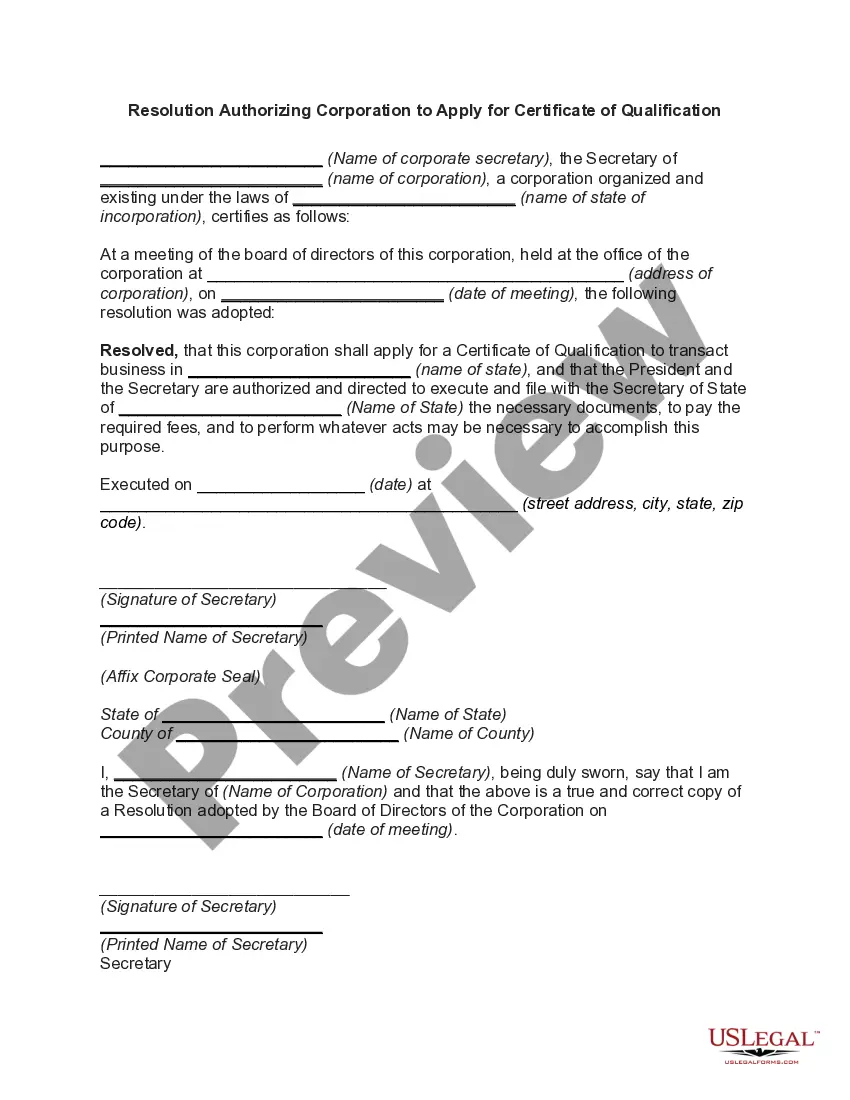
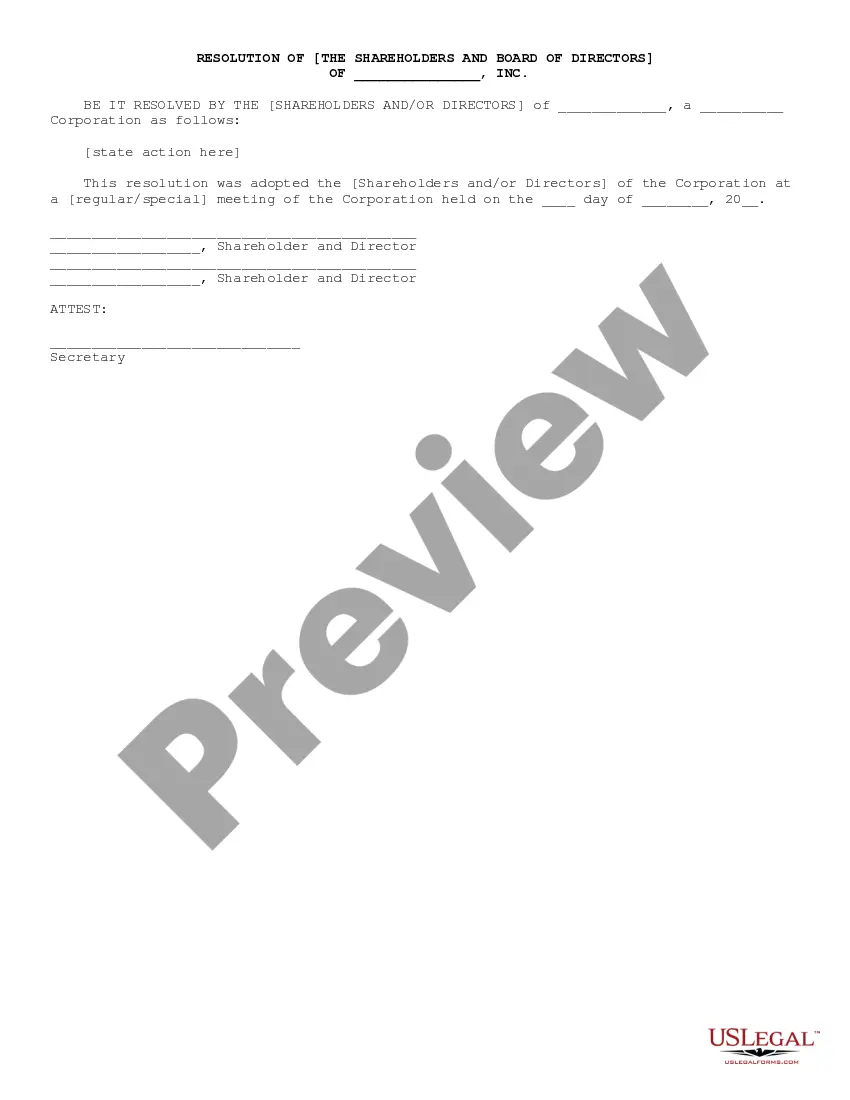
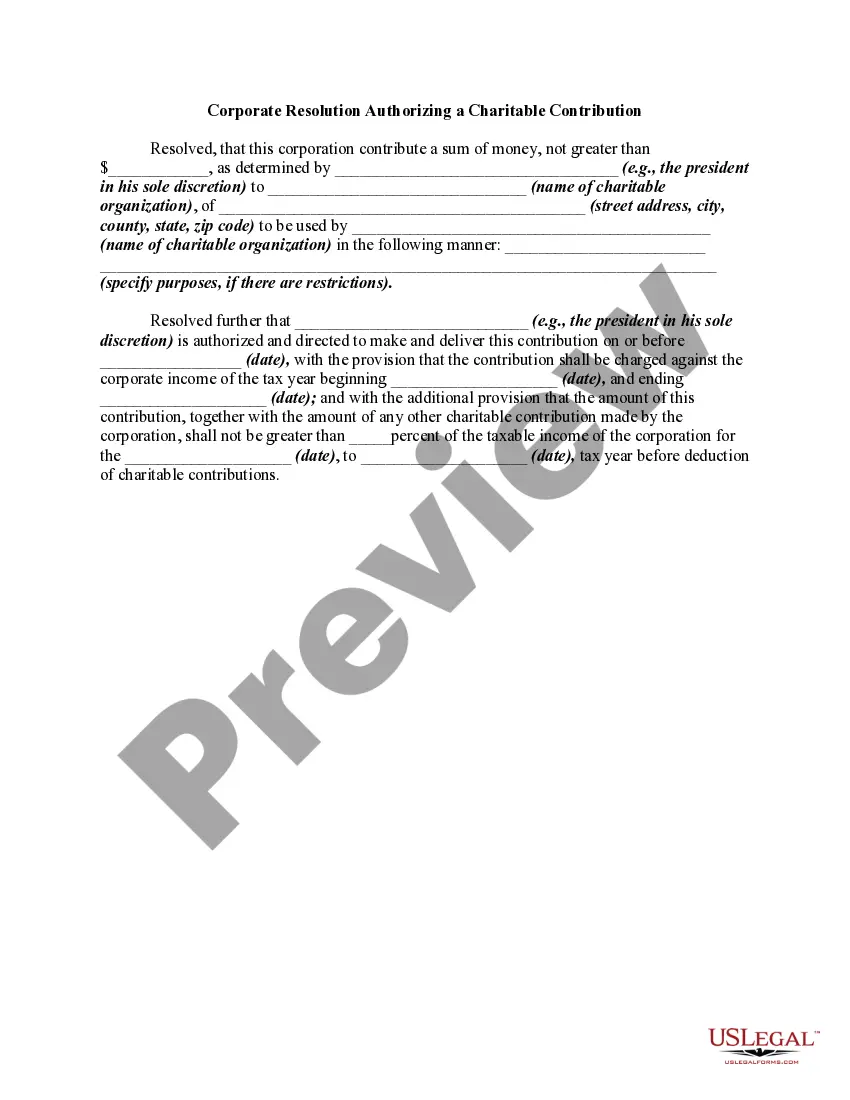
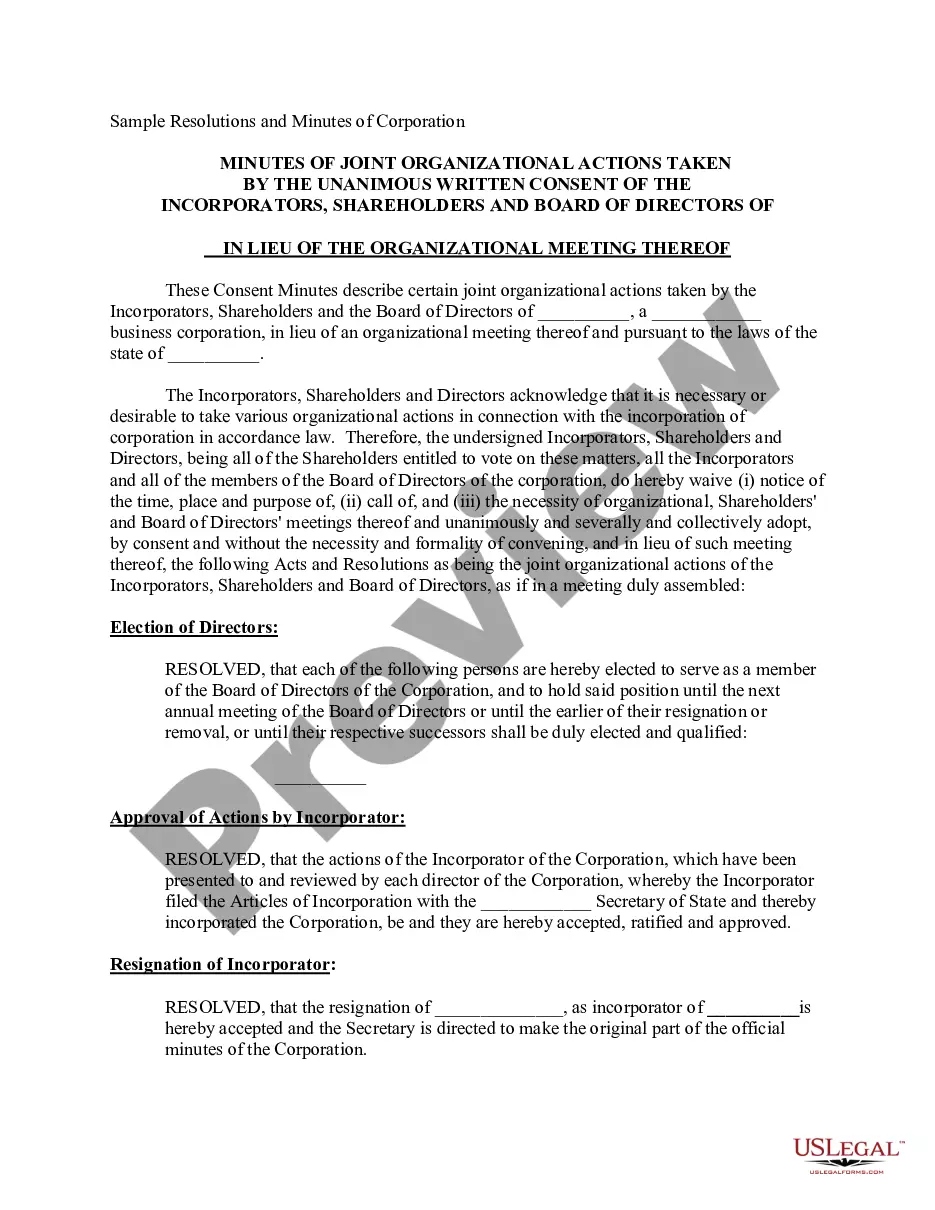
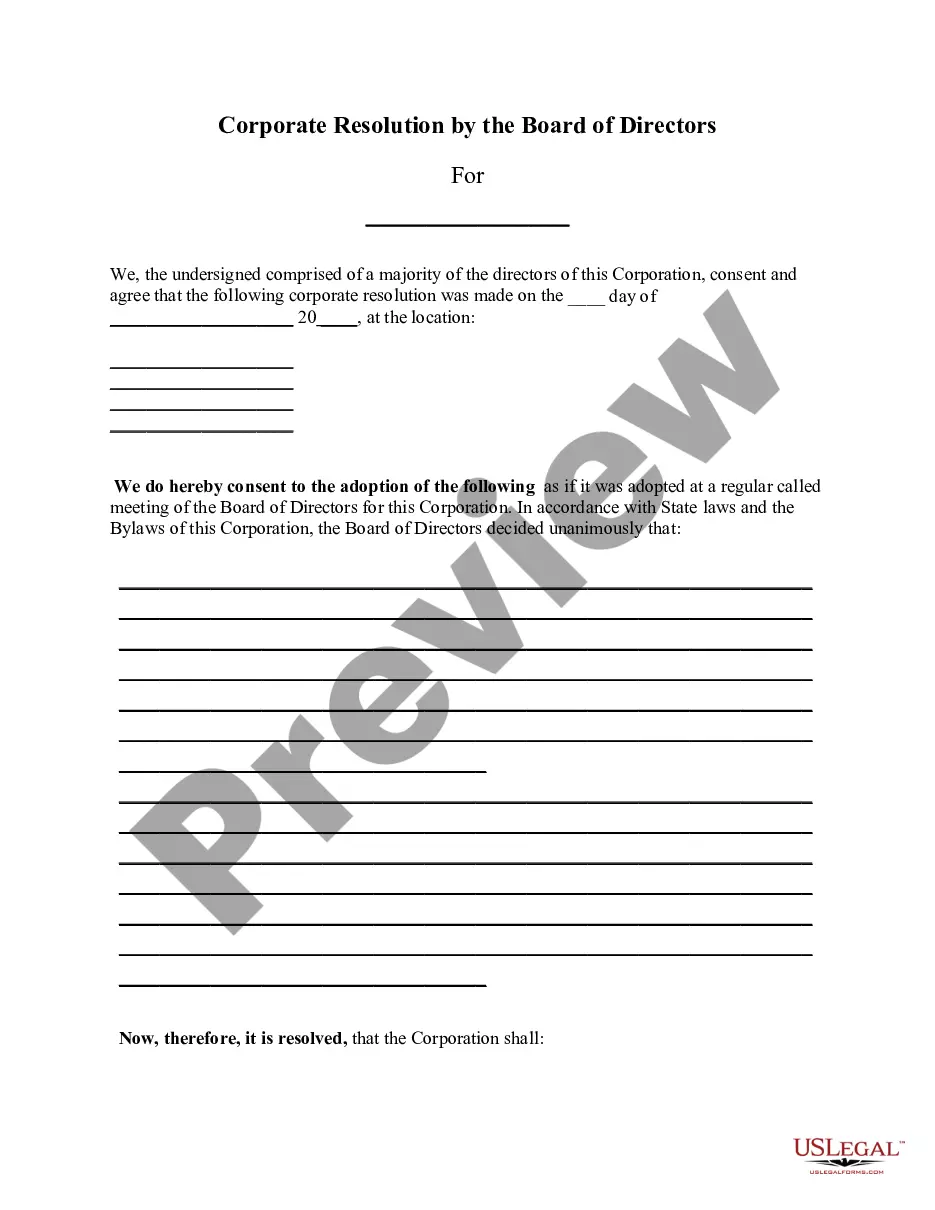
The Resolution Authorizing Corporation to Apply for Certificate of Qualification is a formal document used by corporations to authorize an application for a Certificate of Qualification in a specific state. This certificate allows the corporation to legally conduct business activities within that state. Unlike other corporate resolutions, this form specifically addresses the need for qualification in a new jurisdiction and outlines the authority granted to its officers.
What’s included in this form
- Name of the corporate secretary who certifies the resolution.
- Name of the corporation and state of incorporation.
- Details about the board meeting where the resolution was adopted.
- The authorization for the President and Secretary to act on behalf of the corporation.
- Date of execution and corporate address.
- Signature and printed name of the Secretary, along with the corporate seal.

When to use this document
This form is typically used when a corporation needs to expand its business operations into a new state where it does not currently hold the authority to operate. It is important for corporations that wish to comply with state laws and regulations requiring a Certificate of Qualification before transacting business or engaging in activities that could impact their legal status.
Who this form is for
- Corporation owners or shareholders looking to expand into a new state.
- Corporate secretaries responsible for maintaining compliant corporate records.
- Members of the board of directors who want to formalize approval for such applications.
How to prepare this document
- Identify and enter the names of the corporate secretary and corporation.
- Specify the state of incorporation and the state where the Certificate of Qualification is being applied for.
- Document the date and address of the board meeting where the resolution was approved.
- Enter the execution date and the corporate address for filing.
- Ensure the Secretary provides their signature and printed name, along with the corporate seal if required.
Notarization requirements for this form
This form does not typically require notarization unless specified by local law. However, it is advisable to check the specific requirements for the state where the application will be submitted.
Get your form ready online
Our built-in tools help you complete, sign, share, and store your documents in one place.
Make edits, fill in missing information, and update formatting in US Legal Forms—just like you would in MS Word.
Download a copy, print it, send it by email, or mail it via USPS—whatever works best for your next step.
Sign and collect signatures with our SignNow integration. Send to multiple recipients, set reminders, and more. Go Premium to unlock E-Sign.
If this form requires notarization, complete it online through a secure video call—no need to meet a notary in person or wait for an appointment.
We protect your documents and personal data by following strict security and privacy standards.

Make edits, fill in missing information, and update formatting in US Legal Forms—just like you would in MS Word.

Download a copy, print it, send it by email, or mail it via USPS—whatever works best for your next step.

Sign and collect signatures with our SignNow integration. Send to multiple recipients, set reminders, and more. Go Premium to unlock E-Sign.

If this form requires notarization, complete it online through a secure video call—no need to meet a notary in person or wait for an appointment.

We protect your documents and personal data by following strict security and privacy standards.
Common mistakes to avoid
- Failing to include the correct corporate name and state of incorporation.
- Not recording the accurate date of the board meeting.
- Omitting signatures or corporate seals when necessary.
- Neglecting to verify state-specific requirements before applying.
Why use this form online
- Immediate access to a legally vetted template, ensuring compliance with state laws.
- Ability to edit and customize the document easily to fit specific needs.
- Convenience of downloading and printing the form directly from your device.