Corporation - Resolution
About this form
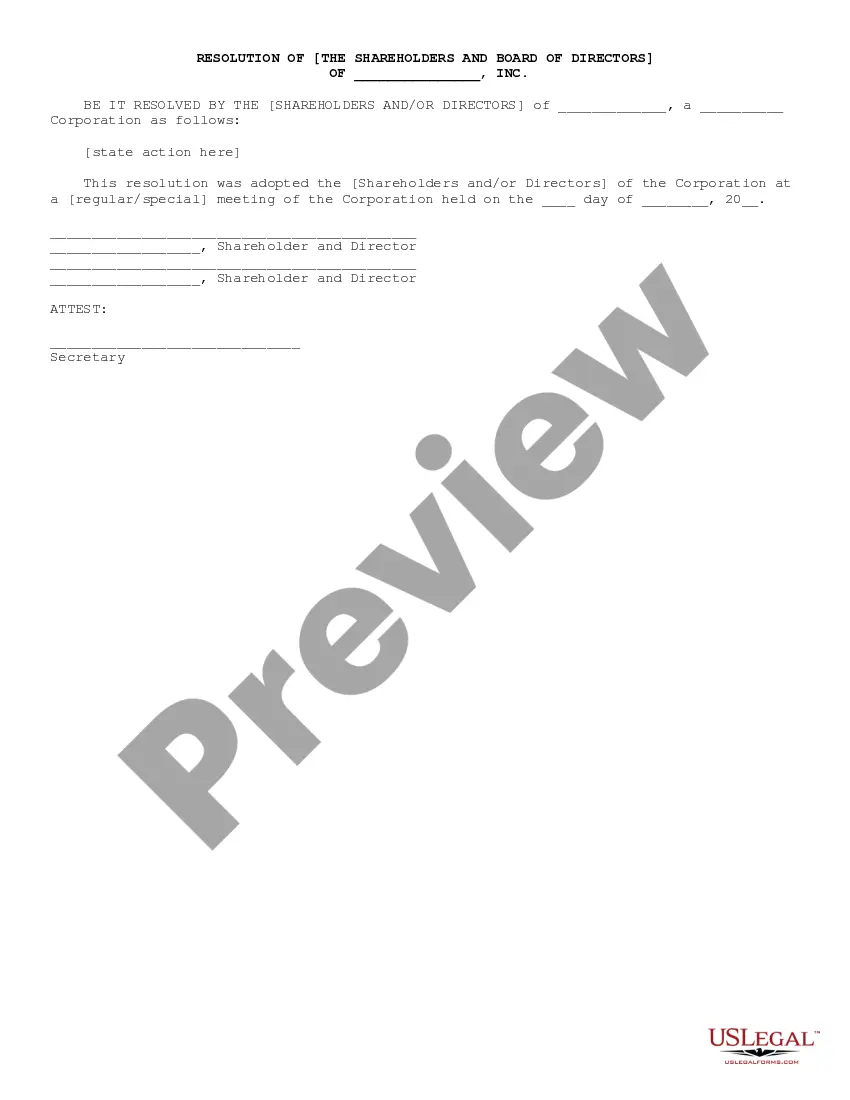
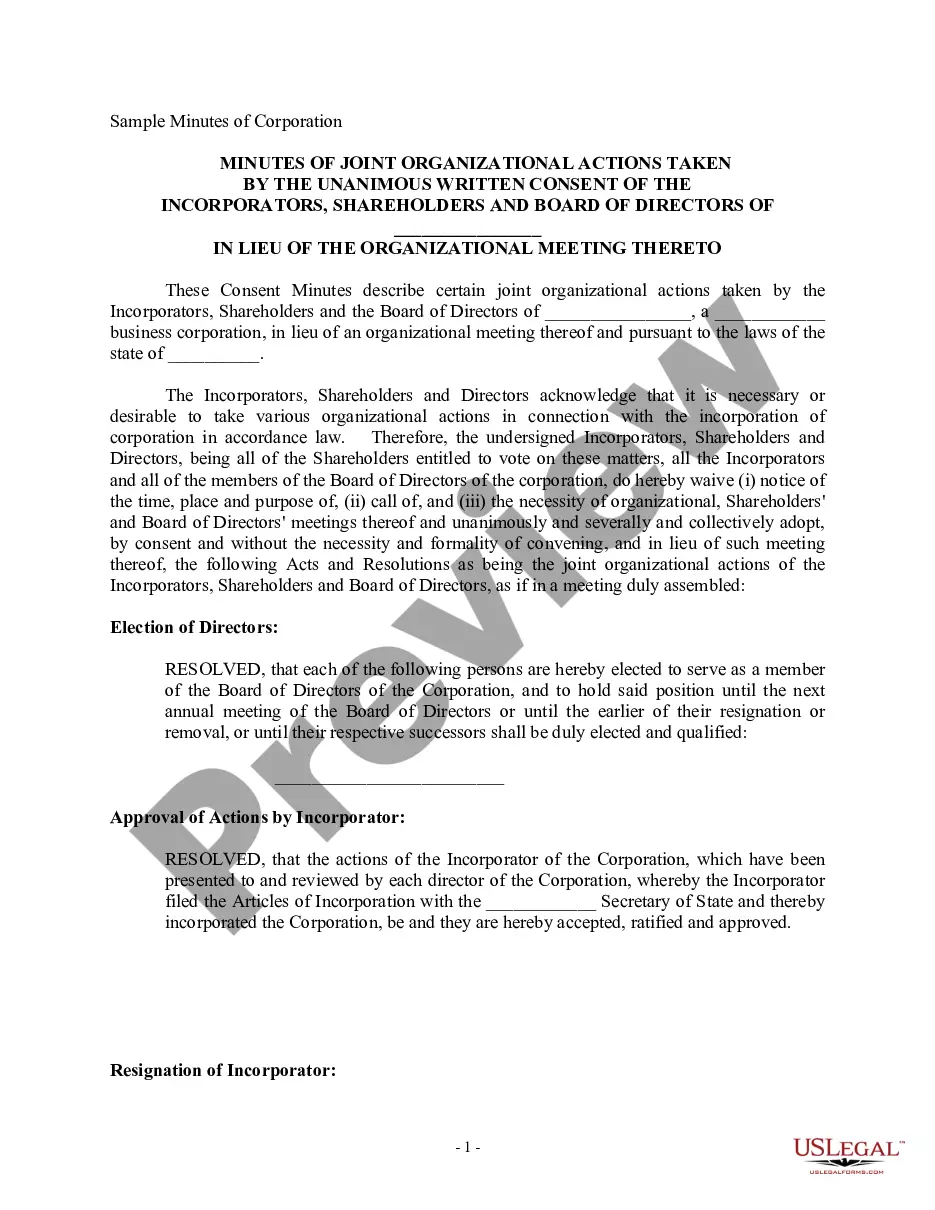
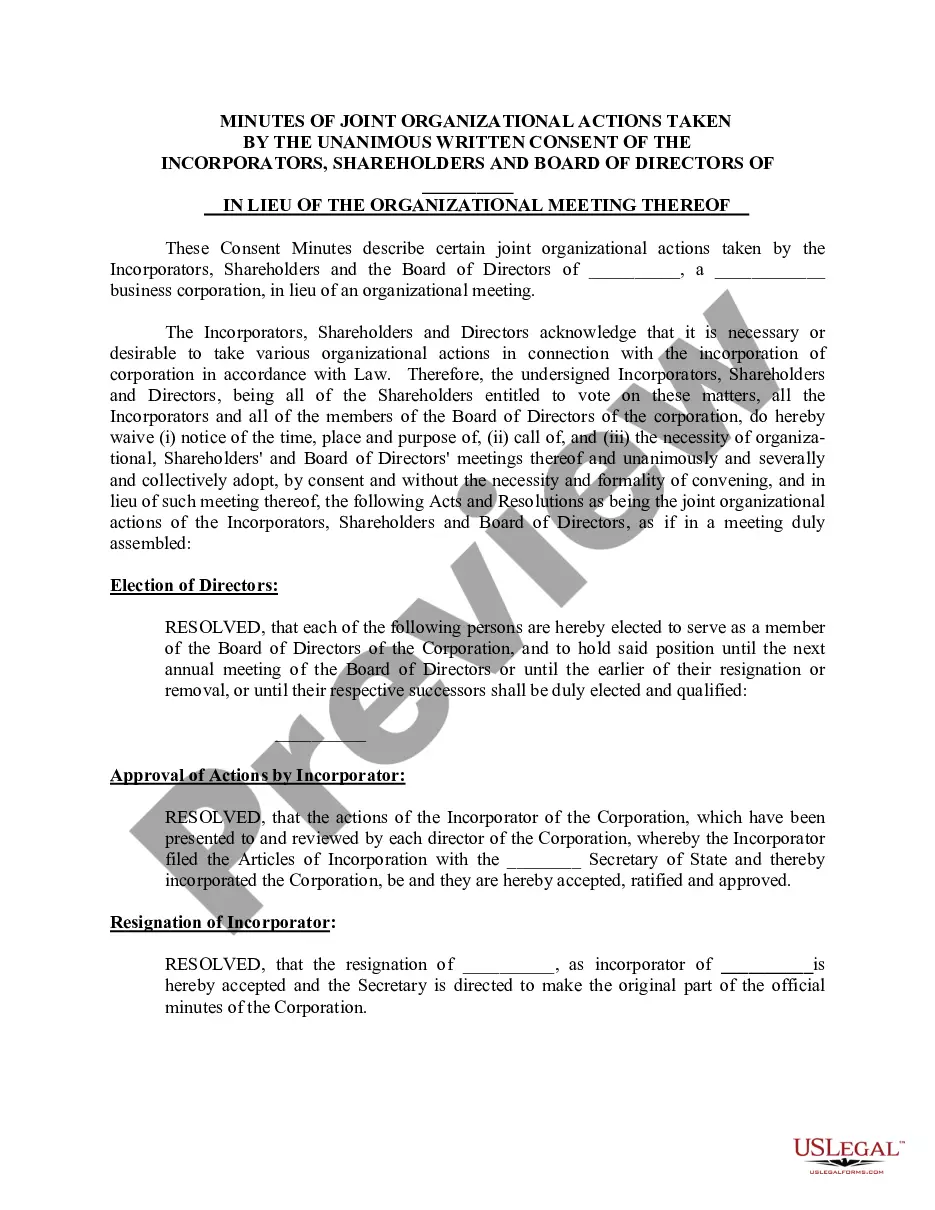
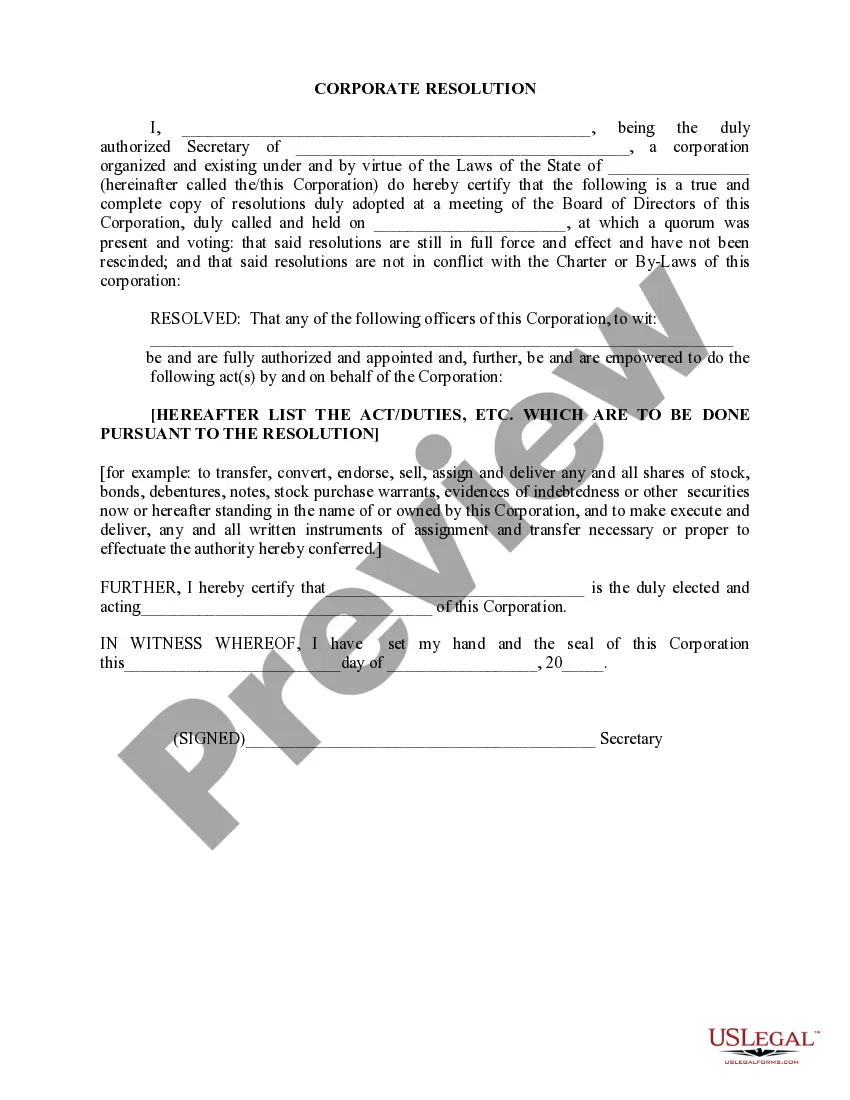
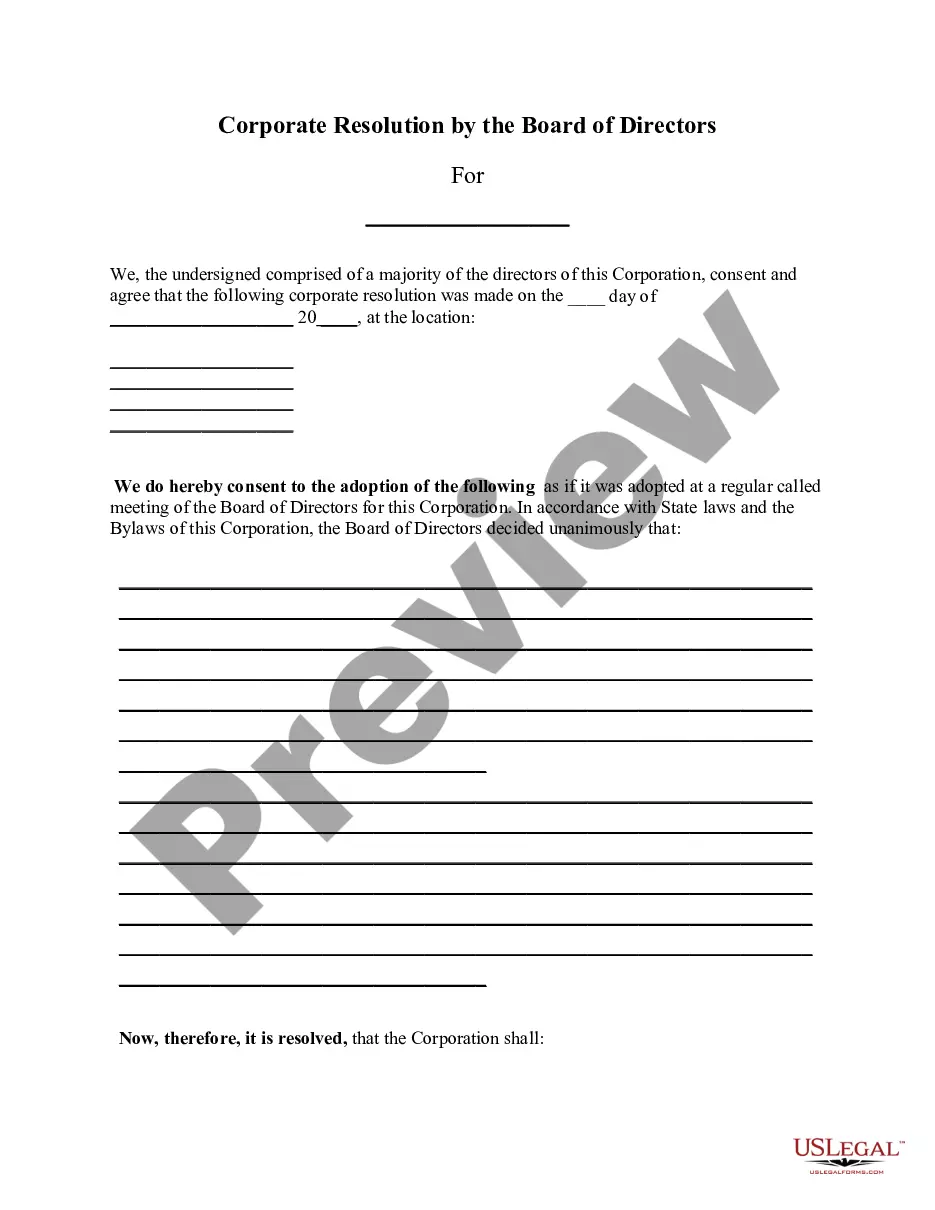
The Corporation - Resolution form allows shareholders and directors of a corporation to formally adopt a resolution during a regular or special meeting. This document serves as an official record of the decisions made, which distinguishes it from other corporate forms that may not require resolutions. This form is essential for documenting important actions taken by the corporation's governing body.
What’s included in this form
- Title of the corporation, including the state of incorporation
- Statement of the resolution being adopted
- Date of the meeting during which the resolution was adopted
- Signatures of shareholders and directors who approved the resolution
- Signature of the Secretary to attest the resolution

When to use this form
This form should be used when shareholders or directors need to formally document decisions during meetings. Typical instances include approving a merger, changing corporate bylaws, or authorizing significant expenditures. Using this form helps ensure that corporate decisions are properly recorded and can be referenced in the future.
Intended users of this form
This form is intended for:
- Corporations with shareholders and directors
- Corporate secretaries tasked with maintaining official records
- Any member of the board of directors or shareholder wishing to ensure proper documentation of important decisions
How to complete this form
To complete the Corporation - Resolution form, follow these steps:
- Fill in the corporation's name and state of incorporation at the top of the form.
- Clearly state the action or resolution being adopted in the designated section.
- Record the date of the meeting where the resolution is approved.
- Have each shareholder and director sign the form to indicate their approval.
- Ensure the Secretary signs the document to attest the resolution.
Notarization guidance
This form does not typically require notarization unless specified by local law. However, it is advisable to check specific requirements in your jurisdiction to ensure compliance.
Get your form ready online
Our built-in tools help you complete, sign, share, and store your documents in one place.
Make edits, fill in missing information, and update formatting in US Legal Forms—just like you would in MS Word.
Download a copy, print it, send it by email, or mail it via USPS—whatever works best for your next step.
Sign and collect signatures with our SignNow integration. Send to multiple recipients, set reminders, and more. Go Premium to unlock E-Sign.
If this form requires notarization, complete it online through a secure video call—no need to meet a notary in person or wait for an appointment.
We protect your documents and personal data by following strict security and privacy standards.

Make edits, fill in missing information, and update formatting in US Legal Forms—just like you would in MS Word.

Download a copy, print it, send it by email, or mail it via USPS—whatever works best for your next step.

Sign and collect signatures with our SignNow integration. Send to multiple recipients, set reminders, and more. Go Premium to unlock E-Sign.

If this form requires notarization, complete it online through a secure video call—no need to meet a notary in person or wait for an appointment.

We protect your documents and personal data by following strict security and privacy standards.
Common mistakes
- Failing to include the full corporation name or state of incorporation.
- Not properly dating the meeting when the resolution was passed.
- Omitting signatures from shareholders or directors who approved the resolution.
- Neglecting to have the Secretary attest to the document's validity.
Why complete this form online
- Convenience of downloading and customizing the form online.
- Reliability of using attorney-drafted templates that adhere to legal standards.
- Editability allows users to tailor the form to their specific corporate needs.
- Easy access to print and maintain official records without additional cost.
Legal use & context
- The resolution must be documented in compliance with state corporate laws.
- This form provides evidence of corporate governance and decision-making.
- Improper completion or documentation can lead to disputes or legal challenges.
Main things to remember
- The Corporation - Resolution form is crucial for documenting corporate decisions made during meetings.
- This form can be used across multiple states without specific state modifications.
- Accurate completion ensures legal validity and organizational clarity.
Looking for another form?
Form popularity
FAQ
Once the Articles of Incorporation are filed and a Certificate of Incorporation is received from the Secretary of State the corporation should hold the organizational meetings.A corporate resolution is a written document describing the action taken by the directors of a corporation.
Broadly, articles of incorporation should include the company's name, type of corporate structure, and number and type of authorized shares. Bylaws work in conjunction with the articles of incorporation to form the legal backbone of the business.
Furthermore, the corporate secretary or another officer of the corporation not the person given the signing authority must sign the corporate resolution certification. The resolution must also contain the exact wording of the resolution authorized by the board.
A corporate resolution is generally required to document actions taken by the corporation, but when it comes to LLCs, resolutions are not mandated. Because of this, there is no specific or required way to draft an LLC resolution.
An LLC corporate resolution is a record of a decision made through a vote by the board of directors or LLC members. Limited liability companies (LLCs) enjoy specific tax and legal benefits modeled after a corporate structure, although they are not corporations.
Therefore, the members can negotiate with one another regarding the decision-making processes ad other business matters. Such processes can be laid out in a corporate resolution form, usually known as the operating agreement.
No need to notarize a corporate resolution.
The basic difference is pretty simple. Articles of Incorporation are public records, Bylaws are not. In the case of a corporation, the name and address of each incorporator must be listed in the Articles of Incorporation.