Cash Register Payout
Understanding this form
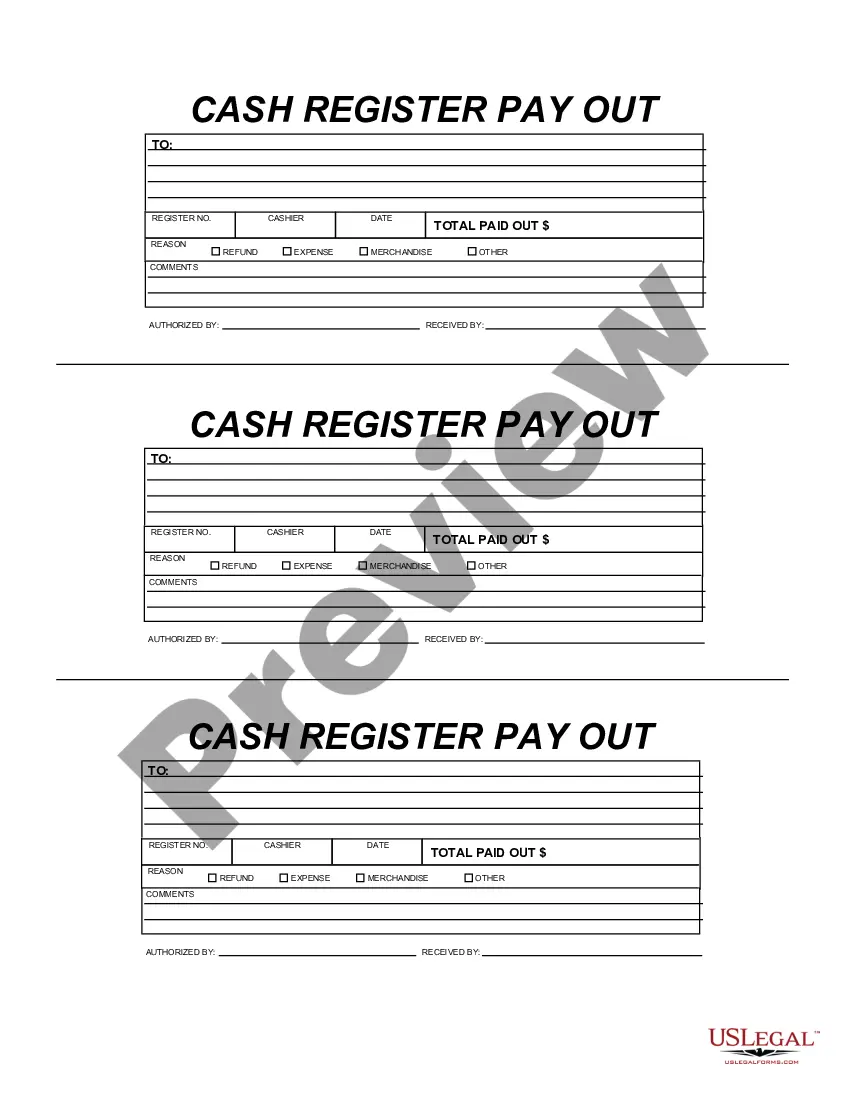
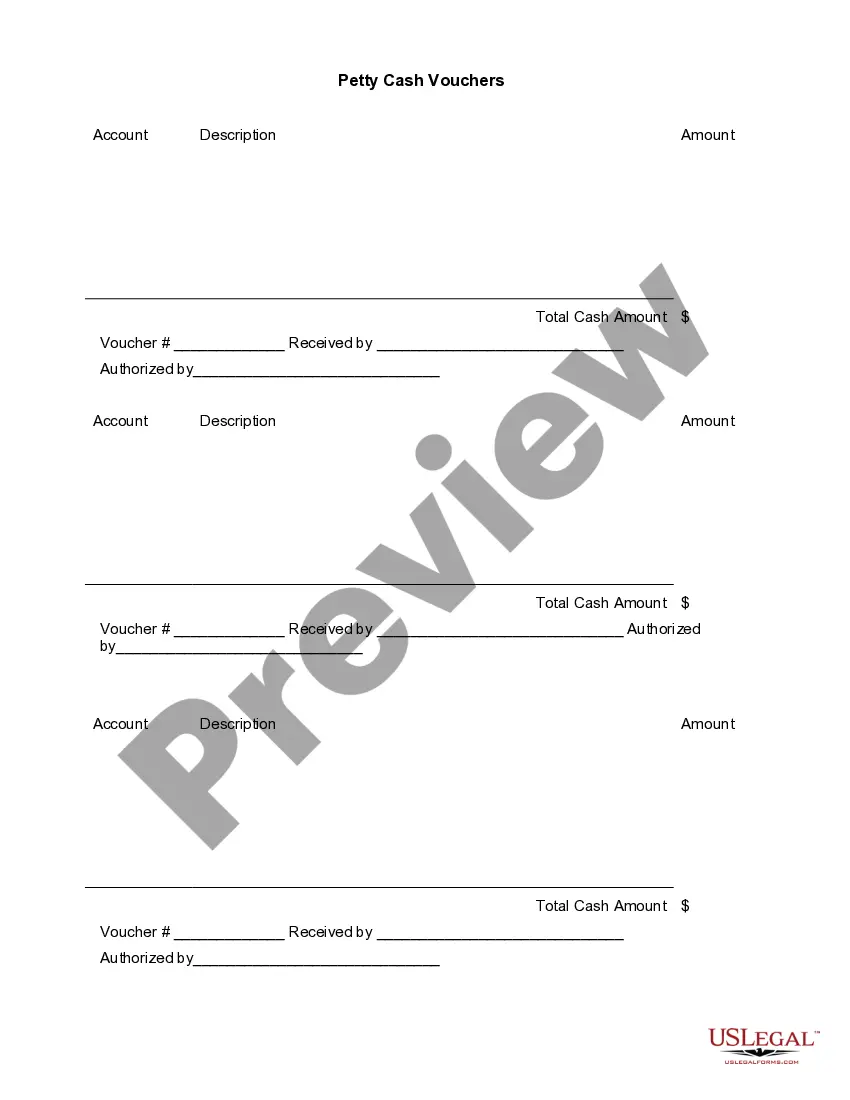
The Cash Register Payout form is a critical business document used to record amounts paid out from a cash register. This form is essential for tracking cash flow and ensuring accountability when cash is disbursed for various reasons. Unlike other financial forms, the Cash Register Payout specifically focuses on documenting these payouts, making it easier for businesses to manage and audit their cash transactions effectively.
What’s included in this form
- Cashier Information: Fields to enter the name and identification of the cashier handling the payout.
- Date: A designated area to record the date of the transaction.
- Total Paid Out: A field to specify the total amount of cash disbursed.
- Reason for Payout: A section to document the purpose of the cash withdrawal.
- Comments: Additional notes or explanations regarding the payout for clarity and future reference.
- Authorized By: A space for the signature of the person approving the payout.
- Received By: Field where the recipient of the funds acknowledges receipt of the cash.
When to use this form
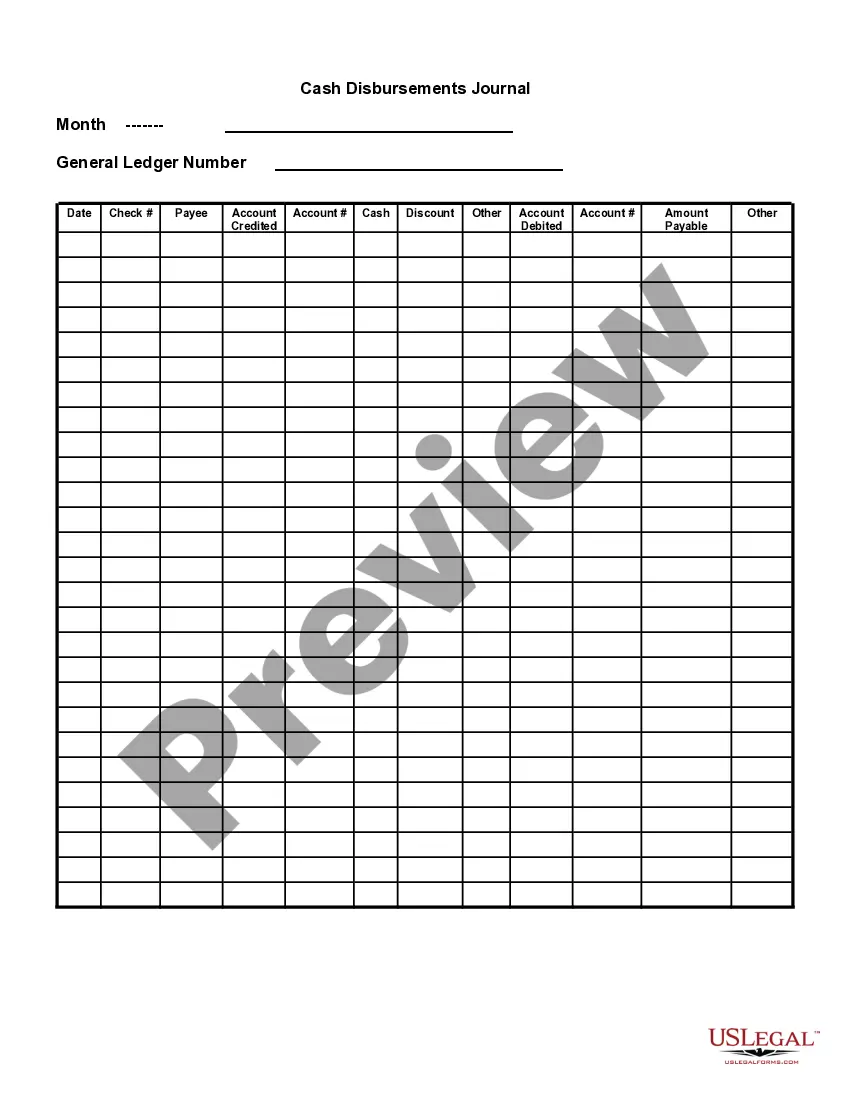
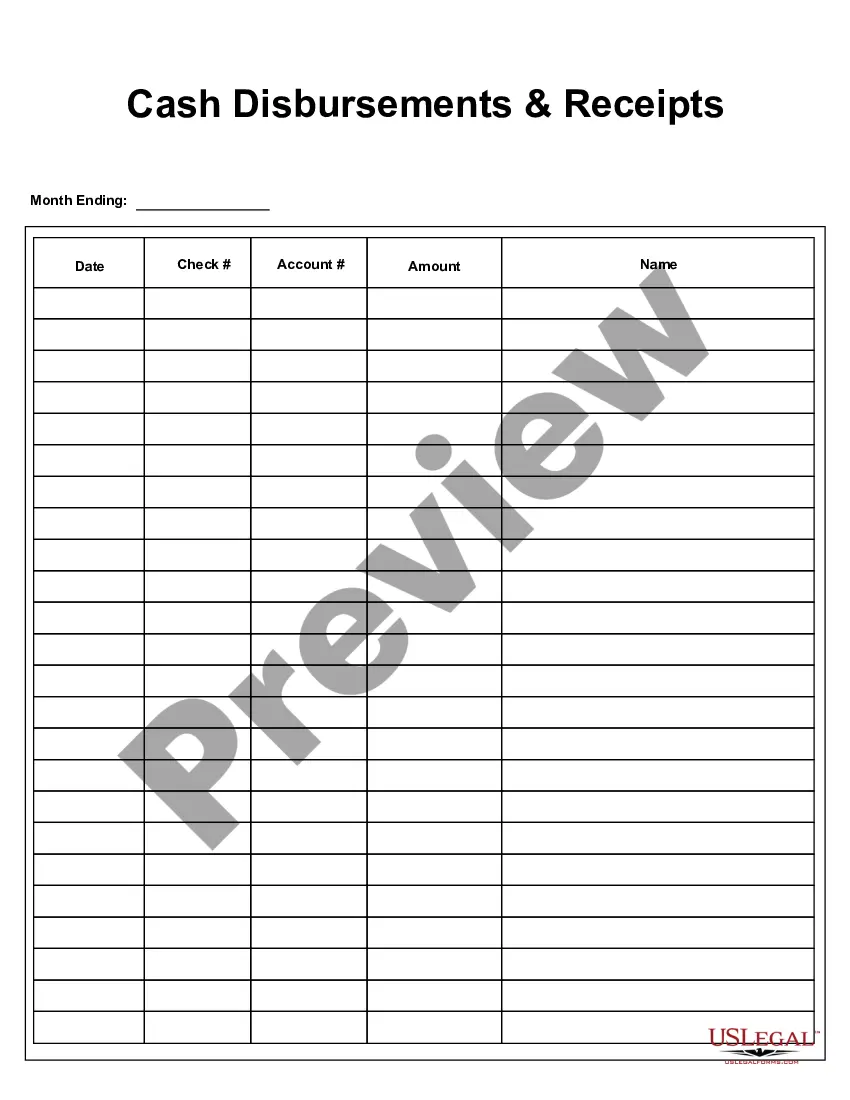
This form should be used whenever cash is paid out from a cash register for business purposes. Common scenarios include petty cash disbursements for supplies, refunds to customers, or other business-related expenses that require a traceable record of the transaction. Utilizing this form can help maintain accurate financial records and enhance operational transparency.
Who needs this form
- Business owners managing cash registers.
- Cashiers handling cash transactions in retail or service environments.
- Accountants who need to review cash disbursement records.
- Financial managers responsible for monitoring cash flow.
Steps to complete this form
- Identify the cashier involved in the transaction and fill in their name and identification.
- Enter the date the payout is being made.
- Specify the total amount of cash being paid out in the designated field.
- Detail the reason for the payout in the reason section.
- Add any relevant comments that may assist with future reference.
- Have the authorized person sign the form, along with the individual receiving the cash.
Is notarization required?
This form does not typically require notarization to be legally valid. However, some jurisdictions or document types may still require it. US Legal Forms provides secure online notarization powered by Notarize, available 24/7 for added convenience.
Get your form ready online
Our built-in tools help you complete, sign, share, and store your documents in one place.
Make edits, fill in missing information, and update formatting in US Legal Forms—just like you would in MS Word.
Download a copy, print it, send it by email, or mail it via USPS—whatever works best for your next step.
Sign and collect signatures with our SignNow integration. Send to multiple recipients, set reminders, and more. Go Premium to unlock E-Sign.
If this form requires notarization, complete it online through a secure video call—no need to meet a notary in person or wait for an appointment.
We protect your documents and personal data by following strict security and privacy standards.

Make edits, fill in missing information, and update formatting in US Legal Forms—just like you would in MS Word.

Download a copy, print it, send it by email, or mail it via USPS—whatever works best for your next step.

Sign and collect signatures with our SignNow integration. Send to multiple recipients, set reminders, and more. Go Premium to unlock E-Sign.

If this form requires notarization, complete it online through a secure video call—no need to meet a notary in person or wait for an appointment.

We protect your documents and personal data by following strict security and privacy standards.
Mistakes to watch out for
- Failing to include the date of the transaction.
- Not providing a clear reason for the payout.
- Neglecting to get the necessary approvals and signatures.
- Leaving the total paid out field incomplete or incorrect.
Why complete this form online
- Convenient access: Downloadable and editable in Adobe Acrobat or Word.
- Customizable templates: Adjust fields to fit specific business needs.
- Reliable records: Keep organized and professional documentation of payouts.
- Easy tracking: Quickly refer back to past transactions for audits or reviews.
Key takeaways
- The Cash Register Payout form is crucial for tracking cash transactions.
- Accurate completion of the form ensures accountability and transparency.
- It is essential for business owners, cashiers, and financial personnel.
Looking for another form?
Form popularity
FAQ
To close the register, from the main menu click Sales > Close Register. To select another open register, from the main menu click Sales > Switch Registers and select the register. You are prompted to indicate how much cash you have in your drawer. Enter the quantity of each denomination you have in the cash fields.
Though the exact amount might vary from business to business, make sure to have cash, sometimes referred to as petty cash, on-hand in the morning. For a small business, $100 to $150 should be more than enough. A good rule of thumb is to keep at least $20 in five-dollar bills and $20 in one-dollar bills.
If an employee is skimming, then one way to catch them is by paying close attention to inventory. If your records are not adding up, like one product is running out and there are few receipts for the sale of the product, you may find that the cashier is allowing the customer to purchase it and pocketing the money.
The cash register is equipped with a drawer at the bottom which is used to store the cash. This device will automatically print a receipt after you register the value of the purchased items and also records the cash transactions according to the manual transaction of sale executed at POS.
An overage is when your drawer is over the amount your POS report says you should have. A shortage is when your register's total is short. Shortages could mean cash was either lost, stolen, or counted incorrectly. An overage typically means your customers were shortchanged.
Cashier balancing is a process usually conducted in businesses such as grocery stores, restaurants and banks that takes place at the closing of the business day or at the end of a cashier's shift. This balancing process makes the cashier responsible for the money in his or her cash register.
Sort the bills by denomination. Place the stack of 1s in the slot of the cash drawer furthest to the left. Place any bills larger than a 20 and all checks received in the compartment beneath the cash drawer. Use paper clips or rubber bands to store bills in larger groups.
While shortages mean that cash was either lost, stolen, or too much was given back to customers, excess cash means that money was withheld from customers and adequate change was not returned.
Cashier balancing is a process usually conducted in businesses such as grocery stores, restaurants and banks that takes place at the closing of the business day or at the end of a cashier's shift. This balancing process makes the cashier responsible for the money in his or her cash register.