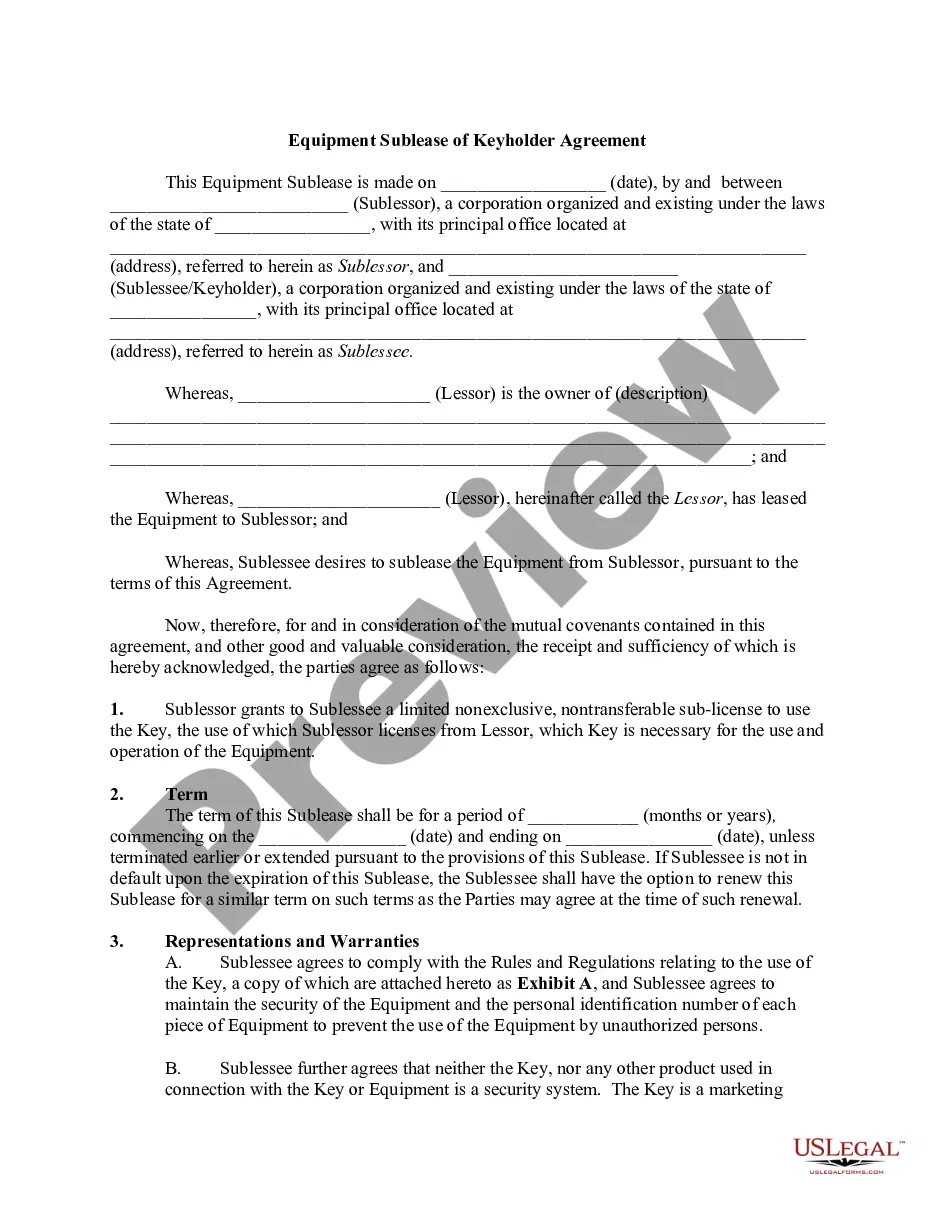
Equipment Sublease of Keyholder Agreement
Understanding this form
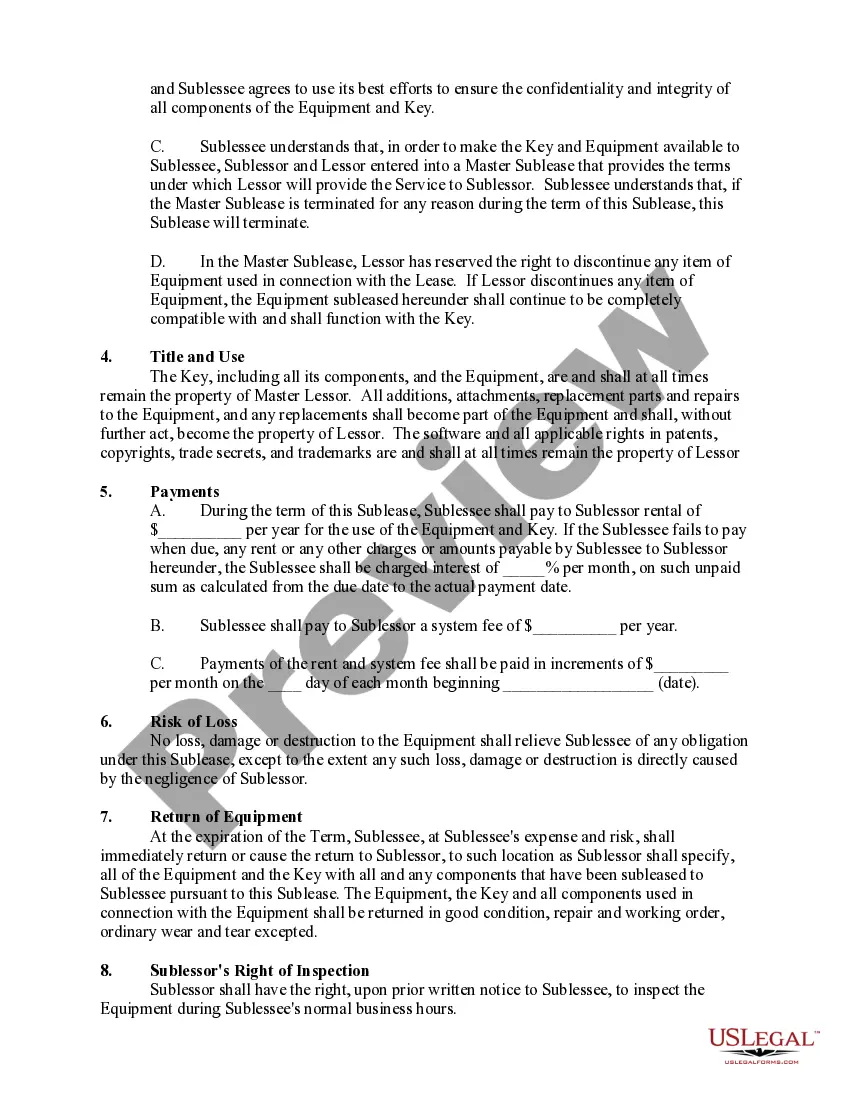
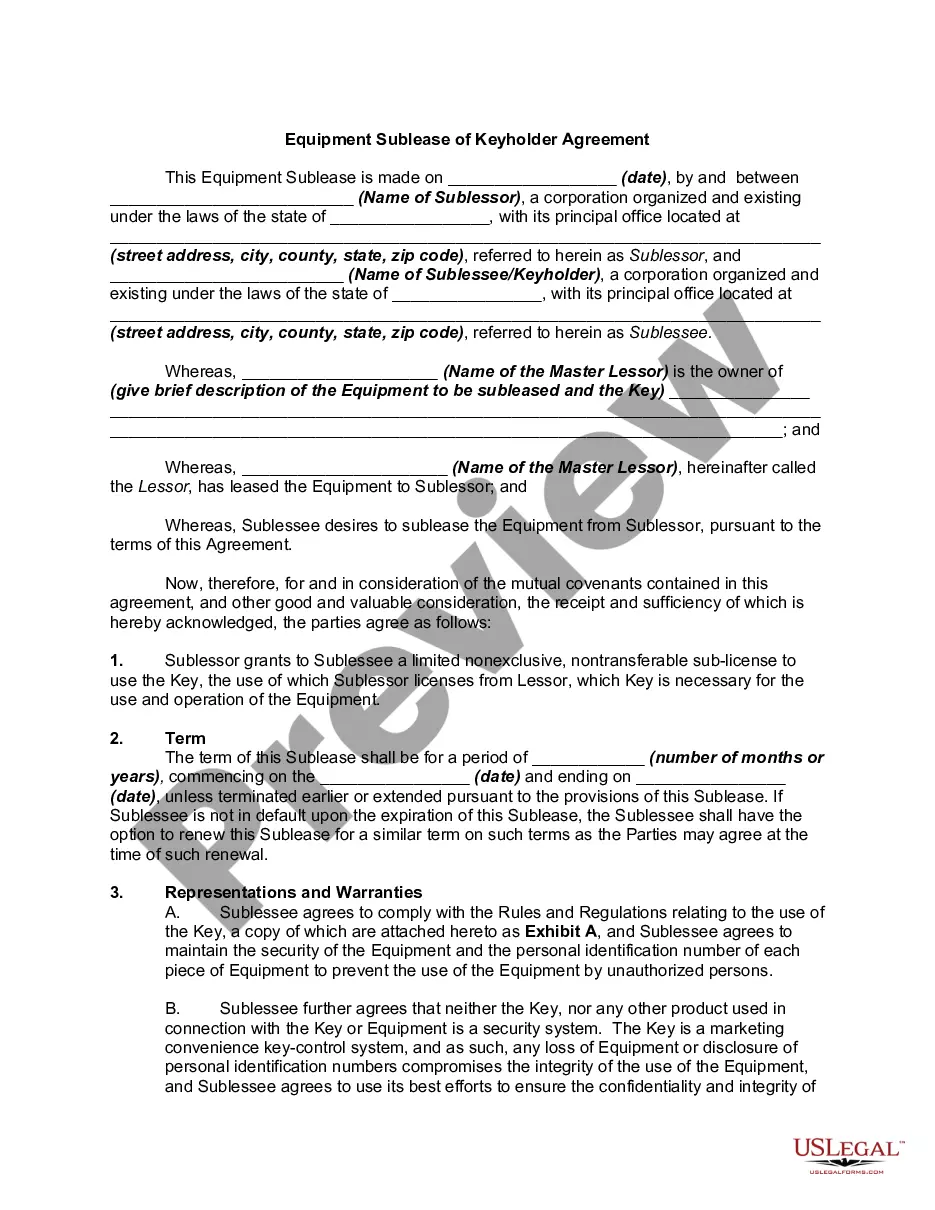
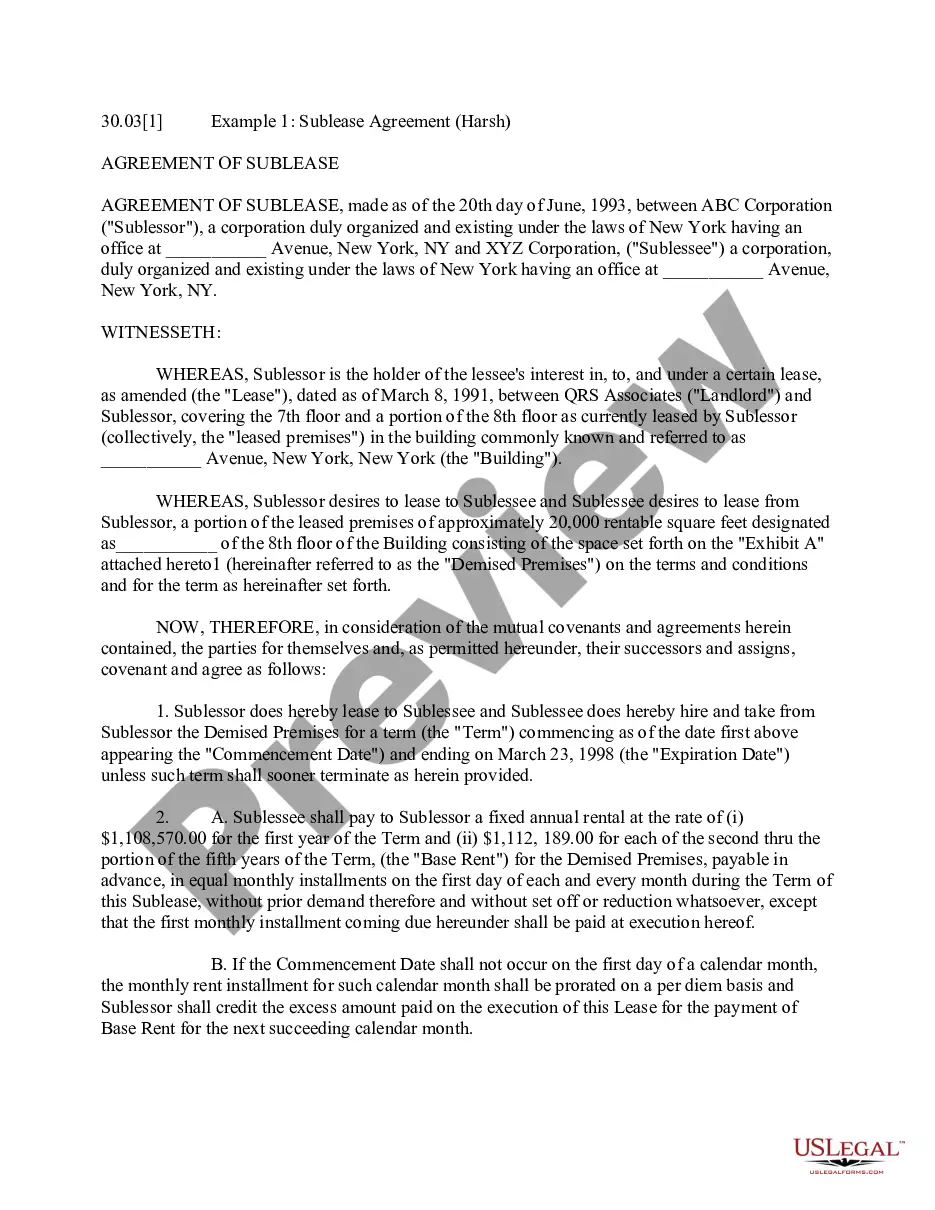
The Equipment Sublease of Keyholder Agreement is a legal document that allows a Lessee (Sublessor) to lease equipment to another party (Sublessee) for a specific period, while maintaining compliance with the rights and obligations defined by the original property owner (Lessor). This form is crucial for defining the relationship between the Sublessor and Sublessee, specifying details such as the use of equipment, payment terms, and conditions under which the sublease can be terminated. It differs from standard lease agreements by addressing the subleasing of specialized equipment and the use of keys necessary for its operation.
Main sections of this form
- Identification of Sublessor and Sublessee with their respective addresses and business details.
- Duration of the sublease, including commencement and expiration dates.
- Terms regarding the key usage for accessing and operating the equipment.
- Payment structure detailing rental fees and service charges.
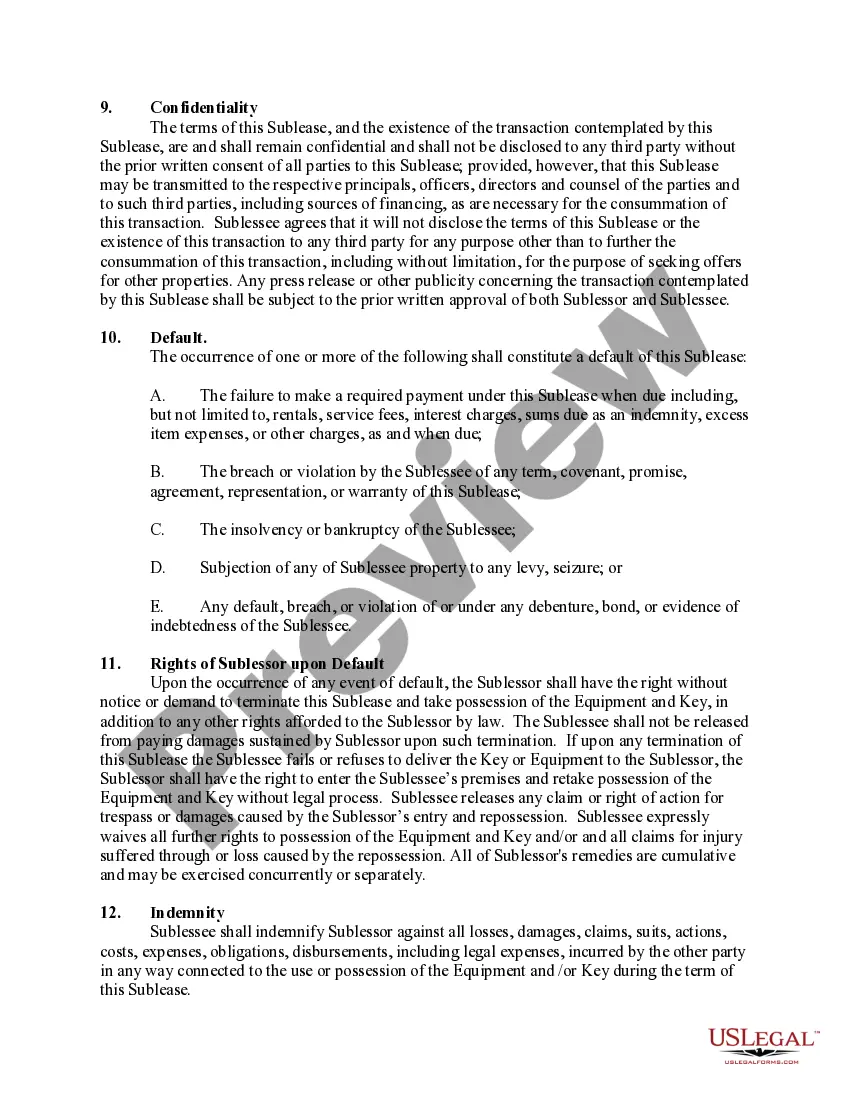
- Conditions related to risk of loss, return of equipment, and Sublessor's rights upon default.
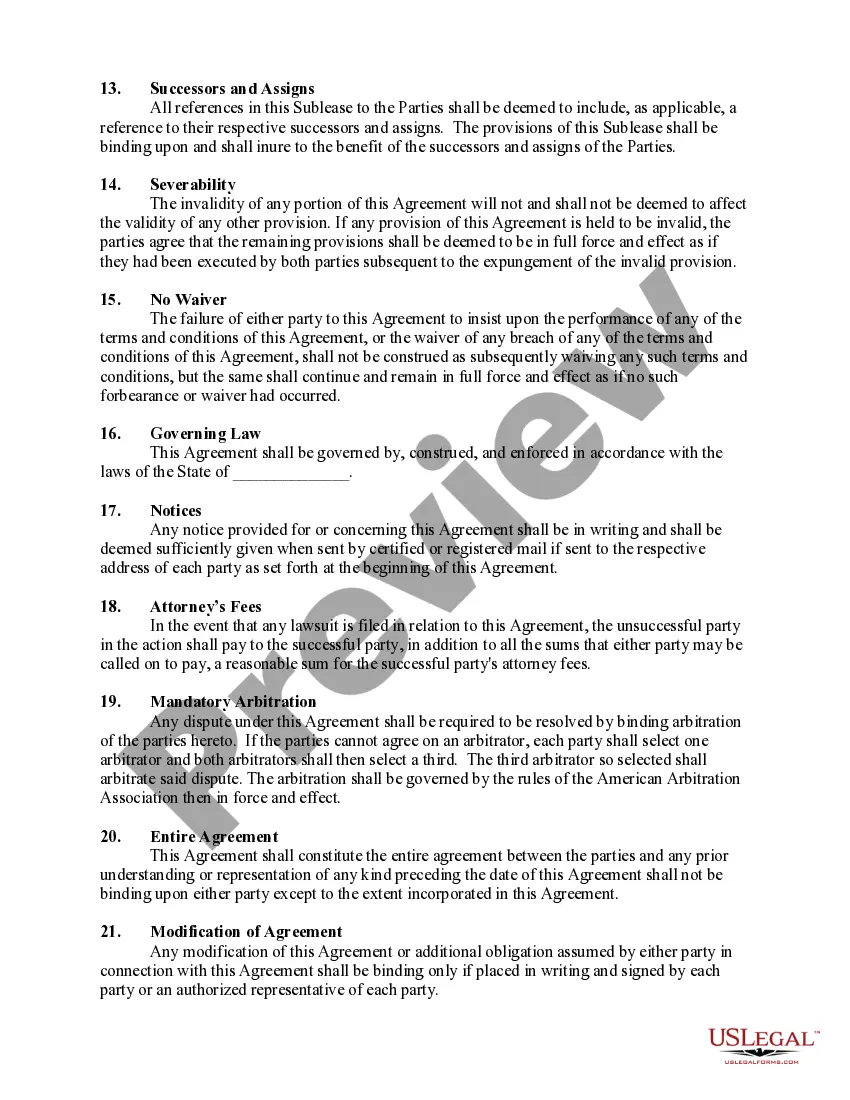
- Legal provisions including governing law, arbitration, and indemnification clauses.
Situations where this form applies
This form should be used when a business owner, who has originally leased equipment, decides to sublet it to another party. It is particularly relevant in situations where specific tools or machines are required temporarily by another entity without transferring the full lease. Common scenarios include when a business needs extra equipment for a short-term project or when a company wants to generate additional revenue by renting out seldom-used equipment.
Who this form is for
- Business owners who currently lease equipment and wish to sublease it.
- Companies looking for temporary use of specialized equipment without incurring the full cost of a lease.
- Parties entering into a contractual agreement regarding the use and operation of leased equipment.
How to complete this form
- Identify all parties involved: Enter the names and addresses of both the Sublessor and Sublessee.
- Specify the terms: Clearly define the duration of the sublease and the rental payment amount.
- Outline the key usage: Describe the terms of using the key necessary for accessing the equipment.
- Document payment terms: Include details regarding payment intervals and any applicable fees.
- Review legal clauses: Ensure all provided terms such as default conditions and indemnities are understood and agreed upon.
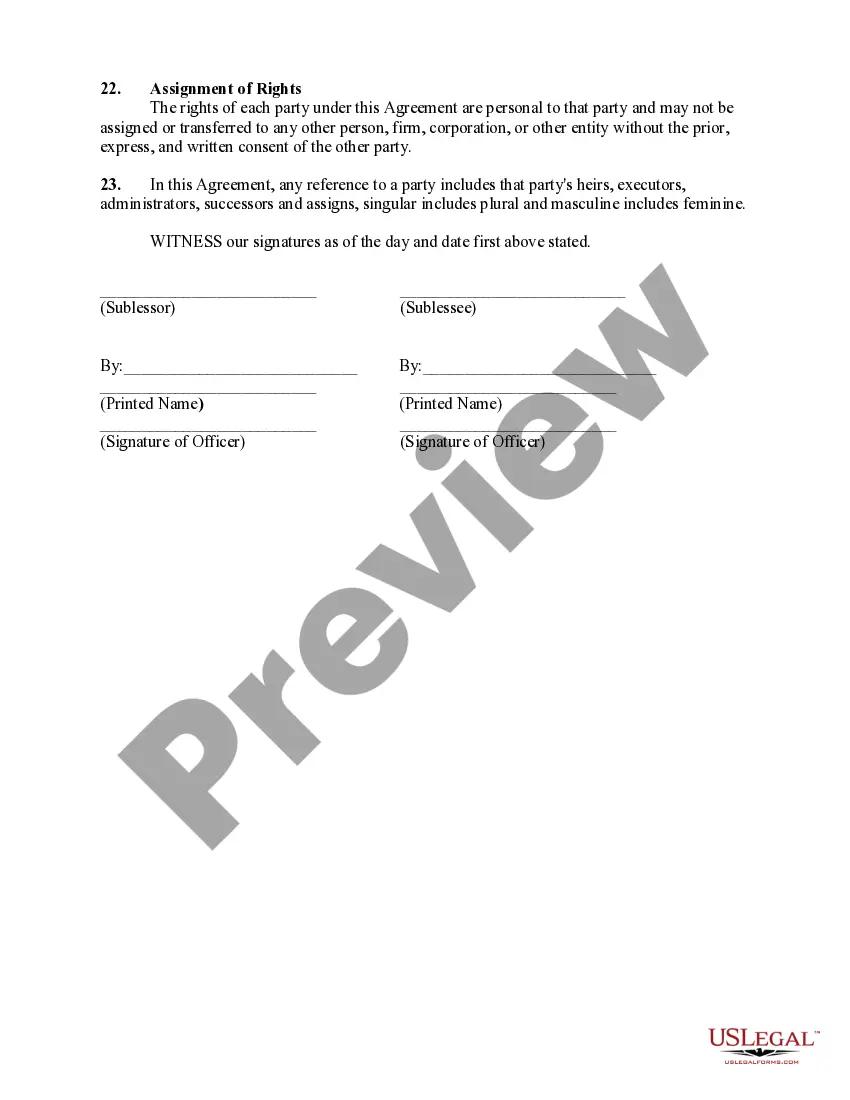
- Obtain signatures: Ensure all parties sign and date the agreement to make it legally binding.
Does this form need to be notarized?
This form usually doesn’t need to be notarized. However, local laws or specific transactions may require it. Our online notarization service, powered by Notarize, lets you complete it remotely through a secure video session, available 24/7.
Get your form ready online
Our built-in tools help you complete, sign, share, and store your documents in one place.
Make edits, fill in missing information, and update formatting in US Legal Forms—just like you would in MS Word.
Download a copy, print it, send it by email, or mail it via USPS—whatever works best for your next step.
Sign and collect signatures with our SignNow integration. Send to multiple recipients, set reminders, and more. Go Premium to unlock E-Sign.
If this form requires notarization, complete it online through a secure video call—no need to meet a notary in person or wait for an appointment.
We protect your documents and personal data by following strict security and privacy standards.
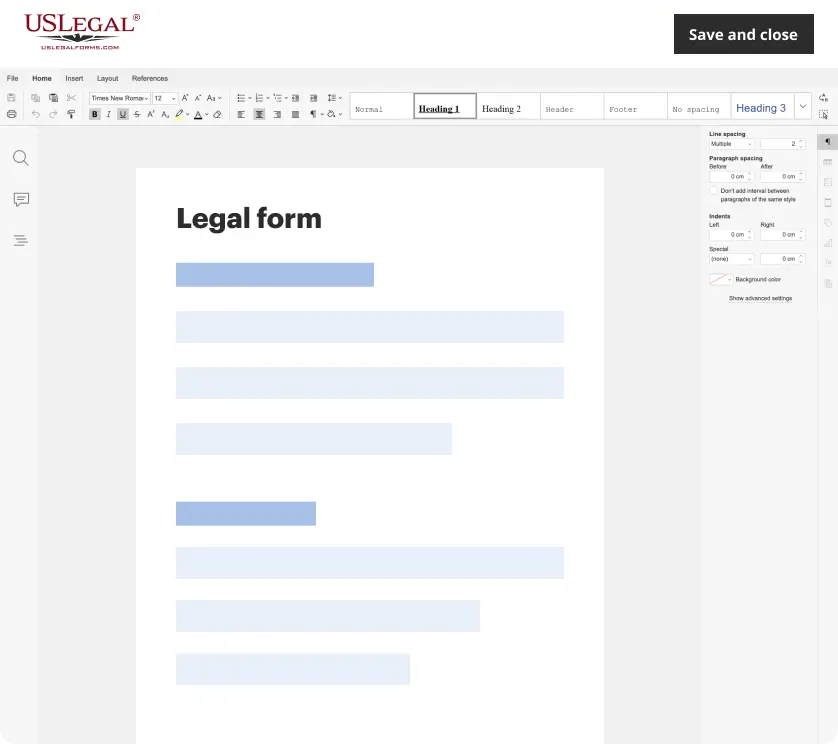
Make edits, fill in missing information, and update formatting in US Legal Forms—just like you would in MS Word.
Download a copy, print it, send it by email, or mail it via USPS—whatever works best for your next step.
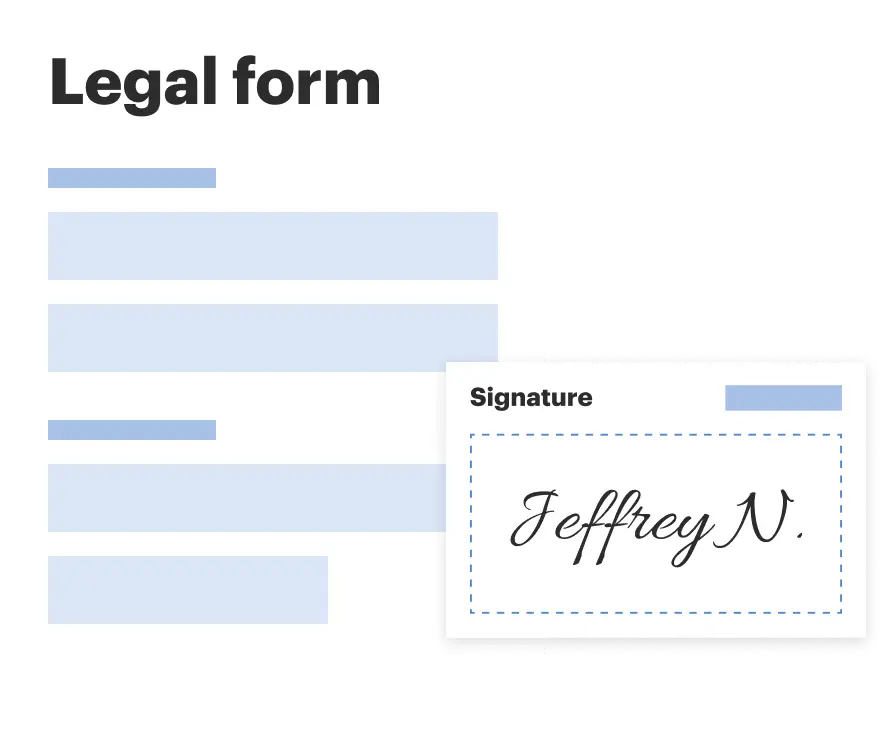
Sign and collect signatures with our SignNow integration. Send to multiple recipients, set reminders, and more. Go Premium to unlock E-Sign.
If this form requires notarization, complete it online through a secure video call—no need to meet a notary in person or wait for an appointment.
We protect your documents and personal data by following strict security and privacy standards.
Common mistakes
- Failing to clearly define the duration of the sublease.
- Not specifying the payment terms or due dates for rent.
- Neglecting to outline the consequences of default by either party.
- Forgetting to include signatures from both parties.
- Overlooking state-specific leasing regulations that may apply.
Benefits of using this form online
- Convenience: Downloadable and editable forms can be completed at your own pace.
- Reliability: Forms drafted by licensed attorneys ensure legal compliance.
- Accessibility: Easily obtain the necessary documentation without visiting a lawyer's office.