Secretary's Certification of Resolution
What this document covers
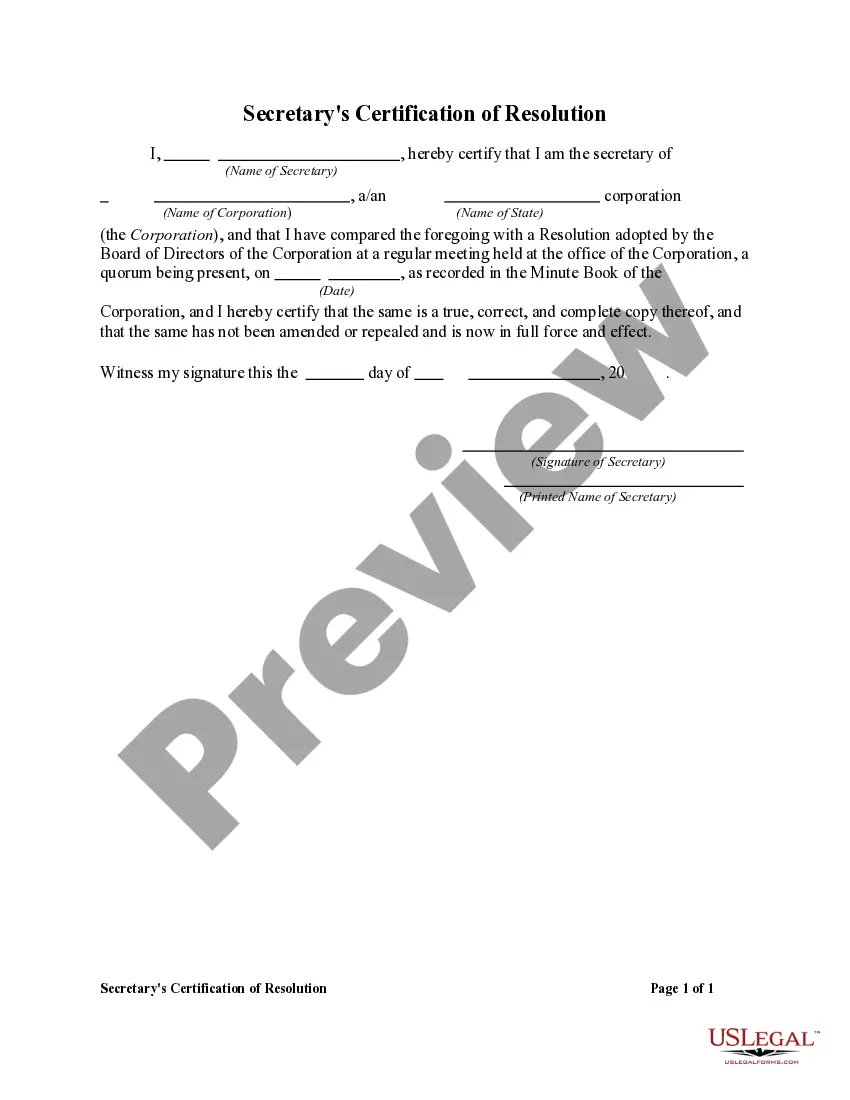
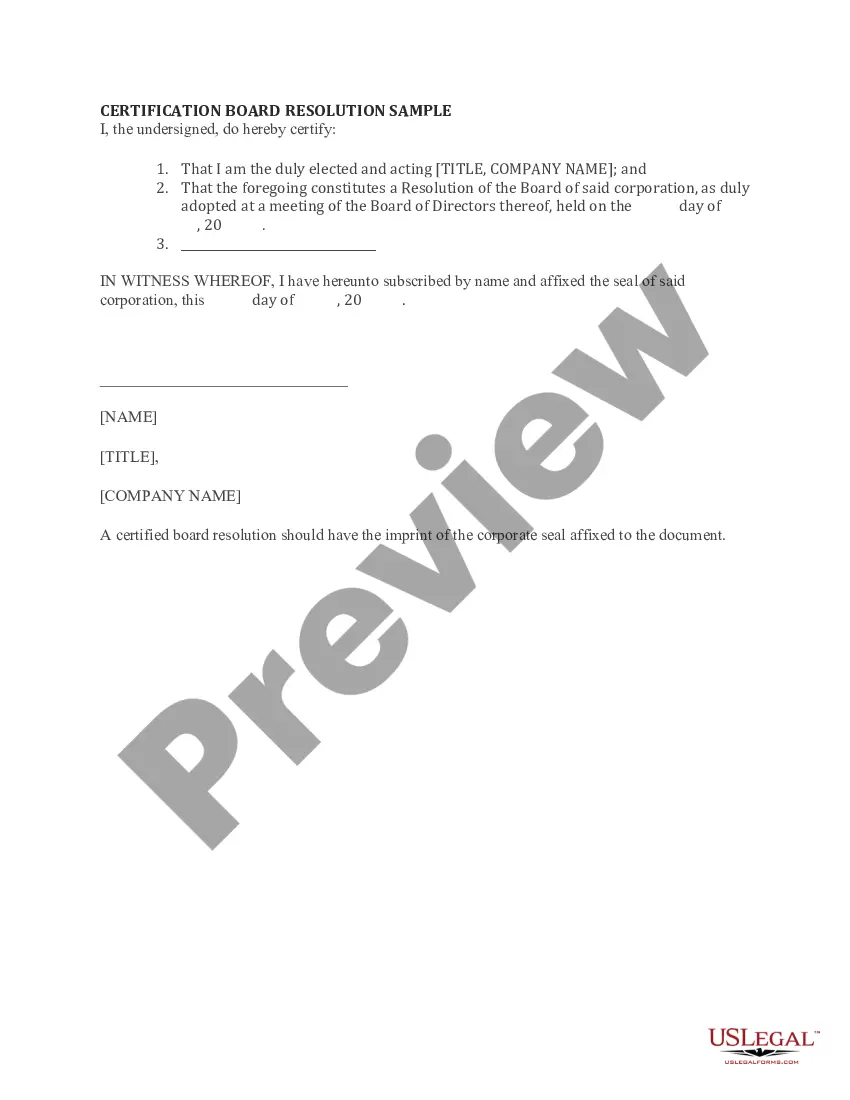
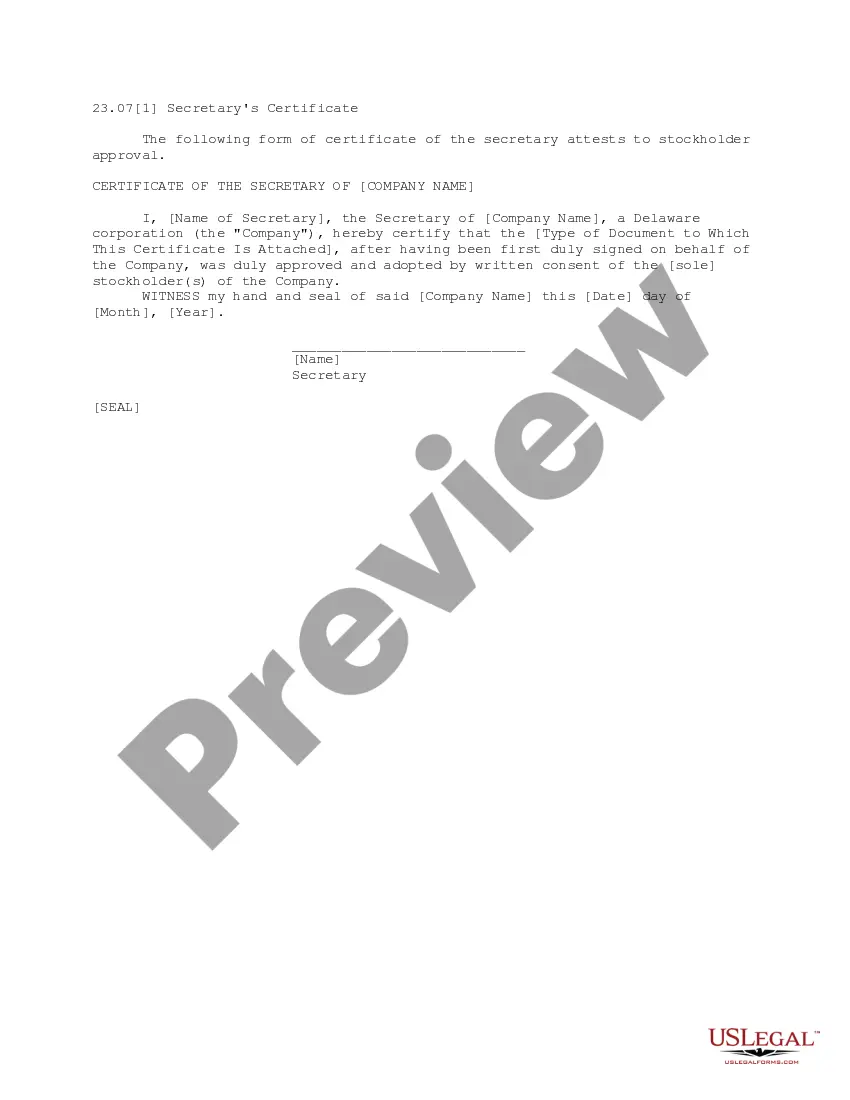
The Secretary's Certification of Resolution is a formal document used by a corporation's board of directors to certify decisions or actions taken during board meetings. This form authorizes designated individuals to act on behalf of the corporation, distinguishing it from other corporate resolutions by its specific certification by the secretary of the corporation.
Key components of this form
- Identification of the corporation and date of the resolution.
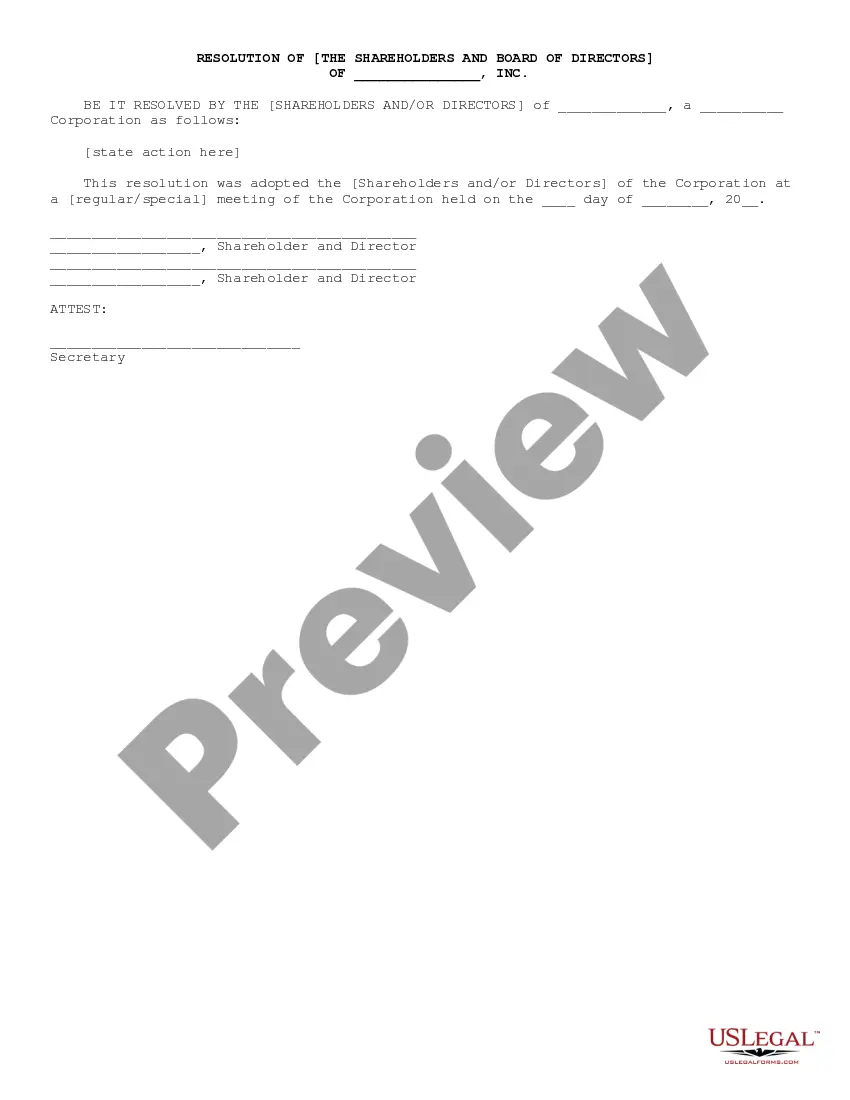
- Details of the specific resolution being certified.
- Signatures of the board members who approved the resolution.
- The signature of the corporate secretary, affirming the resolution's authenticity.


When to use this document
This form is needed when a corporation's board of directors has convened and made a formal decision that requires certification. Common scenarios include approving new corporate policies, appointing officers, or authorizing transactions that require official representations of the corporation.
Who this form is for
- Corporations looking to document board decisions.
- Corporate secretaries responsible for maintaining official corporate records.
- Directors who require a written record of resolutions passed.
How to complete this form
- Complete the identification section with the name of the corporation and the relevant date.
- Clearly outline the resolution being certified.
- Gather signatures from all board members who approved the resolution.
- The corporate secretary should sign the document to certify its authenticity.
- Ensure all required copies are made for corporate records.
Is notarization required?
This form does not typically require notarization unless specified by local law. However, it's always best to check specific regulations in your jurisdiction for additional requirements.
Get your form ready online
Our built-in tools help you complete, sign, share, and store your documents in one place.
Make edits, fill in missing information, and update formatting in US Legal Forms—just like you would in MS Word.
Download a copy, print it, send it by email, or mail it via USPS—whatever works best for your next step.
Sign and collect signatures with our SignNow integration. Send to multiple recipients, set reminders, and more. Go Premium to unlock E-Sign.
If this form requires notarization, complete it online through a secure video call—no need to meet a notary in person or wait for an appointment.
We protect your documents and personal data by following strict security and privacy standards.

Make edits, fill in missing information, and update formatting in US Legal Forms—just like you would in MS Word.

Download a copy, print it, send it by email, or mail it via USPS—whatever works best for your next step.

Sign and collect signatures with our SignNow integration. Send to multiple recipients, set reminders, and more. Go Premium to unlock E-Sign.

If this form requires notarization, complete it online through a secure video call—no need to meet a notary in person or wait for an appointment.

We protect your documents and personal data by following strict security and privacy standards.
Mistakes to watch out for
- Failing to secure all necessary signatures from board members.
- Neglecting to include the date of the resolution.
- Not having the corporate secretary sign the document, which is critical for certification.
Why complete this form online
- Easy access to downloadable templates that save time.
- Edit and customize the form to fit your corporation's specific needs.
- Reliability from forms drafted by licensed attorneys, ensuring legal compliance.
Quick recap
- The Secretary's Certification of Resolution is essential for formalizing board decisions.
- It must include signatures from the board and the corporate secretary to be valid.
- Always verify state-specific regulations that may apply to your corporation.
Looking for another form?
Form popularity
FAQ
A1 A Secretary's Certificate is a document that is signed and sealed by the Secretary of the Corporation that. states that the Board of Directors has voted to delegate authority to a specific individual or group and whether they have the right to further delegate that authority.
Format the resolution by putting the date and resolution number at the top. Form a title of the resolution that speaks to the issue that you want to document. Use formal language in the body of the resolution, beginning each new paragraph with the word, whereas.
An officer's certificate, or closing certificate, delivered at the closing of an M&A transaction, certifying that the company's representations and warranties in the transaction agreement remain true and correct and that it has completed or met the covenants and conditions precedent set out in the agreement.
An incumbency certificate is typically signed by a corporation's officers, directors, or shareholders. The incumbency certificate also guarantees that the people who signed the document have the right to enter the corporation into a legally binding agreement.
The Corporate Secretary should present themselves to a notary public where they will swear to the truth of the contents of the Secretary's Certificate and sign the document in front of the notary public. The notary public will then affix their seal and signature on the document.
The name of the organization; The maximum and minimum loan amounts; The names, titles, and signatures of four officers referred to this Resolution; The place of the meeting during which the Resolution was adopted; The exact date of that meeting;
An incumbency certificate (or certificate of incumbency) is an official document issued by a corporation or limited liability company (LLC) that lists the names of its current directors, officers, and, occasionally, key shareholders.
Format the resolution by putting the date and resolution number at the top. Form a title of the resolution that speaks to the issue that you want to document. Use formal language in the body of the resolution, beginning each new paragraph with the word, whereas.
The Corporate Secretary should present themselves to a notary public where they will swear to the truth of the contents of the Secretary's Certificate and sign the document in front of the notary public.Once notarized, the document may be used as necessary.