Invoice Template for CEO
What this document covers
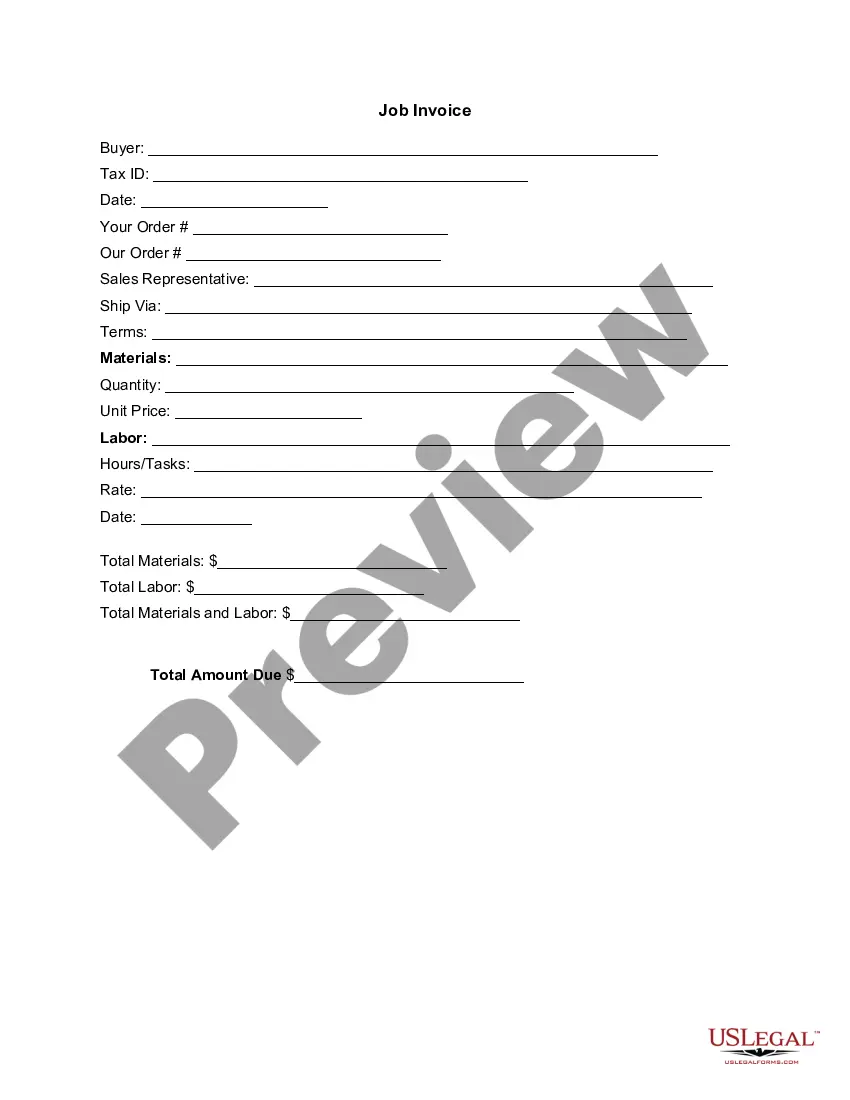
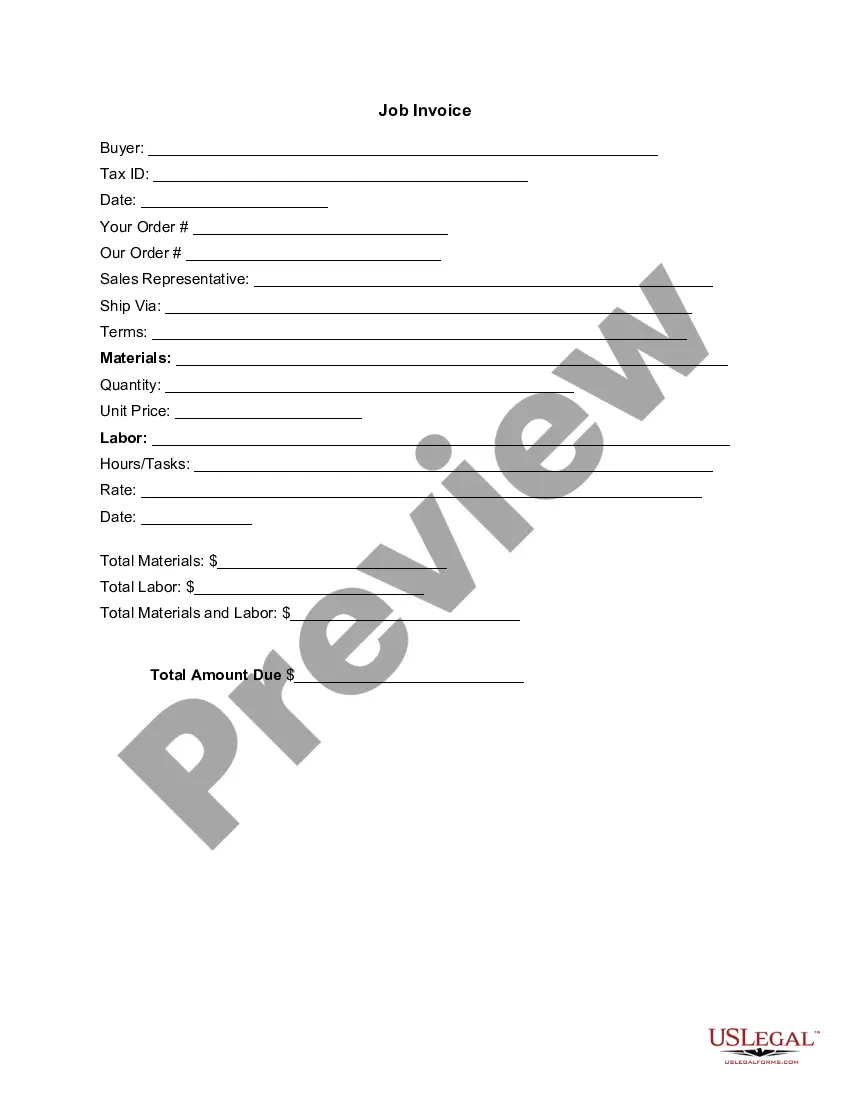
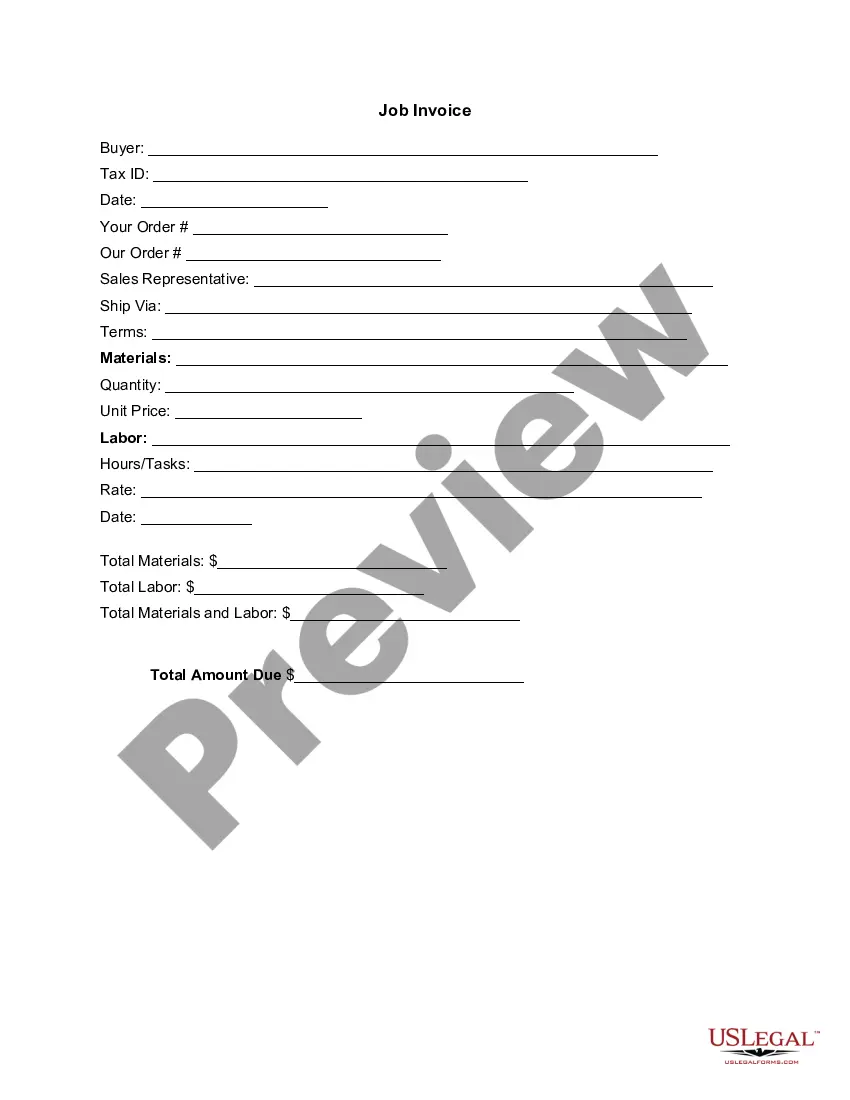
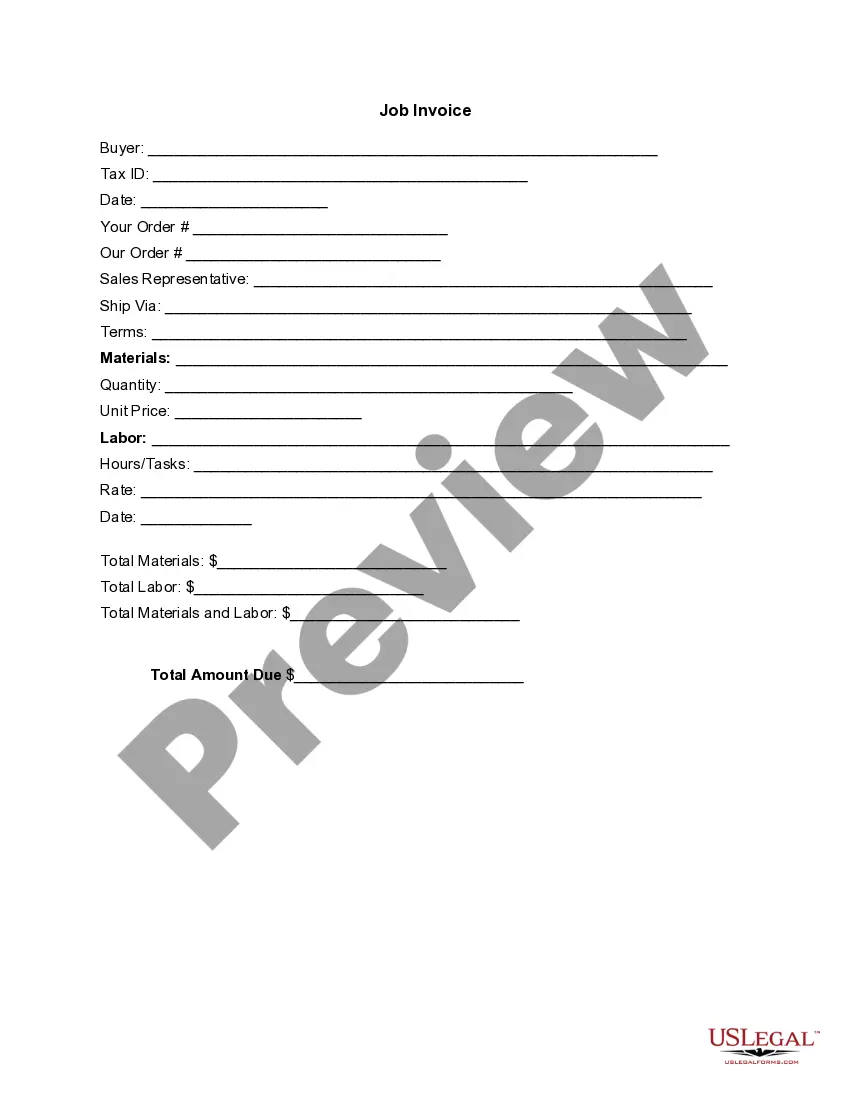
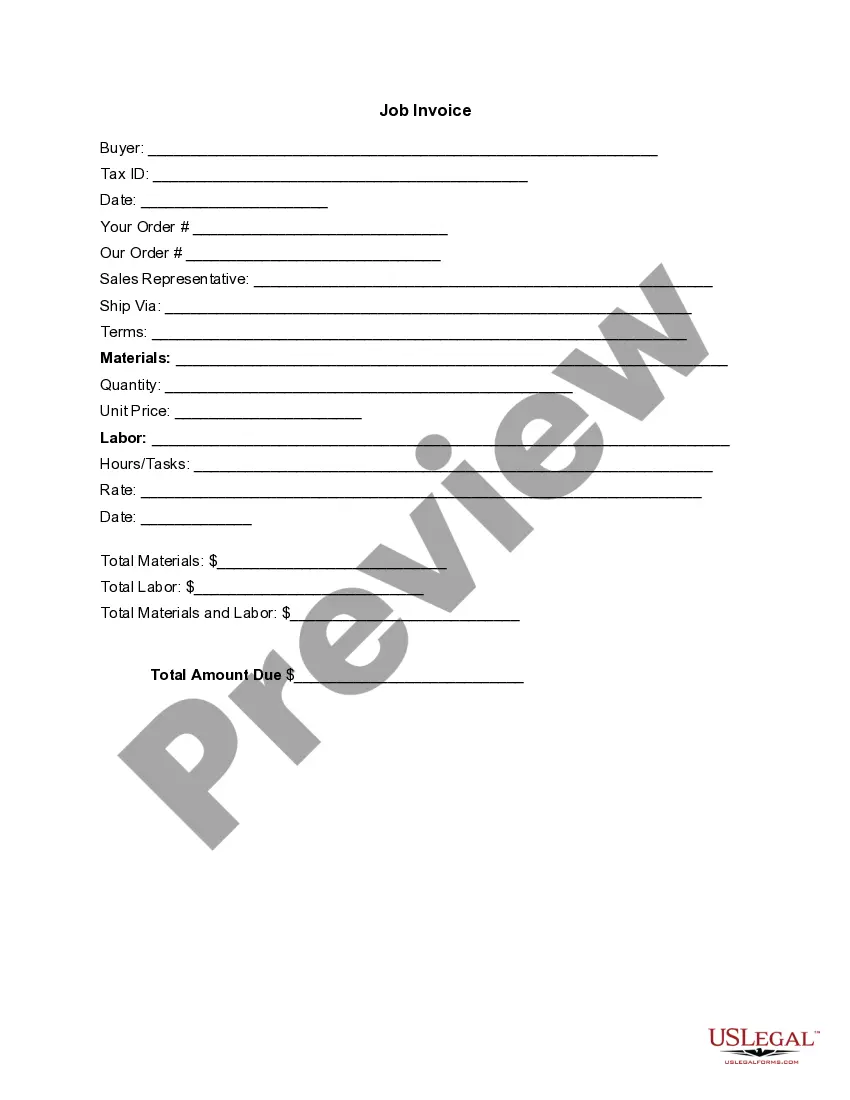
The Invoice Template for CEO is a comprehensive document used to list goods shipped or services rendered, along with their associated costs. This template helps ensure that all aspects of an invoice are organized and clear, distinguishing it from standard invoices by catering specifically to corporate executives. It provides a formalized format for issuing an itemized bill to clients or customers, ensuring professionalism and clarity in business transactions.
Main sections of this form
- Buyer information including name and Tax ID.
- Date of the invoice and details of the order.
- Sales representative contact details.
- Shipping method and terms of sale.
- Description of materials and services provided, including quantity and unit price.
- Total amounts due for materials and labor.

When this form is needed
This invoice template should be used when a business wants to bill a client for goods delivered or services performed. It is applicable in scenarios where detailed accounts of costs need to be presented, such as after completing a project or delivering products. Ideal situations include invoicing following a corporate event, a completed service contract, or any business transaction where formal billing is required.
Who this form is for
- CEOs or executives managing business transactions.
- Freelancers or contractors providing services to clients.
- Sales representatives needing to document sales transactions.
- Small business owners requiring formal invoices.
How to prepare this document
- Identify the buyer by filling in their name and Tax ID.
- Enter the date of the invoice and any relevant order numbers.
- Provide details on the materials or services, including quantities and pricing.
- Calculate and record total costs for materials and labor.
- Ensure all fields are completed before sending to the client.
Does this document require notarization?
This form does not typically require notarization unless specified by local law.
Get your form ready online
Our built-in tools help you complete, sign, share, and store your documents in one place.
Make edits, fill in missing information, and update formatting in US Legal Forms—just like you would in MS Word.
Download a copy, print it, send it by email, or mail it via USPS—whatever works best for your next step.
Sign and collect signatures with our SignNow integration. Send to multiple recipients, set reminders, and more. Go Premium to unlock E-Sign.
If this form requires notarization, complete it online through a secure video call—no need to meet a notary in person or wait for an appointment.
We protect your documents and personal data by following strict security and privacy standards.

Make edits, fill in missing information, and update formatting in US Legal Forms—just like you would in MS Word.

Download a copy, print it, send it by email, or mail it via USPS—whatever works best for your next step.

Sign and collect signatures with our SignNow integration. Send to multiple recipients, set reminders, and more. Go Premium to unlock E-Sign.

If this form requires notarization, complete it online through a secure video call—no need to meet a notary in person or wait for an appointment.

We protect your documents and personal data by following strict security and privacy standards.
Common mistakes to avoid
- Forgetting to include buyer information, leading to confusion about billing.
- Not specifying the payment terms clearly.
- Failing to itemize labor costs separately from materials costs.
- Leaving out the date of the invoice, which can affect payment tracking.
Why use this form online
- Easy to download and customize for specific needs.
- Ensures compliance with formal invoicing standards.
- Available for use at any time, providing convenience for busy professionals.
- Reduces the likelihood of errors through structured format.
Key takeaways
- The Invoice Template for CEO is essential for professional billing.
- Completing this form accurately enhances business communication.
- Understanding common mistakes can improve invoicing efficiency.
Looking for another form?



Form popularity
FAQ
Make your invoice look professional. The first step is to put your invoice together. Clearly mark your invoice. Add company name and information. Write a description of the goods or services you're charging for. Don't forget the dates. Add up the money owed. Mention payment terms.
Download a free invoice template. Include your business name and contact information. Add business media or logo. Include client's name, business and contact details. Input unique invoice number on template, plus invoice date and due date. List services or products with descriptions and costs for each.
The name and contact details of your business. The client's contact information. A unique invoice number. An itemized summary of the services provided. Specific payment terms. The invoice due date. The total amount owing on the invoice.
A unique identification number. your company name, address and contact information. the company name and address of the customer you're invoicing. a clear description of what you're charging for. the date the goods or service were provided (supply date) the date of the invoice.
Personalize and make your invoice professional. To begin, choose a color that best represents your brand and upload your brand's logo. Fill-out the appropriate contact information on your invoice. Select a due date on your invoice. Fill in the projects/ tasks you are invoicing the client for. Add payment information.
If you are invoicing a person, rather than a business, include that person's name and the address and phone number you have on file for that person. If you don't have an address and phone number for the business or person you are invoicing, include an email address instead.
The business's name and contact details with a logo, if applicable. The client's name and contact details. An invoice number. A payment due date.
When writing your invoice payment terms, always be polite. Saying please pay your invoice within or thank you for your business may not only help you get paid faster, but it'll be good for your brand and image.
Include Contact Information. Add the Invoice Date. Establish a Simple Invoice Numbering System. List Your Services. Add Your Payment Terms. Include the Amount Due and the Payment Due Date.